A:AnswerYES. It does one minute, three minutes, and five minutes, it depends on your liking. I prefer the five minutes one personally, but everybody is different. Good luck!
A:AnswerSorry I only plug it in to my usb port in my vehicle and it turn it on and of but there might be away to to that I just don't know how. Good luck
The camera works really good it also alerts you to take a break after driving for some many hours and it will alert you if your not paying attention to the road. I recommend buying a really good micro memory ship specifically for video and not video and photos
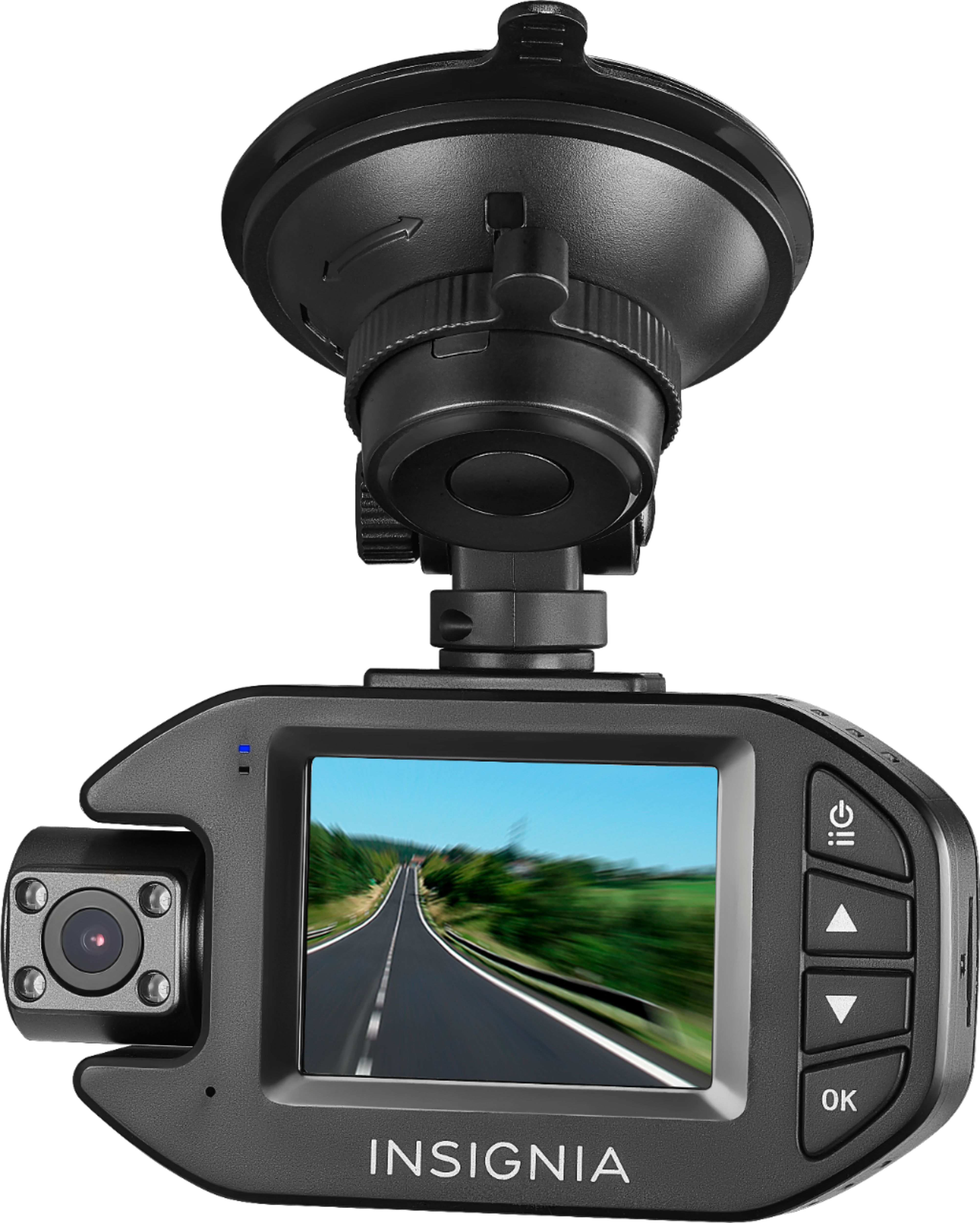
A:AnswerPress the gear icon to open the Settings menu, select Time Setup to set the current date and time. Use the ↑ and ↓ buttons to select a number, then press the OK button to lock your selection and move to the next number field. When you finish, press the OK button to save your entry. The date and time is part of the file name for each recording.
A:AnswerThe SD card must be a FAST write card. The cheap ones WILL NOT WORK with this camera. I think it is a "Class 3" or "3" card or something. Contact the manufacturer.
A:AnswerThis is normal behavior, if the camera is not plugged in, it won't turn on.
The camera must be connected to work; it doesn't have a built-in battery.
A:AnswerSome brands of dash cams are notoriously picky on the brands of micro SD cards. You can try Patriot or Transcend cards and may have a better experience. Apparently different brands of cards have subtly different architectures that make them compatible or incompatible with these cameras. I also own a Papago! brand dash cam, but that company is very helpful about which brands of cards to use, which to avoid, and which are "maybes". According to the Geek Squad, Best Buy hasn't done this with their Insignia brand. Wish I could help more, but I returned my Insignia camera for this reason and bought a Garmin. It's not as picky about cards.