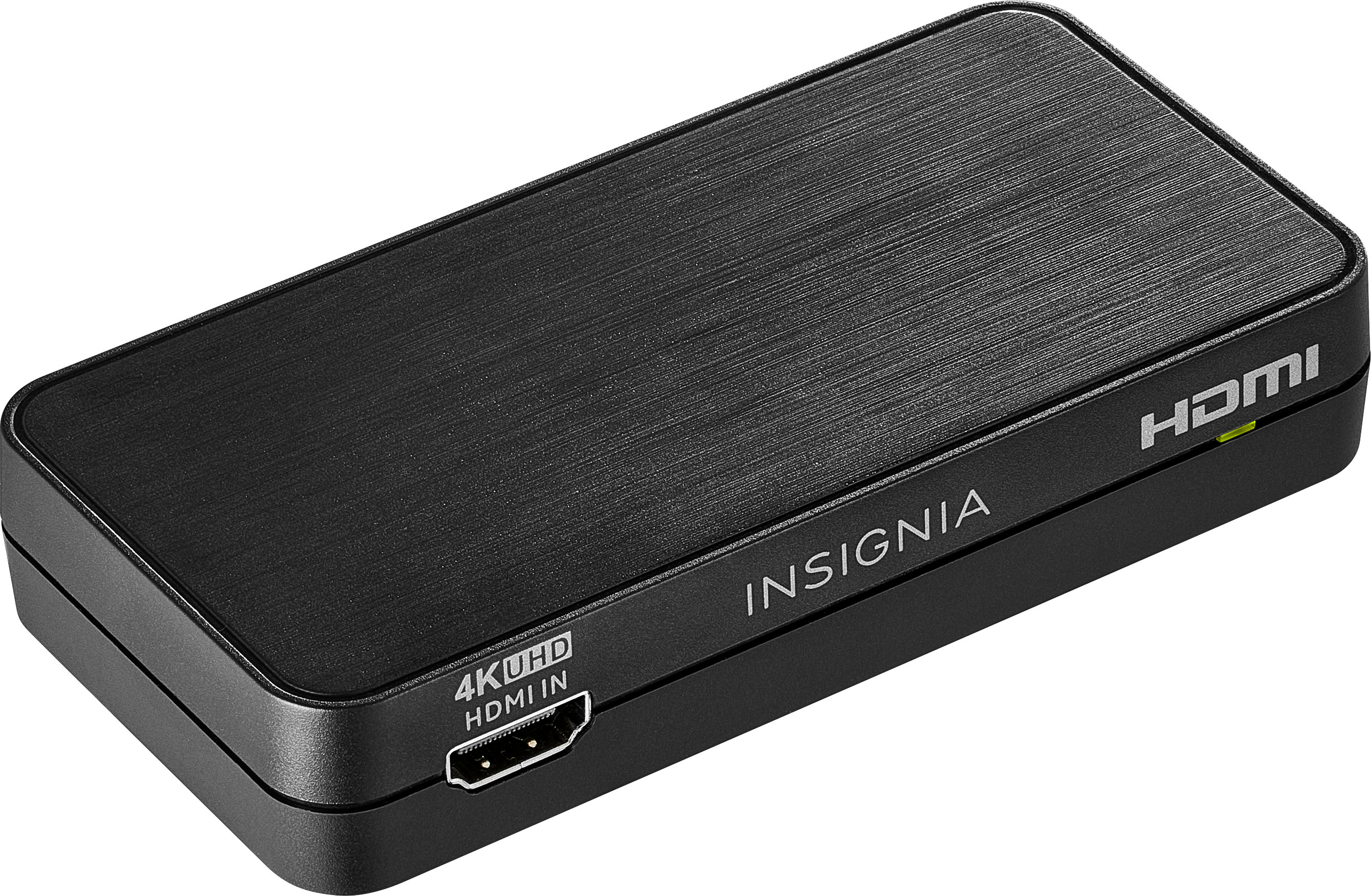
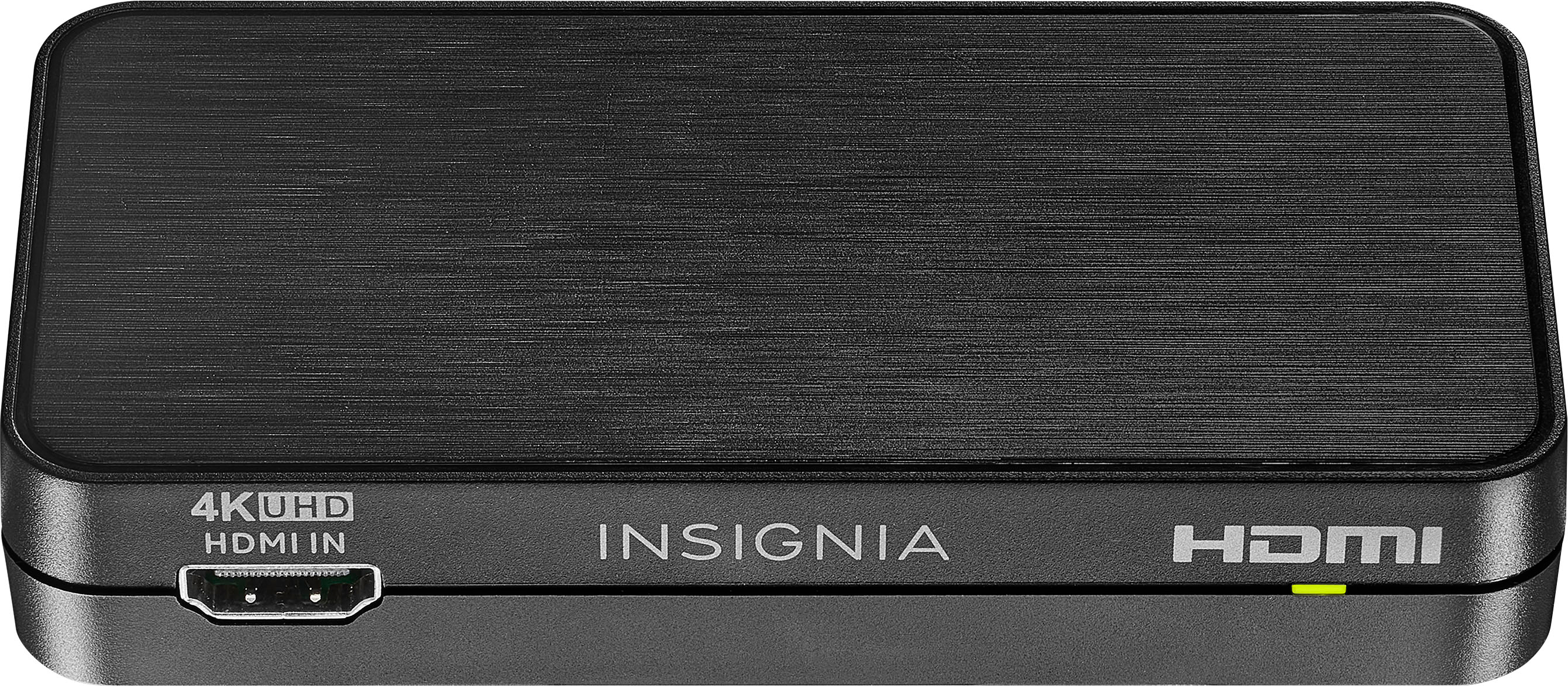
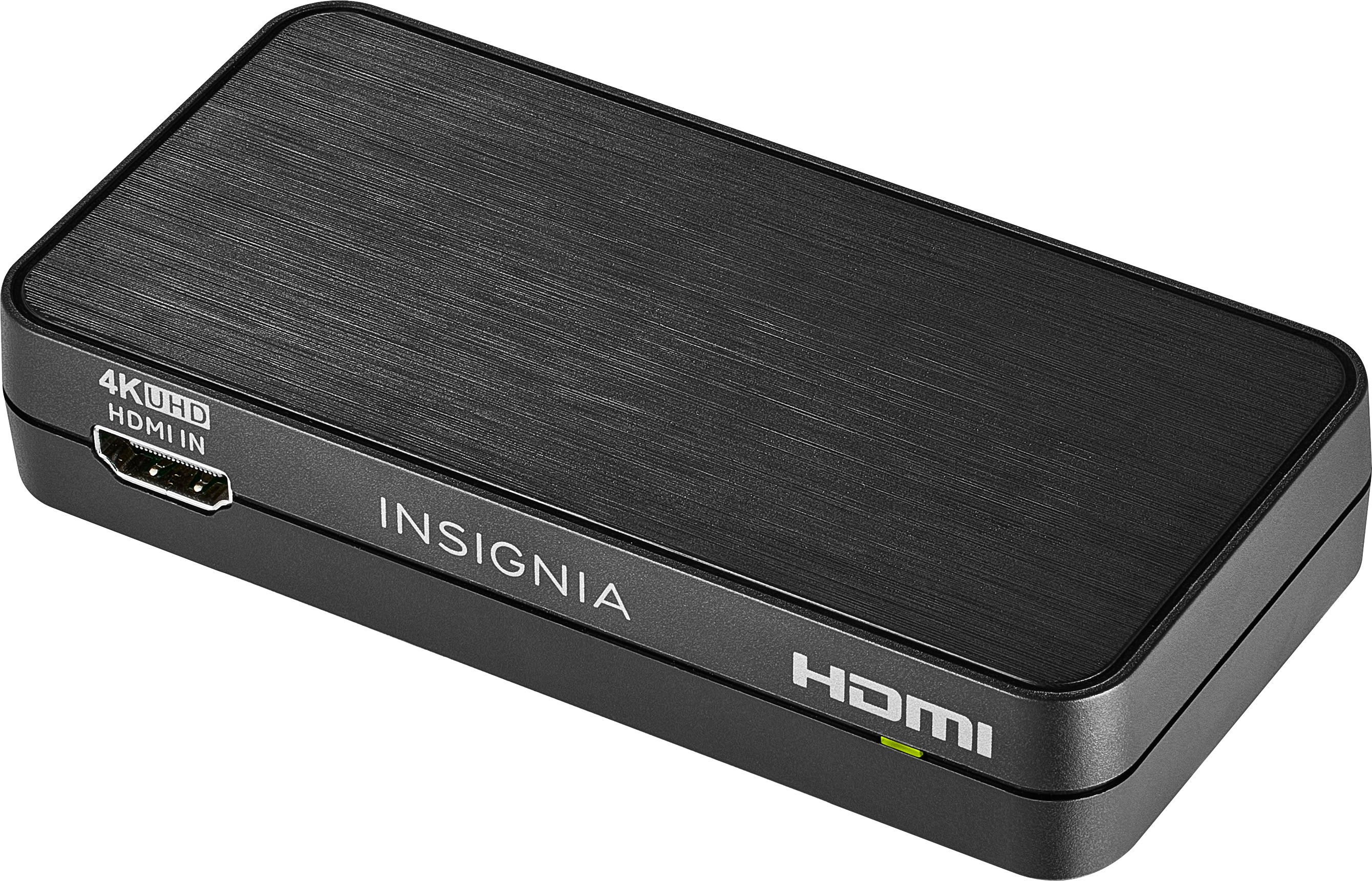
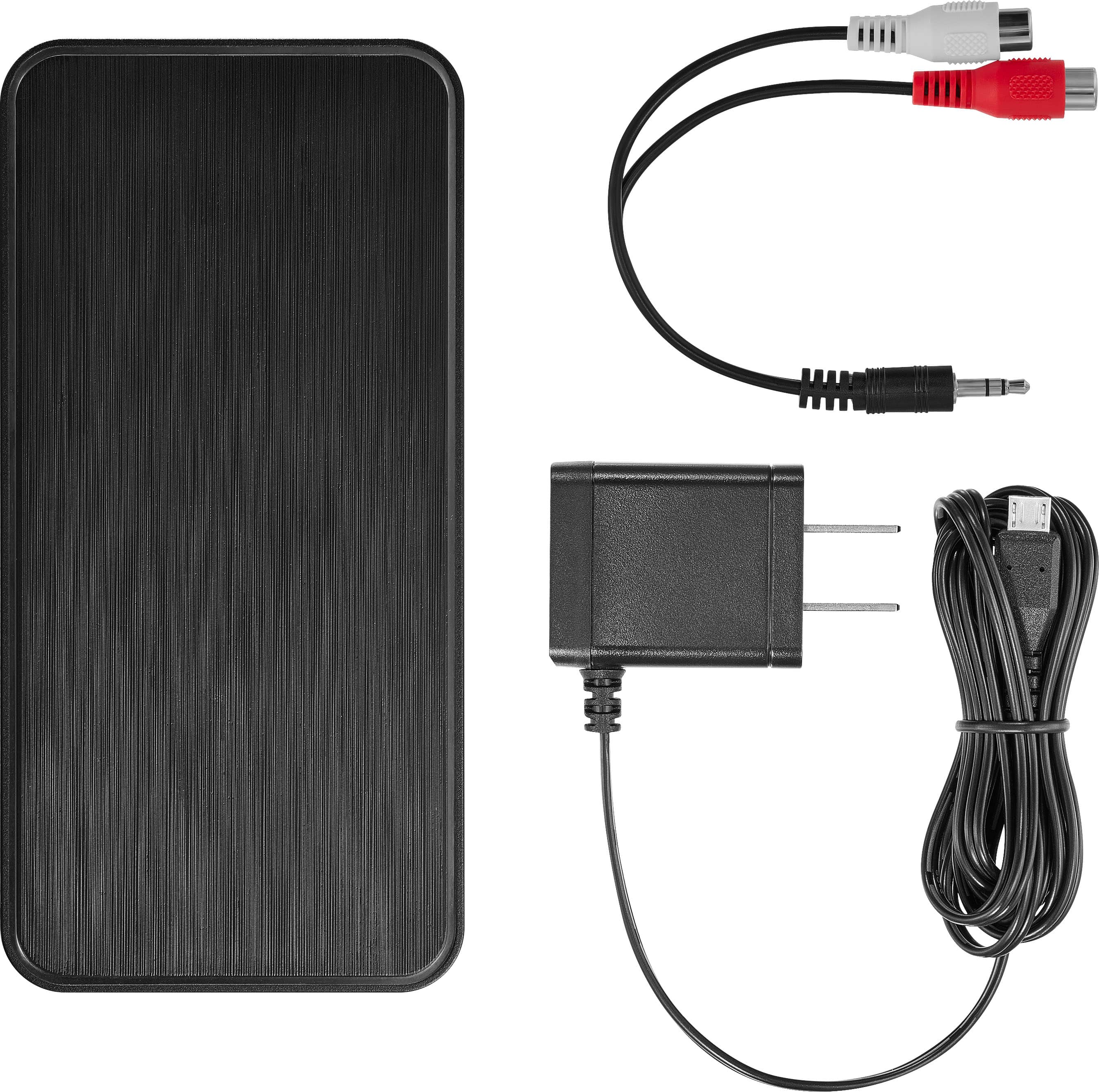
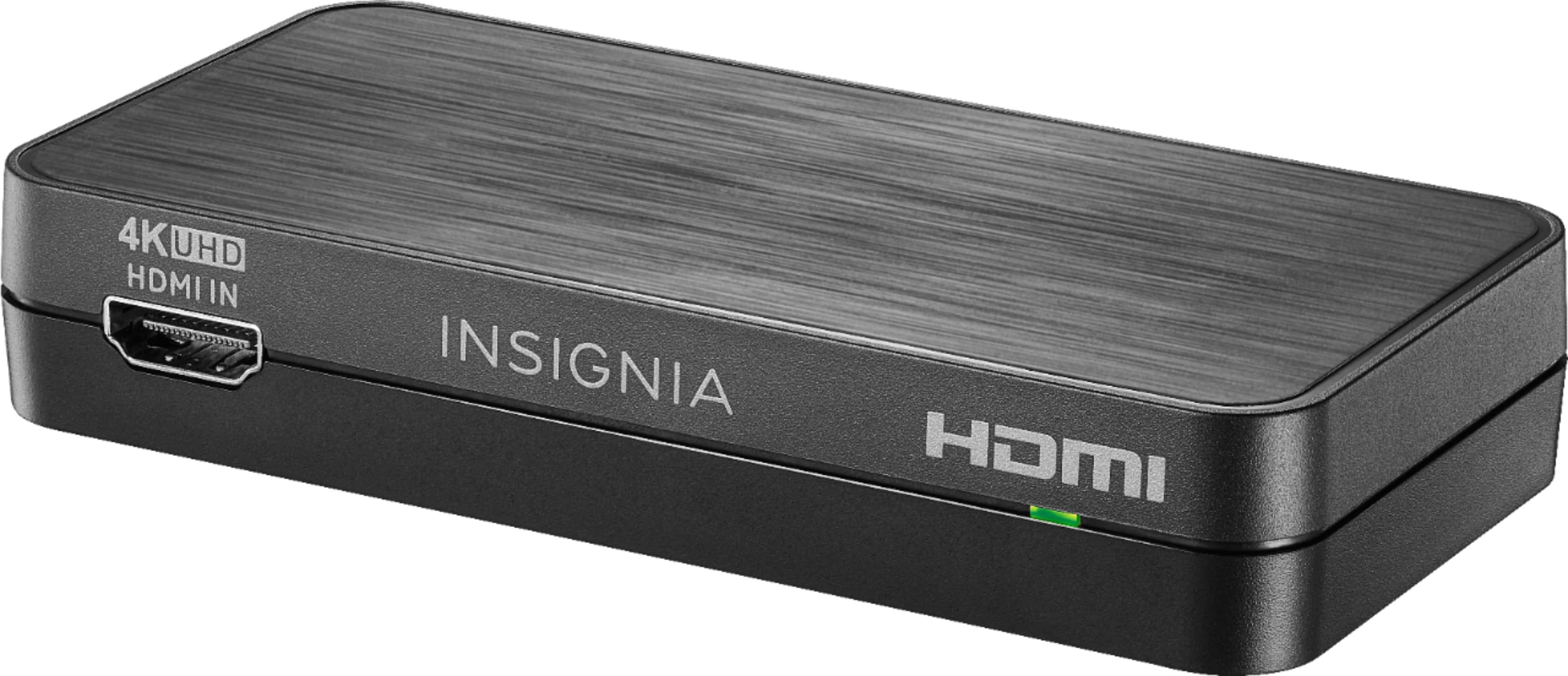
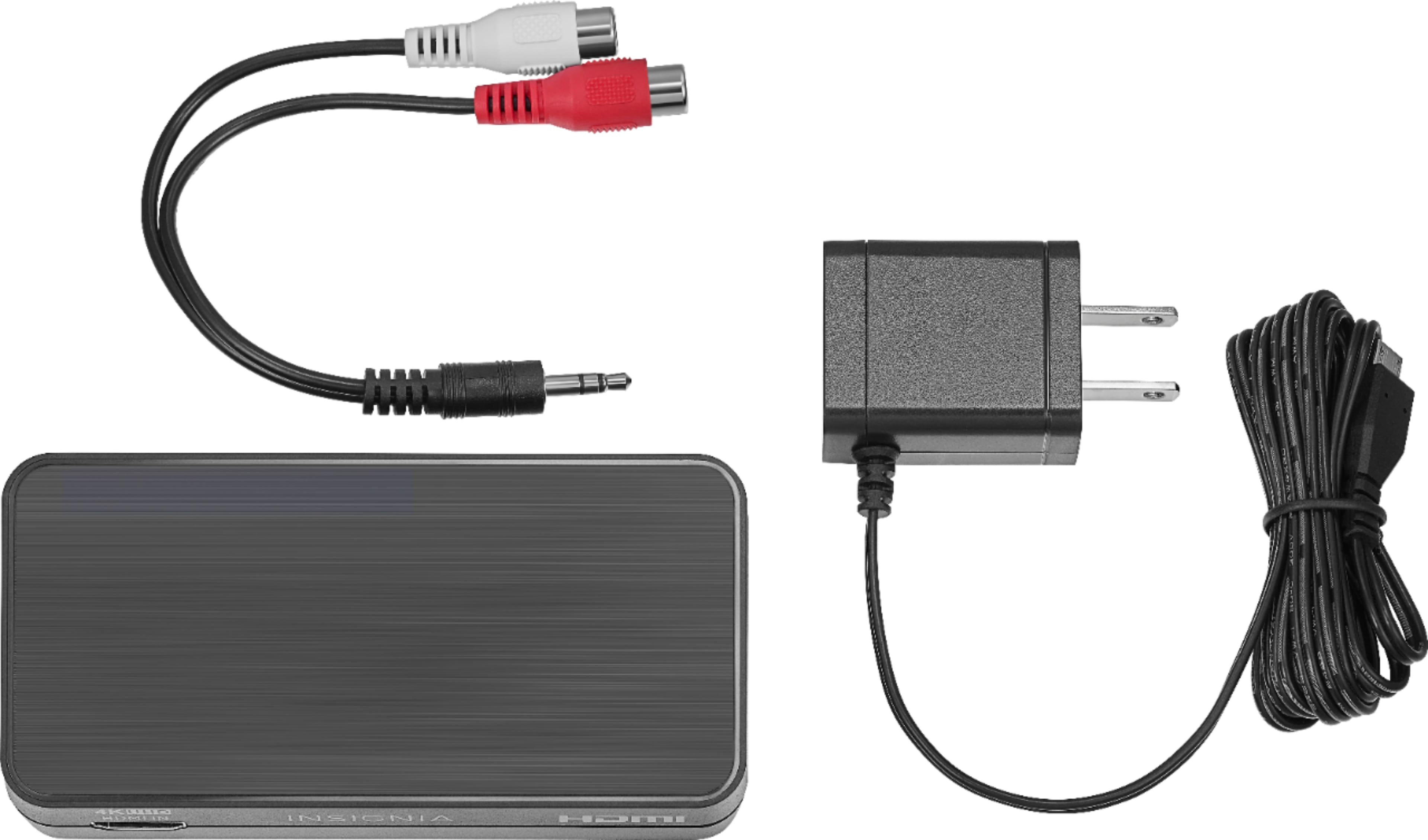
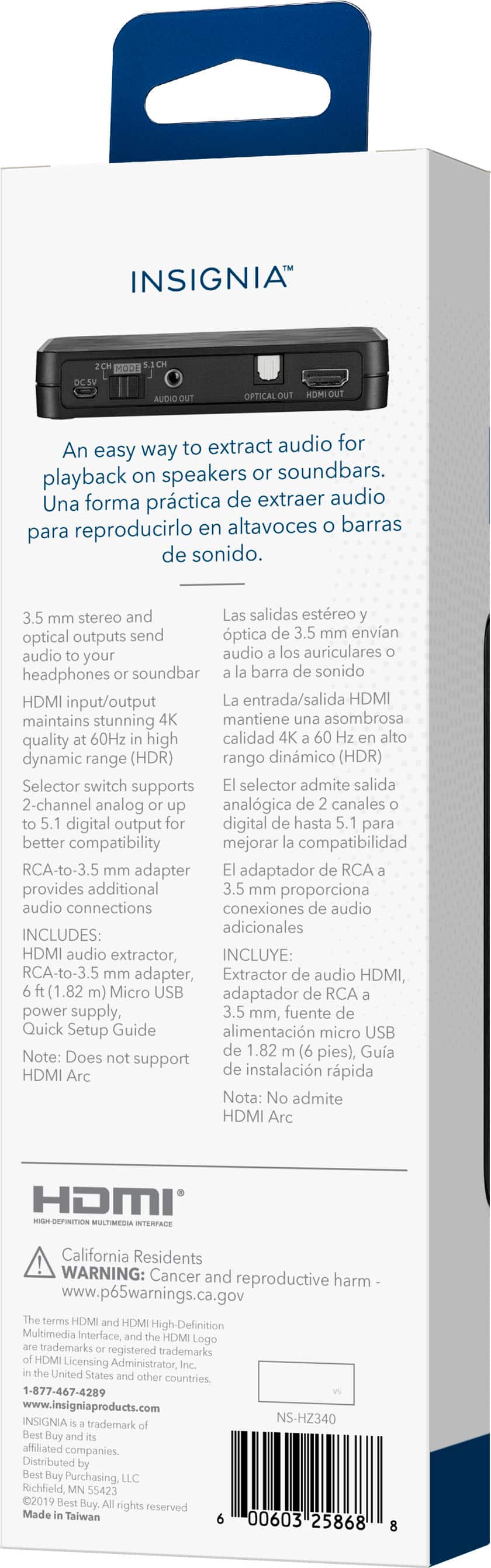
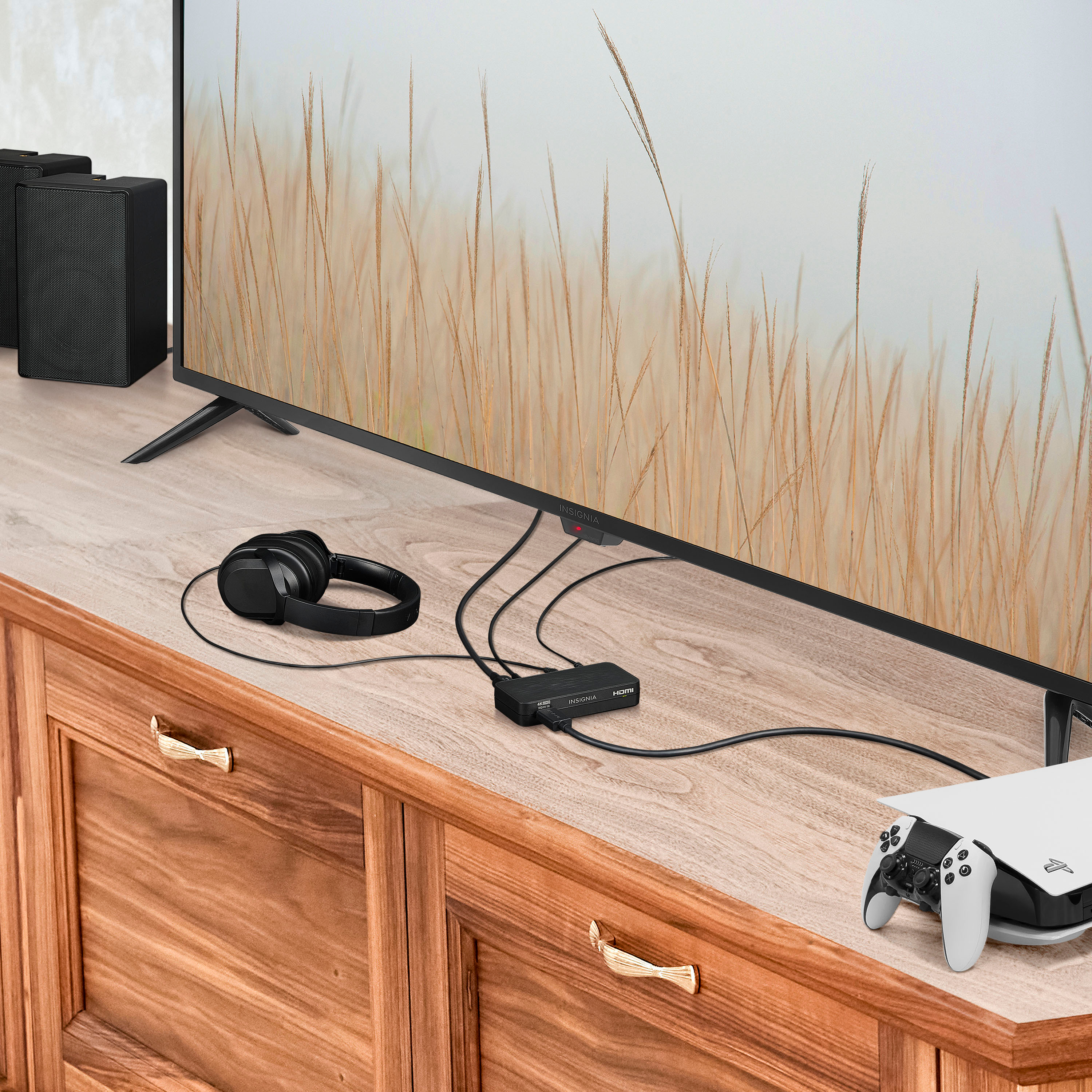
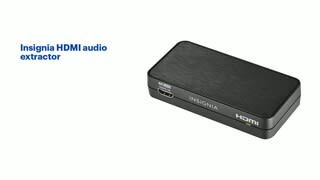
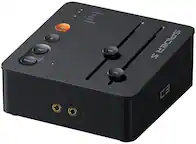
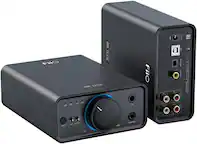
A:Answer It breaks out the sound to RCA audio connections as left and right channels. However, it does not conver the HDM Video into a Composit Video (yellow RCA connector).
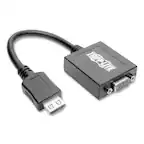
If that is what you need to do, there are alternate devices at Best a buy that will do the job of converting HDMI into the older legacy connections.