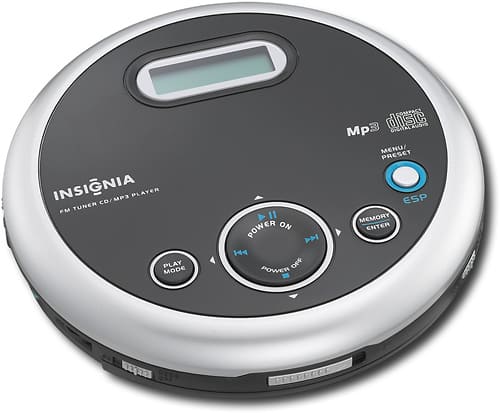
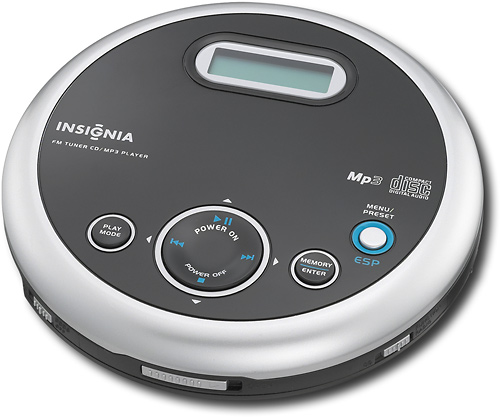
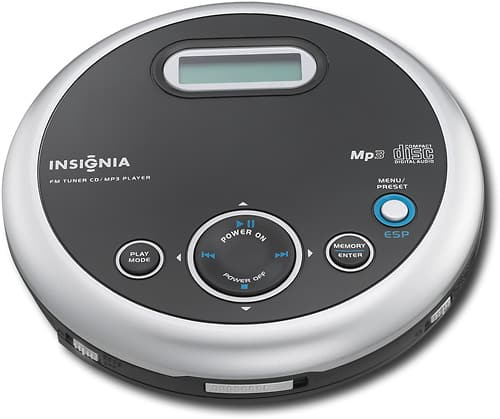
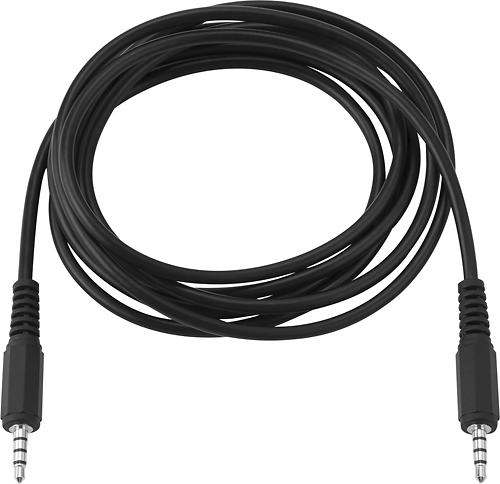
A:AnswerIt has a "line out" feature that I used with an insignis 3.5 mm audio cable to connect it to my RAV 4 (car) AUX jack on the car's dash. It then played nicely thru the car's speakers; I listened to "books on CD" while traveling out of state recently; it was great!
A:AnswerThere are USB adapters - if you don't know how to Google what you want to know? Suggest you stop in or call Best Buy and talk to them about what you have and what you want to do - and I'm sure they'll be able to help. That's been my experience. They love to help. It's good for business.
A:AnswerThe unit has a temporary stop when you push stop but it lasts only 60 seconds before it shuts the system off to conserve batteries. So, your answer is yes but only for 60 seconds.
A:AnswerYou might, there is a LINE OUT jack on the CD player.
You need to get an AC/DC power adapter - not supplied with the CD.
Plug one end of the power cable into the CD/AUX jack in the car.
Hope this helps
Mike
A:AnswerThere's a hold button on the player that toggles on and off....https://www.findproductmanuals.com/lp/?brand=Insignia&utm_source=adcenter&utm_medium=cpc&utm_term=insignia%20owners%20manual&utm_campaign=FindProductManuals+%7C+Brands+US+06-17
A:AnswerThere is a 'hold' button that toggles on the player... https://www.findproductmanuals.com/lp/?brand=Insignia&utm_source=adcenter&utm_medium=cpc&utm_term=insignia%20owners%20manual&utm_campaign=FindProductManuals+%7C+Brands+US+06-17
A:AnswerI tried "MyMusix" mini speaker, and it worked great at first but now it doesn't. Unfortunately, I left it with someone and when I got it back, it didn't work anymore.
A:AnswerI had that same problem at first. Read the manual that came with it, it's in English and Spanish. Both are on the same paper that came with it. Make sure you are not pushing the button to turn the radio on. There is a button that turns the CD on to play. Look at your instruction manual carefully, and then match the buttons on the manual with the ones on the diagram. The manual can seem a bit confusing at first.
A:AnswerThe instructions has both English and Spanish on it. It's a bit confusing at first, so you have to read it carefully to see the English version.
A:AnswerYes, you can connect this portable CD player to an external audio system. You need to plug one end of an audio cable into the LINE OUT jack of the CD
player and other end of the audio cable into the CD/AUX jack on the external audio system. Please do not plug the cable into an amplifier PHONE jack.
A:AnswerYes, if you have an audio cable male to male. You can get a 6' cable at best buy for about $6.00. Just remember to plug into CD player's LINE OUT and not the PHONES (Headphone jack). I have read other peoples reviews complaining that the headphone volume is to low even at max. volume, and they have made the mistake of plugging their headphones into the LINE OUT instead of the PHONES jack.