A:AnswerHi, Gbritey.
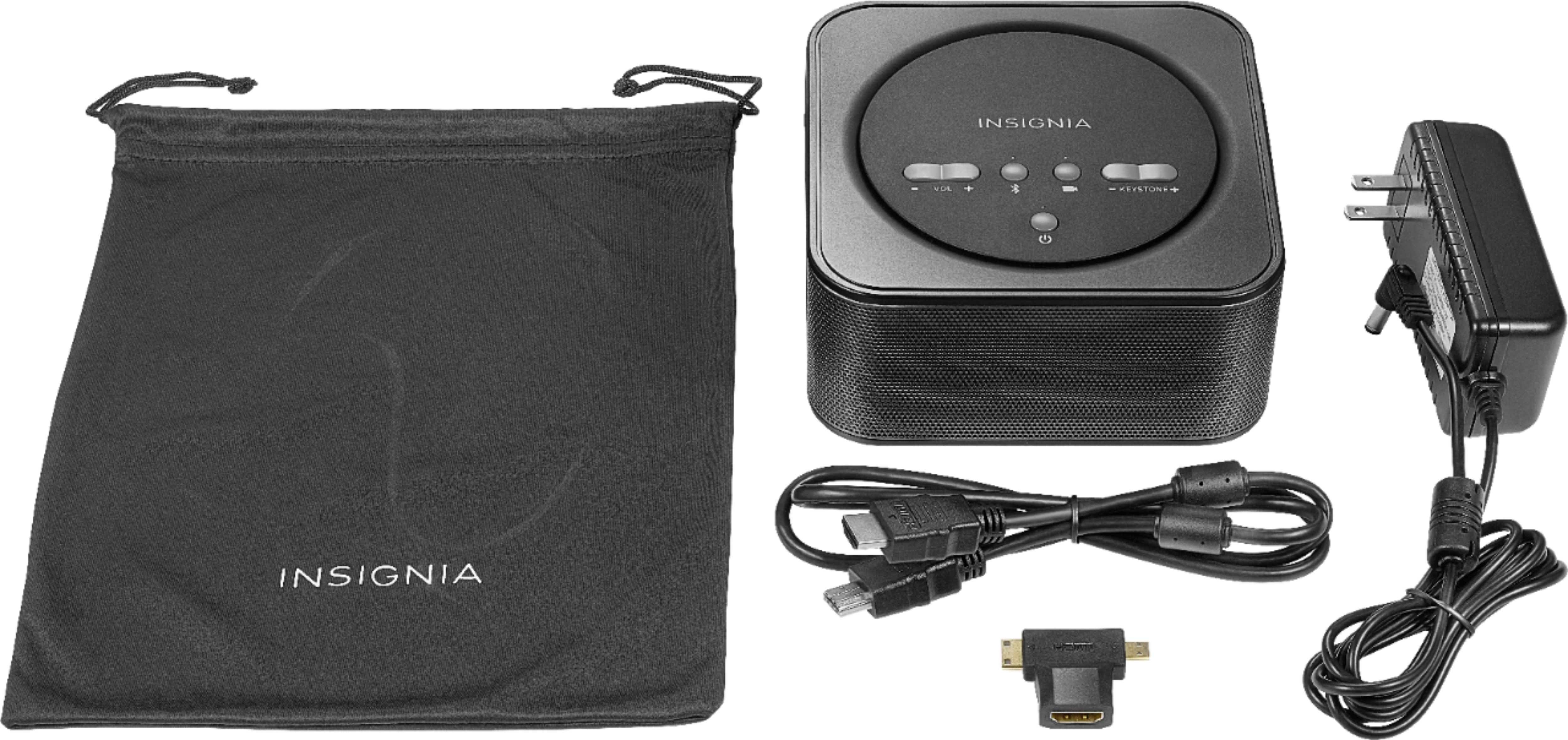
Thank you for sharing this inquiry. There is no way to install an additional battery to this unit. Once your battery ends, you can charge it by plugging it to a regular power outlet using the power cord that comes included.
Alexander G. - Insignia Support
A:Answerunfortunately no, but i find this projector is plenty bright, even when covering a whole wall in my room. i have blackout curtains, and it even works when i have a lamp on in my room.
A:Answeri find that i can use this projector and still see my content with bright lights on, but it works best in dim or little light. the color just gets washed out quite a bit when it’s bright.
A:AnswerI couldn't say about the PS4 capability. Based on my experience, I don't think it would perform well in the daylight or in a bright area. It looks really good in a darkened room or outside at night. It's great for an inexpensive big screen option, if used in the right setting. We use ours mainly for watching movies and football games outside in the evening. Occasionally we'll set it up indoors for an indoor movie night.
A:AnswerHi! For us to be able to troubleshoot your connections, please contact us and we will gladly assist you. Viri E. Insignia Support. https://www.insigniaproducts.com/contact-us
A:AnswerHi! This projector has an HDMI port, so you can plug the Xbox to this port and it should work fine. If you have any issues with the picture size, please change the resolution on the Xbox. Viri E. Insignia Support. https://www.insigniaproducts.com/contact-us
A:AnswerHi, Alex.
I truly appreciate you sharing this inquiry with us. You can definitely connect your PS4 to this Projector while using a standard HDMI cord to do so.
Alexander G - Insignia Support
A:AnswerHello,
Thank you for you confidence! We will sure provide you with the best information.
If you are trying to view "Youtube" this is HDMI-compatible Android devices and devices with micro, mini, or standard HDMI outputs (up to 1080p). An Apple digital AV adapter is needed for
Apple iOS devices. That will project the image you are trying to view with the cable that is supported for each unit.
- Arin A.
Insignia Support
Contact us: https://www.insigniaproducts.com/contact-us
A:AnswerHi Amber.
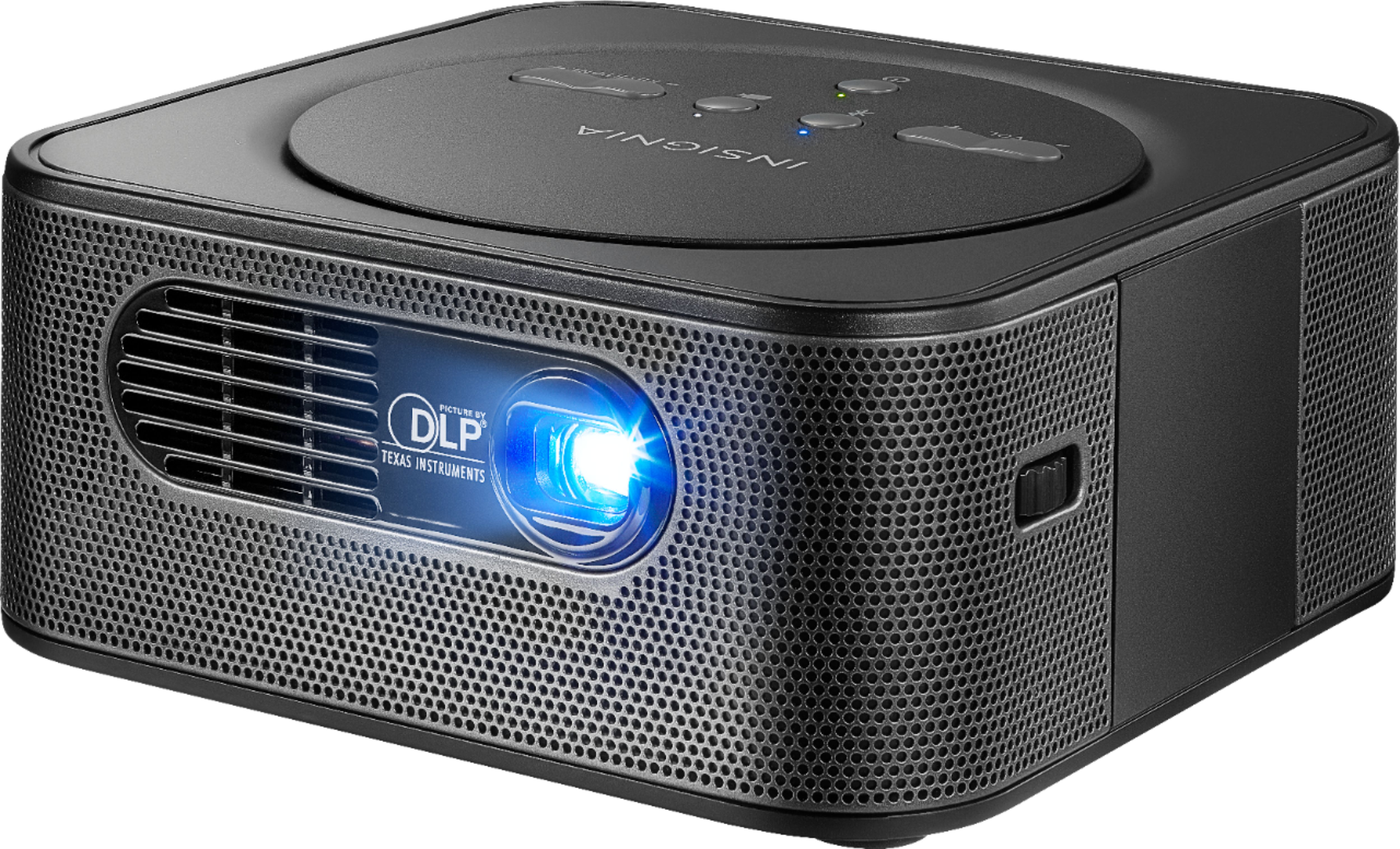
With the help of an HDMI adapter you should be able to get this working without problems. My suggestion is using the Apple one as it's the most reliable and compatible.
Charles V. - Insignia Support
https://www.insigniaproducts.com/contact-us
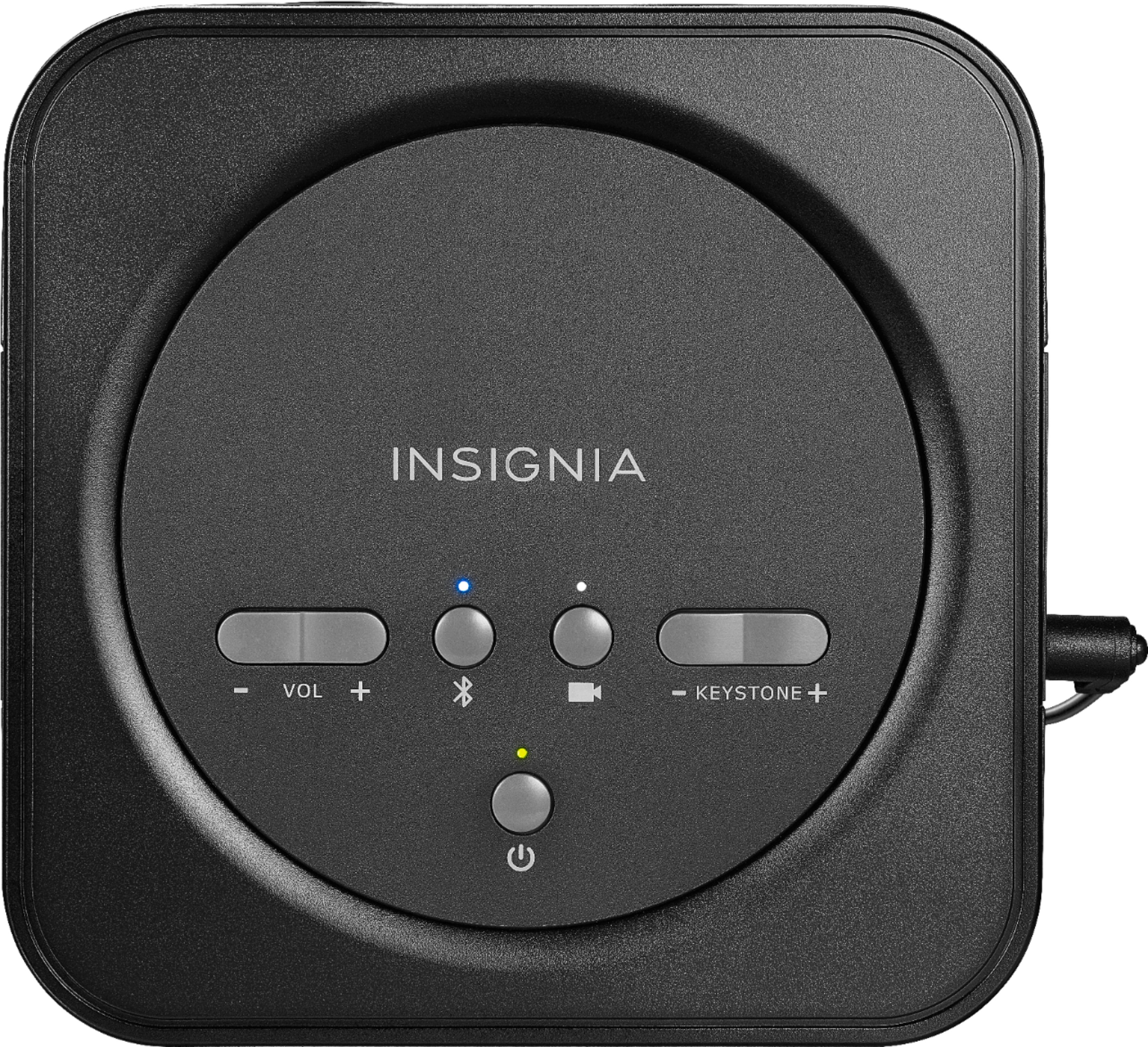
A:AnswerNo you have to move the projector to adjust the screen size. It does have buttons to adjust volume and picture resolution. Overall the projector is very good for the price. You can also connect to Bluetooth as well