A:Answer It sounds like your Bose Lifestyle 38 system is having trouble passing the video signal to your LG Smart TV. Here are a few steps you can try to resolve this issue:
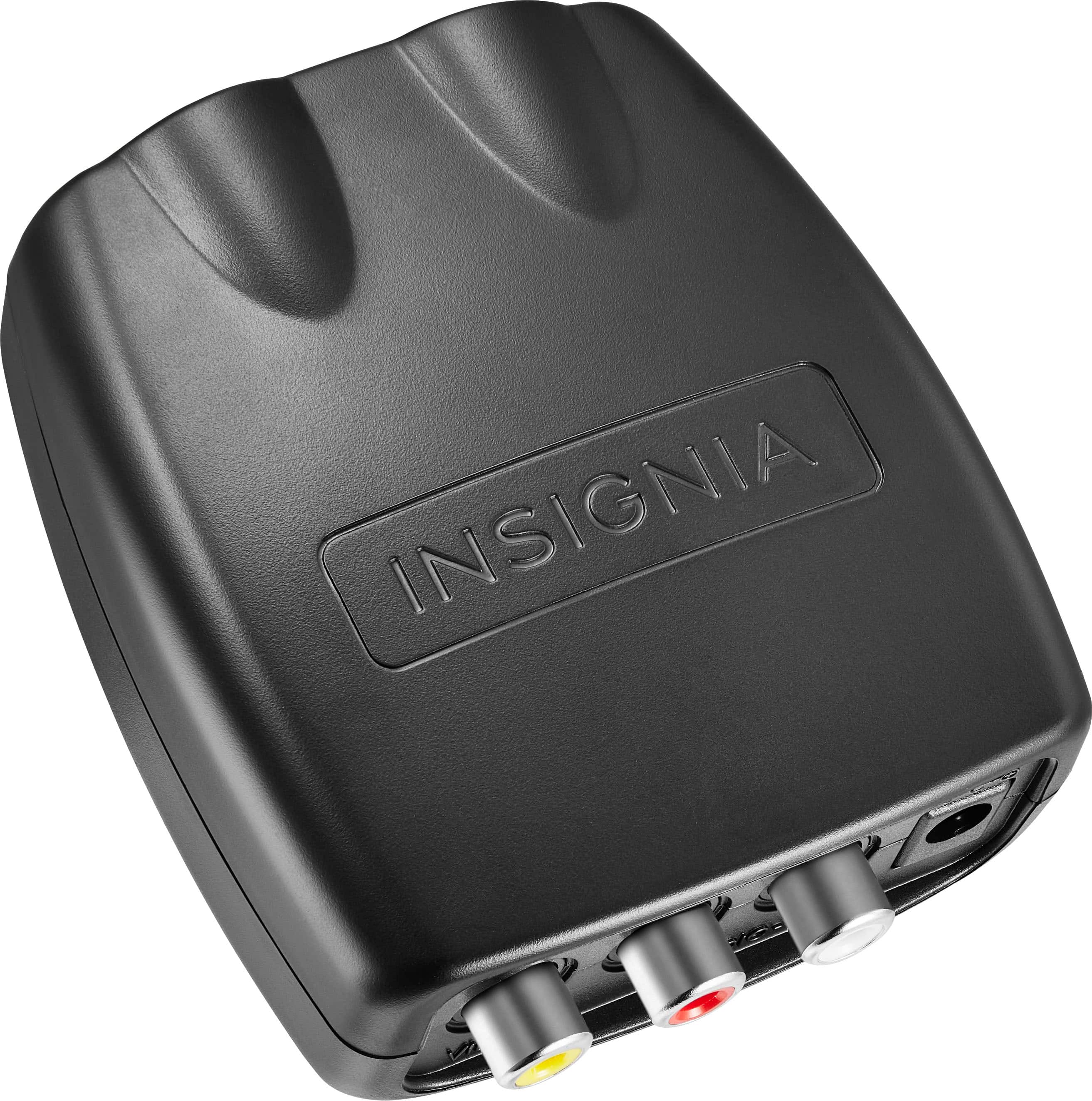
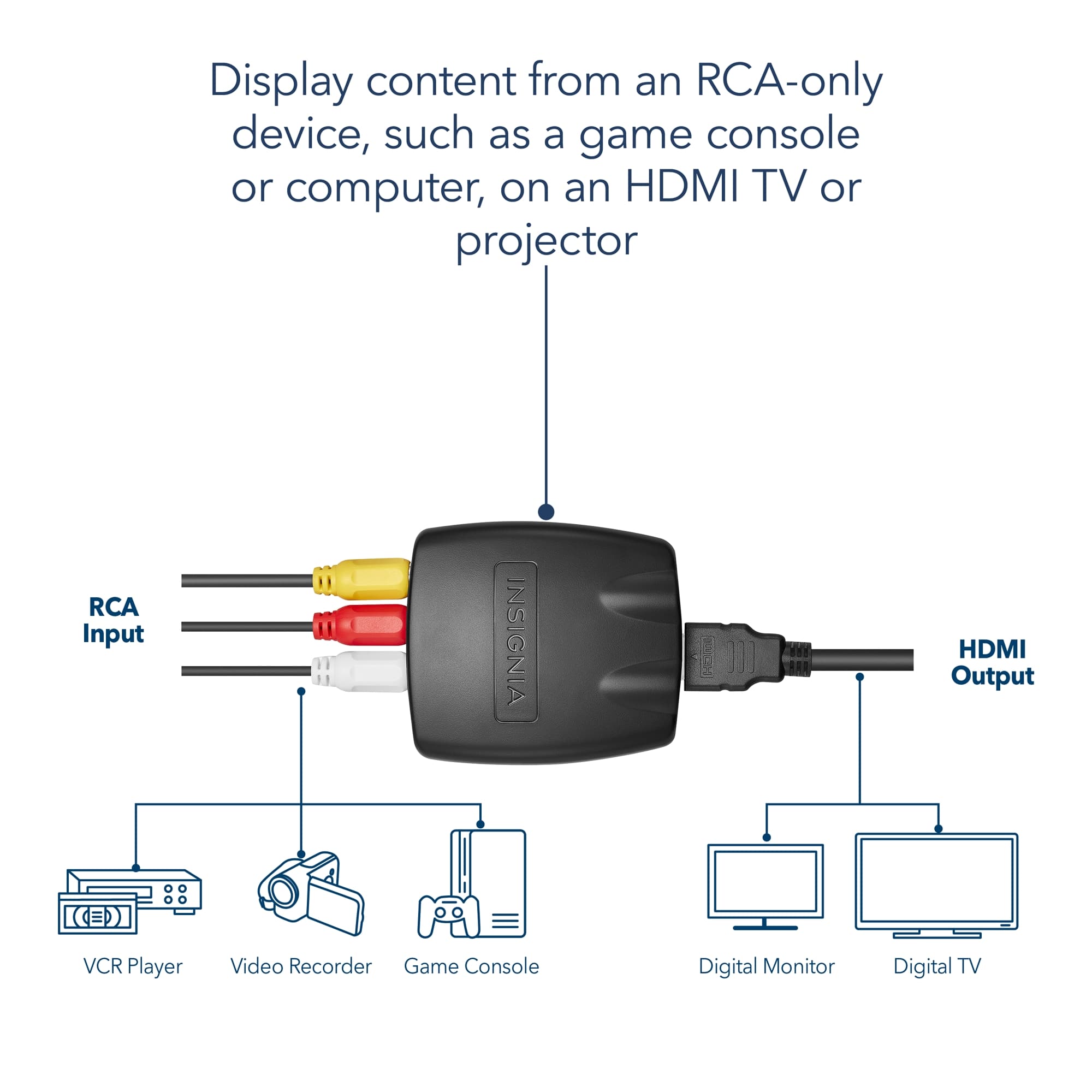
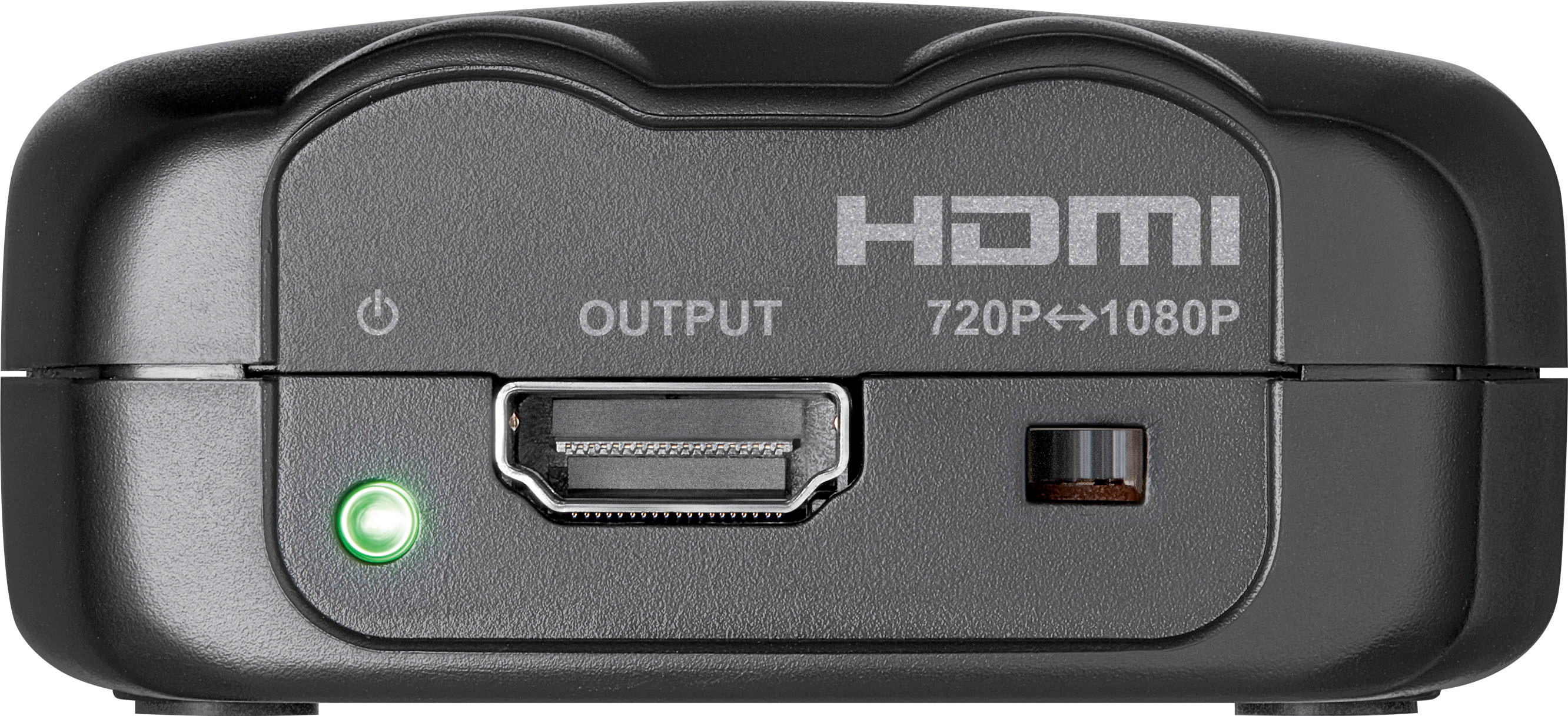
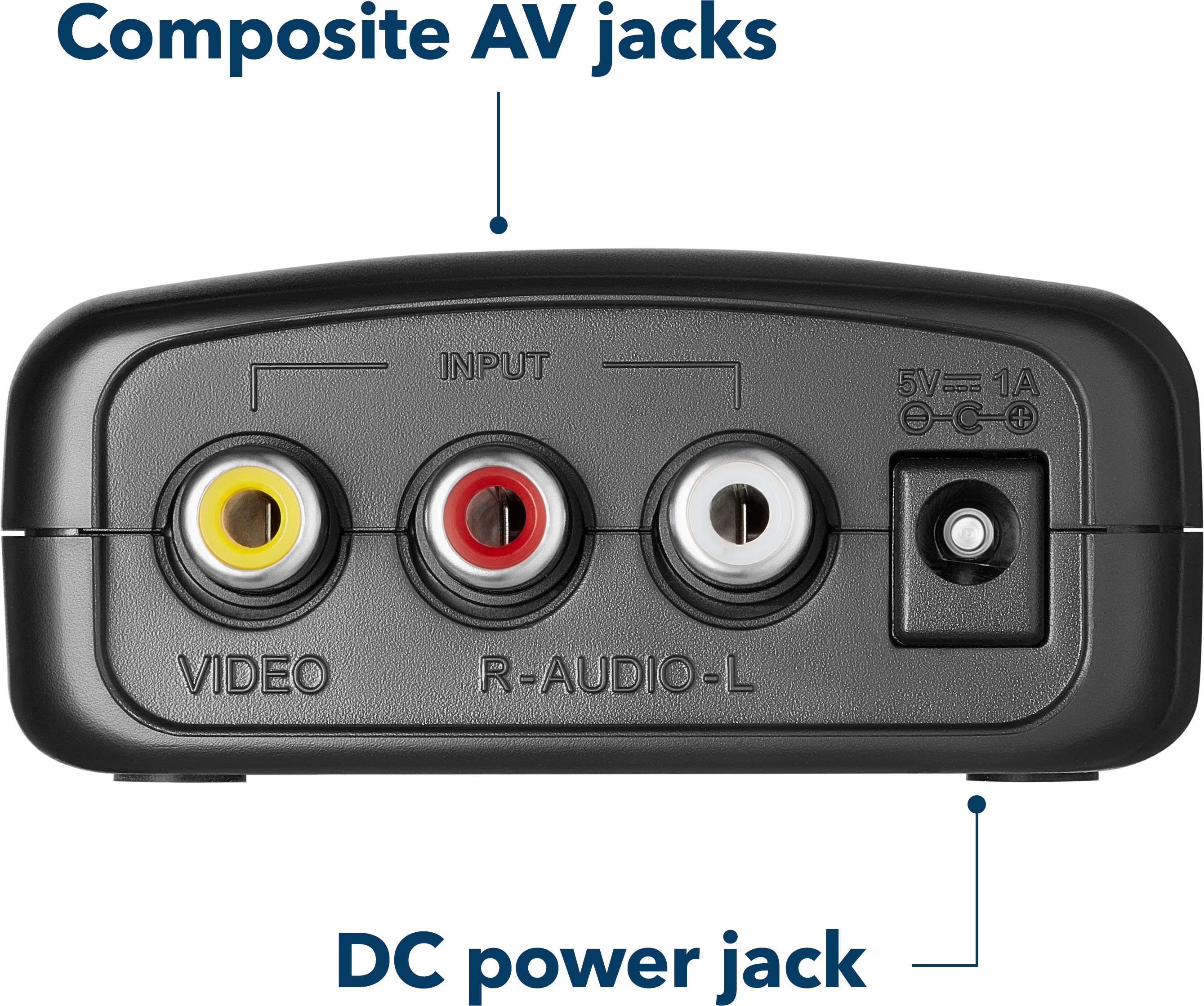
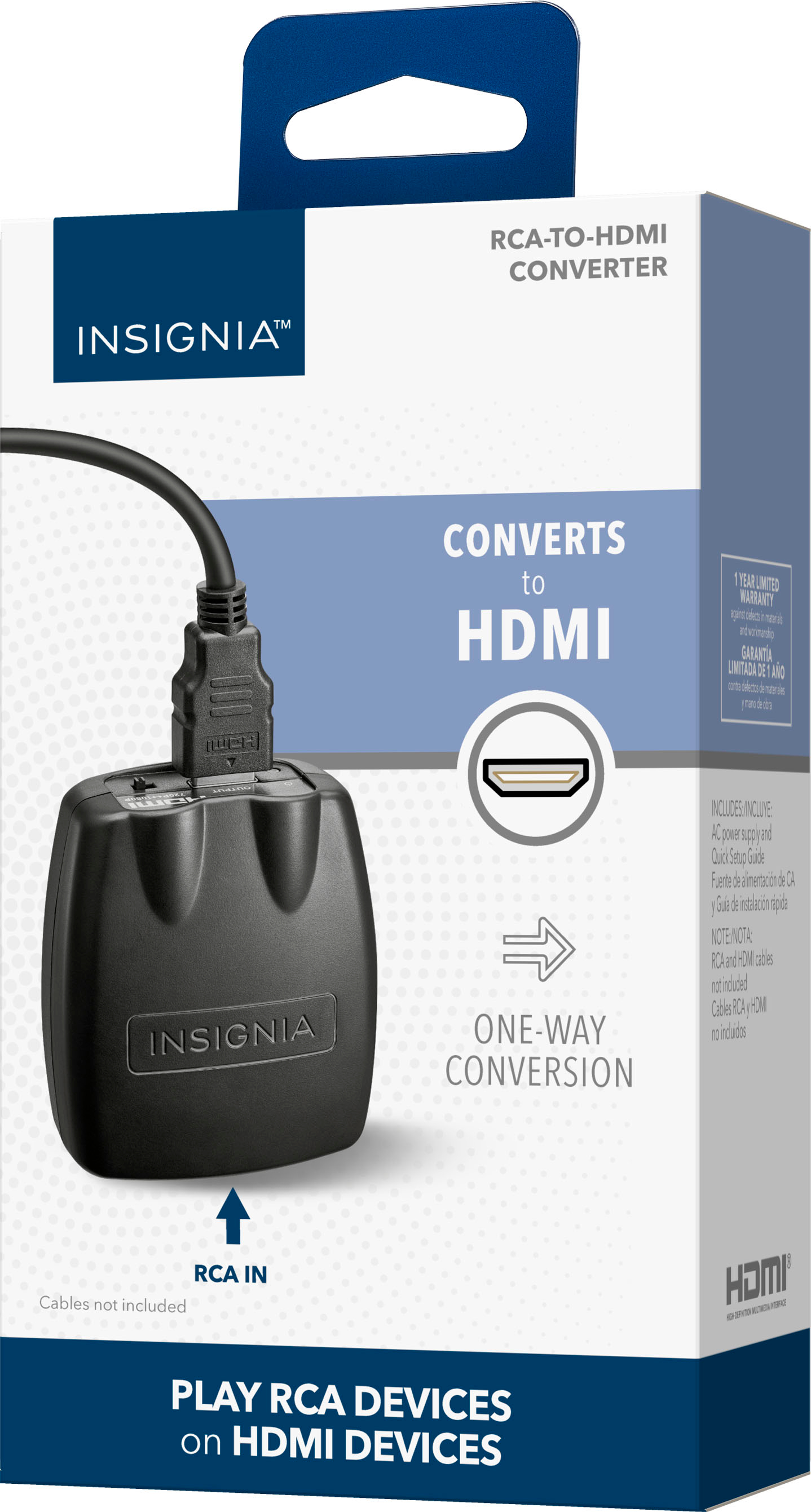
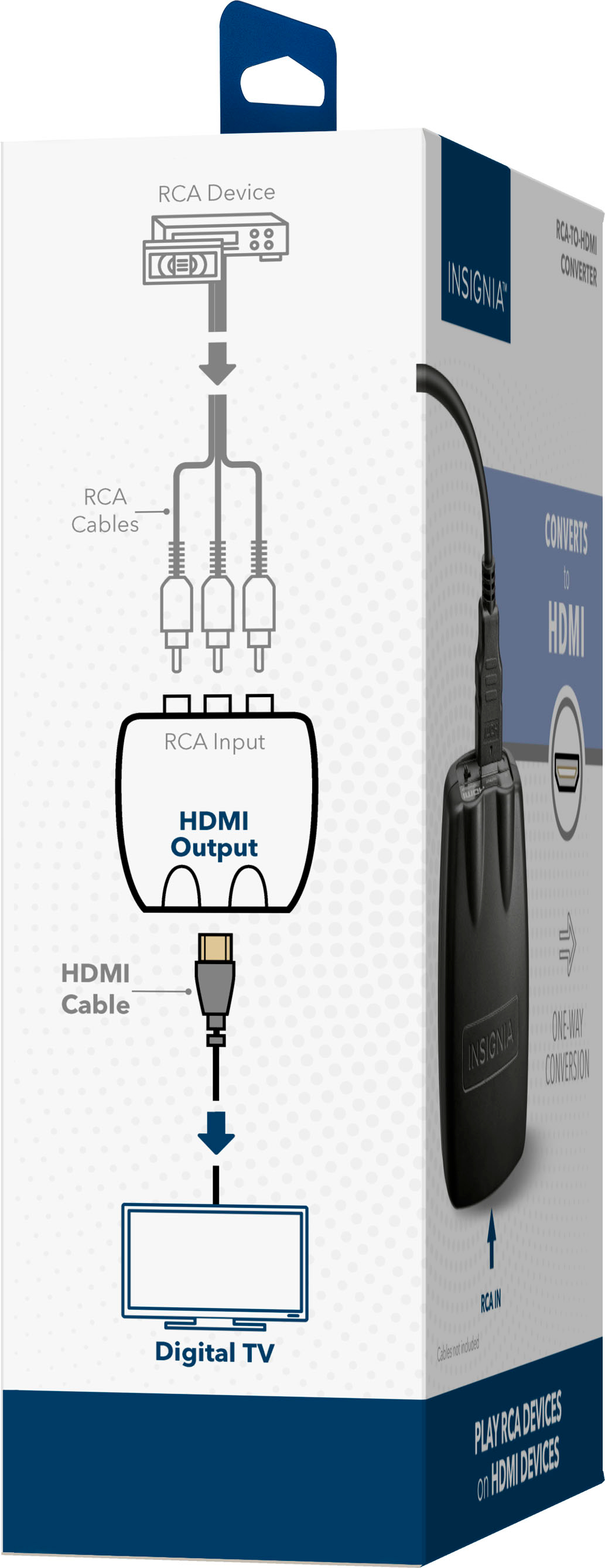
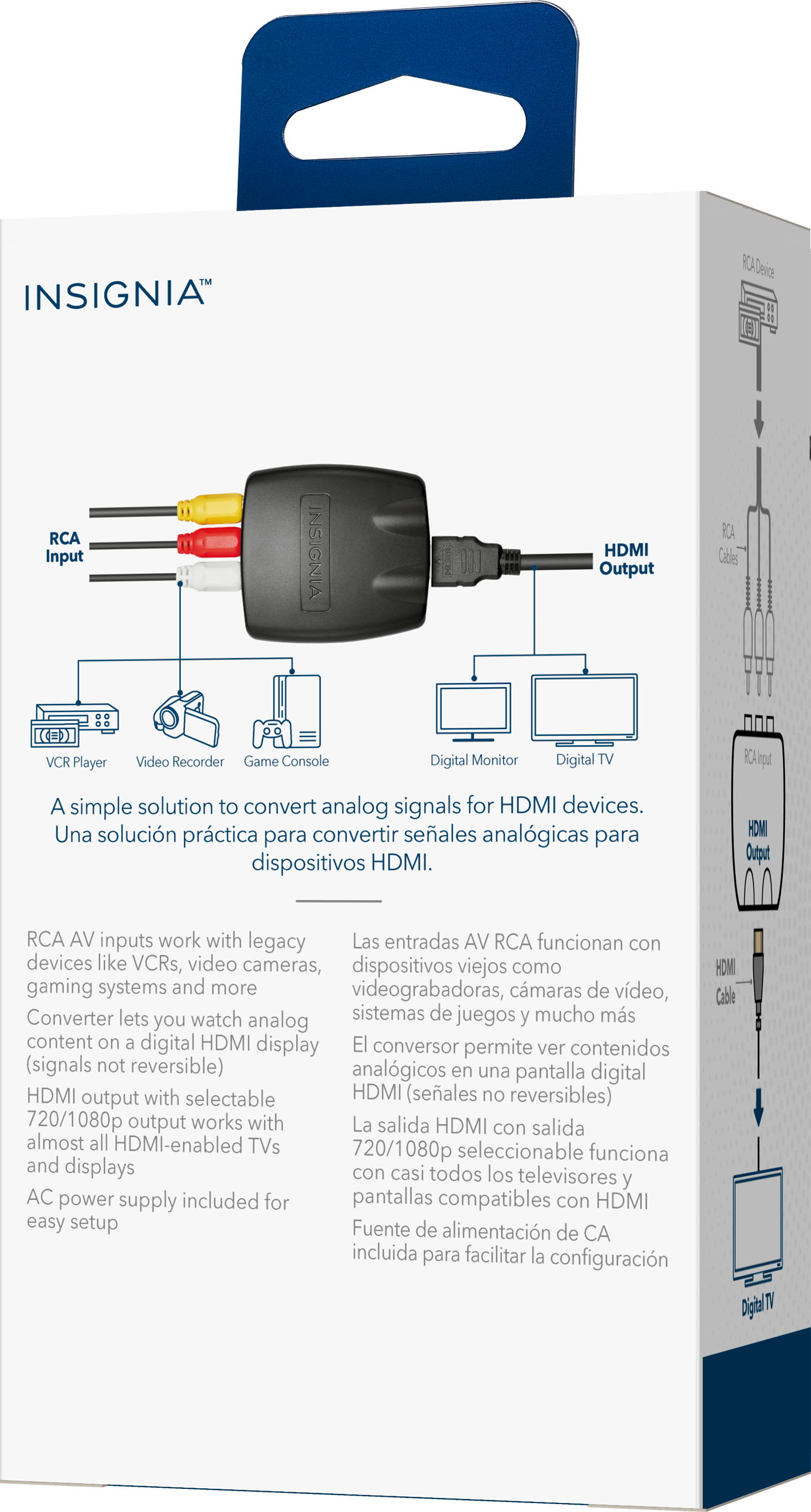
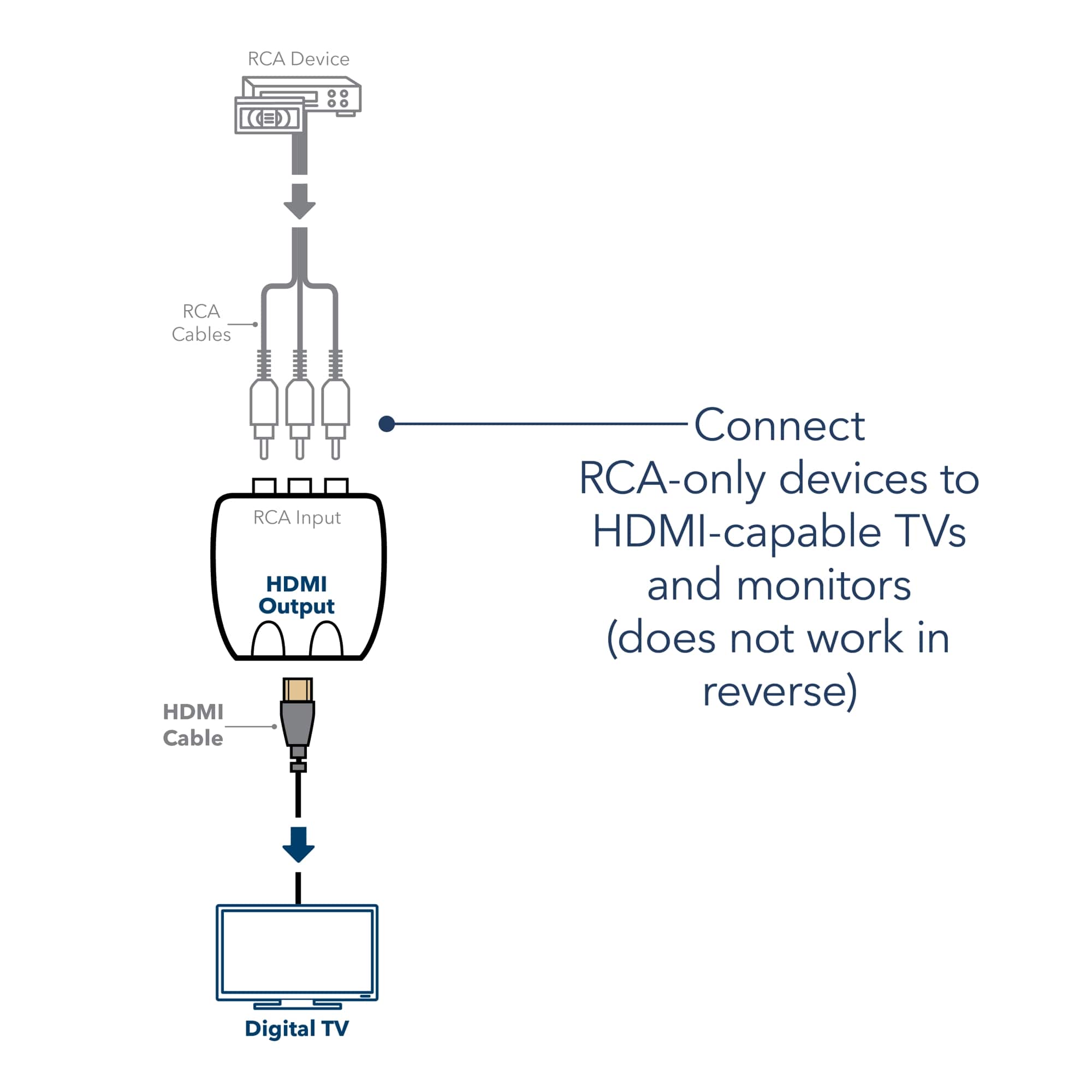
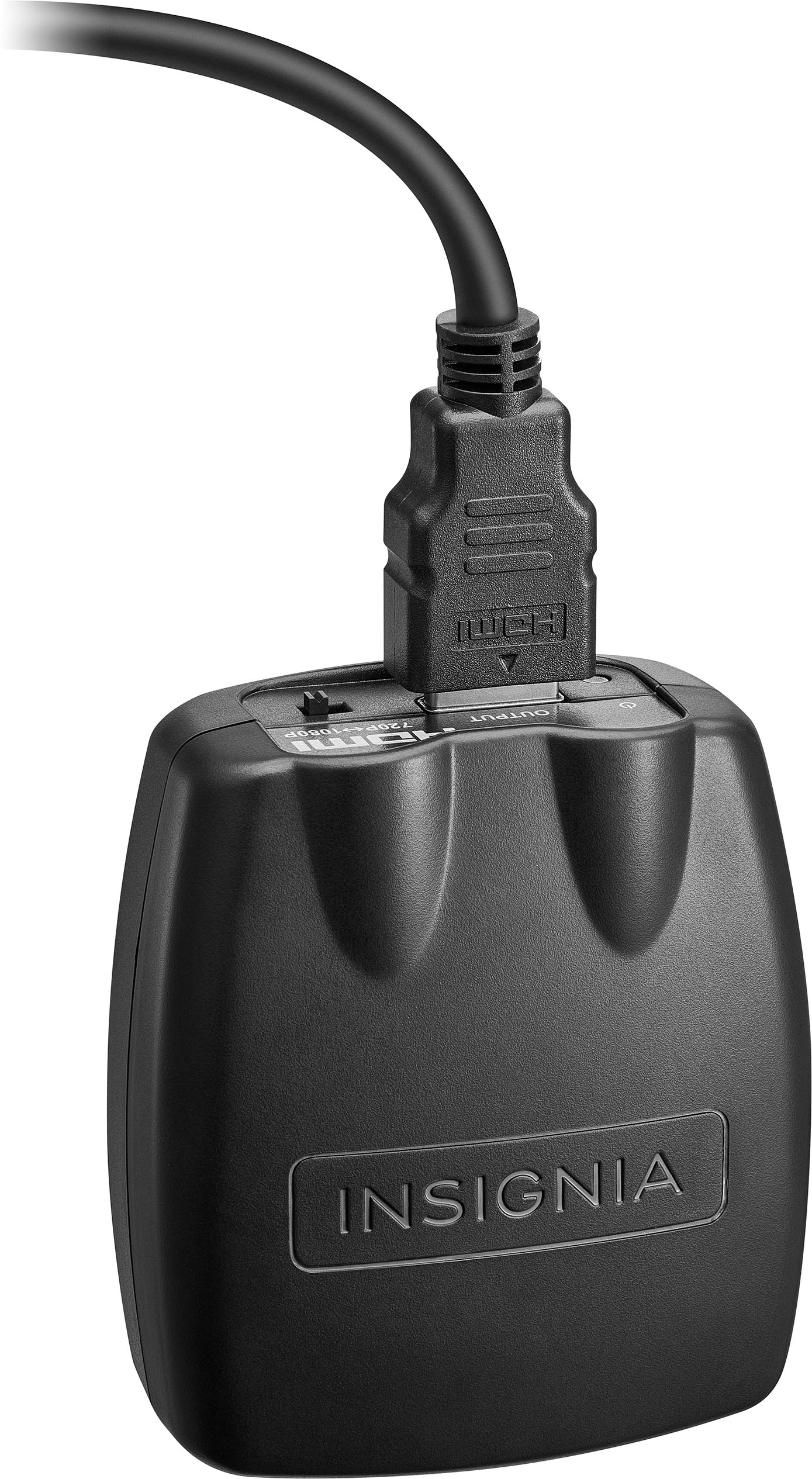
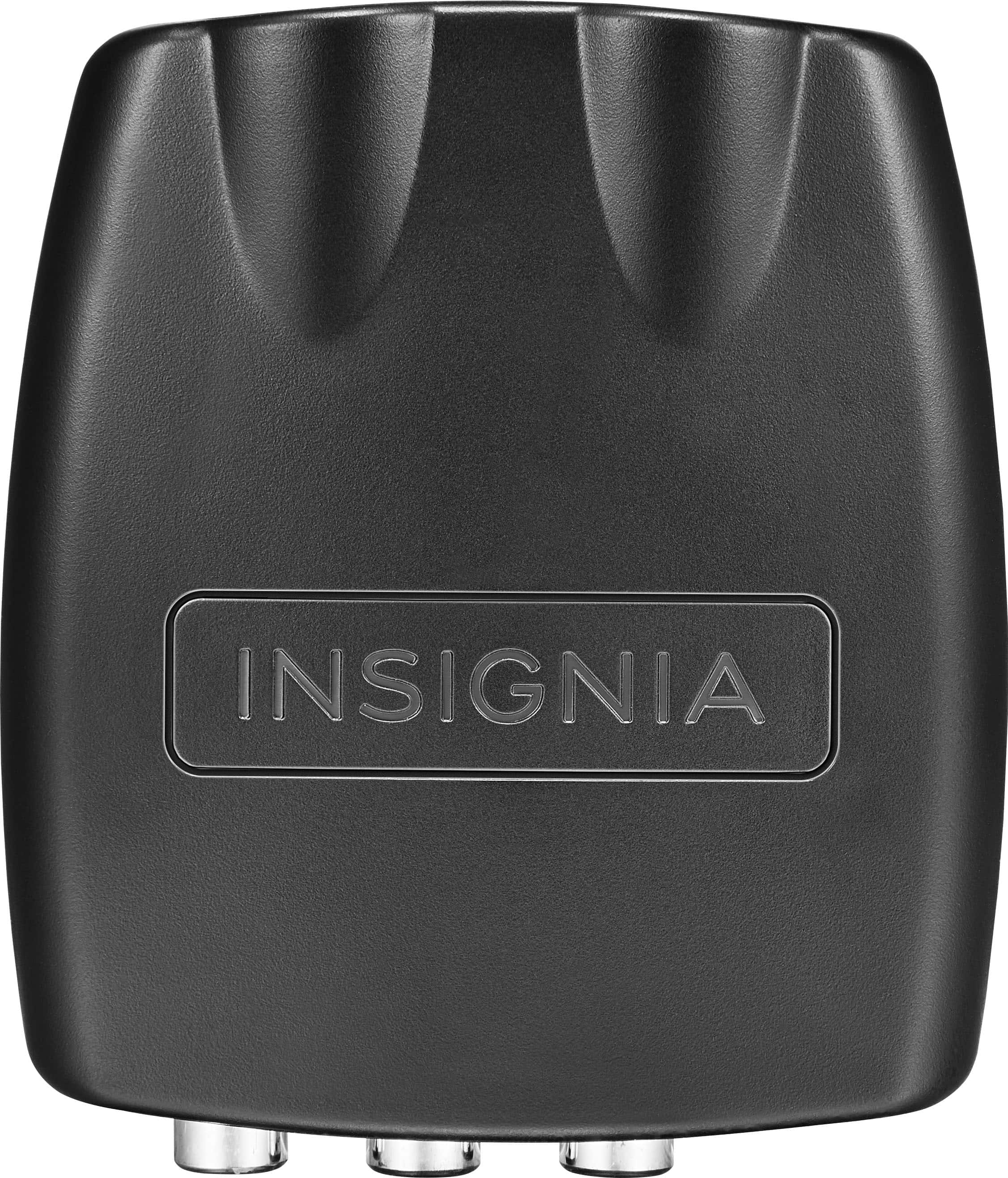
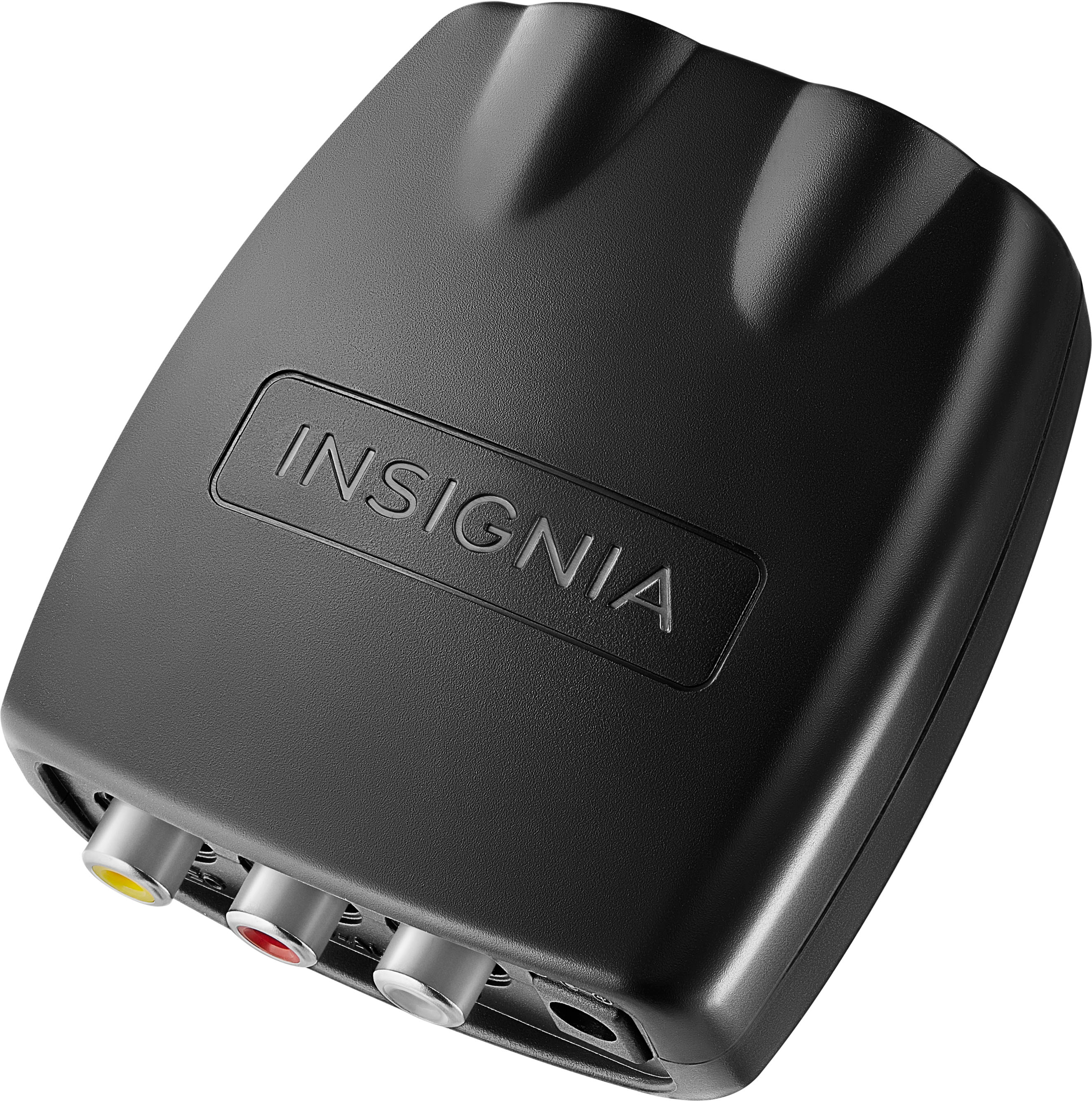
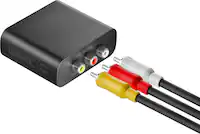
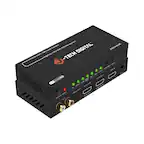
1. Ensure that all cables are securely connected. The RCA to HDMI converter should be properly connected to both the Bose system and the TV.
2. Make sure your TV is set to the correct HDMI input where the converter is connected.
3. Sometimes, resetting your devices can help. Turn off your Bose system, TV, and the RCA to HDMI converter. Unplug them for about 30 seconds, then plug them back in and turn them on.
4. In the settings menu of your TV, try disabling HDMI-CEC (Consumer Electronics Control). This feature can sometimes cause issues with signal transmission.
5. Ensure that the video output settings on your Bose system are compatible with your TV. If your TV supports 1080p, make sure the Bose system is set to output at 1080p.
6. Connect another device (like a DVD player or game console) to the RCA to HDMI converter to see if the issue persists. This can help determine if the problem is with the converter or the Bose system.
If these steps don't resolve the issue, you might want to consult the user manuals for both your Bose system and LG TV for more specific troubleshooting tips.
Let me know if you need further assistance or have any other questions!