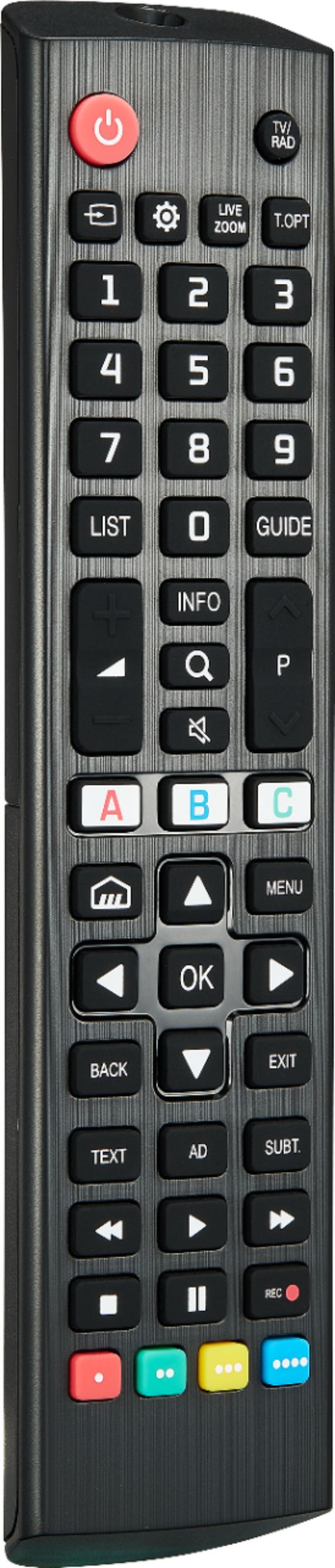
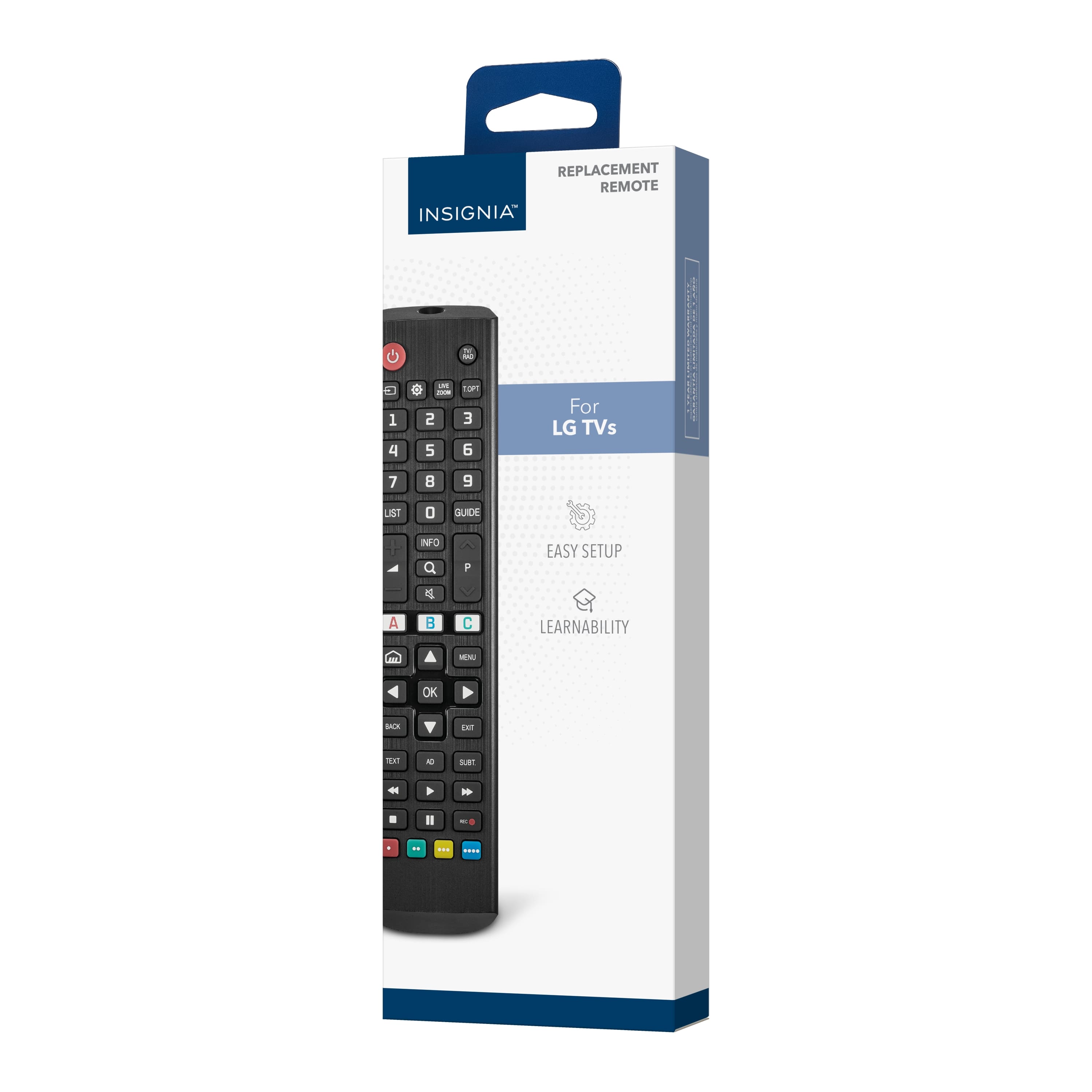
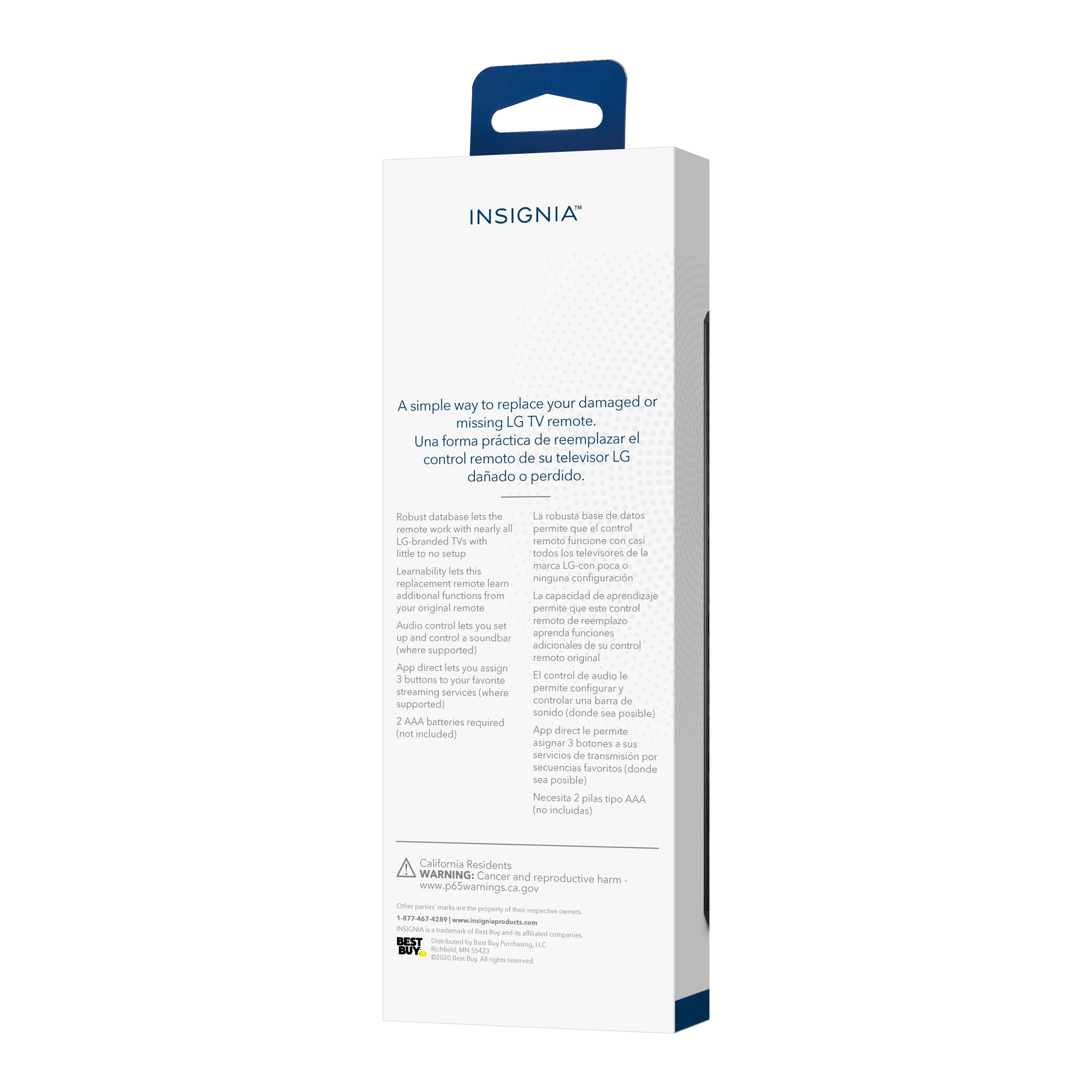
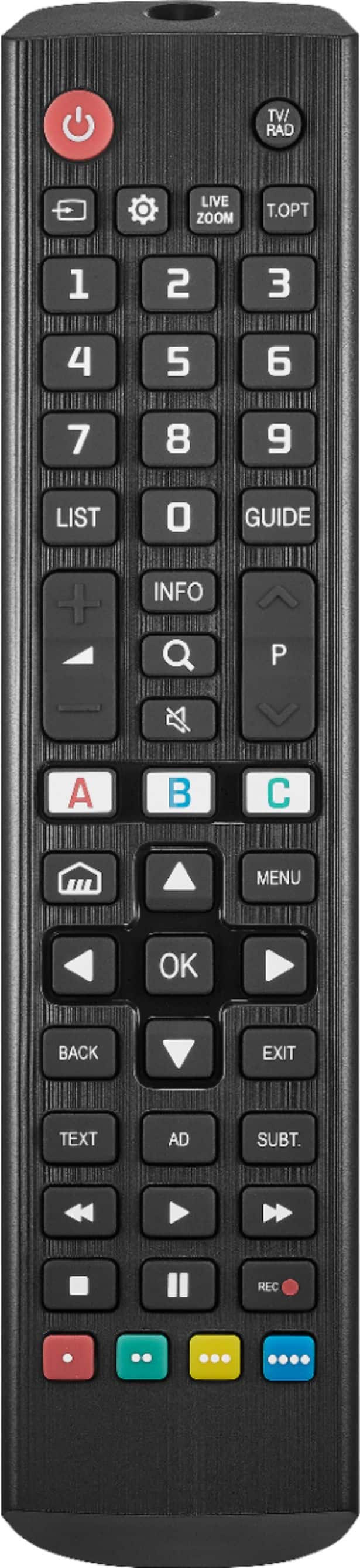
A:AnswerHi Davidjjr! Yes, Insignia™ - Replacement Remote for LG TVs - Black do have a pause button. For more product information, please check the link below. |Angelica| Insignia Support| https://www.bestbuy.com/site/insignia-replacement-remote-for-lg-tvs-black/6448218.p?skuId=6448218
A:AnswerYes,100%. Losing or damaging the remote control is a headache, but you can regain control of your TV with the Insignia NS-RMTLG21 Replacement Remote for LG TVs. -- Ed | Insignia Support |
https://www.bestbuy.com/site/brands/best-buy-brands/pcmcat1596746025285.c?id=pcmcat1596746025285
A:AnswerHi Juan! The Insignia™ Replacement Remote for LG TVs is designed to work with a variety of LG TV models, including the LG 75” Class UQ9000 Series LED 4K UHD Smart webOS TV1. This remote provides convenient control for your TV, and it’s compatible with LG’s webOS interface.
JC | Insignia Support https://www.bestbuy.com/site/insignia-replacement-remote-for-lg-tvs-black/6448218.p?skuId=6448218
A:AnswerHi Jayn, thank you for reaching out to us. Yes, this Insignia - Replacement Remote for LG TVs - Black works with nearly all existing LG TVs. For further assistance you may message us again or you may call our Insignia Customer Service at 877-467-4289. Have a great day! Gly | Insignia Support | https://www.bestbuy.com/site/insignia-replacement-remote-for-lg-tvs-black/6448218.p?skuId=6448218
A:AnswerHi Paul,
Yes, This will Works with Yamaha, Bose, Denon, Samsung, JBL, Harman, Kardon, LG, JVC, Marantz, Philips, Onkyo, Panasonic, Technics, Pioneer and Sony brands.
Insignia Support
Shella
https://www.bestbuy.com/site/brands/best-buy-brands/pcmcat1596746025285.c?id=pcmcat1596746025285
A:AnswerHi there!
This replacement remote is compatible with nearly all LG TVs and pre-programmed for easy pairing.
Insignia Support
Angela
www.insigniaproducts.com/support
A:AnswerHi,
Yes, it will work. If you have any questions or concerns, please use the link below to reach us and also you can contact this phone number 877-467-4289 for further assistance.
Insignia Products
Nikki
Please visit https://www.bestbuy.com/site/brands/best-buy-brands/pcmcat1596746025285.c?id=pcmcat1596746025285
A:AnswerIt is supposed to work on ALL LG TVs! You might have to continue to send signals to TV passed the 1 minute recommended time, mine took 2 minutes but it finally worked!
A:AnswerHi there,
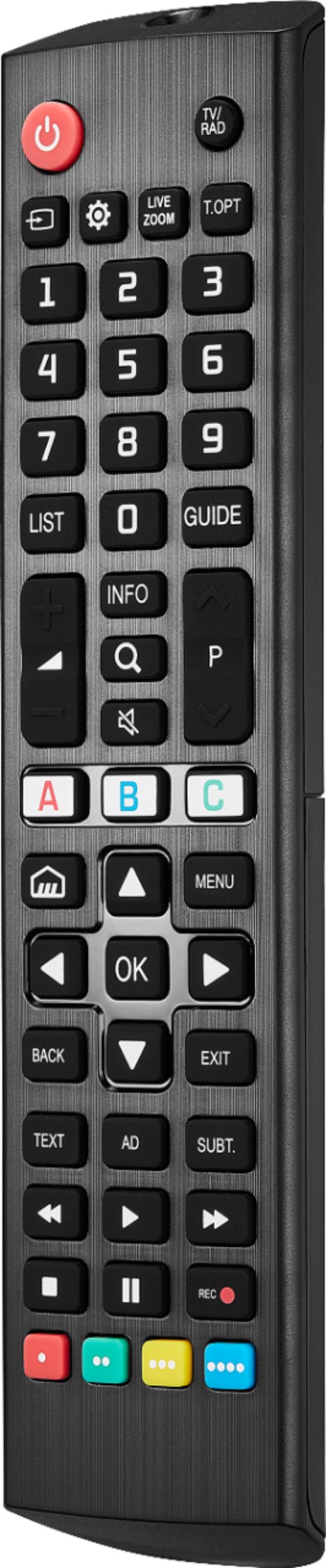
Some LG TV Models have that FLASHBK function but it is not part of our standard pick per key so it will not work from the start But Customer could learn that FLASHBK function from the original remoter on any not used key e.g., one of the color keys. For your Info below is the Learning procedure. LEARNING FUNCTIONS Your new remote can learn any function from your original remote.
1.Place both remotes on a flat surface with the infrared eyes facing each other and 1–2 inches (2.5–5 cm) apart.
Note: If you have difficulty with the learning function, install new batteries.
2.On your new remote, hold down the yellow and green buttons until the LED blinks twice.
3.Press 975 on your new remote.
4.On your new remote, press the button you want to learn a new function (for example, volume +
button).
5.On the original remote, press the button with the function you want to teach to the button you pressed in Step 4. If the LED button blinks twice on your new remote, your new remote learned
the function.
Notes:
• If the LED shows one long blink, the function was not learned correctly. Try again from step 4.
• Some remotes send commands differently. If you find a function can’t be learned, try holding down the button on the original remote instead of pressing and releasing.
6.Repeat steps 4 and 5 to add another function to your new remote.
Note: You can learn from multiple remotes, but only one function per button.
7.After you teach your new remote all the functions you want it to learn, press and hold ENTER until the LED blinks twice.
Note: If you find one or more buttons don’t work as you expect, start again at
step 1.DELETING A LEARNED FUNCTION
1.On your new remote hold down the yellow and green buttons until the LED blinks twice.
2.Press 976.
3.Press the button on your new remote you want to reset twice, the LED should blink twice. The learned function has been deleted.
Insignia Support
Shella
https://www.bestbuy.com/site/brands/best-buy-brands/pcmcat1596746025285.c?id=pcmcat1596746025285