A:AnswerHi Mike,
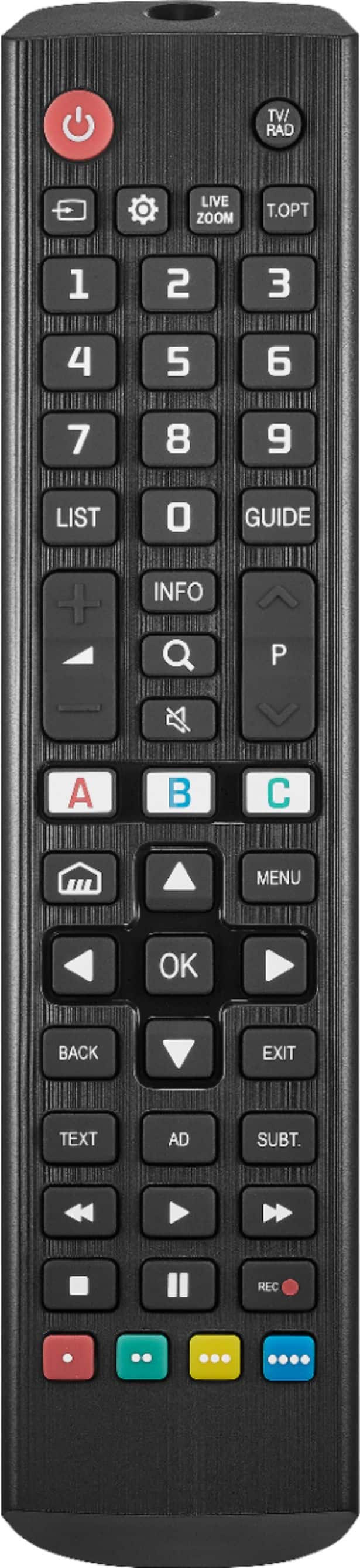
Navigate to Input/Source:Look for a button labeled "Input" or "Source" on the TV's control panel. This button is used to switch between different input sources.
Renee,
Insignia Support
https://www.bestbuy.com/site/brands/best-buy-brands/pcmcat1596746025285.c?id=pcmcat1596746025285
A:AnswerI haven’t tried but seem to remember there was a separate audio set option. You will need to noodle around all the me use on the t v to find it I think it’s the menu on the right side of the screen.
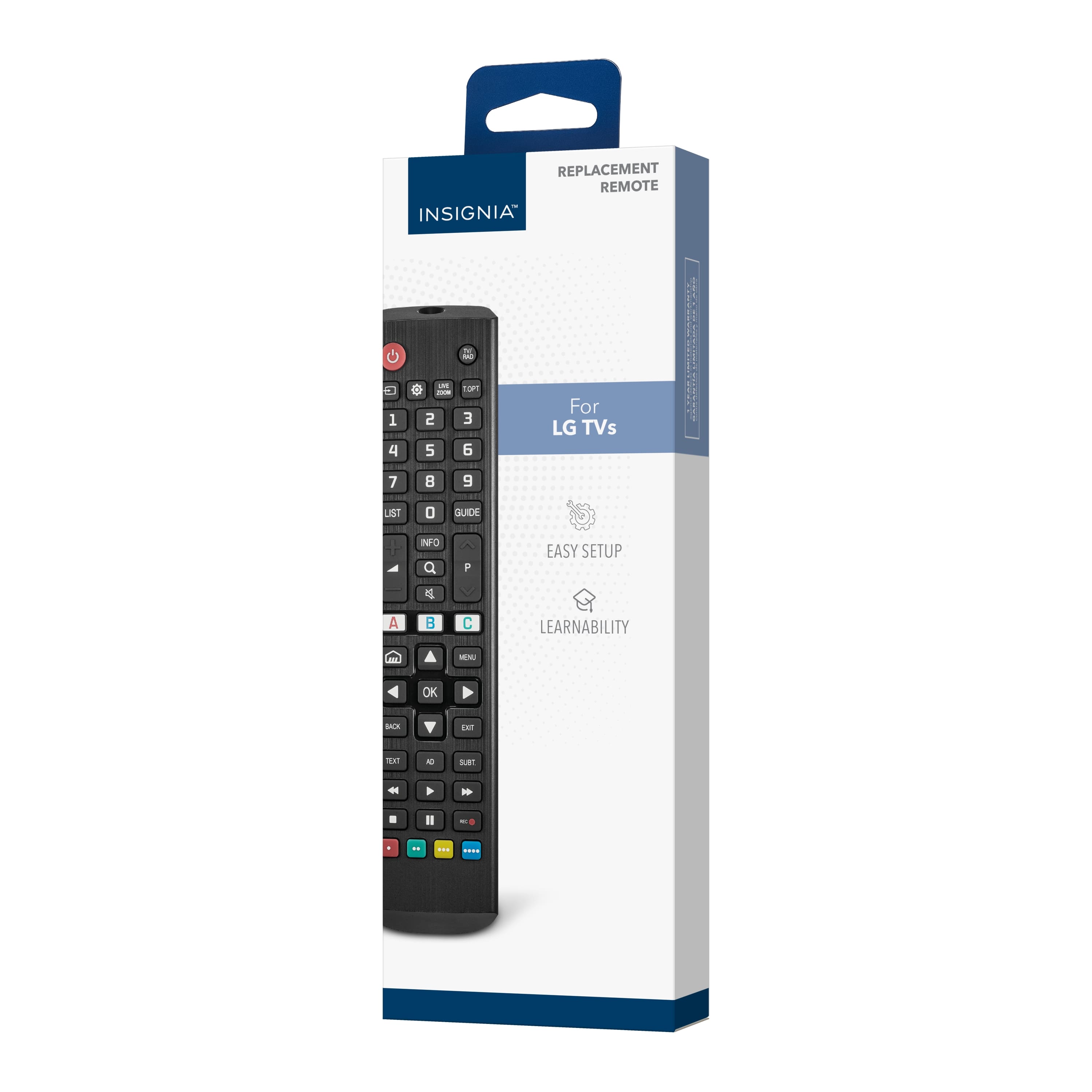
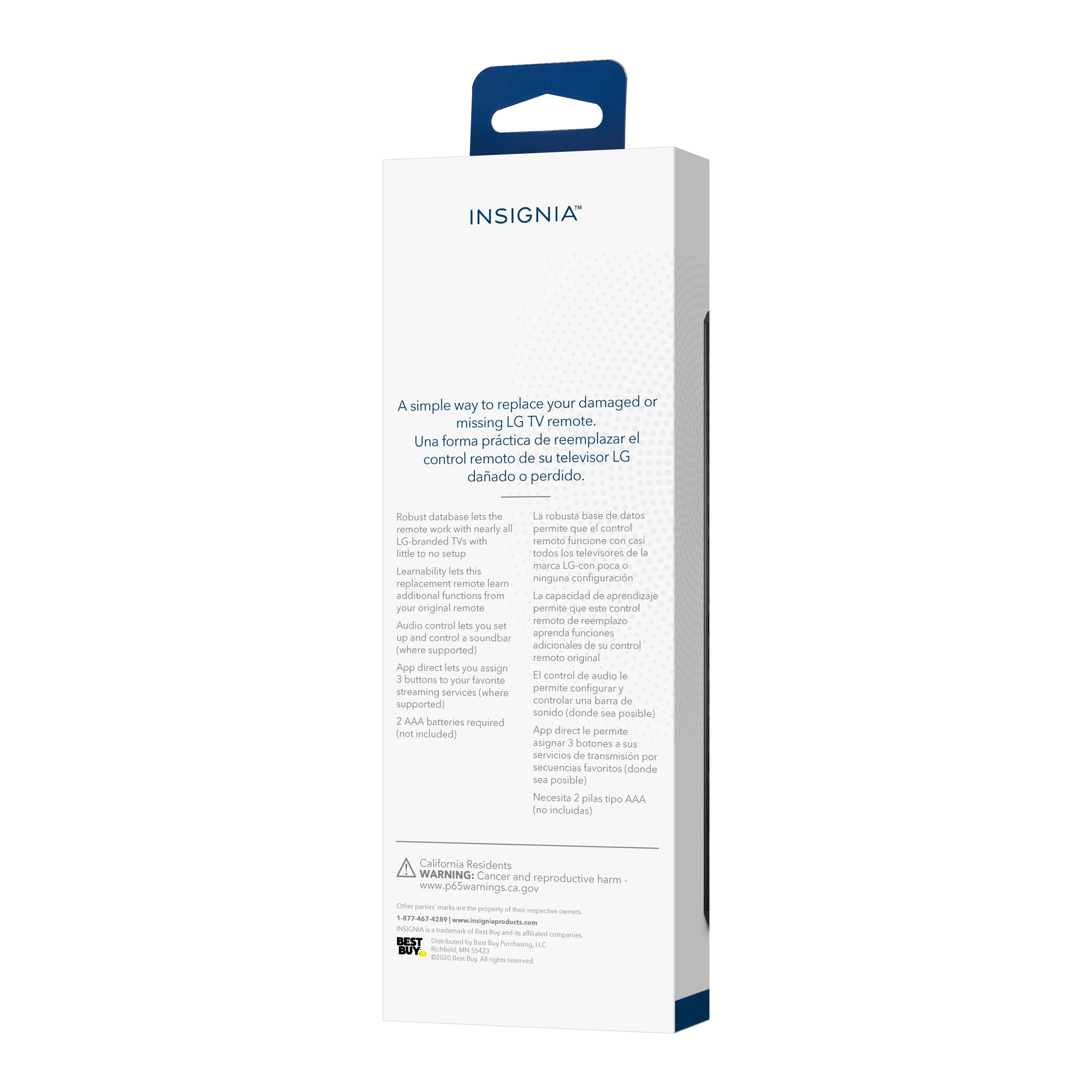
A:AnswerHello! Thank you for reaching out. You can reset the programming process of this remote by referring to the user manual below. If you need further assistance, please feel free to contact our Customer Service team at 1-877-467-4289 for accurate troubleshooting steps. - Carl | Insignia Support