A:AnswerOn the cover it's say compactible with Samsung . So I think it should be compactible with Samsung model, at least the models out in the market.mine wasa smart TV it worked.
A:AnswerIt should work if you have the originating remote to program this. I'm using it with a 52" Sharp from 2008 and it works fine. AFAIK, there are no codes to input, it's a true "learning remote" in that you need the source remote to program this.
A:AnswerYou don't need a source button. Once you complete the setup routine and identify your components the system will create "activities". All you need to do is select an activity and the system will turn on the correct devices. If you run your components through a receiver you will need to "teach it" which inputs and outputs correspond to the activity
A:AnswerIt should work if you have the originating remote to program this. I'm using it with a 52" Sharp from 2008 and it works fine. AFAIK, there are no codes to input, it's a true "learning remote" in that you need the source remote to program this. No restock fee that I know of. I bought the Roku/Sideclick and returned it for the FireTV/Sideclick and no restock fee.
A:AnswerIt probably will have a profile for it but if for some reason it doesn't you can always use the learn function from the old/existing remote (assuming you still have it).
A:AnswerUnfortunately, I don't know. It is marketed as an Universal Remote, and I would check with the on-site staff that work in the TV area...worst case scenario is you return it.
A:AnswerI'm pretty sure it ill work, in one of my jobs I had to use a NON-bran HDMI switcher and it works fine after teaching the remote the HDMI switchers commands.
as long as you can place the "IR" blaster or aim the remote to the TV(by using the remote's IR emitter) the TV will work.
A:AnswerIt should. It is simply a learning IR remote. You can program it IR commands to each button from any other IR remote. I use it replace my soundbar remote.
A:AnswerHello there, thank you for your interest in our Remote. I saw your question about the compatibility of this remote with your TV and wanted to let you know that it will work perfectly fine with your Samsung LN32B360DC5D. The package includes a Quick Setup Guide with the simple steps you have to perform before using it. Thank you again, we hope you enjoy this and other Insignia products from Best Buy. Arely R. - Insignia Support
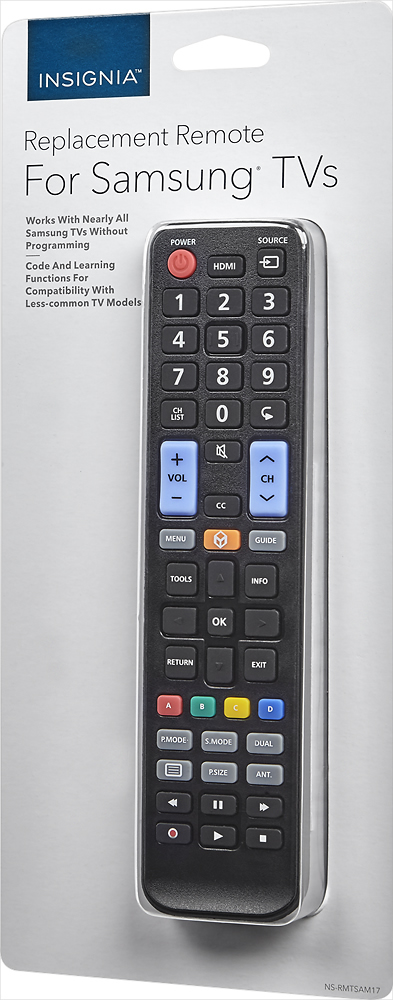
A:AnswerCompatible with Samsung® TVs
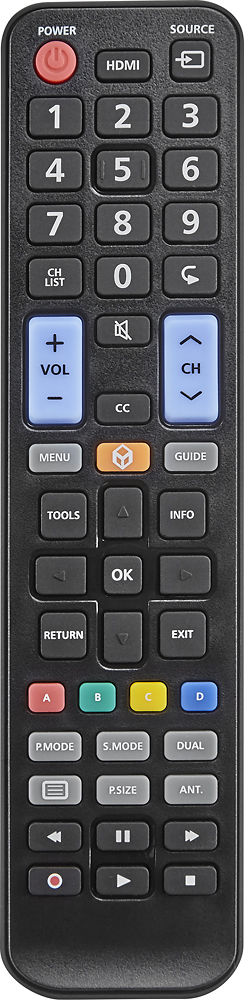
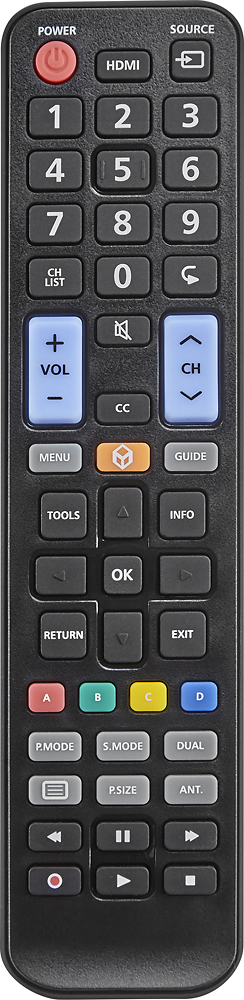
Works with nearly all Samsung TVs without programming code and learning functions for compatibility with less-common TV models.
A:AnswerCompatible with Samsung® TVs
Works with nearly all Samsung TVs without programming code and learning functions for compatibility with less-common TV models.