A:AnswerThe User Guide is available under the Overview section, also here is the link: https://files.bbystatic.com/sGHTJC0vyq6pNKXH3UChfg%3D%3D/e06ffd69-3928-48dd-8c71-b07fd4aaf349.pdf
A:AnswerI wish my Insignia customer service rep had produced this answer. I had to figure out on my own that a splitter was necessary, since Insignia was no help to me
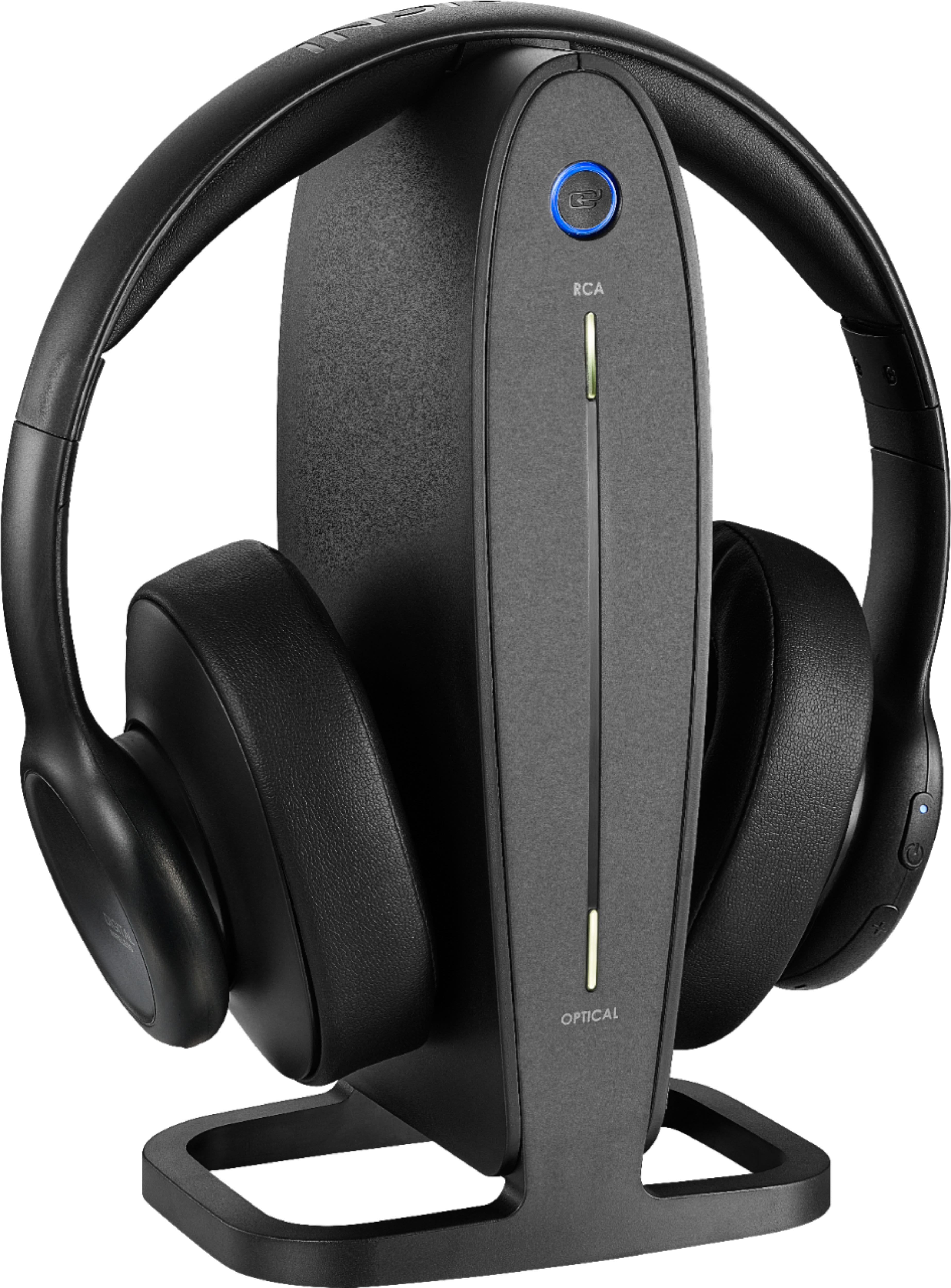
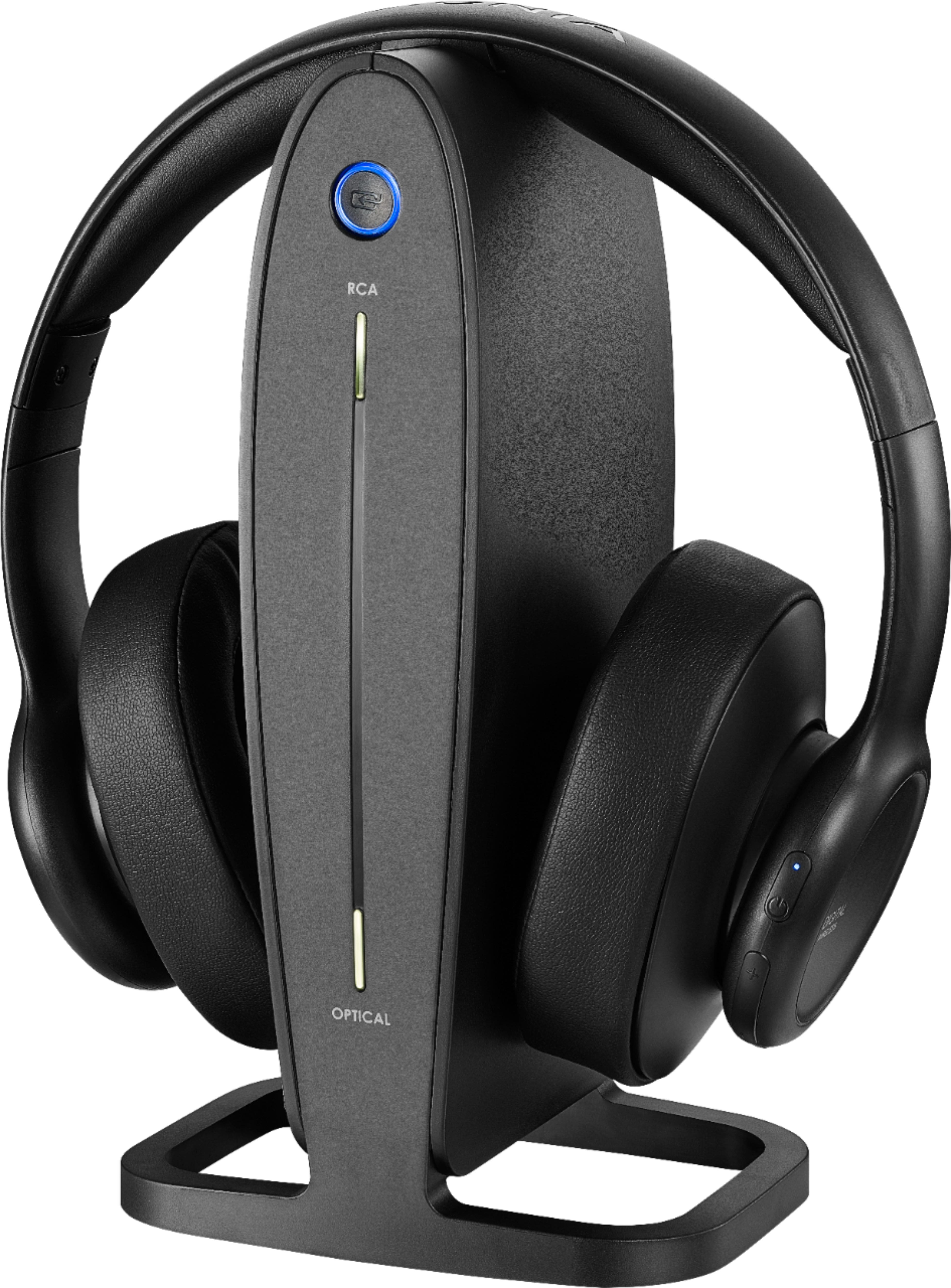
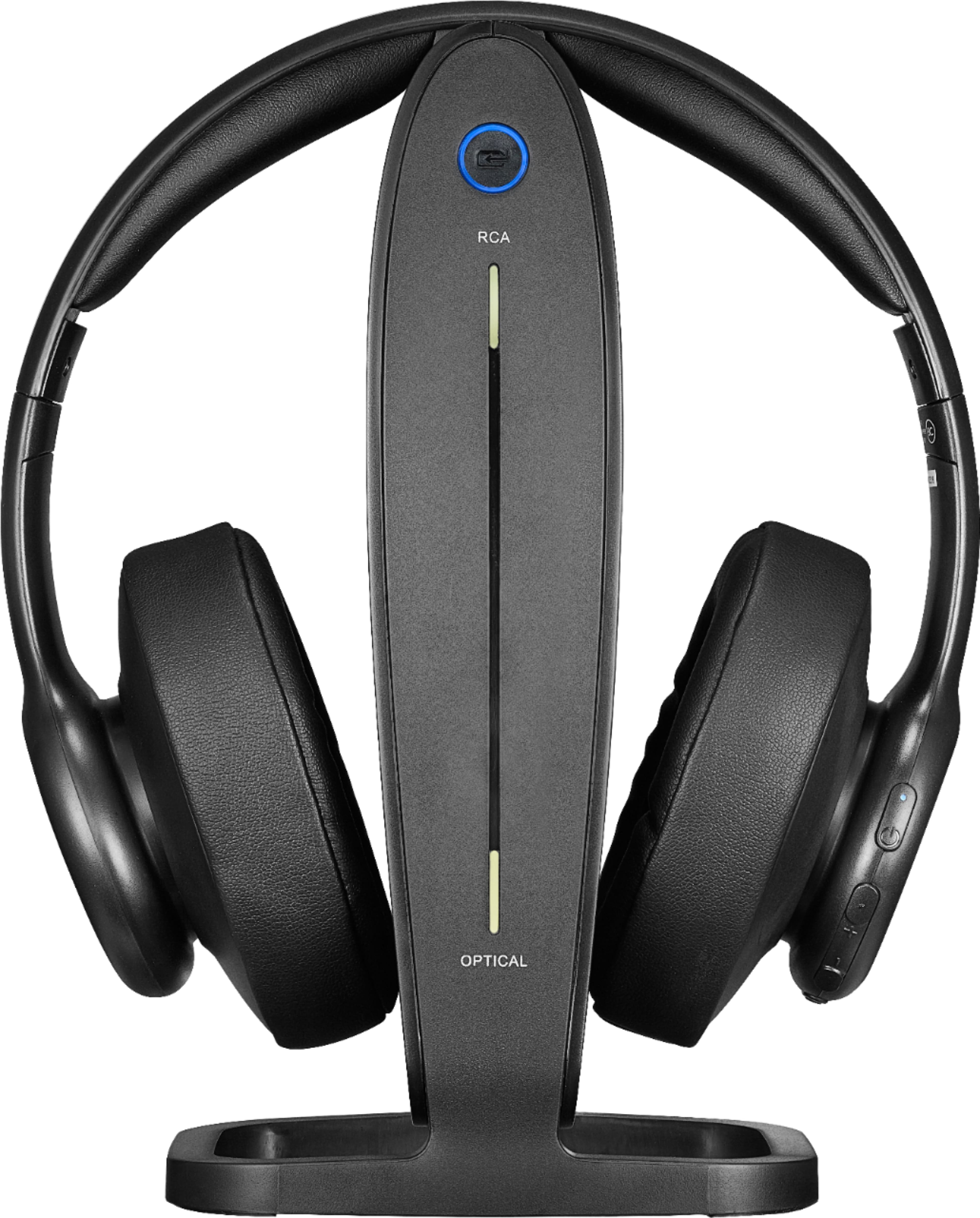
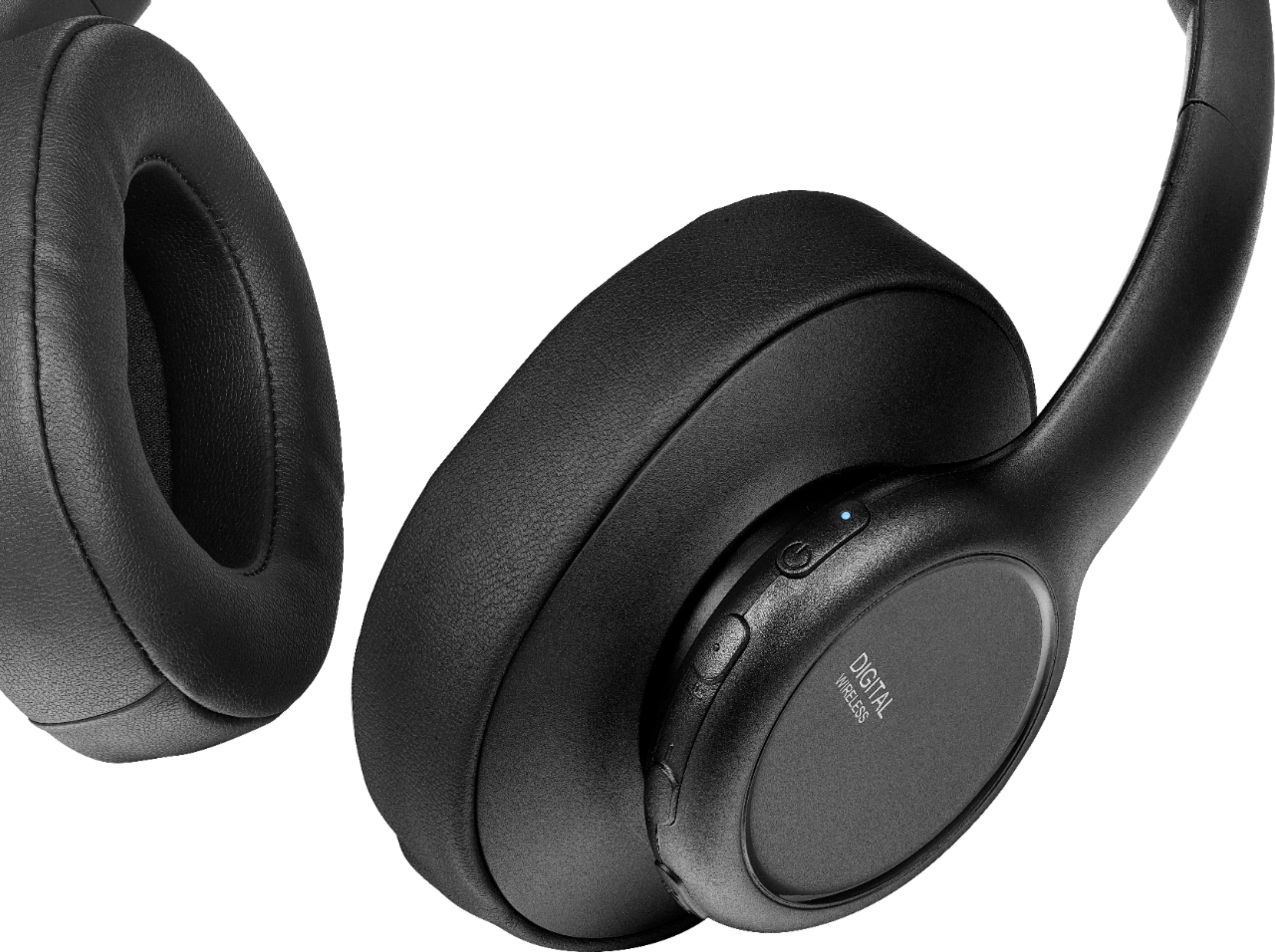
A:AnswerMake sure the source is correct. The button on the bottom of the headphones is positioned in a way that makes it easy to switch the source by accident. It has happened to us a couple of times. Push and briefly hold the button to switch the source. The light on the front of the charging stand should move from the top to bottom or bottom to top to change the source and the sound should work. If that doesn’t help, it’s a different problem. Good luck.
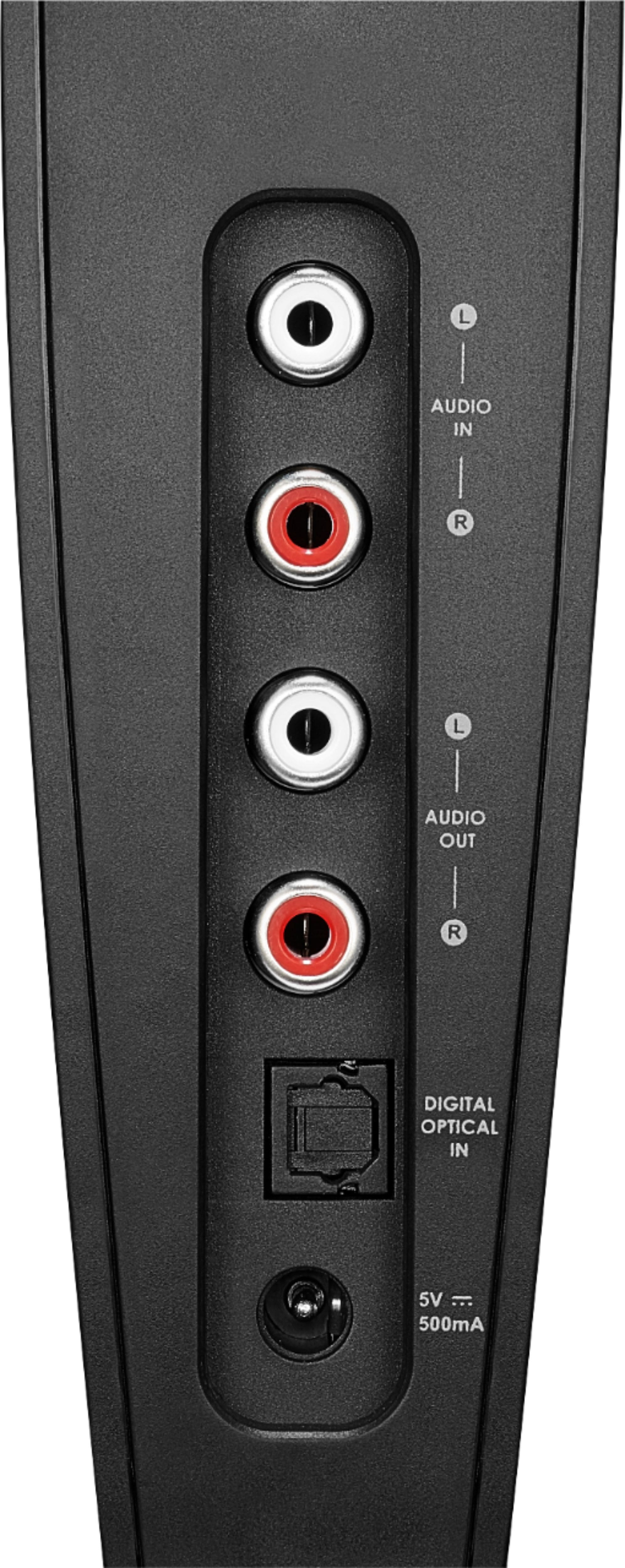
A:AnswerCheck wiring from source to headphones. Source may only output to optical plug, which does not come with headphones, after getting optical connection adjust source setting on headphones per instructions in package.
A:AnswerAccording to the "Quick Setup Guide", you can use a 3.5 mm audio cable (included) to connect to a computer (not a USB).
3.5 mm Connection:
1. Connect one end of the RCA cable (included) to the red and white AUDIO IN ports on the docking station.
2. Connect the other end into the red and white connectors on the 3.5 mm-RCA adapter cable.
3. Connect the 3.5 mm audio cable into the 3.5 mm Headphone or AUDIO OUT jack on your audio source device.