A:AnswerHi,
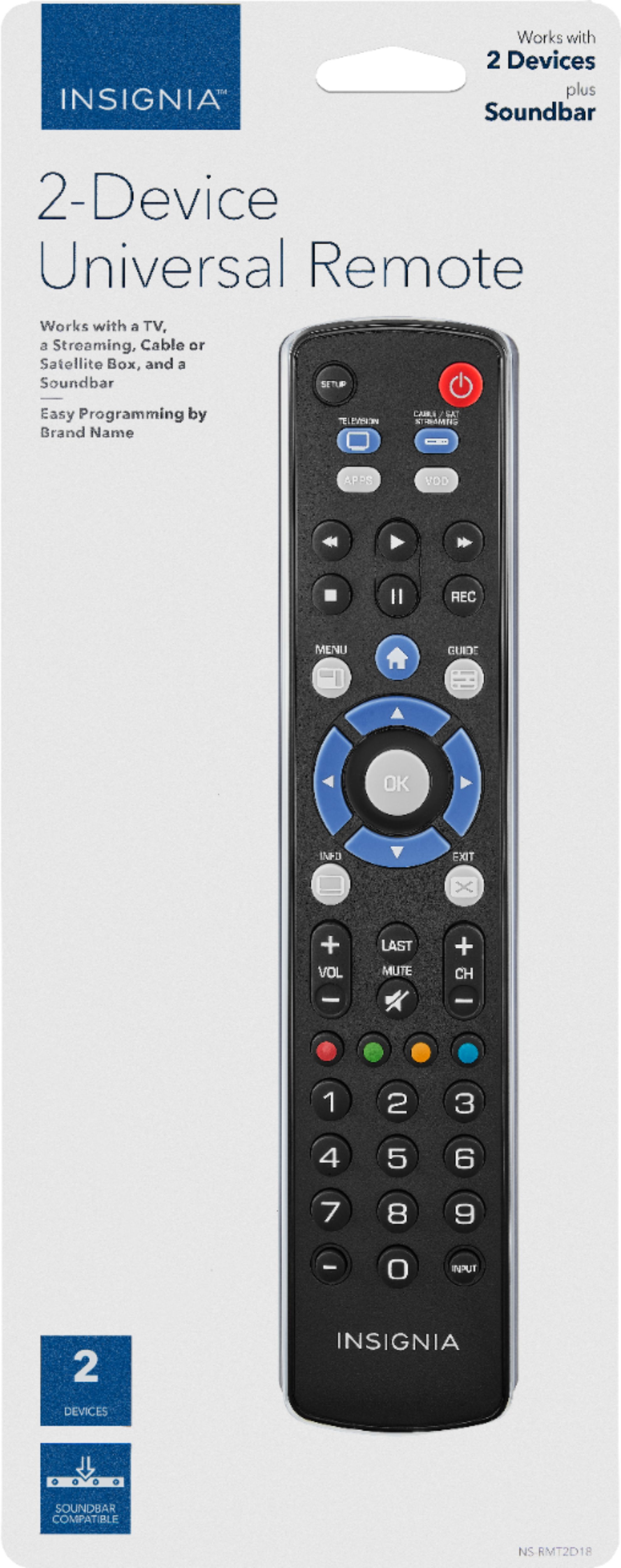
This remote is meant to work mostly for TELEVISION or CABLE / SATELLITE / STREAMING units and popular (selected) audio devices. If it is not finding the codes for your soundbar even after trying all the setup methods, this means this remote will not work along with your audio device.
Adolfo M. - Insignia Support
https://www.insigniaproducts.com/contact-us
A:AnswerHi,
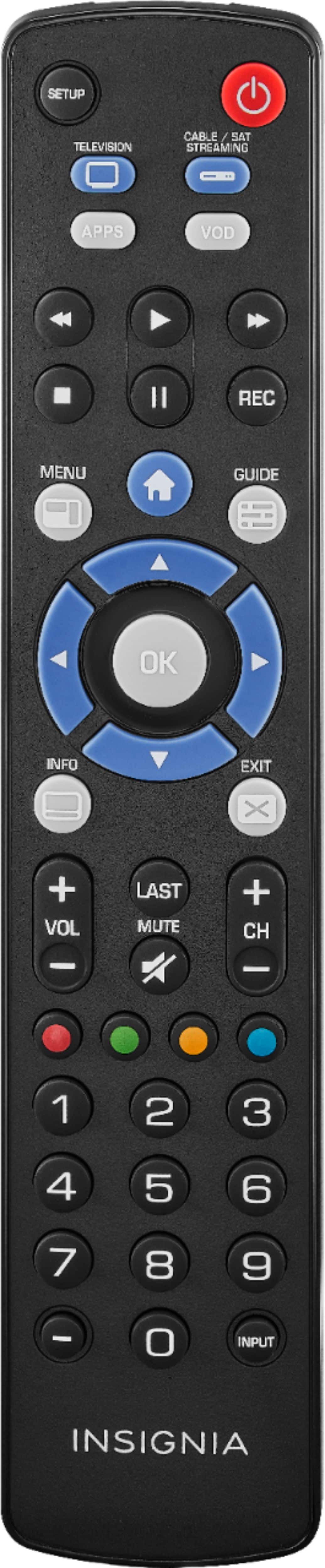
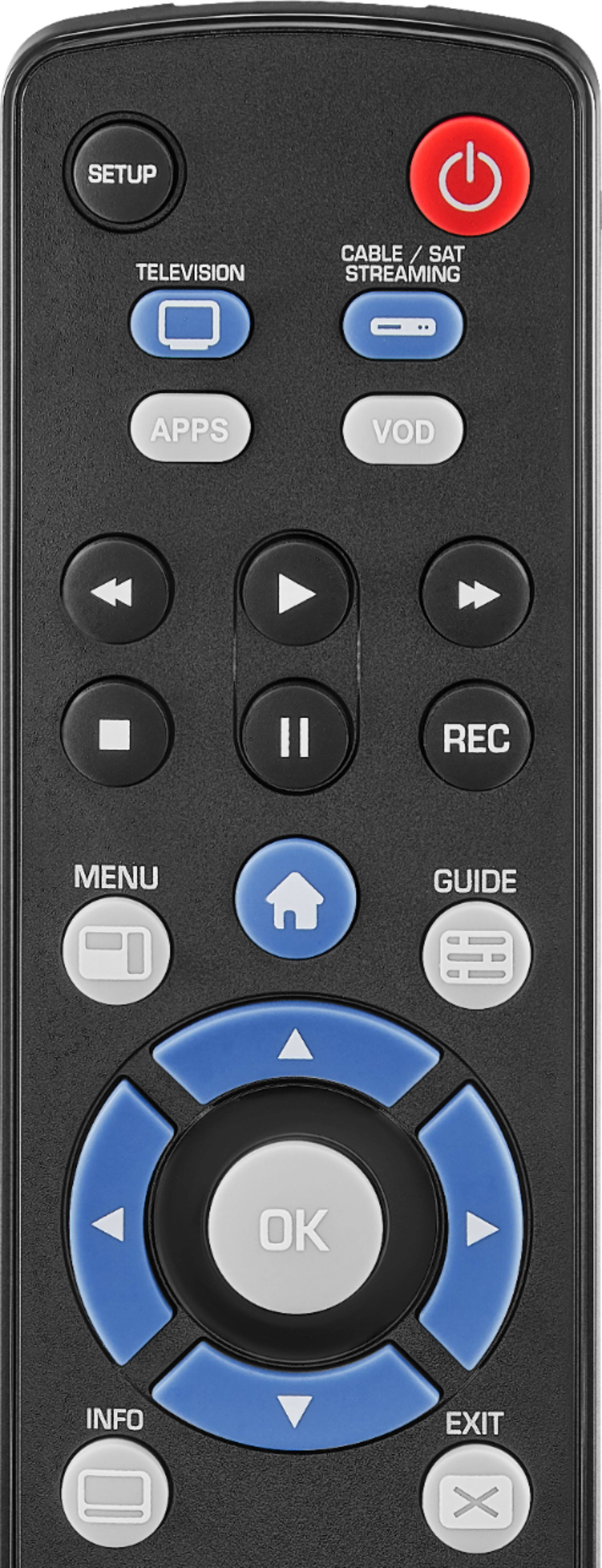
No, nowadays to set the timer on most of the recent TV models, you have to go through their menu, this meaning that the sleep timer button will not work.
Adolfo M. - Insignia Support
https://www.insigniaproducts.com/contact-us
A:AnswerHi, Lori.
I appreciate you sharing your inquiry with us. This brand is not listed on the code list for this Remote, thus it would not be compatible to pair with.
Alexander G. - Insignia Support
A:AnswerHi Robert.
I understand how this could be a big inconvenience for you. I used the User's Guide on our website to check for the codes for TIVUS. Unfortunately, said brand it's not included, which confirms this specific remote is incompatible with TIVUS devices. I apologize for the inconvenience and thanks for your comments and feedback.
Charles V. - Insignia Support
https://www.insigniaproducts.com/contact-us
A:AnswerAlmost any of them should work. I bought the store brand for the price. If your brand isn’t listed in the remote manual there is a search setup procedure which should find you basic on-off, channel, volume and input-select capability. It can take a while the first time but then the remote remembers.