
Black Friday is hereShop new DoorbustersShop now

Main Content

Questions & Answers

Your price for this item is $14.99
Page Showing 1-20 of 20 questions
  • QuestionWhat is the maximum transfer rate of this card reader?

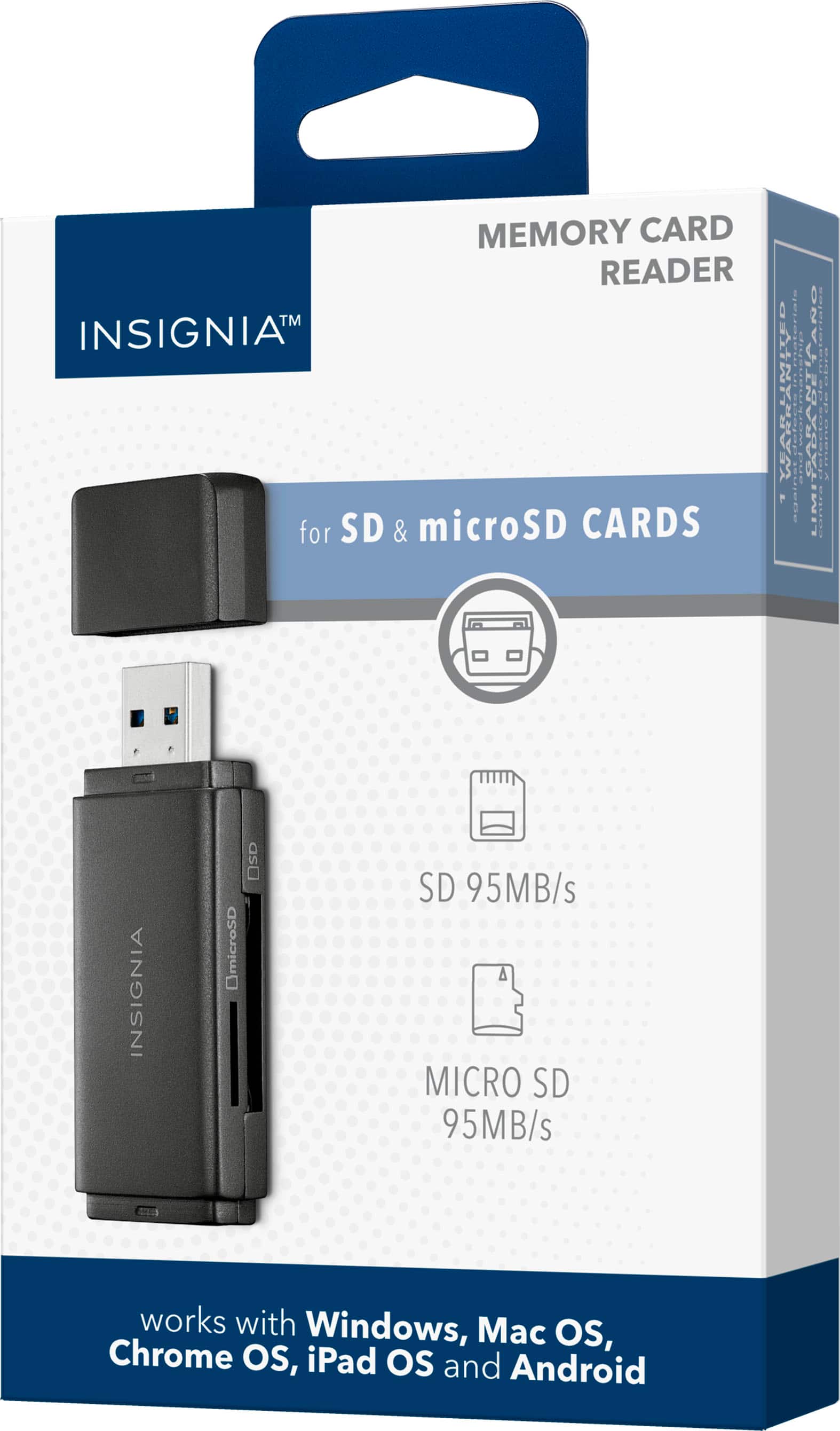
    • Answer The card reader has a transfer rate of up to 95 Mbps/86 Mbps for SD cards and 96 Mbps/65 Mbps for microSD cards.
    This question and answer was generated by AI based on customer and product data.

  • QuestionDoes this card reader have a protective cap?

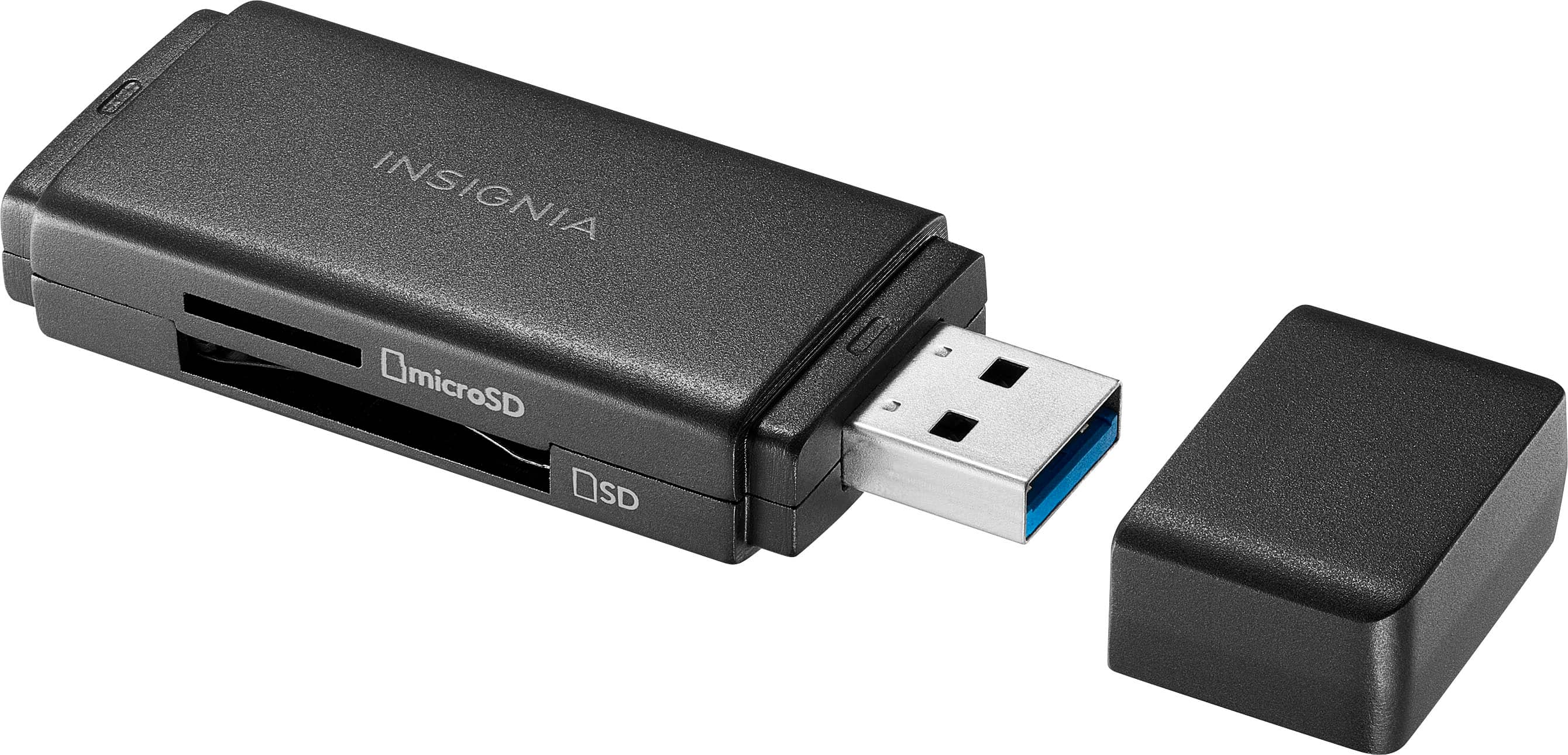
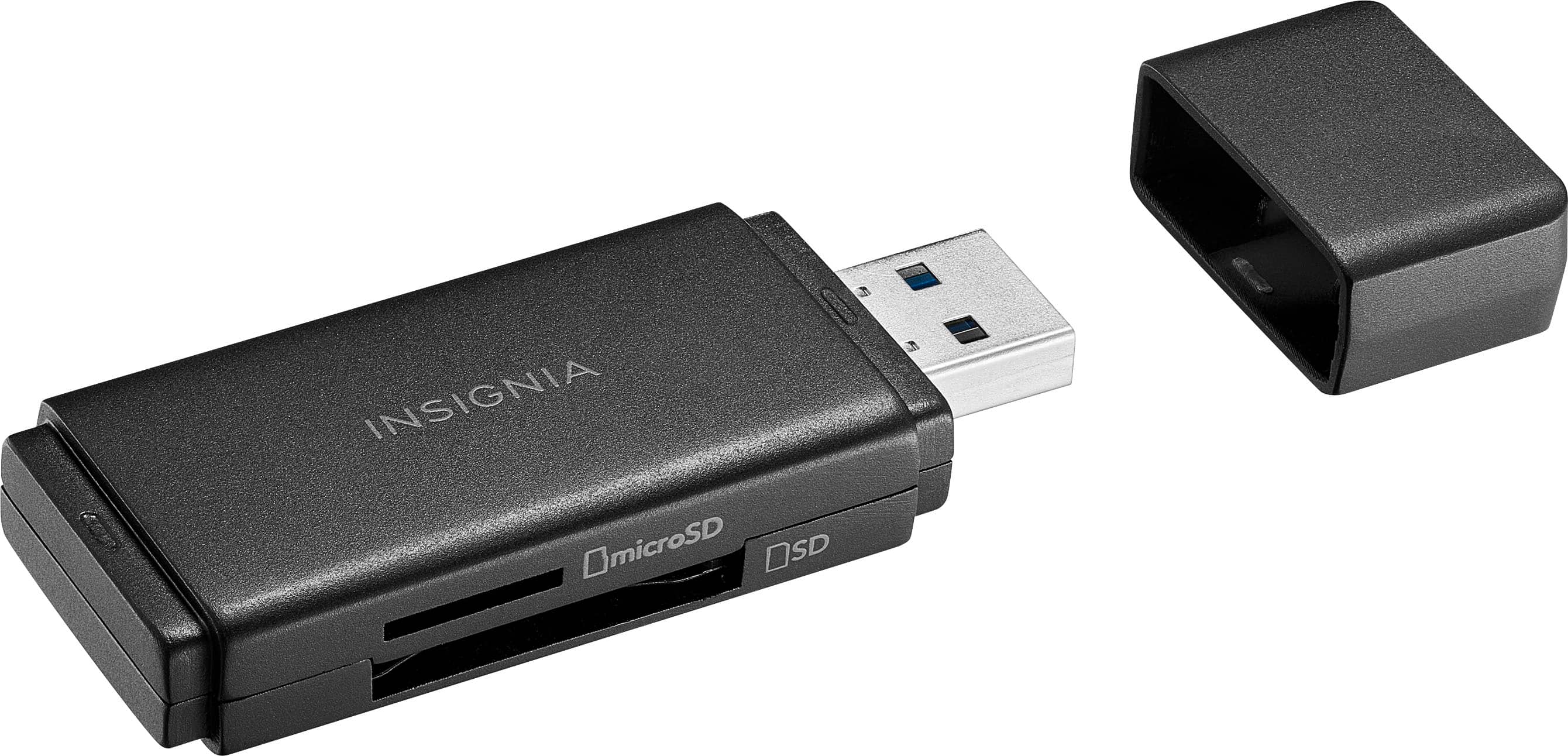
    • Answer Yes, the card reader has a protective cap to keep the connector safe from damage.
    This question and answer was generated by AI based on customer and product data.

  • QuestionWhat operating systems is this card reader compatible with?

    • Answer This card reader is compatible with Windows, macOS, ChromeOS, iPadOS, and Android systems.
    This question and answer was generated by AI based on customer and product data.
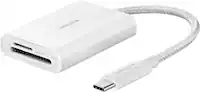
  • QuestionWhat type of USB connector does this card reader use?

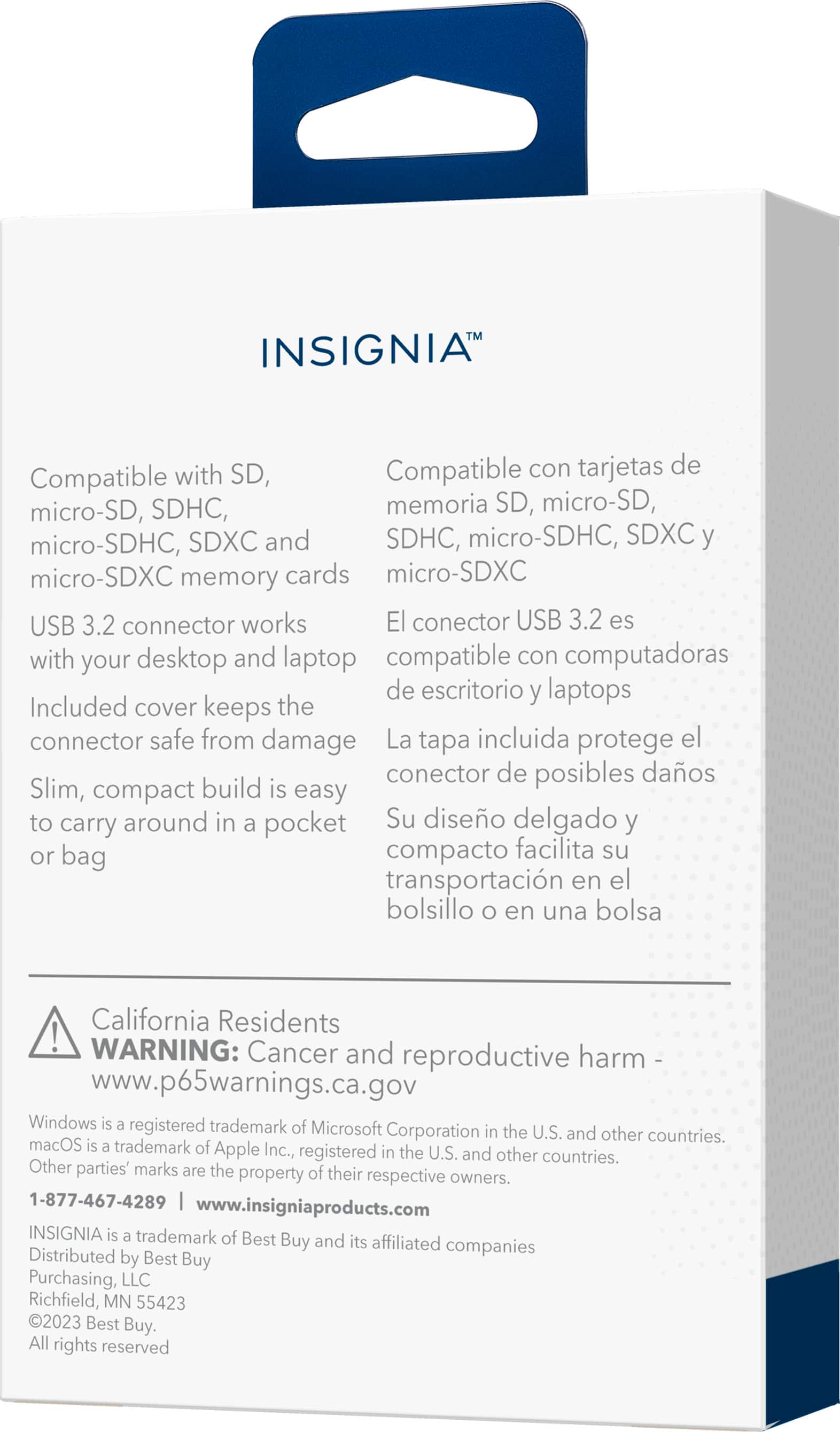
    • Answer This card reader uses a USB 3.2 connector.
    This question and answer was generated by AI based on customer and product data.
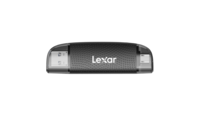
  • QuestionHow many memory cards does this reader support?

    • Answer The reader supports up to 6 memory cards.
    This question and answer was generated by AI based on customer and product data.
  • QuestionOne answer said that this is only a reader? Can I write new files to an SD card in it, or modify / delete files already on an SD card in it, from my computer?

    Asked by Drewmon.

    • Answer Thank you for your inquiry! Yes, the Insignia™ USB 3.0 SD and microSD Memory Card Reader does allow you to write new files, modify, and delete existing files on an SD or microSD card when connected to your computer. It functions as a full-featured card reader, not just a read-only device. Keith | Insignia Support

      Answered by InsigniaCustomerSupport

  • QuestionIs this compatible with iPhone 16n pro

    Asked by Anonymous.

    • Answer Thank you for your inquiry! Yes, the Insignia™ USB 3.0 SD and microSD Memory Card Reader is compatible with the iPhone 16 Pro. You can use it with a USB-A to USB-C adapter to connect it to your iPhone. This allows you to transfer data from SD and microSD cards to your phone easily. Keith | Insignia Support

      Answered by InsigniaCustomerSupport

  • QuestionCan a SanDisk Memory Stick Pro Duo 2GB from a Sony Cybershot be compatible with this product?

    Asked by CC22.

    • Answer Thank you for your inquiry! The Insignia™ USB 3.0 SD and microSD Memory Card Reader is not compatible with the SanDisk Memory Stick Pro Duo. This card reader supports SD, microSD, SDHC, microSDHC, SDXC, and microSDXC memory cards, but it does not support Memory Stick Pro Duo cards. If you need a card reader that supports Memory Stick Pro Duo, you might want to look for a multi-card reader that explicitly lists compatibility with that format. Keith | Insignia Support

      Answered by InsigniaCustomerSupport

  • QuestionCan I use this adapter to play movies stored on my micro SD on my Roku Tv?

    Asked by CD.

    • Answer Unfortunately, Roku TVs do not support direct playback from USB card readers like the Insignia™ USB 3.0 SD and microSD Memory Card Reader. However, you can still play your movies by following these steps: 1. Transfer Files to a USB Drive: Use your computer to transfer the movies from your microSD card to a USB flash drive. 2. Connect the USB Drive to Your Roku TV: Insert the USB drive into the USB port on your Roku TV. 3. Open the Roku Media Player: Navigate to the Roku Media Player app on your TV. If you don’t have it installed, you can download it from the Roku Channel Store. 4. Browse and Play: Use the Roku Media Player to browse the files on your USB drive and select the movie you want to watch. This method allows you to enjoy your movies on your Roku TV without any additional adapters. If you have any questions or need further assistance, please don't hesitate to reach out. Thank you for choosing Insignia! - Emman | Insignia Support | https://www.bestbuy.com/site/brands/best-buy-brands/pcmcat1596746025285.c?id=pcmcat1596746025285

      Answered by InsigniaCustomerSupport

  • QuestionCan this also just view photos from your SD card on your HP Envy x360 laptop?

    Asked by Di.

    • Answer Yes, the Insignia™ USB 3.0 SD and microSD Memory Card Reader allows you to read and view photos stored on your SD card or microSD card when connected to your HP Envy x360 laptop. Make sure to safely eject the card reader after you’re done to prevent data corruption. Patricia | Insignia Support https://www.bestbuy.com/site/insignia-usb-3-0-sd-and-microsd-memory-card-reader-black/6546685.p?skuId=6546685

      Answered by InsigniaCustomerSupport

  • QuestionDo you sale adapter that connects to an IPhone?

    Asked by DPAJ.

    • Answer Yes yrea yea

      Answered by JanineF

  • QuestionCould I store video games on the micro sd and play them on my PC using this adapter? Is the transfer speed fast enough?

    Asked by JoshT.

    • Answer Yes you can

      Answered by JanineF

  • QuestionNot recongnized in Windows 10, how do I get new drivers?

    Asked by Pi5user.

    • Answer Thank you for your inquiry! We're sorry to hear you're having trouble with your Insignia™ USB 3.0 SD and microSD Memory Card Reader. Here are some steps to help you get the necessary drivers and resolve the issue: First, let's check Device Manager by pressing Windows key + X and selecting Device Manager. We'll look for the card reader under Universal Serial Bus controllers or Other devices. If we see it listed with a yellow exclamation mark, right-click on it and select Update Driver Software. Next, let's run the Hardware Troubleshooter by going to Settings > Update & Security > Troubleshoot and selecting Hardware and Devices. We can also download drivers from Insignia's website by visiting the Insignia Support page, searching for our specific card reader model, and downloading the latest drivers for Windows 10. Another option is to uninstall and reinstall the driver by right-clicking on the card reader in Device Manager and selecting Uninstall device. Restart the computer and reconnect the card reader; Windows should automatically reinstall the drivers. Finally, let's try different USB ports, including both USB 2.0 and USB 3.0 ports. If these steps don't resolve the issue, it might be helpful to contact Insignia's customer support for further assistance. Keith | Insignia Support https://www.bestbuy.com/site/insignia-usb-3-0-sd-and-microsd-memory-card-reader-black/6546685.p?skuId=6546685

      Answered by InsigniaCustomerSupport

  • QuestionCan I use a USB-C to USB adapter with this?

    Asked by Me.

    • Answer Yes you can

      Answered by JanineF

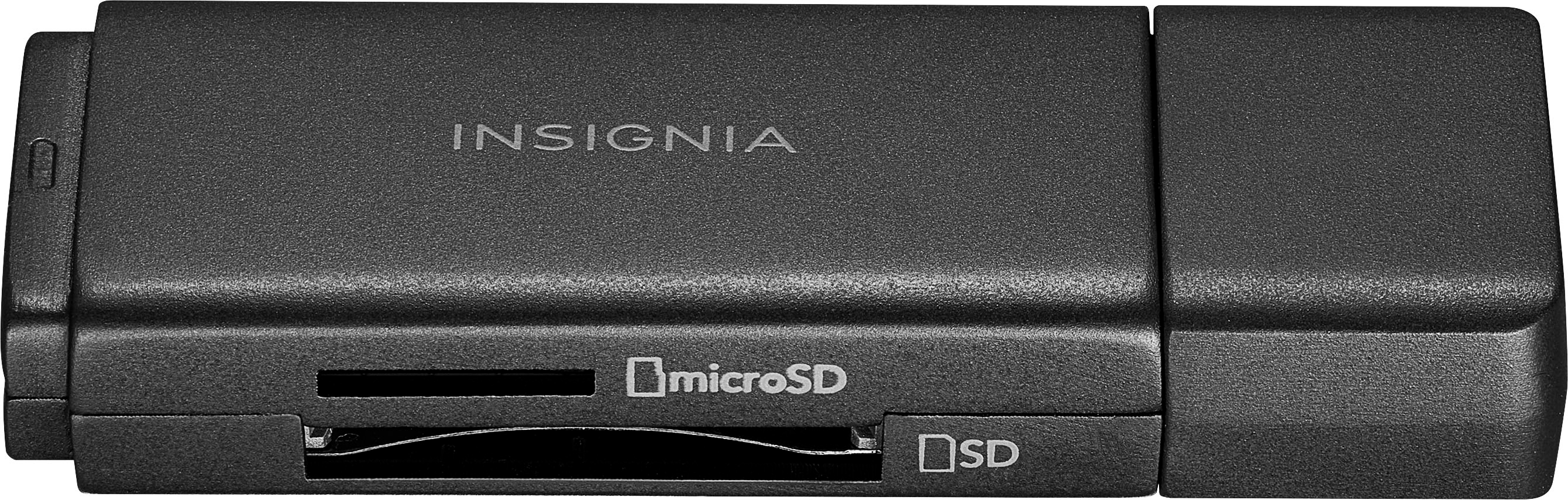
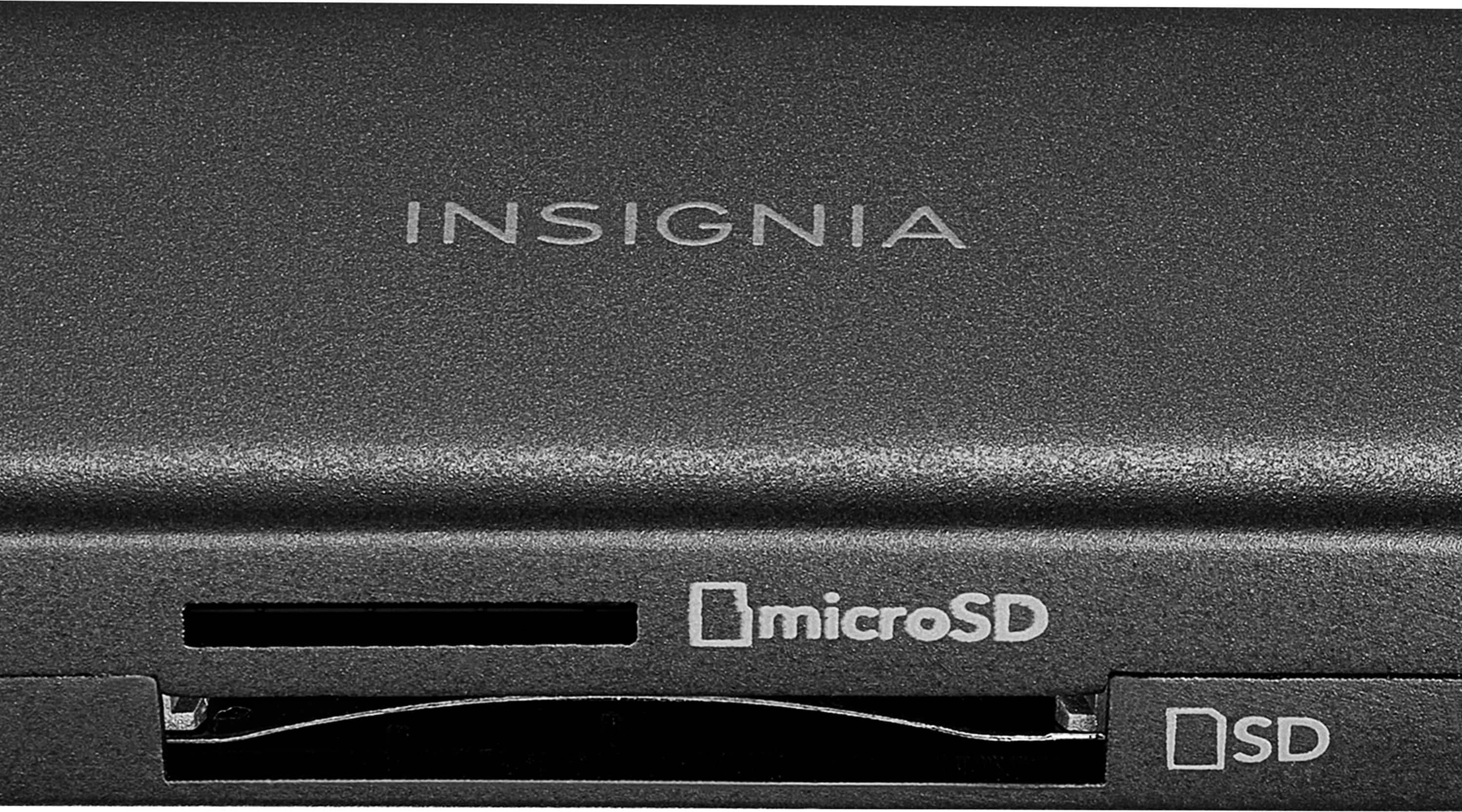
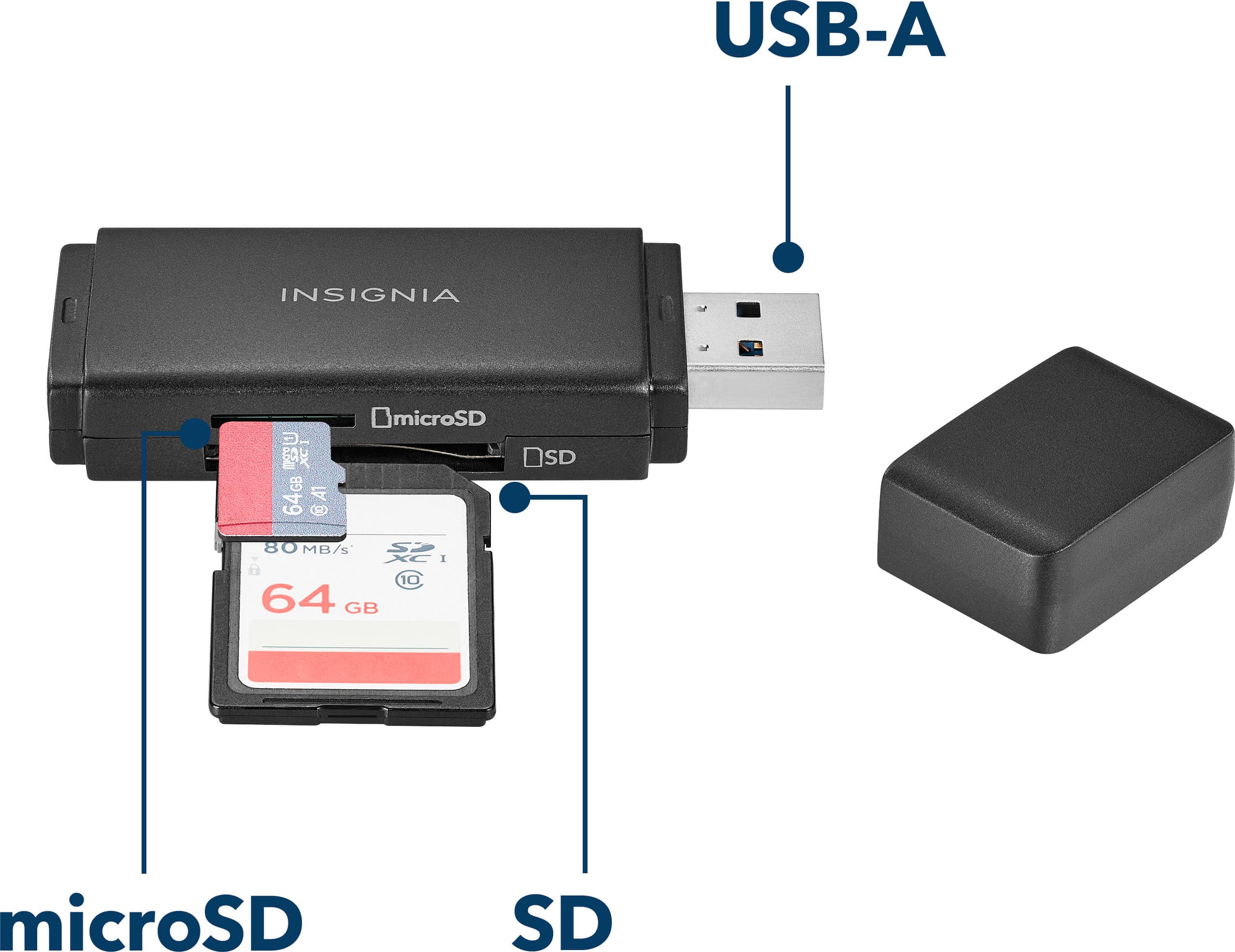
  • QuestionSince it has a reader for both sd and microsd, can it do both at the same time?

    Asked by anon.

    • Answer Never tried it, don't think so.

      Answered by NotVeryTechyPerson

  • QuestionCan I access raw files on my laptop with this?

    Asked by MWhite23.

    • Answer You just need a USB port.

      Answered by NotVeryTechyPerson

  • QuestionCan I access and edit the sd card files with this?

    Asked by Haxtolfpe.

    • Answer Absolutely, It is essentially just turning an SD or microSD card into a flash drive, however I wouldn't recommend having both an SD and microSD in at the same time, as it ends up not showing either in your file explorer.

      Answered by Goober

  • QuestionWhat is the capacity of the card?

    Asked by Rick.

    • Answer That depends on the card that you put into it. This is only a reader.

      Answered by Wade

  • QuestionWhat formats does it support? FAT15/32, NTFS, HFS+, EXT2/3???

    Asked by jrod.

    • Answer From what Ive tested so far, its able to read and support most formats!

      Answered by GoxindaBox