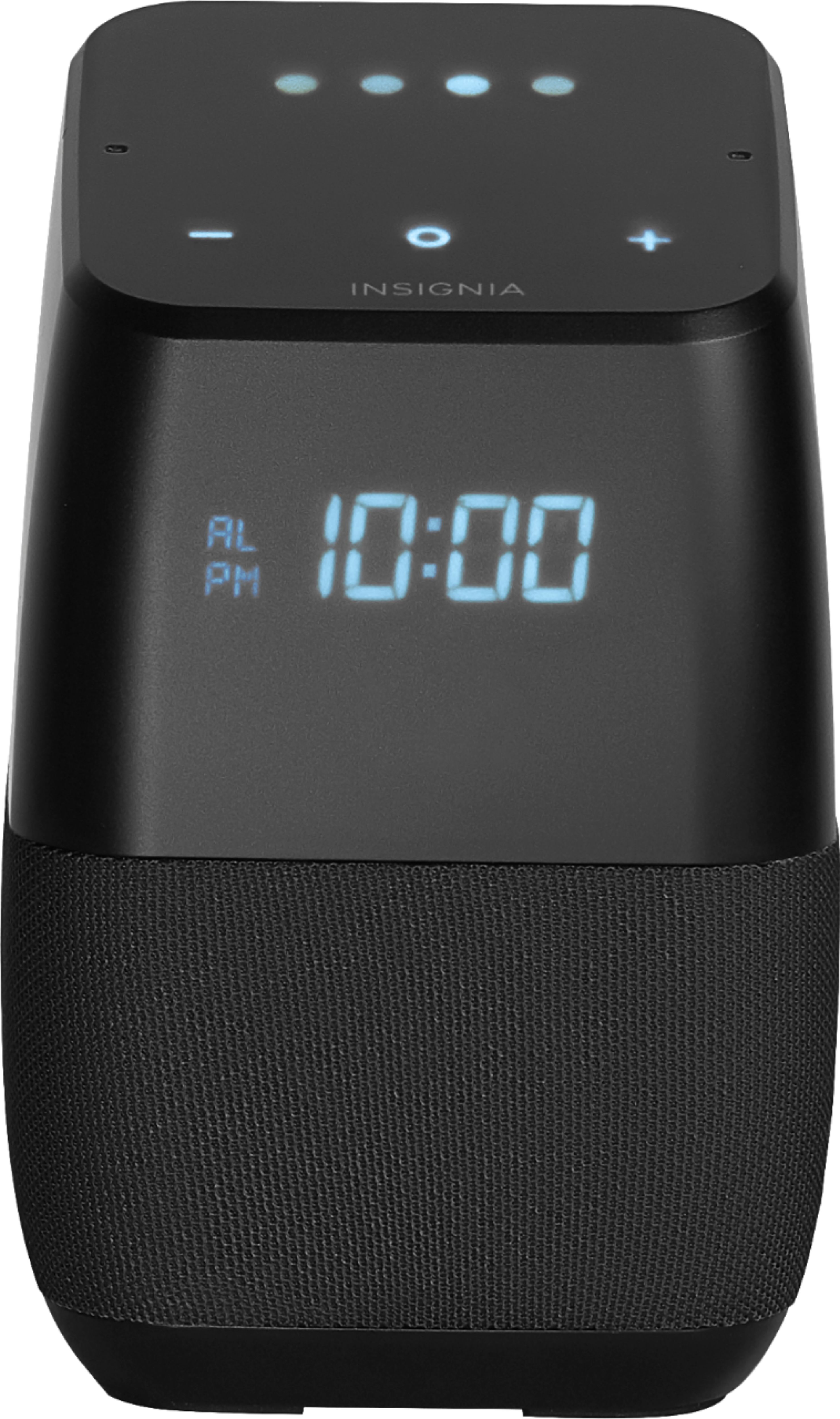
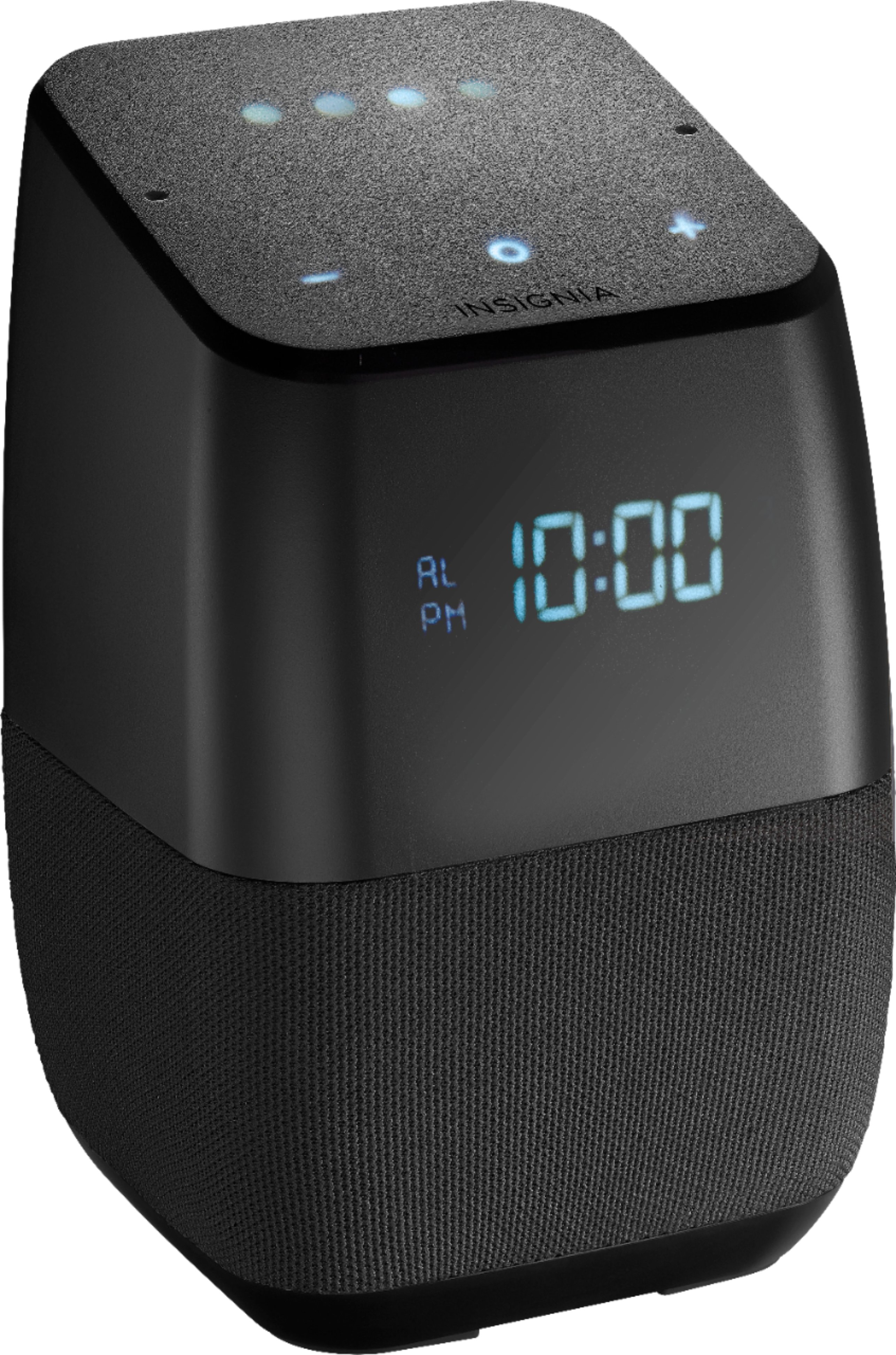
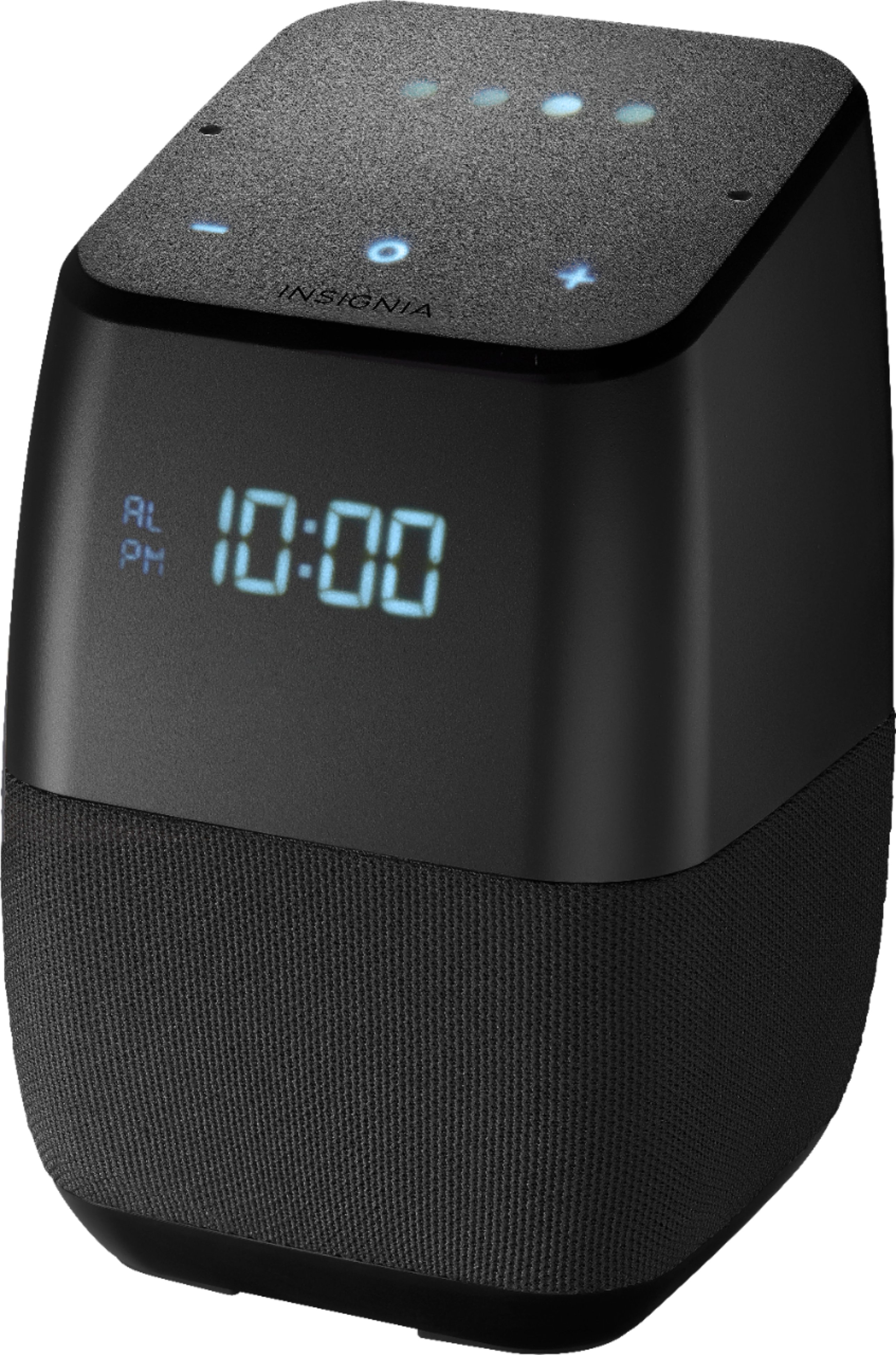
A:AnswerHi,
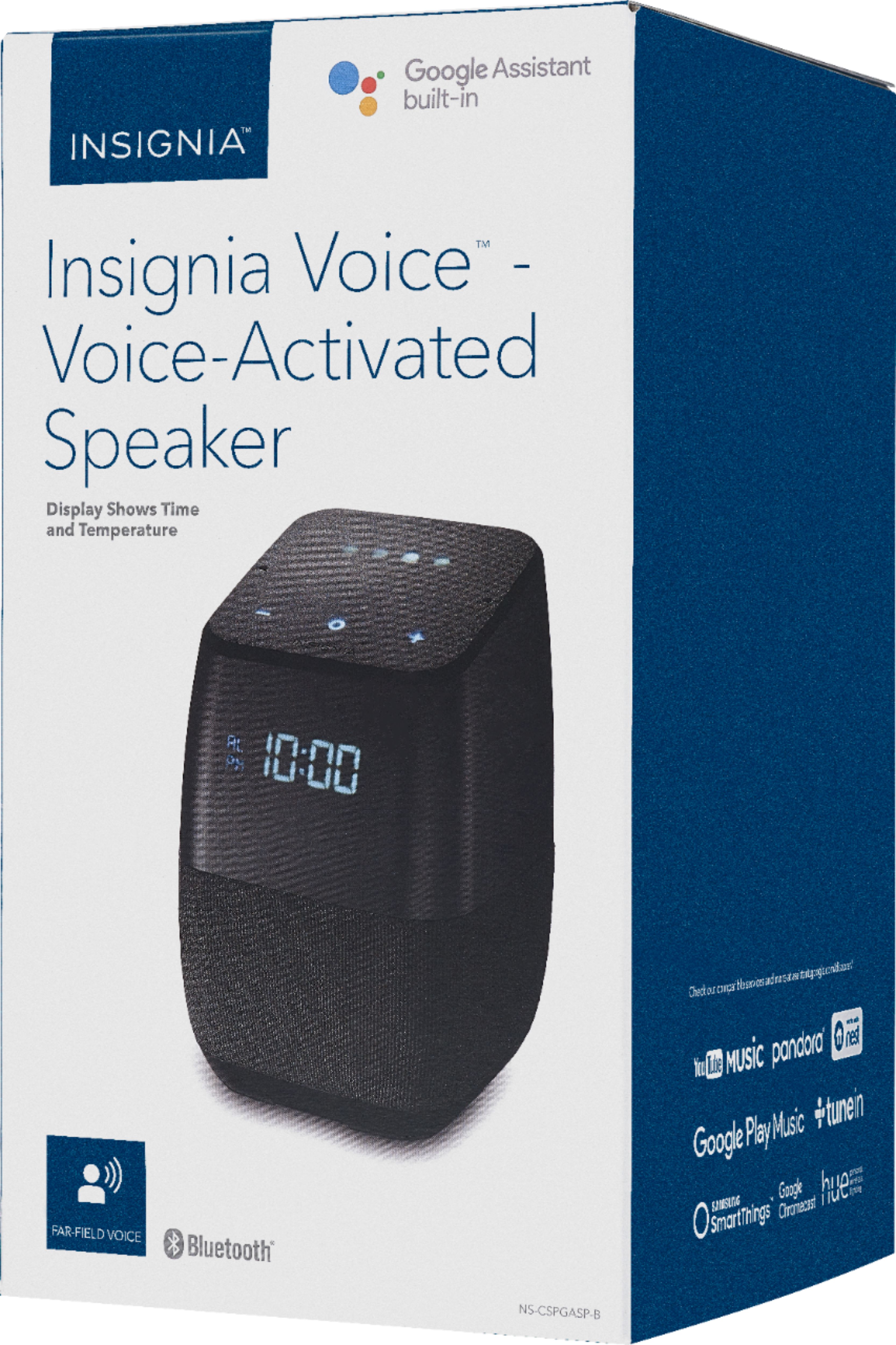
Thank you very much for purchasing our Voice Smart Bluetooth speaker.
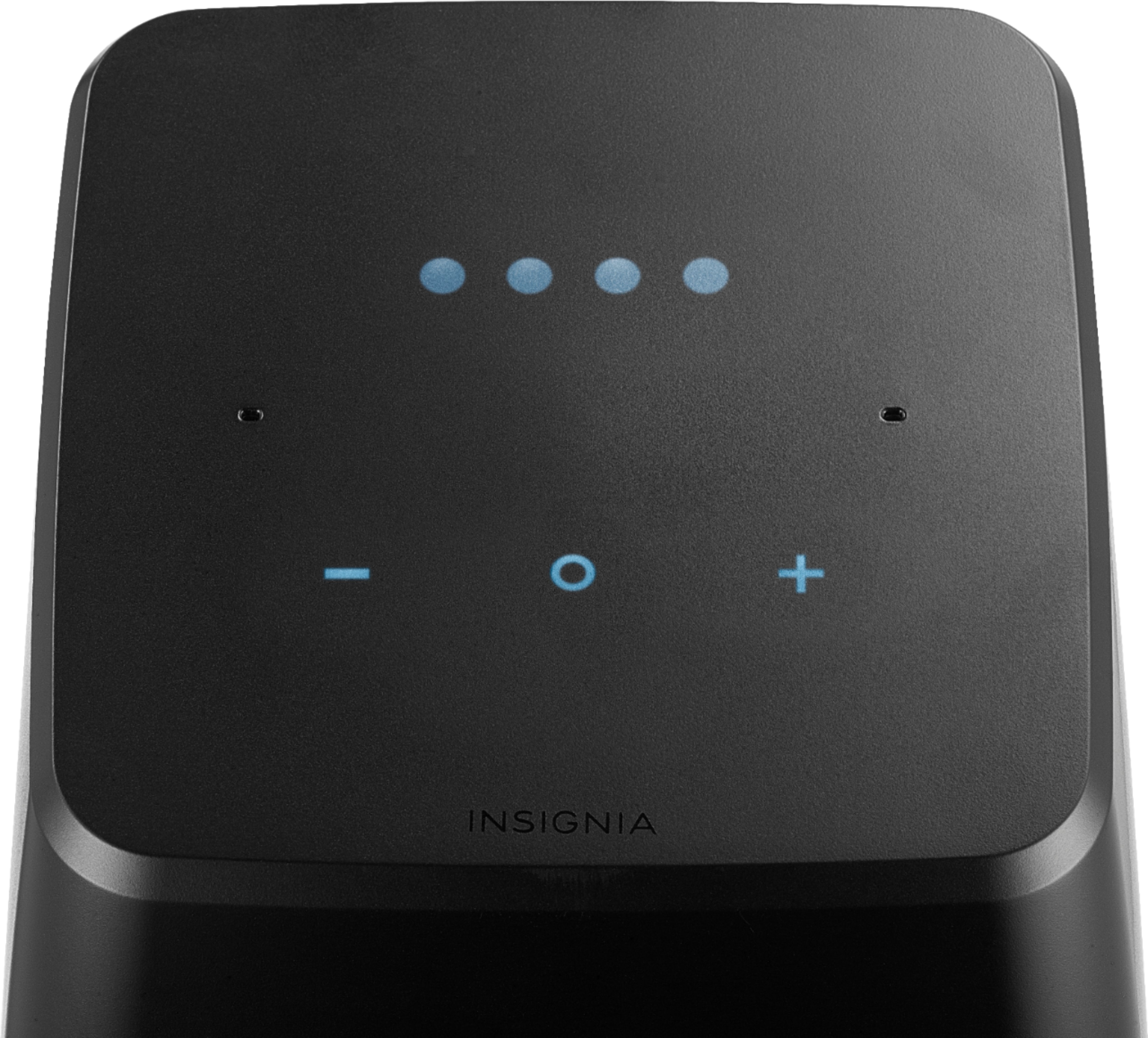
Regarding your inquiry I wanted you to know that after a power outage speaker will attempt to reconnect to wifi and bluetooth. Simply use voice command or press (- , o) buttons to cancel BT connection.
Arely R. - Insignia Support
A:AnswerHi Gary,
Thank you very much for purchasing our Voice Smart Bluetooth Speaker. At this time, it is not possible to connect the speaker to a Roku TV as those TV models do not include a Bluetooth feature built in.
Arely R. - Insignia Support
A:AnswerHello,
Thank you very much for purchasing our Smart Voice Bluetooth Speaker with Google Assistant built in. Regarding your inquiry I want to suggest to make sure that the name of the Playlist you are trying to play is short and simple for the speaker to process it in an easier way.
Arely R. - Insignia Products
A:AnswerHi,
Thanks for sharing with us the experience you had using this Smart Speaker. However, this seems to appear whenever you have the WiFi network connection far away from you or whenever the network has a poor signal. You can try on checking your WiFi signal with you network provider.
Karina R. - Insignia Support
A:AnswerHi Rafael,
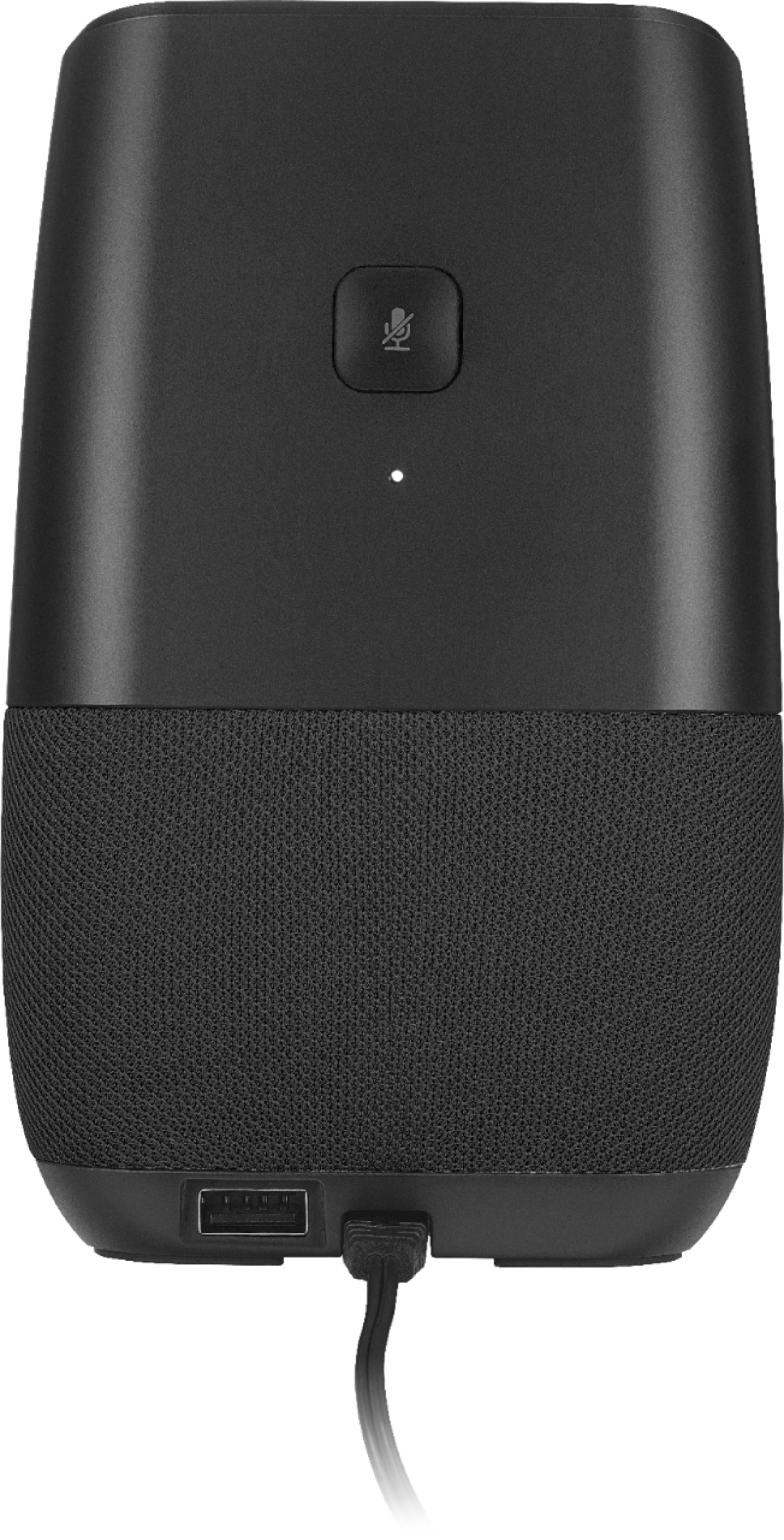
Thank you so much for being a part of the Insignia family with the purchase of our Voice Smart Bluetooth speaker. I would like to inform you that Google sets the time during the initial network set up, also the address used during the sign in does not affect the network clock time. Please do a Factory reset (FDR) to your device by pressing and holding the microphone mute button located on the back side of the device for 15 seconds. Make sure that your device utilized to do the set up and configure the Google home App has the correct time and the correct nearest large city in your time zone. We are pushing forward to keep improving the set up and time zone operation with Google.
Alex C. - Insignia Support
A:AnswerIn theory, yes, but the question would be why? The bluetooth in the Voice is really more for connecting a phone or tablet to play music on the Voice. Using another assistant is really not accomplishing anything as the unit itself can already connect to most streaming services itself.
A:AnswerHi,
Our Voice Smart Bluetooth Speaker supports streaming radio from Google Play but it does not have a built in AM/FM feature.
Arely R. - Insignia Support
A:AnswerI didn't have those issues and the top sensors works for me all the times. But my wife has sometimes issues with the top sensors.
Sometimes is better "I think" to just say "Ok Goggle" ....... turn the alarm off. It works 100% of the time.
But if you are experiencing issues and you have warranty or service with the Geeks you should call them.
A:AnswerThanks to the two people who answered.
I am aware of the setting in the Home app for Alarms and Timers. I have that slider all the way down - should basically be on 0! - and the alarm still goes off at 40. Are you saying this setting works for you *for a *media/music* alarm?
And as far as adjusting it while music is playing, that means the alarm is blasting at 40 when I want it at 12 - every morning! And that's a big difference!
Would really like to hear back from support.
A:AnswerI am not asking for changing anything. I of course do know I can use Okay Google - this dumb answer from Insignia is ridiculous - I don't need the replacement for a feature but want to ask about that feature and nothing else.
Hold Circle for Hot Word is the term introduced in manual. Call it TAP TO SPEAK if you wish.
So, WHY it needs 5 sec instead of e.g. 2 ?
WHY don't lights go on (after pressing for 5 sec) to tell me it's listening ?
A:Answertry resetting your device, I wasn't able to connect at first so I did a factory reset and tried again through the TV settings and it worked perfectly.