
Main Content

Questions & Answers

Page Showing 1-20 of 33 questions
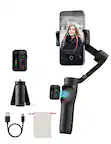
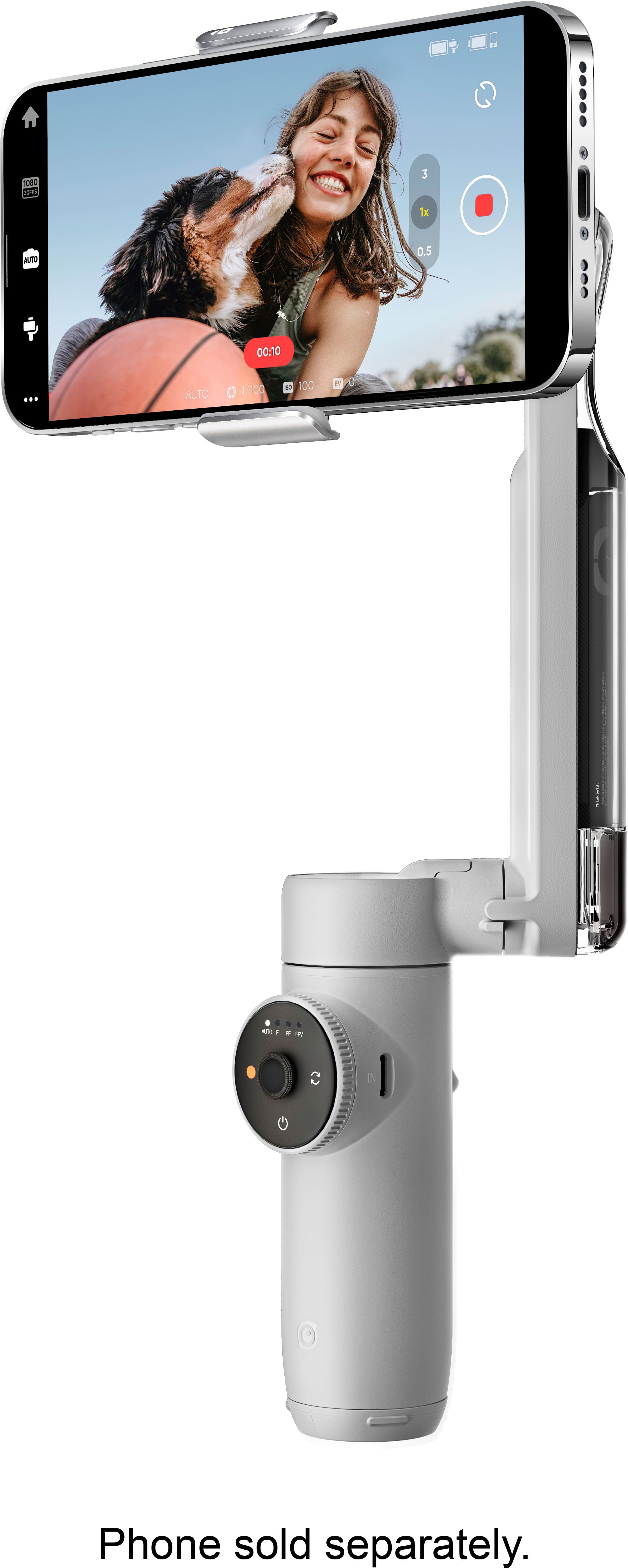
  • QuestionCan this gimbal be used with smartphones?

    • Answer Yes, this gimbal is compatible with smartphones.
    This question and answer was generated by AI based on customer and product data.
  • QuestionCan I start filming quickly with this device?

    • Answer Yes, you can start filming in seconds with this device.
    This question and answer was generated by AI based on customer and product data.
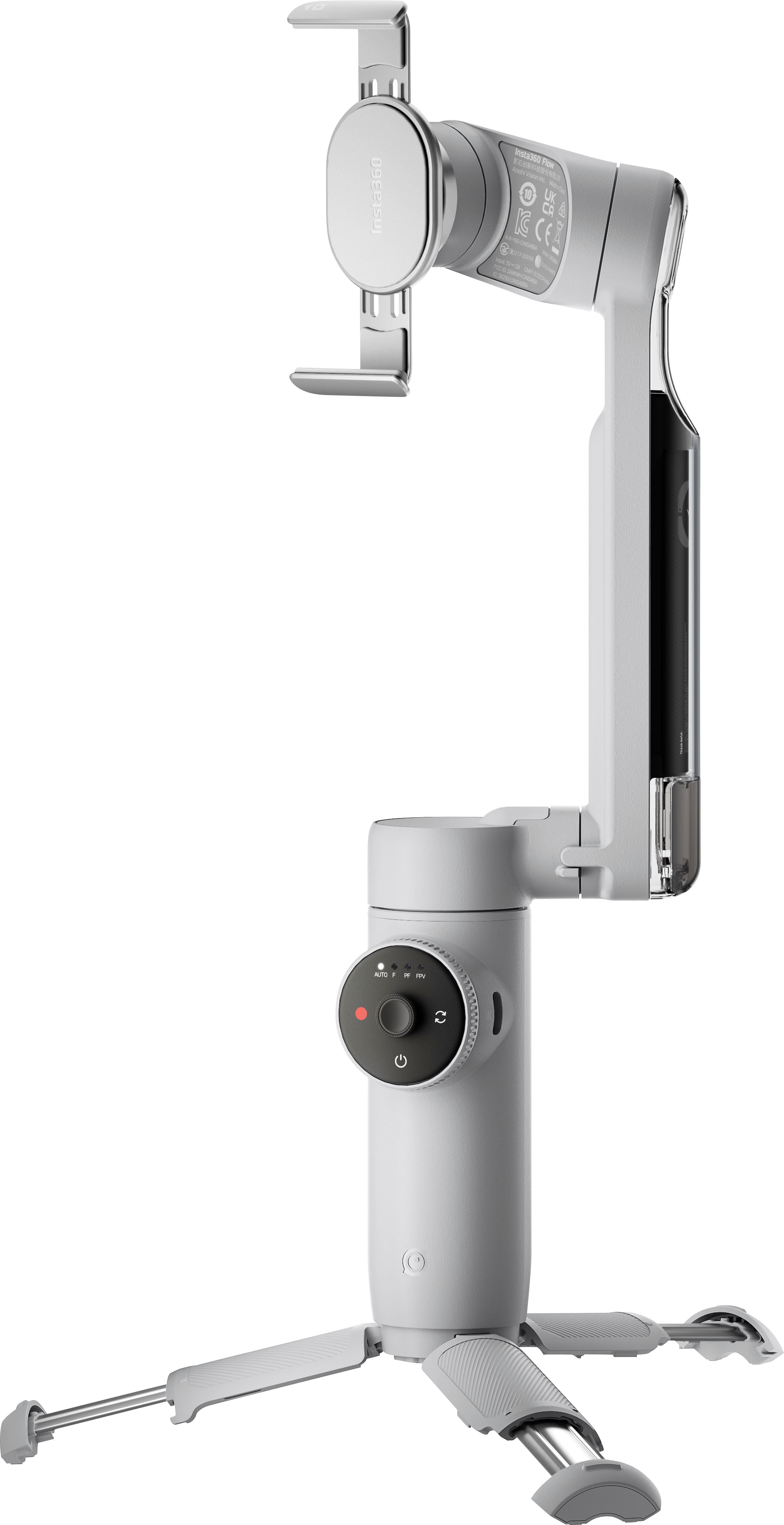
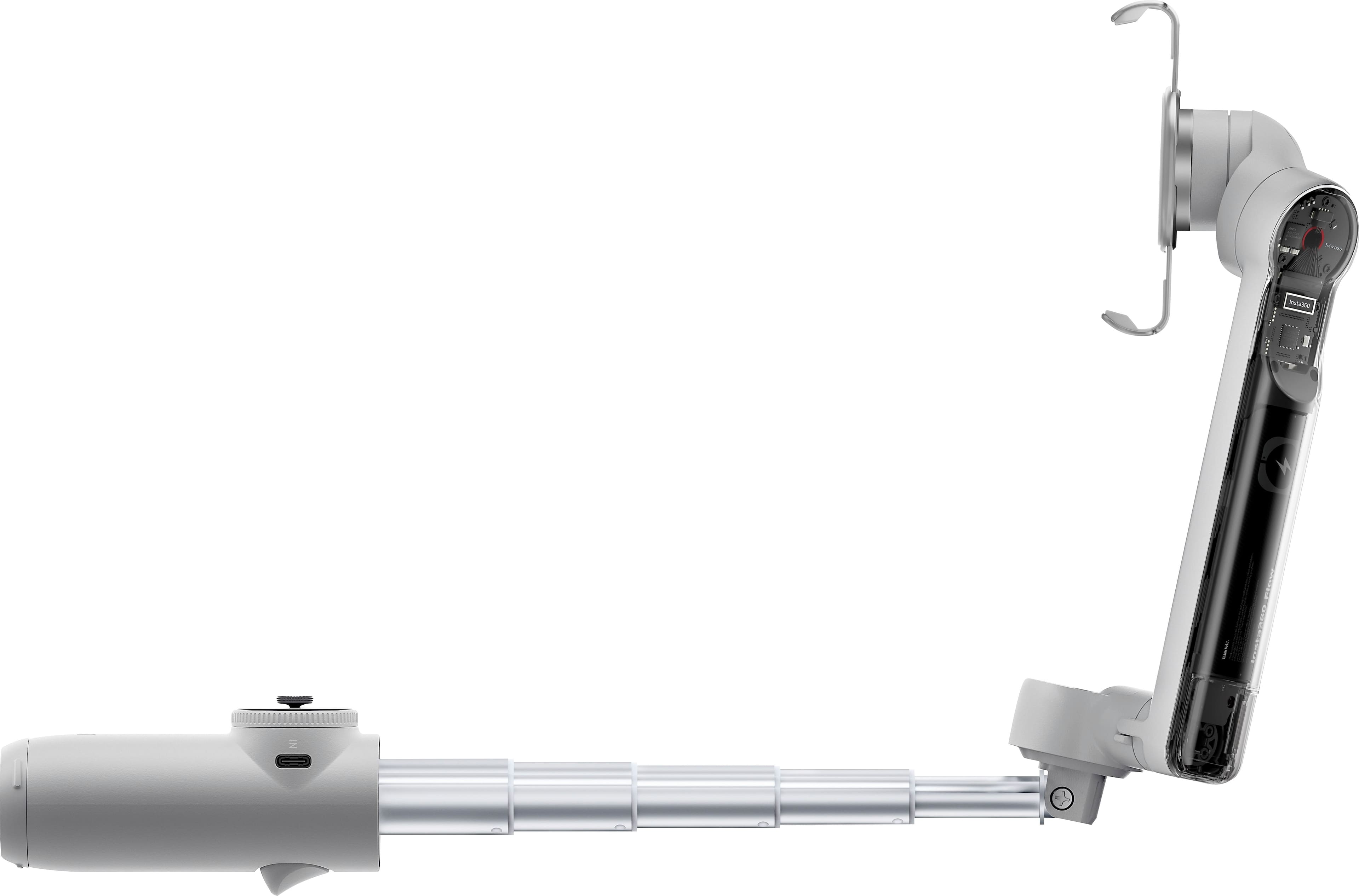
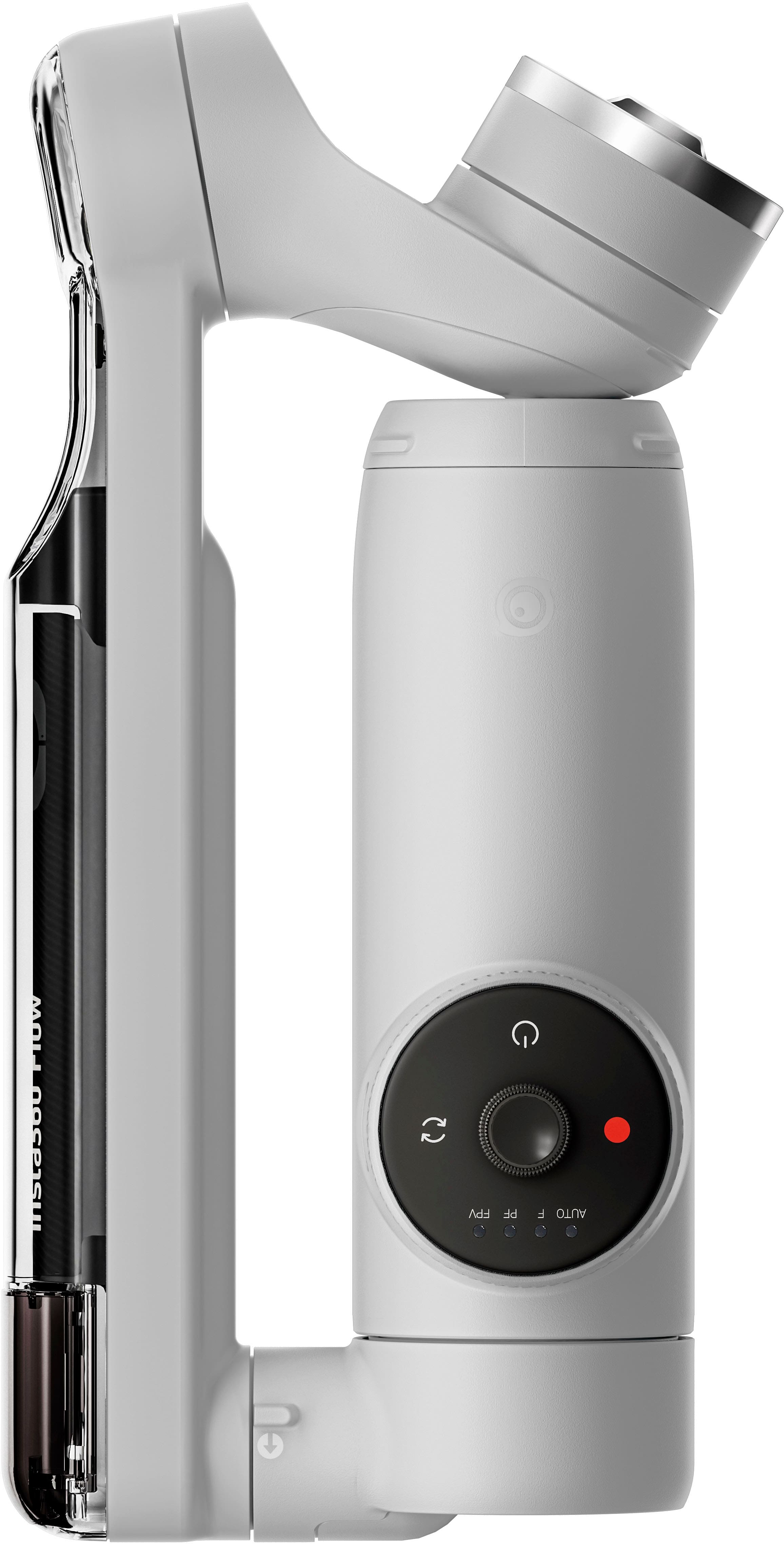
  • QuestionDoes this stabilizer have a foldable design?

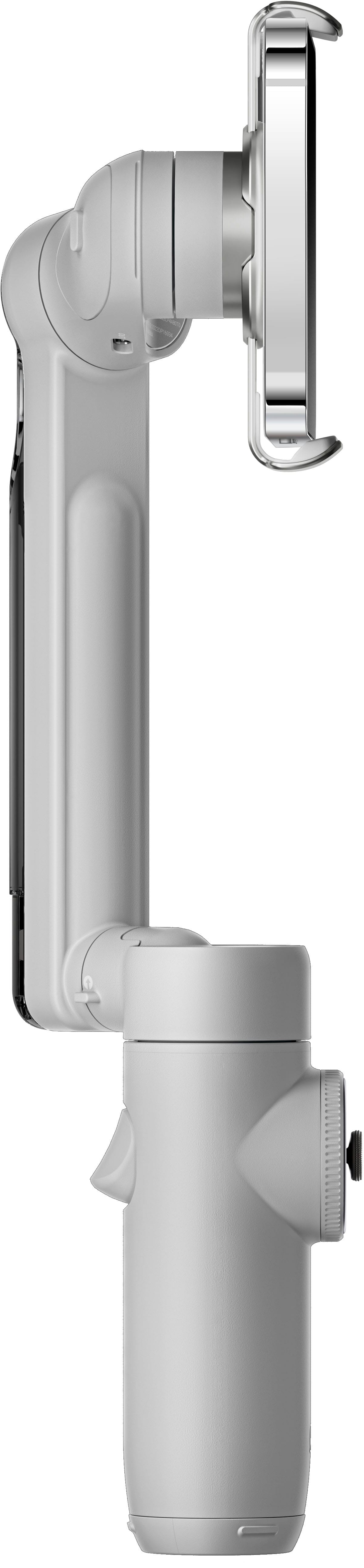
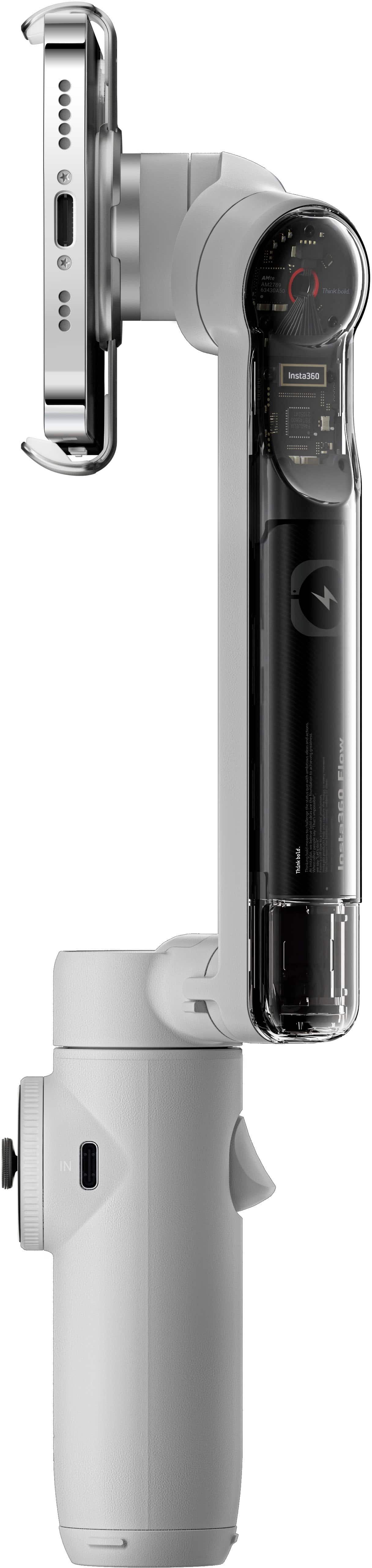
    • Answer Yes, this stabilizer has a foldable design for portability.
    This question and answer was generated by AI based on customer and product data.
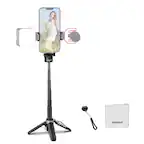
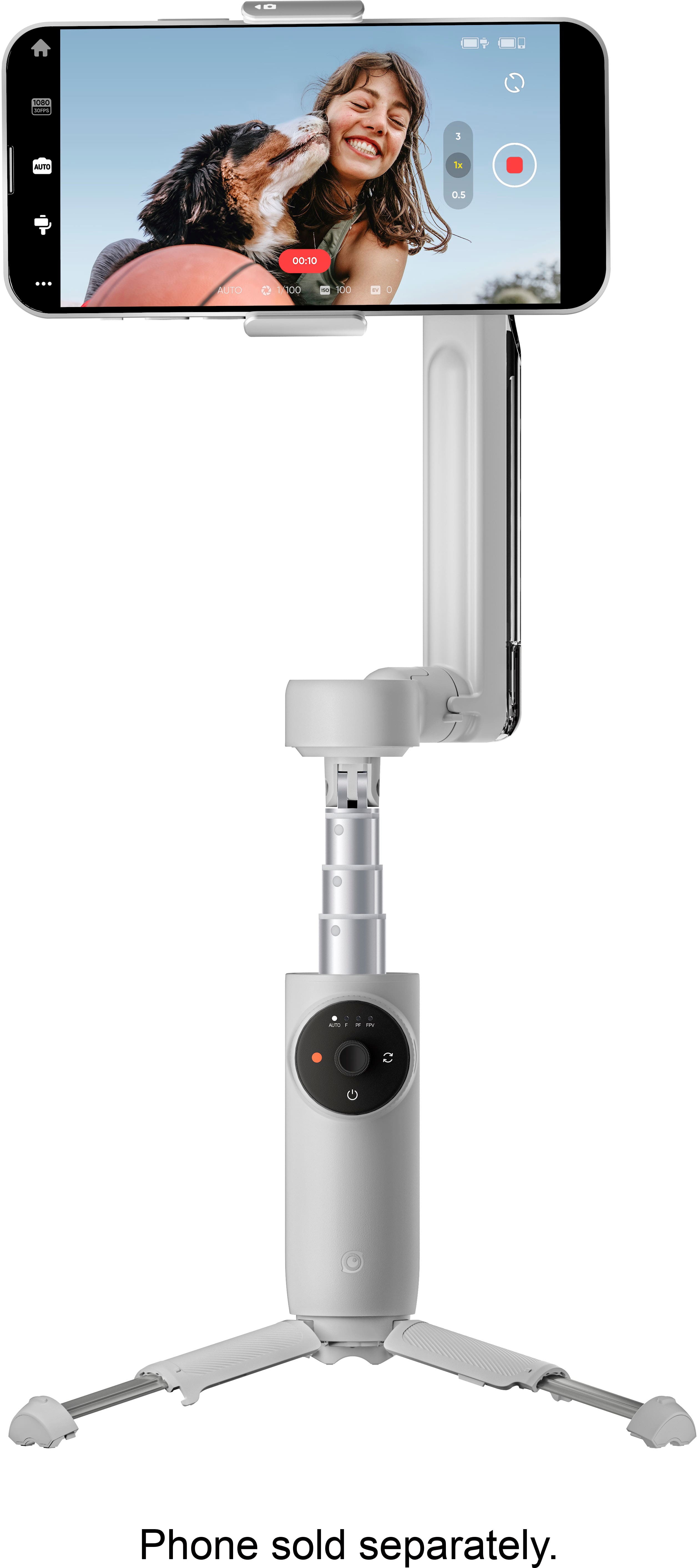
  • QuestionDoes this device have a built-in tripod?

    • Answer Yes, this device has a built-in tripod.
    This question and answer was generated by AI based on customer and product data.
  • QuestionWhat kind of stabilization does this gimbal offer?

    • Answer This gimbal offers 3-axis stabilization.
    This question and answer was generated by AI based on customer and product data.
  • QuestionCan this gimbal be folded for easy storage?

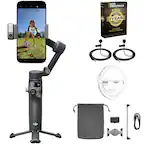
    • Answer Yes, this gimbal has a foldable design.
    This question and answer was generated by AI based on customer and product data.
  • QuestionDoes this device have auto tracking features?

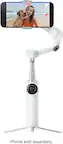
    • Answer Yes, this device has body auto tracking features.
    This question and answer was generated by AI based on customer and product data.
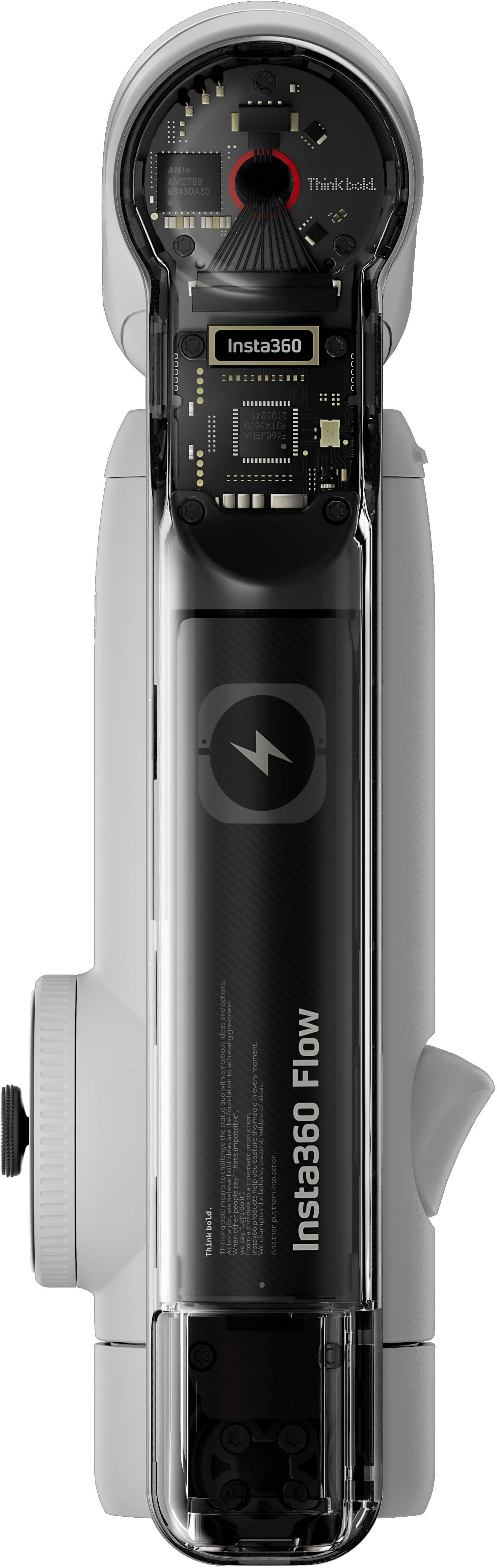
  • QuestionDoes this stabilizer have a rechargeable battery?

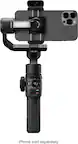
    • Answer Yes, this stabilizer has a rechargeable battery.
    This question and answer was generated by AI based on customer and product data.
  • QuestionWhat is the battery capacity of this smartphone gimbal?

    • Answer The battery capacity is 2900 milliampere hours.
    This question and answer was generated by AI based on customer and product data.
  • QuestionWhat is the battery capacity of this device?

    • Answer The battery capacity is 2900 milliampere hours.
    This question and answer was generated by AI based on customer and product data.
  • QuestionWhat kind of stabilization does this stabilizer provide?

    • Answer This stabilizer provides 3-axis stabilization for smooth footage.
    This question and answer was generated by AI based on customer and product data.
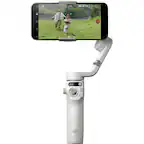
  • QuestionHow quickly can I start filming with this device?

    • Answer You can start filming in seconds with this device.
    This question and answer was generated by AI based on customer and product data.
  • QuestionHow long does the battery last on this stabilizer?

    • Answer The battery lasts up to 12 hours.
    This question and answer was generated by AI based on customer and product data.
  • QuestionHow long does the battery last on this device?

    • Answer The battery lasts up to 12 hours on this device.
    This question and answer was generated by AI based on customer and product data.
  • QuestionDoes it work with the iPhone 14 pro max?

    Asked by camera.

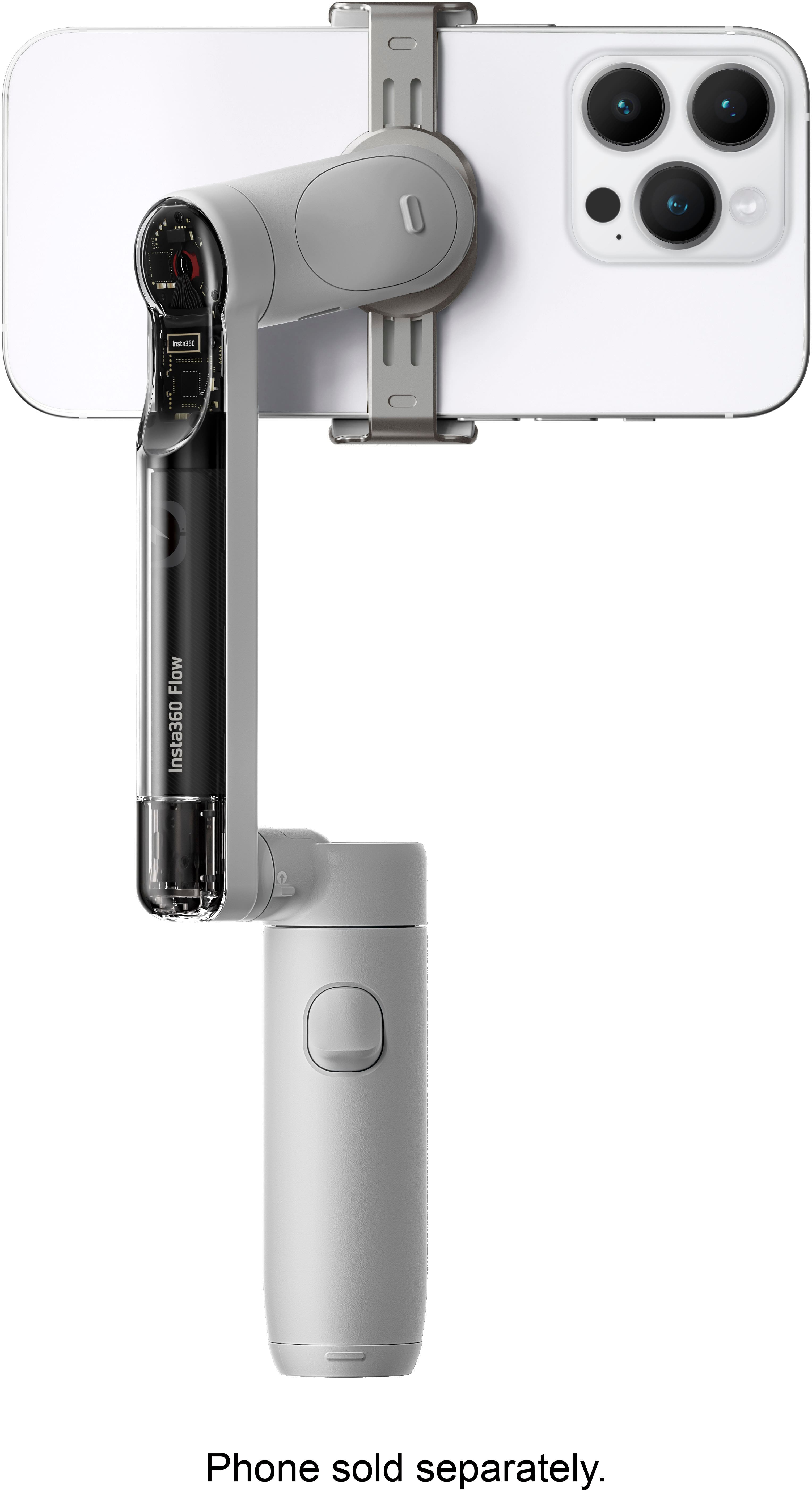
    • Answer Yes, it works great, just make sure you balance it. The iPhone 14 Pro Max can be seamlessly paired with the Insta360 for stable shots. The phone's design, however, requires some attention to detail when balancing it in landscape mode. Given the camera module's extra weight on the iPhone 14 Pro Max, the device is slightly top-heavy on one side. While intuition might lead you to center the clip in the middle of the phone, you'll want to account for this additional weight. To achieve optimal balance, position the clip slightly towards the camera lenses. Here's a step-by-step guide for manual balancing: 1. With the gimbal powered off, attach your magnetic clip to the iPhone 14 Pro Max. 2. Extend the gimbal's built-in legs and place it securely on a flat surface. 3. Connect the clip, with the phone attached, to the gimbal. 4. Make fine-tune adjustments to the clip's position on the phone until you achieve a perfect balance. This finetune balancing process should take less the 60 seconds. Although the Insta360 Flow gimbal, with its robust design, can likely manage without being flawlessly balanced, for optimum performance and to prolong both the battery and the gimbal's lifespan, it's recommended to always aim for a precise balance. Remember, taking a little extra time to set up can significantly elevate your filming experience.

      Answered by JamesH

  • QuestionIs this the Insta360 Flow Pro?

    Asked by Bryan.

    • Answer No it’s not. I’ve been waiting to see the Pro show up on Best Buy’s website.

      Answered by ErikN

  • QuestionWill the Insta360 Flow work perfectly (recording videos) without the using app?

    Asked by Purchaser.

    • Answer 85% of the functionality comes from the app. Calibration for a level horizon is a critical part of the app. You could do the basic setup using the app and switch to a different app to actually shoot.

      Answered by Tallman610

  • Questiondoes it follow you in tripod mode if i move

    Asked by Mrazy1.

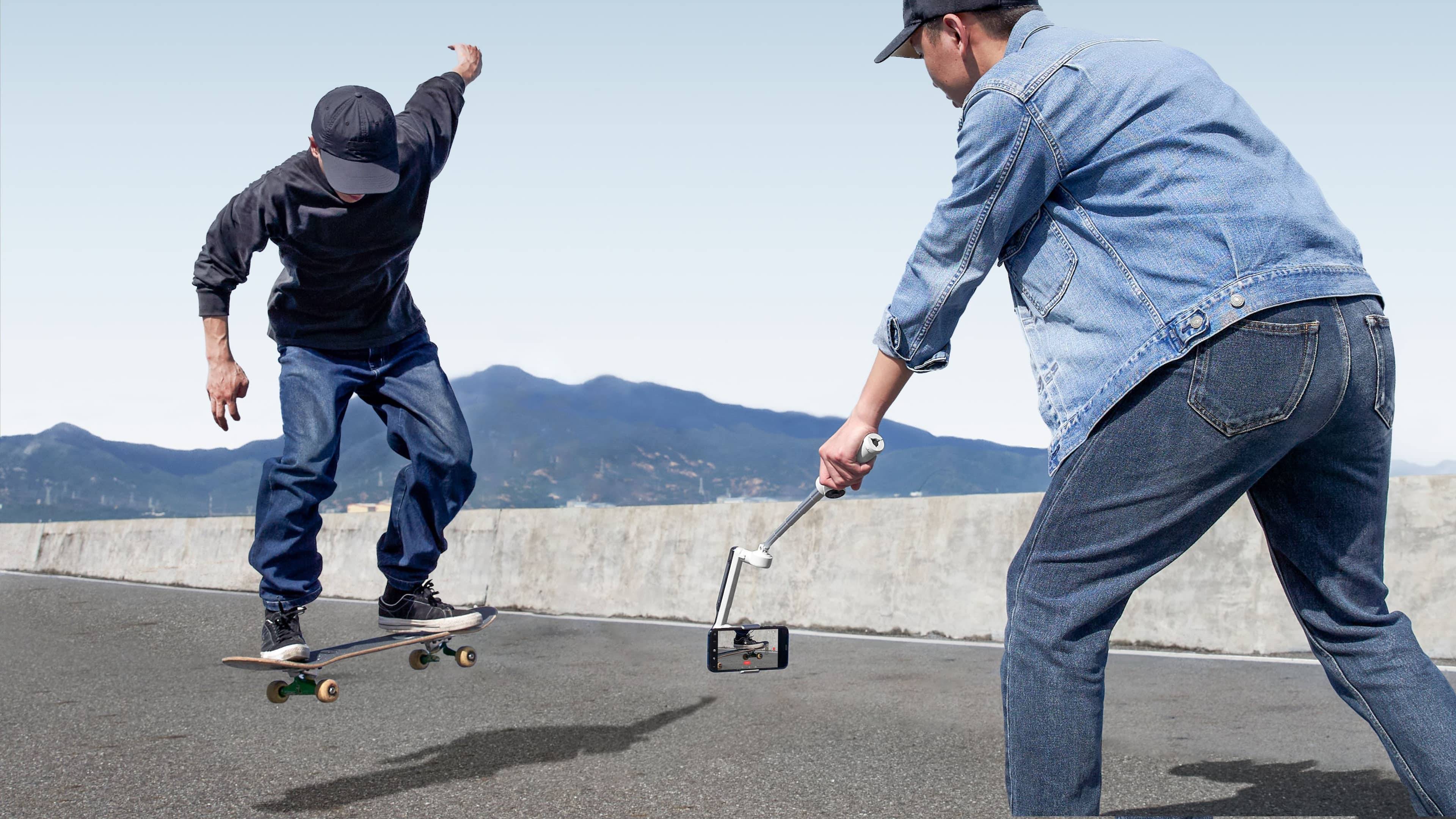
    • Answer Yes. You can even use the selfie (front) camera to lock the subject (you) and have the phone flip to shoot with the better back camera to get higher quality footage.

      Answered by Tallman610

  • QuestionWould this be a good camera to track a basketball during a game?

    Asked by AshP.

    • Answer Yes, there is a hoop mode on the device, that works with half court, and a action mode, where it turns toward action.

      Answered by Anonymous

  • QuestionCan I use it with Google Pixel 7?

    Asked by LaLa.

    • Answer Yes, of course, however apple has a partnership with the insta360 flow, and you can connect it without the app, with the pixel 7, you need the insta360 app.

      Answered by luke