A:AnswerI'm sorry to hear that! I recommend contacting our support department at the link below to get service for this.
https://www.ionaudio.com/support
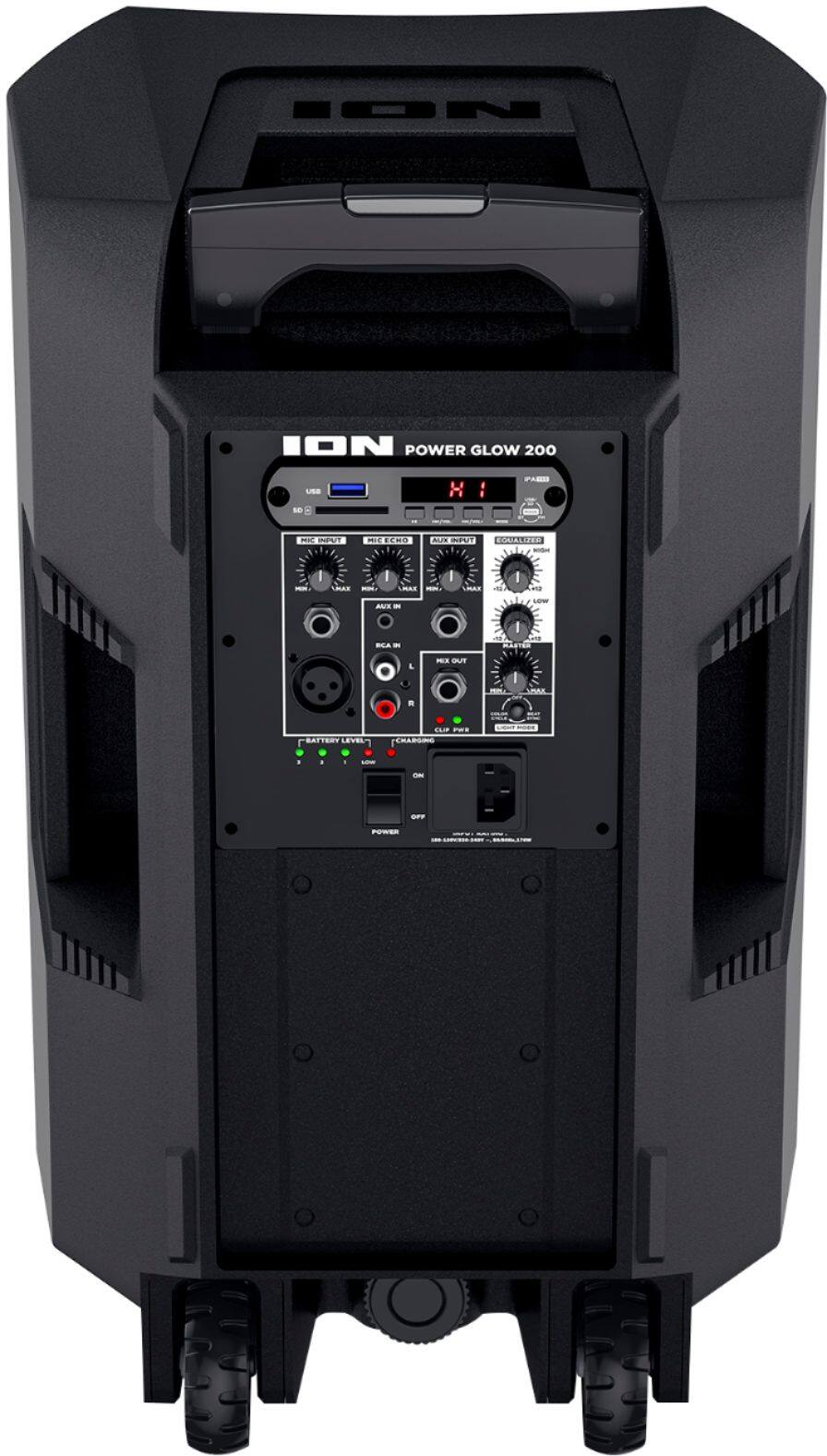
A:AnswerThis is a big device. If you have the correct power output, you can charge it in your car. I would not recommend that because it would take a long time. It takes about 12 hours in the wall to get a full charge.
A:AnswerI’m sure you can hook up with a cable, but if you have a smart tv you can stream the sound to the speaker via Bluetooth. This is definitely a great speaker
A:AnswerI don't think so. While you can connect you phone to the Bluetooth it only serves as a mic during calls. You would more than likely have to get a wireless mic headset that has a little transmitter that plugs into the mic jack. But if you had an android....just kidding:)
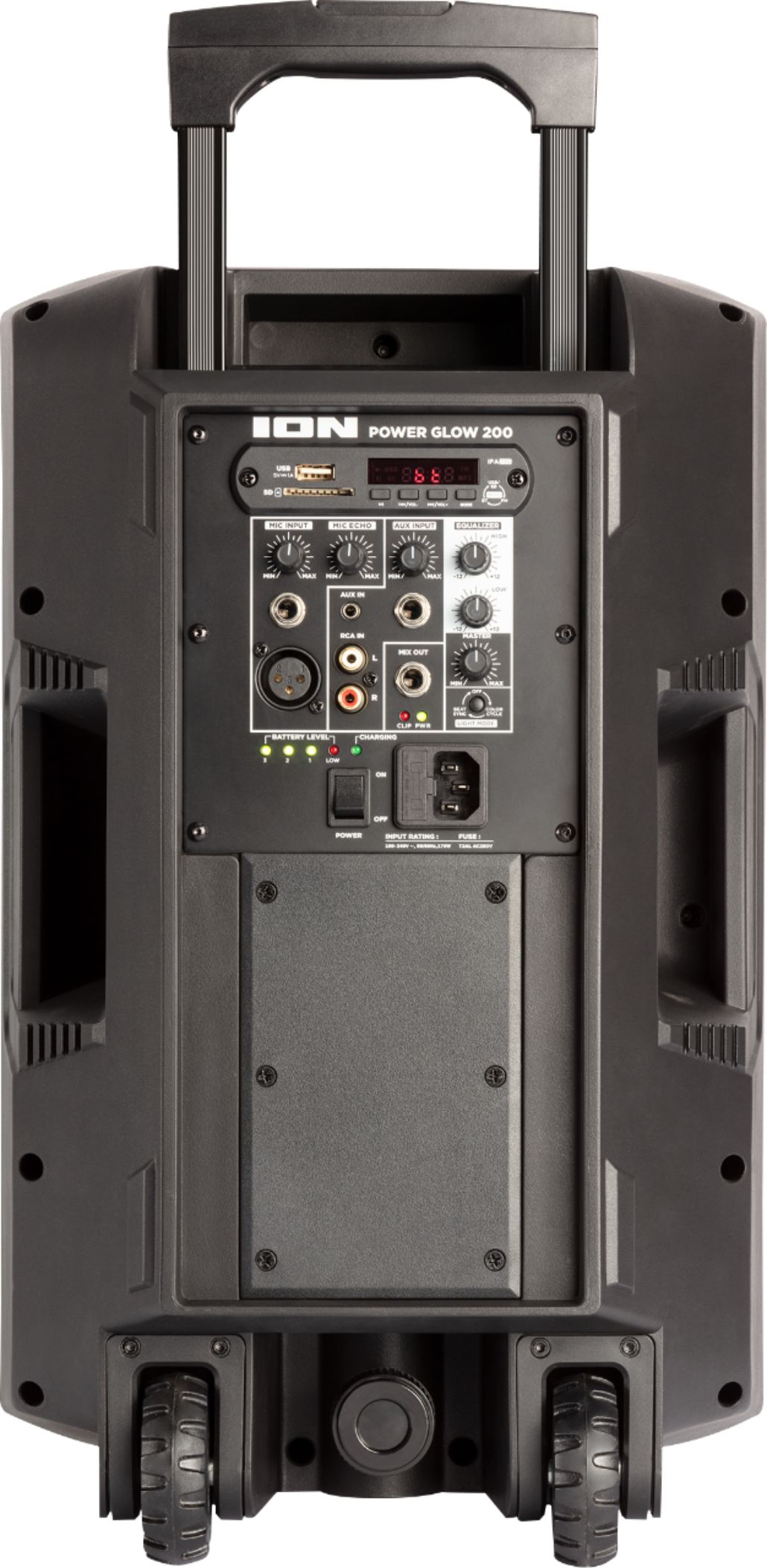
A:AnswerNot unless you have a splitter or a wireless adapter. It has one mic input. I bought a wireless microphone system that has 2 mics and the whole system connects to the one input. It supports other audio outlets as well.
A:AnswerHi! This would depend on what type of audio outputs your TV has. If your TV has an Aux output then you would be able to connect this to the speaker.
A:AnswerHi! It sounds like the battery will need to be replaced. I recommend contacting the Ion Support Team for further assistance:
https://www.ionaudio.com/support