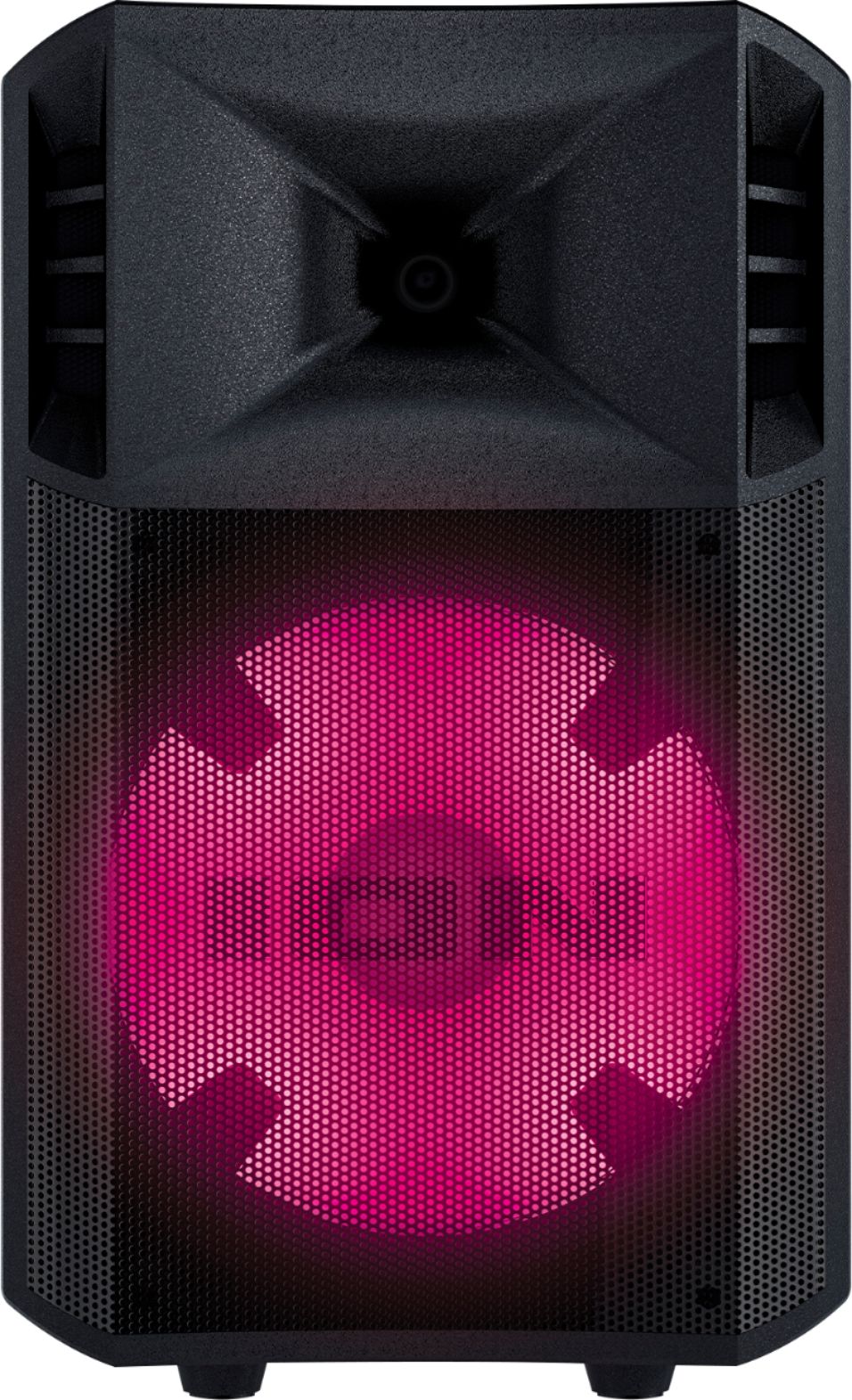
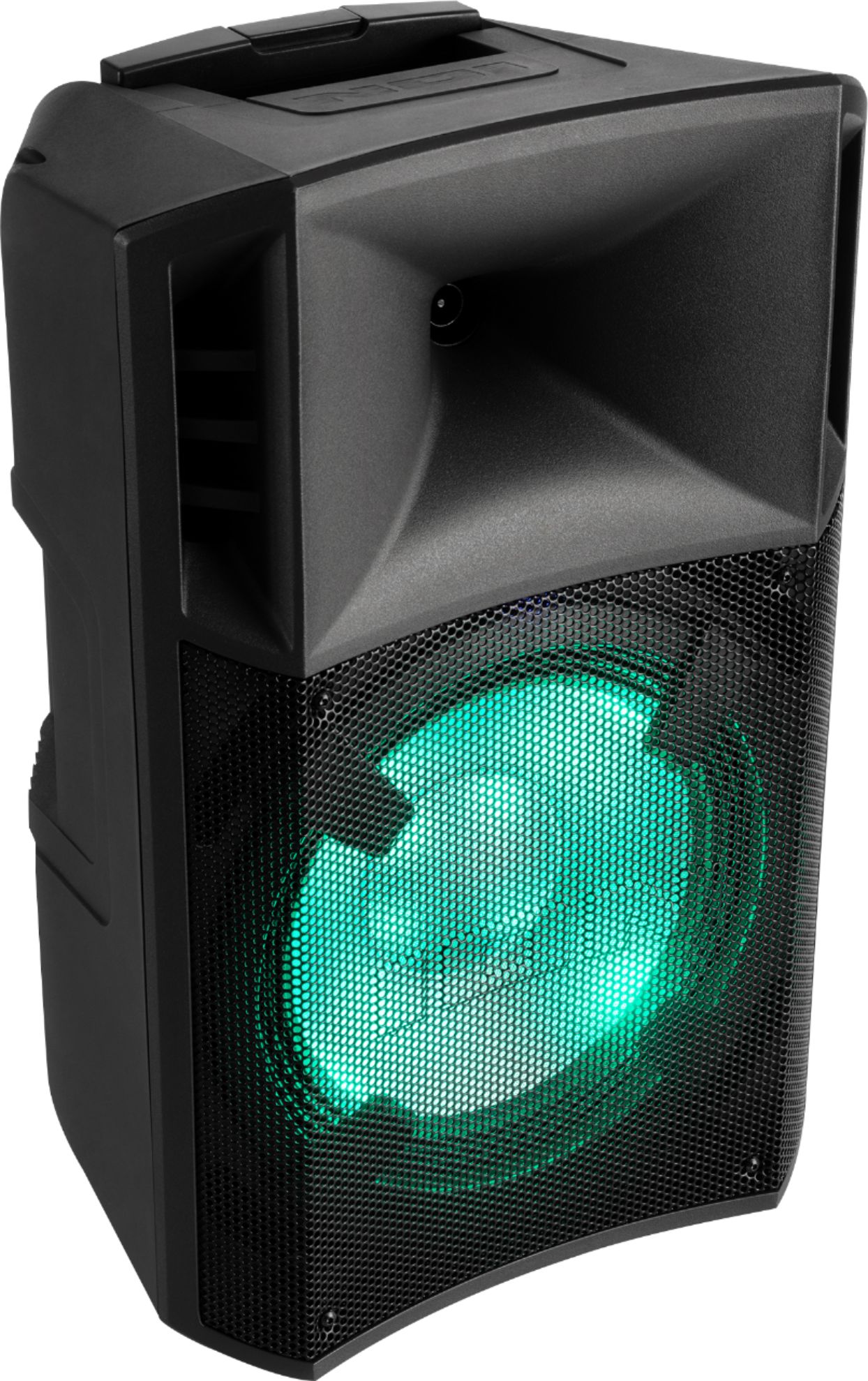
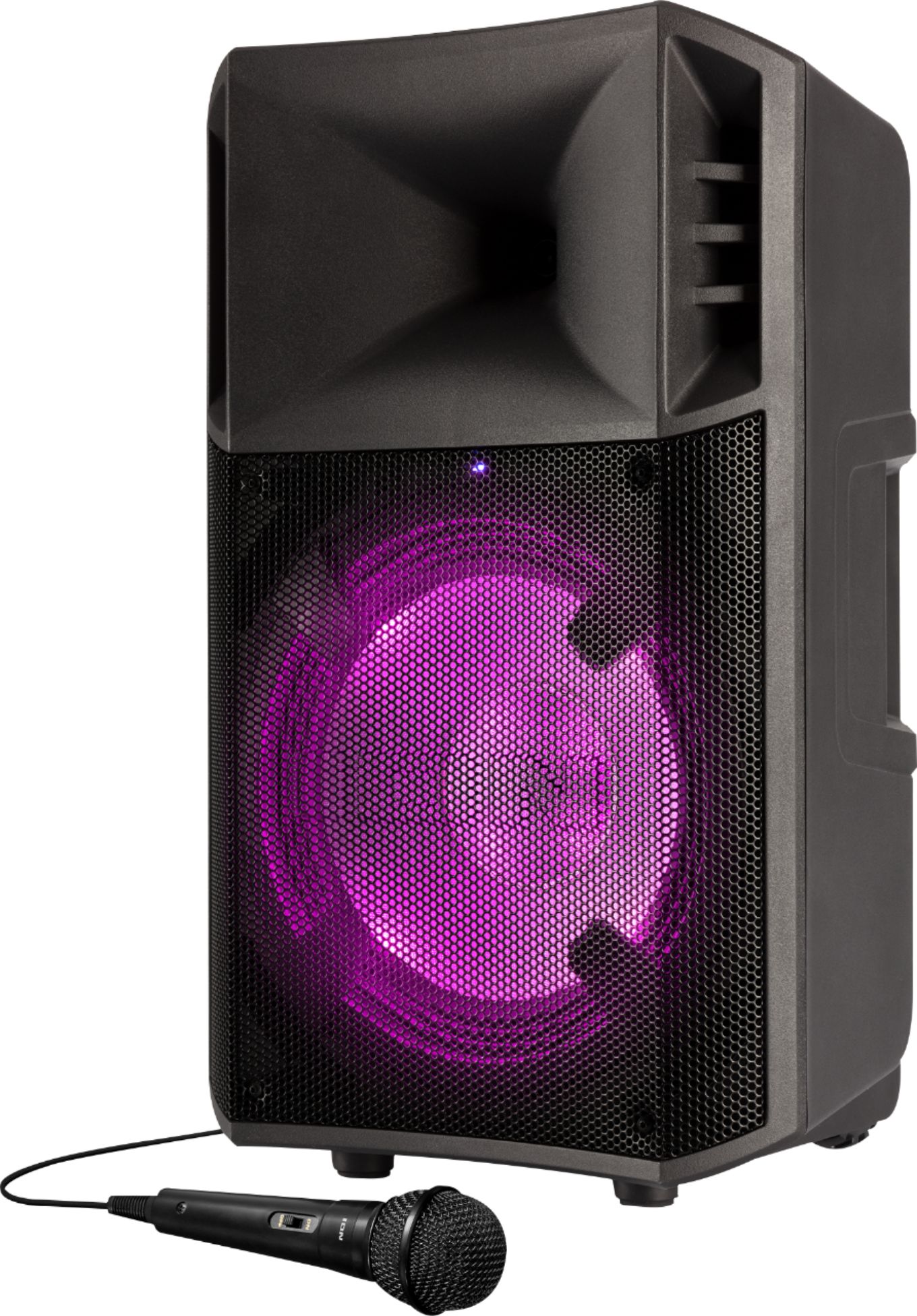
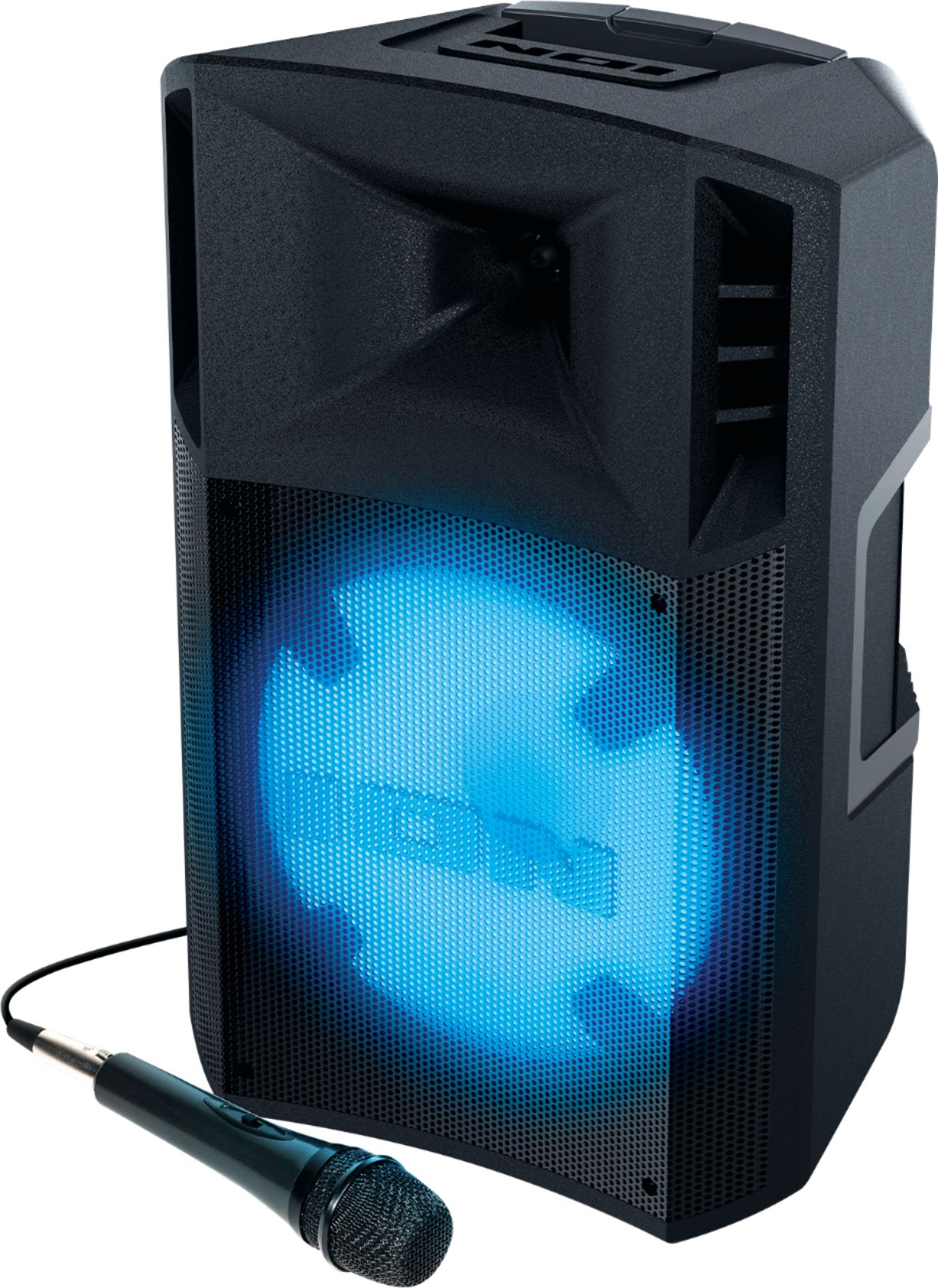
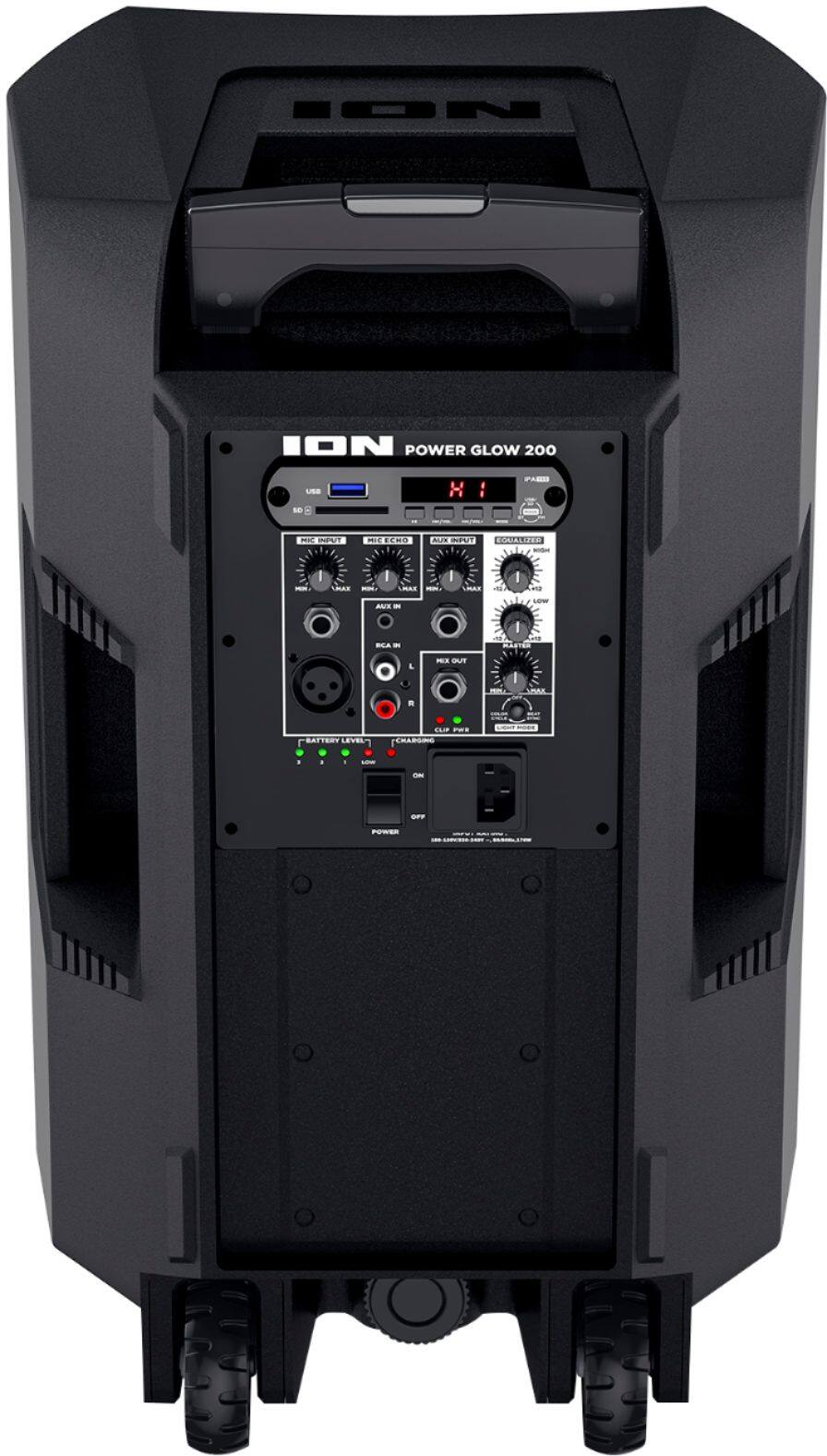
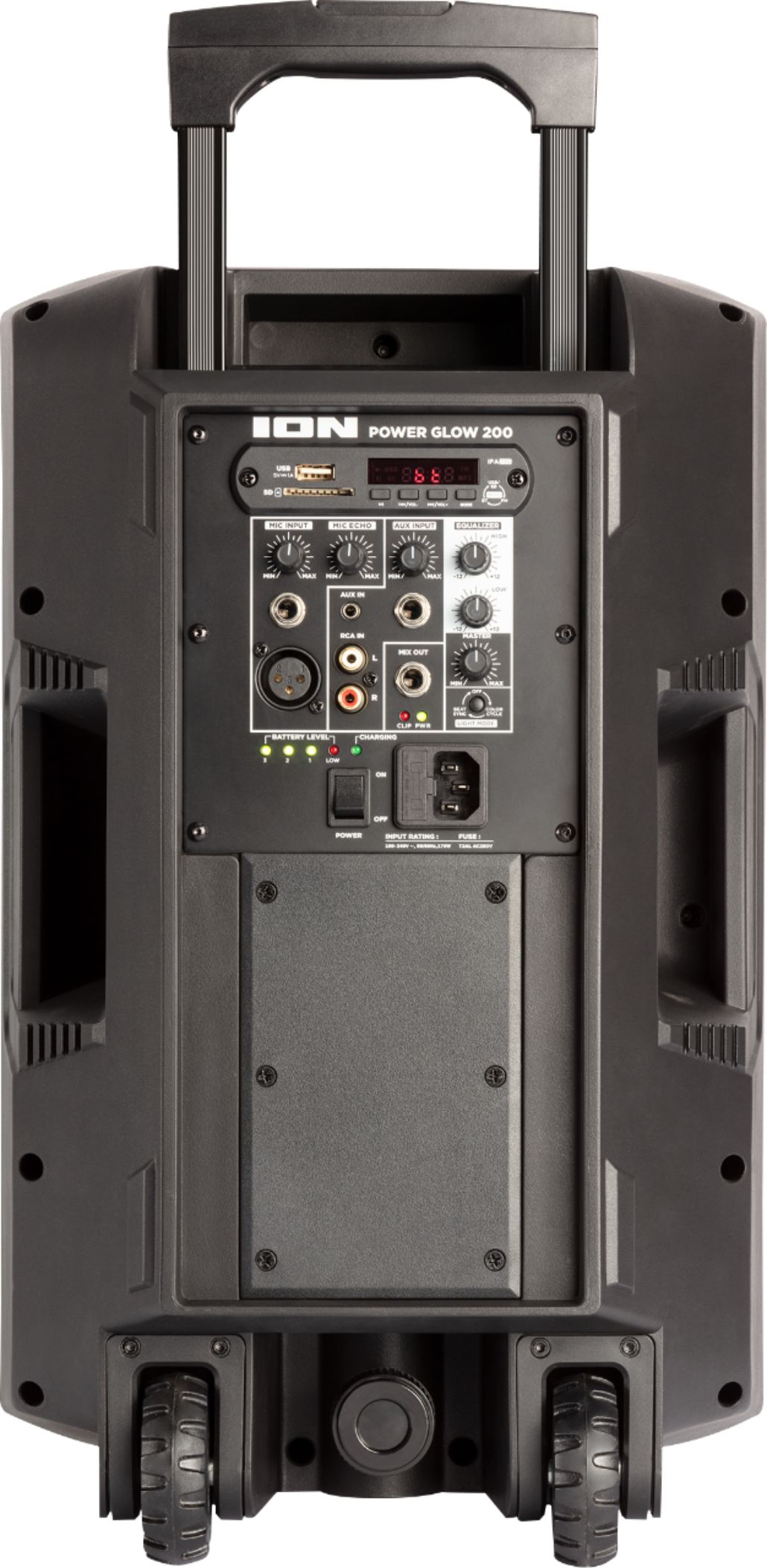
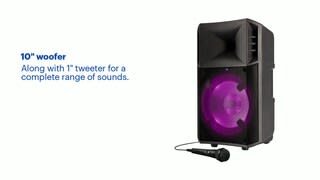
A:AnswerHi! Happy to help! The ION Power Glow 10 features one microphone channel, but does have two different inputs (XLR and 1/4"). Technically two microphones could be connected, however this could damage the product and is not supported.
A:AnswerHi, I'll be glad to assist! on Audio doesn't produce a wireless microphone that is compatible with our products, but there may be third party options that would be compatible. It will likely need to be a transmitter/receiver system that can plug into the 1/4" microphone jack on the Power Glow 200.
A:AnswerHi! Happy to help, Yes, the ION PowerGlow works from a built-in rechargeable battery with up to 12 hours of continuous playback time or AC for complete versatility.
A:AnswerHi! Happy to help! For troubleshooting, please refer to our Bluetooth connection guide at the link here: https://www.ionaudio.com/kb/tips-tricks-pairing-bluetooth-speakers-to-a-phone-tablet-or-other-compatible-device/
A:AnswerHi, I'll be glad to assist! In order to pair two Ion Power Glow 100 speakers, connect a 1/4" cable into the Mix Out on the rear panel of one Power Glow 200 speaker. Plug the other end of the 14" cable into the 1/4" Aux Input on the second Power Glow 200 speaker.