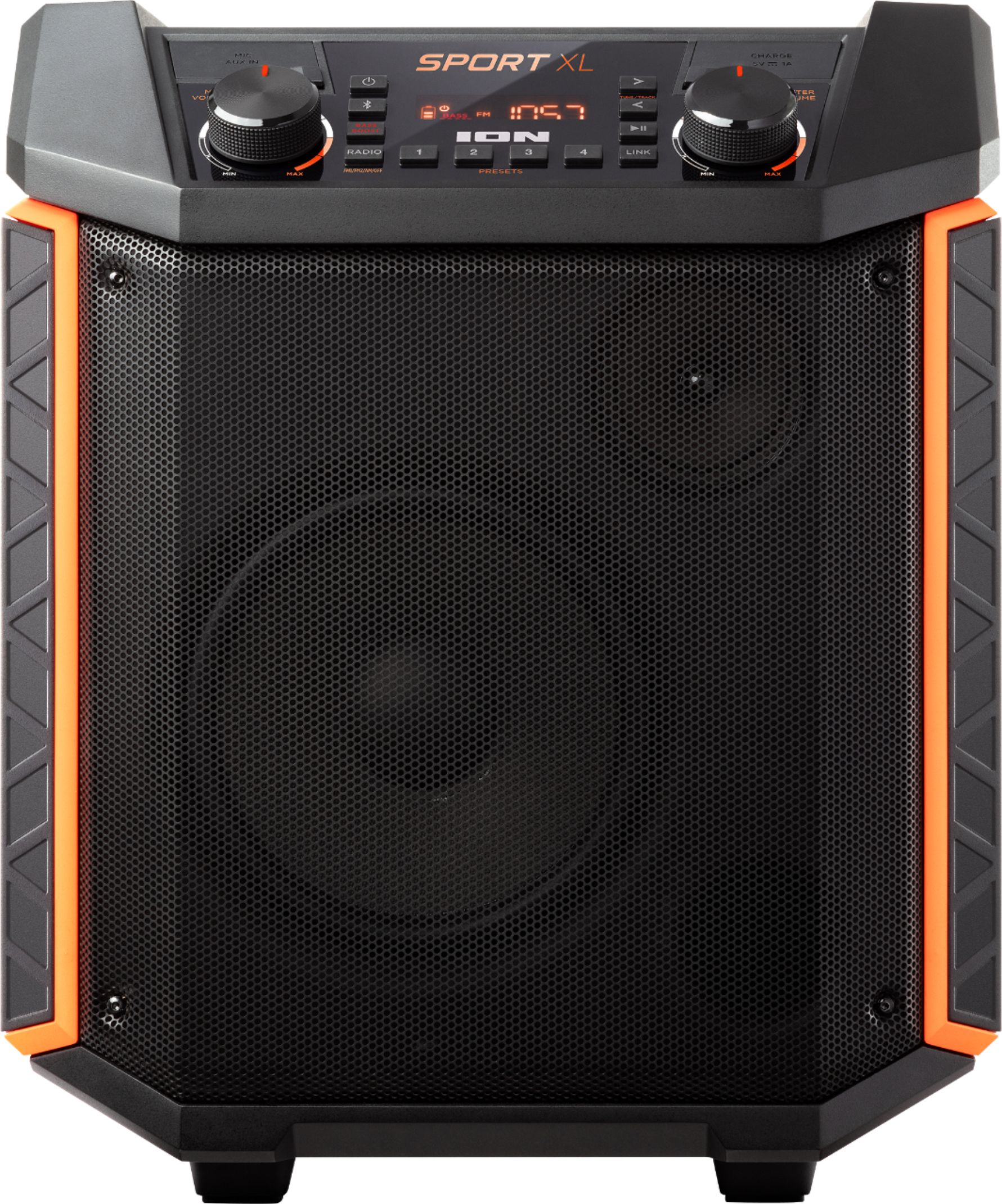
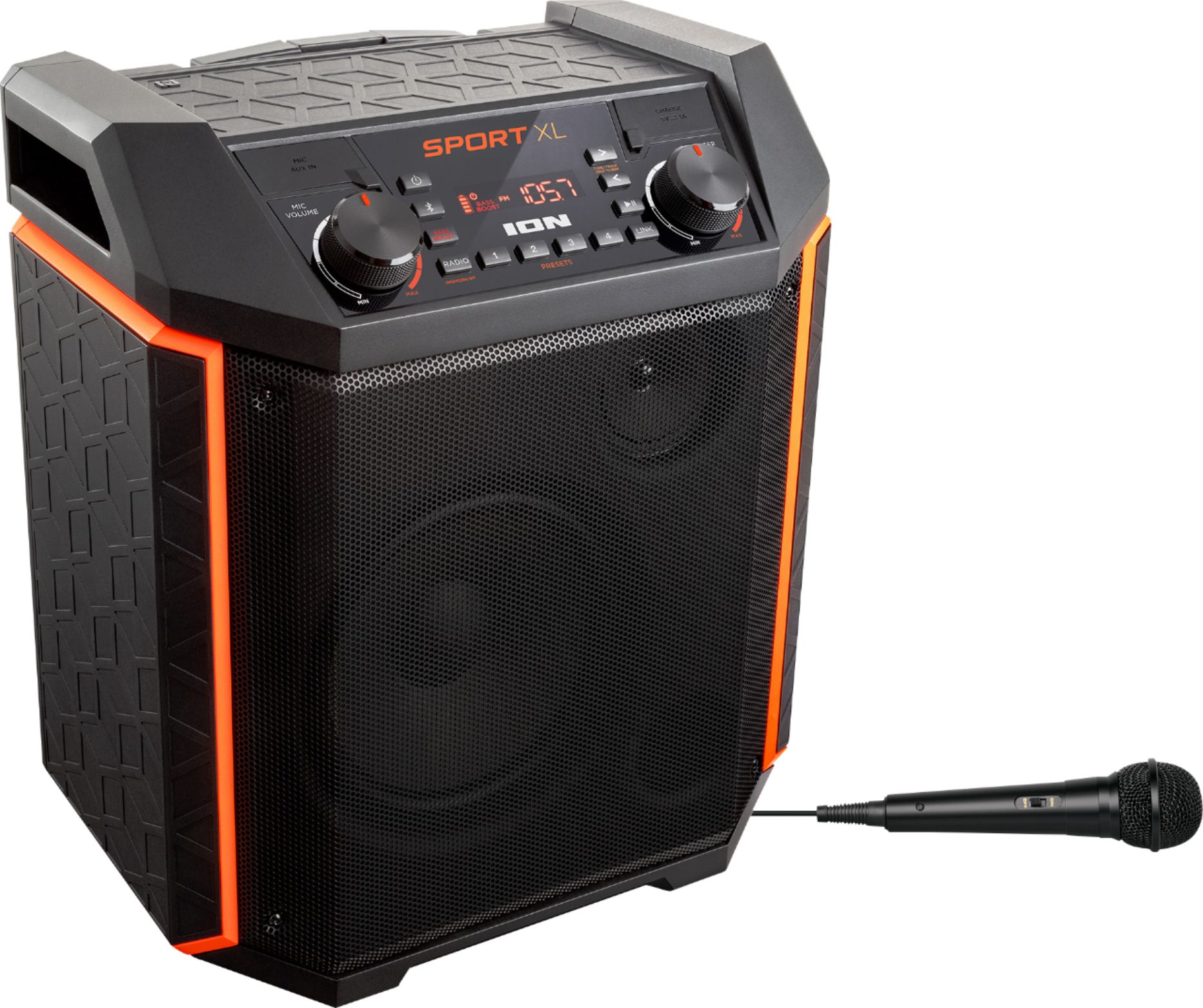
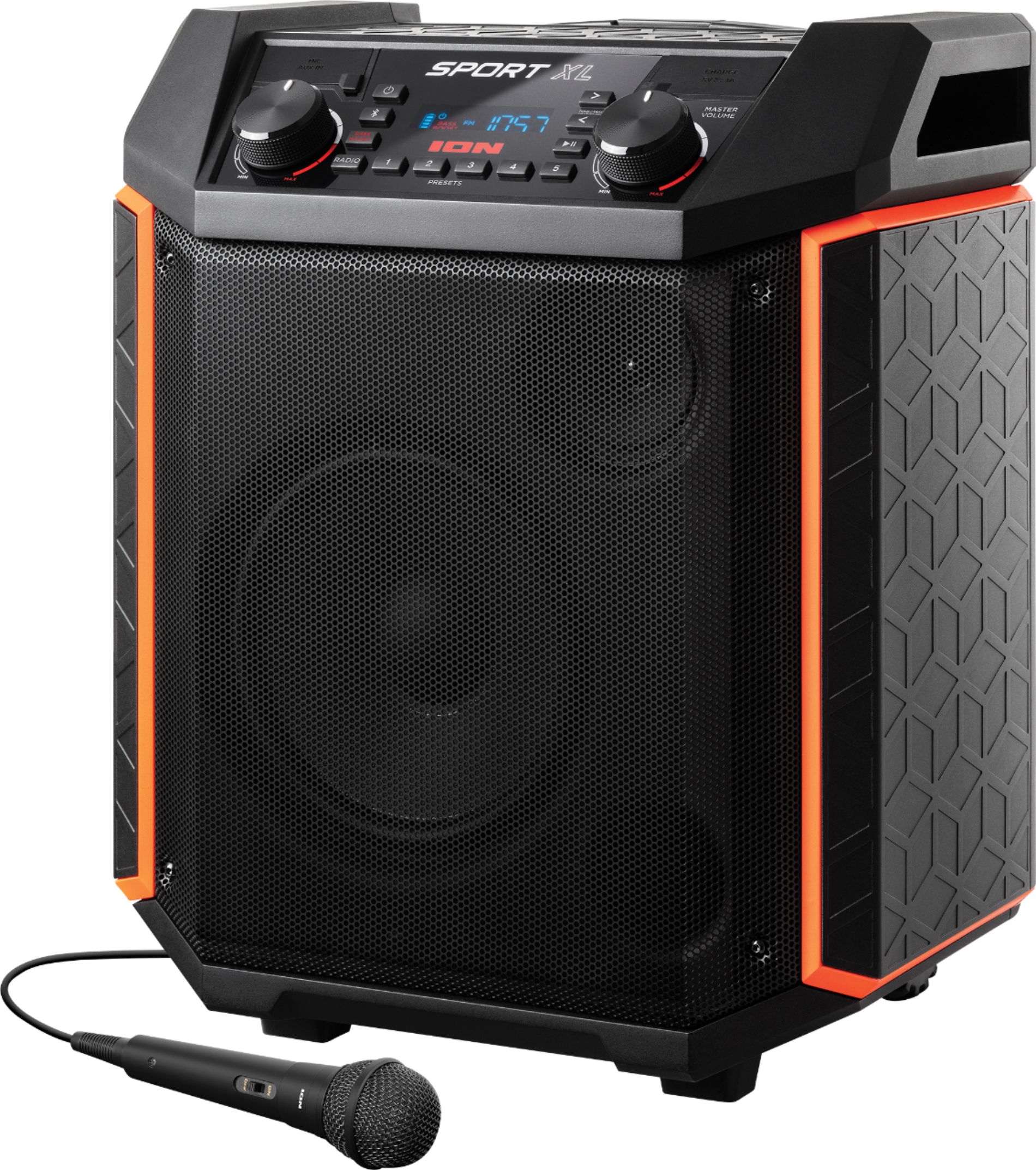
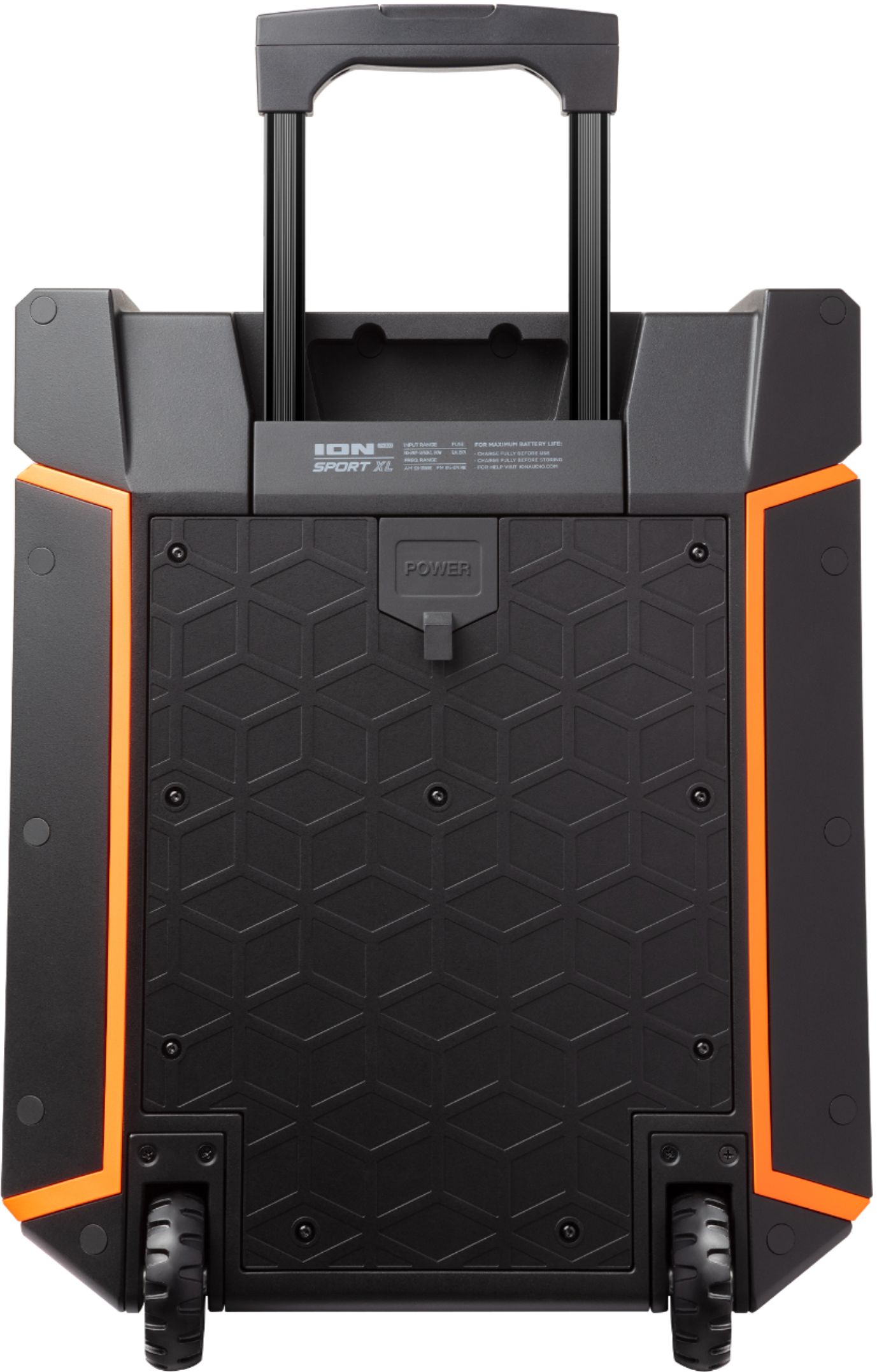
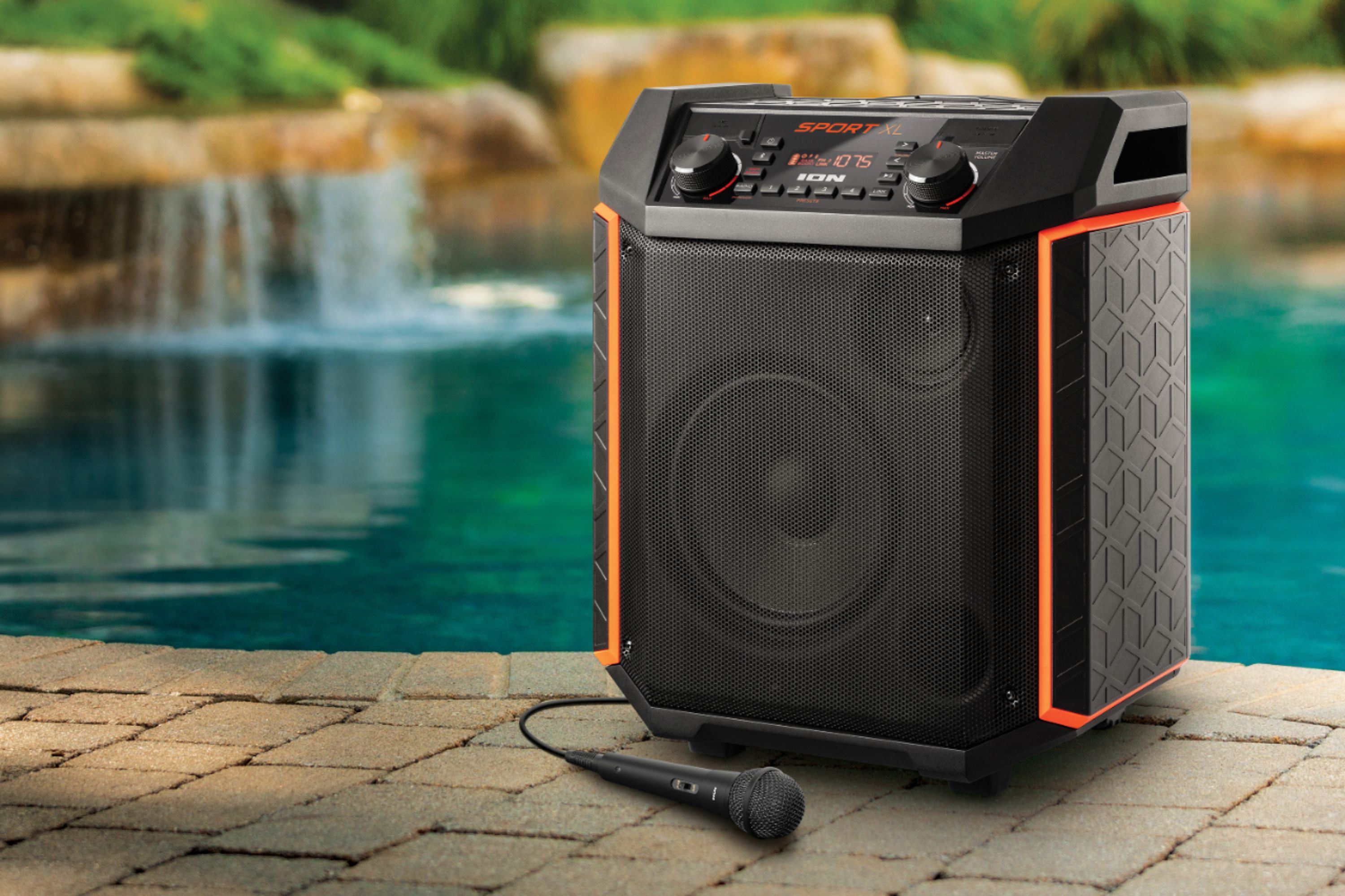
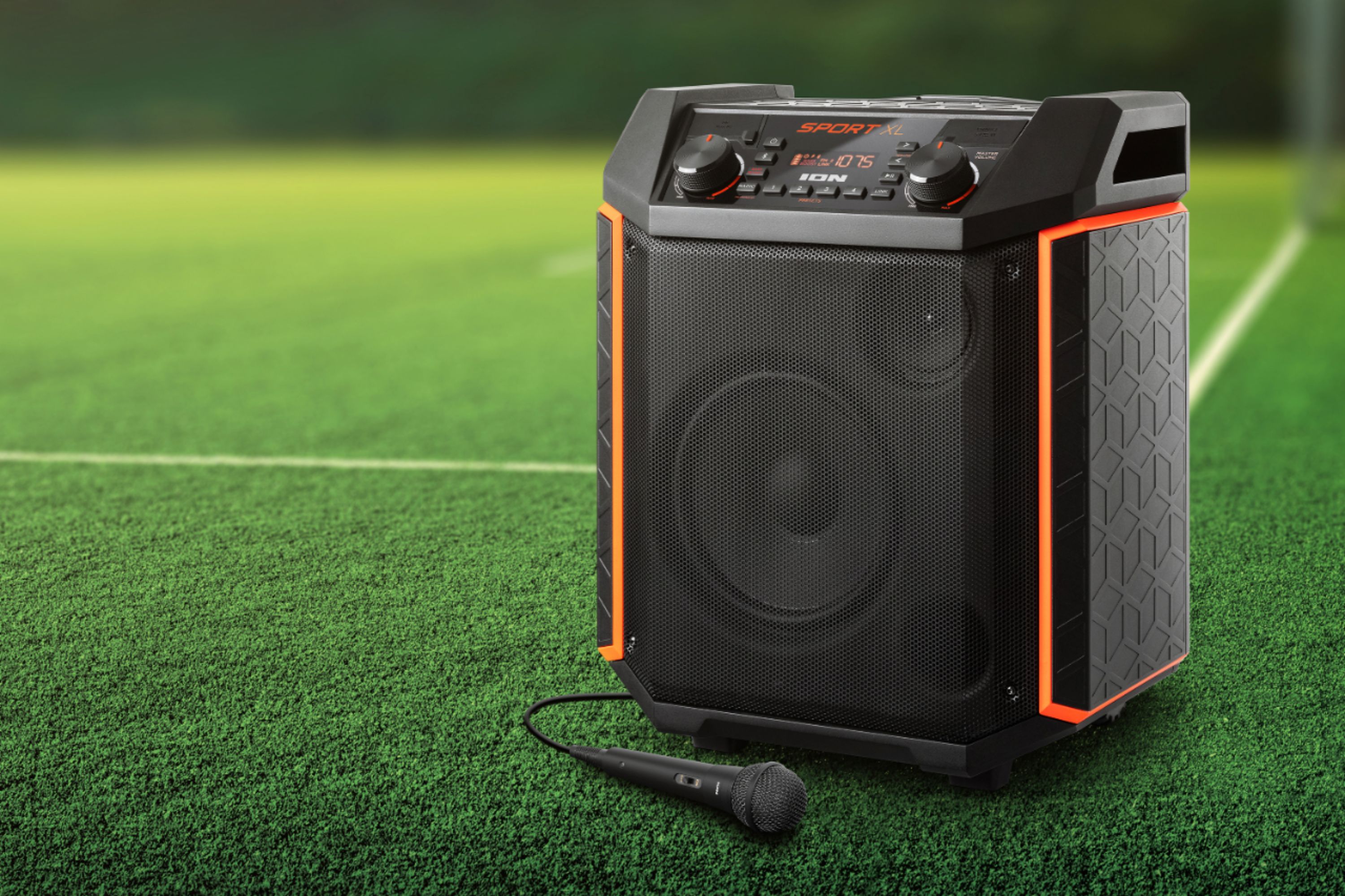
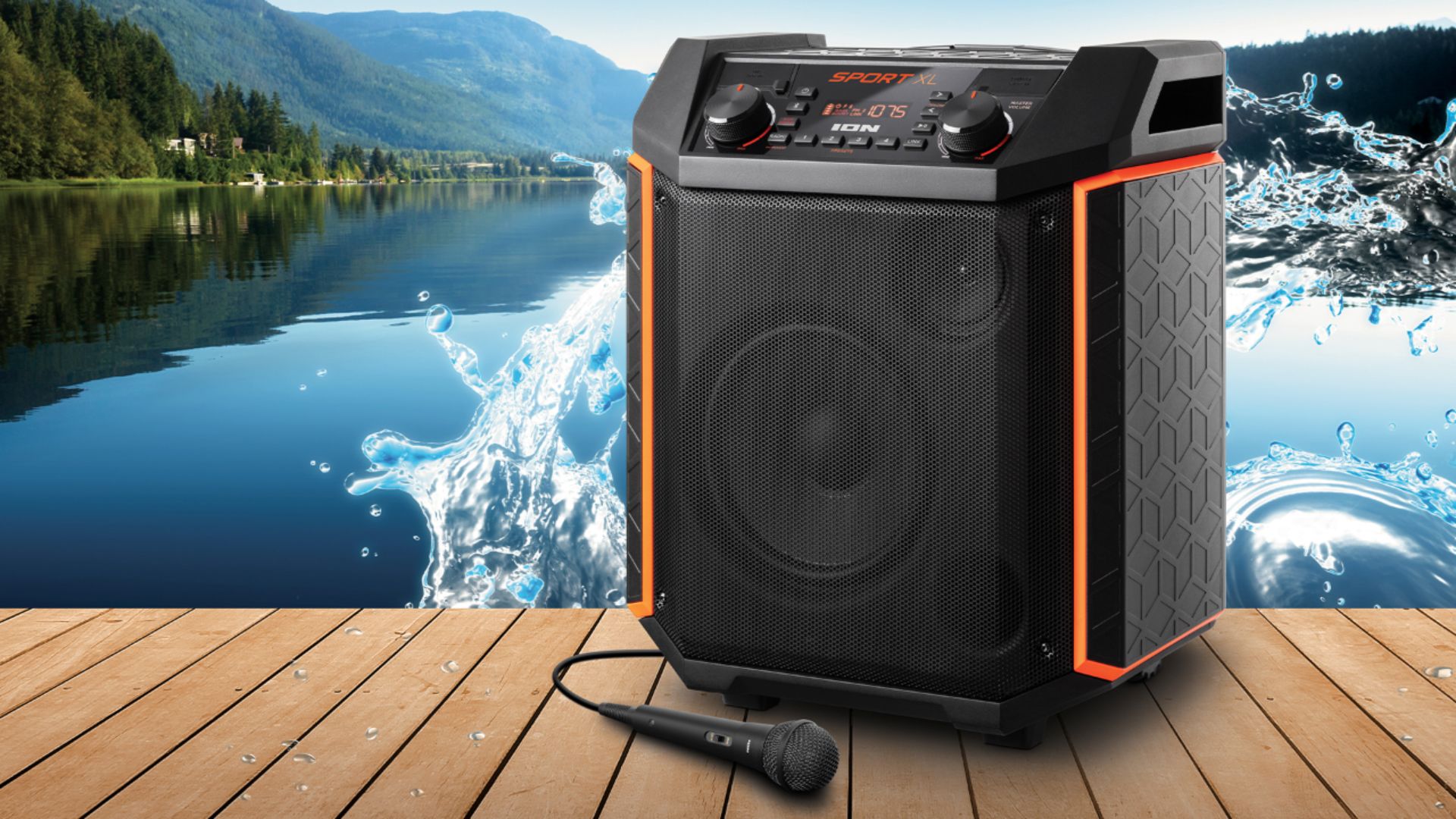
A:AnswerIt has good range, remembering to face the speaker going with the wind will help with that so it can carry the sound a bit further. I have used it and people can hear me well up to about 50 feet. Just really depends. The speaker is more directional than anything, if you are going to have people around you or facing you from two directions you will need more than one. Everyone in front of you is more ideal. Hope this helps.
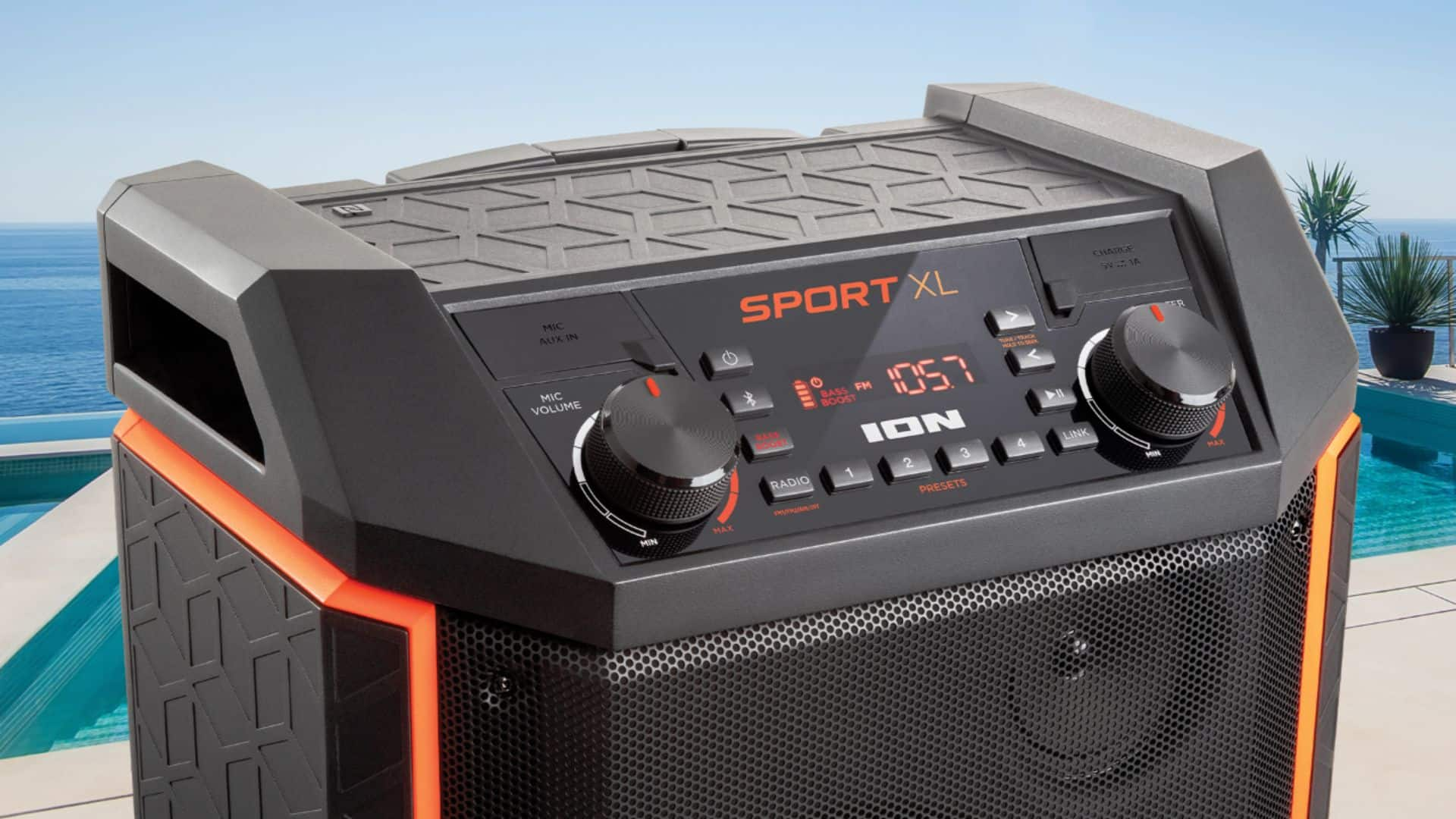
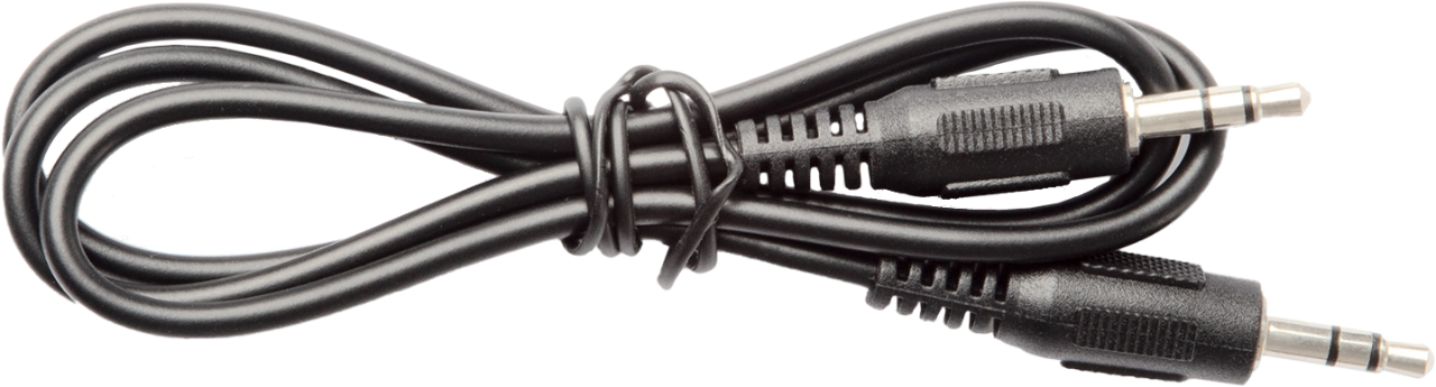
A:AnswerHi, I'll be glad to assist! The Ion Audio Sport XL features an auxiliary input. If the Alesis Surge module has an 1/8" auxiliary output, it can be connected to the Sport XL for playback.
A:AnswerHi, I'll be glad to assist! The Ion Sport XL uses an A2DP Bluetooth profile to connect to devices. Please contact your television manufacturer to see if your television supports this profile and will allow connectivity.
A:AnswerHi, I'll be glad to assist! The Ion Audio Sport XL can be connected to Alexa for audio playback by using the Alexa app. The Sport XL should appear as a connectable device under Bluetooth Devices.
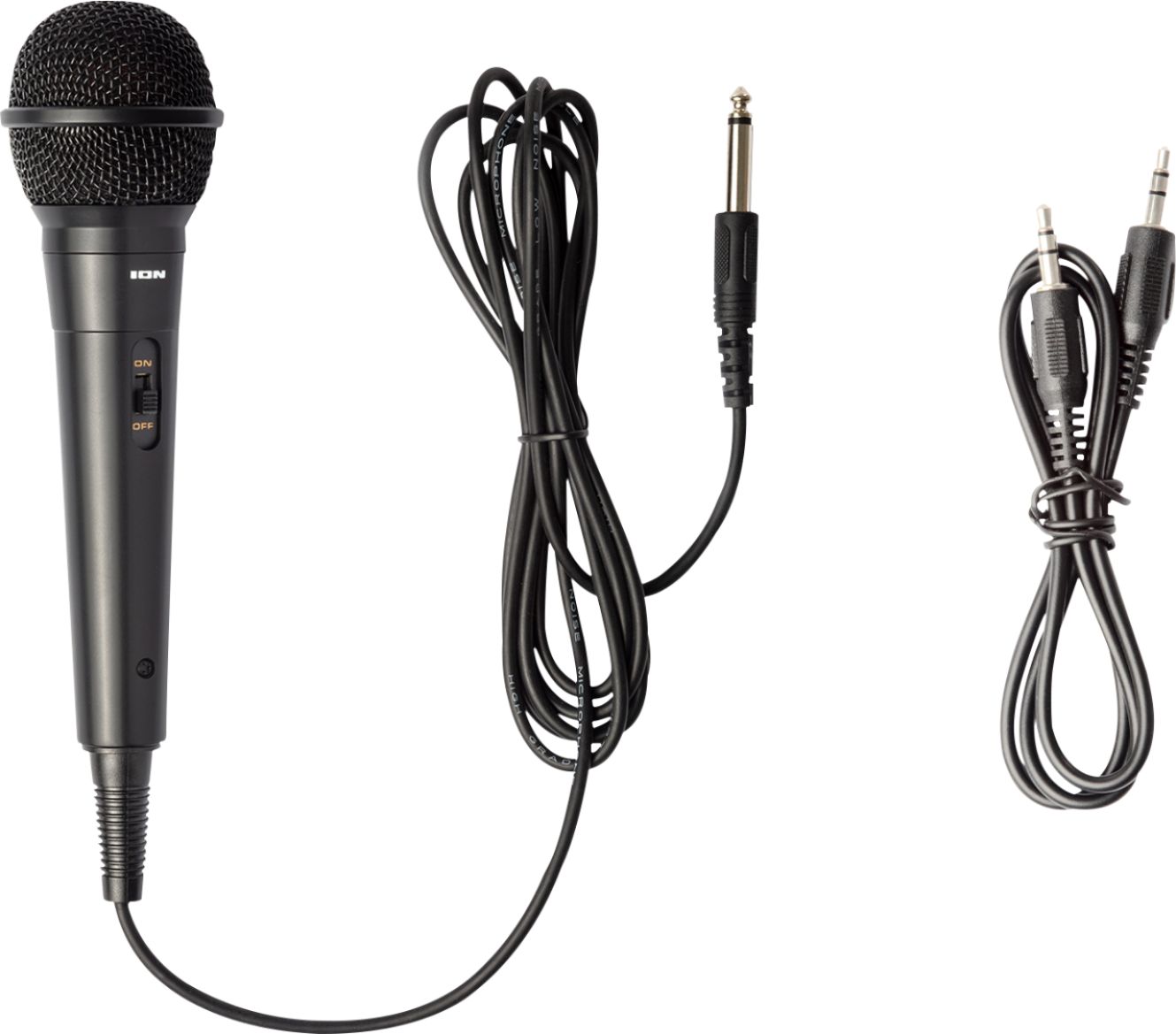
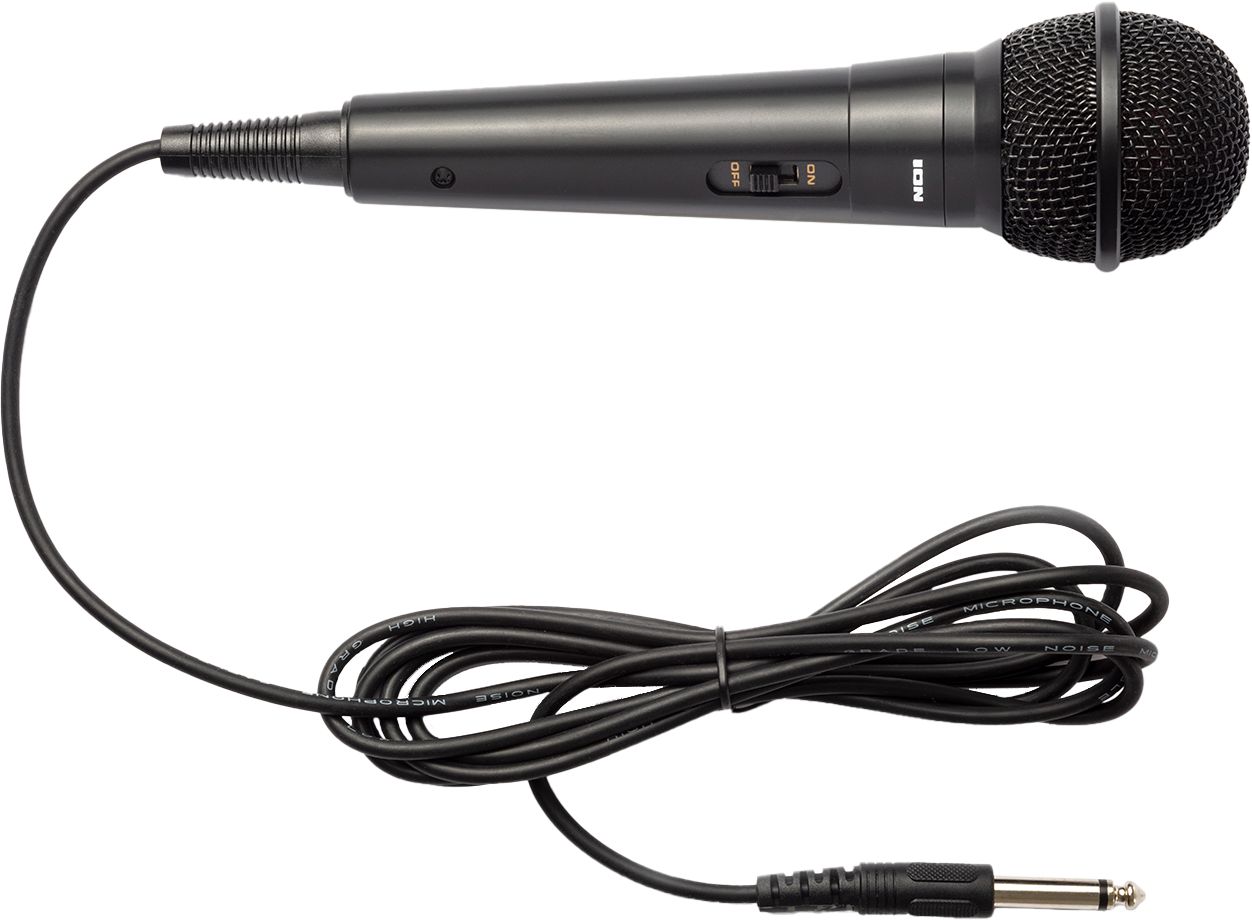
A:AnswerHi, I'll be glad to assist! The Ion Audio Sport XL includes a wired microphone. If you are intending on using a wireless microphone transmitter and receiver system, then you will need to run from the output from the transmitter to the microphone input of the Sport.