Questions & Answers
- Model:
- JVCU360
- |
- SKU:
- 6434106
Highly rated by customers for: Microphone Quality, Field of View, Ease of Use
Page Showing 1-20 of 25 questions
Q: Questionis it compatible with windows 7
Asked by Anonymous.
- A:Answer Yes, this device works with Windows 7.
Answered by J5create Team
Q: QuestionHow high can you adjust it to? Can it be attached to a tri pod?
Asked by Ginny.
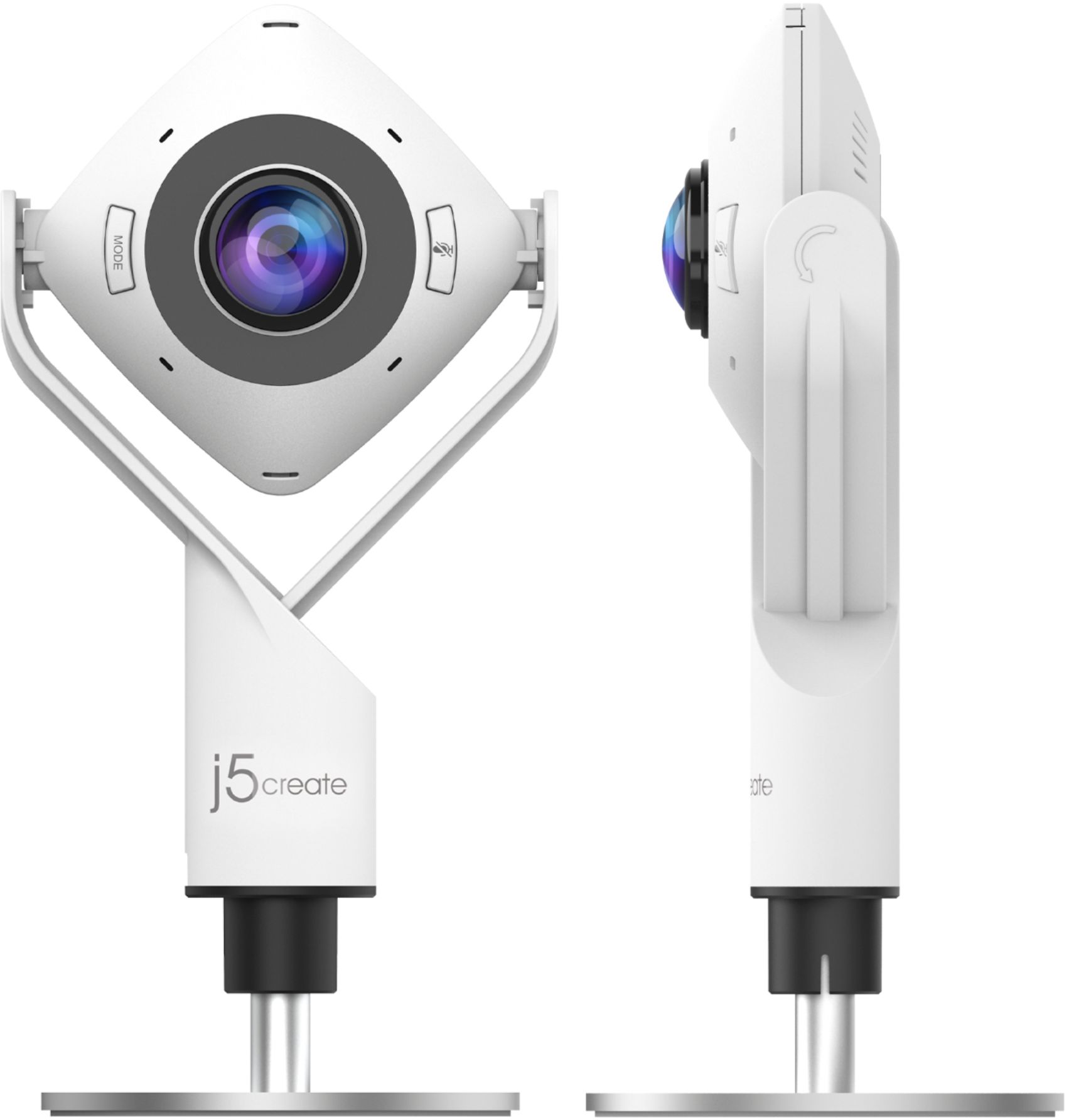
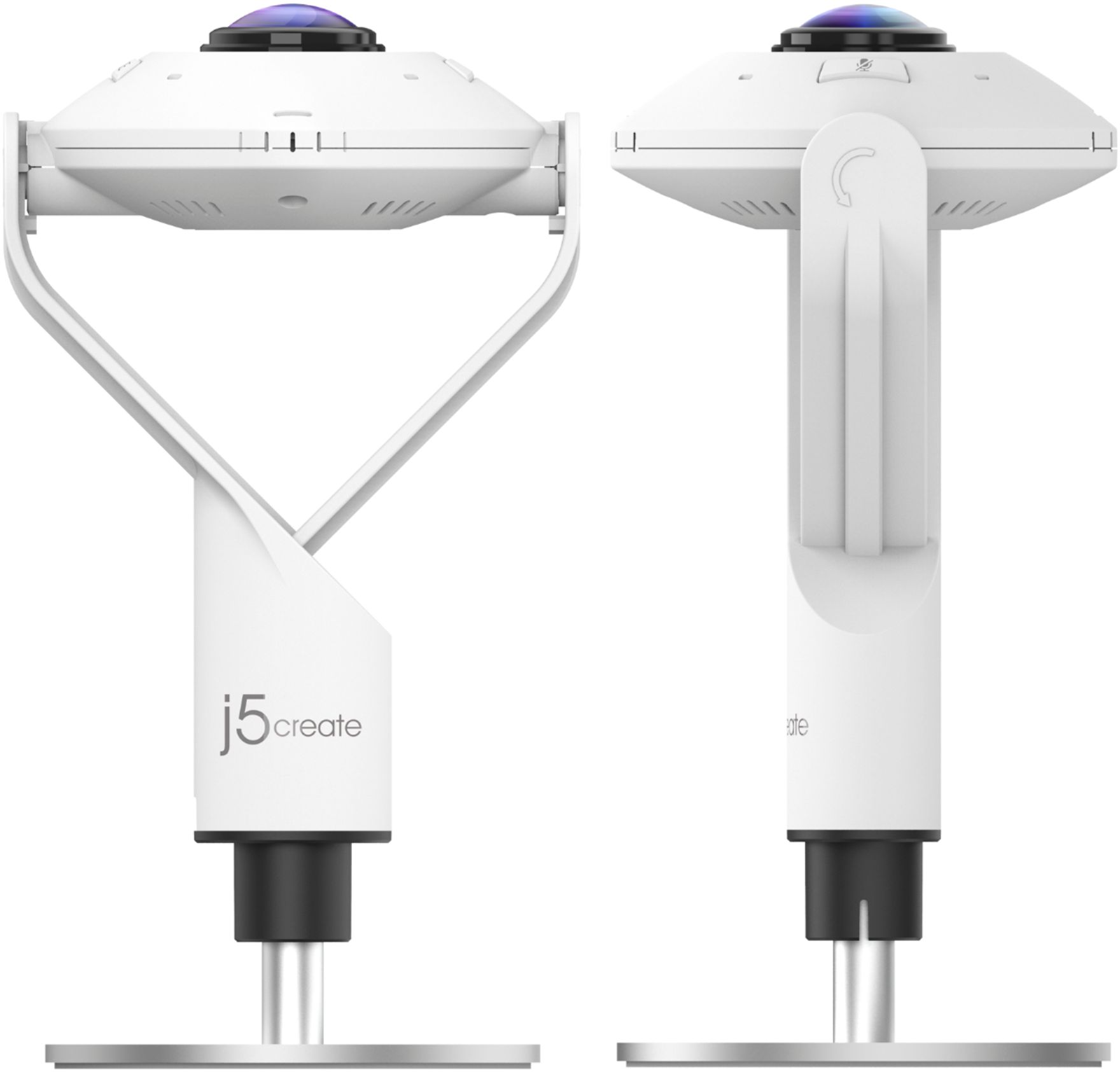
- A:Answer Up to 4.9 in. in height; yes, the JVCU360 can be used in conjunction with a tri pod as the bottom circle base is a separate attachment included in the packaging and not part of the camera itself.
Answered by J5create Team
Q: Questionhow do you get a different height ?
Asked by ric.
- A:Answer There is some adjusability. The camera is attached to the base via a screw, so it gives the ability to increase or decrease the height. It's meant more as a 'fine tune' for getting the height you need.
Answered by D1maddog1
Q: QuestionHow long is the cord? USB only? No wireless connectivity? I like the 360, but I'm thinking this one's not an option.
Asked by Arby.
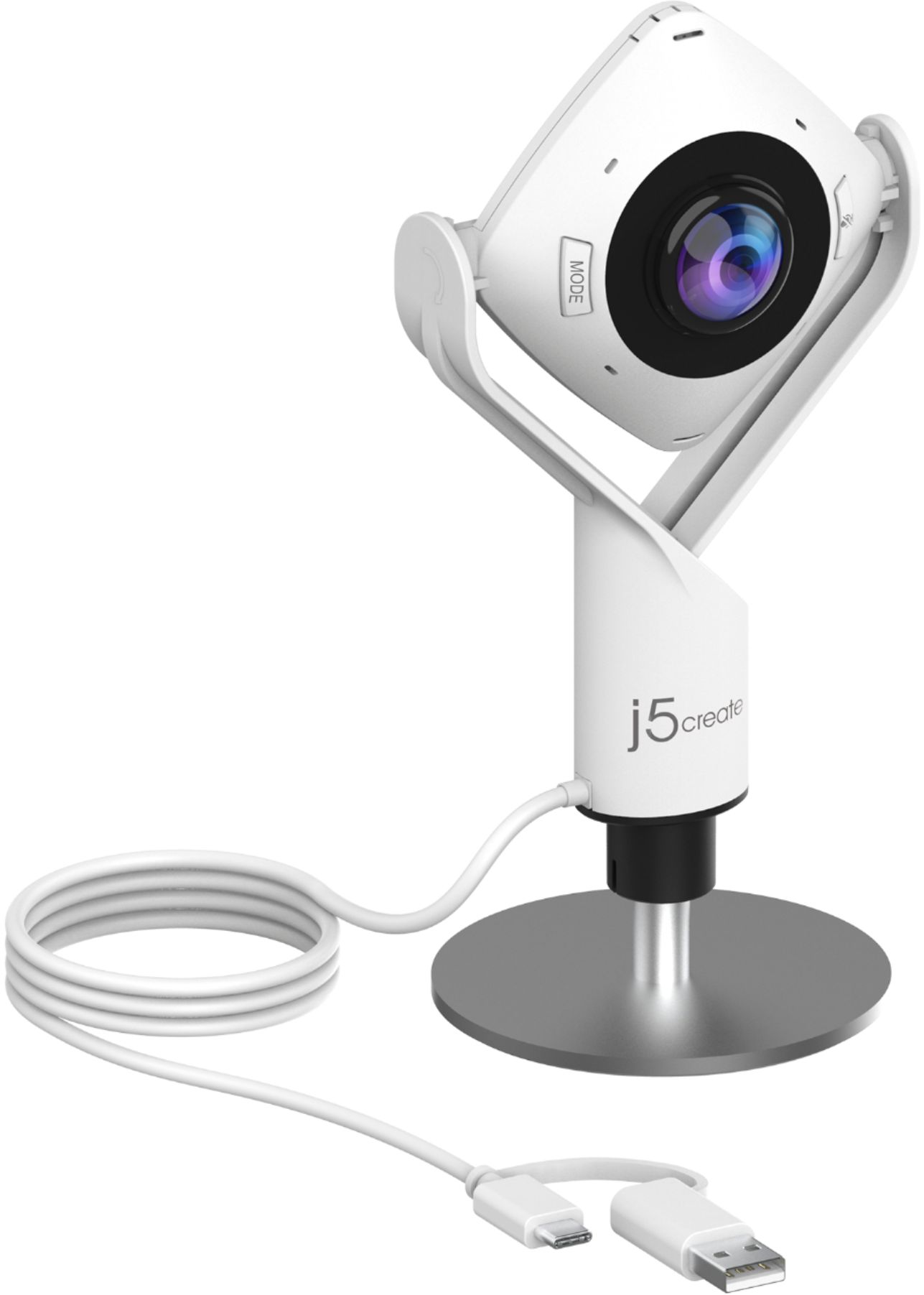
- A:Answer The cord is long, at 9.8 feet (300cm). No wireless connectivity. The cord has a USB Type C on the tip, with a USB Type A adapter attached to the cord as well.
Answered by D1maddog1
Q: QuestionCan this be connected to a TV or gaming console so long as either has a USB?
Asked by Samonese.
- A:Answer In order to answer this question efficiently we will need to learn more about your configuration. Please contact our Customer Service Department, so that they can learn more about your configuration. Their information can be found on the back of the box, or on our support tab on our website.
Answered by J5create Team
Q: QuestionDoes it have anything like autofocus, and how do you focus it?
Asked by peterabbot.
- A:Answer Yes, it autofocuses, at least it has when I’ve used it - in single and multiple “hosts” / users
Answered by MrPHD
Q: QuestionHow do you turn it off??
Asked by Anonymous.
- A:Answer There is no On/Off switch, and it does not turn off automatically when not in use, therefore, unplugging it from the USB socket is the only way to turn it off.
Answered by taureantiger
Q: QuestionIs this camera compatible with I Pad?
Asked by Jules.
- A:Answer If the iPad supports UVC capabilities, the 360° All Around Webcam will work just fine. Please refer to the manufacturer (Apple) of your hardware for more information on your device. Thank you.
Answered by J5create Team
Q: QuestionCan you adjust the camera to view it as a close-up?
Asked by SFCove.
- A:Answer Unfortunately, the 360° All Around Webcam does not feature zoom capability and no manual or auto focus. The JVU250 HD Webcam is another option and does feature an auto and manual focus for up close images but no zoom-in feature. ** Feel free to contact j5create Technical Support if you require further assistance. Their information can be found on our website under the "Support" tab. Thank you.
Answered by J5create Team
Q: QuestionDoes it work with chromebook
Asked by Chromebook.
- A:Answer Yes! You have access to either standard USB or USB-C connections. Recognized and easily set up.
Answered by Macrepairs
Q: QuestionIs there a mute button? Does it come with a remote control?
Asked by Jennifer.
- A:Answer Yes, there is a mute/unmute button but no remote.
Answered by J5create Team
Q: QuestionCan I use this in the classroom for modeling a lesson?
Asked by teach.
- A:Answer The 360° All Around Webcam has six display modes to deliver viewing angles with flexibility and versatility. It will also Capture a 360° panoramic view of the room or focus on specific presenters with the various display modes.
Answered by J5create Team
Q: QuestionIs this item compatible with a Mac Book?
Asked by Anonymous.
- A:Answer Yup
Answered by Jimcas43
Q: QuestionDoes it have a microphone?
Asked by Zoom.
- A:Answer Yes it does have a microphone. You can also use the video and an external microphone as well.
Answered by ADS2
Q: QuestionCan you email the official manual link for the j5create - 360° All Around Webcam - White Thank you
Asked by Sunny.
- A:Answer Please submit a ticket with the email you would want us to send the manual to. Contact info, is available through j5create website under the "Support" tab. Thank you.
Answered by J5create Team
Q: QuestionDoes this webcam work with the MacBook Pro 13 inch m1 2020?
Asked by Black.
- A:Answer Yes, the JVCU360 is compatible.
Answered by J5create Team
Q: QuestionDoes it work on Linux?
Asked by Anonymous.
- A:Answer The JVCU360 works with Linux that has compatible UVC support. j5create.
Answered by J5create Team
Q: QuestionDoes this webcam have a built in speaker?
Asked by DennyNJ.
- A:Answer Yes, and it works well.
Answered by LALines
Page 1, Showing 1-20 of 25 questions
Most-viewed items
- $329.99$329.99The price was $469.99
- $149.00$149.00The price was $399.00
- $159.99$159.99The price was $179.99
- $122.00$122.00The price was $129.99
- $1,149.00$1,149.00The price was $1,299.00