Questions & Answers
Q: QuestionWill it work with samsung A53 5g
Asked by Yappiloco.
- A:Answer It is great I would recommend
Answered by ArthurP
Q: QuestionHDMI port in my tv is not working properly so can I use this device to connect Amazon fire stick to it and then to the tv?
Asked by KhaterK.
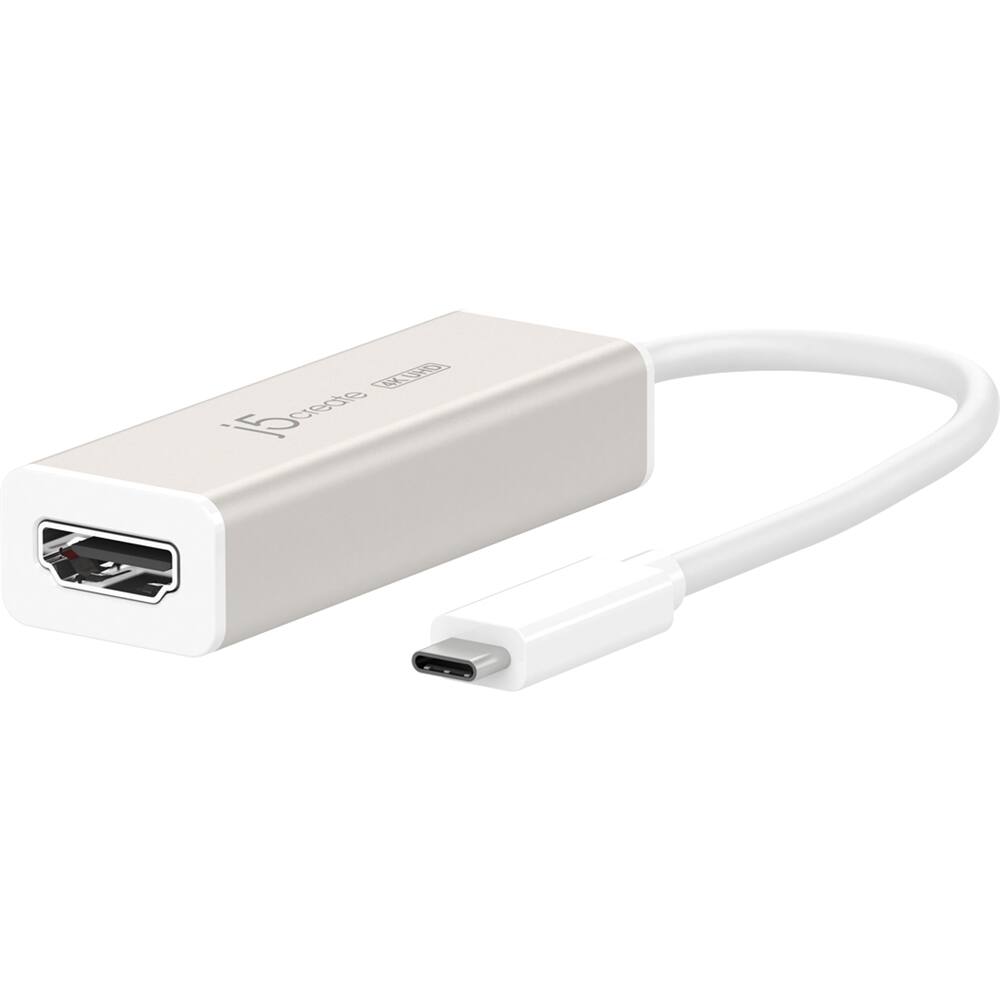
This question was asked about the related product: j5create - USB-C to 4K HDMI Adapter - White
- A:Answer A USB-C to 4K HDMI adapter generally won’t work as a bridge between an Amazon Fire Stick and a TV due to a few technical limitations: - USB-C to HDMI adapters are typically designed to transmit video from a USB-C device (like a laptop or phone) to an HDMI output, not the other way around. This means they can’t receive an HDMI input from a device like the Fire Stick. - HDMI adapters for USB-C are generally “one-way” in nature and only work with a host device that can output video over USB-C (like a computer). The adapter won’t work as a decoder for HDMI input signals coming from an external media device, such as a streaming stick. - The Fire Stick draws its power from its own power source, but an adapter may not allow the HDMI signal to travel through it without an HDMI pass-through.
Answered by J5create Team
Q: QuestionWill this work with a samsung galaxy s23 fe?
Asked by Boris.
This question was asked about the related product: j5create - USB-C to 4K HDMI Adapter - White
- A:Answer The adapter should be compatible with the Galaxy S23 FE since the phone supports video output over HDMI. If you have any other questions please reach out to our customer support team by visiting the j5create website then click on the "SUPPORT" tab at the top right of the webpage. Thank you.
Answered by J5create Team
Q: QuestionWill this work with a desk top computer, like dell Optiplex desk top to add one additional monitor.
Asked by Pat.
This question was asked about the related product: j5create - USB-C to 4K HDMI Adapter - White
- A:Answer The desktop needs to support DisplayPort Alternate Mode in order for the adapter to work, many desktops still do not support this feature. My recommendation would be to purchase our JCA365 USB-C to Dual HDMI Multi-Monitor Adapter for adding an additional monitor to the desktop but do not recommend for connecting the primary display since it uses a driver. Thank you.
Answered by J5create Team
Q: QuestionI just bought a j5create hdmi- display port and I have an ultra gear monitor 4k but it won’t detect my ps5
Asked by Logan.
- A:Answer Should have bought an Xbox.
Answered by Jake86
Q: QuestionWill this work with my iPhone 15 with usb c port
Asked by Anonymous.
This question was asked about the related product: j5create - USB-C to 4K HDMI Adapter - White
- A:Answer Yes, the iPhone 15 enables charging, and transmit audio and video through the USB-C to 4K HDMI Adapter with Power Delivery device.
Answered by J5create Team
Q: QuestionCan this be used with a Microsoft Windows laptop?
Asked by AlanP.
This question was asked about the related product: j5create - USB-C to 4K HDMI Adapter - White
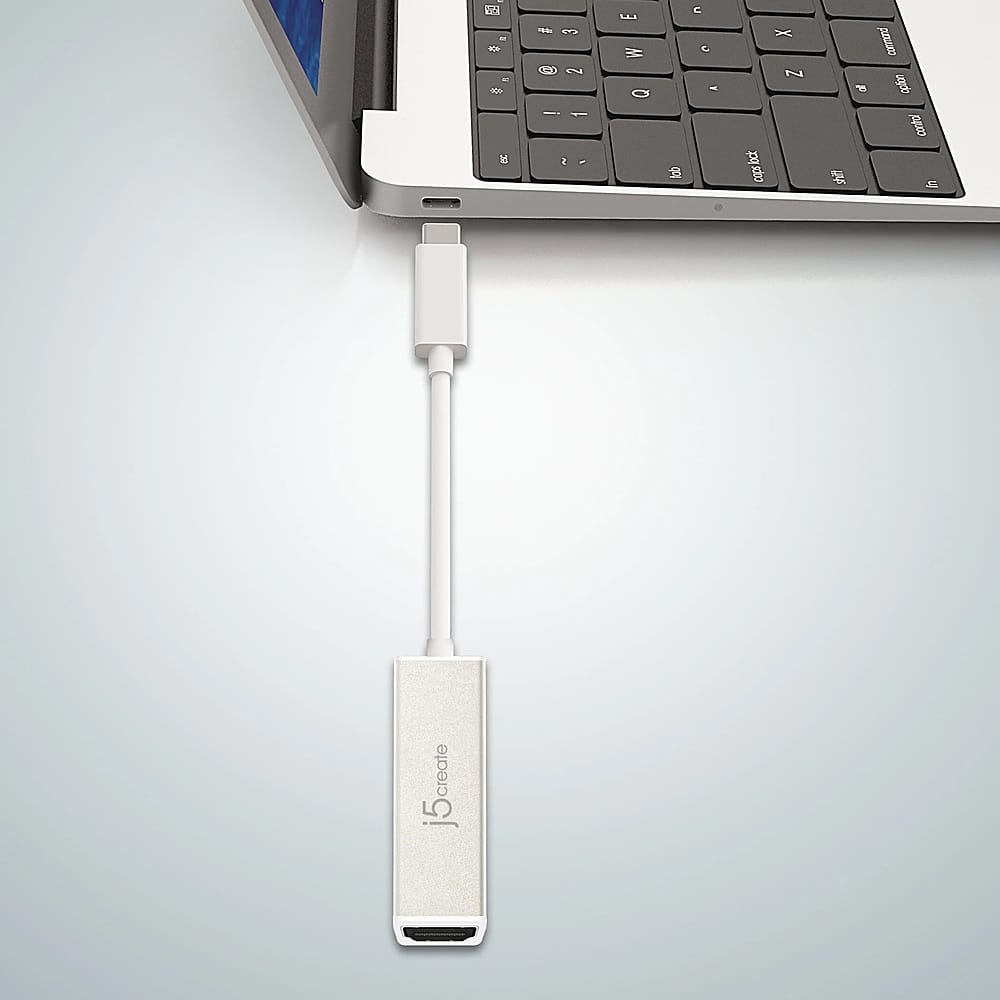
- A:Answer Yes, however, the Microsoft Windows laptop must support DisplayPort Alt Mode to transmit audio and video signals and USB Power Delivery to support pass through charge through it's USB-C port. Without those 2 features, the USB-C to 4K HDMI Adapter with Power Delivery will not be compatible for your device. Please refer to the manufacturer of your hardware for more information on your device. Thank you.
Answered by J5create Team
Q: QuestionWill this adapter work with my galaxy 22?
Asked by Jr.
- A:Answer Yes, in DeX mode. Just connect it and it should come up or select from drop down menu.
Answered by JSagas
Q: QuestionDoes this work on my Samsung AO3s?
Asked by Pegleg.
- A:Answer No, the Galaxy A03s USB Type-C interface does not support DisplayPort Alt Mode to transmit audio and video signals. The USB Type-C interface only supports Data.
Answered by J5create Team
Q: QuestionDoes this possibly work with a switch
Asked by hhcl.
This question was asked about the related product: j5create - USB-C to 4K HDMI Adapter - White
- A:Answer The compatibility of the USB-C to 4K HDMI Adapter with Power Delivery with a Nintendo Switch depends on a few key factors: The USB-C interface on the Nintendo Switch, will need to support PD (Power Delivery) to allow pass-through charge and DisplayPort Alt Mode for video output as well. Please note, not all Nintendo Switch devices support Power Delivery (PD) and DisplayPort (DP) Alt Mode. The support for these features can vary depending on the specific model of the Nintendo Switch. Please refer to the manufacturer of your hardware for more information on your device. Thank you.
Answered by J5create Team
Q: Questionso if i wanted to stream on my chromebook, if i plug this into my computers main USB-C port, and then plug and HDMI into that I could then review what I was looking to view in 4K? And is that applicable to say like a Roku TV or certain TVs will this work
Asked by Harleyrae1366.
This question was asked about the related product: j5create - USB-C to 4K HDMI Adapter - White
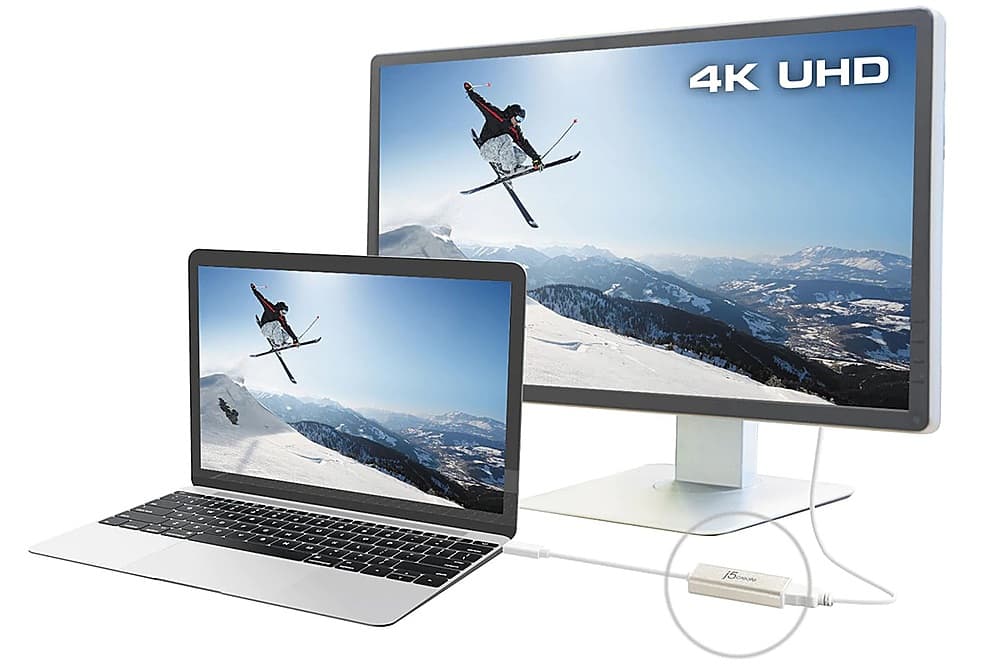
- A:Answer You can use the USB-C to 4K HDMI Adapter with Power Delivery to your Chromebook to stream or view anything on your computer to a larger display via HDMI. However, the Chromebook computer must support DisplayPort Alt Mode to transmit audio and video signals and Power Delivery (PD) to allow pass-though charge through your USB-C port. Without those features, the Adapter will not function. Please refer to the manufacturer of your hardware for more information on your device. Thank you.
Answered by J5create Team
Q: QuestionDoes this work if I'm hooking up my tv from a Galaxy S9 phone? Will it mirror my phone on the TV for viewing videos and other items?
Asked by CT1747.
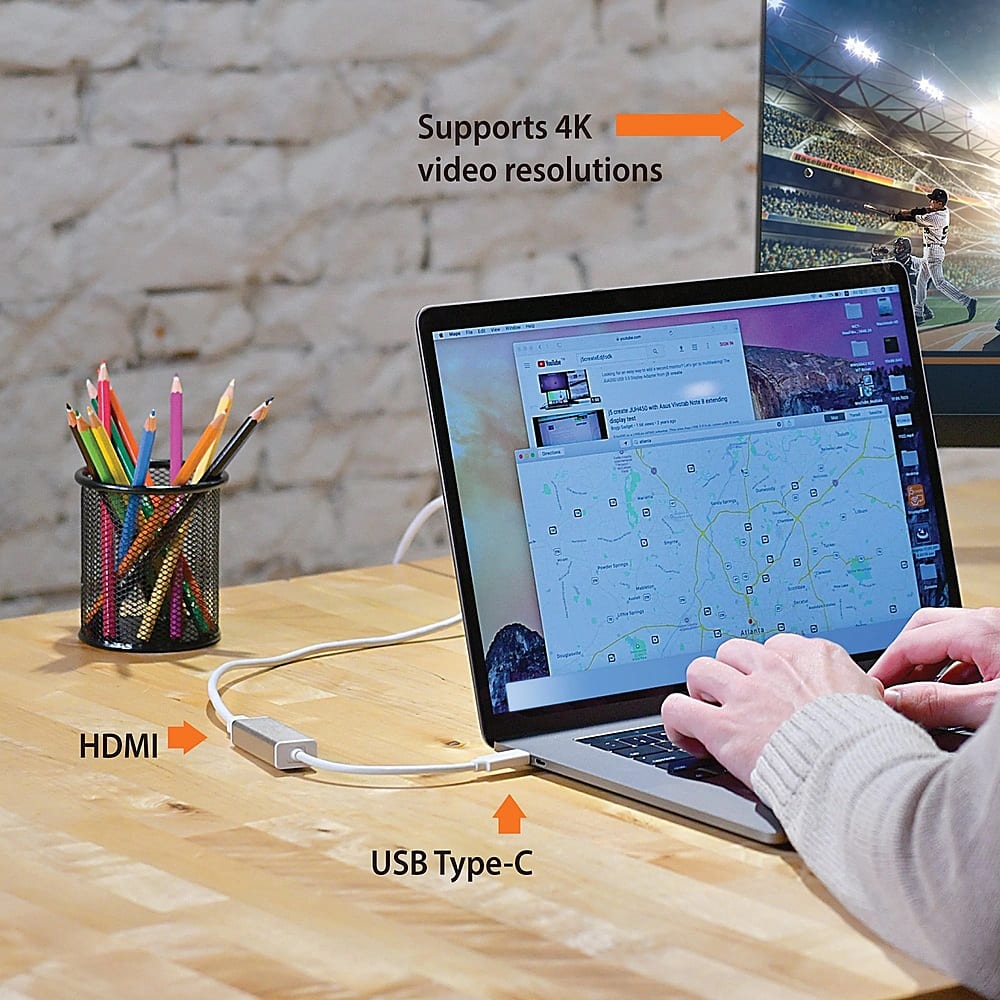
- A:Answer The Samsung Galaxy S9 must support Samsung DeX that allows a desktop-like experience when connected to an external display, such as a monitor or TV. If the TV or monitor do not support HDCP(High-bandwidth Digital Content Protection), the Samsung DeX mode screen may not be displayed. By default, Samsung Dex will automatically activate after you have connected an external display, via USB-C, to the Samsung Galaxy device. Thank you.
Answered by J5create Team
Q: QuestionIs this compatible with One Plus N200 5G phone?
Asked by Anonymous.
- A:Answer The One Plus N200 5G phone will need to support DisplayPort v1.2 through it's USB Type-C interface for video out when using an HDMI adapter. Unfortunately, OnePlus website does not specify that type of feature for the N200 phone. Please refer to the manufacturer of your hardware for more information on your device. Thank you.

Answered by J5create Team
Q: QuestionCan your USB-C to HDMI adapter work on Windows 11 Home? The adapter does not work with Windows 11 Home (with Windows 10 Home is working just fine). Do I need some drivers to be installed on Windows 11 Home laptop?
Asked by Maxim.
- A:Answer it works fine for me on windows 11
Answered by XavierC
Q: QuestionI purchased the dual version of this product for my Samsung Galaxy S7 FE 5G tablet.... Very expensive very nice I can't figure out how to use this though because you have to download a driver and downloading an extension driver on an android tablet seems
Asked by Anonymous.
- A:Answer The USB-C to 4K HDMI Adapter is a Plug n Play device, no drivers are needed. However, the Samsung Galaxy S7 FE 5G tablet must support DisplayPort Alt Mode for video out via HDMI through it's USB 3.2 Gen 1 port. Please refer to the manufacturer of your hardware for more information on your device. Thank you.
Answered by J5create Team
Q: Questionwill this product send the sound from my laptop keynote for my video embedded into my presentation, or do I need to purchase an additional item for sound
Asked by sam.
- A:Answer Yes, you can have sound coming from a computer or to a TV when using the USB-C to 4K HDMI Adapter. Go to "Sound Setting" and select "Choose where to play sound". Please make sure that your computer has an available USB-C port that supports DisplayPort Alt Mode for video out. Thank you.
Answered by J5create Team
Q: QuestionWill this work on a PlayStation 5?
Asked by Anonymous.
- A:Answer No, USB-C to 4K HDMI Adapter will not work on a PS5. The PS5 only has a HDMI video out port that it uses to transmit audio and video in conjunction with a HDMI cable and wouldn't work because it would bypass the internal GPU. If the HDMI port of your PS4 is broken, you will need to get it fixed by contacting PlayStation directly or a licensed repair business. Thank you.
Answered by J5create Team
Q: QuestionCan I use this to connect a fire stick to my laptop?
Asked by Anonymous.
- A:Answer No, the USB-C to 4K HDMI Adapter is intended to connect to an available USB-C port on a computer, tablet or mobile phone that must support DisplayPort Alt mode for video out to an available HDMI input of a display such as a TV, monitor, or projector.
Answered by J5create Team
Q: QuestionWill this work with a samsung a03
Asked by Grego.
- A:Answer Yes. Works on my wife's Galaxy S9.
Answered by Ratchet
Most-viewed items
- Memorial Day Deal$299.00$299.00
- Memorial Day Deal$1,299.99$1,299.99
- Memorial Day Deal$599.95$599.95
- Memorial Day Deal$1,899.99$1,899.99
- Memorial Day Deal$299.00$299.00
- Memorial Day Deal$264.99$264.99
- Memorial Day Deal$149.95$149.95