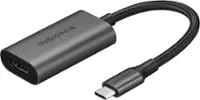
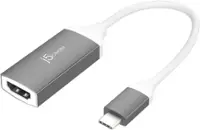
A:AnswerUnfortunately, this device will not work on your phone because it requires that your phone supports Display Port Alternate Mode over USB Type-C in order to output display. In your case your phone does not support this feature.
A:AnswerHello,
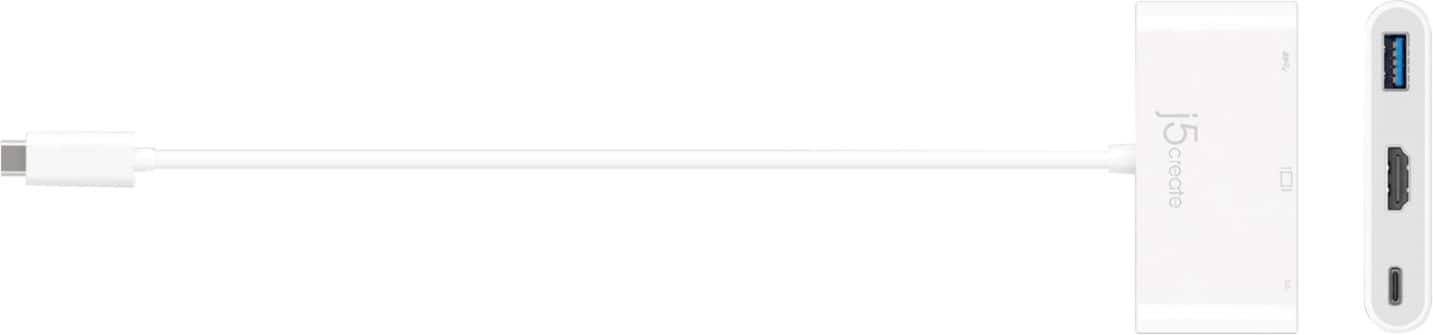
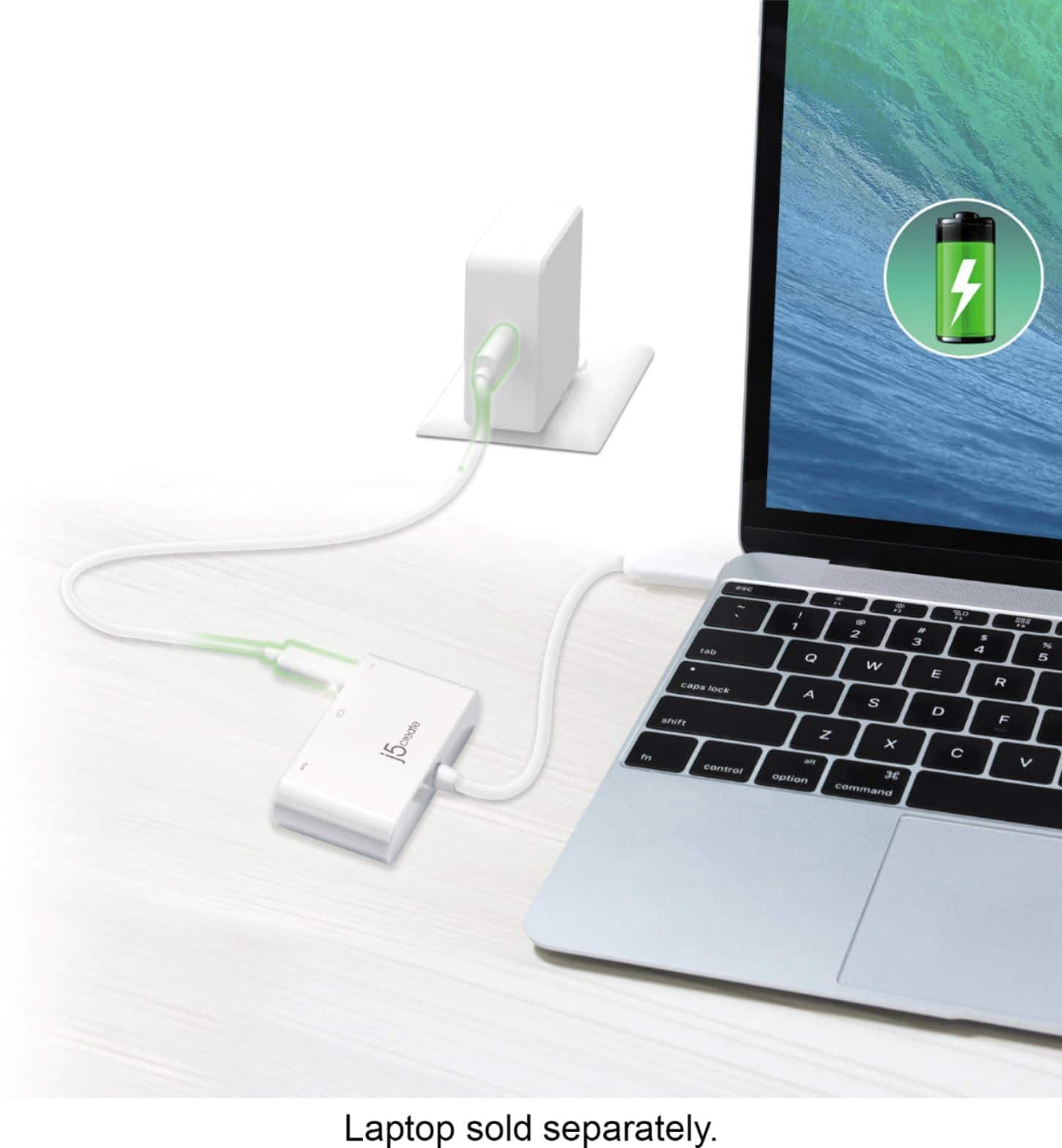
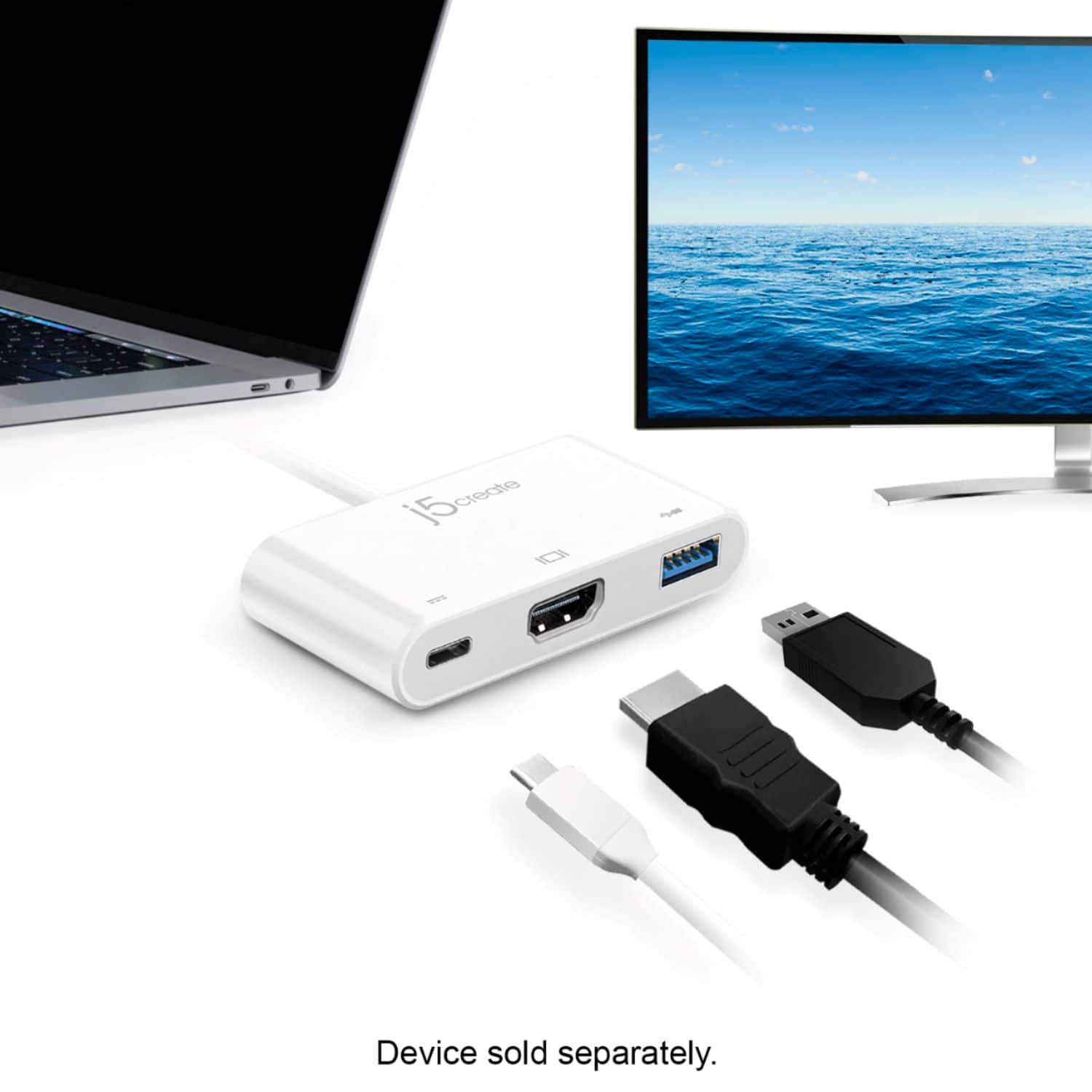
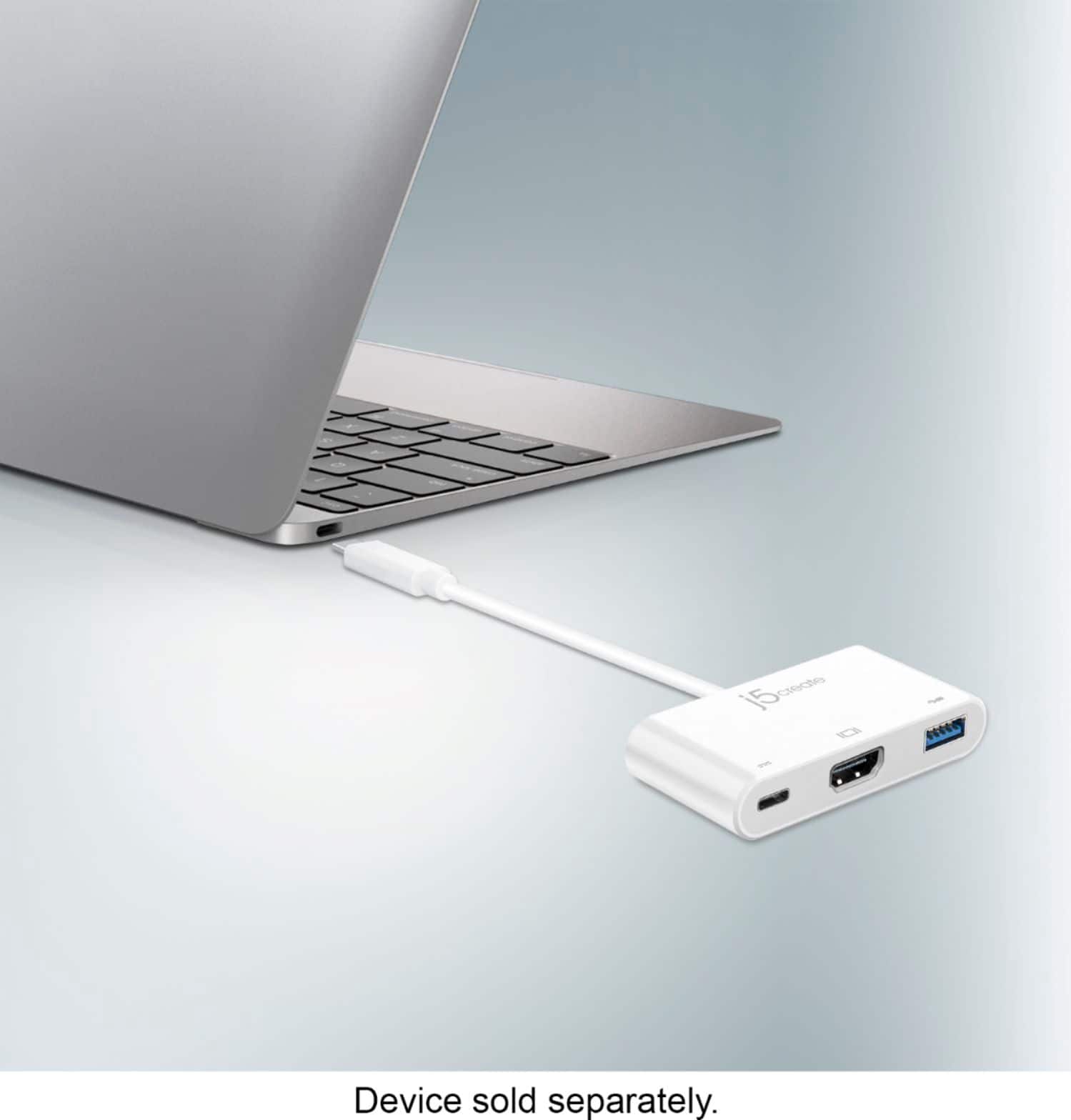
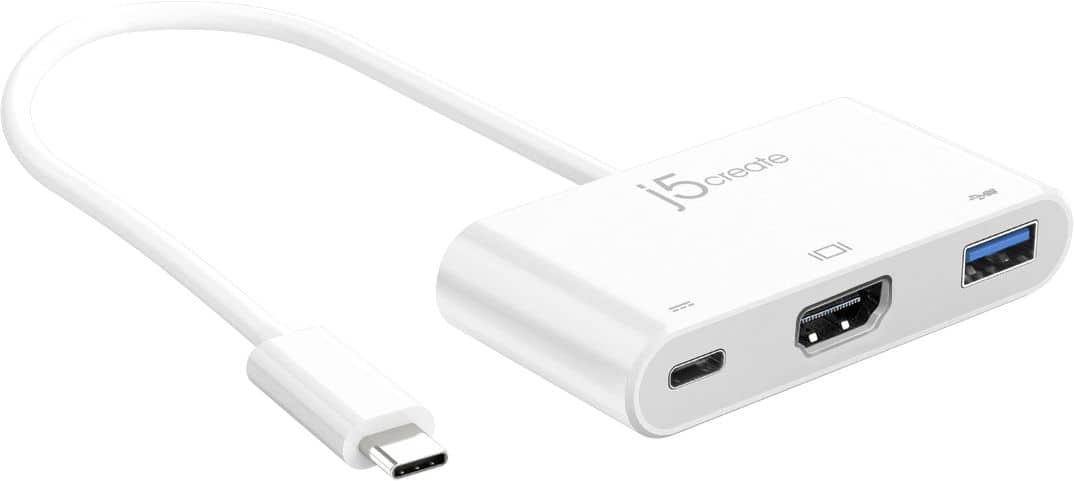
The j5create - USB Type-C to HDMI External Video Adapter (JCA379) offers: 1x HDMI output, 1x USB 3.0 port, and 1x USB-C Power Delivery port. So, as long as your phone supports: DisplayPort Alt Mode, USB 3.0, and USB Power Delivery, you will be able to charge your phone and watch movies at the same time.
Please keep in mind, you will need a higher wattage power adapter, than the one that originally came with the phone, to provide sufficient power to the JCA379 and the phone.
We recommend that you consider the j5create - USB-C Mobile Charger (JUP1230) for adequate power delivery.
A:AnswerI have run a 2.5" external enclosure with no issues. A 3.5" would likely be fine as well if it has it's own external power supply.
You should have no trouble unless you have restrictive permissions on the drive.
A:AnswerYes, provided your Samsung phone supports USB-C DisplayPort Alt Mode (video output). The JCA379 can transmit video and audio to an HDMI TV while also allowing you to charge your phone through the USB-C Power Delivery pass-through port. Compatibility may vary depending on your phone model.
A:AnswerYou can use most USB-C Power Delivery (PD) charger with the JCA379. It supports up to 100W pass-through, so a higher wattage charger, like the JUP2290 100W PD USB-C Super Charger, is recommended for best performance.
A:AnswerI've used for all my devices which primarily only have a USE-c to connect into. I'm a large monitor user and like it because of the HDMI connection and also a typical USB for flash drives.
A:AnswerThe USB-C to HDMI & USB 3.0 with Power Delivery is compatible with Chrome OS laptops, provided your device has a USB-C port that supports both DisplayPort Alternate Mode (Alt Mode) and USB Power Delivery (PD).
To verify compatibility, check your Chromebook's specifications or consult your laptops manufacturer's support.
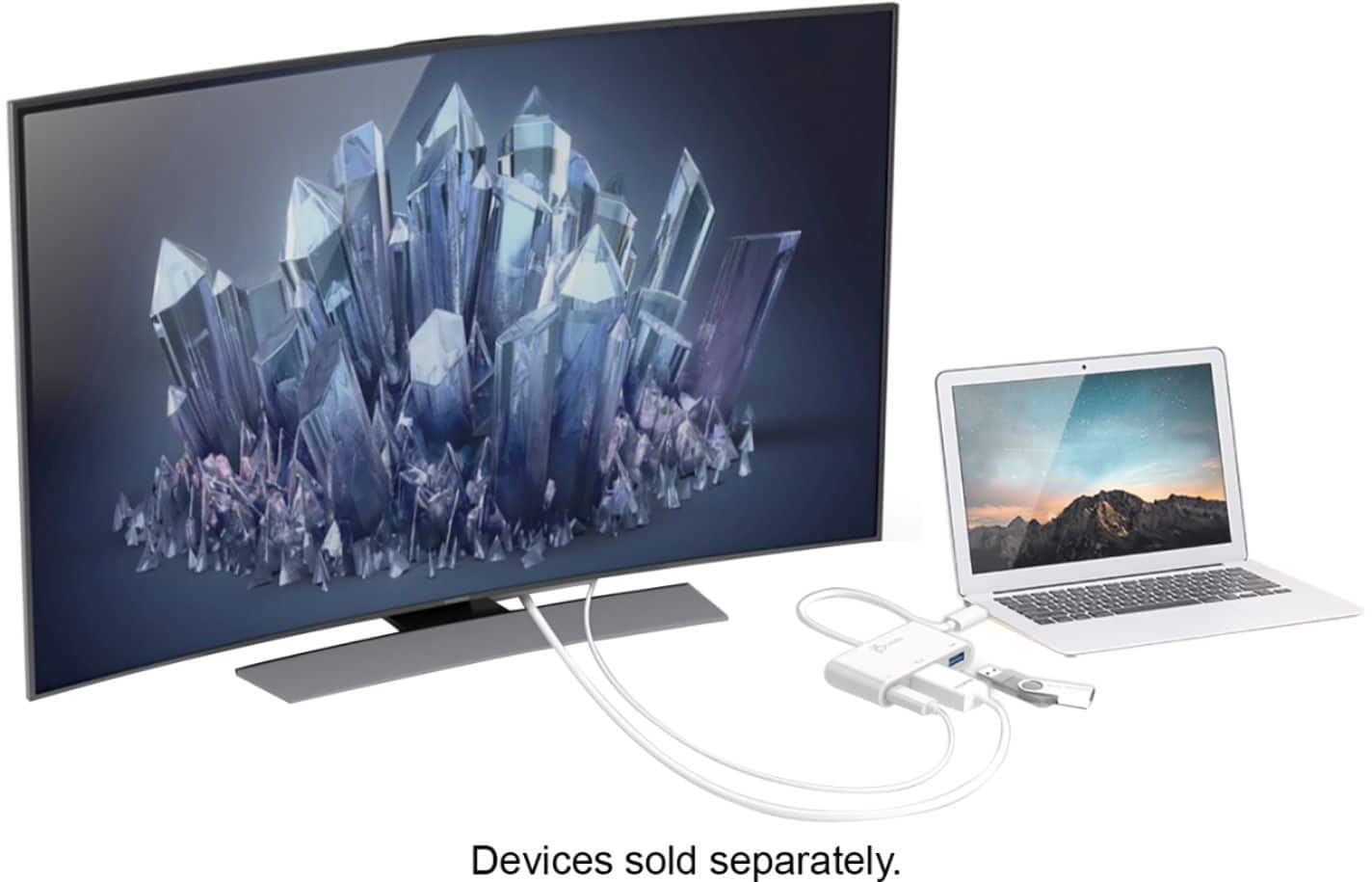
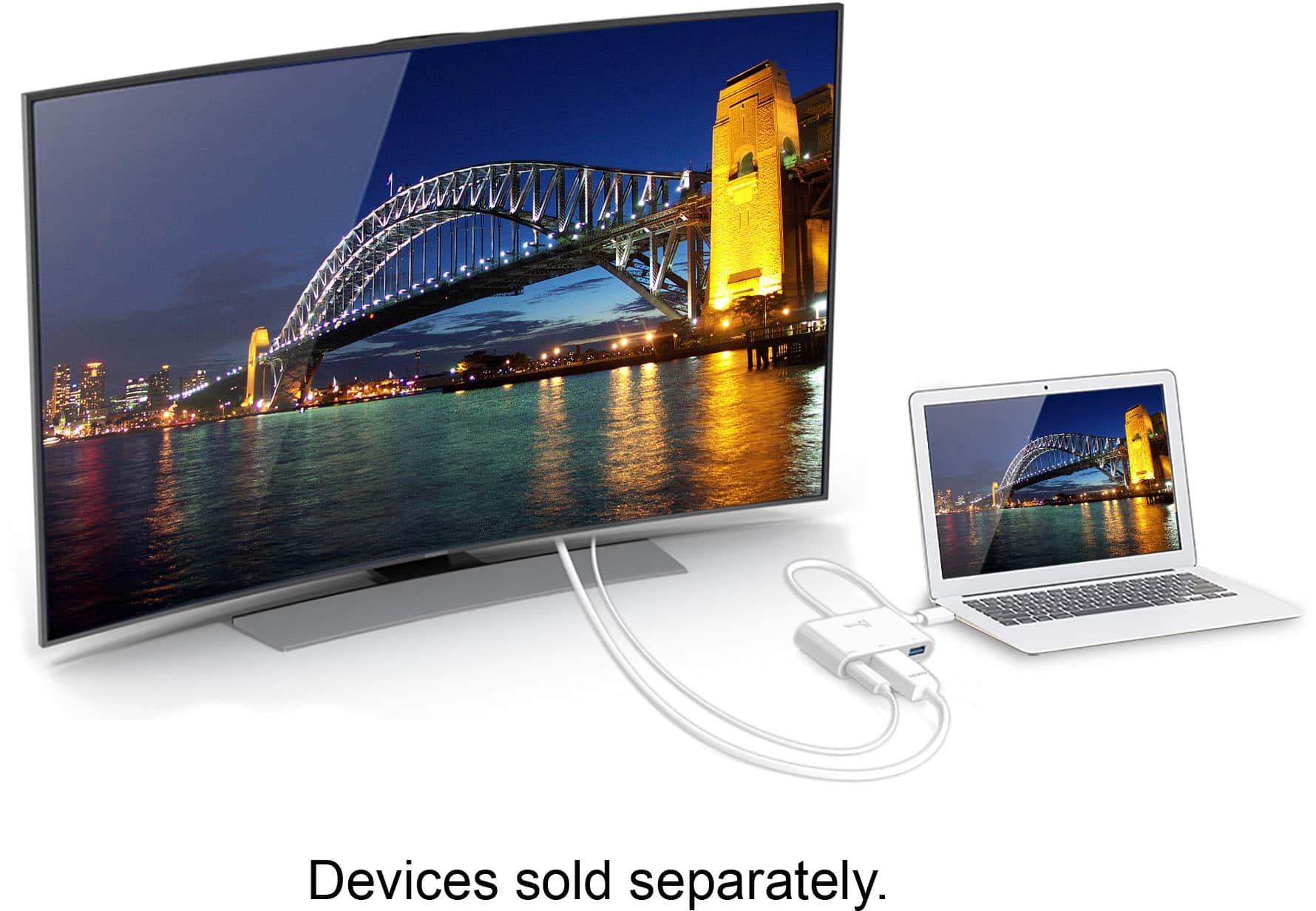
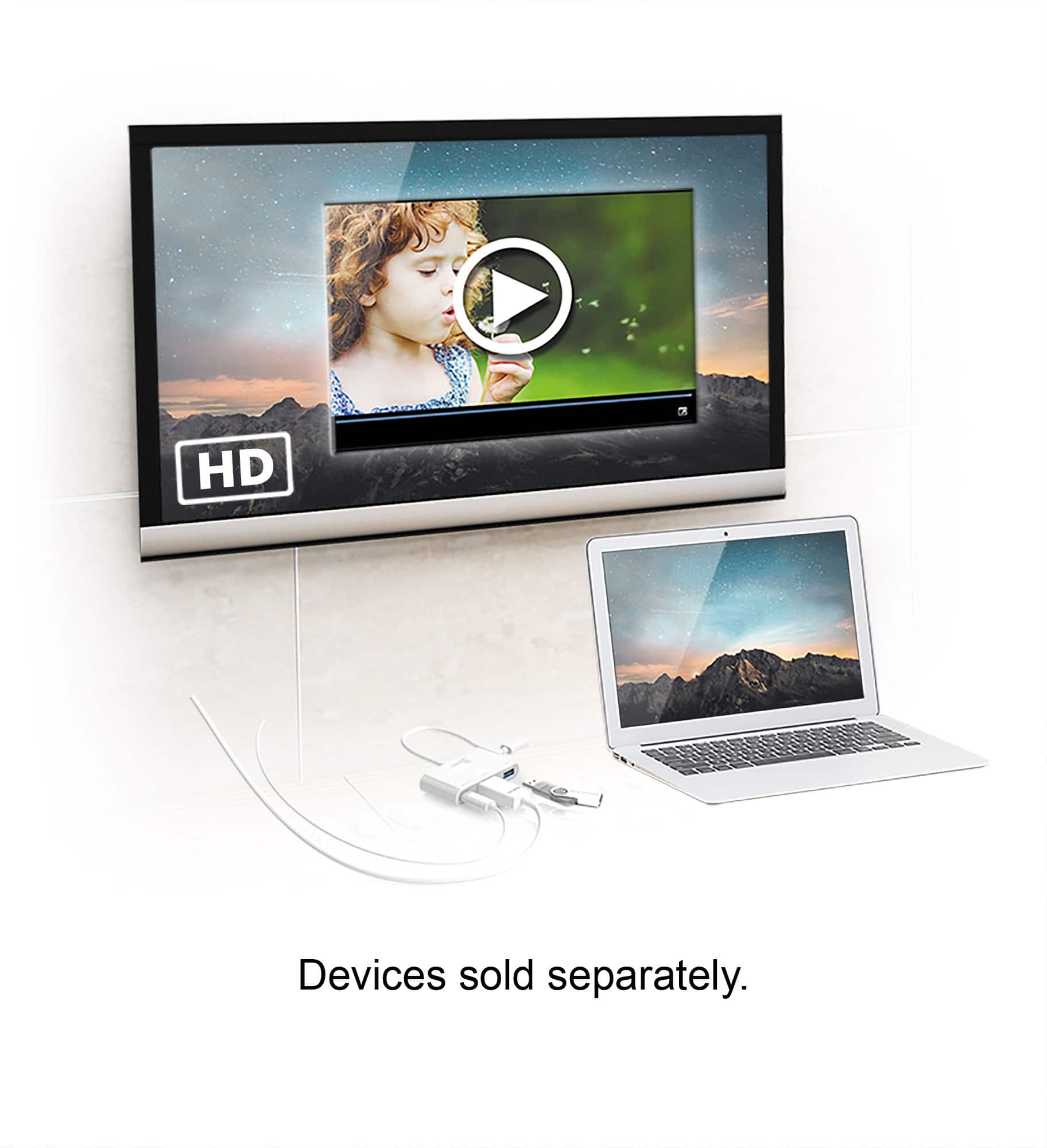
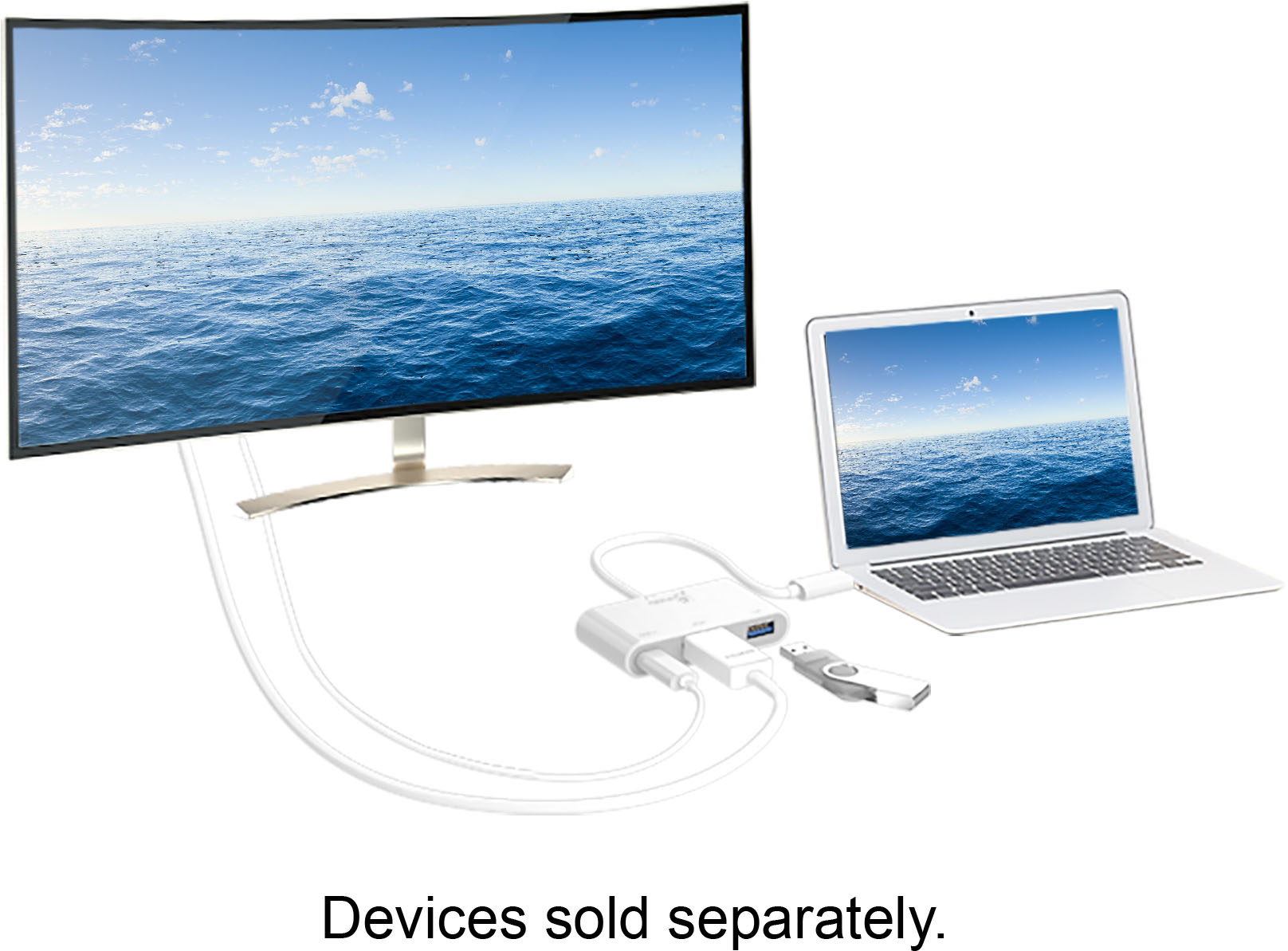
A:AnswerThe USB-C to HDMI & USB 3.0 with Power Delivery allows you to connect a USB-C-enabled device (like a laptop, tablet, or smartphone) to an external monitor, TV, or projector via HDMI. Supports a USB-A 3.0 port, enabling you to connect accessories like flash drives, mice, or keyboard. A USB-C Power Delivery passthrough port, allowing you to charge your device while simultaneously using the adapter.
*Host device must supports DisplayPort Alt Mode and USB Power Delivery 2.0 or 3.0. Please refer to the manufacturer of your hardware for more information on your device.
A:AnswerTransferring files directly between two computers using a USB-C to HDMI & USB 3.0 adapter with Power Delivery is not straightforward because this type of adapter is primarily designed for expanding display output and peripheral connectivity rather than direct file transfer between two computers.
A:AnswerUnfortunately the moto g stylus phone doesn't support mhl to run the USB-C to HDMI & USB 3.0 with Power Delivery, the best the adapter can do, is charge the phone. I would recommend contacting our customer support team, for further information. thank you and sorry for the inconvenience.