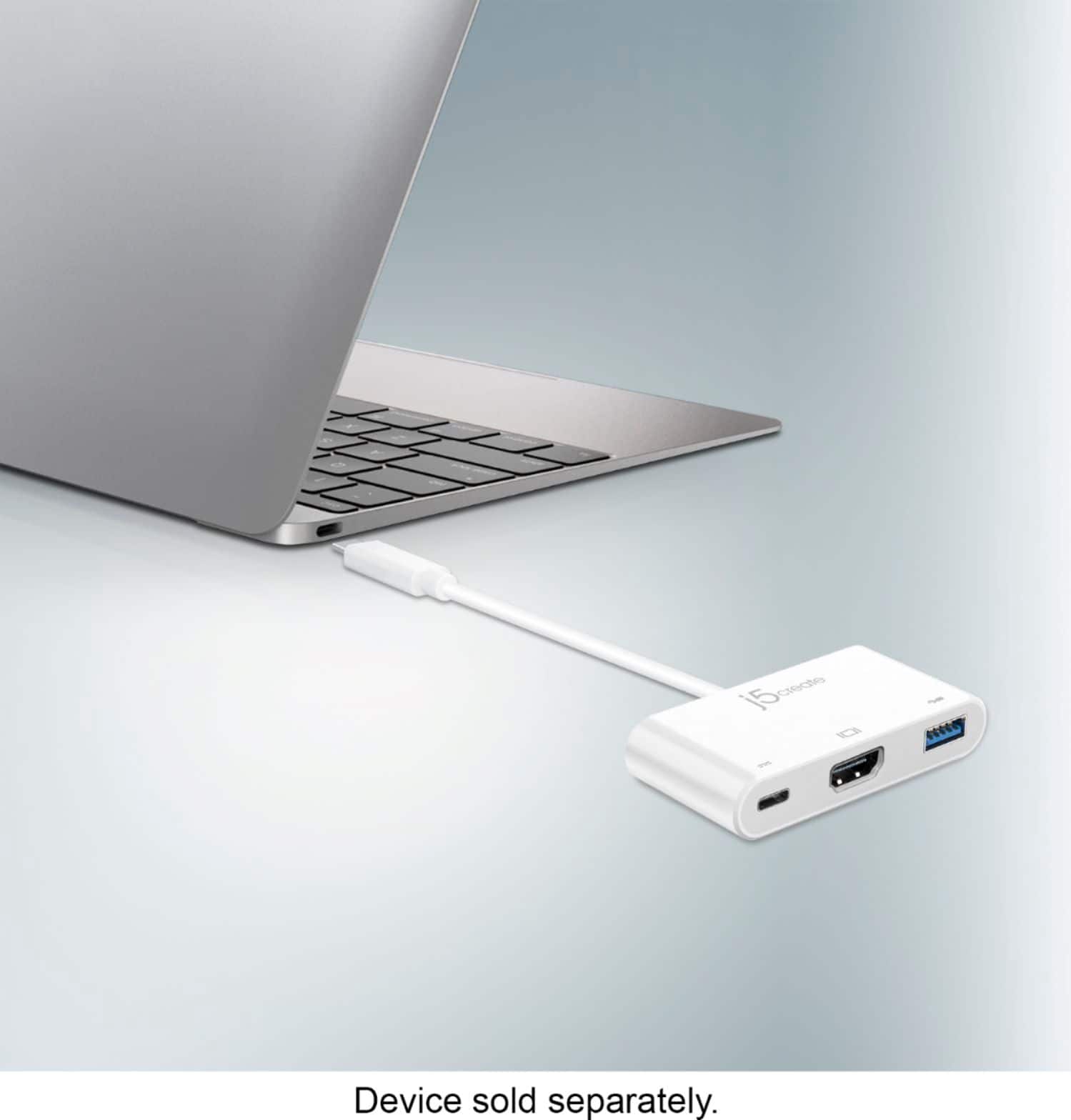
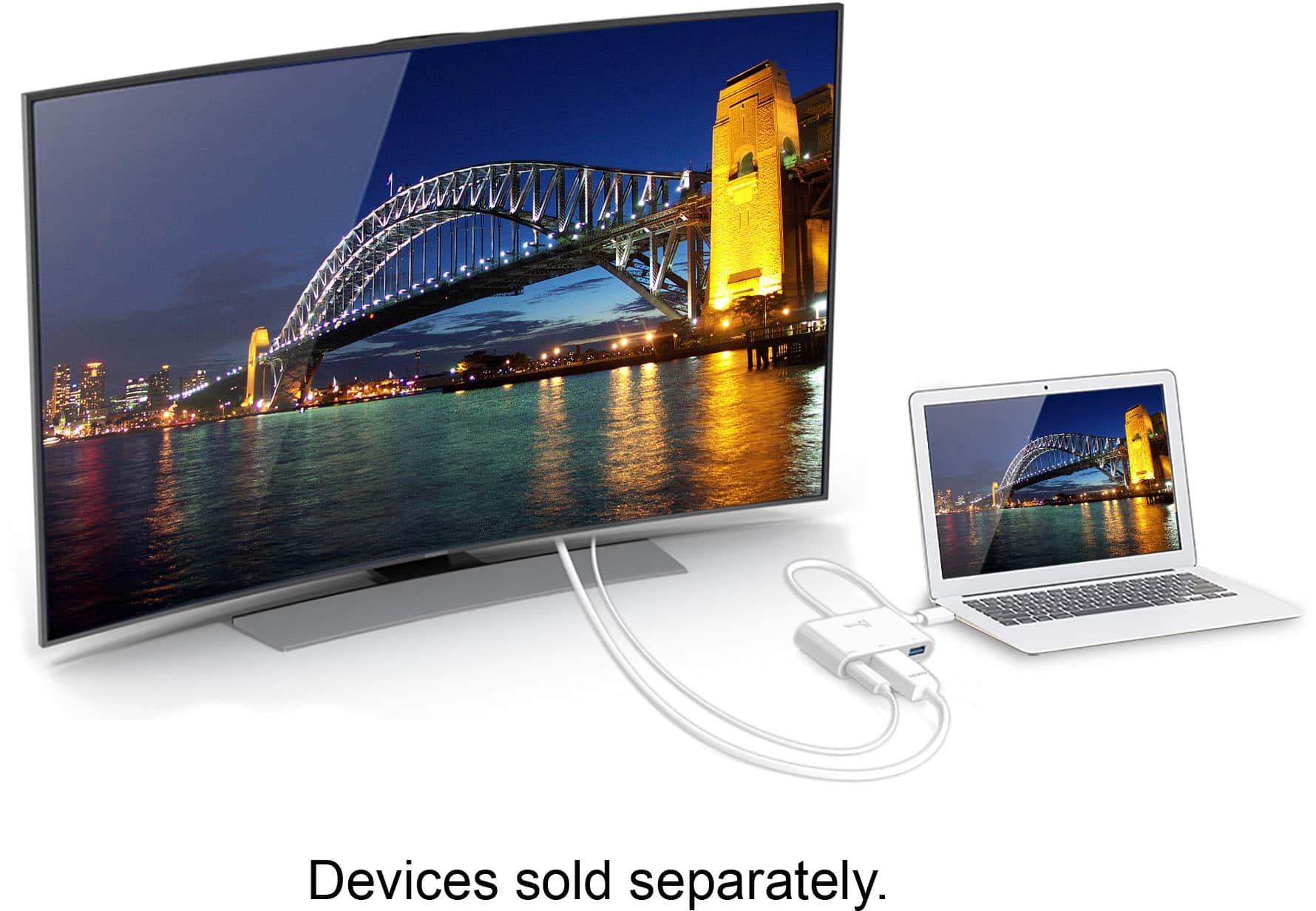
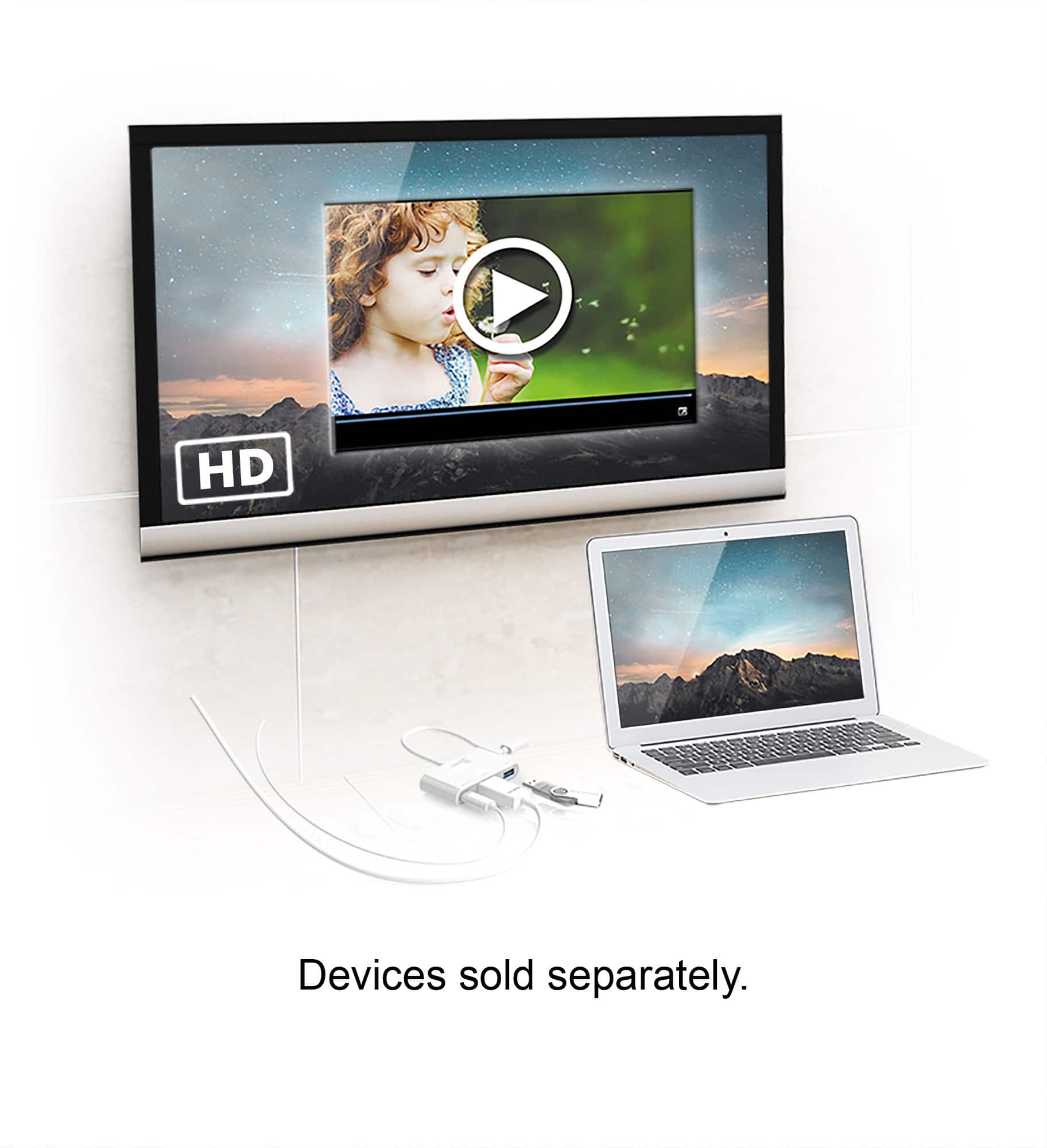
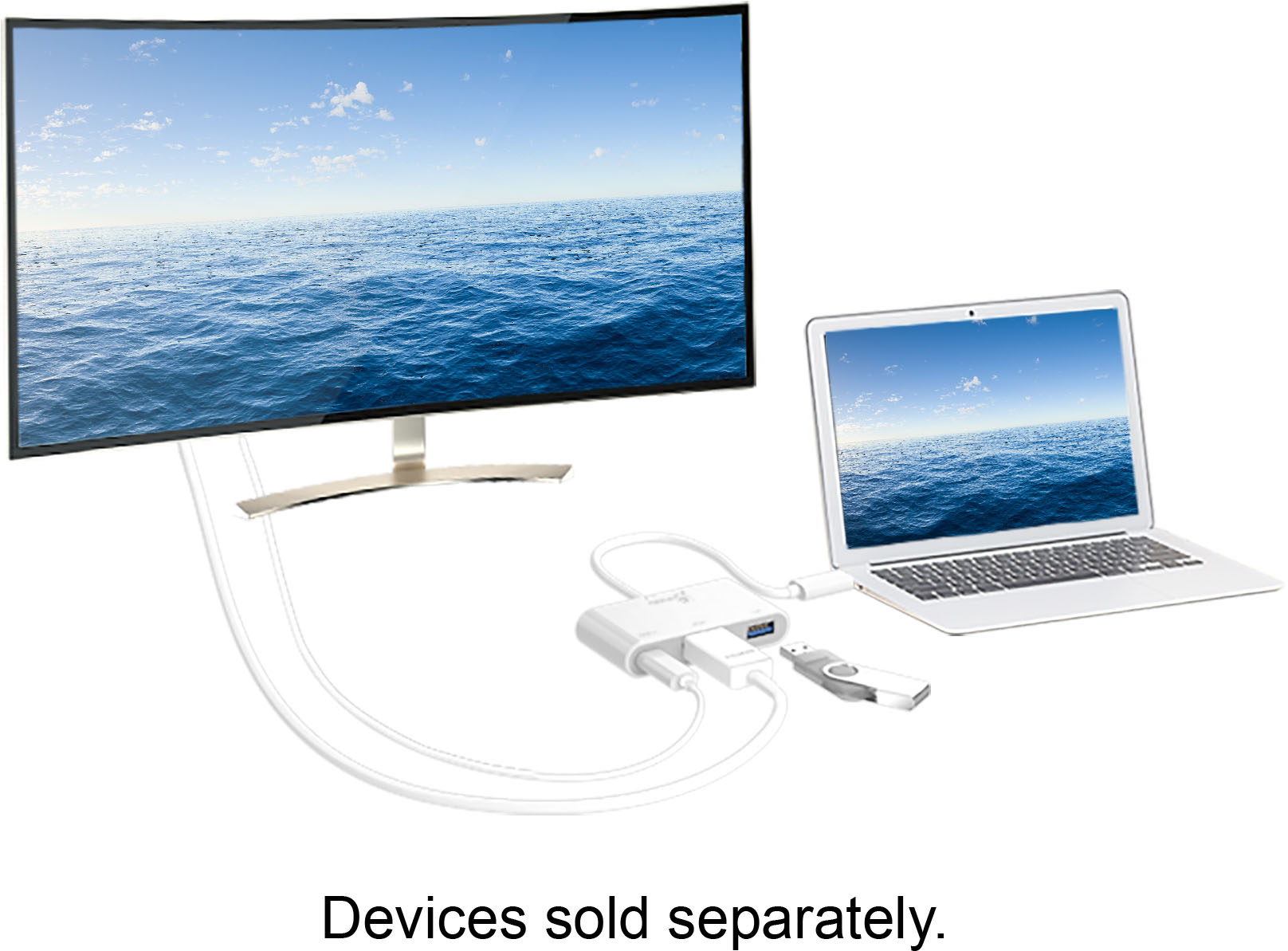
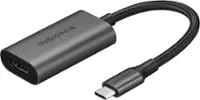
A:AnswerBoth the JCA379 and JCD383 are PnP devices which require that the phone, tablet, computer support DP alt-mode via USB-C in order to display. Unfortunately, the Samsung A20 does not support such feature and therefore will not work for your intentions. We have another adapter available and if interested, we would value the chance to discuss it with you. Our contact information can be located on the casing and a rep will be ready to assist.
A:AnswerIf you are referring to connecting another USB hub into the USB type-A port on the JCA379 - we do not recommend doing so as daisy-chaining causes signal degradation. For other products we have in stock with more capabilities, we recommend contacting support on the box and an agent will be happy to help.
A:AnswerNo, because the JCA379 is a PnP adapter, it requires that the peripheral support DP alt-mode and because the Amazon Fire 10 does not, this will not work for you. Due to the OS it uses, we do not have any device capable of outputting display for you. If you were looking to simply add more USB ports for mice, keyboards, flash drives... we do have some USB hubs available and if interested, we would value the opportunity to discuss them with you. Support information can be located on the casing and a rep will be happy to help.
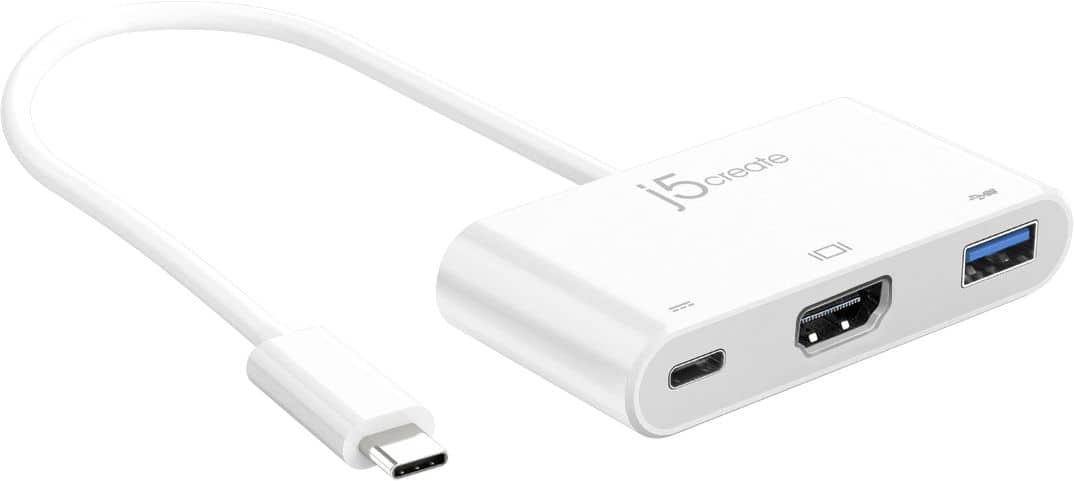
A:AnswerUp to 1920 x 1080 @ 60 Hz and 3840 x 2160 @ 30 Hz. For further assistance, we suggest contacting support on the packaging and an agent will happy to help.
A:AnswerThe JCA379 being PnP will simply mirror your phone screen to the TV; yes, it should support dex mode as long as your phone supports such capability. As for resolution, it supports up to 4K HDMI.
A:AnswerDue to HDCP, the JCA379 may not allow you to view such platforms. We recommend contacting support on the packaging and a representative will be glad to help in further explaining, offering a solution.
A:AnswerBecause the JCA379 requires a feature called DP alt-mode in your phone to display on a TV, it may not be compatible. In order to give a more accurate answer and recommend a device that will work, we recommend contacting support on the packaging and a representative will be ready to help.
A:AnswerDepending on what year the MacBook Air is and in order to give a more accurate answer, we recommend contacting the support team on the packaging and a representative will be ready to assist.
Regards,
j5create
A:AnswerUnfortunately because the phone does not support a feature called DP alt-mode which is when the phone, tablet, computer supports video via USB-C, it will not. We do have other devices that will work for your intentions and in order to recommend a model that is compatible, we recommend contacting the support team on the packaging and a representative will be ready to help.
Thanks,
j5create
A:AnswerUnfortunately, the JCA379 requires that the device you are using it with support DP alt-mode which is when the USB-C on the device supports video pass through , if it does not, it will not work in providing you a display. In order to best determine the situation, we recommend contacting the support team on the packaging.
A:AnswerFor the JCC153g to output a display to your tv it requires that your device supports a feature called DisplayPort Alternate mode. Unfortuantely I am unable to confirm if your model of computer supports this feature. I would recommend contacting your computer manufacturer to confirm. If you computer does support DisplayPort Alternate Mode, then yes, the JCA379 will be compatible.
A:AnswerNo, the JCA379 will not work with the galaxy s7, but we recommend contacting the Technical Support team mentioned on the packaging for assistance and potentially recommend a device that will work for you.
A:AnswerIf you have a laptop with a USB C port, it can allow for dual screens.
Plug the hdmi cable to laptop, then monitor. Then plug the device to the USB C port, plug a hdmi cable into the device, then plug the other end to the monitor.
You may need to set up the displays in the settings.
Keep in mind, this is for Windows based laptops. I do not about Mac or Apple devices.
A:AnswerPlease contact our Customer Service Department for further help in regards to this issue. Their information can be found of the back of the box and on our website.
A:AnswerIn order for this device to work it requires that your phone supports a feature called DisplayPort Alternate Mode over USB Type-C. This feature will allow your phone to output a display over the USB-Type C Port. Unfortunately, your phone does not support this feature, so this device will not work with your phone.
A:AnswerFor Amazon Prime video, you have to use the screen mirroring. Samsung DEX will not work. It may be the same for Hulu and Netflix.
I have a Samsung Note20 ultra 5g.
I hope this helps.
A:AnswerNo, For the JCA379 to support video out it required that he device being connected supports a feature known as DisplayPort Alternate Mode. Unfortunatley the LG Stylo 6 does not support this feature.