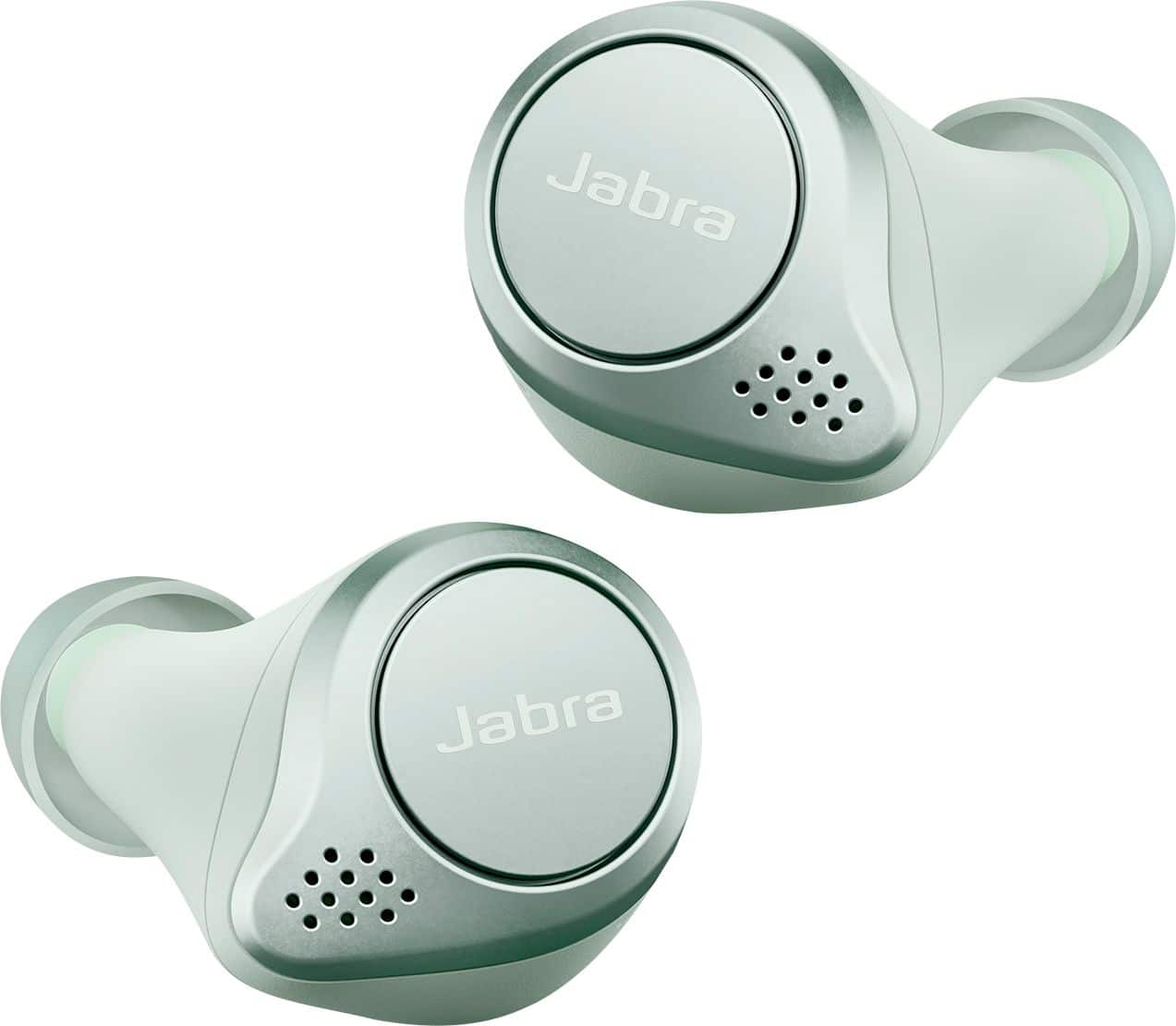
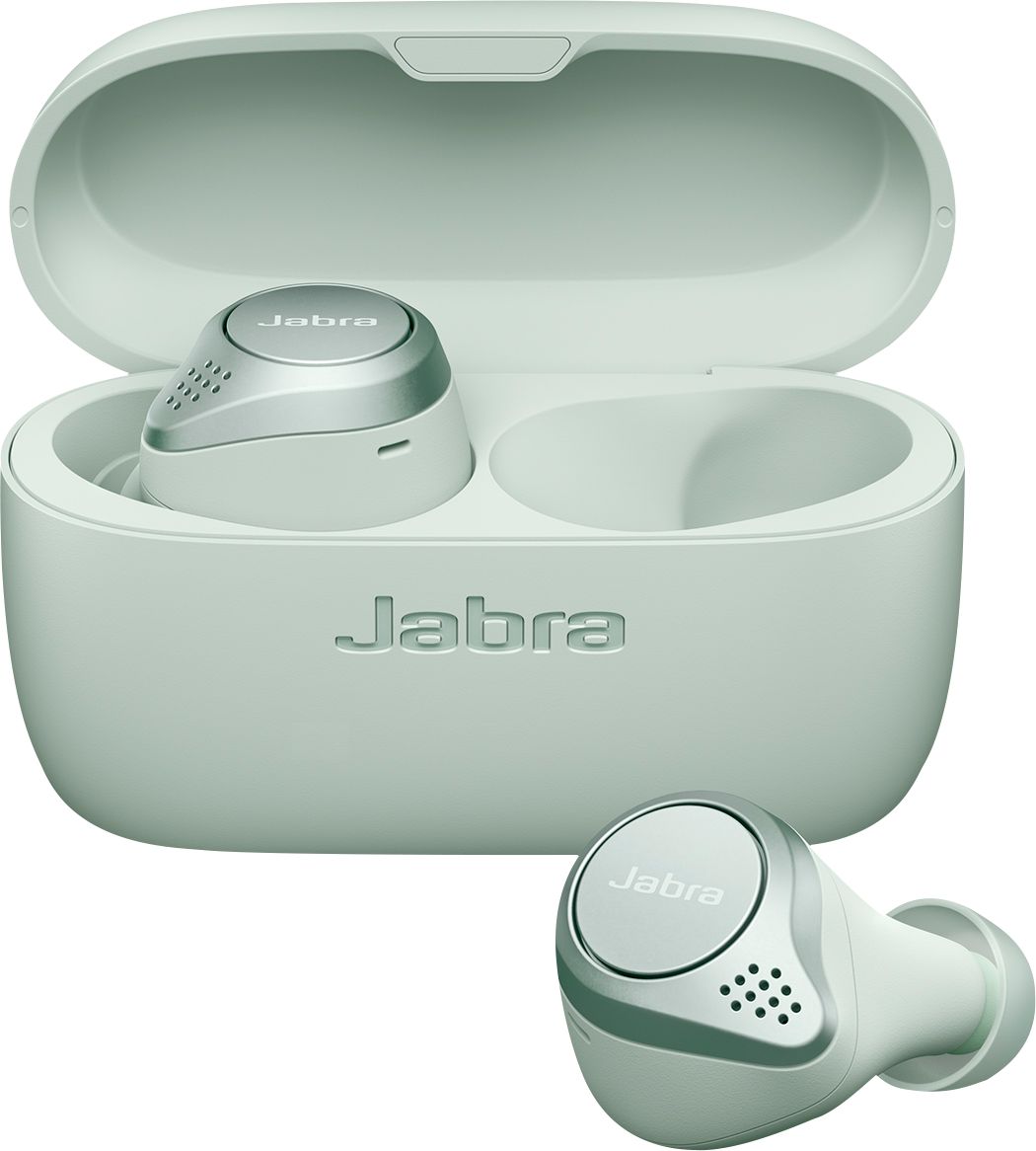
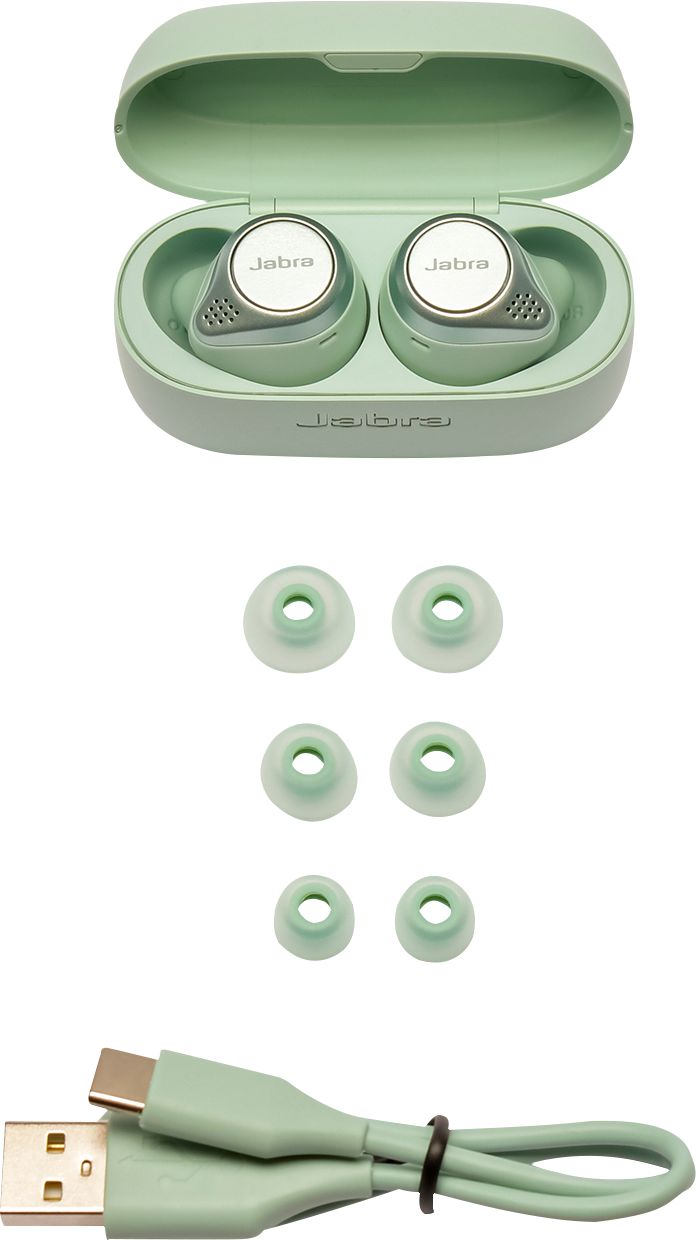
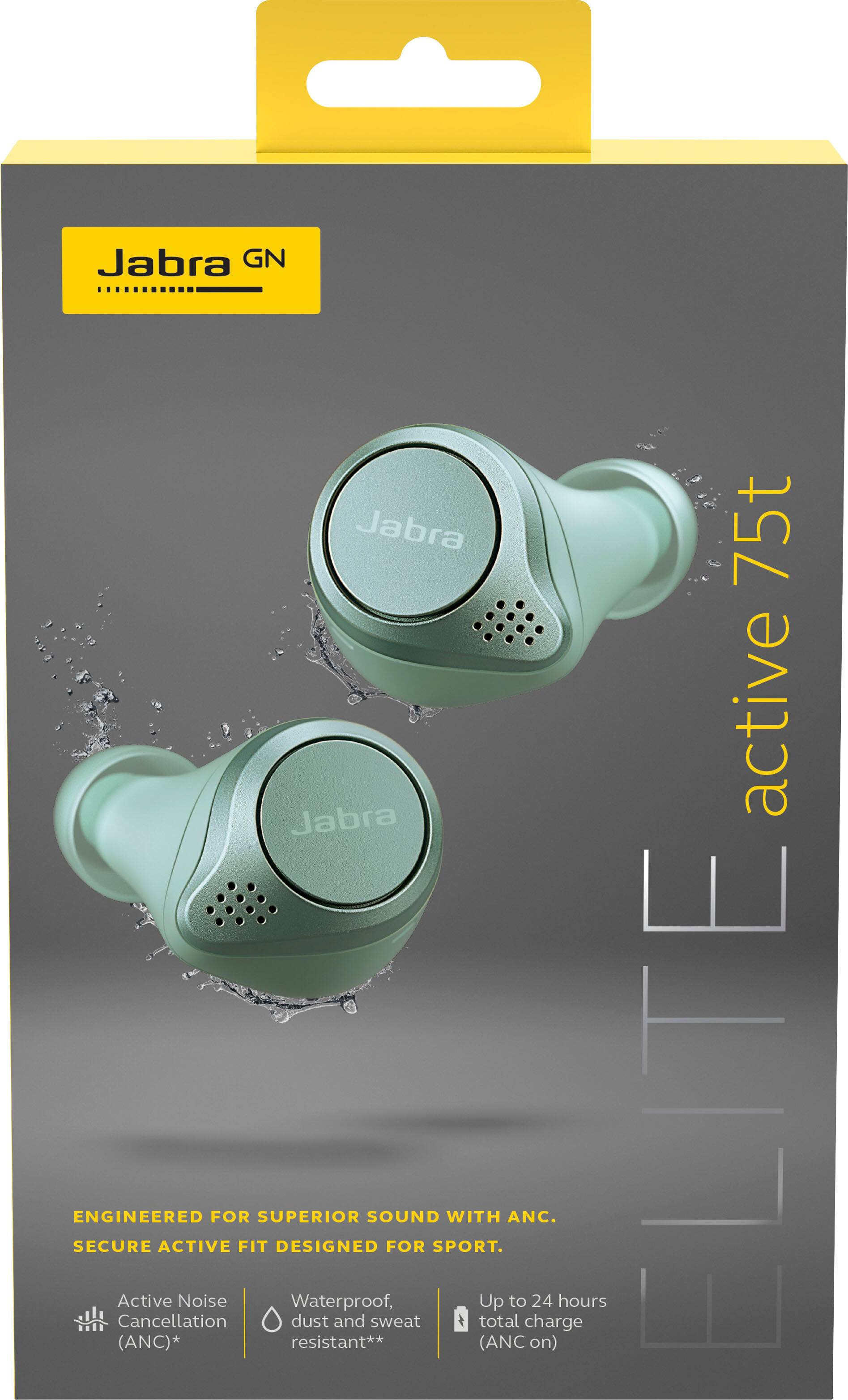
A:AnswerBased on information I have researched, the Active variant of the 75t have a better IP (ingress protection, i.e. waterproof protection) rating. They also come in a soft touch plastic (slightly rubbery) finish, rather than the smooth plastic finish that the Elite 75ts have.
The Actives will have some additional software features released in Q2 of 2020, but it is believed that the Elites will receive the same features via a firmware update, though Jabra has not confirmed that yet.
I personally use my Jabras almost exclusively for exercise and running, so I opted for the Elite Active 75t to replace my current Elite Active 65t as I value the waterproofing as well as the rubbery texture, which I have found helps keep them in my ears a little bit better. That said, my wife has the Elite 75ts, and they are extremely secure in her ears and mine.
A:AnswerHi Windstone- At this time, the Left EarBud cannot be used while the Right EarBud charges. There will be a firmware update that will allow this feature to be available to you. Thank you!
A:AnswerYes you can skip with a double press on left ear bud. three presses and it goes backwards to previous song. 1 press on right ear bud answers a call and also pauses. single press on left allows the passthrough noise on or off. great sounding headphones and stays in really well. these are my favorites over all the wireless ones out there up to 300 dollars a par I tried literally all of them in the store.
A:AnswerHello McKinney- Great question! At this time, it is only possible to use the right earbud of the Jabra Elite Active 75t on its own. We hope this helped.
A:Answerno lag in these that I have come across. I watch movies and also use these in the gym when working out and audio and video is spot on with no latency
A:AnswerIf you shower do not wash your hair or wash above your shoulders while earbuds are in. If the water hit them at a great frequency than be prepared to buy another set
A:AnswerHello Xbox- at this time we do not recommend you pair your Jabra Elite Active 75t directly with an Xbox One X as it is optimized to be used primarily with smartphones or tablets running either iOS or Android. While some of our users have found success pairing their devices to their gaming consoles, this is not something that we officially support. For this reason, we cannot guarantee device performance or provide support for performance problems that may result.
A:AnswerHello Apalruns- thanks for your question about the Jabra Elite Active 75t. Jabra devices are designed and engineered to provide sound quality for calls and music listening. They are optimized to to be used with other Bluetooth devices such as smartphones and tablets. The use of the Jabra Elite Active 75t with a smartwatch may not provide the best experience and is not officially supported.
A:AnswerIf you purchased the warranty along with your earbuds, the best thing you should do is review the entire warranty and make sure that you’re covered should you misplace the earbuds, charger or the entire unit. If the warranty covers misplaced units, then you should contact Best Buy as soon as you’re sure that you lost either your earbuds, charger or both items. As long as you’re covered by the warranty, Best Buy should be able to replace your lost Jabra earbuds and/or charger with a new unit. It’s also important that you register your Jabra unit after downloading and pairing your device with your phone or similar electronic devices. Registration, along with email or social media communication with Best Buy and Jabra is easy and important. Registering your Jabra unit identifies you as the owner of the unit.
It is also feasible that, along with contacting Best Buy to report the loss of your Jabra earbuds unit, you should drop inquire if there is a police precinct within the jurisdiction of where you misplaced your earbuds or charger. Always keep the original packaging, receipt and warranty for the unit in a safe place. The serial number and IMEI numbers can be found within the packaging and/or receipt or warranty. It’s obvious that, if your item was lost outside of your residence, you may not easily retrieve it. A lost/stolen property police report can be documented should you lose your unit. The report should include both the serial number and the IMEI numbers.
Even though you’re filing a police report for your misplaced Jabra unit, it’s helps Best Buy a lot when honoring a filed claim in replacing the lost items. The police will provide you with an instructional form to fill out if you are requesting a police report to take to Best Buy when filing a claim. The items that are important to have are your receipt and warranty containing the serial and IMEI numbers, being registered and filing a lost/stolen property report with police.
A:AnswerHello roneverett27- excellent question. We are currently expecting the Jabra Elite Active 75t to launch in February. However, we recommend contacting your local Best Buy directly for their specific release date.
A:AnswerYes. You just pair it like any other Bluetooth headphones. Under settings then Bluetooth connections. You can also download the Jabra app which also helps to connect and manage the sound settings.
A:AnswerHello eleenthu - Yes, the Jabra Elite Active 75t is capable of multiple call handling. To put the current call on hold and answer an incoming call, triple-press the right button. To switch between the calls, double-press the right button. You can find this information within the User Manual that you can find in the Elite Active 75t support pages of our website at https://bit.ly/3gD3Uwu. Thank you.
A:AnswerHello Cathy - Yes, it is perfectly fine to leave the Jabra Elite Active 75t earbuds in the portable charging case when you are not using them and/or when the case is being charged. You cannot overcharge the device and leaving the earbuds in the case and the case connected to a power source will not affect the battery life. Thank you!
A:AnswerWe do not support using the Jabra Elite Active 75t in a pool or ocean. While the device has an IP-57 rating, meaning it can be submerged in water up to 1 meter for 30 minutes, pools contain other chemicals and the ocean contains salt which will harm the device. Bluetooth radio waves also do not travel well underwater. Thank you.
A:AnswerHello Andy- The Jabra Elite Active 75t is eligible for a one-year Manufacturer's warranty that begins the day you buy the device and also an additional limited two-year warranty when you register it in the Jabra Sound+ app. At this time there is no need to purchase the Best Buy Geek Squad warranty if you do not want to.
A:AnswerI haven't had this problem, but have had problems with the earphone going dead (with a fully charged battery) and not being able to restart them without replacing them in the battery charging case.
A:AnswerHello KingAO - This is not an expected behavior of the Jabra Elite Active 75t. We recommend contacting our Support Team at your earliest convenience for further assistance with troubleshooting.https://bit.ly/2wIr6ln