A:AnswerHello VWIN- Though some users have success, we cannot guarantee full functionality when recording voice memos with the Jabra Talk 15. Thank you for your question.
A:AnswerMake sure the Bluetooth is turned on whatever you’re pairing it to, the device charged and hold main button on BT for more than 3-5 seconds until a flashing light or voice says “ready to pair”, then Pair. Hope this helps a little!
A:AnswerHello there- thank you for your message and for your interest in Jabra. You can see a complete list of all of the Jabra devices which are supported with your Samsung smartphone on our compatibility guide linked here: https://www.jabra.com/compatibilityguide/
A:AnswerHello kap14- thank you for your question about the Jabra Talk 15! In order to make a phone call with your earpiece, you simply need to pair your headset to your smartphone using the instructions linked here: https://www.jabra.com/supportpages/jabra-talk-15/100-92200900-02/faq/How-do-I-pair-my-Jabra-Talk-15-with-my-smartphone#/. You will know how much talk time you have left in your Jabra Talk 15 by the color of the battery icon LED. A green light indicates that the headset
has more than 30 minutes of talk time remaining. A red light indicates that the headset
has less than 30 minutes of talk time remaining. We hope this answered your question!
A:AnswerHi Robin- The Jabra Talk 15 allows you to Enjoy clear calls with a high-quality microphone and speaker that are optimized to make conversations clear. Additionally, the Jabra Talk 15 gets the most out of your media, letting your wirelessly stream GPS directions, music and podcasts from your mobile phone. Thank you for your question!
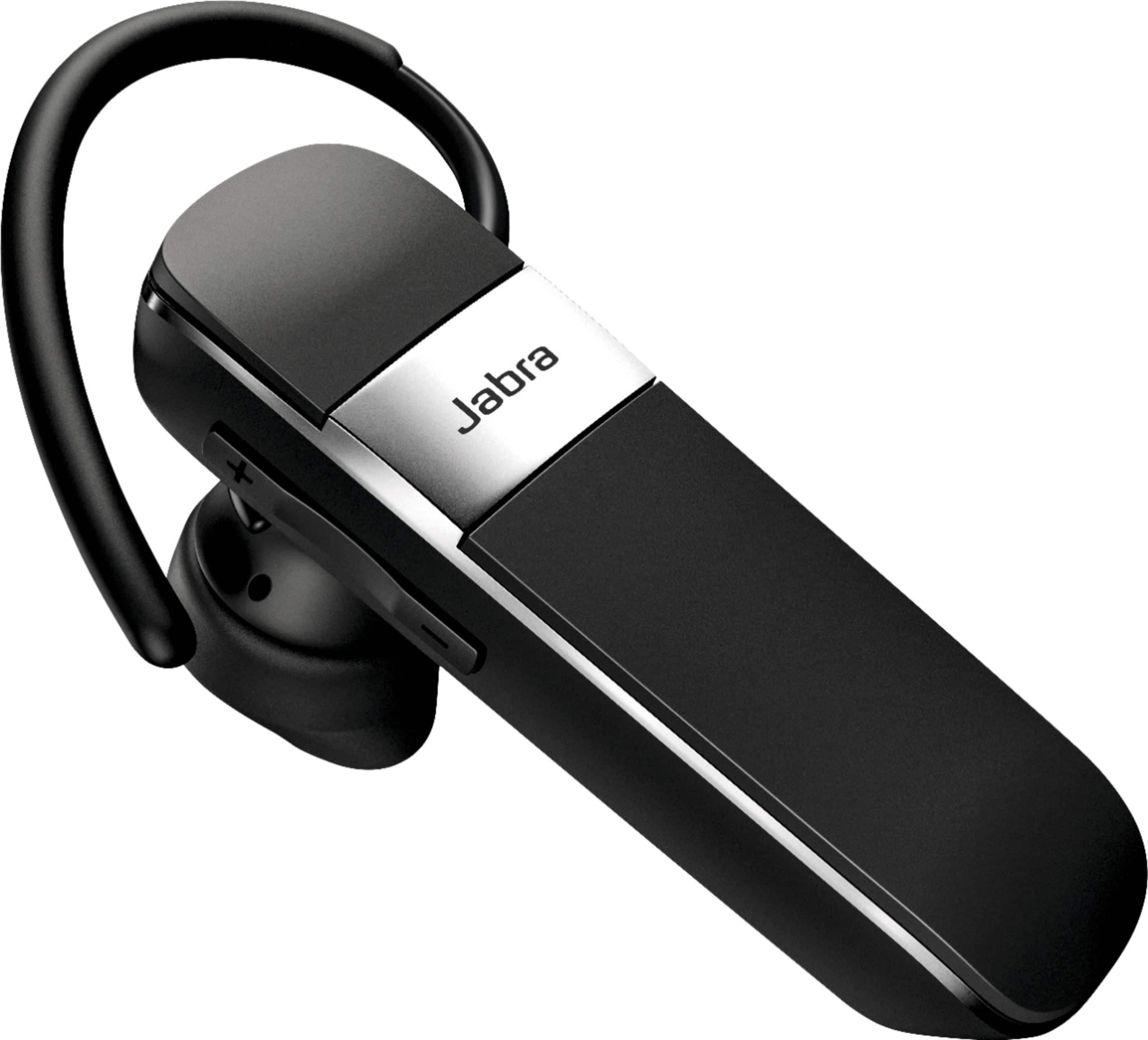
A:AnswerMandy when pairing the blue tooth to your galaxy note 10 first make sure you delete all the ones you had on your phone first. Once that's done go to settings and go to bluetooth and scan make sure you have the new one turned on so it can scan and attach
A:AnswerHello Kennyg- Jabra devices are designed and engineered to provide sound quality for calls and music listening. They are optimized to be used with other Bluetooth devices such as Smartphones and Tablets. The use of a Jabra device with a Computer, Gaming System, Laptop, or Smartwatch may not provide the best experience and is not officially supported. Thank you!
A:AnswerHi Des- great question about the Jabra Talk 15. Simply tap the answer/end button on your headset once to answer a call. If you continue to press on the answer/end button of your headset, you will
reject the call. Depending on your phone settings, the person whose call you rejected will either be forwarded to your voice mail or they will hear a busy signal. Please contact us if you have any other questions: https://www.jabra.com/supportpages/jabra-talk-15/100-92200900-02/contact-support.











