A:AnswerYes, to answer a call press the button on top of the earbud once in either earbud, To decline a call press and hold either button on top of the earbud for 2 seconds, to end a call press either button on top of the earbud once on either earbud.
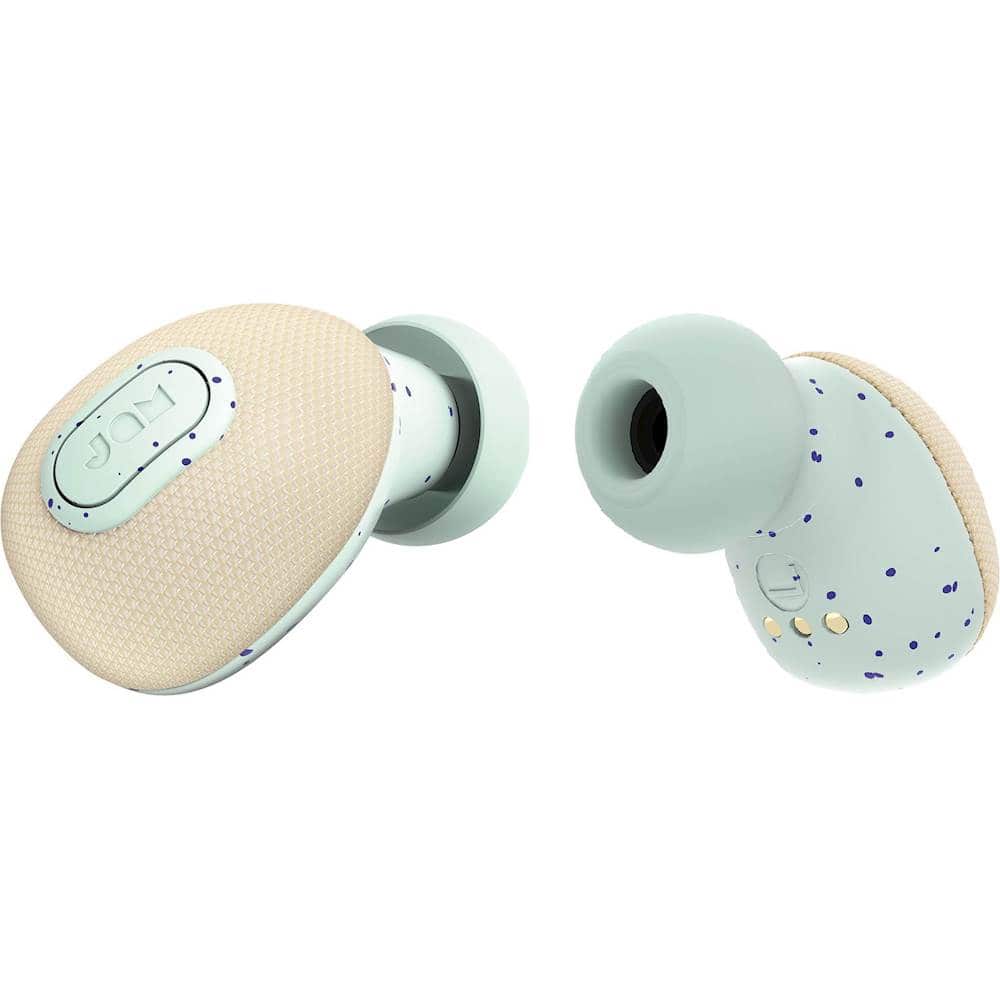
A:AnswerYou might want to unpair it. And restart the pairing process. Make sure the right earbuds turns on first then the left one. Double click both earbuds to ensure they are connected to each other. Then pair your headphones to your smartphone.
A:Answermy set does the same thing. the right one fades out then back in, its weird that it only happens to the right bud... im calling the company in the morning.
A:AnswerFrom what I've read, it may have something to do with where you are keeping your music device. Try putting it close to your ears, like on your arm or in a top Shirt pocket and see if that helps.
A:AnswerThey are Bluetooth and should work fine with your watch. I have had no problems with mine and use primarily with my tablet or laptop.
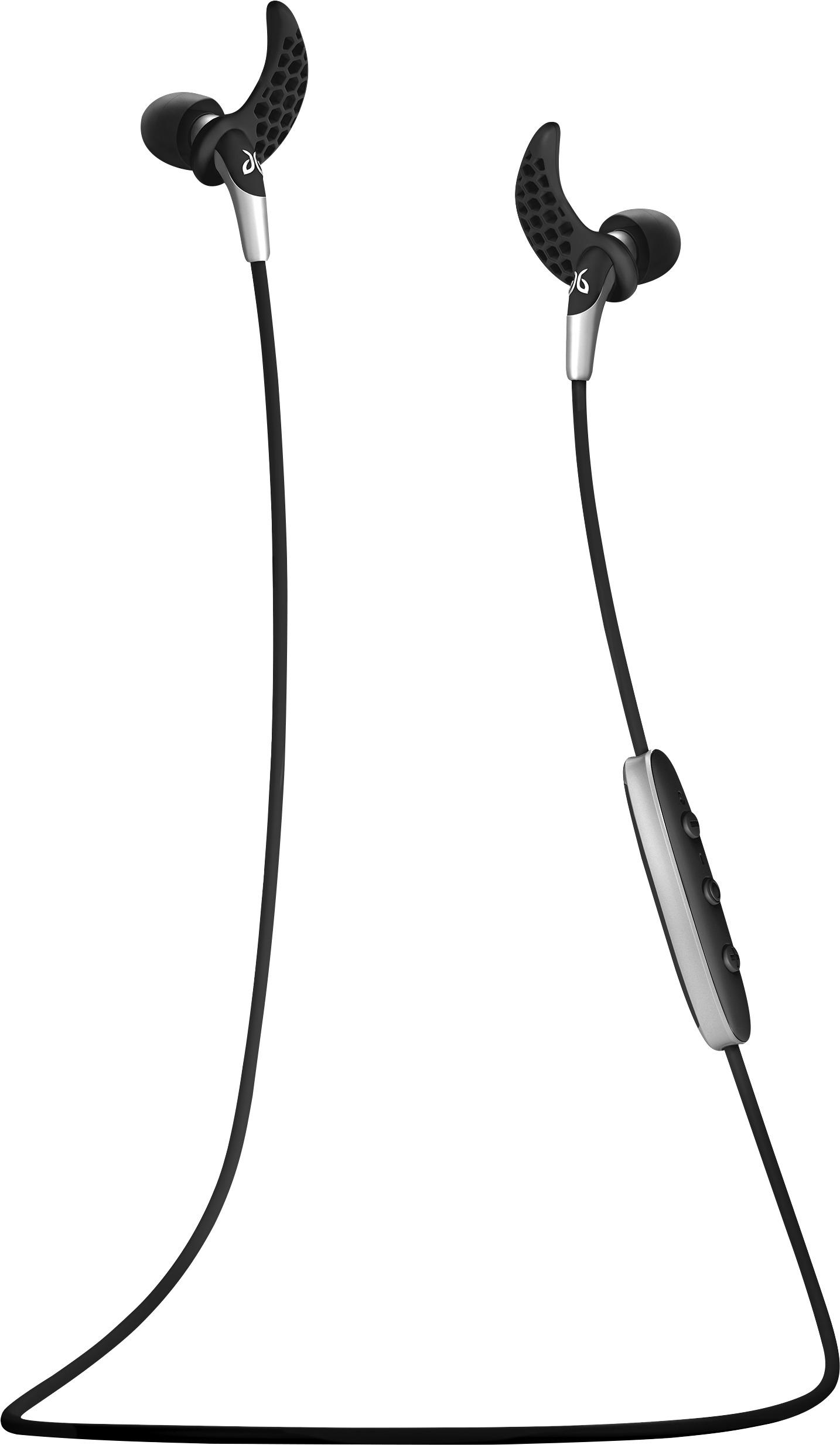
I purchased the same watch for my wife. She loves it. With the watch I got her the small Jaybird Bluetooth headphones for her exercising. They have an inner ear canal lock that keeps them in place but do have a cord connecting the two. The cord has an attachment for the lithium battery to attach for super long play. Will play for 4 hours without battery and 8 hours with battery attached or can use battery to recharge. Very versatile. Check them out if you are not sure about these especially for exercising.
A:AnswerA solid red light means charging I believe a flashing red and blue means the earbuds are probably in paring mode with your device or each other.
A:AnswerWe had to unpair the buds from the source, and pair them up again. I can't explain why that worked; it doesn't make any sense. Unless it was just coincidense they started working at that time. Anyway, that worked for us. Good luck.