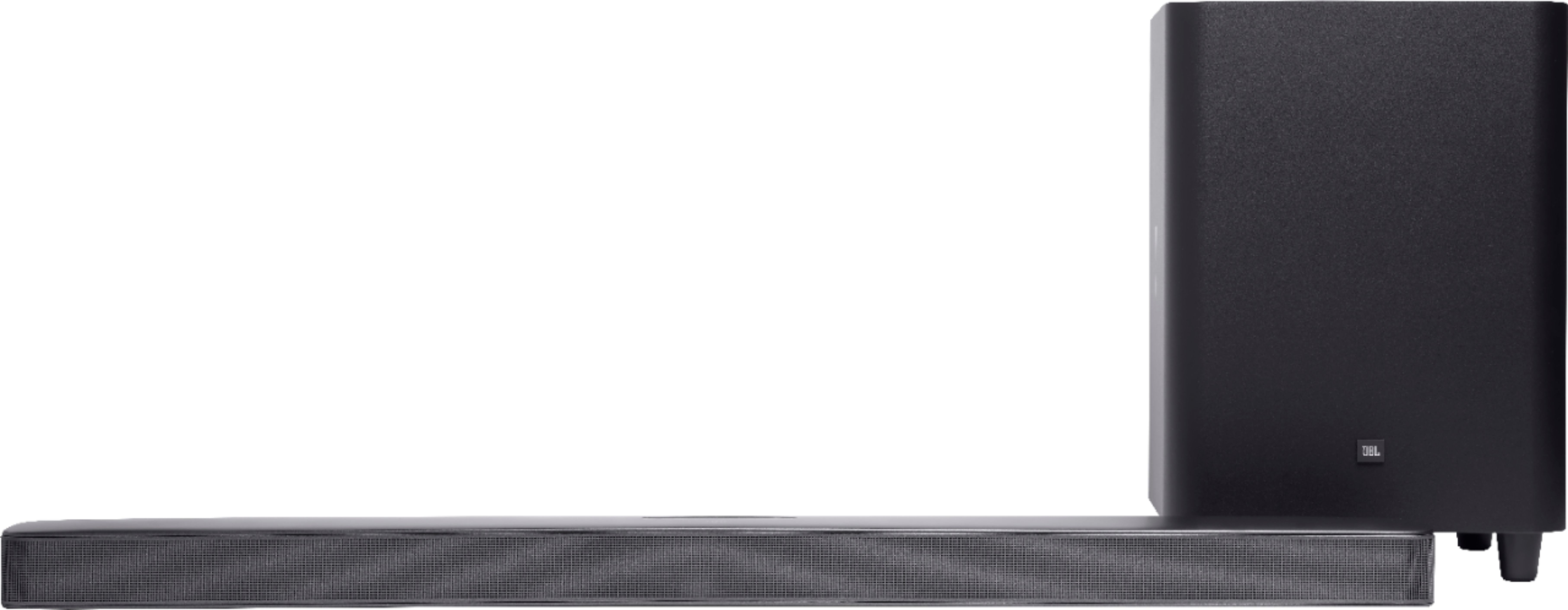
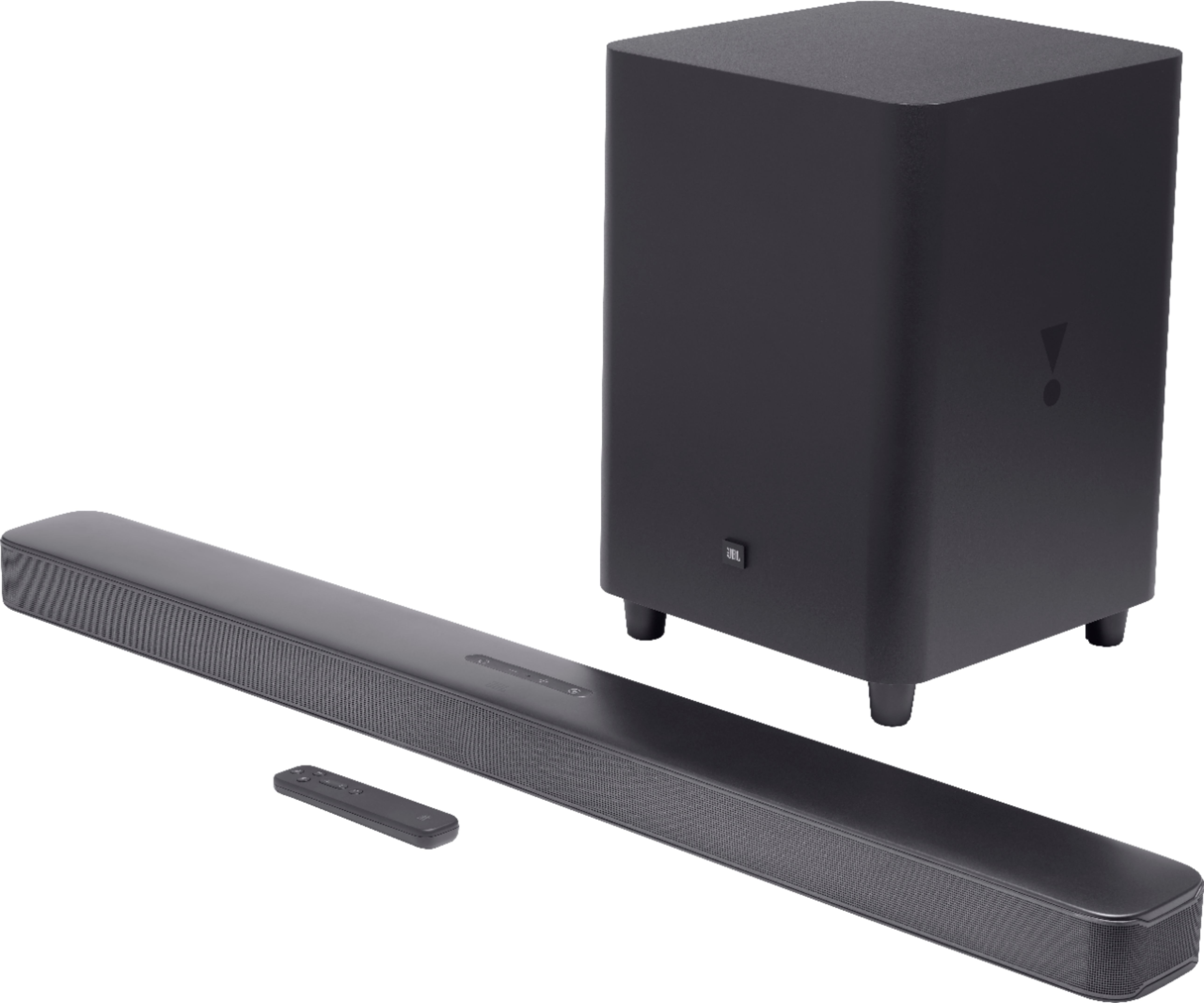
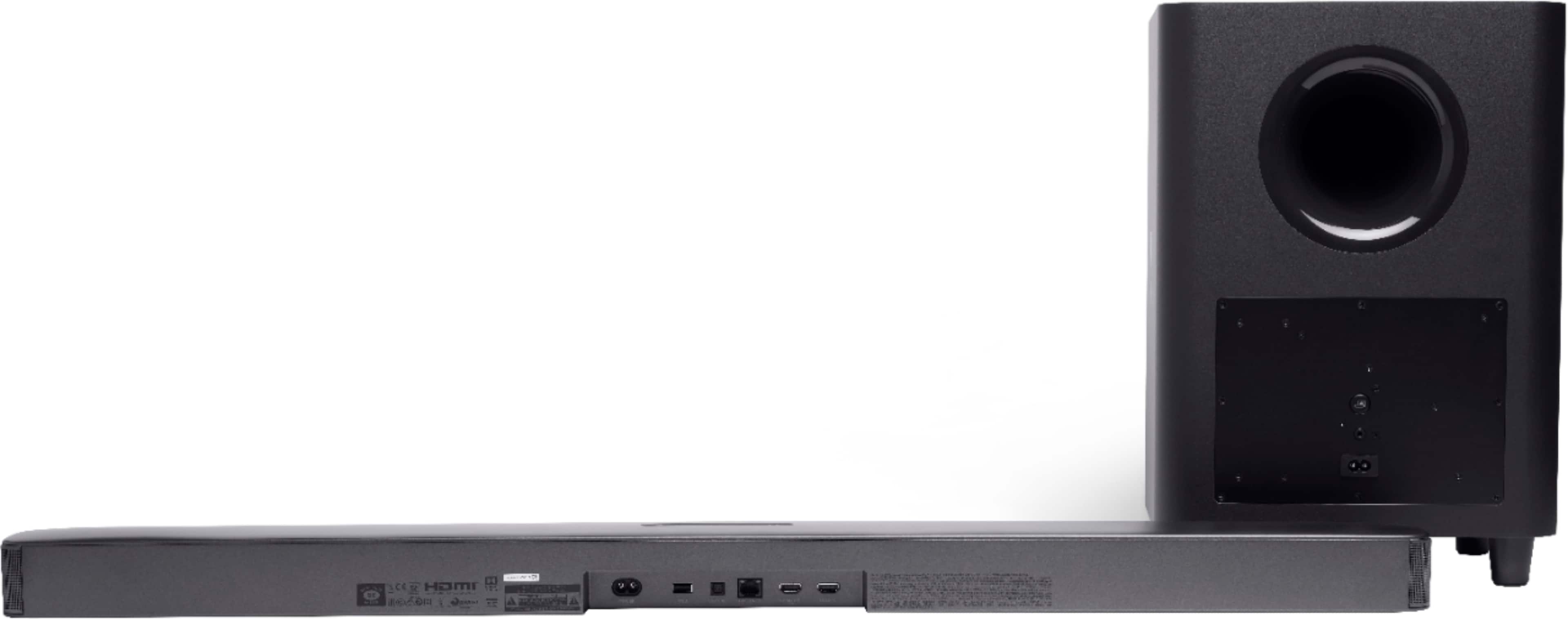
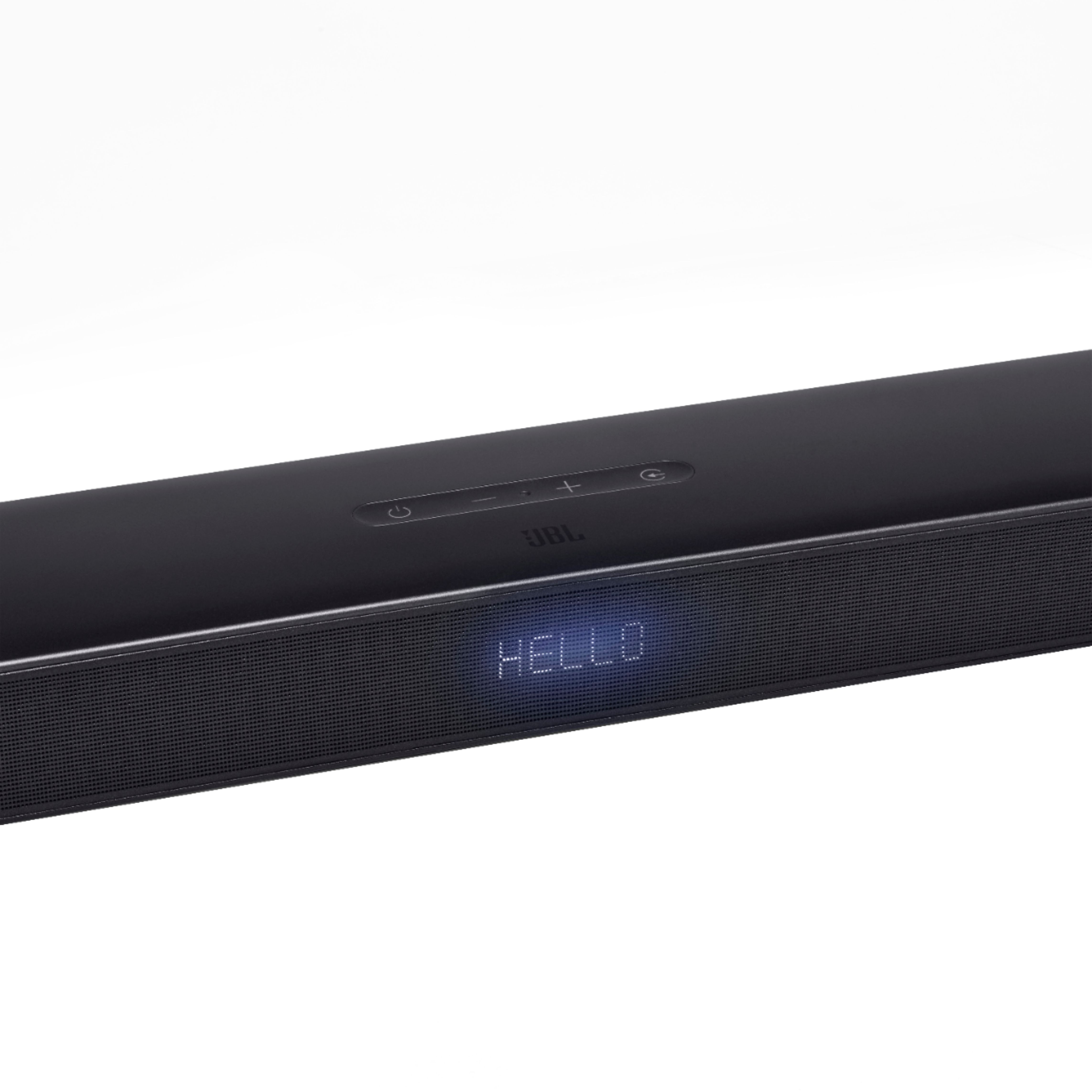
A:Answer I used to own a 3.1 and feel your pain!
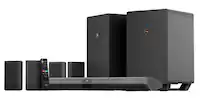
The 5.1 half solves that issue in that the soundbar needs to be in Bluetooth mode in order to connect to it. On the 3.1 you could connect to it with Bluetooth no matter which mode it was in. The flip side of this is that on the 3.1 you could connect an Alexa Echo and just tell it "connect to the Bluetooth speaker", and it would connect away and start playing. You can no longer do this on the 5.1, as you would need to deliberately switch its mode to Bluetooth.
The 5.1 still doesn't have a default Bluetooth password that you need to enter. If you leave it in Bluetooth mode then I believe anyone could connect to it UNLESS your existing Bluetooth connection to it is still active.
On the 3.1 I had mitigated the issue by plugging an old tablet in and connecting it to the soundbar's Bluetooth permanently. Since I never used Bluetooth otherwise, it prevented others from connecting.
The 5.1 is moderately better than 3.1 in this aspect, but still no real security.