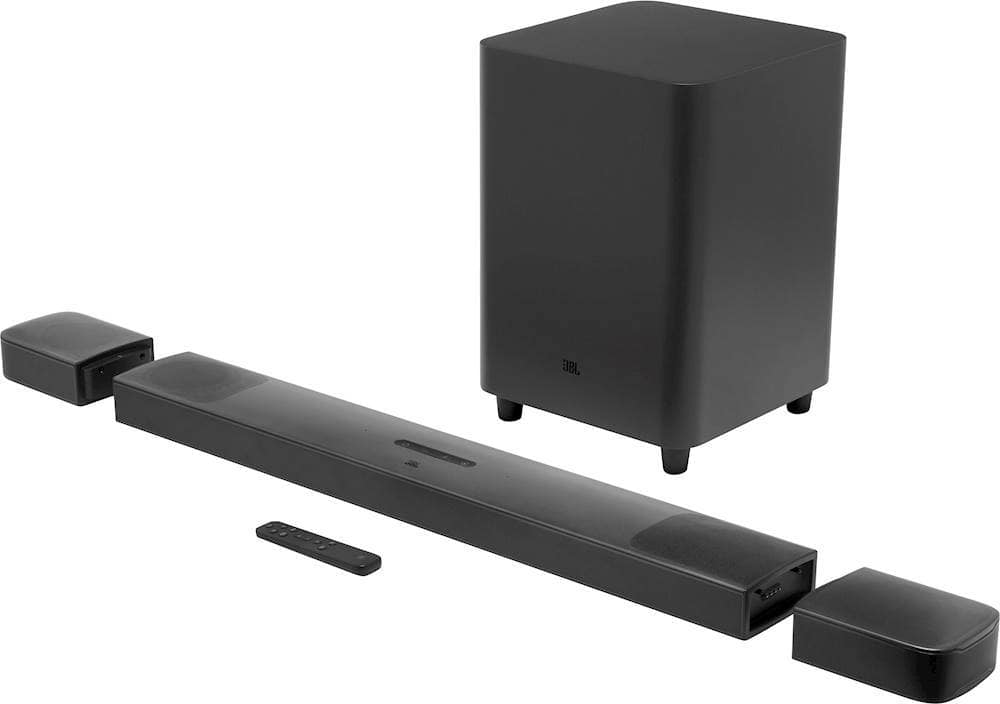
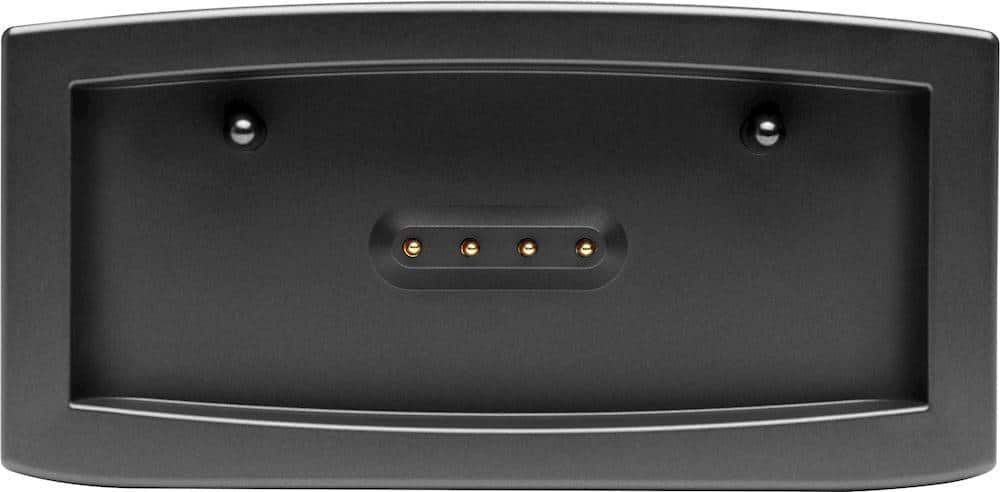
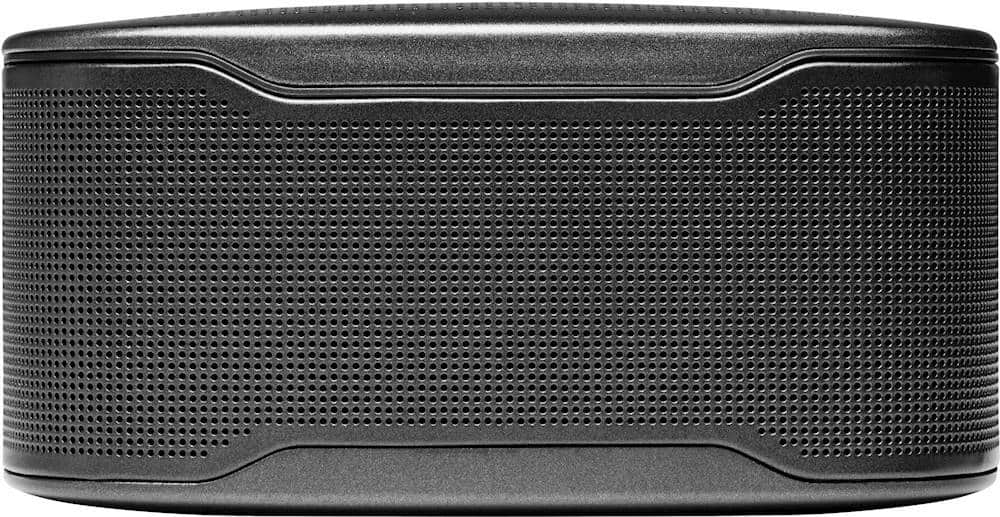
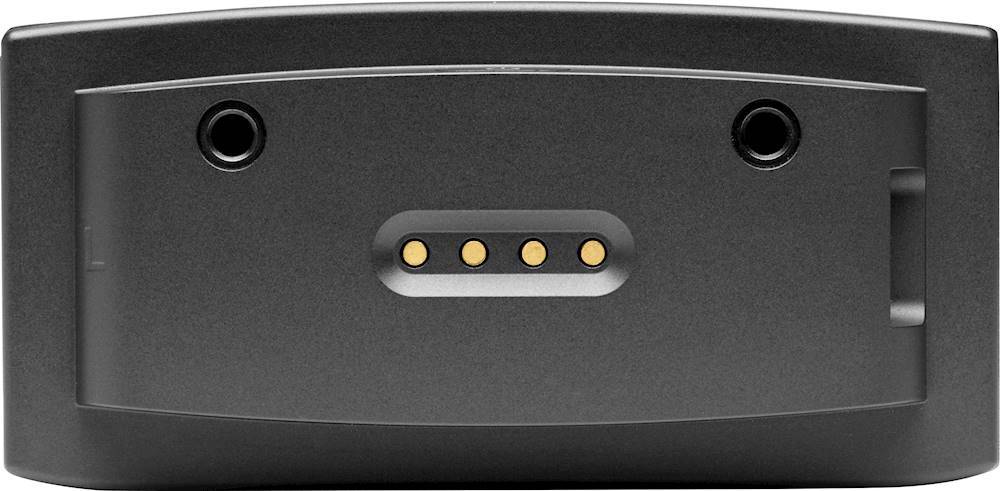
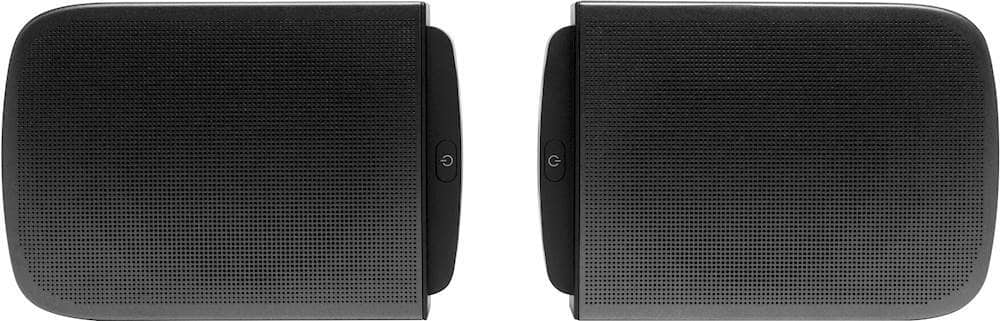
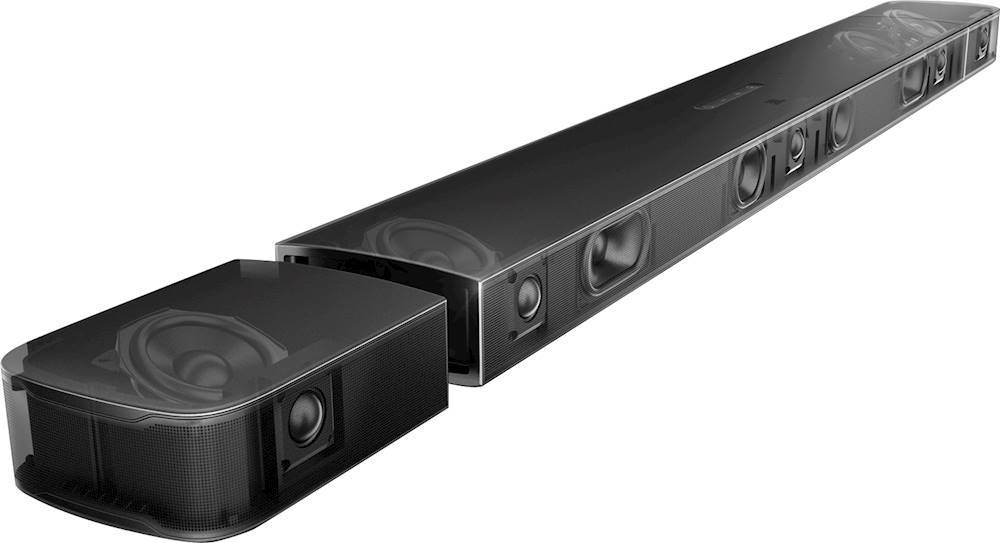
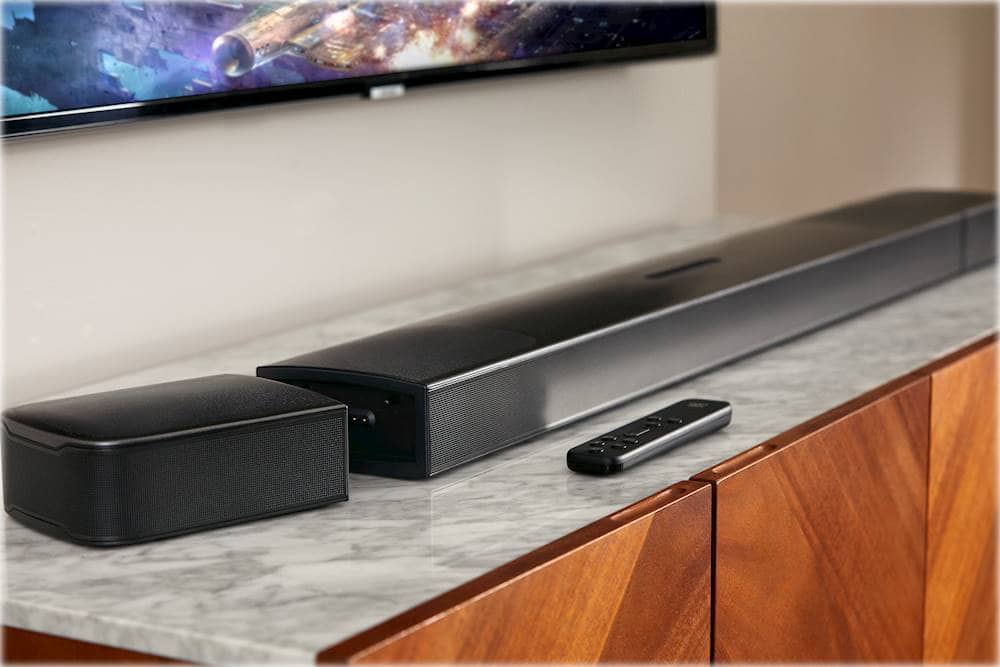
A:AnswerKeeping the rear speakers docked will not affect its battery life span. It has a protection where the charging stops when the batteries are full.
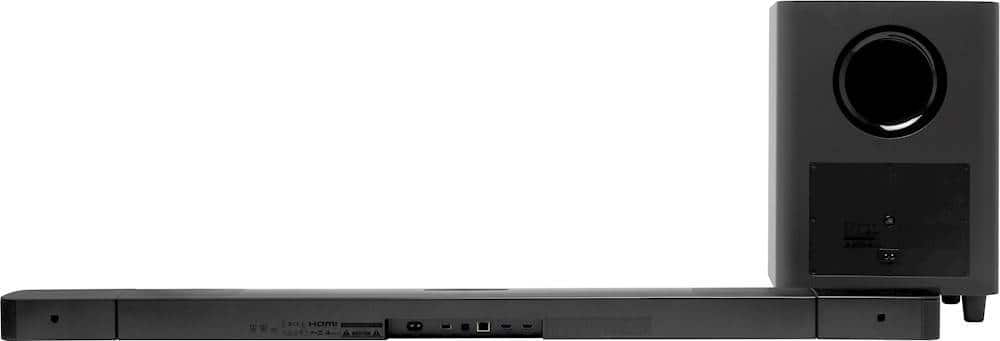
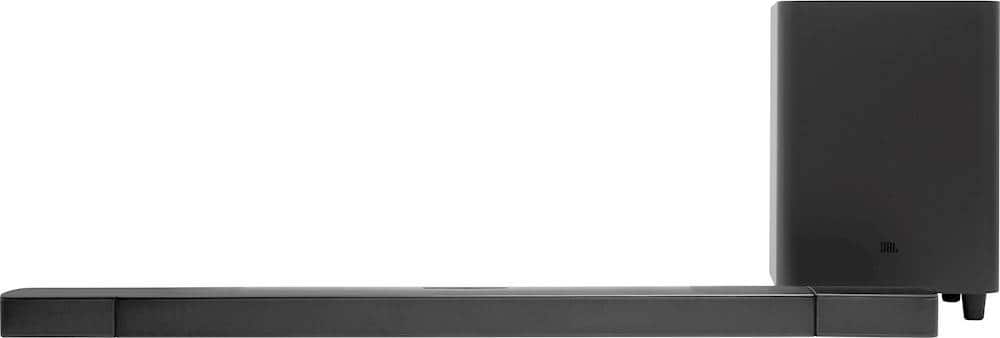
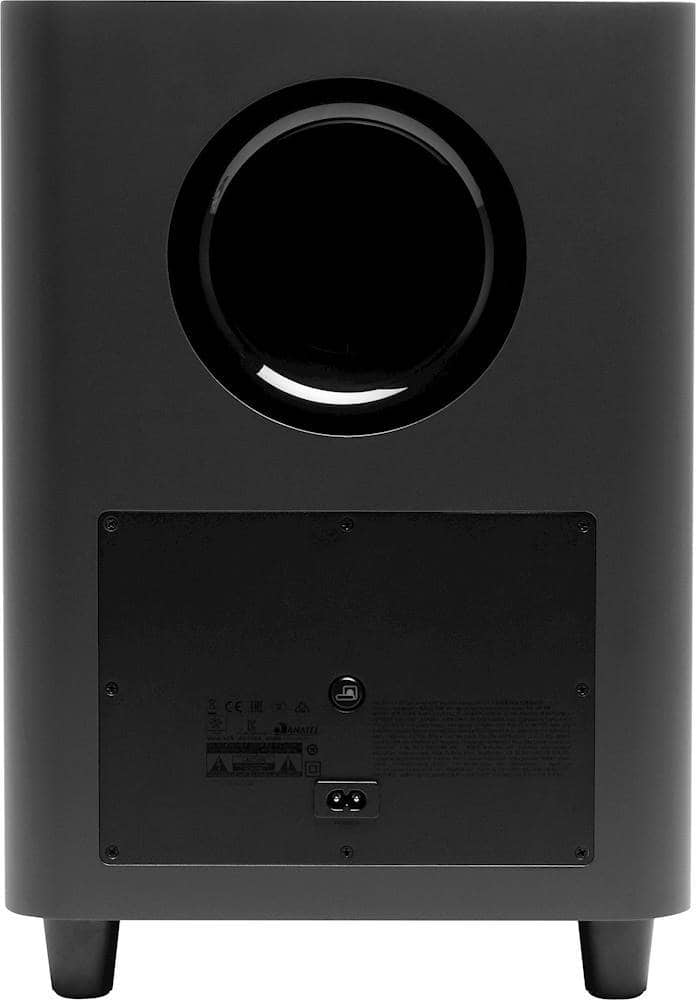
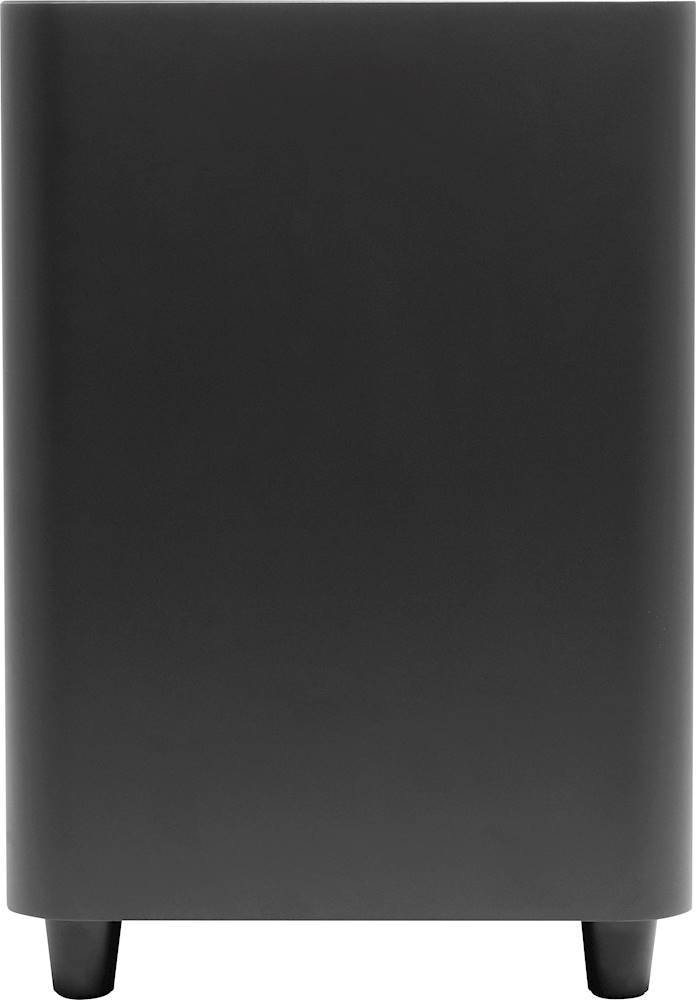
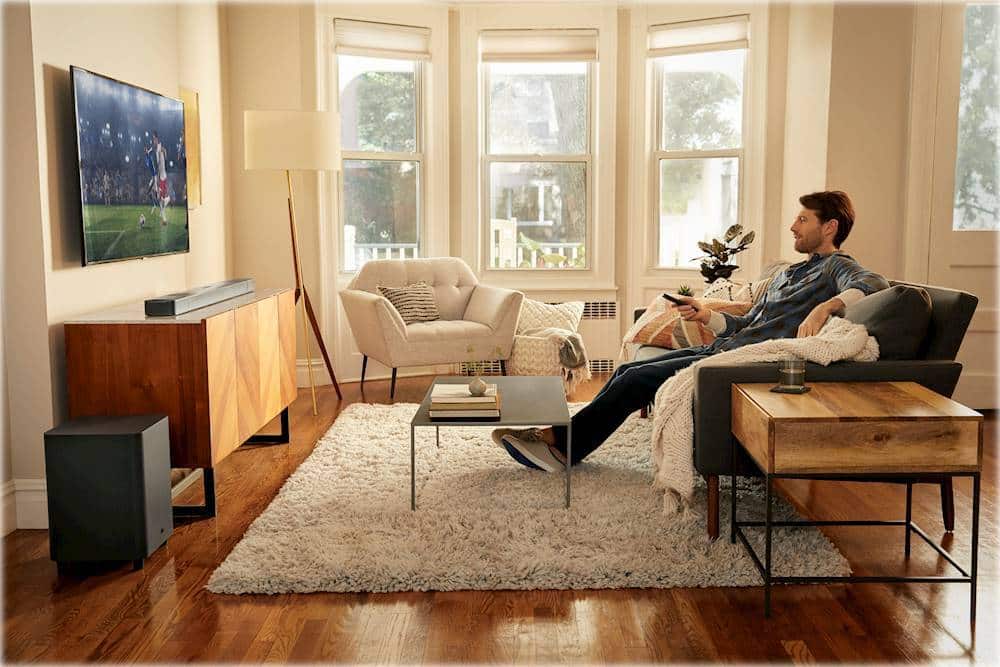
A:AnswerYes, our JBL Bar 9.1 must be plugged into a power outlet as well as the subwoofer. The soundbar is the only one needed to be connected to the TV via HDMI-ARC. The subwoofer is connected via Wifi 2.4ghz to the soundbar.
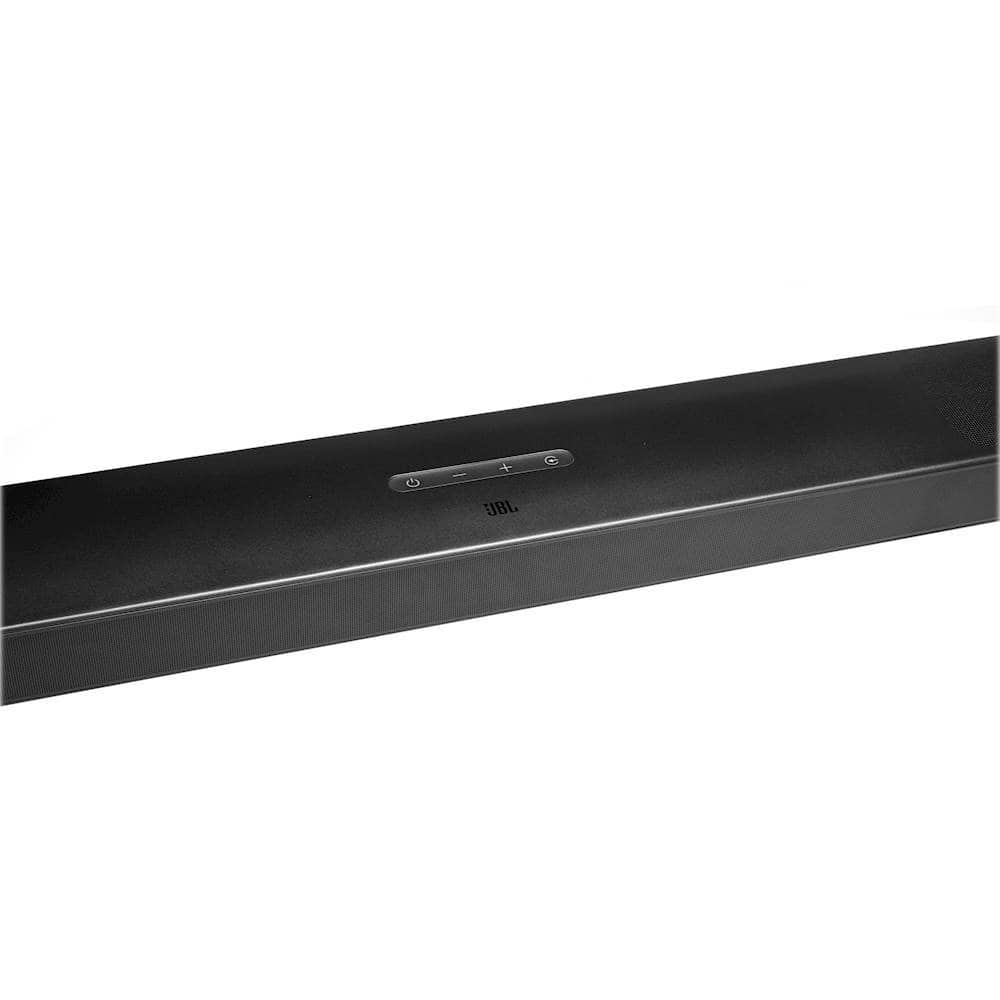
A:AnswerIf your Sony TV supports HDMI-CEC, it should work with our JBL Bar 9.1. Enable HDMI CEC as instructed in your TV user manual. You can control the volume +/-, mute/ unmute, and power on/standby functions on your soundbar through the TV remote control.
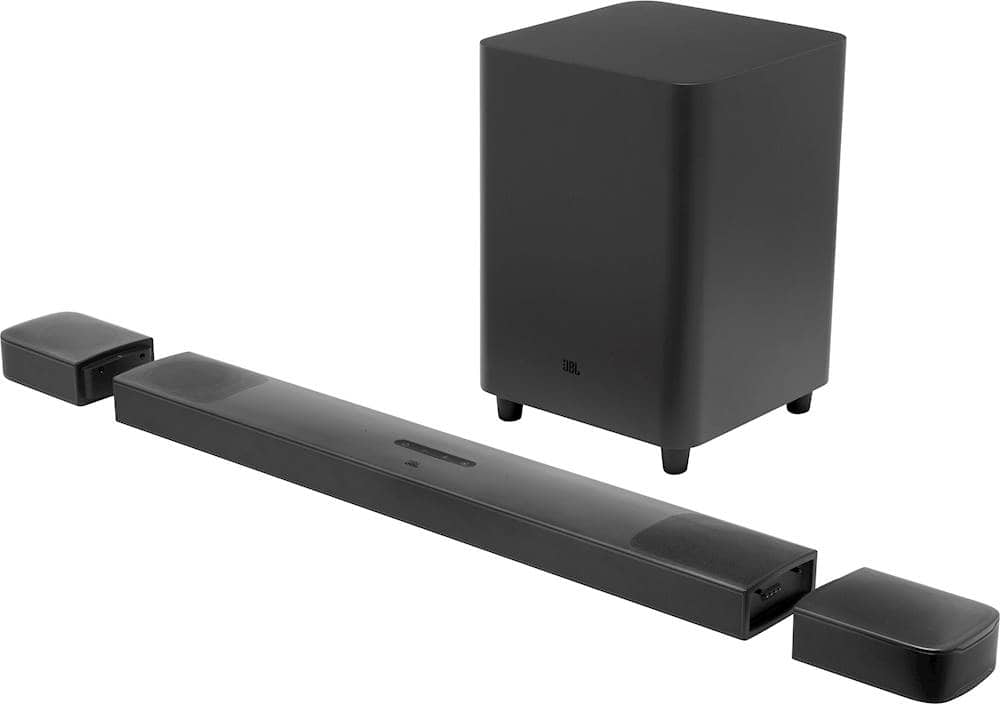
A:AnswerThe surround speakers and subwoofer of our JBL Bar 9.1 are wireless. In order to get the best audio quality, HDMI cable is ideal to use in connecting your TV to the soundbar.
A:AnswerI had my local store check all the stores in the metroplex and they located one across town. I paid them for it and went and picked it up.
We had a movie night scheduled and had to get new speakers to replace our damaged out door theater speakers.
These worked fantastic. Thank you to my local store for checking the other stores in the area. Got me what I was looking for.
A:AnswerA Fast Charger will work but you don't really need that, any standard charger block will supply enough power. I'm using a couple of extra standard iPhone blocks and they keeps my rear surround speakers charged all the time.
A:AnswerYes, it comes with wall brackets if you want to mount it on the wall. You mount the bracket and then the sound bar sits on the bracket. The brackets are low profile you don't really see them at all.

A:AnswerIt’s trash. I own one and it does this and has for the last year. Have to unplug and plug in again. Last JBL sound bar I’ll ever buy. I had a Sony sound bar for 10 years still working strong.