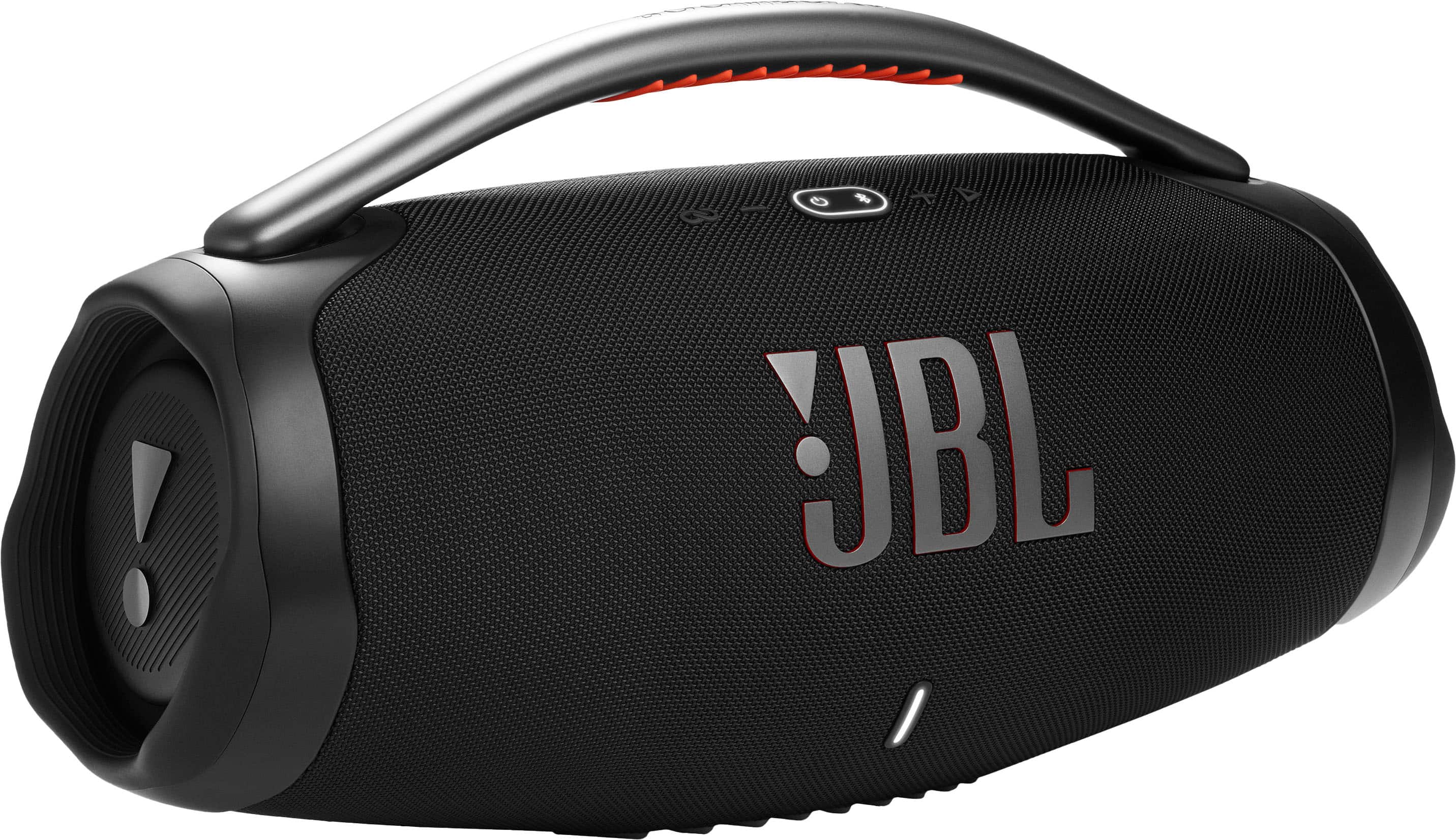
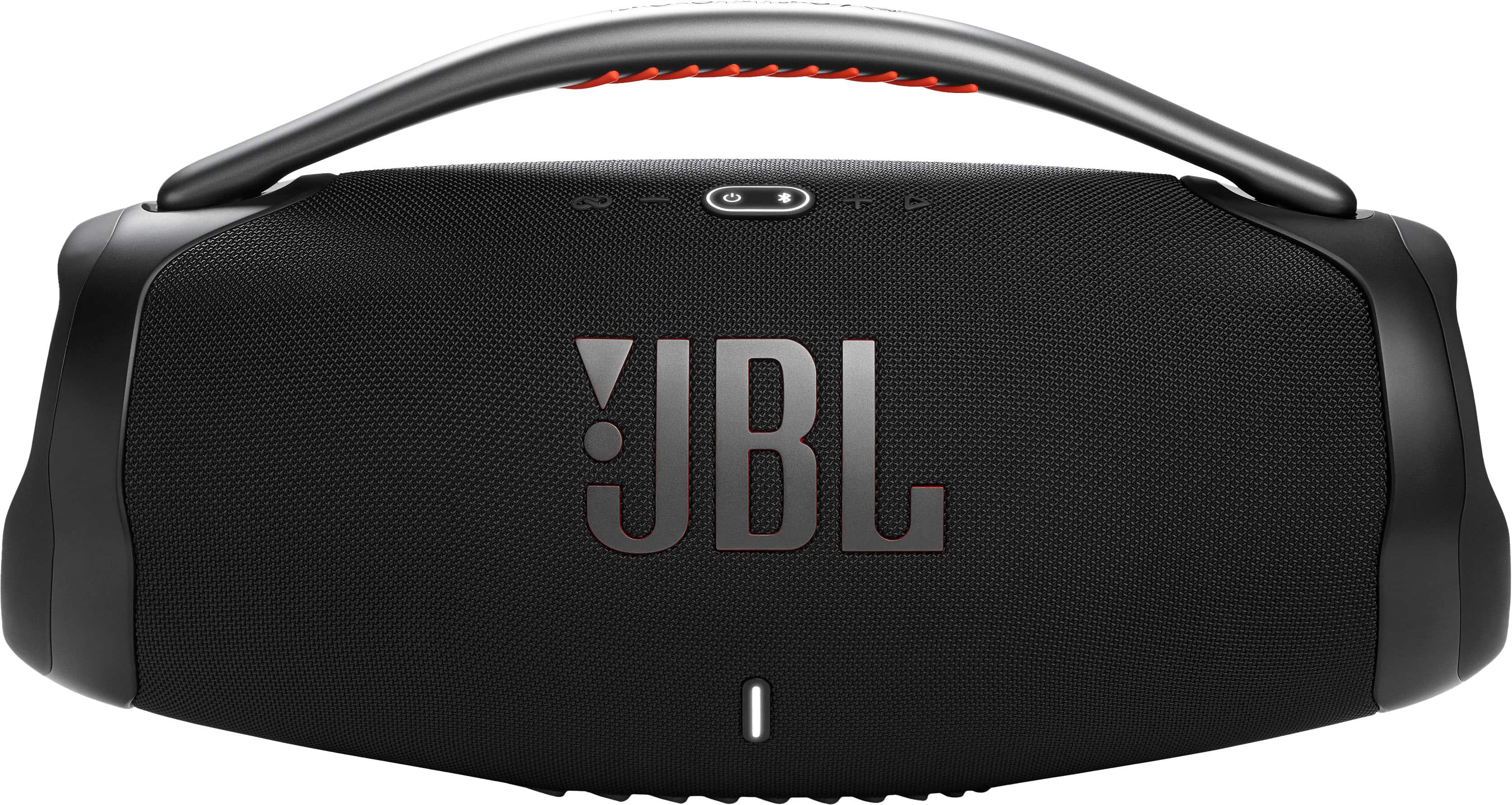
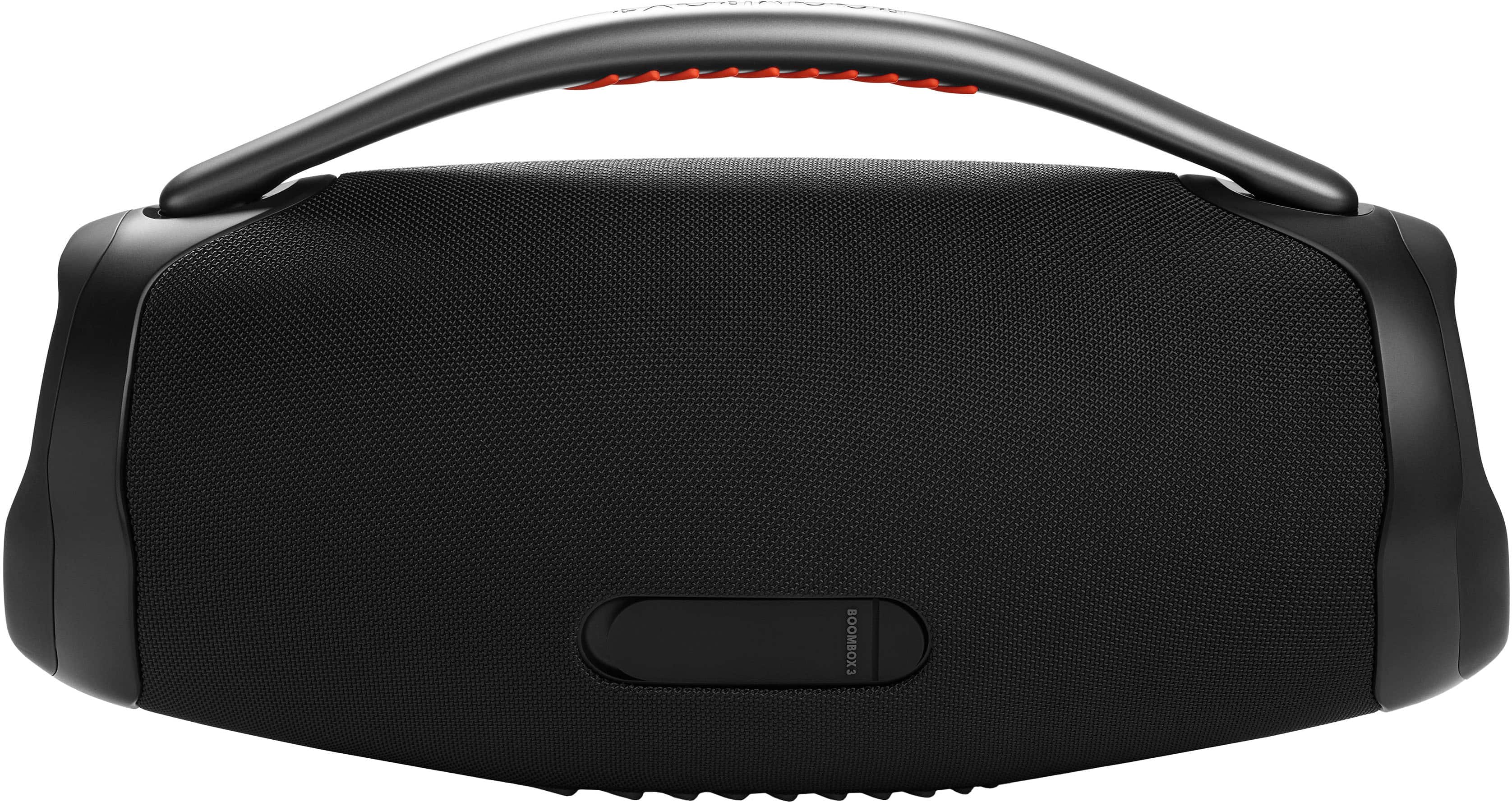
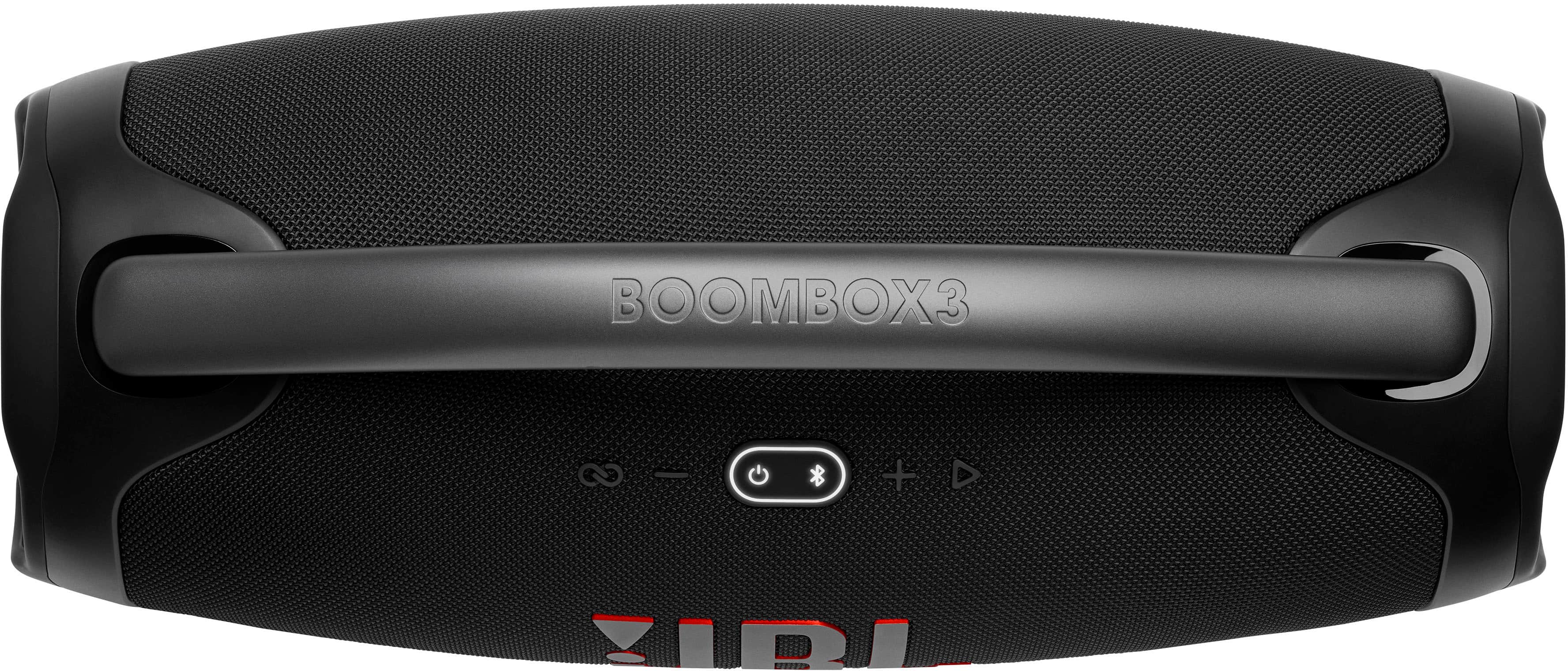
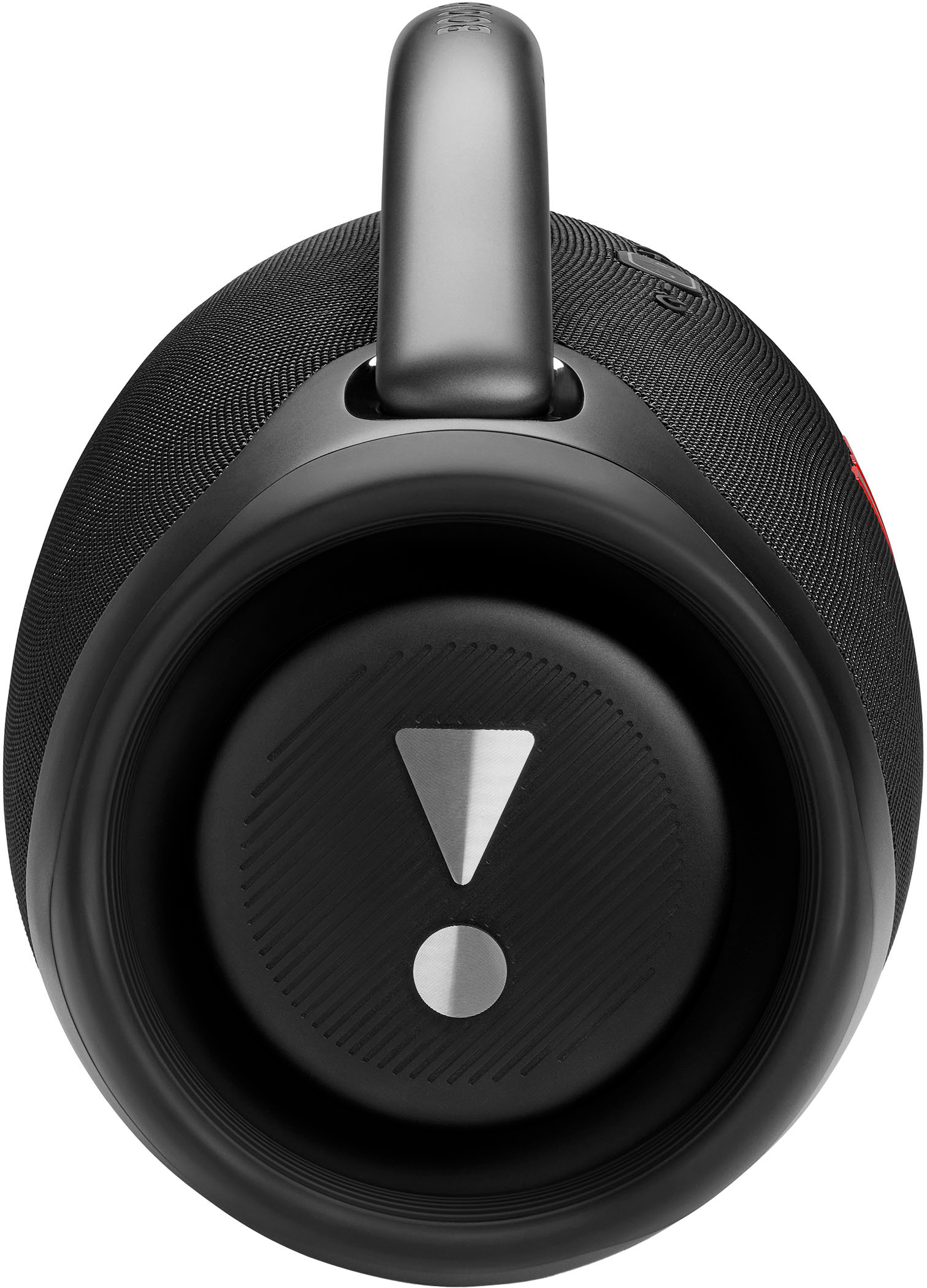
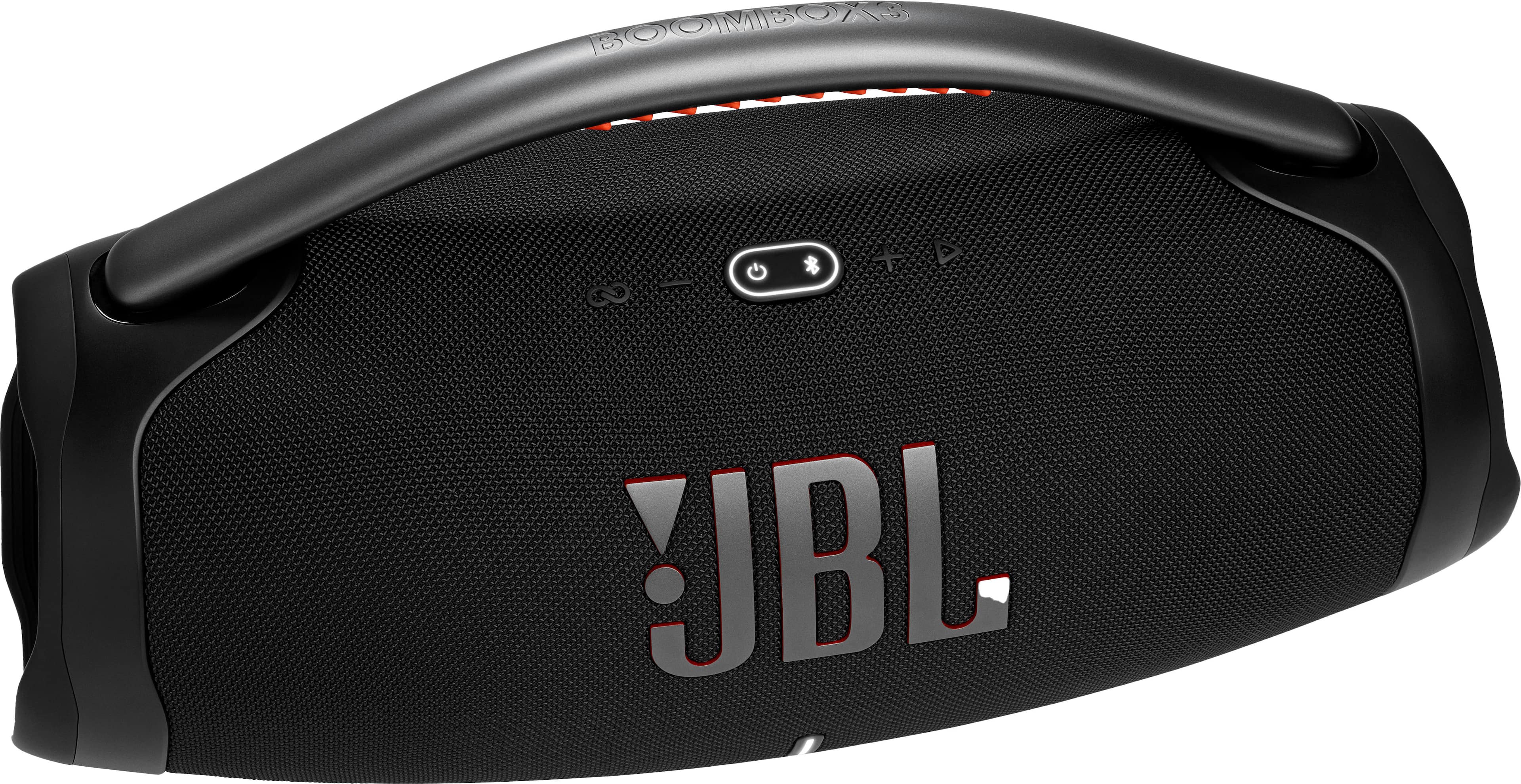



A:AnswerOur JBL Boombox 3 can be played while the speaker is charging. There's no harm in using the unit while it is connected to a power source. Our products have PCM circuits that manage the charging of the battery. However, if you'd like to save energy, unplug the speaker.
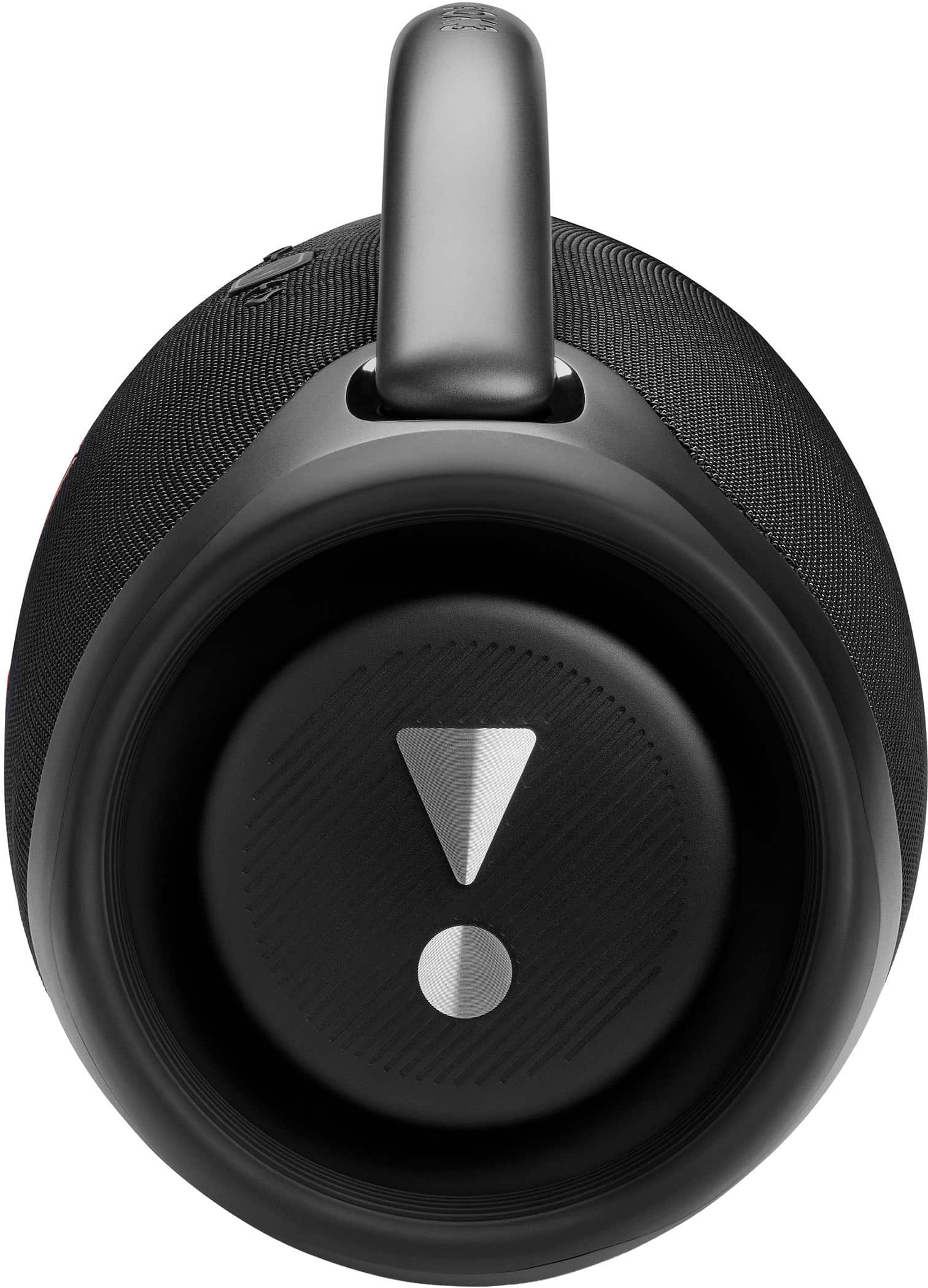
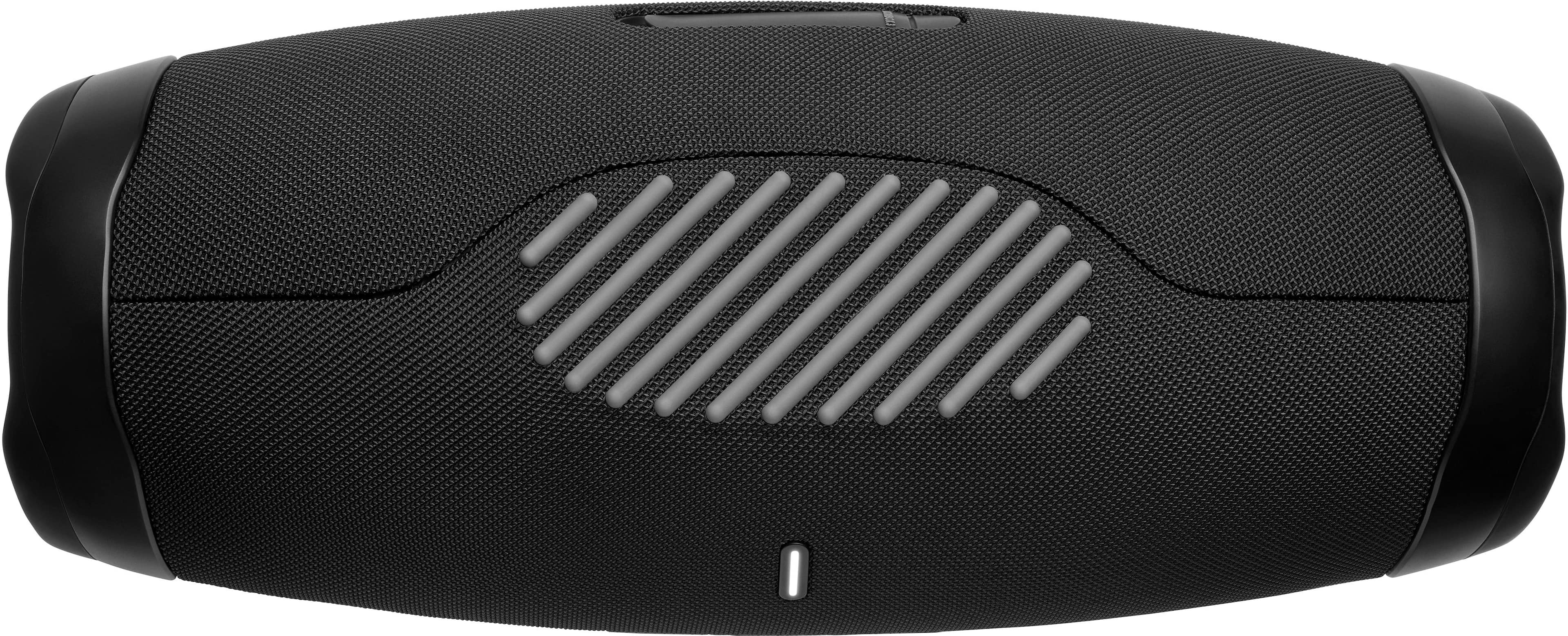
A:AnswerOur JBL Boombox 3 will be almost twice as loud as it has more speakers that produces more wattage compared to the Xtreme 3. The JBL Boombox has 1 subwoofer(80watts) + 2 midrange drivers (80watts) and 2 tweeters (20watts). While the Xtreme 3 has 2 woofers(50watts) and 2 tweeters(50watts).
A:AnswerNo it doesn’t have a dedicated mic input. However, it is technically possible to use a wireless battery powered mic plug-in module with an aux adaptor tip that downsizes from the standard 1/4” mic tip found on most adaptors.
Unfortunately the volume of your voice with a wireless mic that comes with such an adaptor will be rather low compared to a PartyBox or Karaoke Box/PA system. Also, there is no Mic specific volume function on the Boombox to increase the sound of your voice.
I am not sure if any wireless mic modules and mics have their own physical volume buttons that could increase the vocal sound through the boombox, but that may be worth looking into.
A:AnswerThanks for your inquiry. Our JBL Boombox 3 has an output power of 80W RMS-subwoofer + 80W RMS-midrange + 20 W RMS-tweeter (AC mode) and 60W RMS-subwoofer + 60W RMS-midrange 16W RMS-tweeter (Battery mode)
A:AnswerThanks for your inquiry. Our JBL Boombox 3 plays in mono when using a single unit, and stereo sound is only achieved when it is paired or PartyBoost with another speaker.
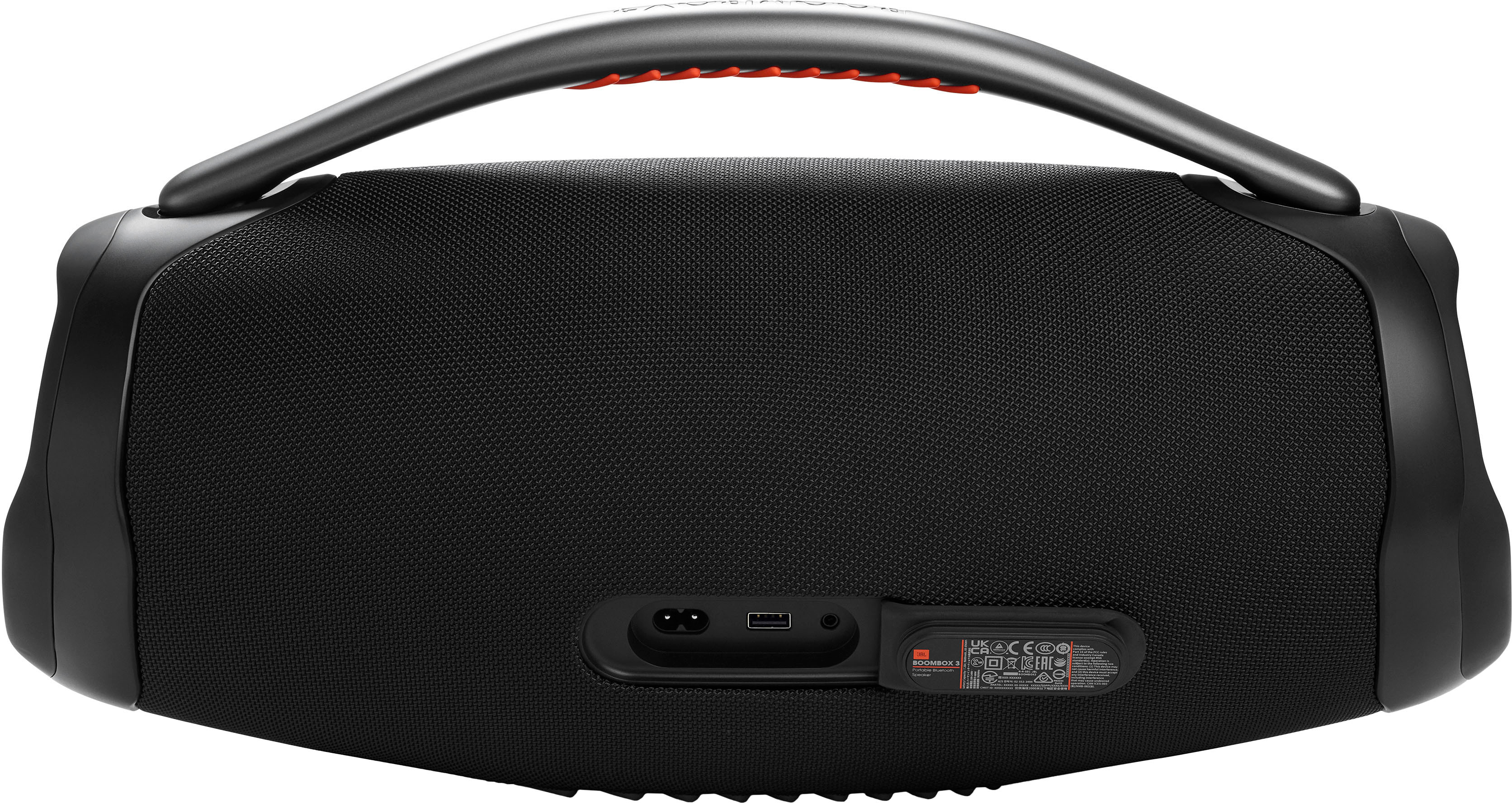
A:AnswerThe USB port on our JBL Boombox 3 is for charging other devices and does not function as an audio input. It can only connect via Bluetooth wirelessly.
A:AnswerYes perfectly fine to leave plugged in and save the battery. Essentially to ways you can use it . If the radio stays plugged in for years then I believe the battery life will have a shorter life.
A:AnswerCheck the electrical outlet you plugged in or try a location to powder your speaker, if nothing else take it to the Geek squad they are great, they can definitely help
A:AnswerThanks for your question. Our JBL Boombox 3 mainly connects through Bluetooth and auxiliary inputs. If you want to stream music directly using AirPlay, you'll need a compatible device like an Apple TV or an AirPlay-enabled wireless speaker with an auxiliary output. Alternatively, if your AirPlay device supports Bluetooth output, you can connect it to the Boombox 3 via Bluetooth.
A:AnswerThank you for your inquiry. You may experience delay when using your JBL Boombox 3 with an electronic drum set via AUX input. The speaker is primarily designed for use with phones, tablets, and laptops.