A:AnswerThis isn't the experience we wanted our customers to have with our products. We'd like to work with you directly to try some steps with your JBL Endurance Peak II. Please reach out to our JBL Customer Support for further assistance. https://support.jbl.com/us/en/
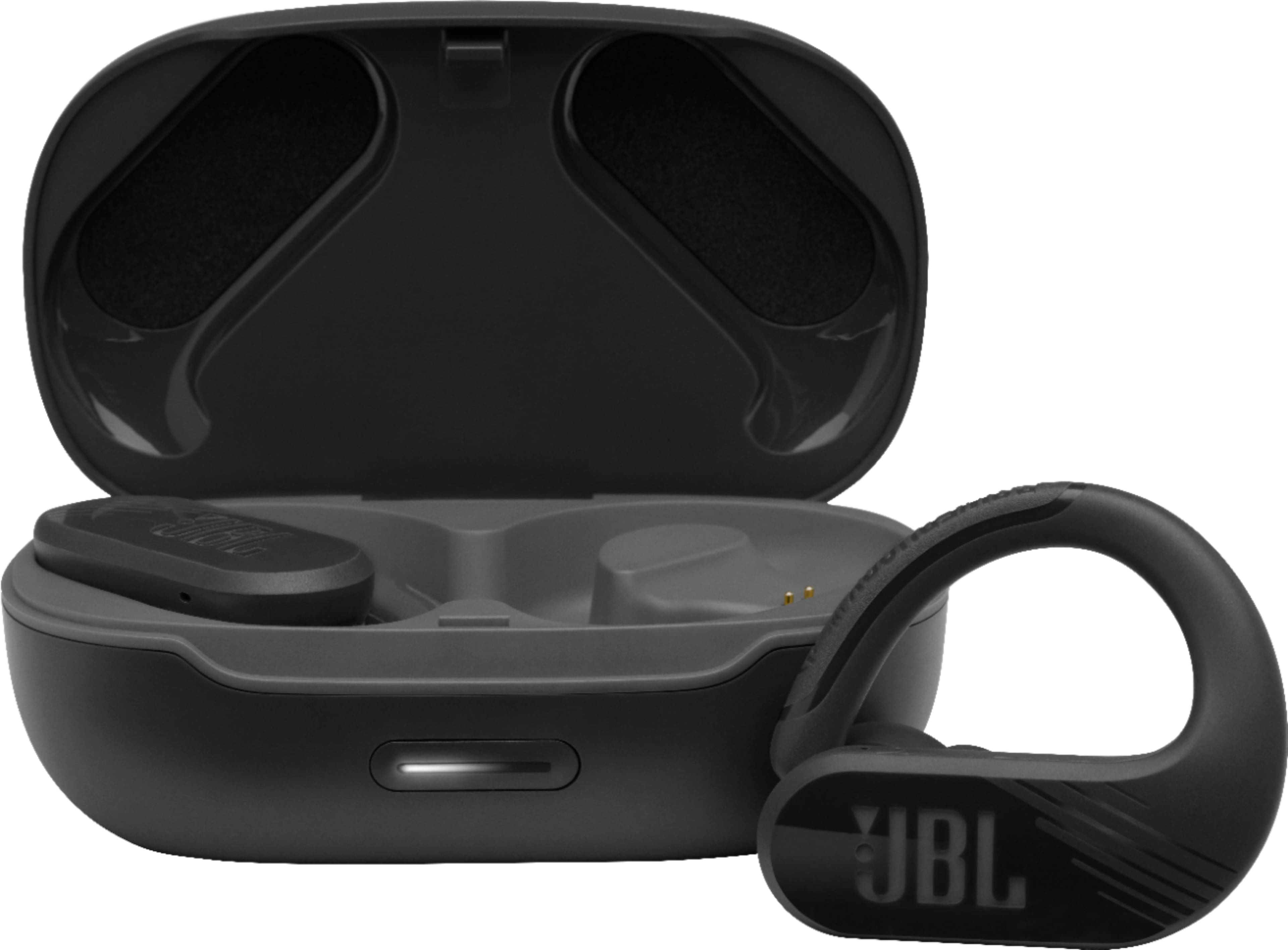
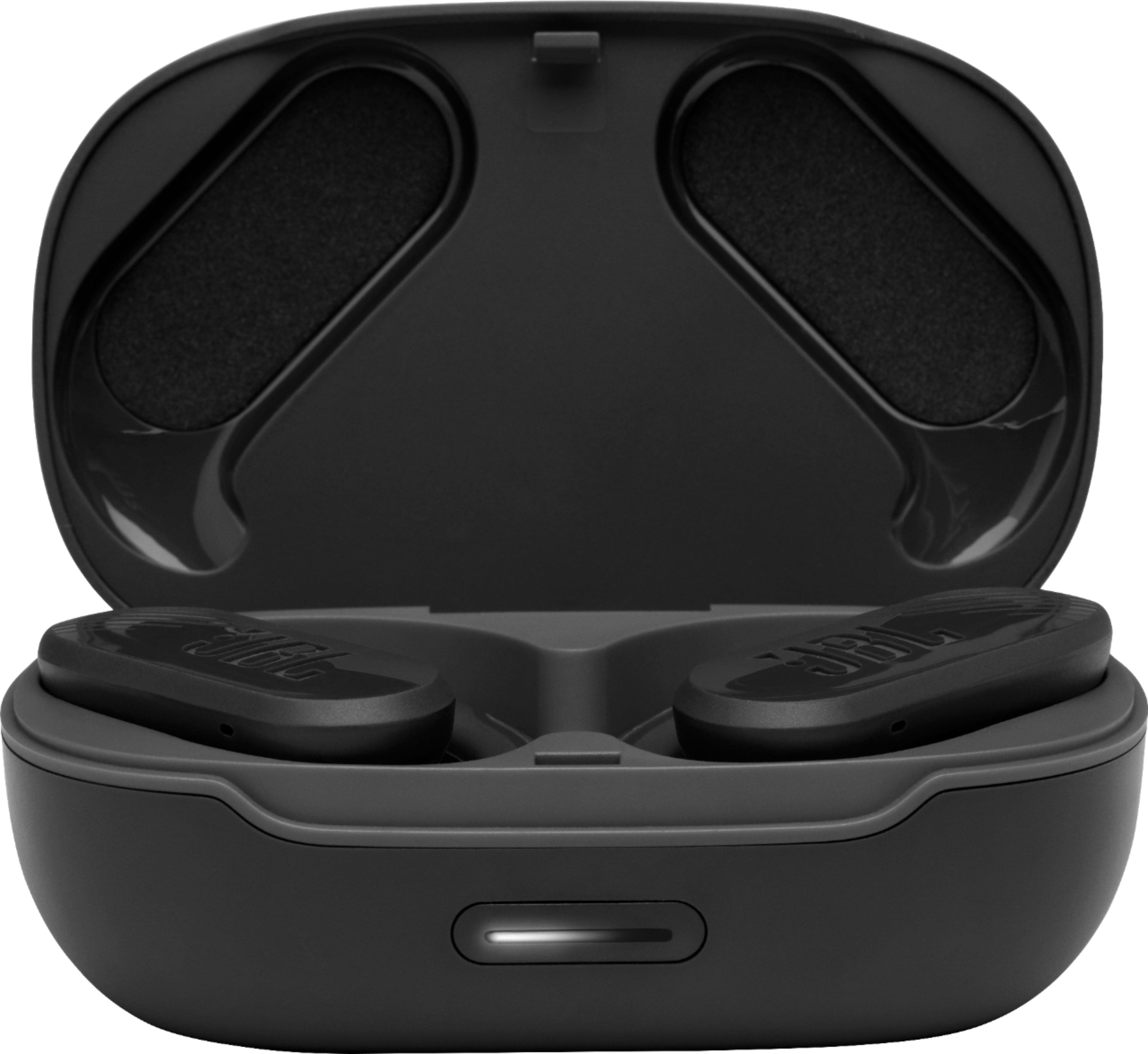
A:AnswerOur JBL Endurance Peak II has Dual Connect Sync technology. They can pair with your device when the case is opened, and each earbud connects immediately and independently, allowing you to take calls which either side and assign unique functions to left and right.
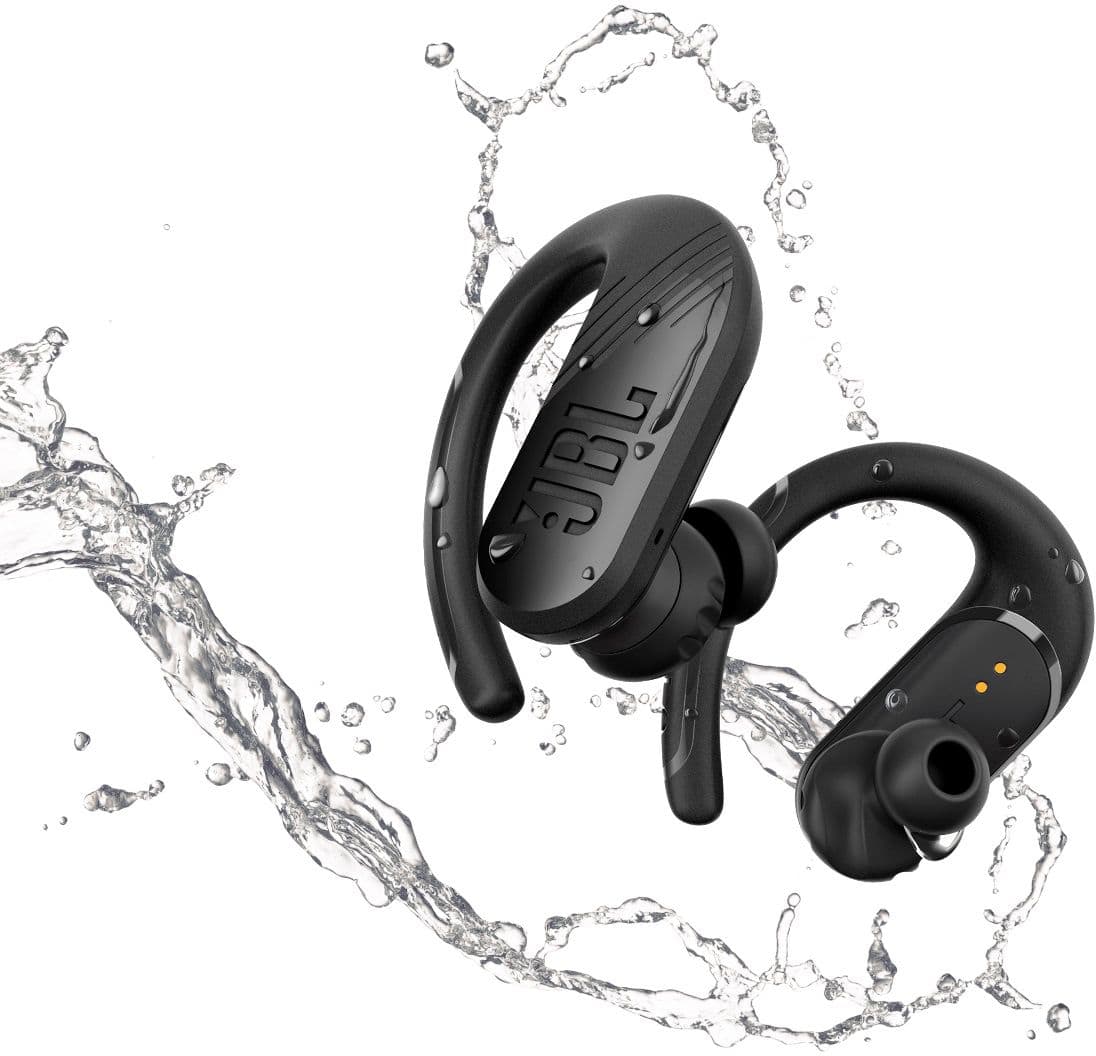
A:AnswerOur JBL Endurance Peak II has a rating of IPX7 which means that it is waterproof. However, it's not recommended for swimming since the Bluetooth signal doesn't pass through water. Also, our warranty doesn't cover water damage. We suggest the JBL Endurance Dive for swimming activities as it has an MP3 Function where you can copy music files into it.
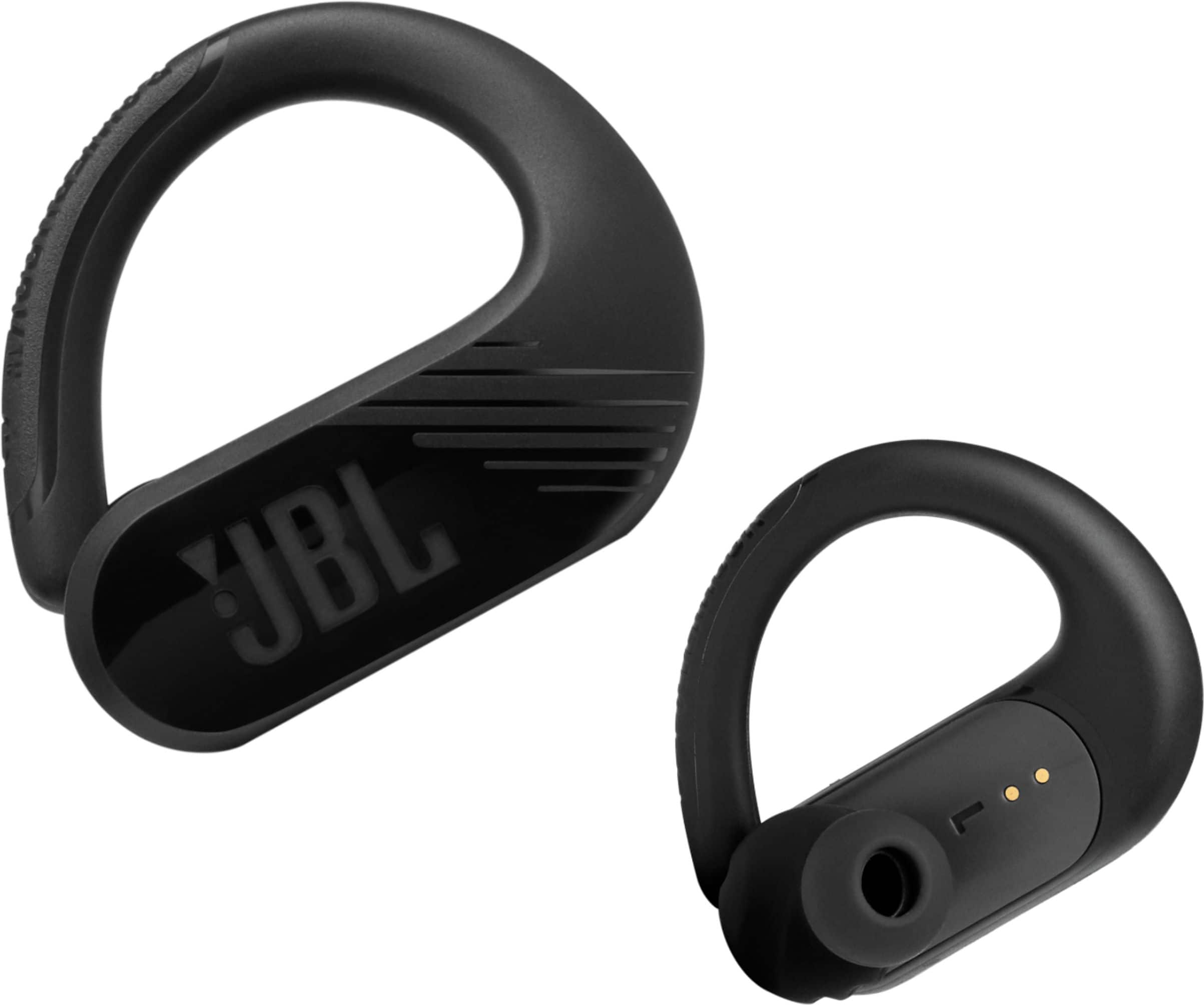
A:AnswerThanks for reaching out. You can answer phone calls by tapping on the JBL Logo on either earbuds 1X, to disconnect a phone call tap the JBL logo 2X. You can also put the microphone on mute by pressing the JBL Logo on either earbud for 2 seconds.
A:AnswerTo skip tracks, tap the left bud one time to go forward, tap twice to go backward. (only works when using both earpieces). Please note that the touchpads are sensitive. Please see the touch control guide here: https://bit.ly/3rzLzoF
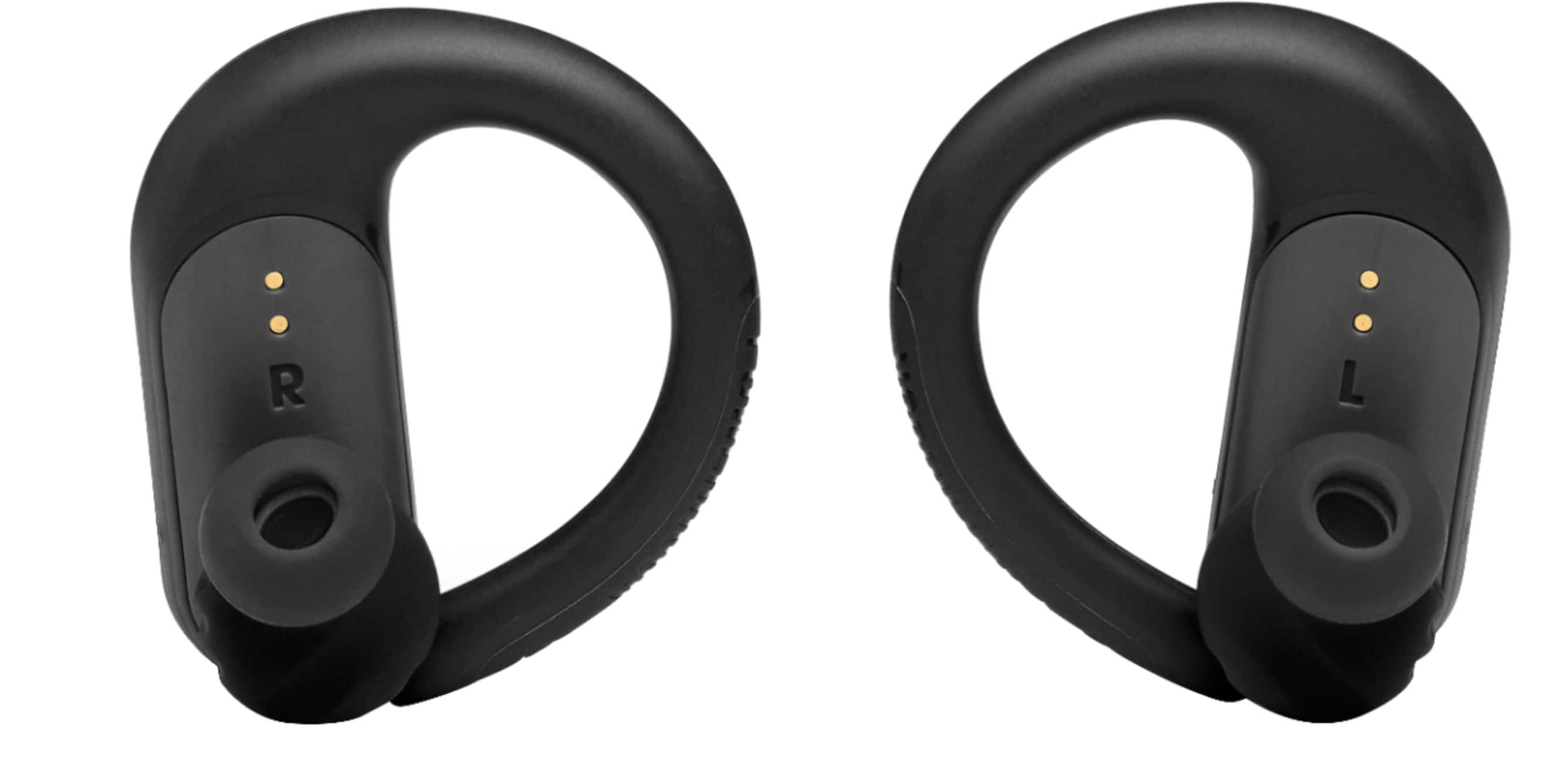
A:AnswerI am also having this problem I noticed if I get a potato chip clip or any clip and put it on my right earbud so it's pushed down onto the contacts, leave the case open,and then plug it up to the charger. This is the only way that my right earbud will charge anymore. Hope this helps.
A:AnswerAs a safety precaution, we recommend that these earbuds are not worn or kept in the immediate vicinity (10 cm or closer) of any pacemaker. This is a precaution among all headphones that feature magnets as it can interfere with the pacemaker signals.
A:AnswerOur JBL Endurance Peak II doesn't have internal storage. To play audio, connect the earbuds to a music source (phone, tablet, etc.) via Bluetooth connection.
A:AnswerThanks for reaching out. Our JBL Endurance Peak II comes with a 1-year manufacturer's warranty. Please note that this warranty doesn't cover physical and customer-induced damages. If you need more help, please contact JBL Customer Support for further assistance.
A:AnswerWe're here to help with your JBL Endurance Peak II. For us to isolate the issue, please try connecting the earbuds to other source devices and see if the issue remains. Also, please make sure to keep a clear line of sight between devices to avoid interference. Shut down unused Bluetooth devices that could interfere with the connection. Avoid concrete/brick walls that interrupt the signal. Open spaces like parks can also cause issues with Bluetooth signals. If you need more help with the unit, please get in touch with our customer support.