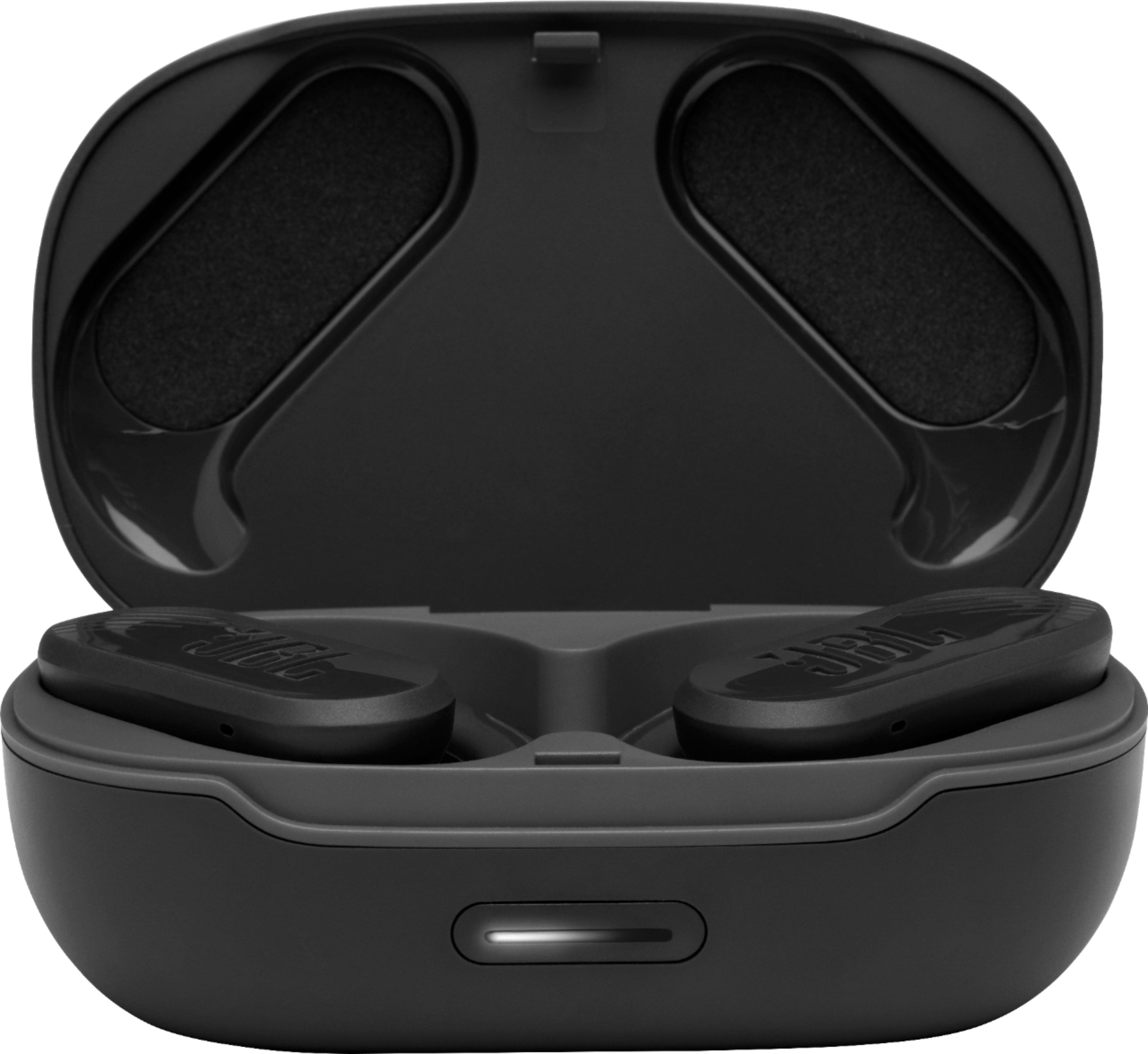
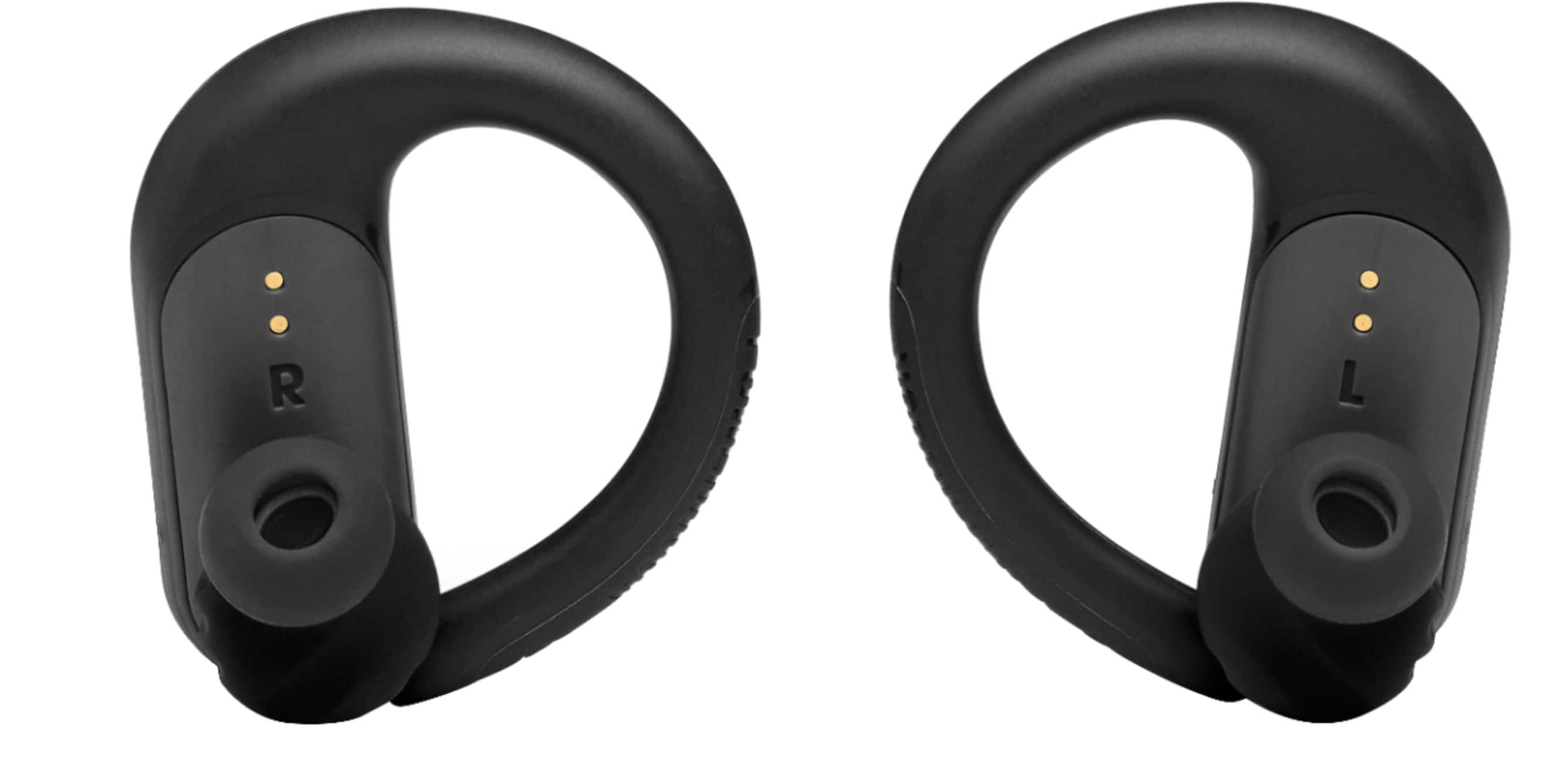
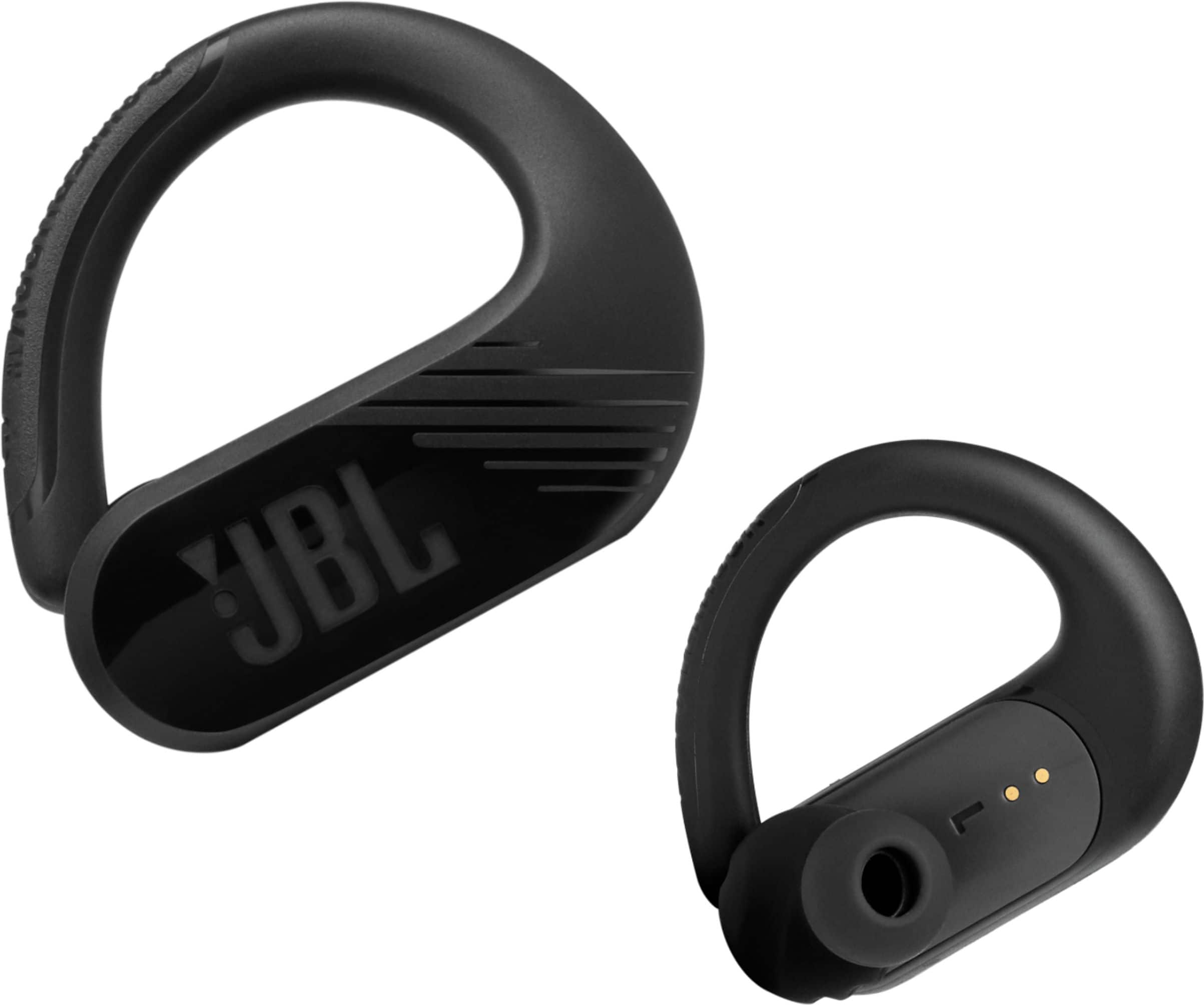
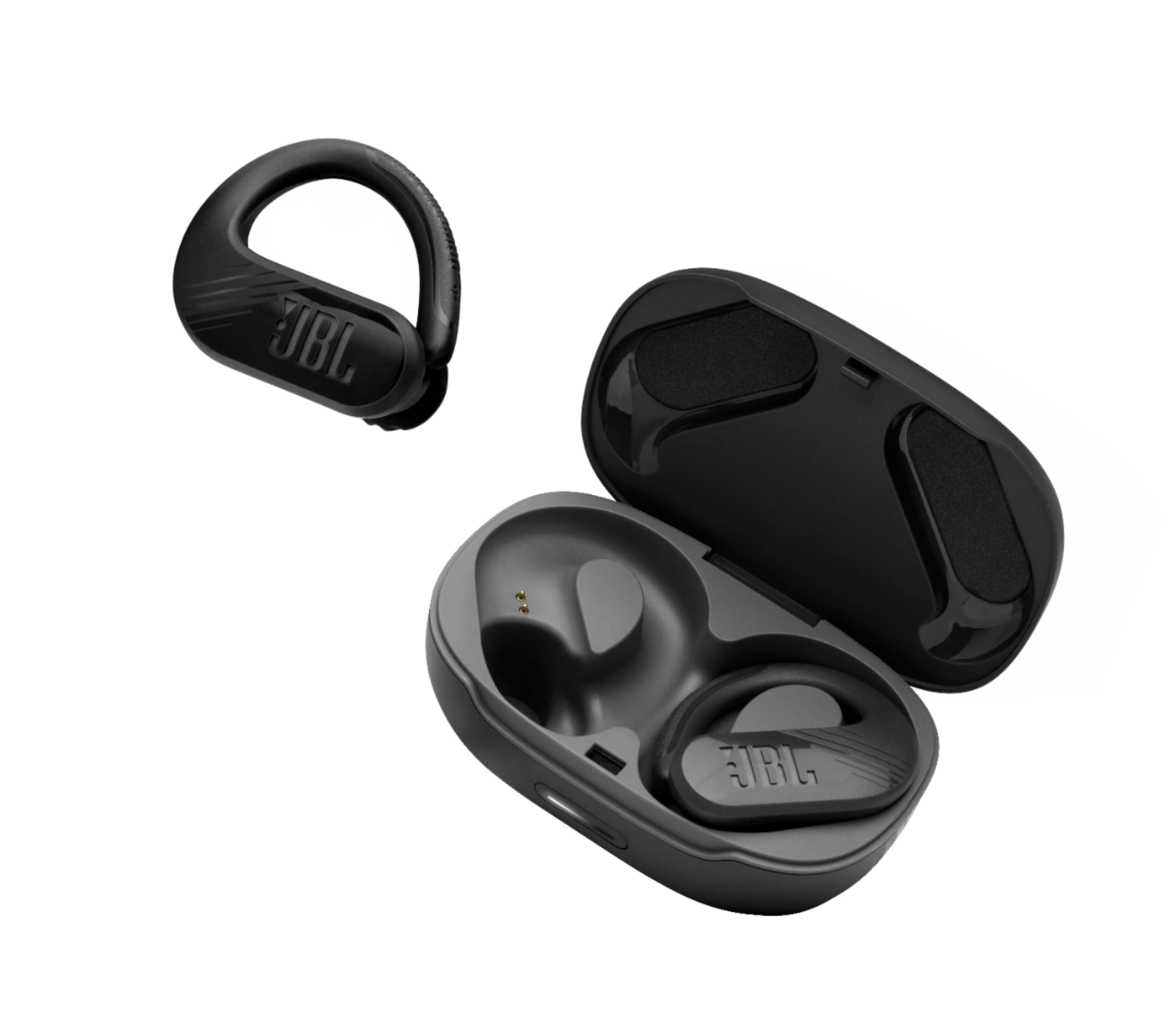
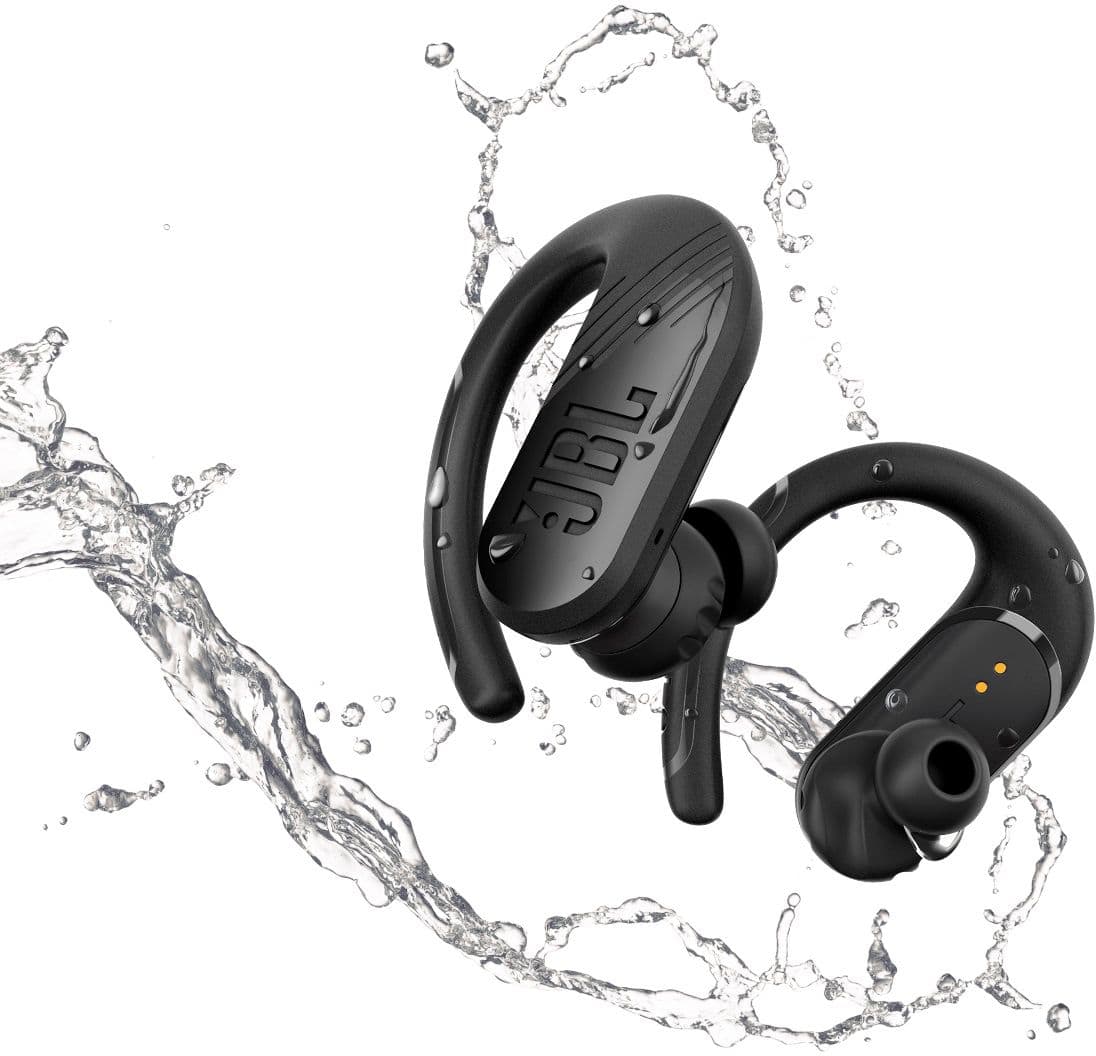
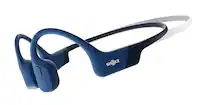
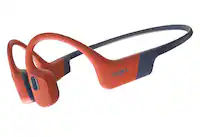
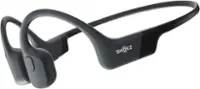
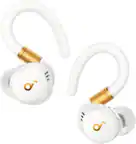
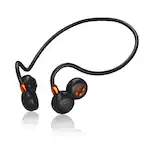
A:AnswerThank you for taking the time to provide us with your feedback. We are sorry to hear that the mic of our JBL Endurance Peak II isn't working. Please try to reset your earbuds; While the pods are being charged, tap the touchpad on the right pod once, then tap again and hold for approx 18 seconds, or until the LED blinks. It would be best if we can work with you directly and troubleshoot your earbuds mic's issue. Please reach out to our Customer Service for technical support and assistance.
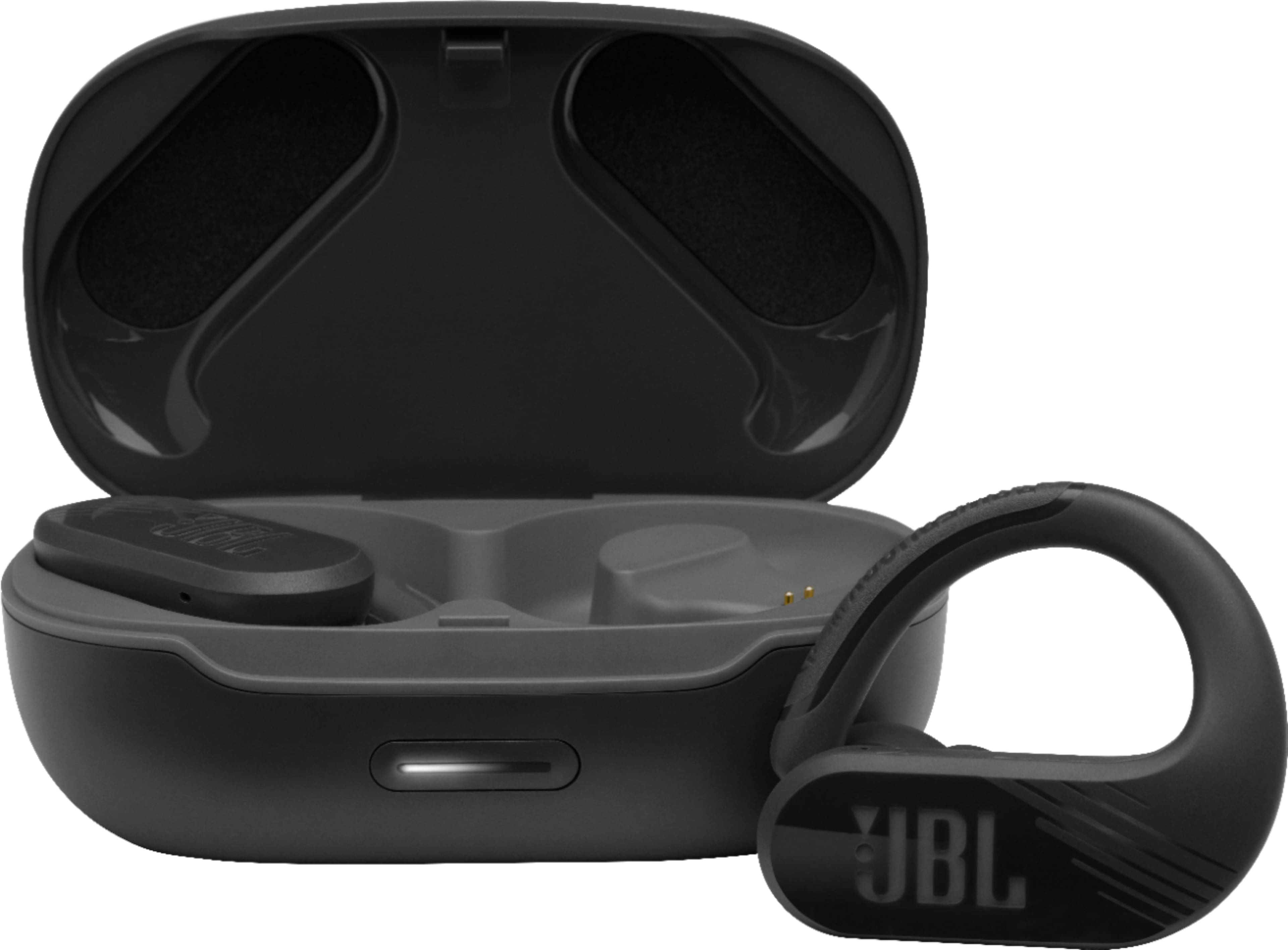
A:AnswerThanks for your question. The Bluetooth range of our JBL Endurance Peak II is at 10m(32ft.) when unobstructed. Interference such as nearby WiFi networks, walls, and other devices reduce the range drastically.
A:AnswerThe IMac is compatible I don’t know about windows because I don’t have a one.
1. Open ear buds and put them in your ear.
2. Click small menu that is at the top right corner.
3. Click Bluetooth then you should see under devices JBL Endurance Peak 2, click it.
A:AnswerWe'd like to work with you directly with your JBL Endurance Peak II. We're here to help with parts availability and pricing. Please reach us via: https://bit.ly/2WocMfi
A:AnswerOur JBL Endurance Peak II doesn't require a PIN code when connecting to a Bluetooth source device. If the following default PIN codes don't work 0000, 1111, or 1234, you may reach out to the manufacturer of your source device for further assistance.