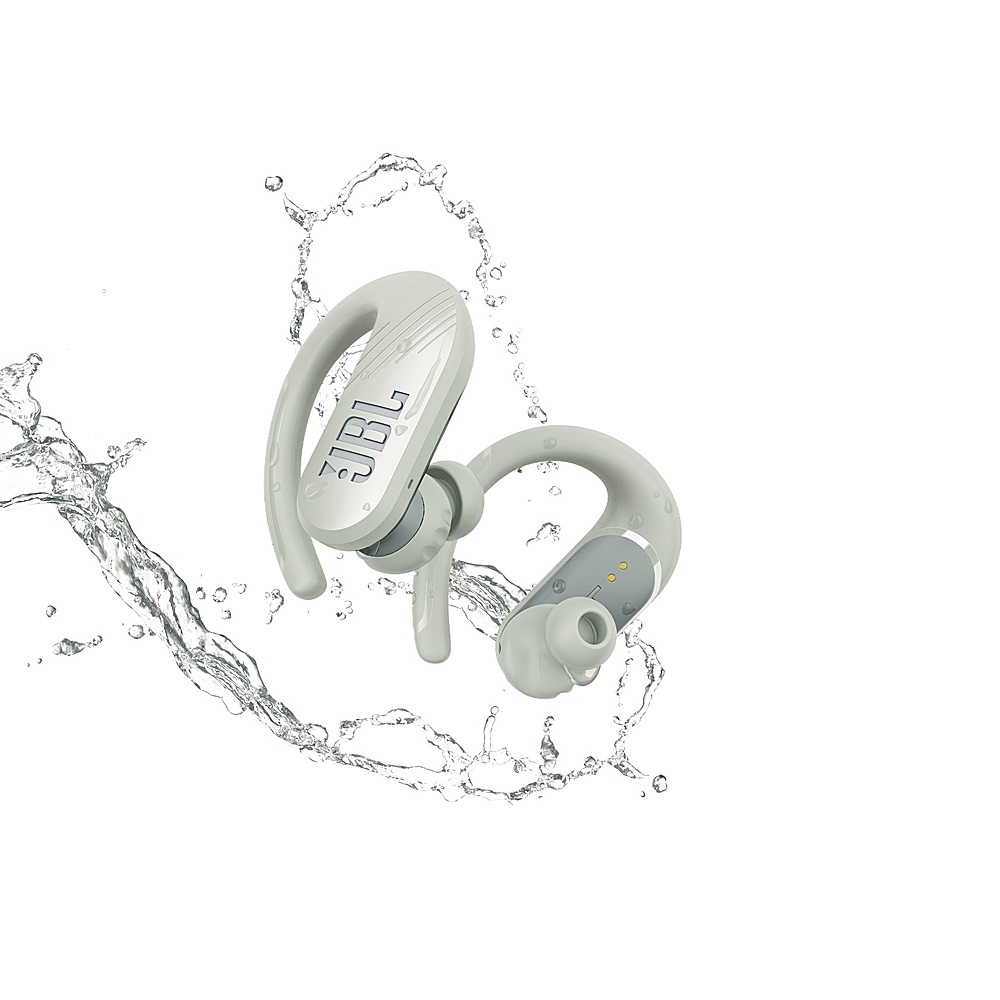
A:AnswerI wear glasses, can't see very well without them.... especially my ipad from a distance while training clients; and have had no problem while working out with them in my ears.
A:AnswerWHAT????? To sync to my ipad I went to my bluetooth settings, searched and choose endurance 2. Be certain to press the on/off area (for a few seconds) of the earbuds to make them discoverable.
A:AnswerYes the on/off area.... hold it down for several seconds...I have several sets to choose from; so if that's the case for you, make certain to choose endurance 2.... once synced you shouldn't have to repeat this step again.
A:AnswerThanks for reaching out. Our JBL Endurance Peak II headphones are not supported by the My JBL Headphone app. Please make sure that the Bluetooth of your source device is on. The earbuds of our JBL Endurance Peak II automatically go into pairing mode on first-time use. Once the source device is paired and connected, the earbuds should automatically connect when you turn them on next time. If you need more help, please reach out to our JBL Customer Support.
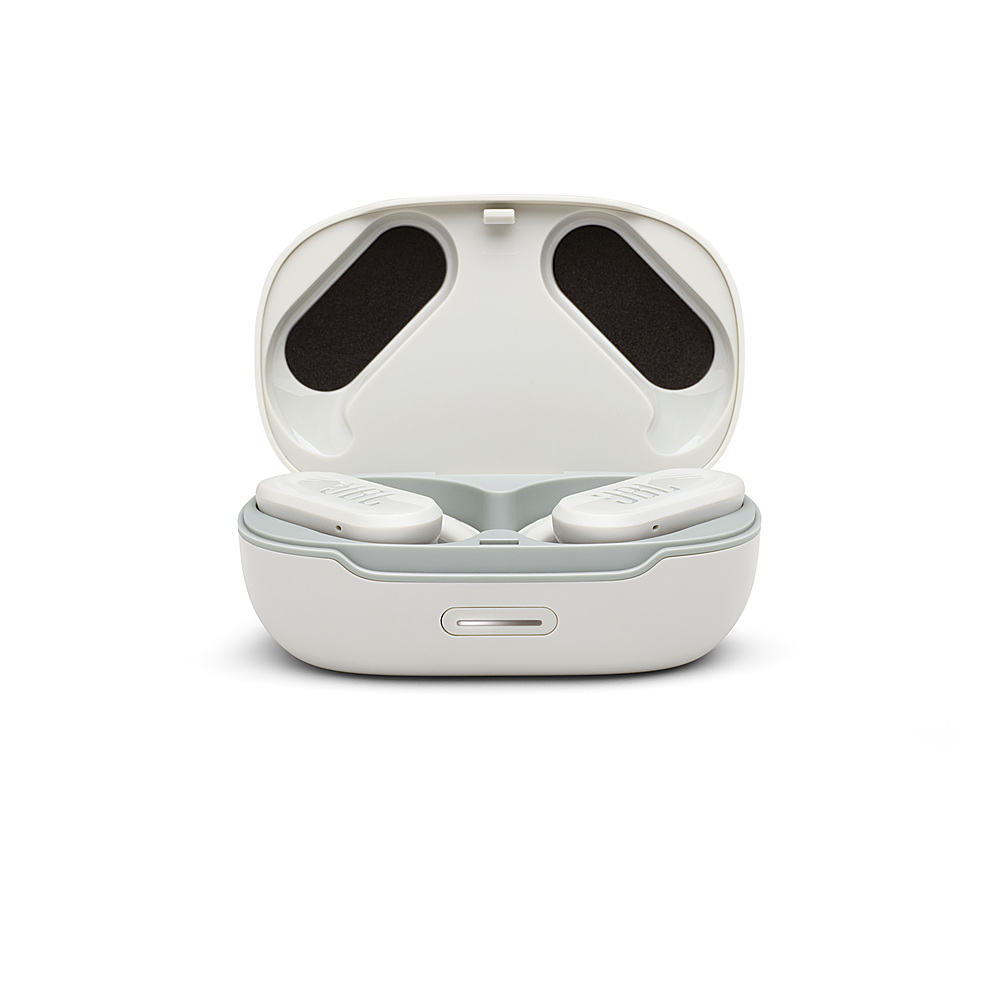
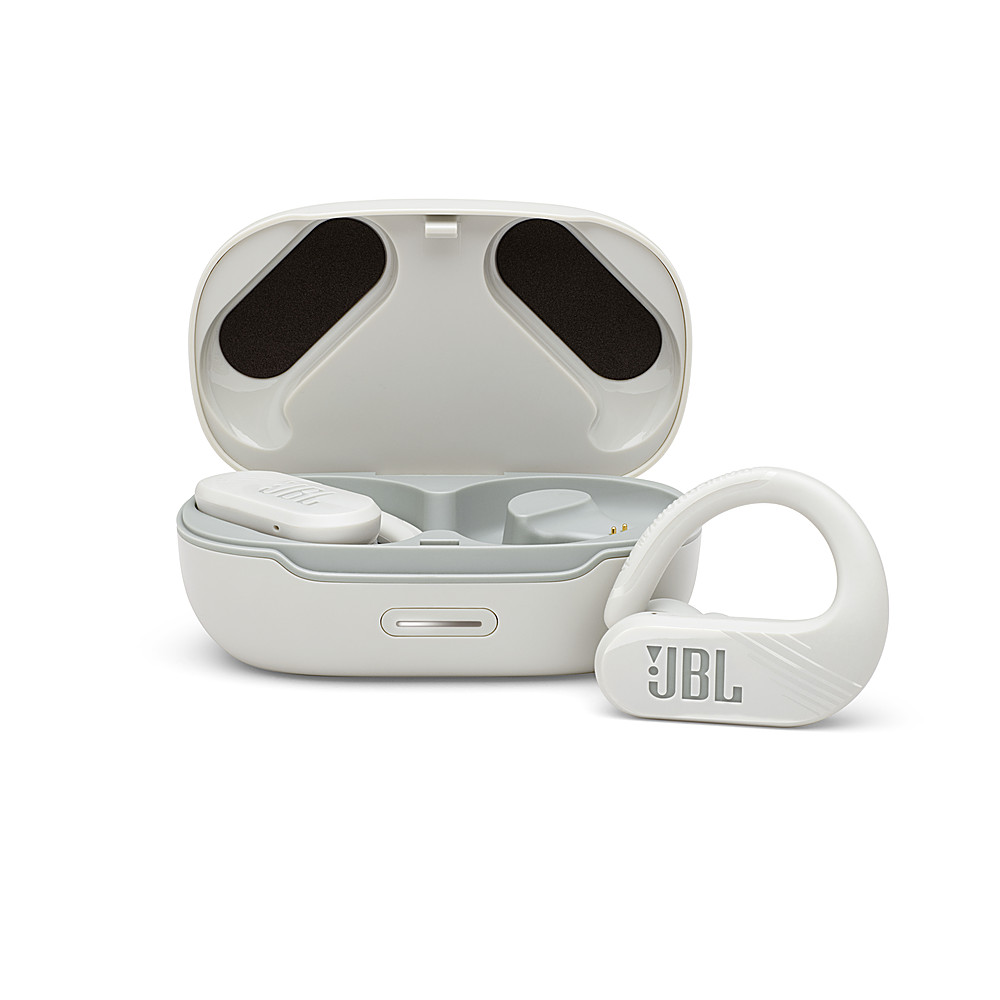
A:AnswerWhen they're in the case they're either charging and turned off, or if fully charged, turned off. I had my case fully charged, and then put in the buds. I came back three days later and they were fully charged. I used them until they died, put them back in the case and they were again fully charged within a couple hours without the case being plugged into a charger. Overall, the charging case works great, but I think the 6 hours is a bit short because I've had them in for hours and they work fine.