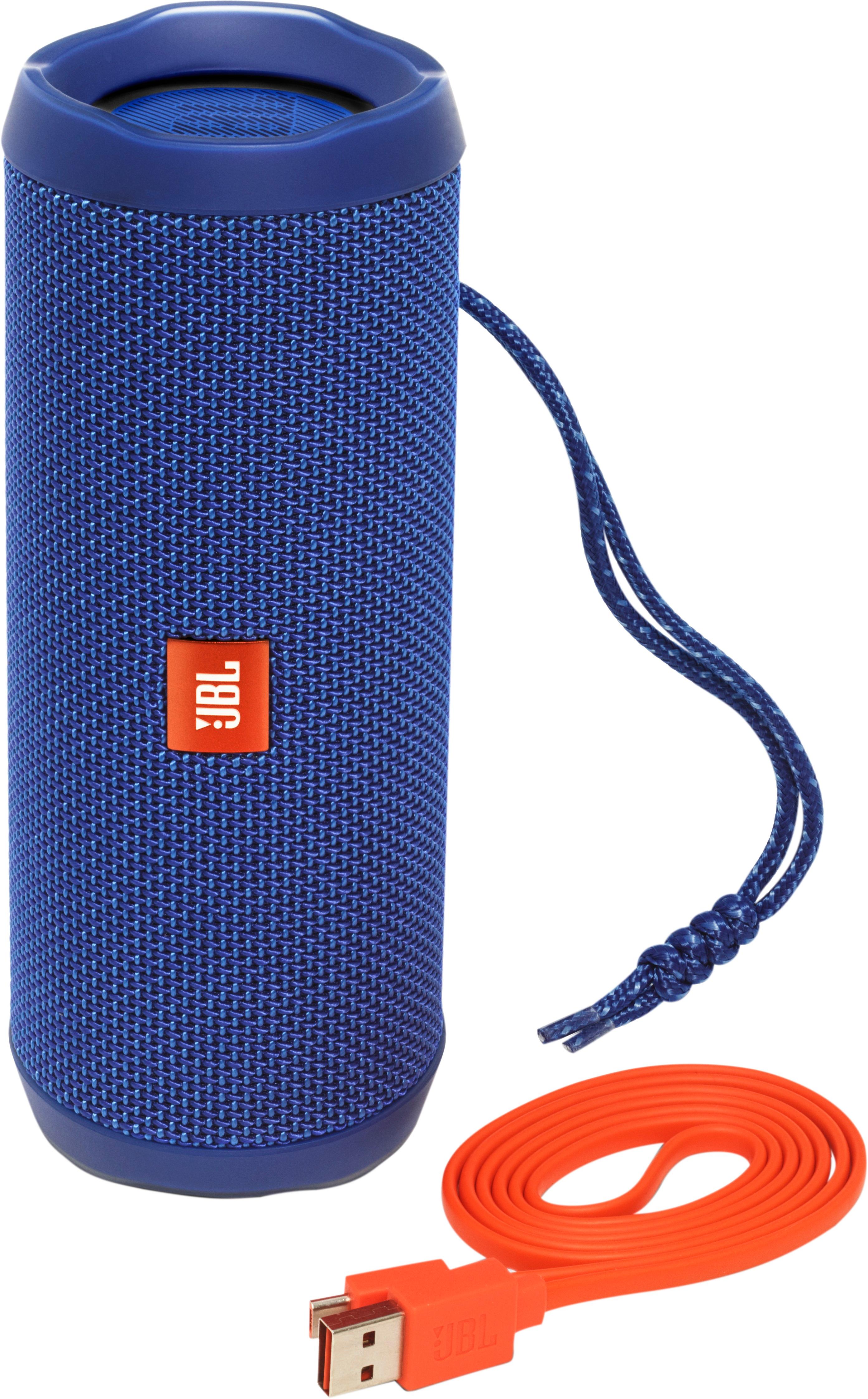
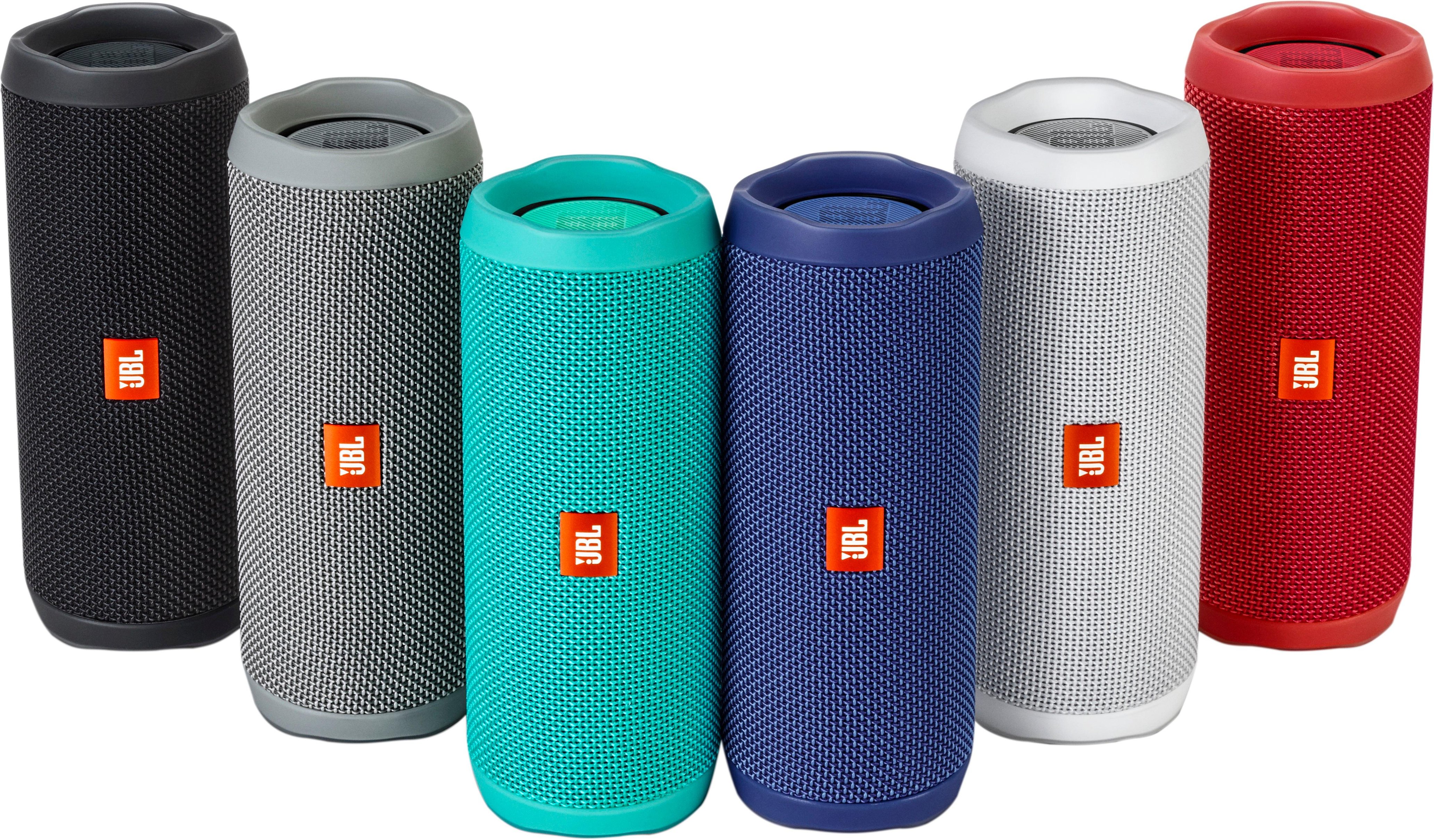
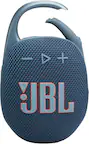
A:AnswerHi there, thanks for asking. JBL Flip 4 is designed with JBL Connect+ feature, which will allow you to link together more than 100 JBL Connect+ enabled speakers together to amplify your sound experience. Setting it up is easy, no internet is needed to link your speakers. Once you have paired a speaker to your phone, all you need to do for the other speakers is to press on the Connect+ button. This is the one that looks like an hourglass right beside the power button. For more information about this speaker check out this link: https://www.jbl.com/bluetooth-speakers/JBLFLIP4BLKAM.html
A:AnswerThanks for taking the time in asking. Our Flip 4 can be connected only to speakers that have a connect + feature. Older JBL portable speakers do not have the capability of doing such. The speakers you can pair to Flip 4 are Boombox, Xtreme 2, Pulse 3, and Charge 3.
A:AnswerHi there, I understand you want to connect the 2 speakers using the phone, but there's a better way. Connecting two speakers together uses a unique feature of our JBL Bluetooth speakers which is called the Connect + feature. There's a button on the Flip 4 to enable that feature , and once you have your phone connected to a single speaker and enabled the feature on both of them, the 2nd Flip that didn't pair with your phone would play the same song from your paired Flip 4. A good thing about the Connect+ feature is that it can connect up to 100+ speakers with the Connect+ feature to play the same song. If you need more details, please submit a case request and so we can assist you: www.jbl.com/support-contact.html
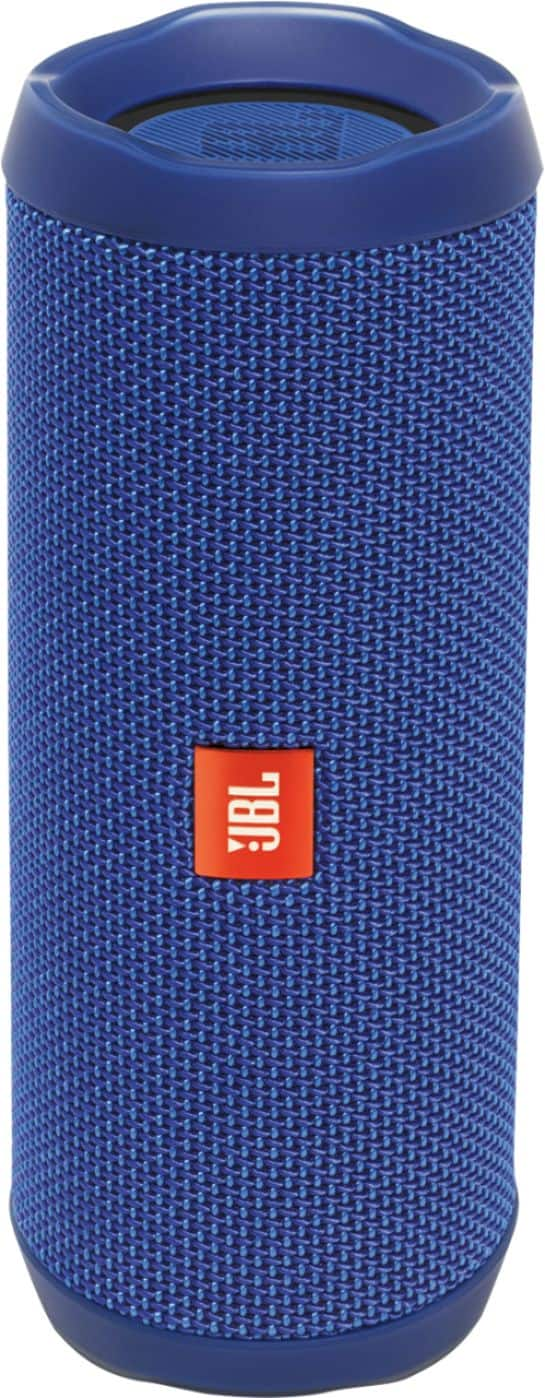
A:AnswerProbably not, But why would you want to mount a bluetooth to a dashboard lol,
Nonetheless, if you wanted to mount this device it would probably void a warranty (If Purchased).
Try using heavy duty velcro, the kind that usually attached to an Ipass for your car window.
GOOD LUCK
A:AnswerI would go back for an even exchange, I believe you have 15 days from date of purchase. You proabaly got a faulty speaker (bad battery). Hope that helps
A:AnswerIt only supports one source at the same time. It would prioritize Bluetooth over Aux and would not play the Aux until the bluetooth is turned off.
A:AnswerHI
Thank you for your question
The JBL Flip 4 is constructed to work with phones and tablets. it is constructed to work as a receiving speaker and a handsfree set
unfortunately we haven't had the possibility to test the composition that you suggest, which includes the Echo dot. so I can only say it possible that it will work.
A:Answerdoes the nano have Bluetooth connection? or do you have an aux cable? then yes.you should use something that has access to the play store or app store as the jbl connect app makes more than one speaker so worth it