Questions & Answers
- Model:
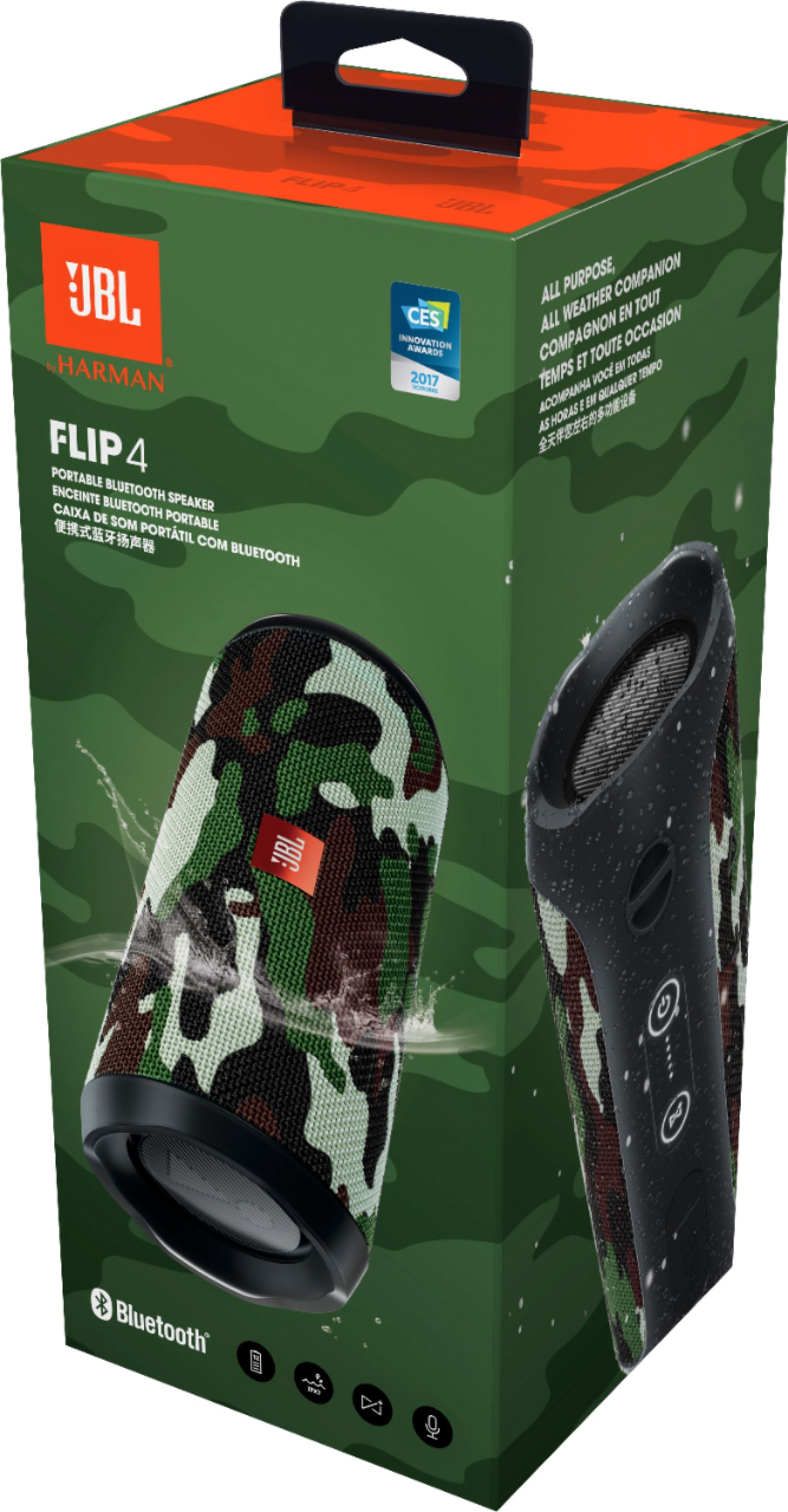
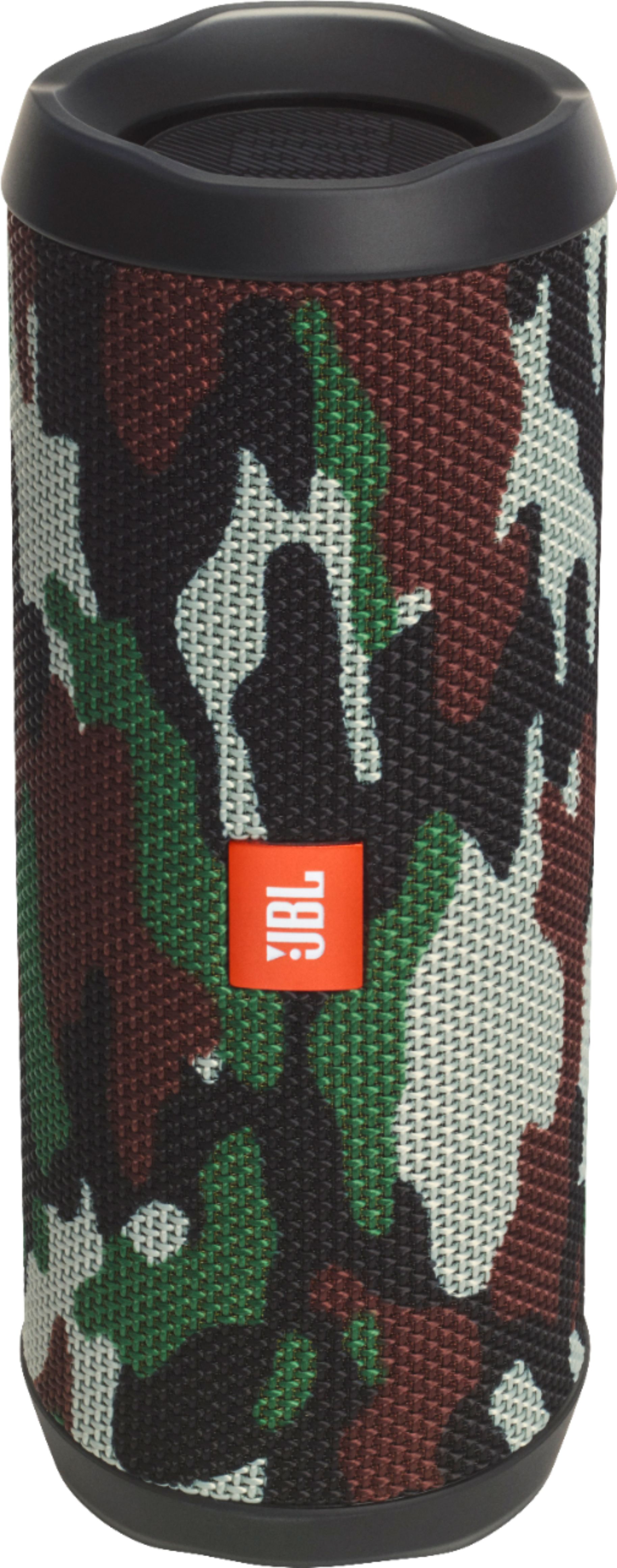
- JBLFLIP4SQUAD
- |
- SKU:
- 5792019
Q: QuestionIs there a remote control for this? It's a pain having to walk over to the speaker to change the volume...especially watching tv when the commercials get really loud. It also needs a mute option.
Asked by Dolcegirl.
- A:Answer No. No remote comes with the speaker. The volume is controlled from the device you use to play your music.
Answered by TinyChirp
Q: Questionwhy does my jbl 4 die so fast now ? i fully charge it and in like 30 min it’s already dying ?! it used to last a long time on.. what happened :/
Asked by lals.
- A:Answer We would like to work with you directly to help you with your issue. Please submit a case request at https://www.jbl.com/support-contact.html and the Customer Service Team will be more than happy to assist you.
Answered by JBL Support

Q: QuestionIs it possible to prevent the speaker from going into sleep/standby mode?
Asked by Thijzz.
This question was asked about the related product: JBL - Flip 4 Portable Bluetooth Speaker - Blue
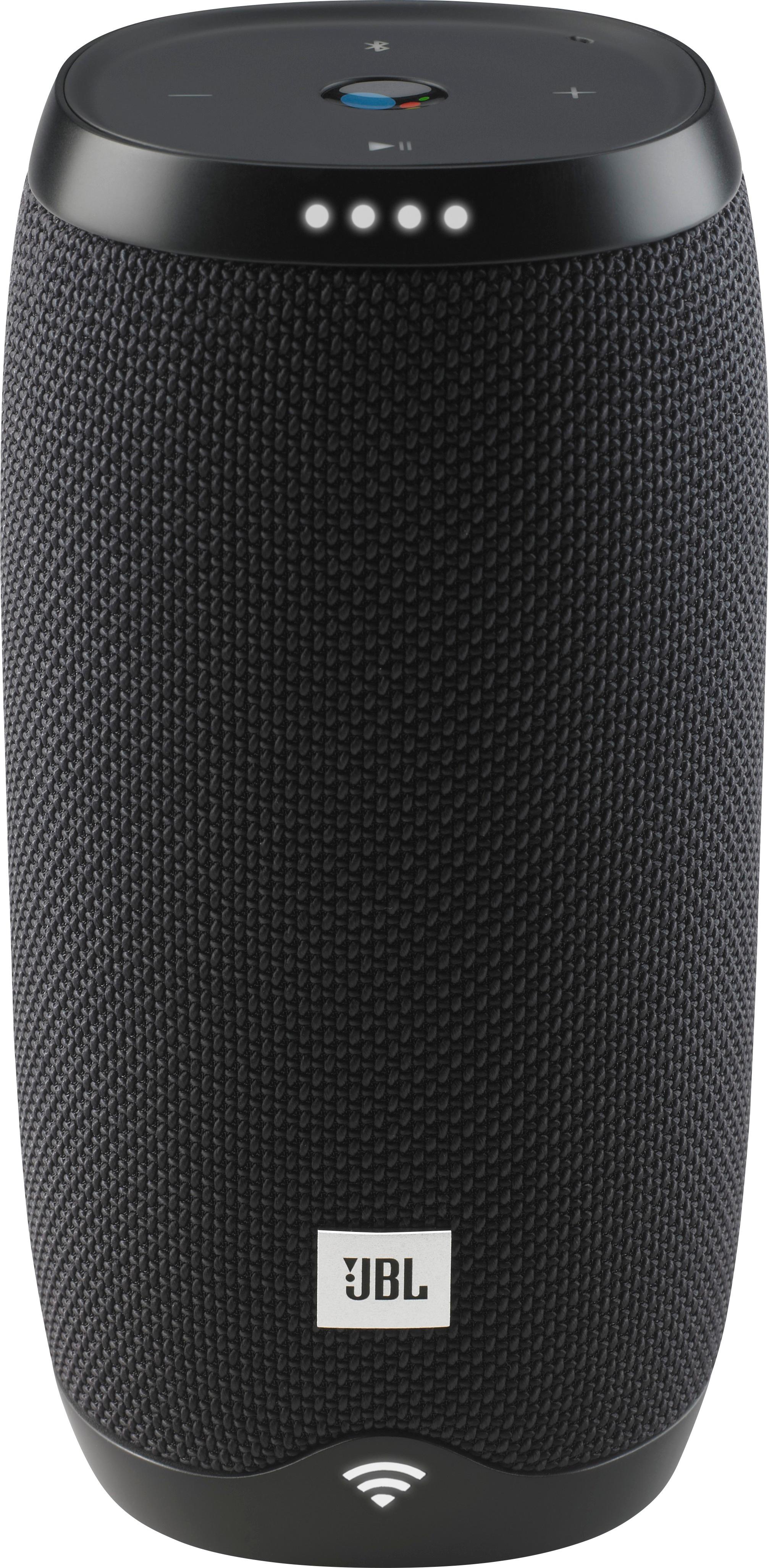
- A:Answer I believe this is built into the "software". As long as mine are receiving a sound "signal", they remain active. The JBL Links or some other brand may be more appropriate for your use.
I would recommend:
Answered by Ozzie
Q: QuestionIs this device capable of answering an iPhone and playing the sound they the speakers?
Asked by Macstonedude.
This question was asked about the related product: JBL - Flip 4 Portable Bluetooth Speaker - Gray
- A:Answer Hello! If you are referring to the JBL Flip 4 taking in phone calls, yes, it is capable of answering calls through your phone and serve as a speakerphone.
Answered by JBL Support

Q: QuestionDoes the JBL - Flip 4 Portable Bluetooth Speaker have Google assistant?
Asked by Jim.
This question was asked about the related product: JBL - Flip 4 Portable Bluetooth Speaker - Teal
- A:Answer Hi! Yes, you can try these steps: 1. Using the JBL Connect app, tap the "Voice Assistant" to make the Play button as the activation key of Siri/Google Now on your phone. 2. Press the Play button on the speaker to activate Siri/Google Now on your phone. 3. Please make sure the Siri/Google Now is enabled.
Answered by JBL Support

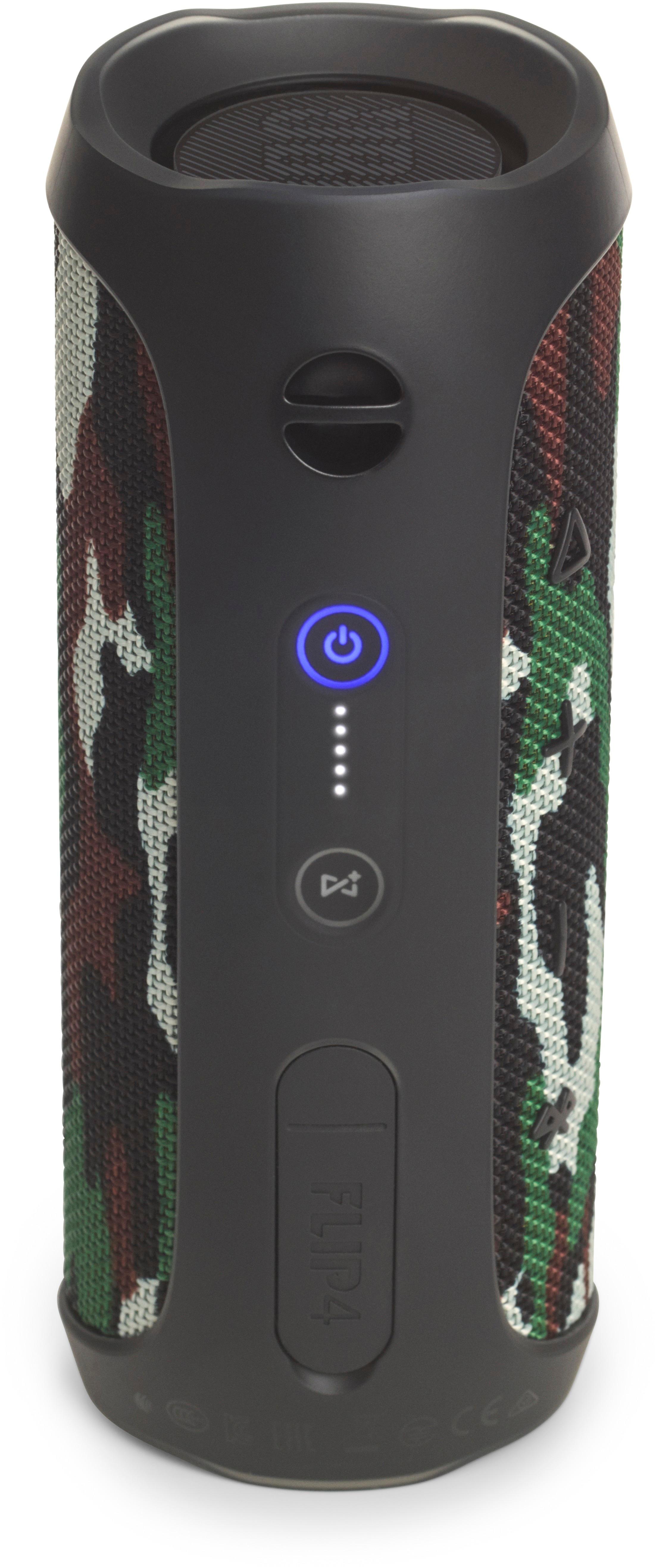
Q: QuestionHow do you play a previous track on the JBL flip 4? I know how to skip forward a track but I do not understand how to go back one. Can I get some help, thanks.
Asked by Fetty.
This question was asked about the related product: JBL - Flip 4 Portable Bluetooth Speaker - Gray
- A:Answer You cannot repeat a track or cycle back through numerous tracks by using the buttons on the Flip 4. It just isn't possible, not without a firmware update from JBL, which will never happen. You'll have to use the Bluetooth source player. Big oversight by the manufacturer.
Answered by Eric
Q: QuestionHi everybody, Is it possible to disable the on/off sound of the flip 4 ?
Asked by assez85.
This question was asked about the related product: JBL - Flip 4 Portable Bluetooth Speaker - Gray
- A:Answer Just download the JBL Connect+ app. It comes up in the play store with simply typing JBL and connect. It takes a bit of time to download and apply itself to the unit. Then look for the switch to turn off alert sounds (hint: the small gear icon). Both startup and powerdown sounds disappear -- pure bliss.
Answered by Formless
Most-viewed items
- Tech Fest Deal$59.00
- Tech Fest Deal$99.99