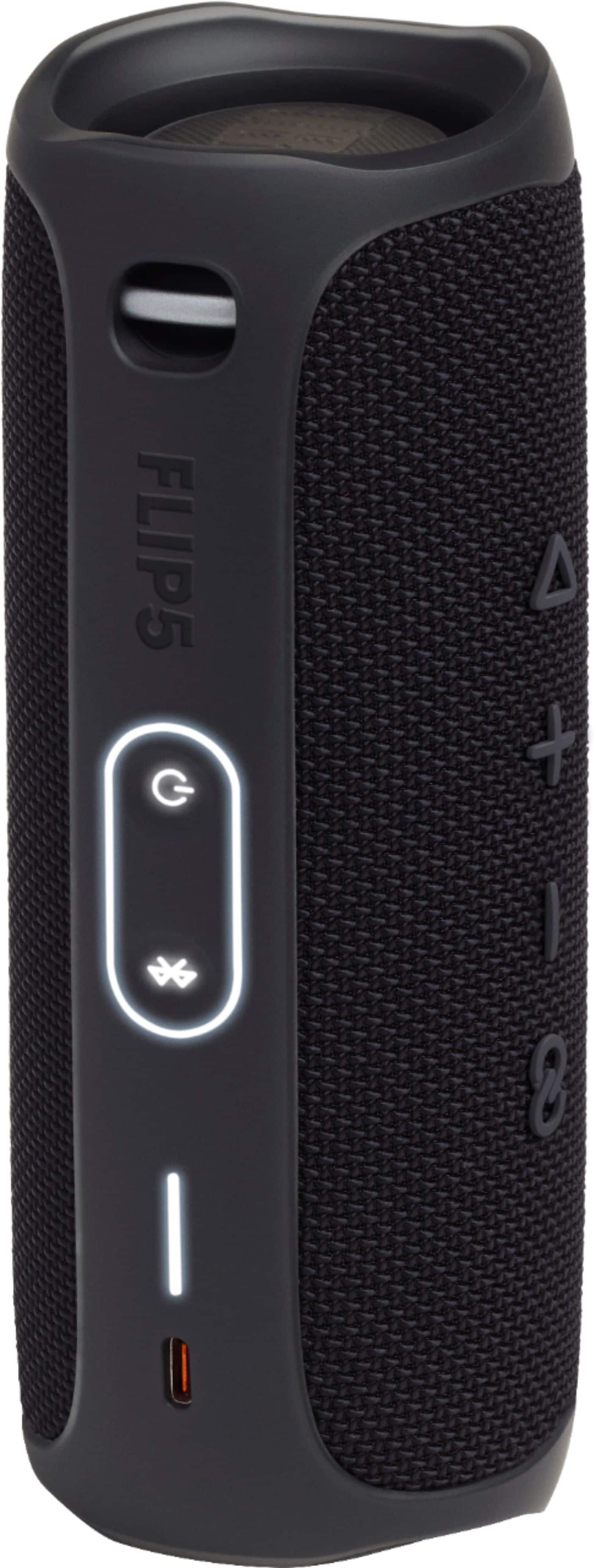
A:AnswerHi, there is a battery indicator light, it is the one that flashes when you charge your speaker, this light is divided into 5 sections, each one of them represent 20% of your battery capacity, (20% x 5 = 100%), if you have 3 sections out of 5, that indicates 60 % battery charge, for further support please contact our tech support line, thank you.
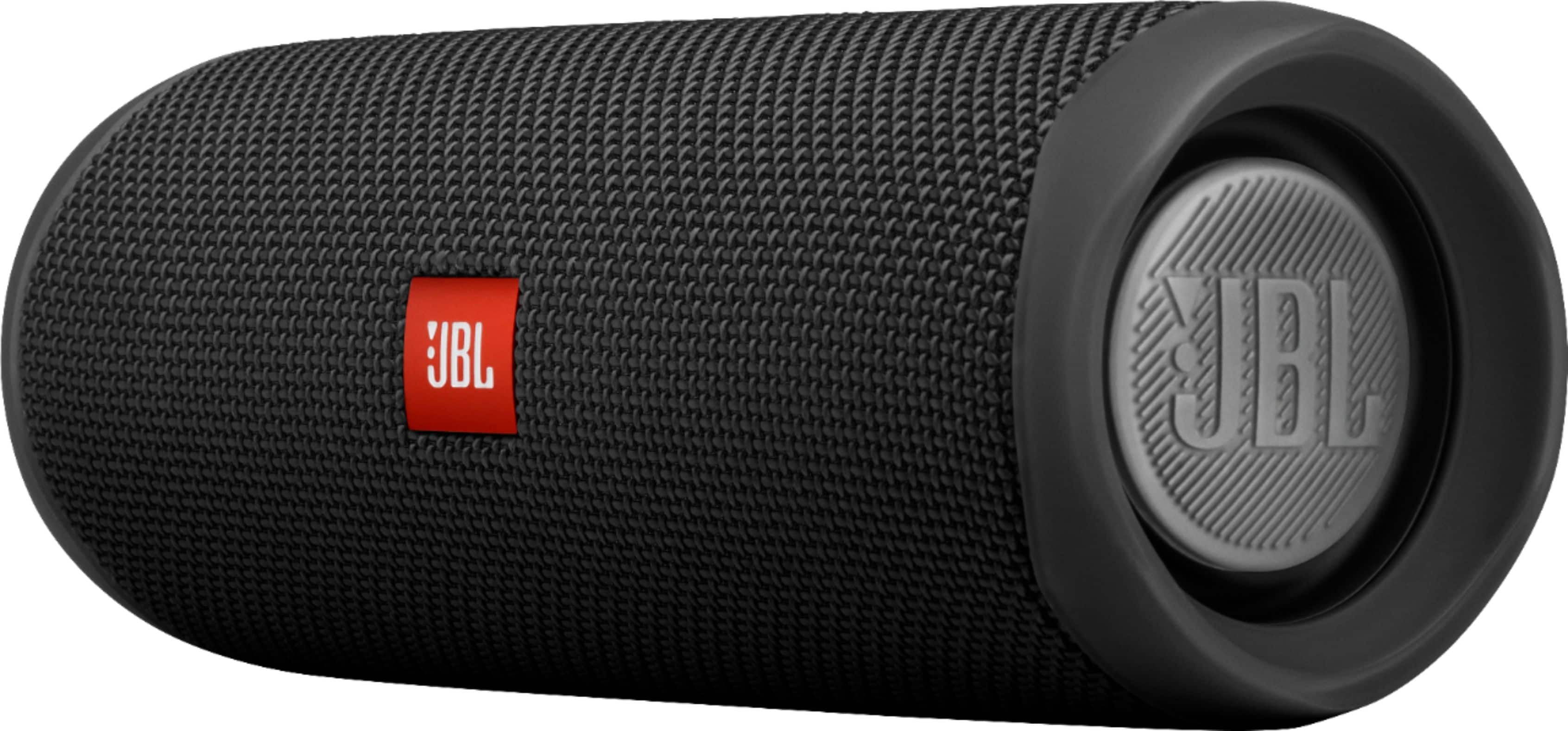
A:AnswerOur JBL Flip 5 doesn't have any built-in Amazon Alexa and cannot be connected to it. But you may use the Bluetooth function of Amazon Echo dot to connect to it.
A:AnswerIt will completely amaze you on how loud, clear and how great the subwoofer bumps and has had no signs of the speaker not being able to handle highs or lows in songs. I'd buy 10 more to be honest.
A:AnswerJBL Flip 5 does not have an internal microphone because of the feedback we received from customers complaining about the music stopping whenever a phone call is received or made. Our product designers decided to remove this feature to prevent this from happening. Flip 5 has better sound with the speakers' racetrack design of transducers. It has our latest connectivity feature, PartyBoost. Check out this link to learn more: http://bit.ly/2mfLxoF
A:AnswerI had the flip 4 and it died out so I bought the flip 5. It’s a little bigger which means a little louder but I can’t tell the difference between that. But the cool thing is it has a better battery life l, doesn’t take too long to charge, and it has a link ability where you can link it up with other speakers that have the same link option. I don’t remember if the flip 4 had it or not. All in all it just had a better battery life and is a tad bit louder
A:AnswerOur JBL Flip 5 can't be paired with out JBL Flip 3 because they have different Connect feature. Only speaker that have the same Our JBL Flip 5 can't be paired without JBL Flip 3 because they have different Connect feature. Only speakers that have the same Connect feature can link with each other. Here are some of our speakers with the same Connect feature: Connect Enabled speakers JBL Flip 3 JBL Charge 3 JBL Xtreme JBL Pulse 2 Connect + Enabled speakers JBL Flip 4 JBL Charge 3 (with a firmware update) JBL Charge 4 JBL Xtreme 2 JBL Pulse 3 Partyboost Enabled speakers JBL Flip 5 JBL Pulse 4
A:AnswerI cant answer this. I was gonna ask the same question, I saw their answer and just wanted to say I puked in my mouth a little and will buy any other speaker but this one because of it. ;-)
A:AnswerThere is no app to directly adjust the Bass and Treble but you can use the Equalizer from your music application to adjust the sound coming from the device to our JBL Flip 5 instead.
A:AnswerOur JBL Flip 5 doesn't have a sleep timer feature available but has a power saving mode where it turns off if there are no audio signals being sent to the device for 5-10 minutes and it will shut off.
A:AnswerOur JBL Flip 5 doesn't have a microphone input. The type-C USB port on our JBL Flip 5 only serves as a power outlet for the speaker, and it can't be used for connecting a microphone.
A:AnswerThe app JBL recommended to you only does one thing: shows you a battery bar. But your Flip 5 already has that.
There is literally nothing else the app does for your speaker. No equalizer, not even general bass/treble, no volume control, no power, no nothing.
Well, it does tell you if you have the latest firmware. But I've had my speaker for well over a year, and the firmware it came with is still the latest version.
If you're looking for a speaker that the manufacturer cares enough about to create an app that actually lets you control the speaker and customize the sound, the JBL Flip 5 definitely is not it.
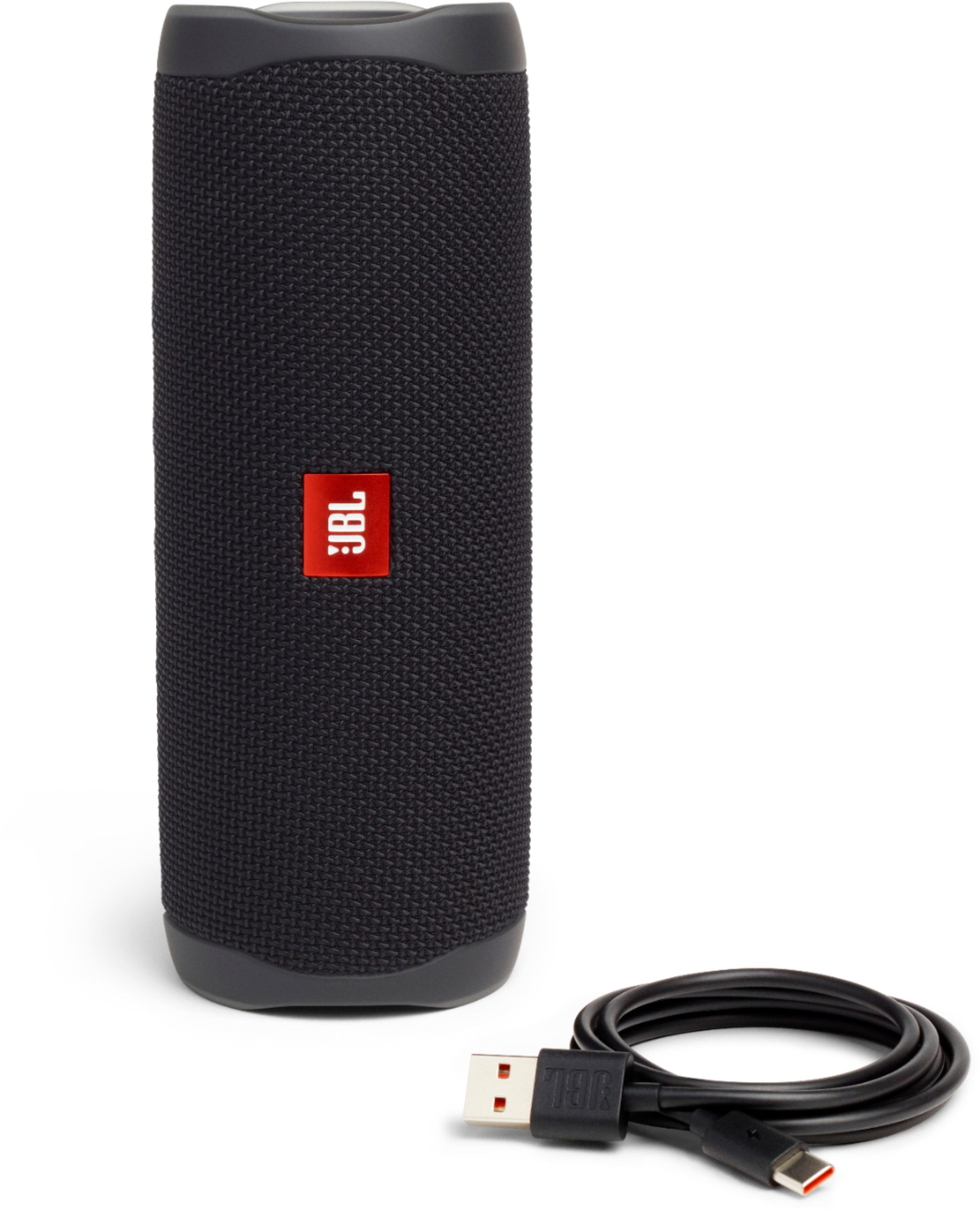
A:AnswerOur JBL Flip 5 comes with a charging cable but doesn't come with a USB block, you can use a phone charger to connect the charging cable and plug it to the wall outlet.