A:AnswerNo, as of this writing, on 11/28/2017, the JBL Link 10 (and I believe it applies to the other two Link speakers) does not have support of the JBL Connect app. Could support come in the future with an update, possibly, but you'll need to ask JBL if it has plans to add the Link speakers to the speakers compatible with the app.
Sorry if I come off condescending, but if you look at the supported speakers in the JBL Connect app, the Link speakers are not included. However, I did try to use the app with the Link 10 and the app would not recognize it.
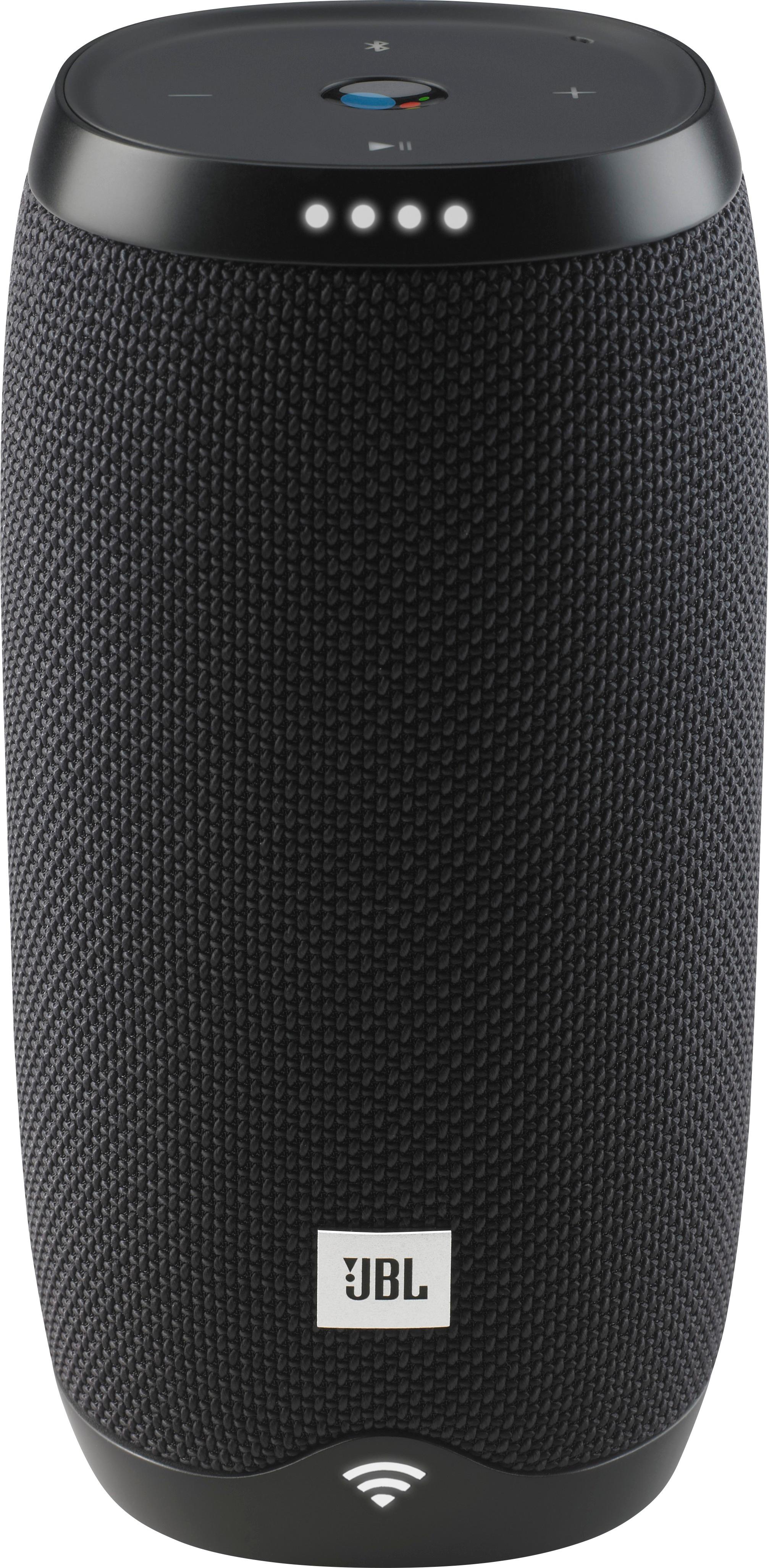
A:Answer*Make sure your BT is not connected to ANY other BT device in your home.
* Turn off ALL BT devices. Then power back the two devices your trying to pair.
*Make sure you totally understand how to search +select your BT devices on your device.
A:AnswerWe would like to work with you directly to help you with your issue. Please submit a case request at https://www.jbl.com/support-contact.html and the Customer Service Team will be more than happy to assist you.
A:AnswerMake sure you download the google app and enter your WiFi password when prompted. I just set mine up today. You will be asked during voice commands to say “hey google” or something like that several times.
A:AnswerWe would like to work with you directly to help you with your issue. Please submit a case request at https://www.jbl.com/support-contact.html and the Customer Service Team will be more than happy to assist you.
A:AnswerThanks for sharing us your concern with the JBL Link 10. We would like to work with you directly. Please submit a case request at https://www.jbl.com/support-contact.html and the Customer Service Team will be more than happy to assist you.
A:AnswerJBL LINK 10 speakers sold by BEST BUY is having hardware problems. i purchased in Aug 19 in US and till today i did not enjoy the product . it had taken lot of my precious time to fight with google assistance. infact there is no instruction manual provided by the JBL. only specification was kept.
A:AnswerHi there, sorry to hear that you're having issues with your JBL Link 10. While the speaker is on, please try to press and hold the mic/mute button for 13-15 seconds to perform a reset. This time, try it while it's plugged in to power. If that doesn't work, please submit a case request so that we can assist you: http://www.jbl.com/support-contact.html
A:AnswerYou dont need wifi. The wifi is only if your going to use the Google Assistsnt. Speaker should work with Bluetooth on any phone. Turn off bluetooth snd than turn it back on to pair with speaker. If that doesnt work, download Google home App and set up speaker with app
A:AnswerWe would like to work with you directly, please submit a case request at www.jbl.com/support-contact.html and the Customer Service team will be more than happy to further assist you.
A:AnswerWe would like to work with you directly to help you with your issue. Please submit a case request at https://www.jbl.com/support-contact.html and the Customer Service Team will be more than happy to assist you.