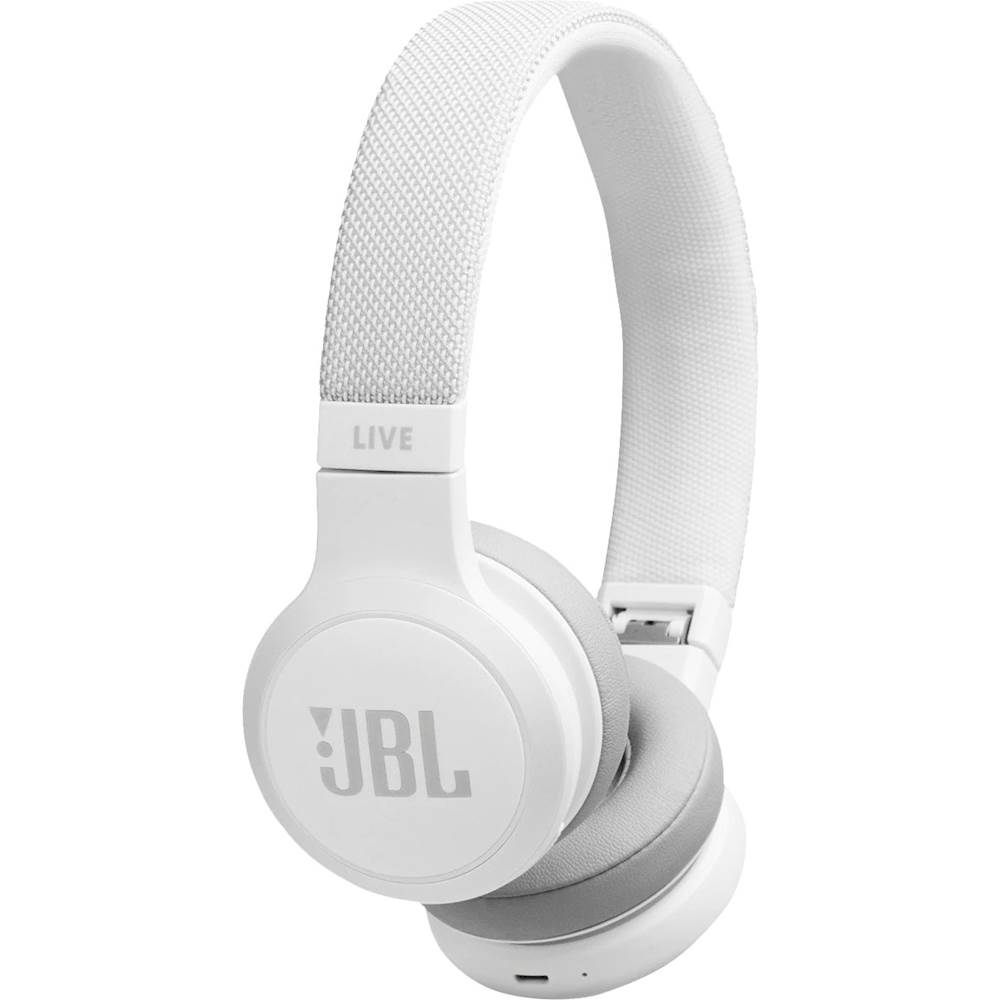
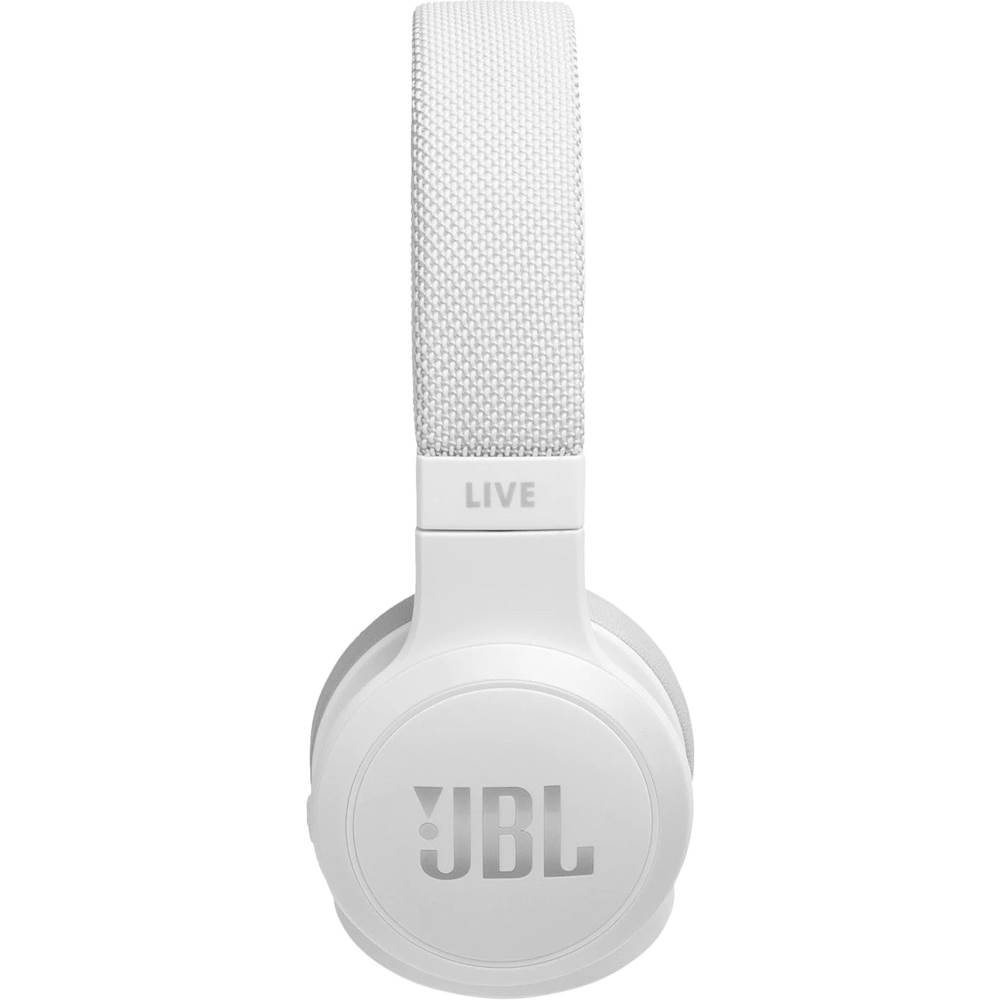
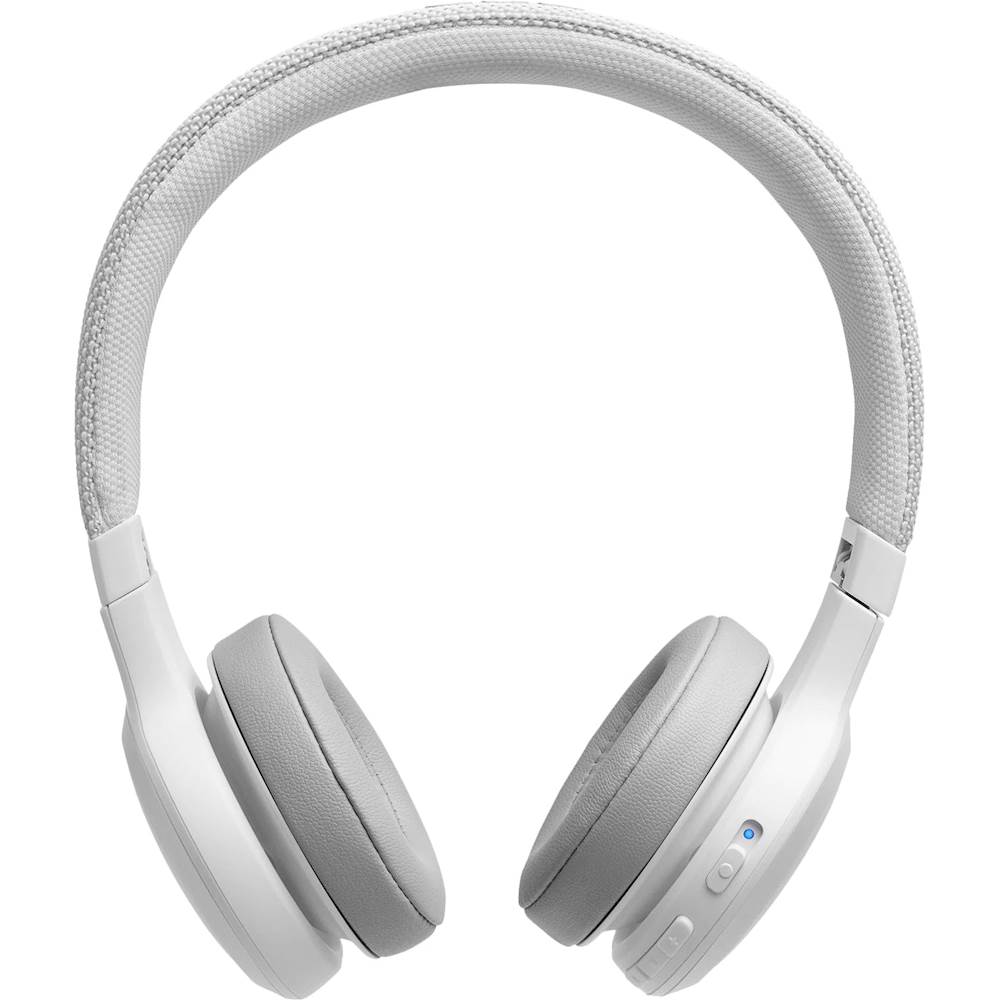
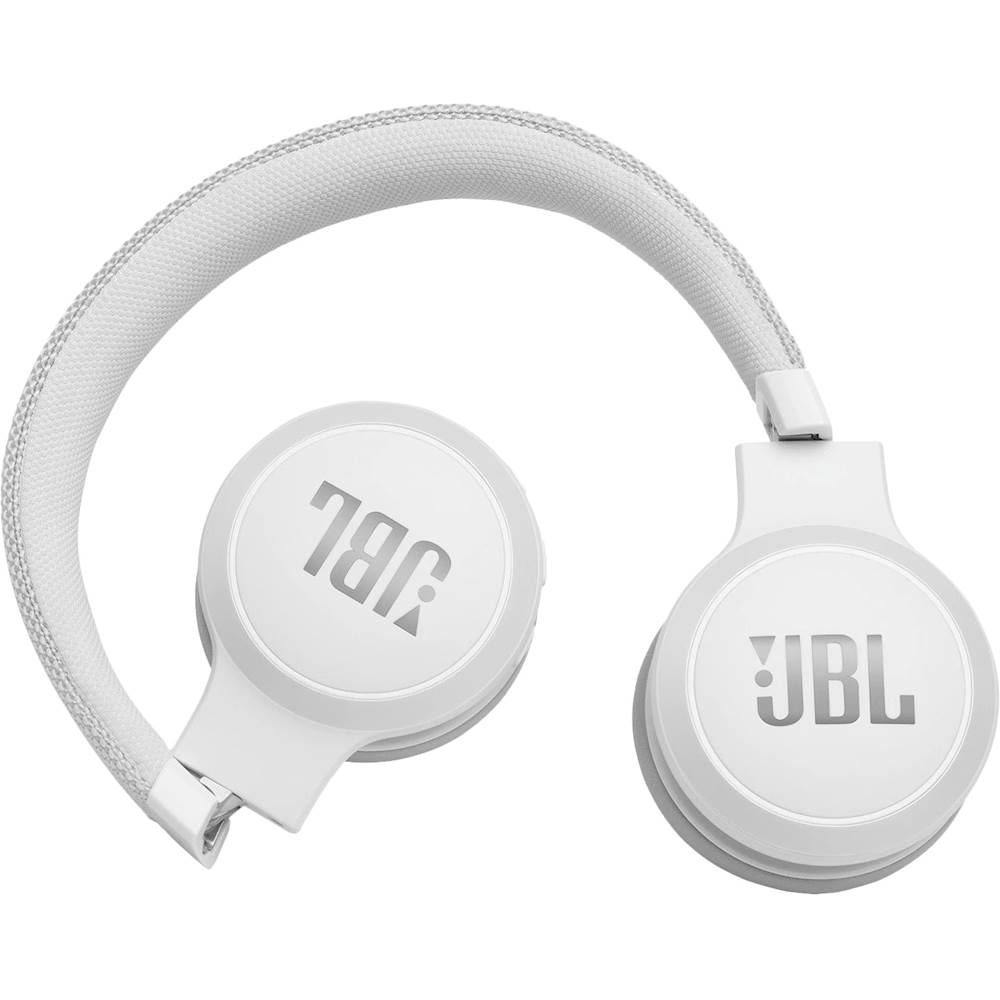
A:AnswerI just bought one today, it does not work with older MacBook Pro's. Mac OS has to be 11 or older in order for it to work, so it does NOT work with any MacBook Pro or any iPhone either
A:AnswerYou may go to your TV's sound settings and look for Bluetooth. Add or connect to a Bluetooth device and your TV will search for nearby BT devices. Alsp, please make sure that your JBL Live 400 is already on pairing mode.
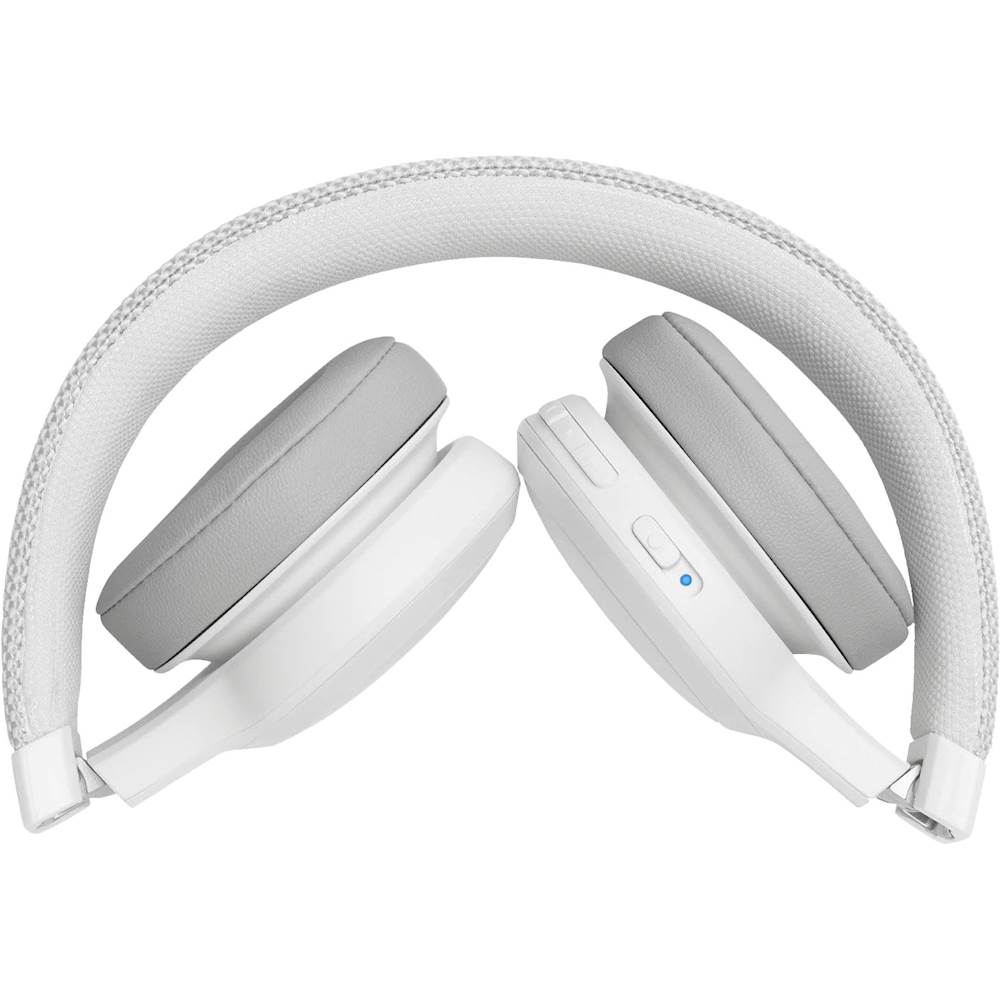
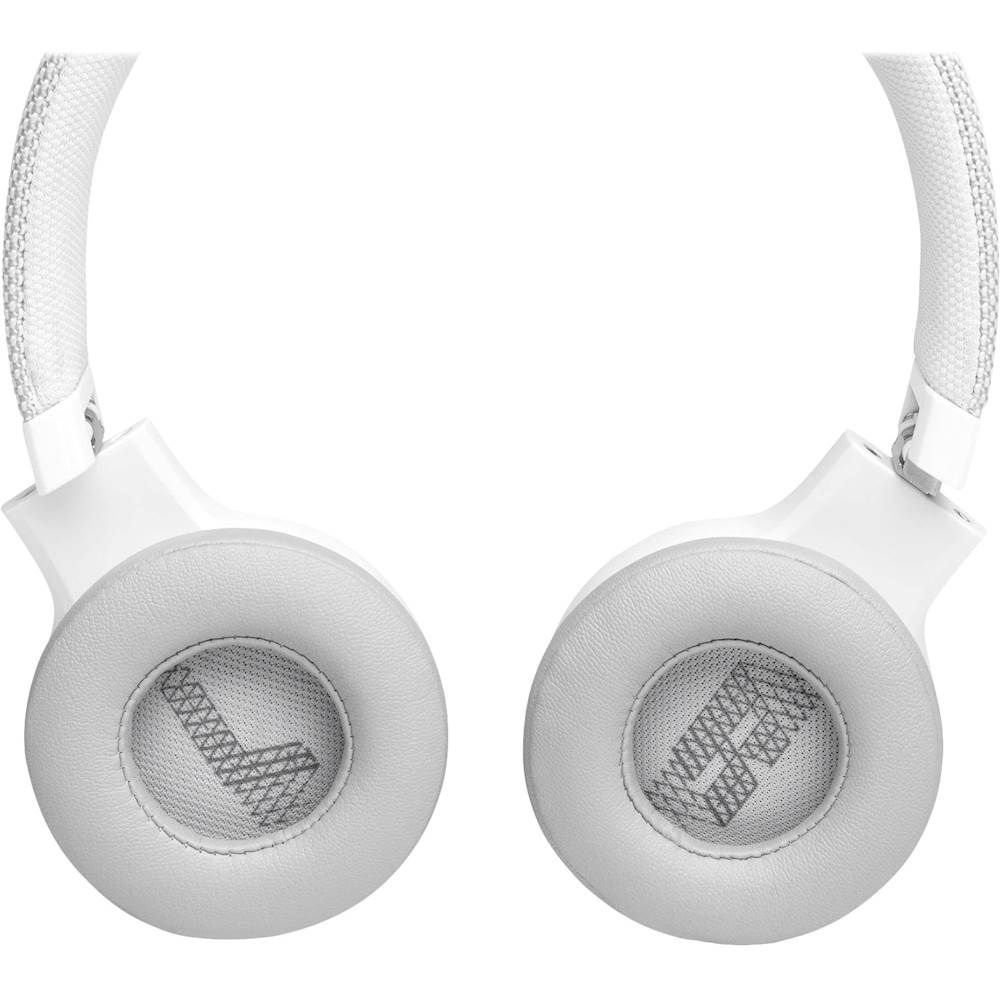
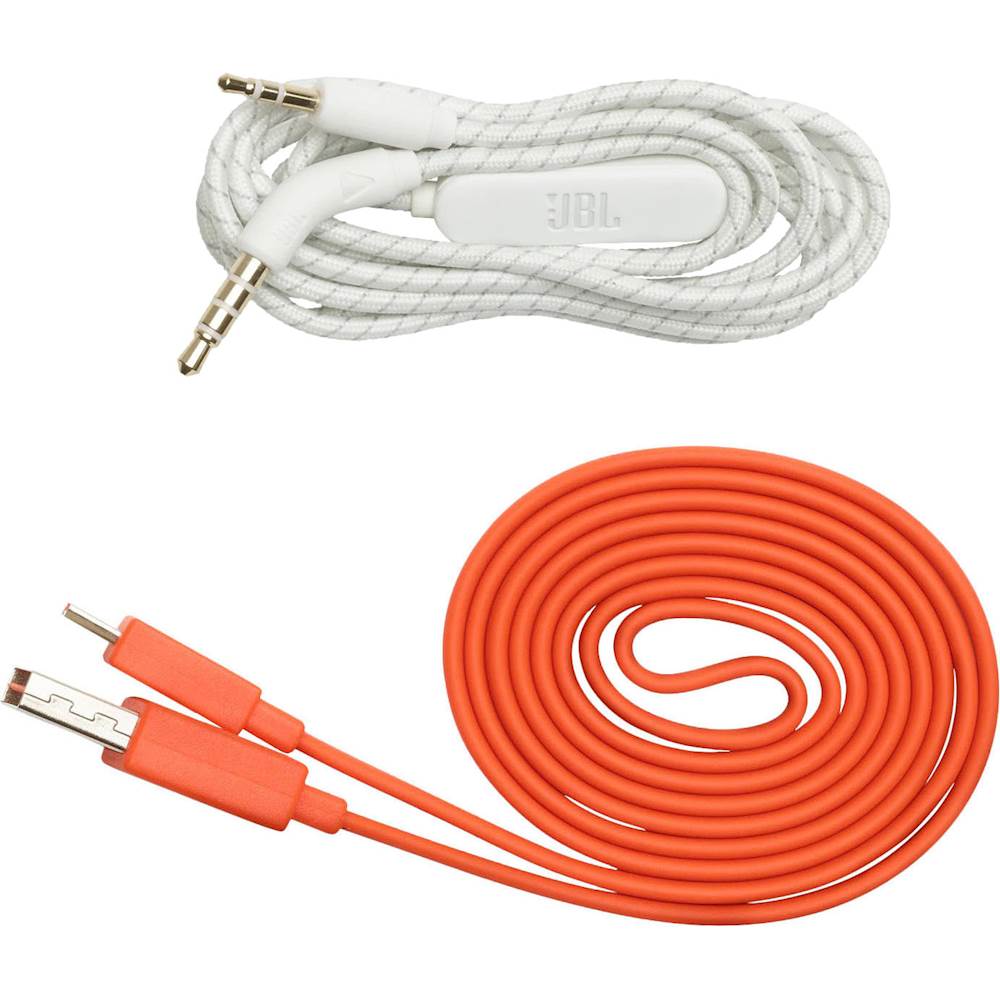
A:AnswerJBL Live 400BT microphones have built-in microphones in the headset. The 3.5 mm auxiliary input can be used to connect your devices via a wired connection. It may not work when you'll be using it to plug a detachable microphone. If you need help, please reach out to our Customer Support so we could help you with some settings and recommendations.