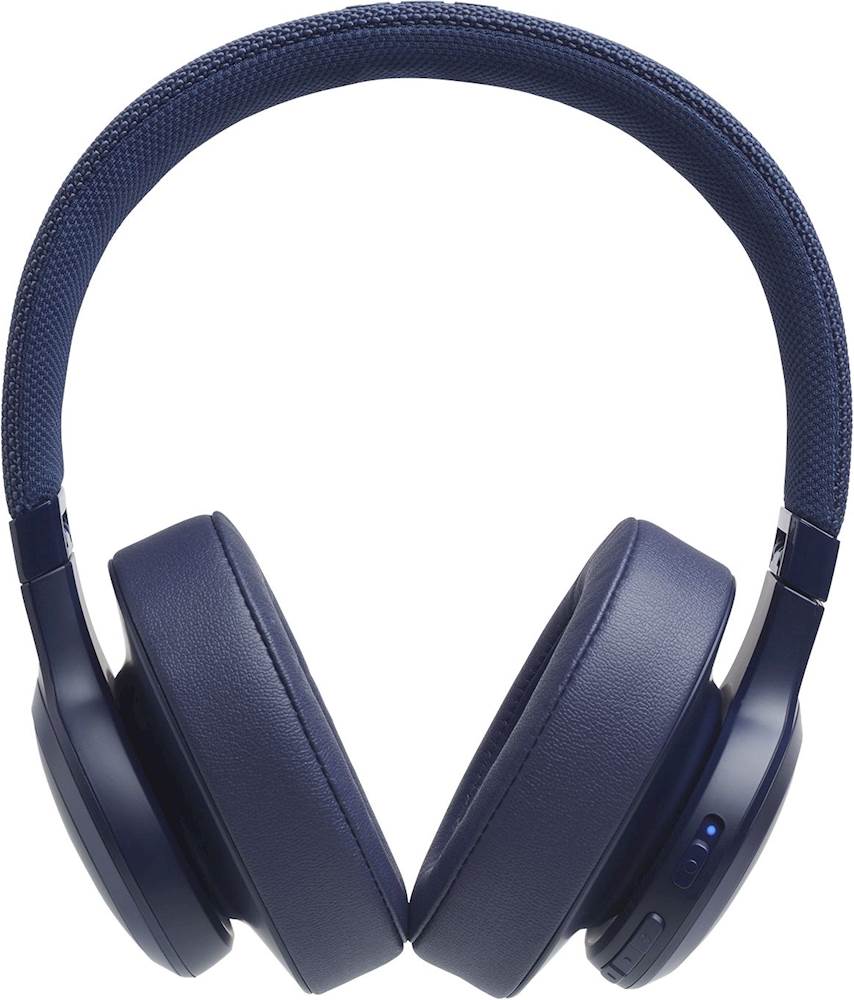
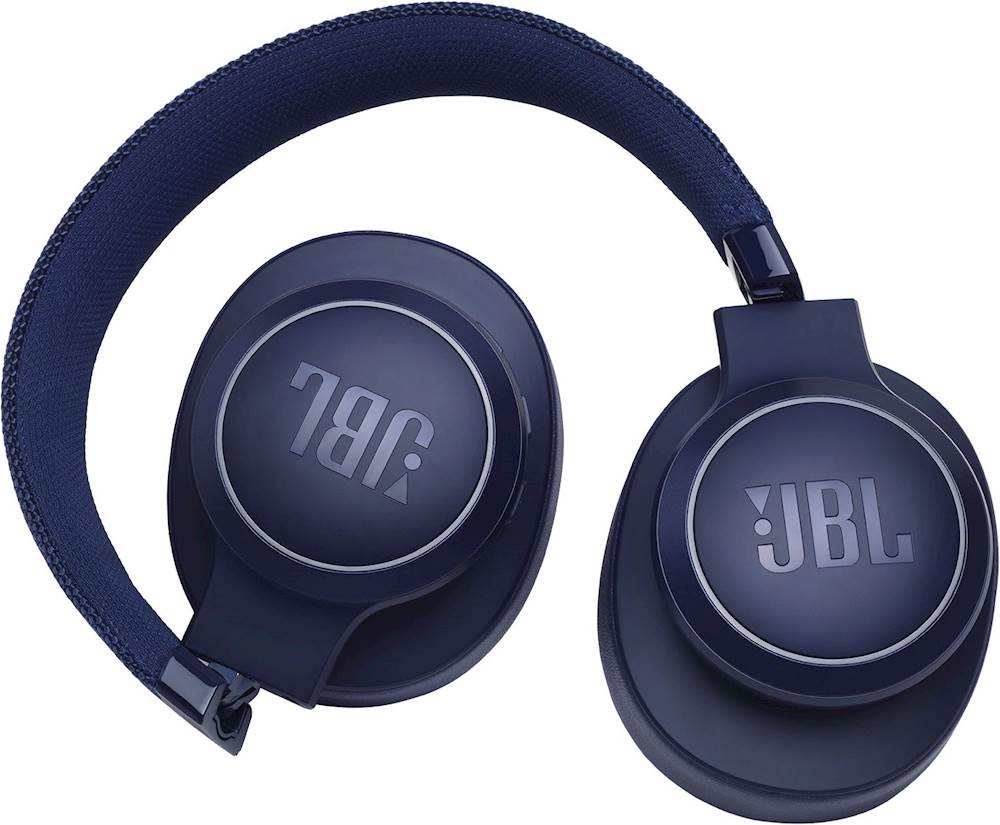
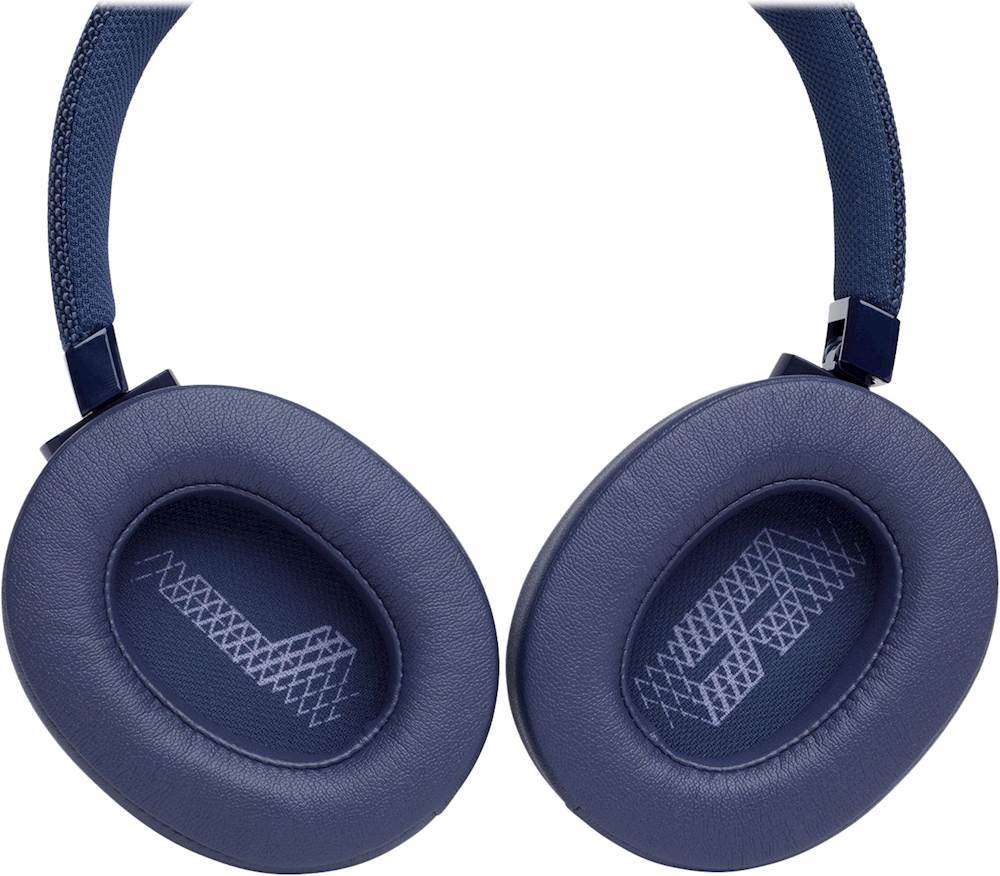
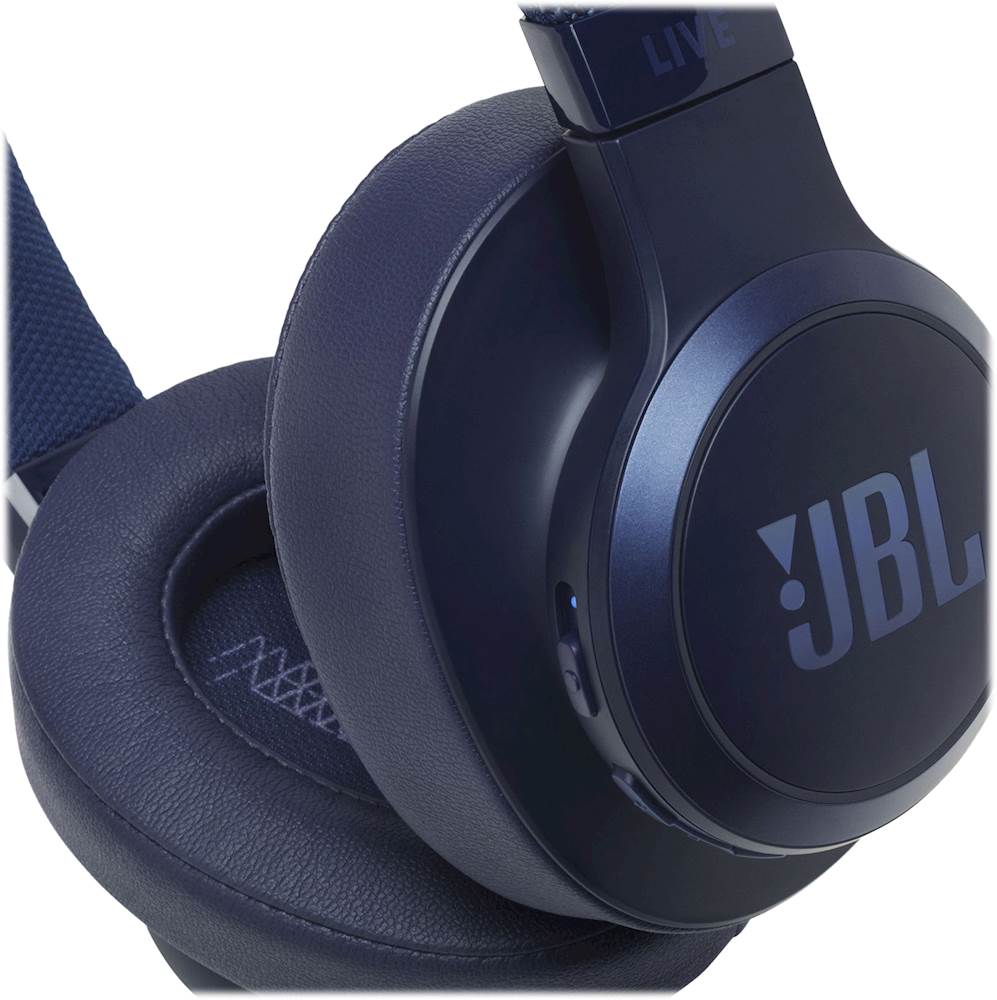
A:AnswerHi Jeff, our JBL LIVE 500BT headphones features Bluetooth version 4.2 — as long as your Sony Bravia TV supports this version, you should be able to pair the headphones even wirelessly.
A:AnswerI am using these over the ear headphones for a similar purpose. I find the quality of the sound to be excellent and the headphones, themselves, are good quality. The only downside for me is that after one hour or so, since I’m wearing behind the ear hearing aids as well, that they get a little uncomfortable. I take them off for a few minutes and am comfortable putting them back on after that brief rest period.
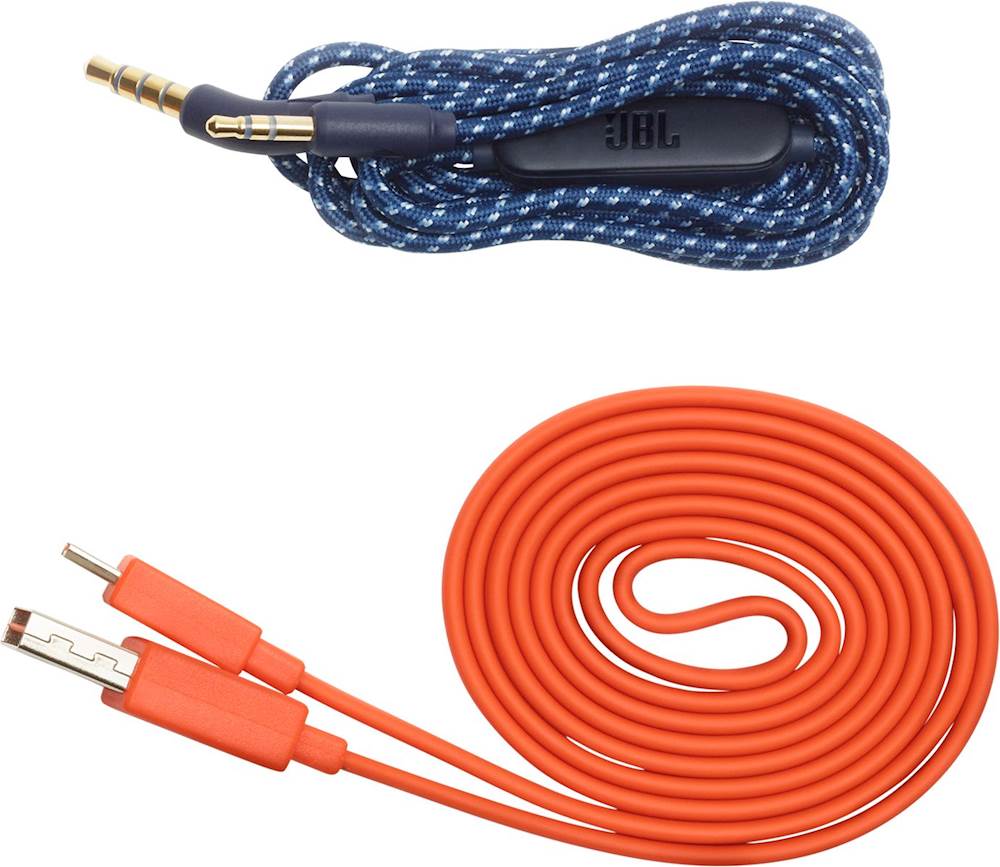
A:AnswerNancy, suggest purchasing a separate wall plug or using the wall plug from another device (such as your cell phone, which is what I do). There are also outlet plugs that include USB charging capability.
My opinion: JBL could have been a little more helpful in their response to you, since they don't provide the wall plug with the product.
A:AnswerSorry, but our JBL Live 500BT isn't a Noise Cancelling headphones. If you interested with these units, please check our line of available Noise Cancelling headphones here: https://www.jbl.com/noise-cancelling-headphones/
A:AnswerThanks for reaching out. Our JBL Live 500BT may be a little loose for children. You could check out our JBL JR 300BT and JR460NC for the best headphones for kids. You can check these products at our website. https://bit.ly/3HWfGyE
A:AnswerOur JBL Live 500BT works with remote calls and gaming for both wired and wireless. If you need more help, please contact us here: https://bit.ly/2zwFkYM
A:AnswerThis is possible if your TV has a Bluetooth transmitter. Please take note that it may also exhibit audio/video delay. When you start the video and audio at the same time, the audio will lag behind by the length of time it takes the Bluetooth hardware to receive, process and output it which is known as Latency.