A:AnswerIn theory it should be fine but it is worth noting that the speaker is not waterproof. Should any water accidentally fall on it then we cannot guarantee it will not cause damage. The possibility of sand accidentally falling in any input should also not be ignored. If you are confident that the speaker will be safe from these elements then there is no reason not to take it.
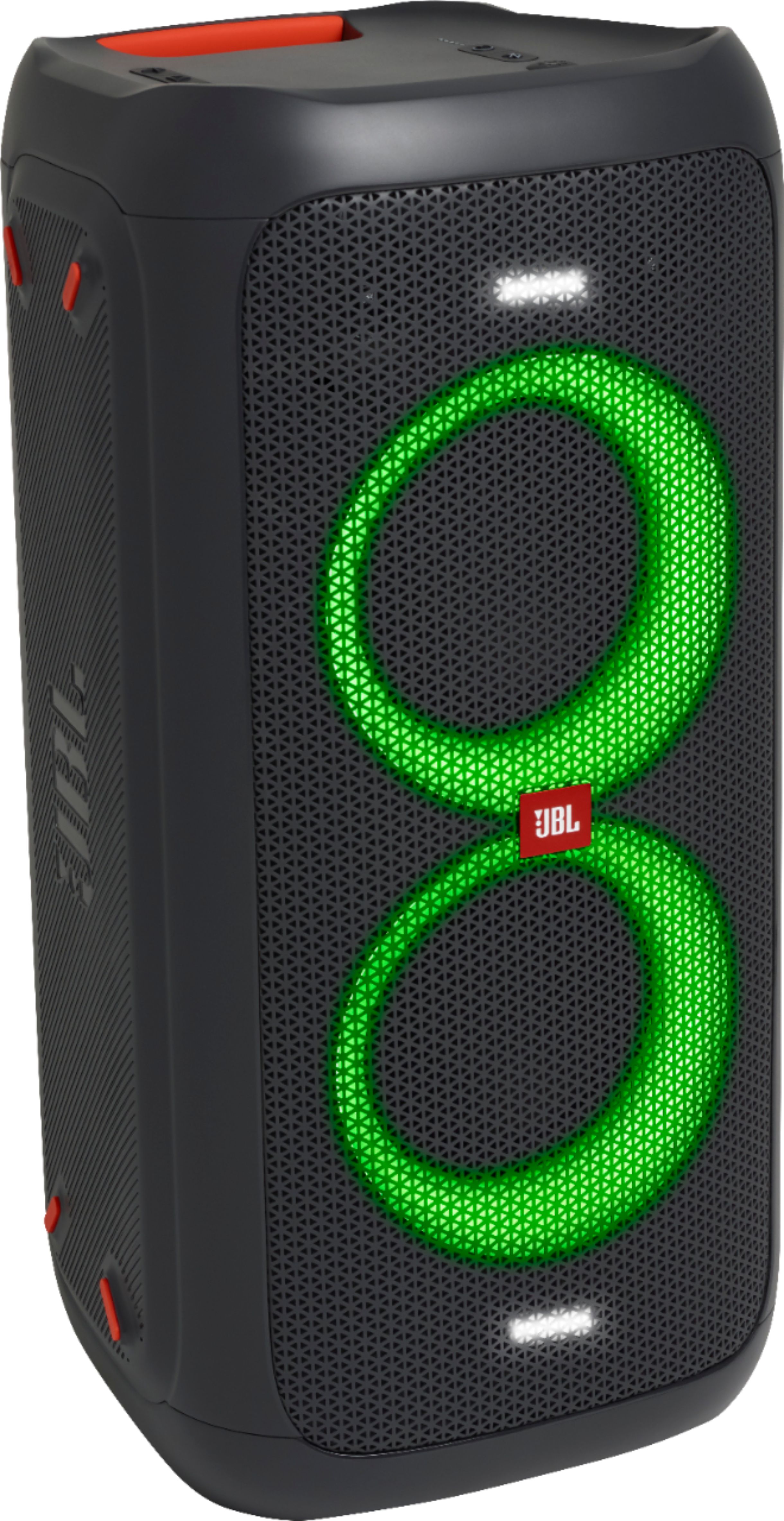
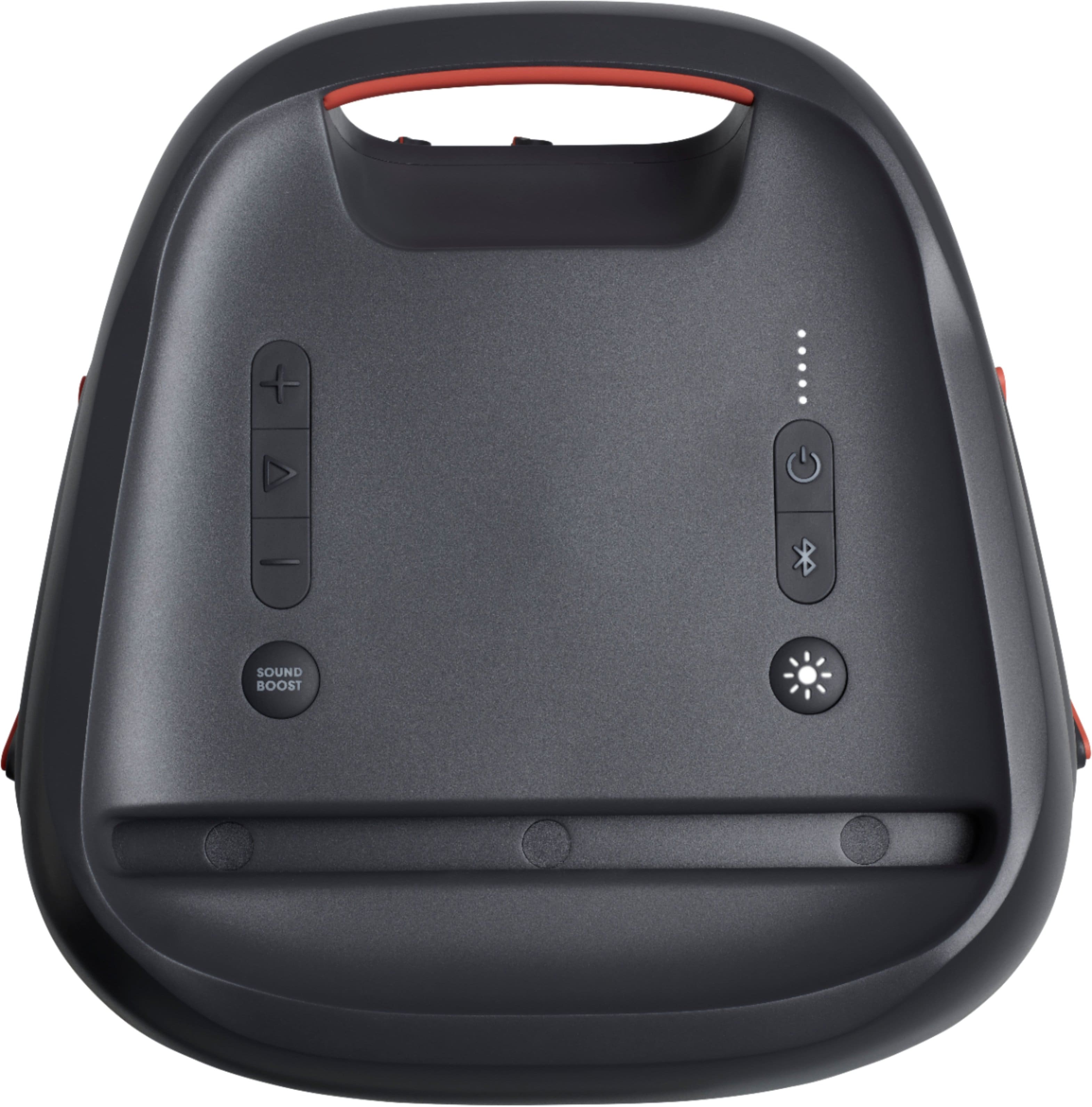
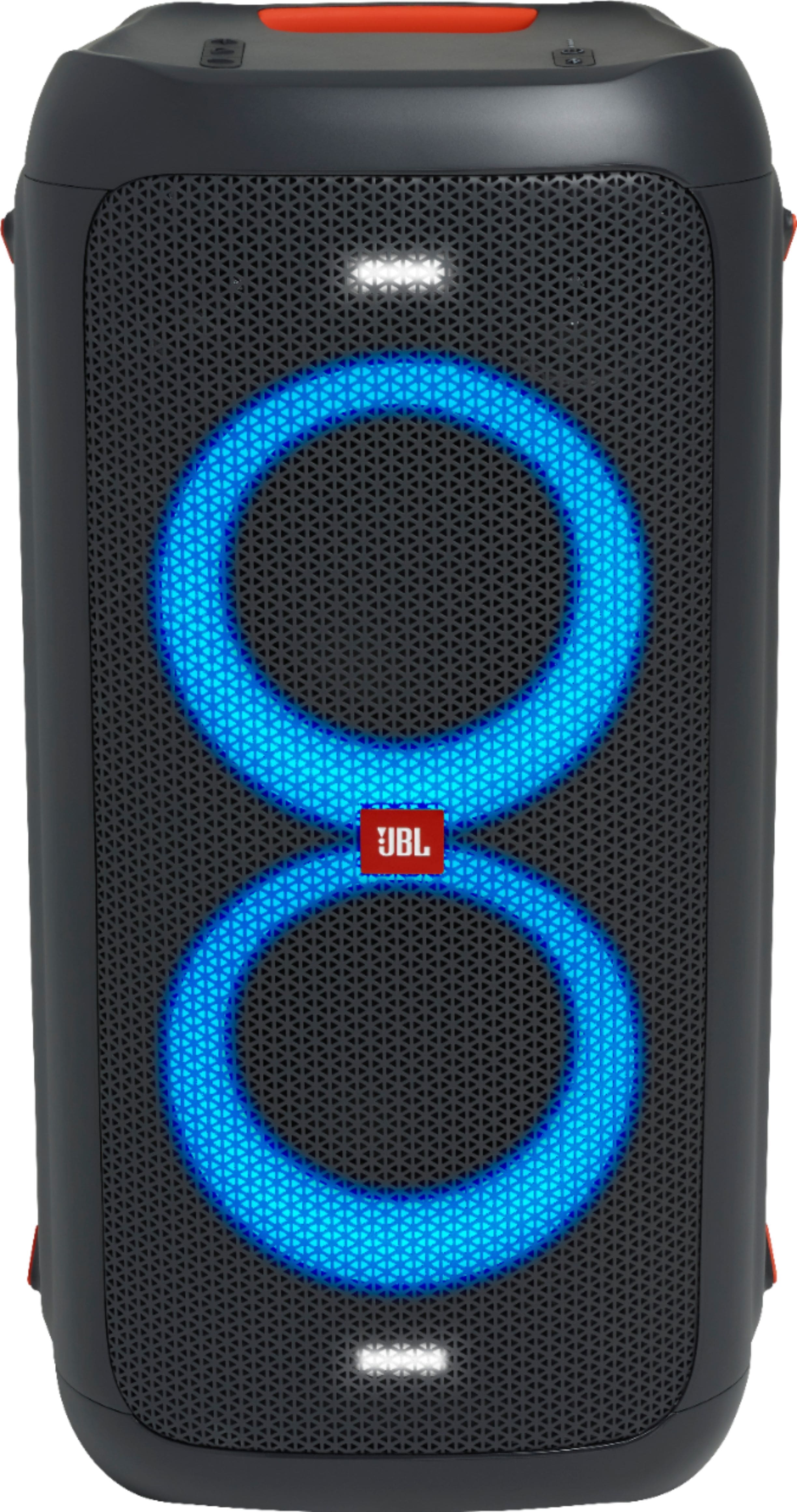
A:AnswerWe're sorry to hear about what happened. Try to reset your JBL Partybox 100 by press and hold "Play/Pause" and "Volume +" down for > 10 seconds. The JBL Partybox will power off and back on and is now reset. To control the light show on your JBL PartyBox device, simply press the dedicated "Light show" button located under the Bluetooth icon. Press and hold the sun button for more than two seconds. For more information on other controls, please check out page 7 of our Quick Start Guide here: https://bit.ly/2QpyoER
A:AnswerWe're sorry to hear about what happened. There's a possibility that the speaker's battery is depleted that's why it turns off when you unplug the power cable. Please try to charge the speaker in 6.5 hours to check if the unit will charge. If the problem persists, please contact us, so we can assist you in checking your options: https://support.jbl.com/us/en/#contact
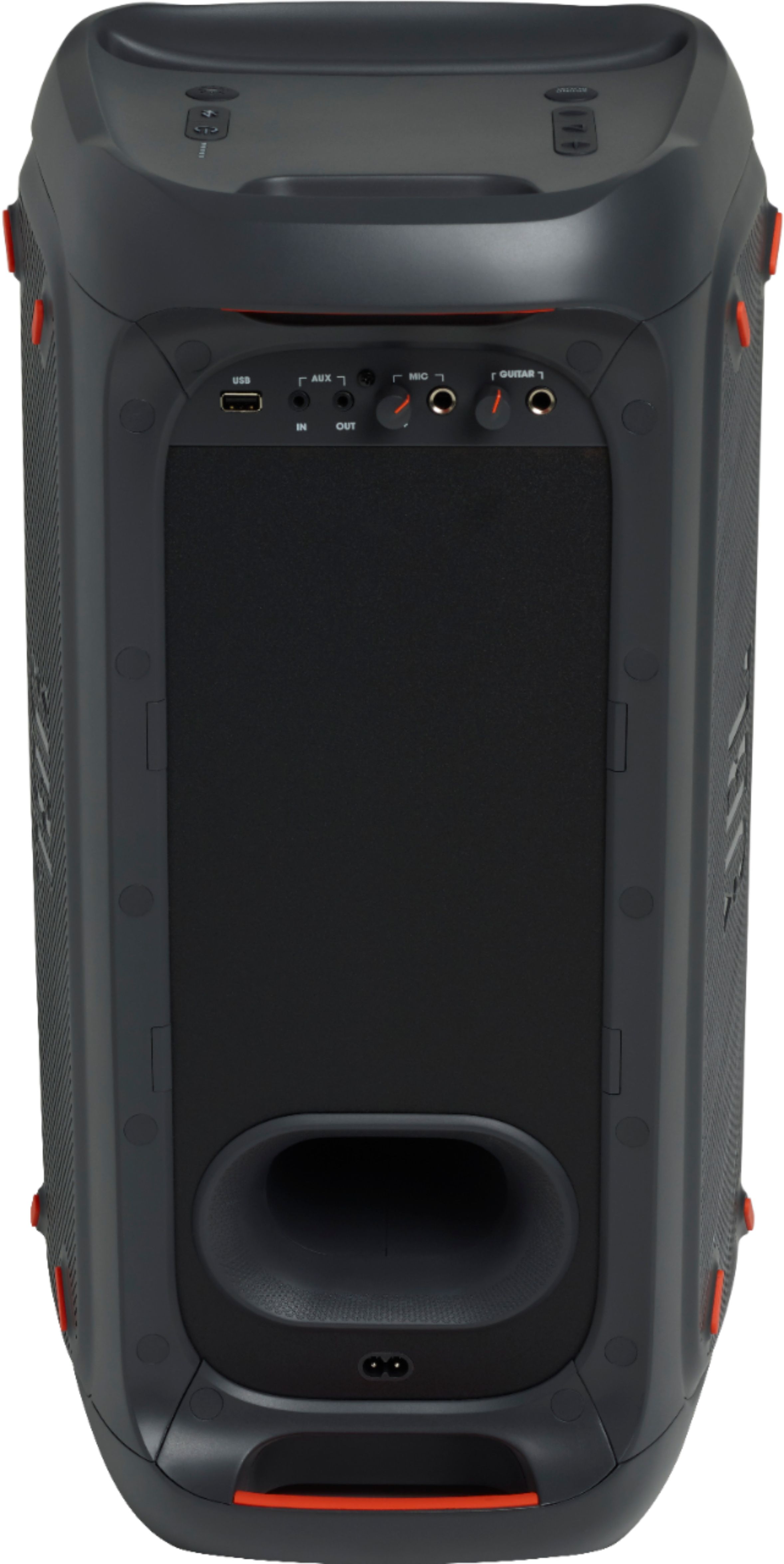
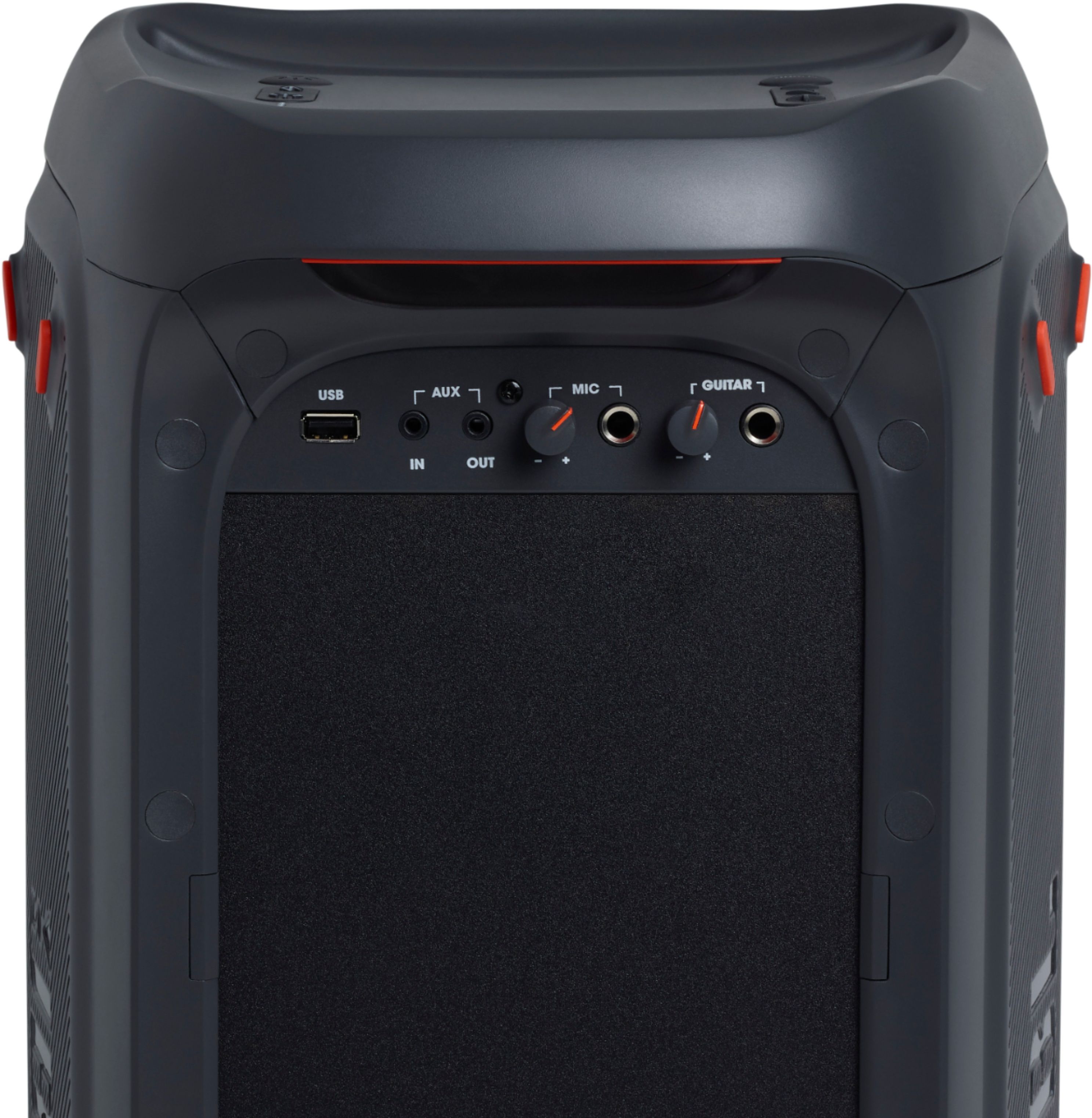
A:AnswerThe USB port of our Partybox 100 is only for playing music from a USB capable thumb drive. You may connect the microphone to the Microphone input at the back of the speaker.
A:AnswerOur JBL Partybox 100 already has a built-in amp which is perfectly made for the woofer/drivers inside of it and connecting aa external would not make any difference. If you have more questions, please reach out to our Customer Support here: https://bit.ly/31ddXUv
A:AnswerWe're sorry to hear about what happened. Please contact us, so we can assist you in checking your options: https://support.jbl.com/us/en/#contact
A:AnswerThanks for your question. You could connect an active subwoofer to our JBL PartyBox 100. Active subwoofers doesn't need an external amplifier since they have a built-in amplifier that powers the subwoofer in the enclosure.
A:AnswerOur JBL Partybox 100 doesn't come with the cable that connects through the cigarette connector in your Truck to power on the speaker like our JBL Partybox 200 and 300.
A:AnswerI’m would start with your tv. Check for any settings that deal with sound levels. Usually there’s a setting for sound levels to auto adjust based on commercials and show types. I would begin my troubleshooting there.