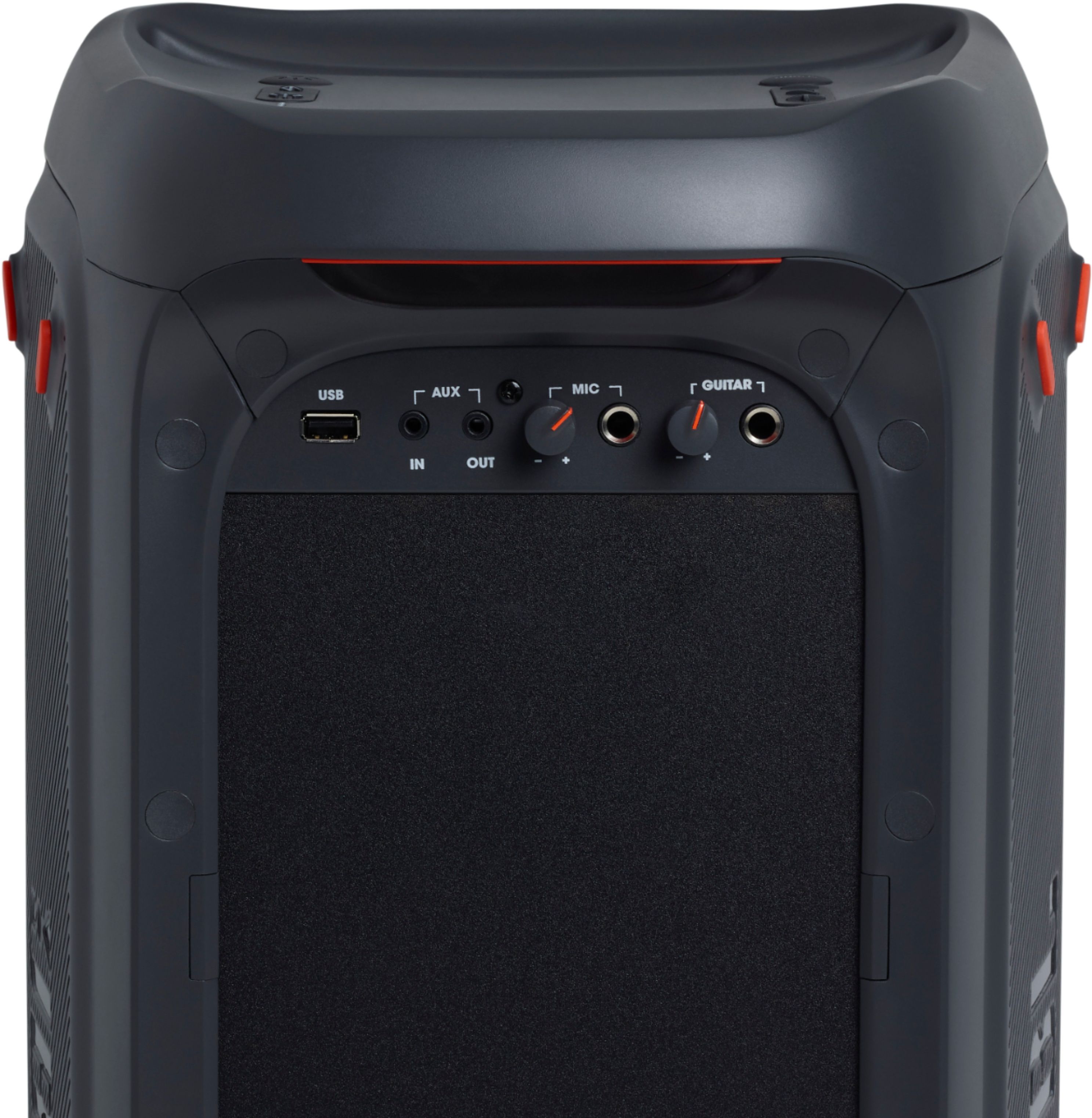
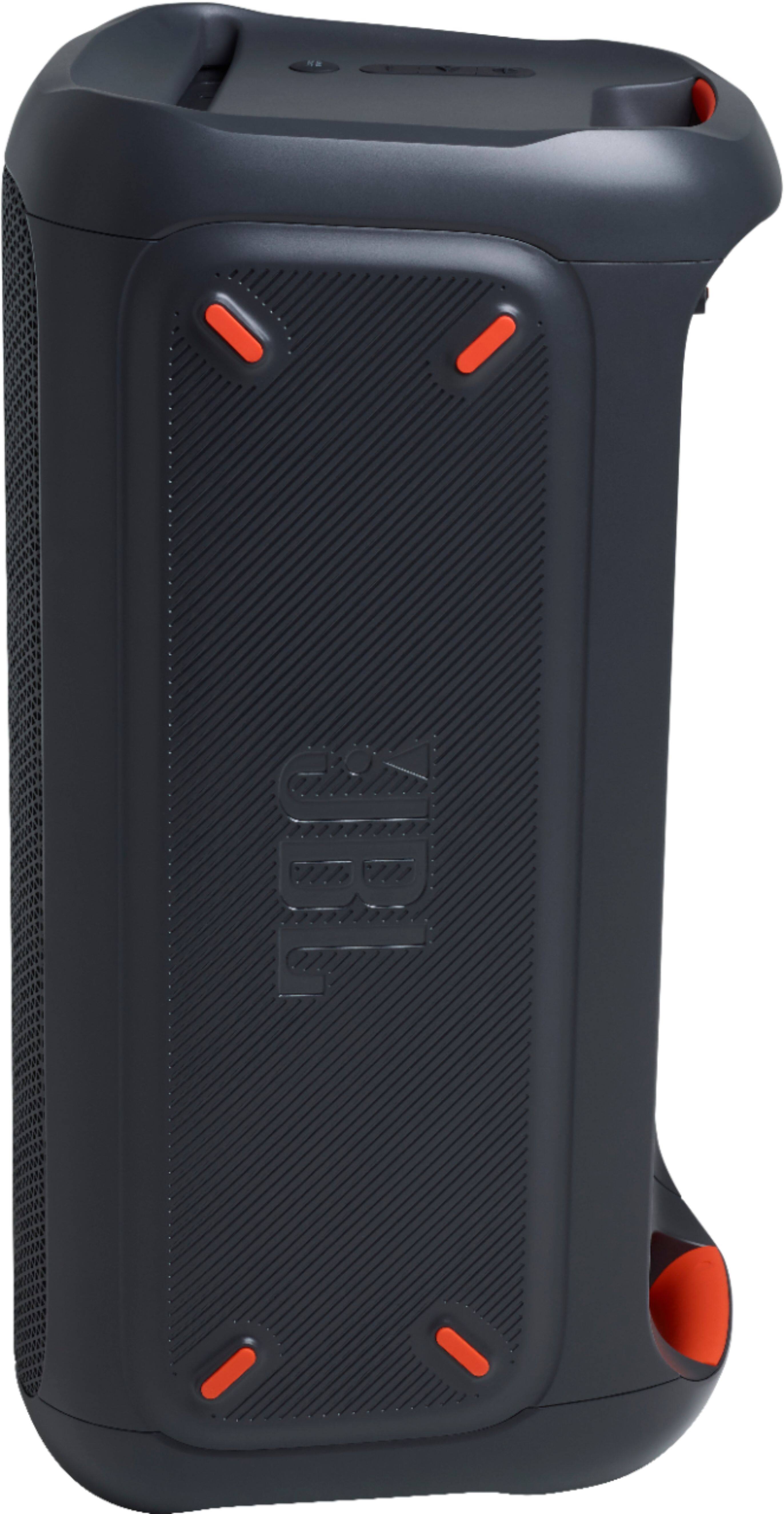
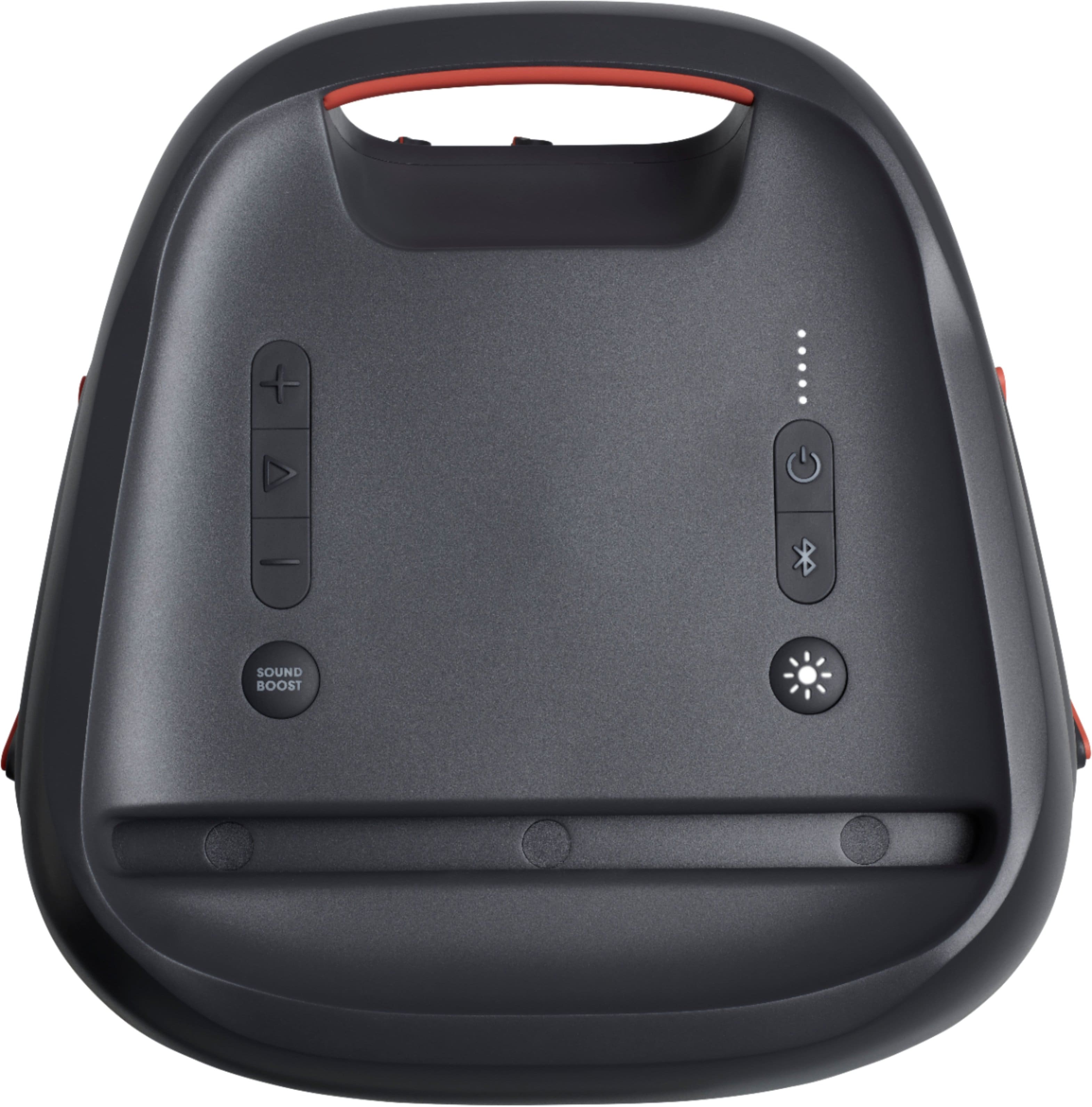
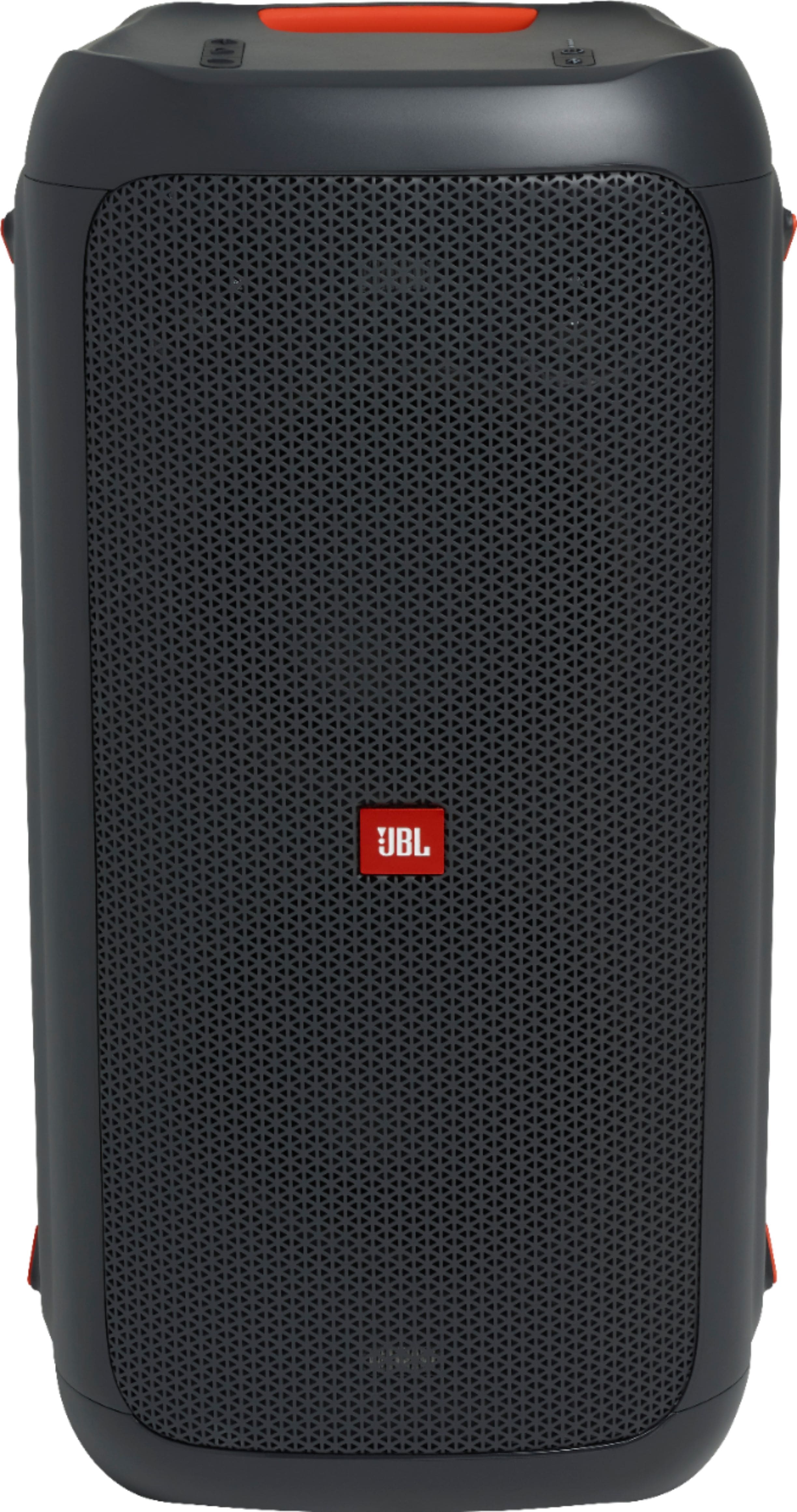
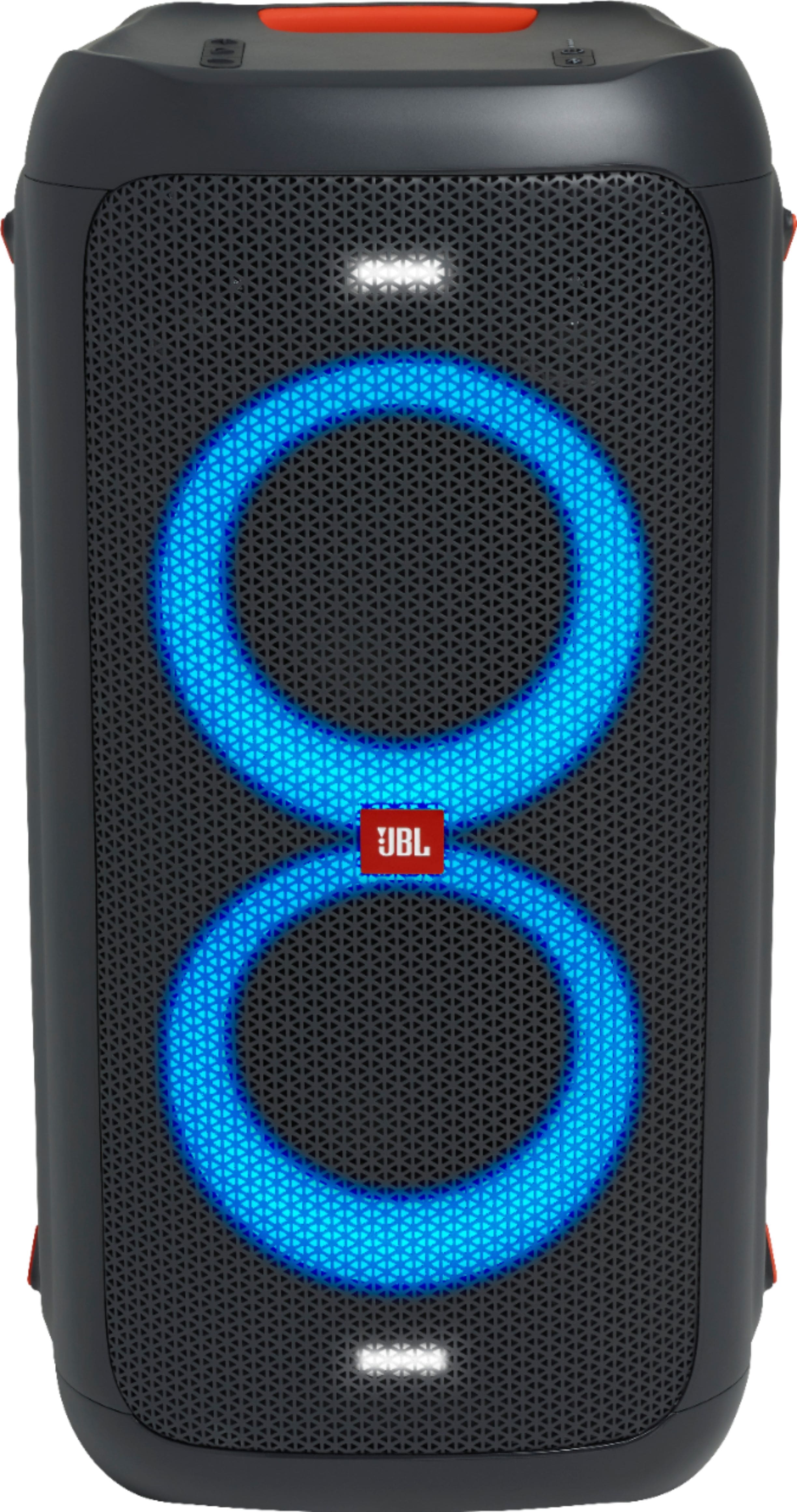
A:AnswerNo the PartyBox series is NOT waterproof or even water resistant. If you need those features the only real comparable would be the JBL BoomBox. You can drop that in the lake and it will still work.
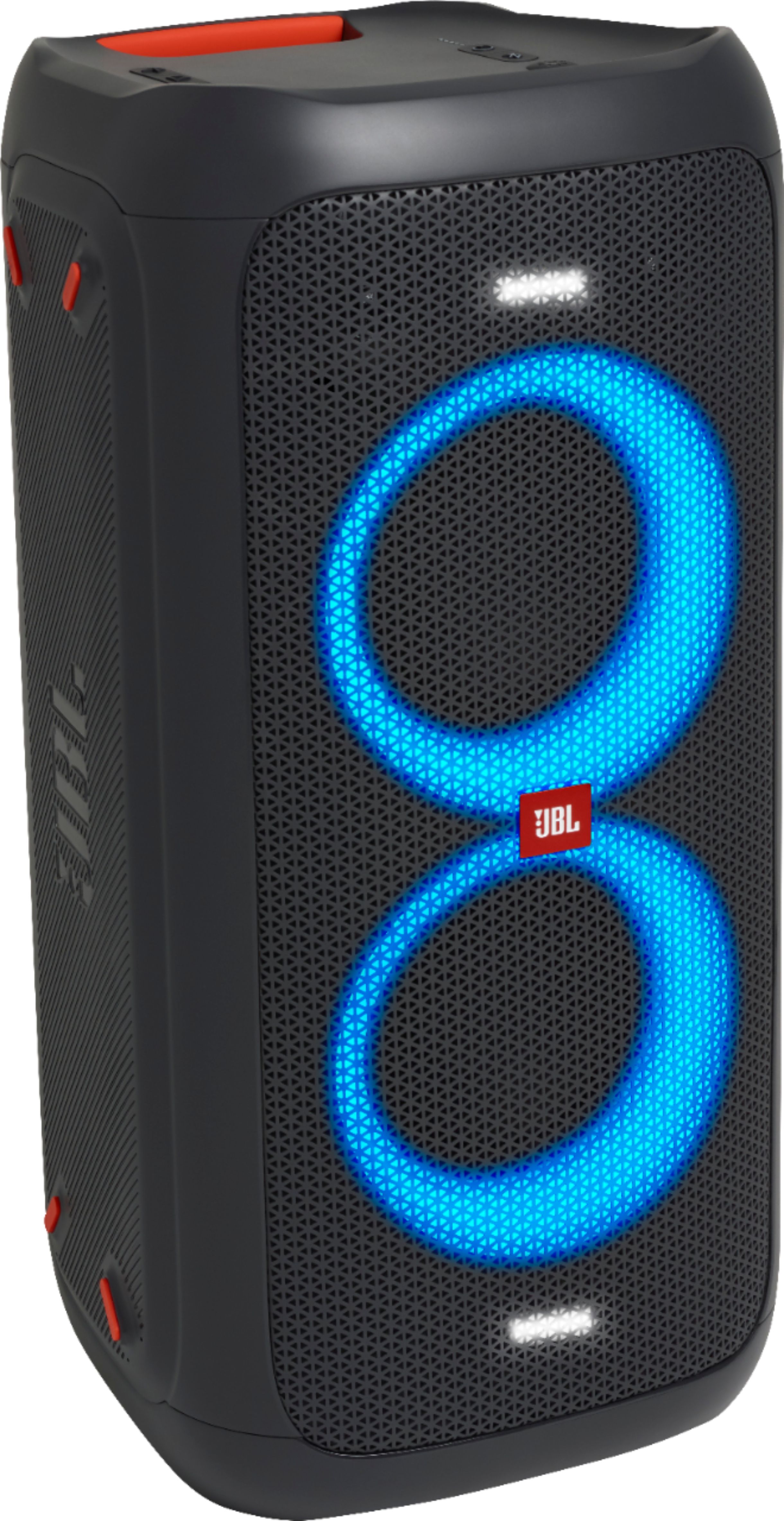
A:AnswerOur JBL Partybox 100 can last up to 12 hours of music playtime when the light show is off. If you need more help, please contact us by going to our website.
A:AnswerIts rated at 160 watts. Watts are fairly irrelevant. The ohms rating of the combined speakers and the speaker sensitivity will greatly affect the loudness and projection those watts produce. I do not know those specifications.
This is sufficiently loud to be heard clearly in any normal residential situation and produces a solid bass thump you can feel in a large room or outside.
In my opinion it sounds excellent at low volume settings for example personal listening in one room while not wanting to disturb people in other rooms as well cranked up to full volume.
I has a very wide directional sound stage, so a single unit fills the space to the left and right of itself as well as directly in front.
I like my first one so much i purchased a second, but i have not found a situation where i want to run both at the same time yet.
If this were used for a large party or light commercial application I think it might fall short if expectations. However they currently make 3 other versions of the partybox that are high power rating.
Although only the 100 and 300 are battry powered.
A:AnswerOur JBL Pulse 4 can't be connected with the Partybox 100 because these two speakers have different technologies that are incompatible with one another. Our JBL Pulse 4 has the PartyBoost function where it can only connect to JBL Flip 5, Pulse 4, and Xtreme 3 or any JBL speakers that has the Partyboost function and our Partybox 100 has TWS (True Wireless Feature) feature which works with the PartyBox of the same model.
A:AnswerTo prevent the other person from connecting to Partybox100 via Bluetooth. Have that person go to settings on his smartphone, select Bluetooth and turn it on, select the device you want to remove, and click Forget or Unpair Device and confirm your action. If you have other questions about any of our products, contact our customer service at. https://bit.ly/3r5oWYM
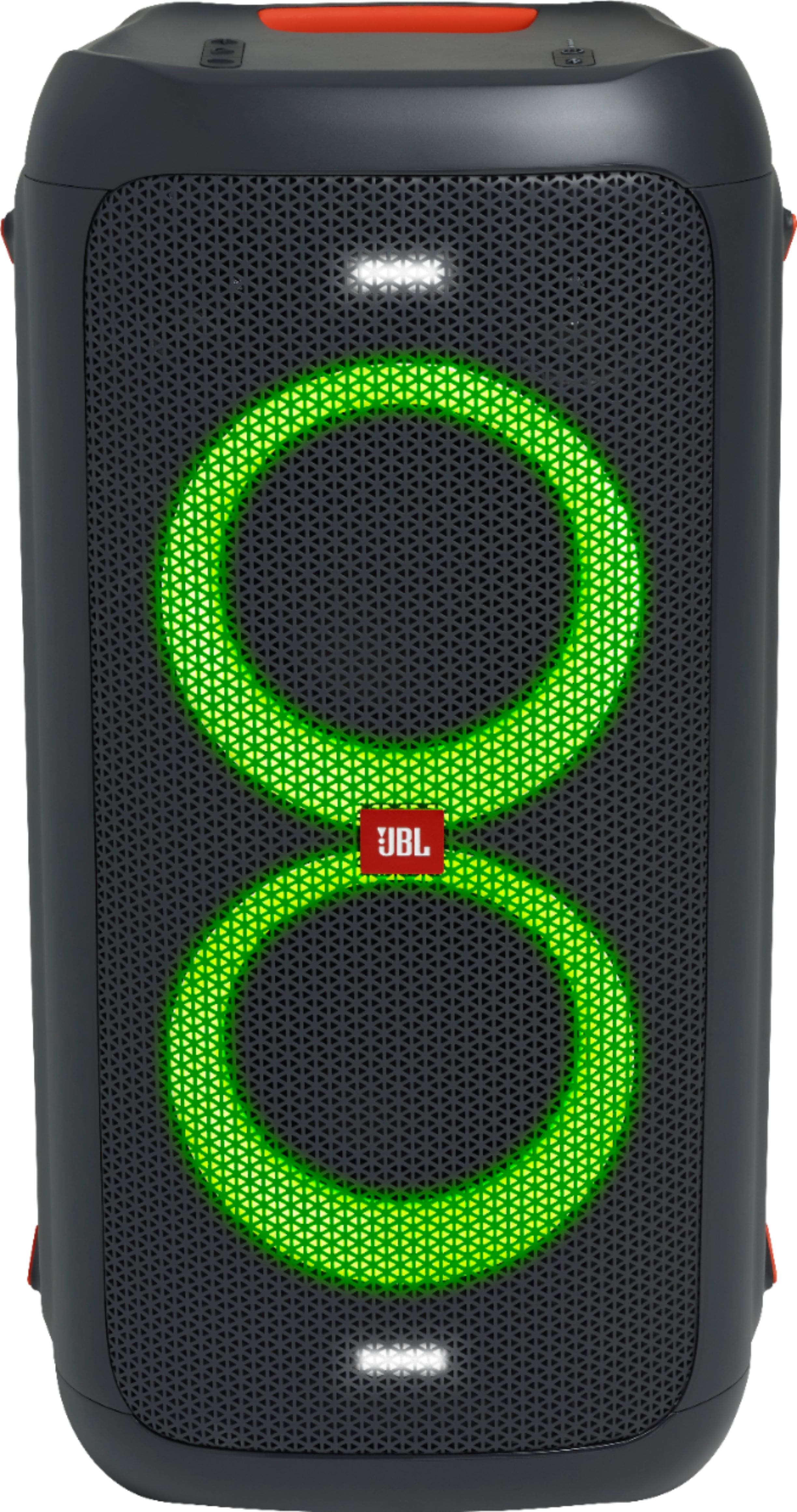
A:AnswerIf the combination of two bass boost levels would make the sound distorted, it would mean that there is too much bass for the speaker to handle which is bad. We suggest putting the volume where the sound doesn't distort as the loudest you can go.
A:AnswerPlease make sure that your devices are within range when connecting via Bluetooth to avoid signal interference. We would suggest that there be a clear line of sight between the connected devices. Blockages like walls, other WiFi signals can disrupt the connection. We hope these tips helps.
A:AnswerWell it depends on how you are going to use it. I have it set up in my man cave, in fact I have purchased a second one to use in TWS and I think it is great. The 100 is not as portable than the boombox, both sound great but for my application the JBL 100 is my choice. Volume is great and clear and it gives each song a great sound especially in either bass plus selections. You should check out Utube for different reviews. Not so expensive for a impressive SOUND! You'll enjoy
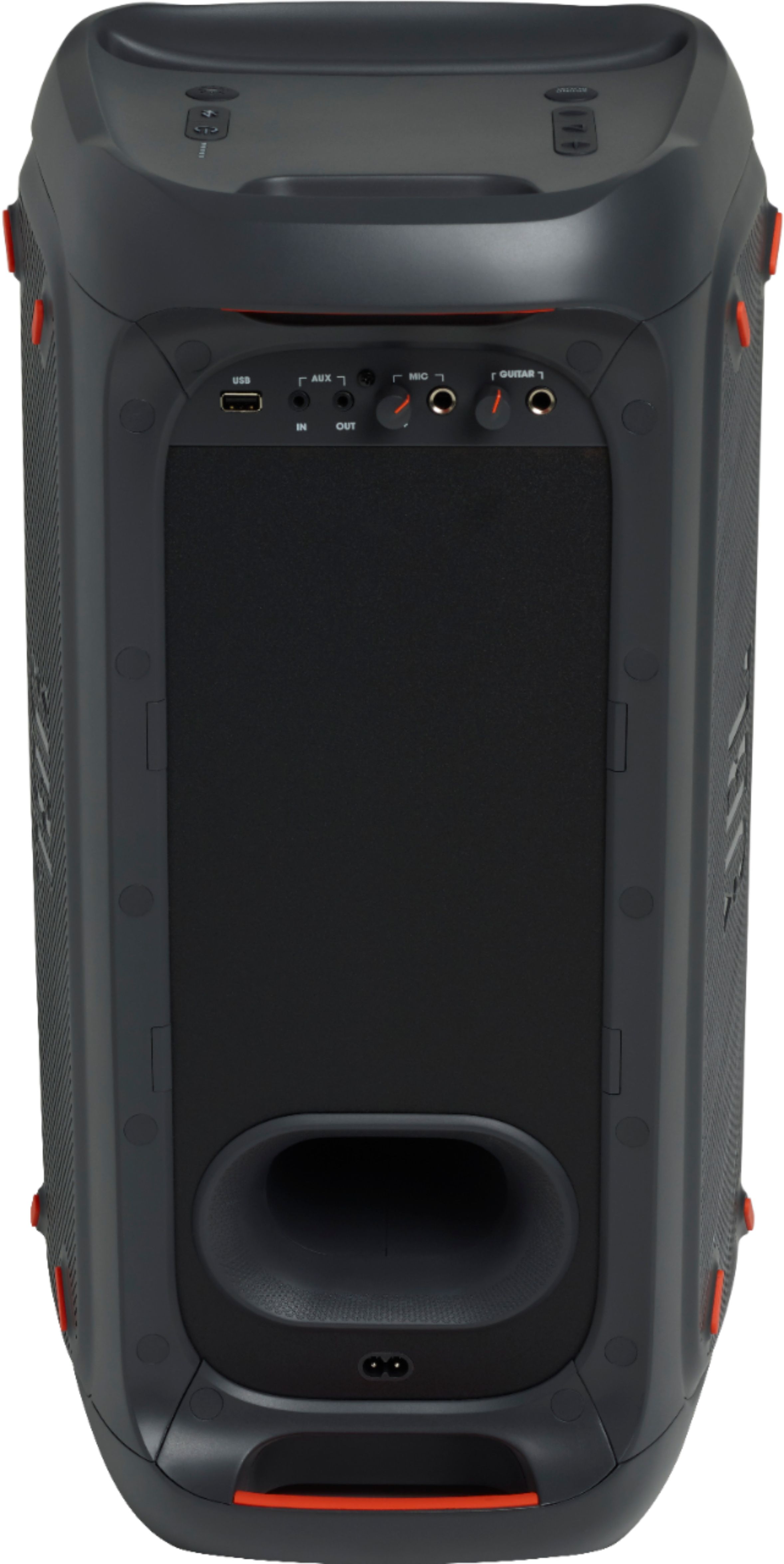
A:AnswerThanks for reaching out. You can purchase a 12V DC Cable (part#: 46-ADT502-XXO) directly from us. The cable connects through the cigarette connector in your car to power on and charge your Partybox 100. Please contact customer service if you wish to make a purchase. https://bit.ly/2WocMfi
A:AnswerAn individual JBL PartyBox contains 4 speakers. The upper and the left are connected to the LEFT channel and the lower and the right are connected to the RIGHT channel. Even though it has rubber feet on both sides, laying it down to the left will sound properly while laying it on the right will reverse stereo. It is weird why they couldn't include a $1 orientation sensor in it.
Anyway, while it is not expectable from a single speaker to have a stereo properties, four speakers in the same box do produce a true stereo but it is not so wide spread as it would be as if they're separated apart. Still it is not worse than the stereo coming from a "boombox", TV or a laptop.
A:AnswerOur JBL PartyBox 100 cannot be connected to your JBL Xtreme 2 since they have different connectivity features. Our JBL Xtreme has the JBL Connect + feature that lets you play with other JBL Connect + speakers. Our JBL Party Box 100 uses the JBL True Wireless Stereo feature which can only be connected to another JBLPartyBox 100 to play in stereo. If you have more questions, please contact us here. https://bit.ly/2zwFkYM
A:AnswerThats from the BB preloaded songs when you play and hear the songs, but if you buy this theres no preloaded songs and its just an ON and OFF sound.