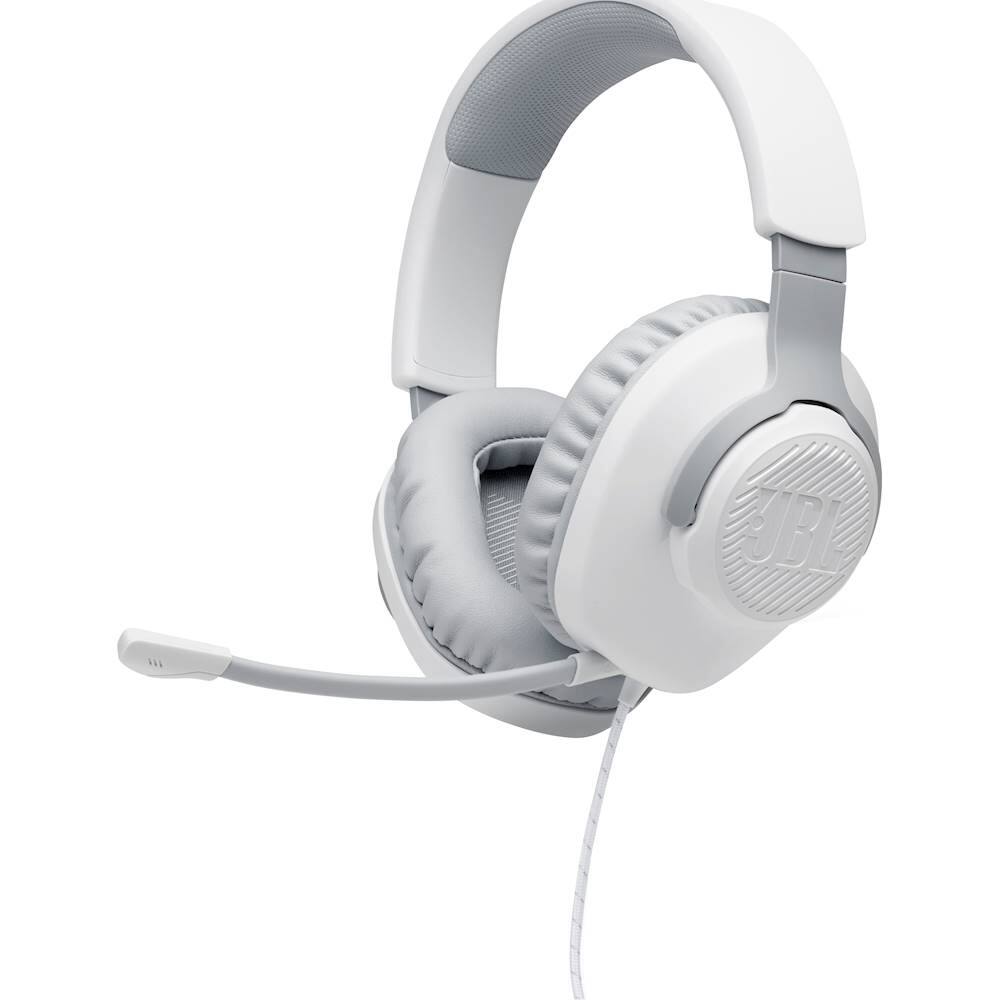
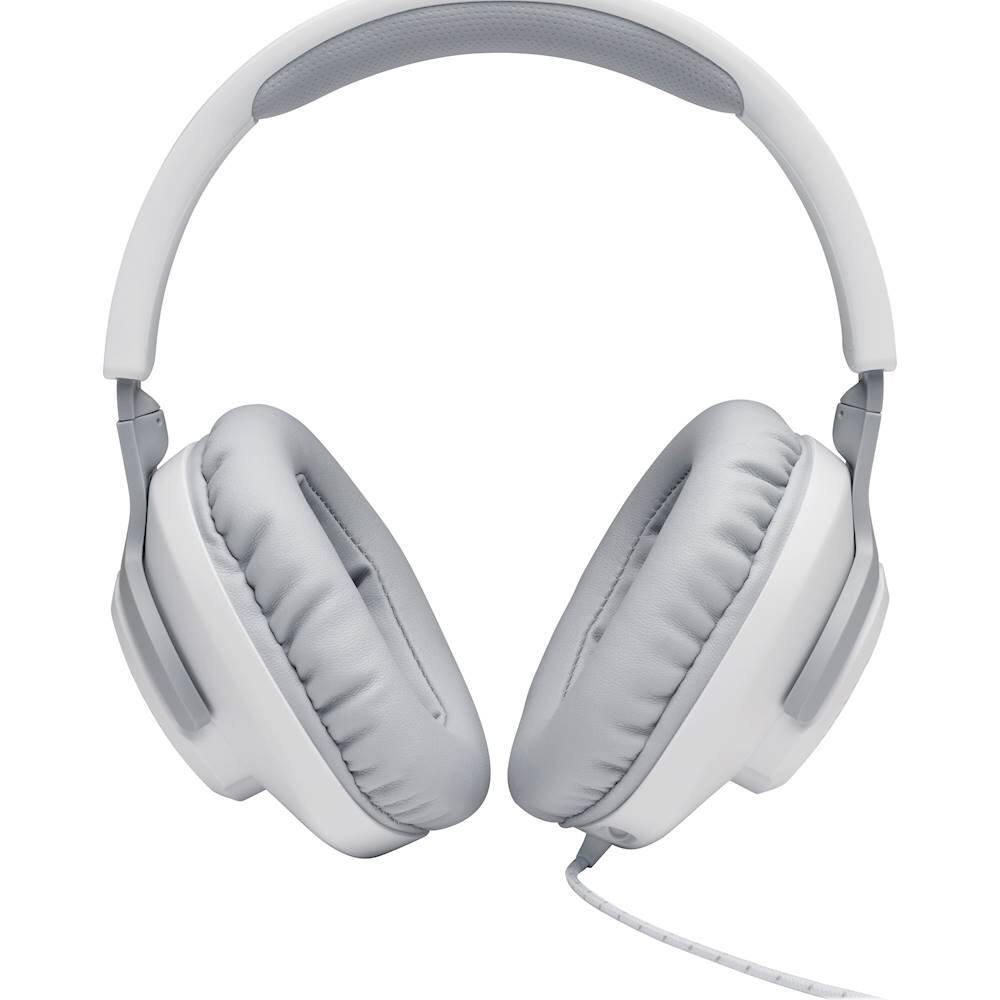
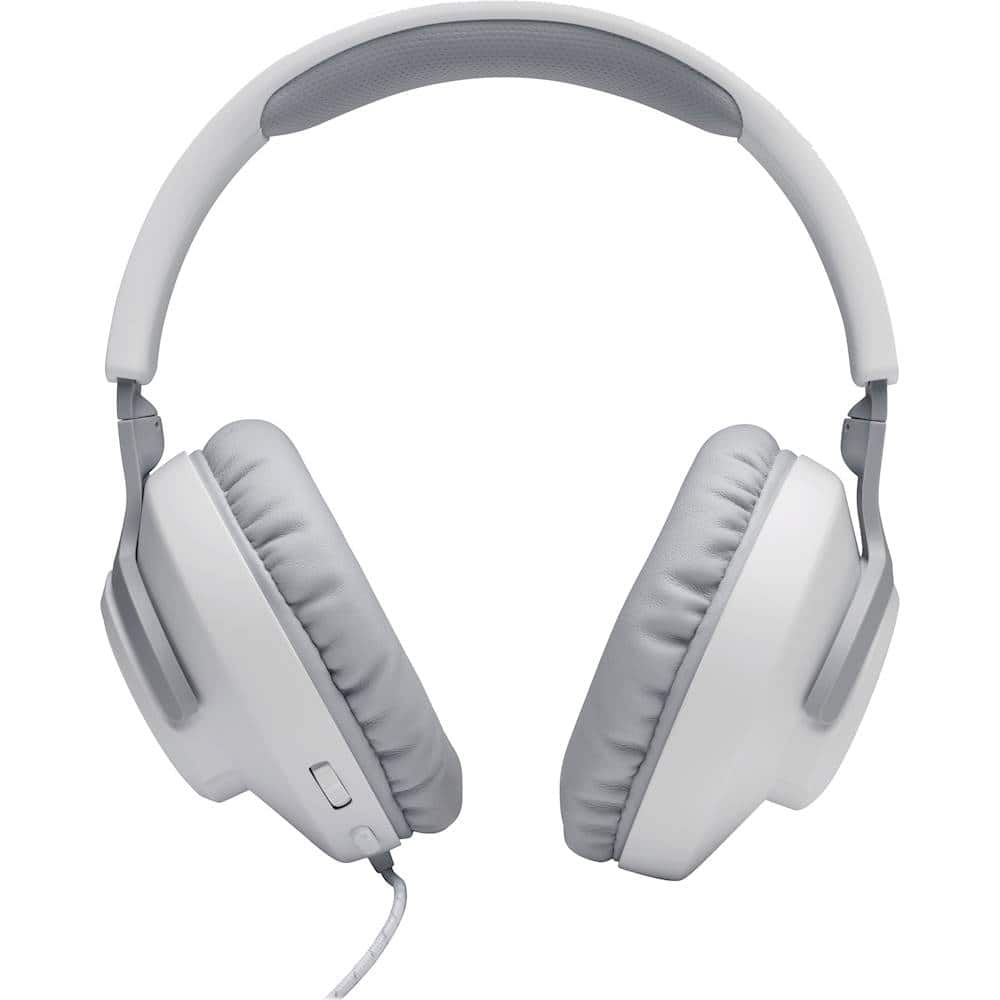
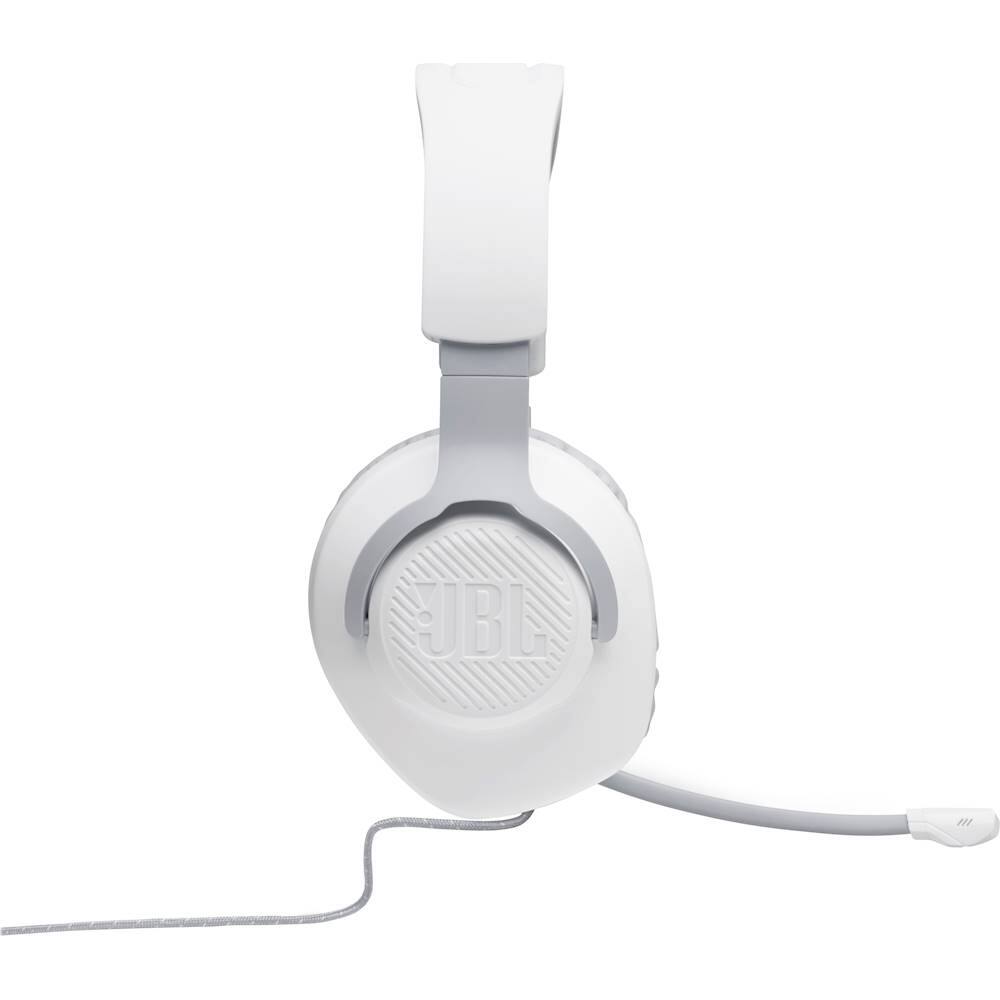
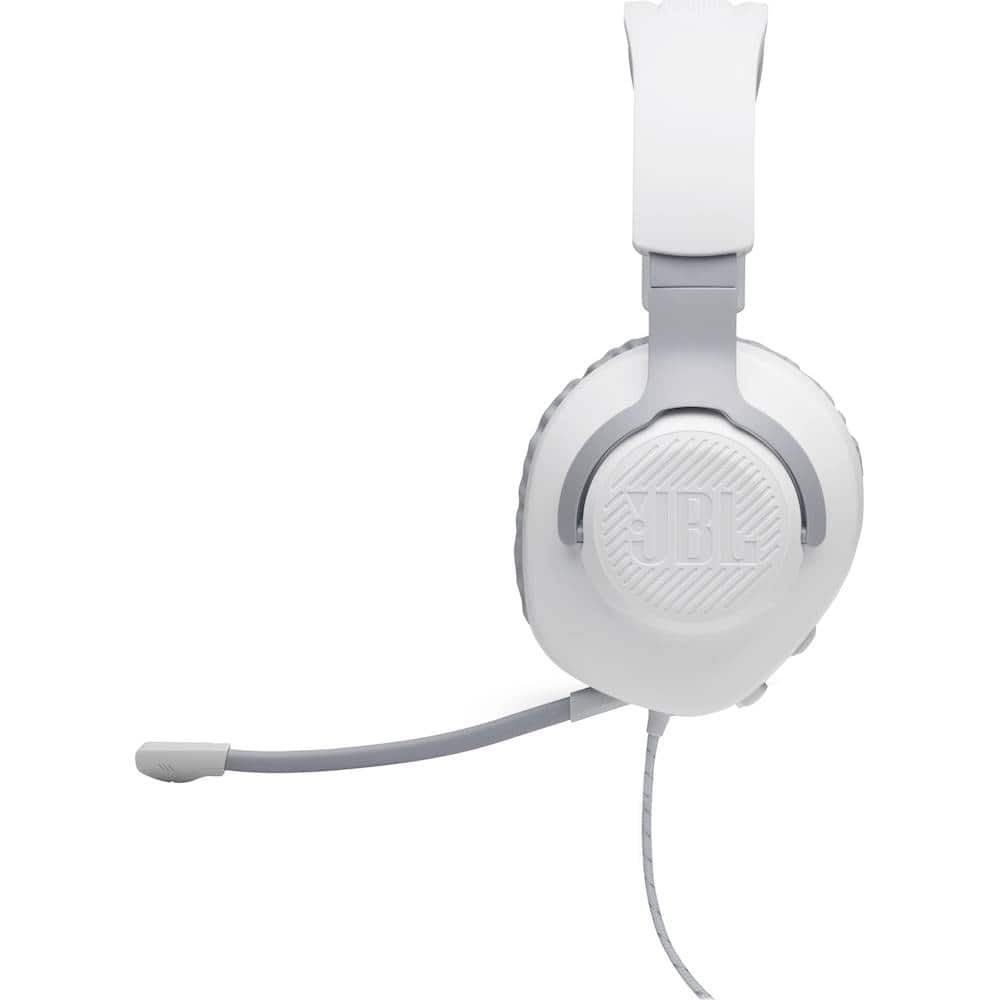
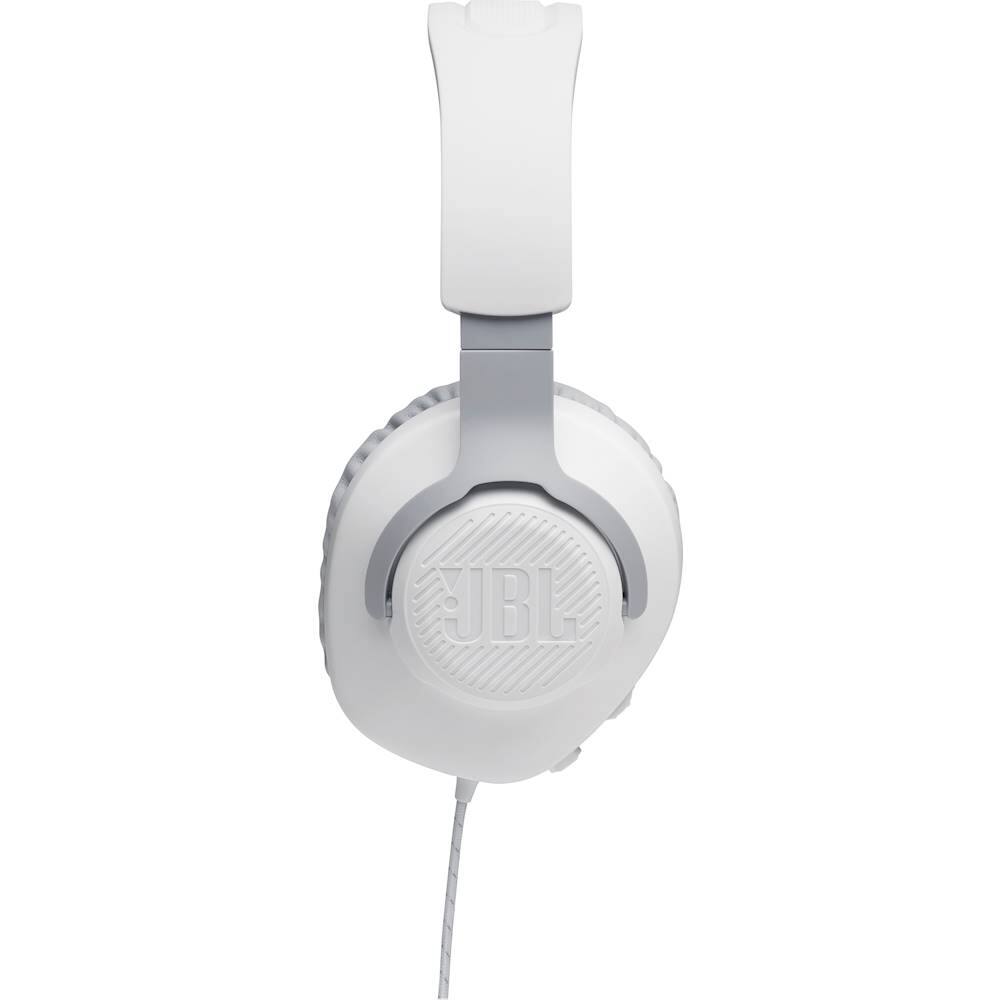
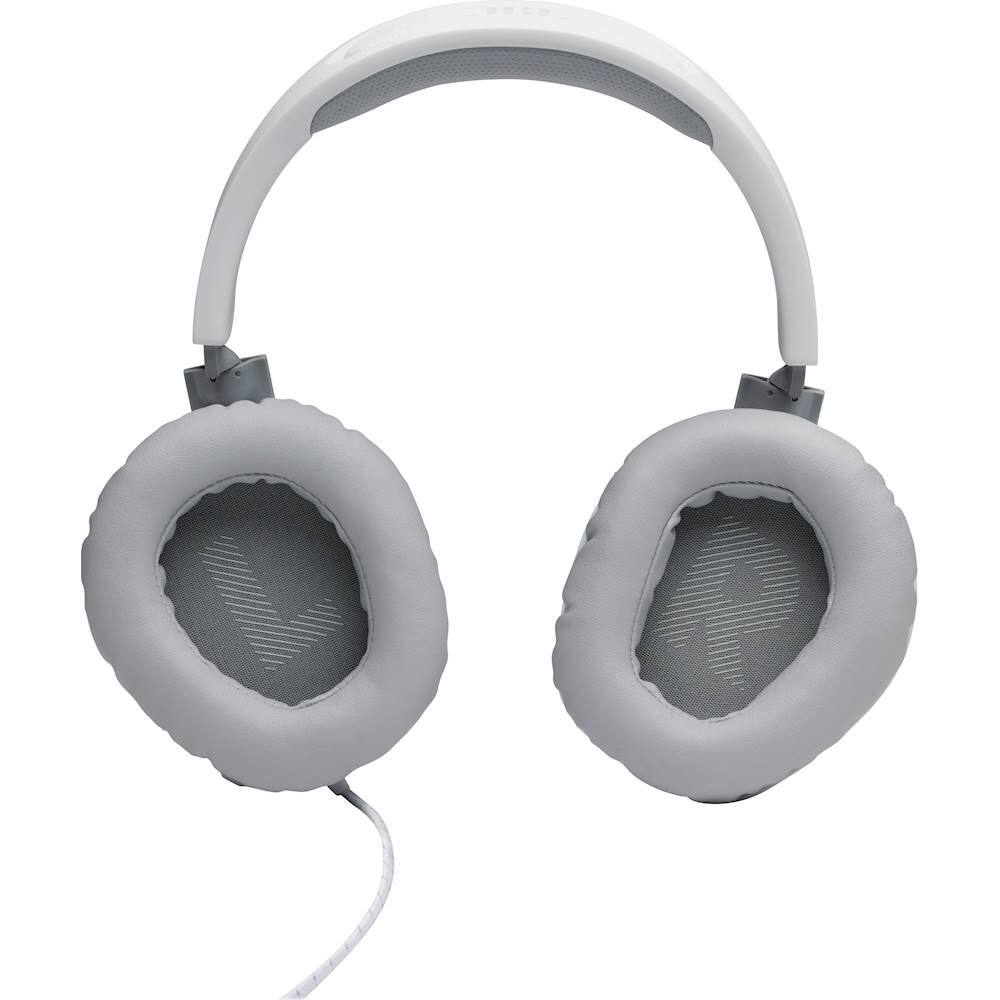
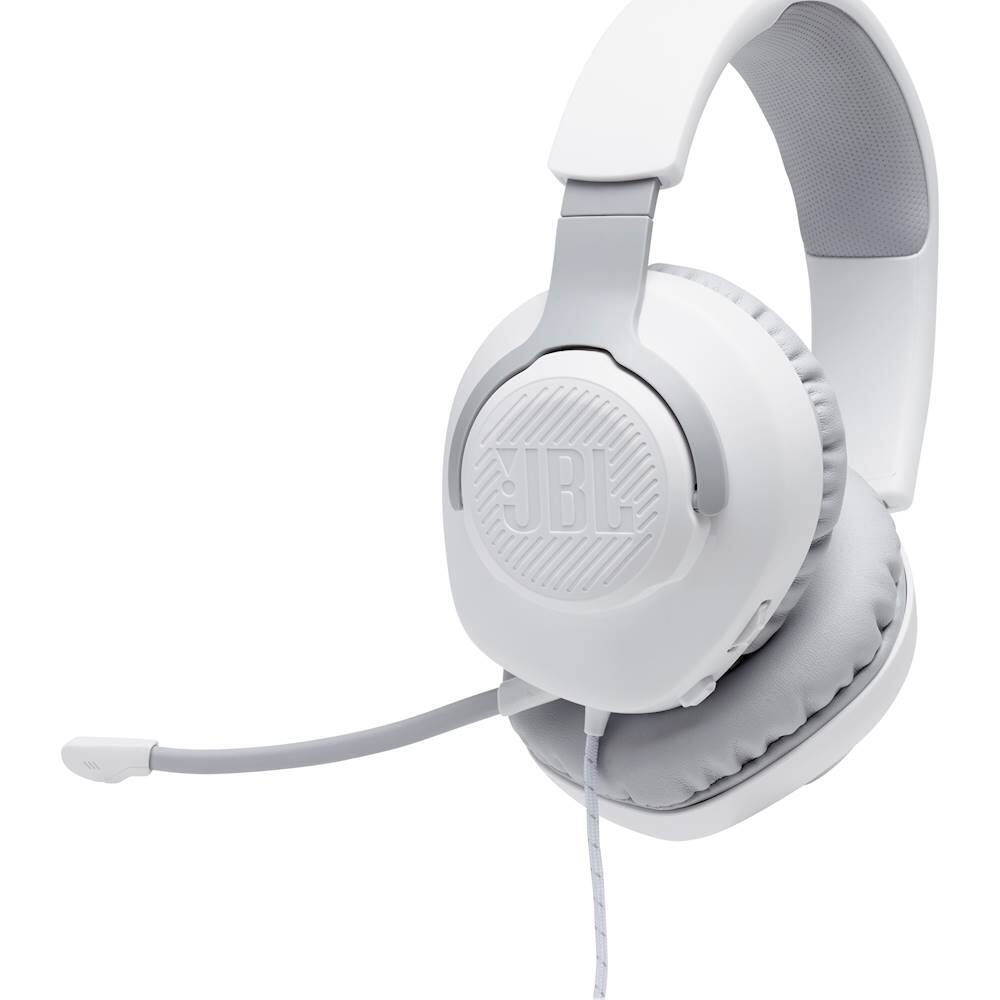
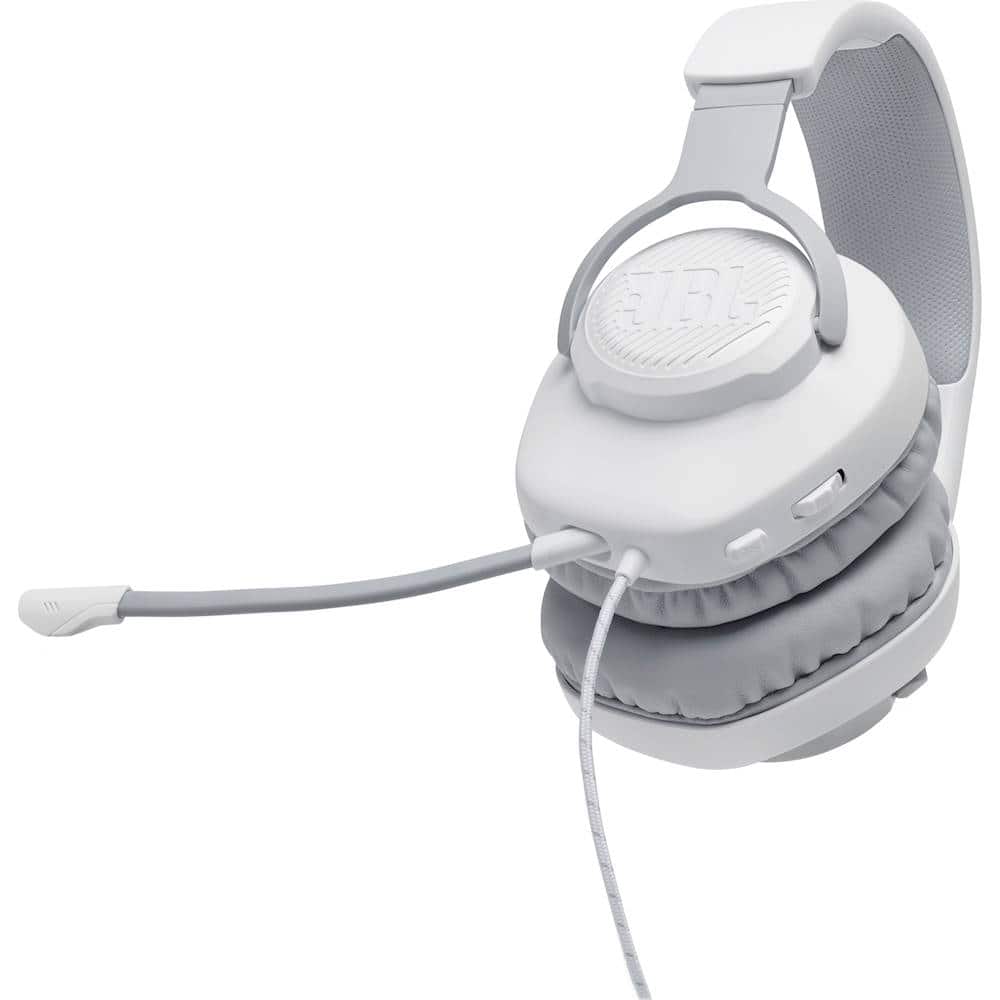
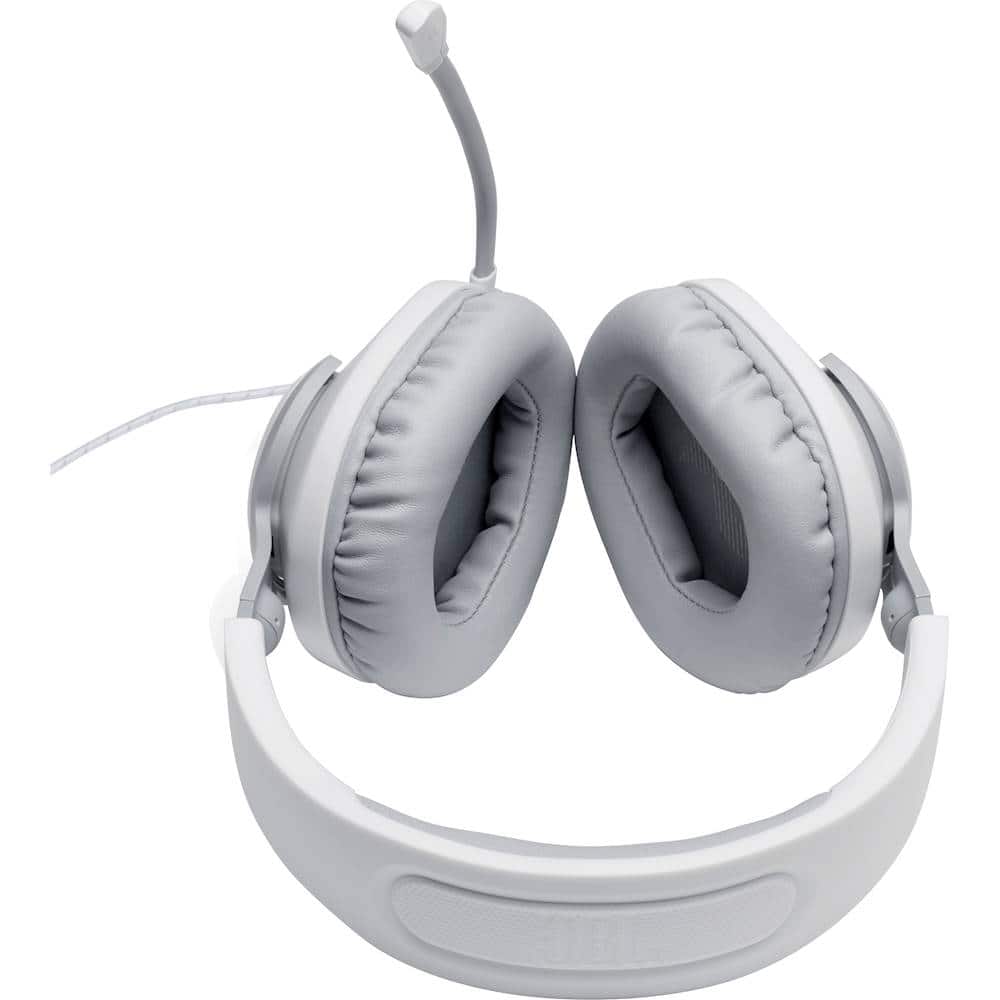
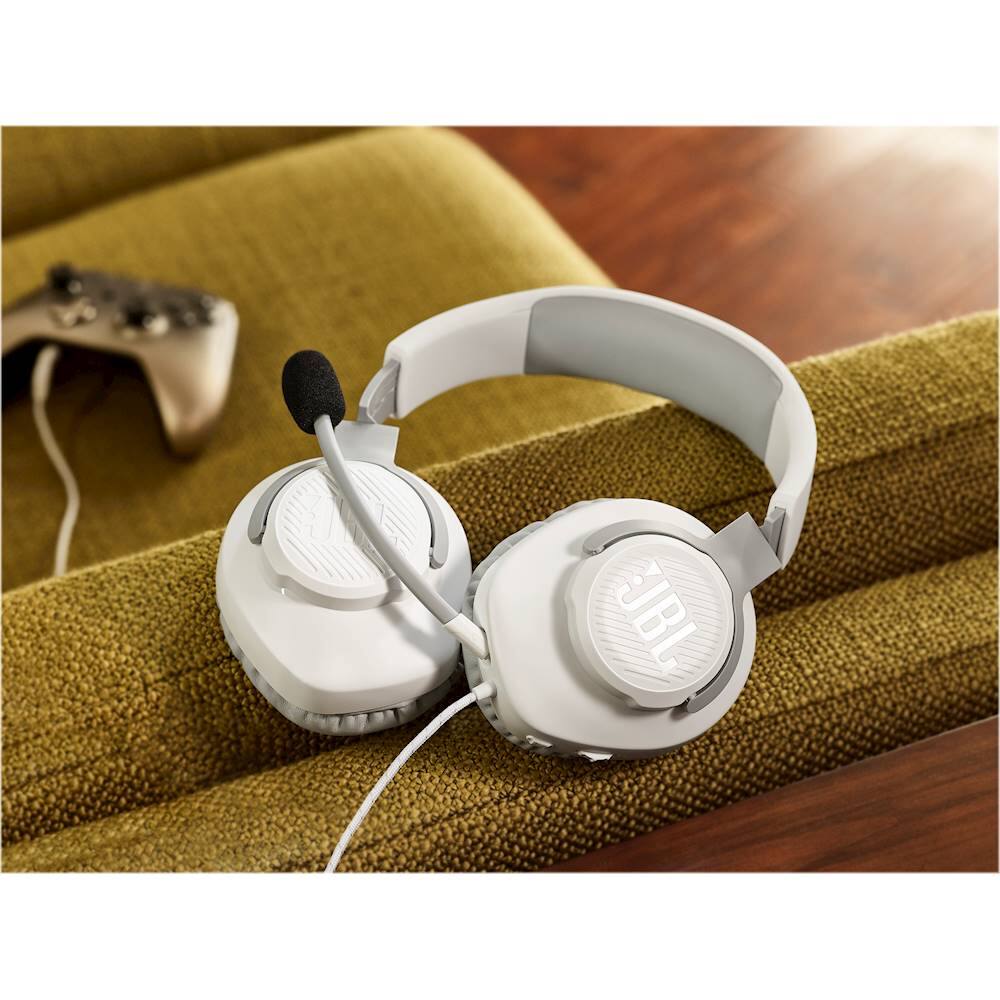
A:AnswerOur JBL Quantum 100 can be used for phone calls, and teleconferencing VoIP services like Zoom, Skype, MS Teams, Google Meet, etc. We'd like to work with you directly to troubleshoot the issue you're having with the mute button when using the headset with MS Teams. please reach out to us at: https://bit.ly/37kxz94
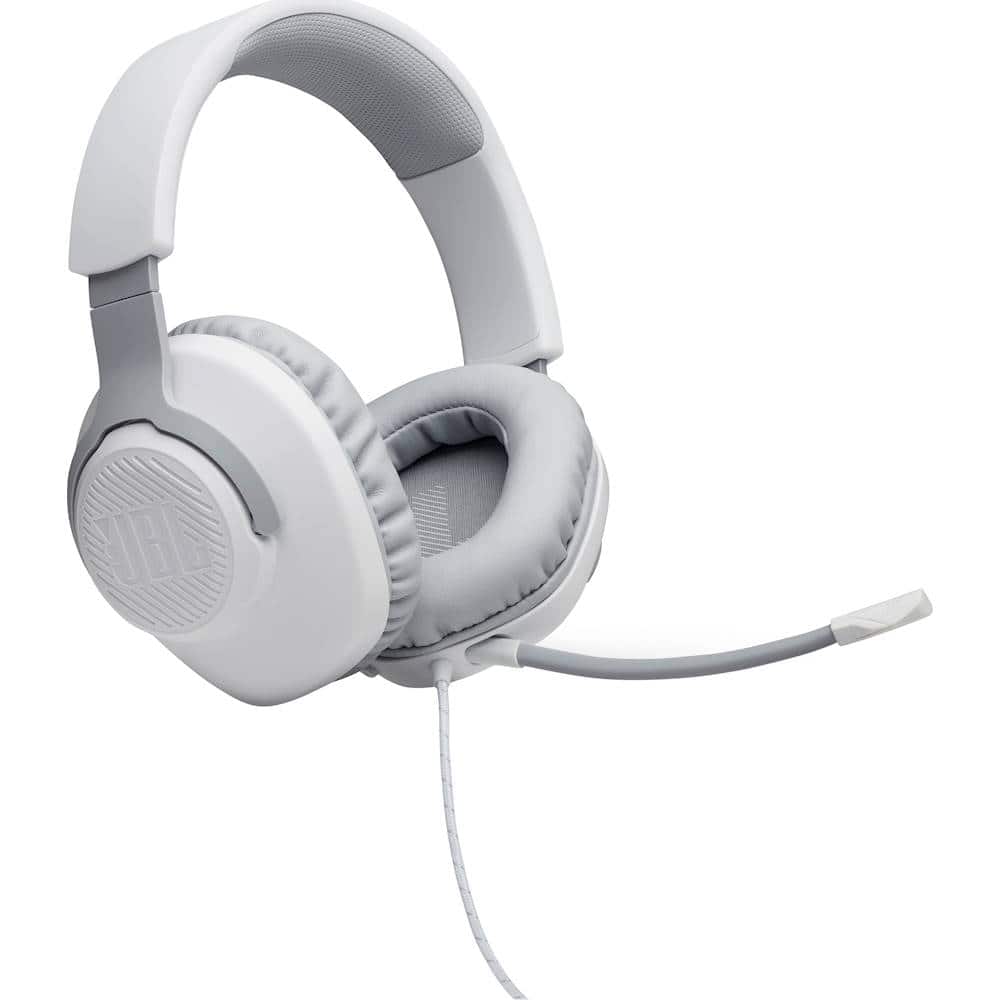
A:AnswerWe're sorry to hear about what happened. Here are some troubleshooting steps for us to check your JBL Quantum 100. Please try to unplug and plug the mic and makes sure it's plugged all the way to the mic port. Try using a different source ex. (phone, tablet, PC, laptop) for us to check if the mic works using a different device. If you need more assistance, please contact our customer support for assistance: https://support.jbl.com/us/en/#call
A:AnswerHi there, our JBL Quantum 100 features a 3.5 mm jack that can be used for gaming devices. If your device has an auxiliary input, it should be fine. You can check out our Quick Start Guide for the complete list of compatible gaming devices: https://bit.ly/304gZaz
A:AnswerYes it is overall because the value is much better this is the best headset ever the only thing the other headsets you mentioned are better at is sound quality that’s it but for the price of the job headset it’s the better option
A:AnswerThanks for reaching out. All JBL Quantum headset models work only through a 3.5mm audio jack (aux) connected to the Xbox controller. You cannot connect to any Xbox Series console via Bluetooth. If you're experiencing audio issues when connected to your console via the 3.5mm aux cable then you may reach out to JBL Customer Service for technical support and assistance. https://bit.ly/37kxz94

A:AnswerOur JBL Quantum 100 is compatible via 3.5mm jack with PC, PlayStation™, Xbox™, Nintendo Switch™, Mobile, Mac, and VR. There's no need to buy an adapter if your PC has a 3.5 mm input.