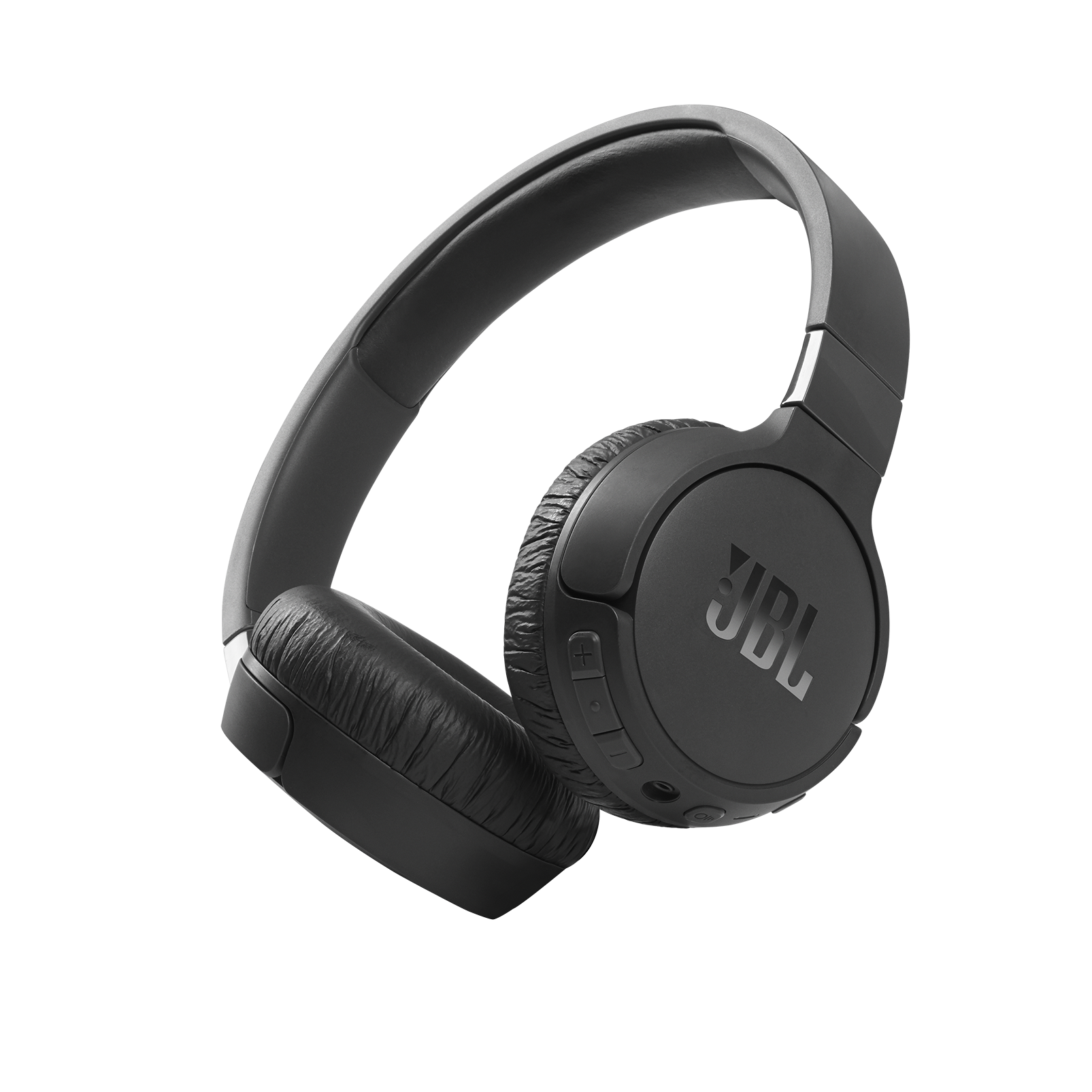
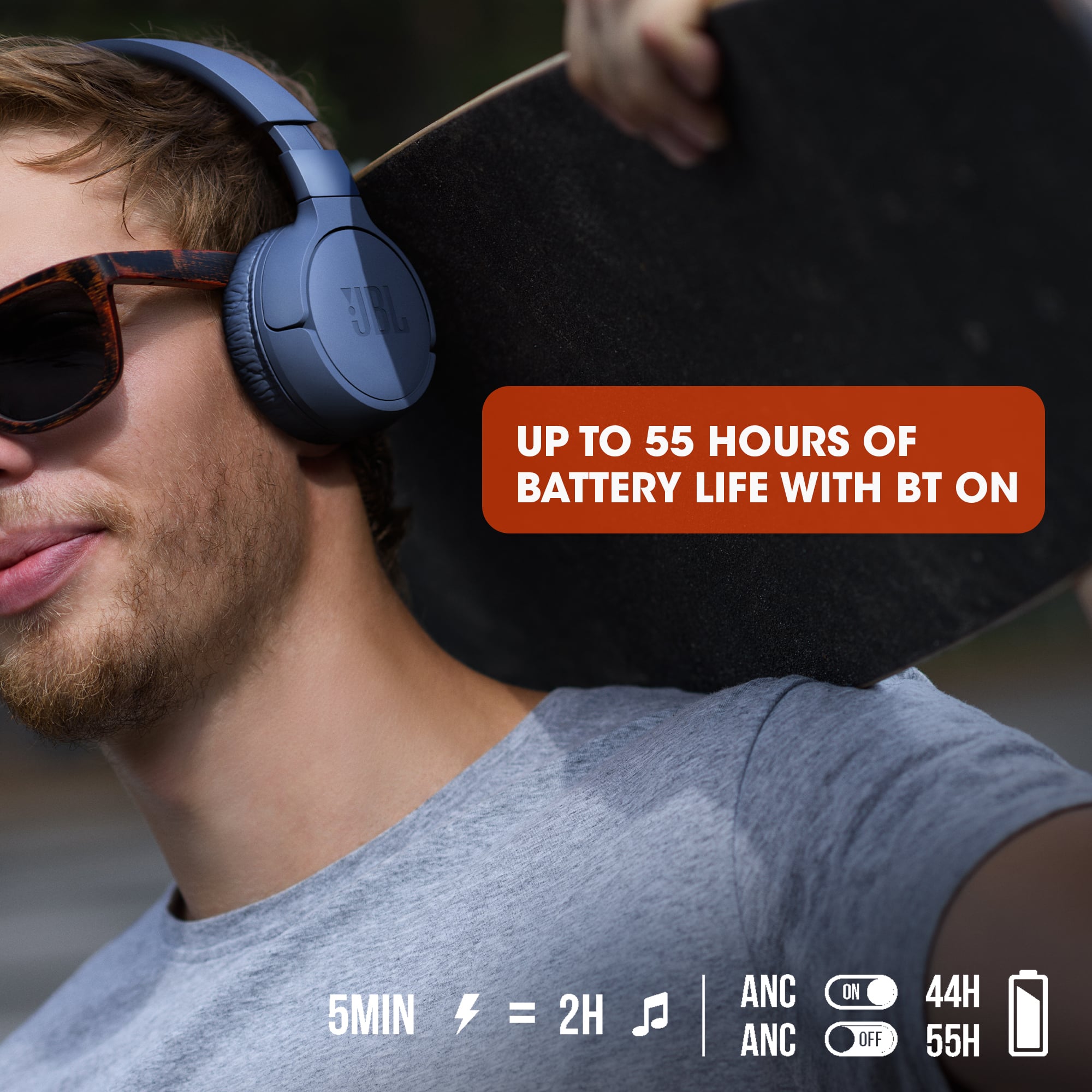
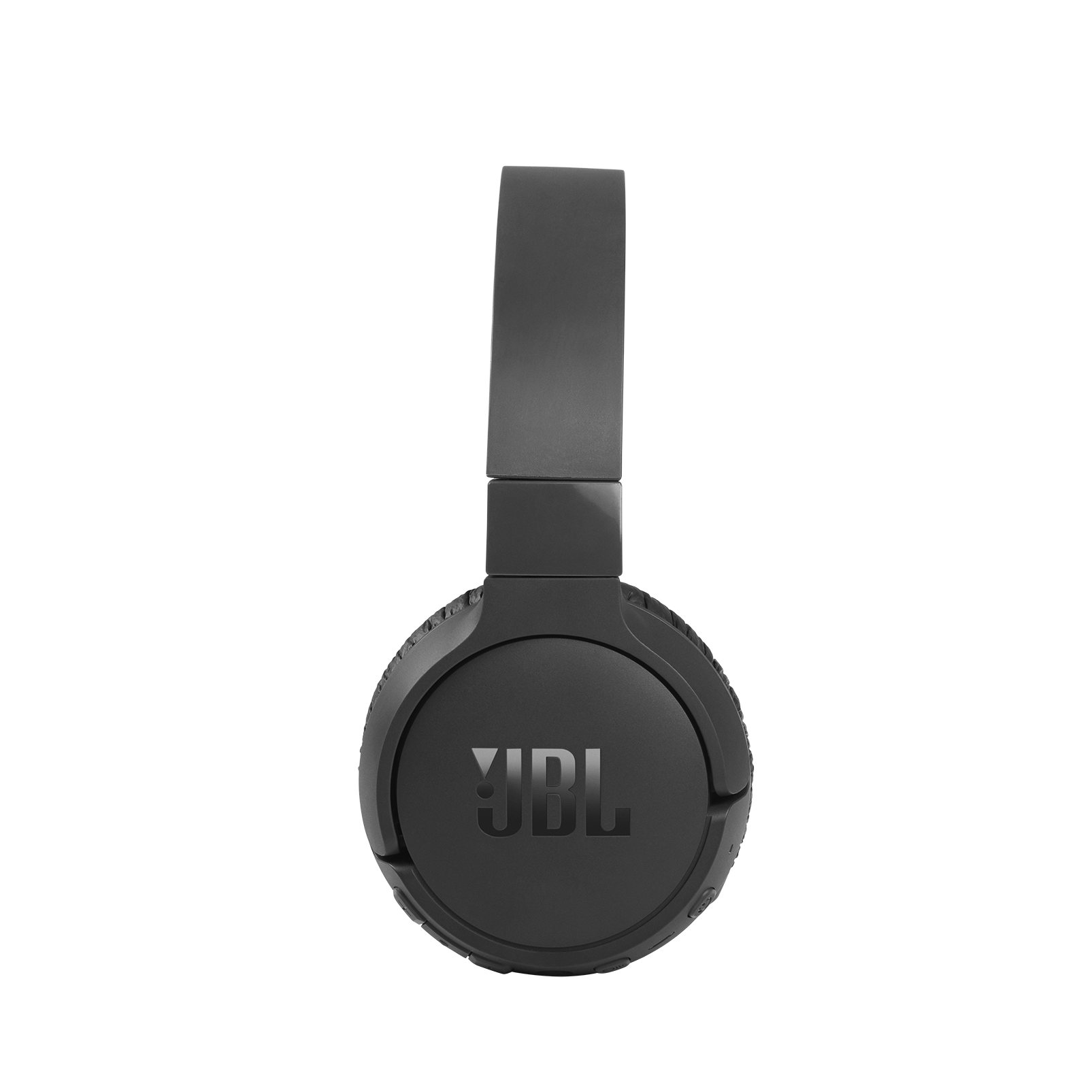
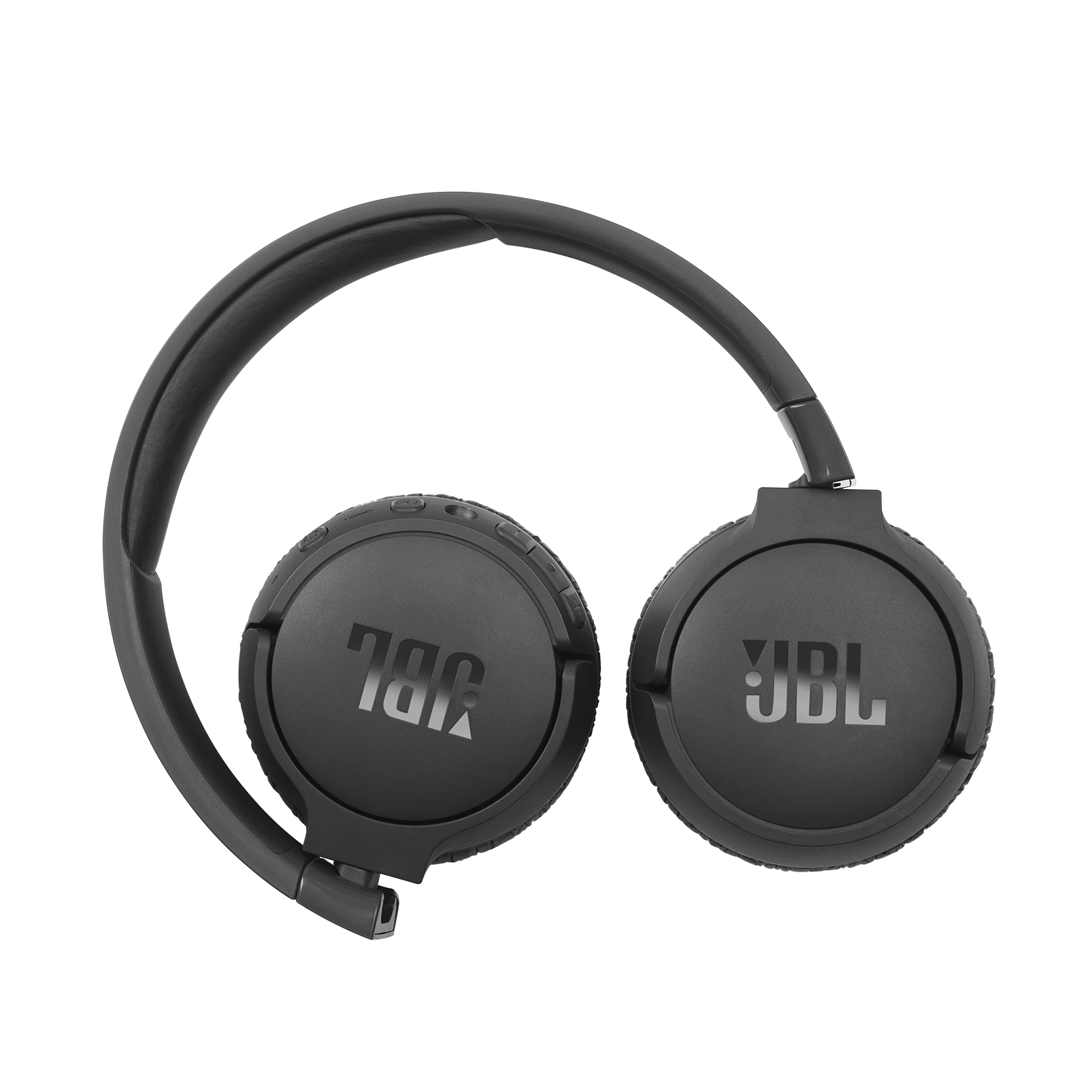
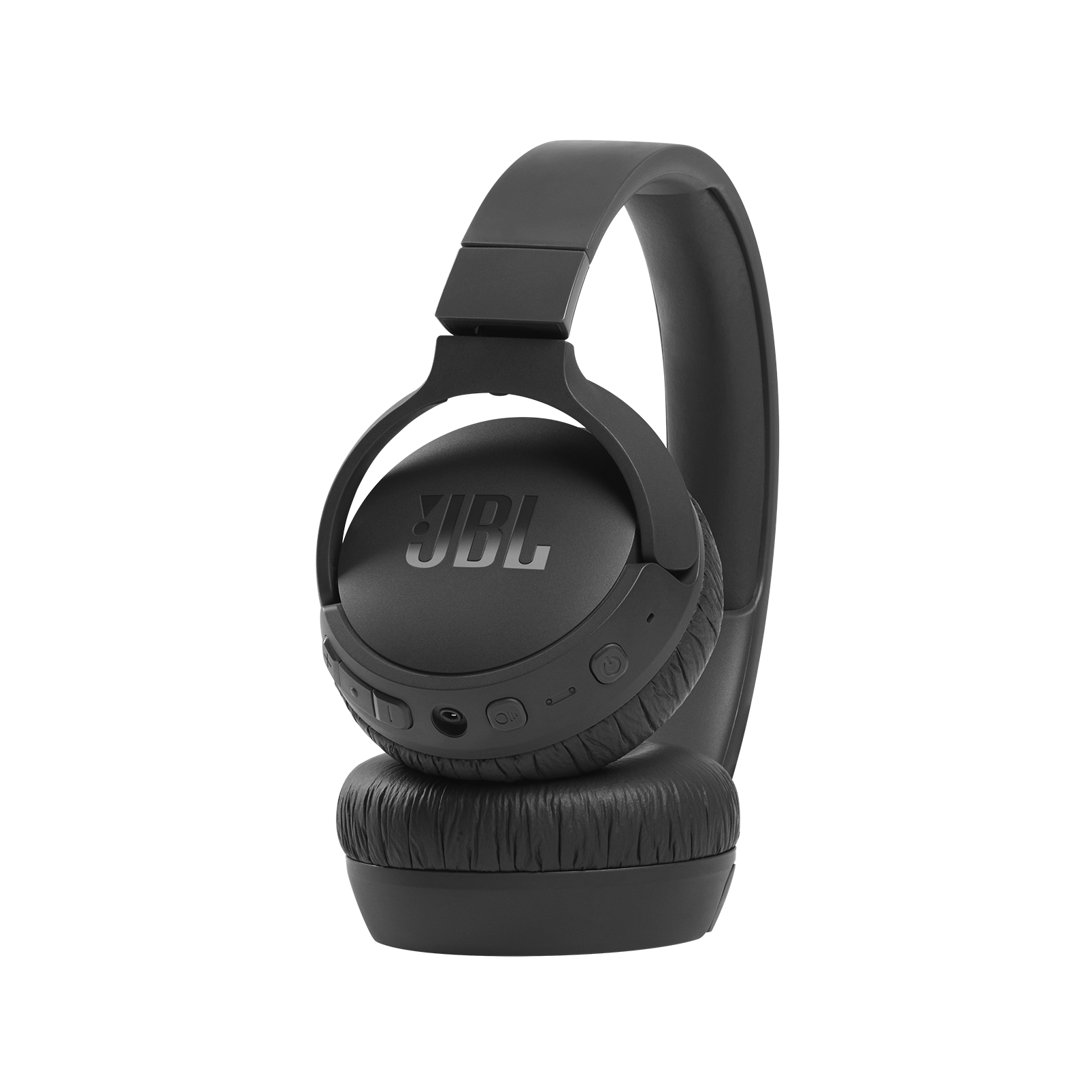
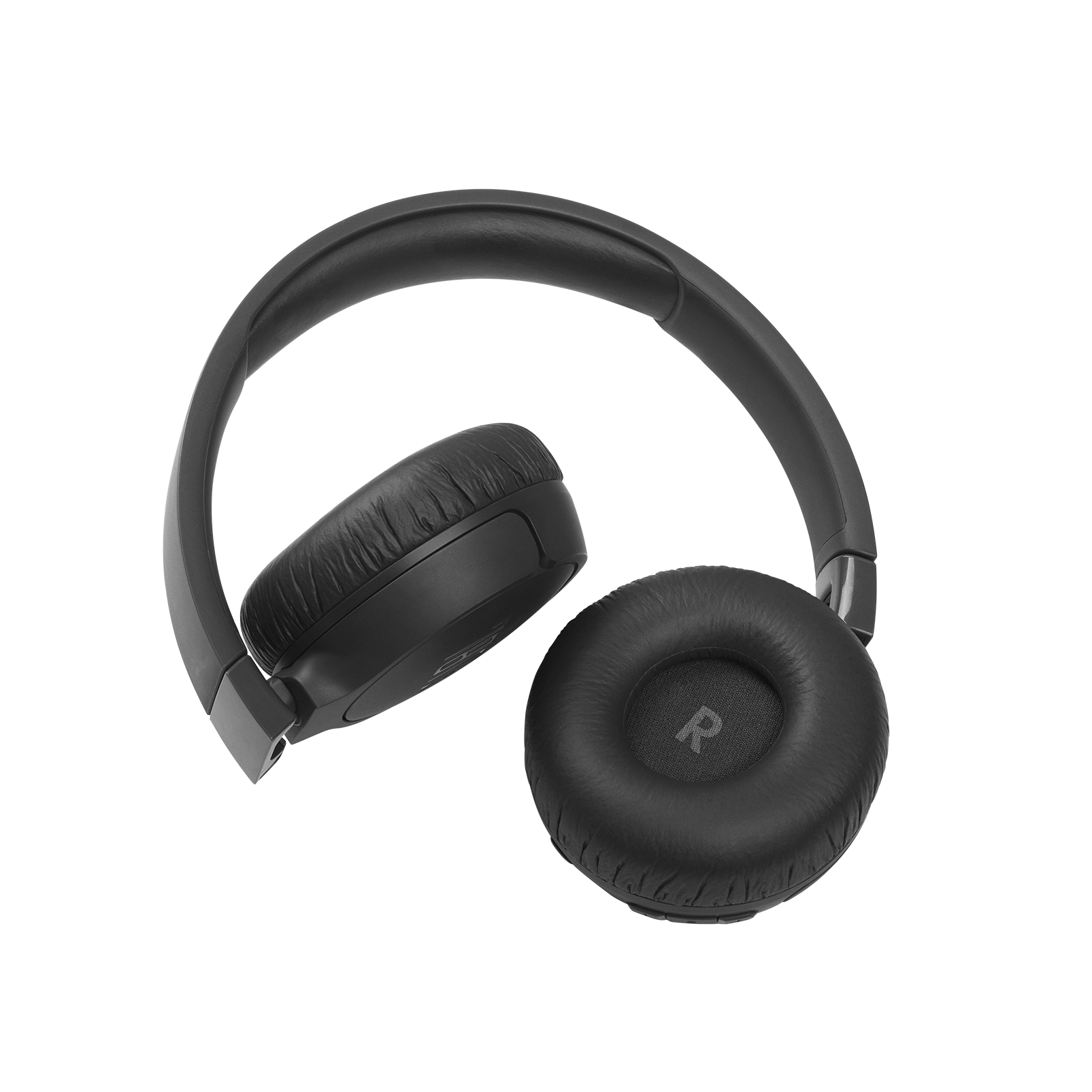
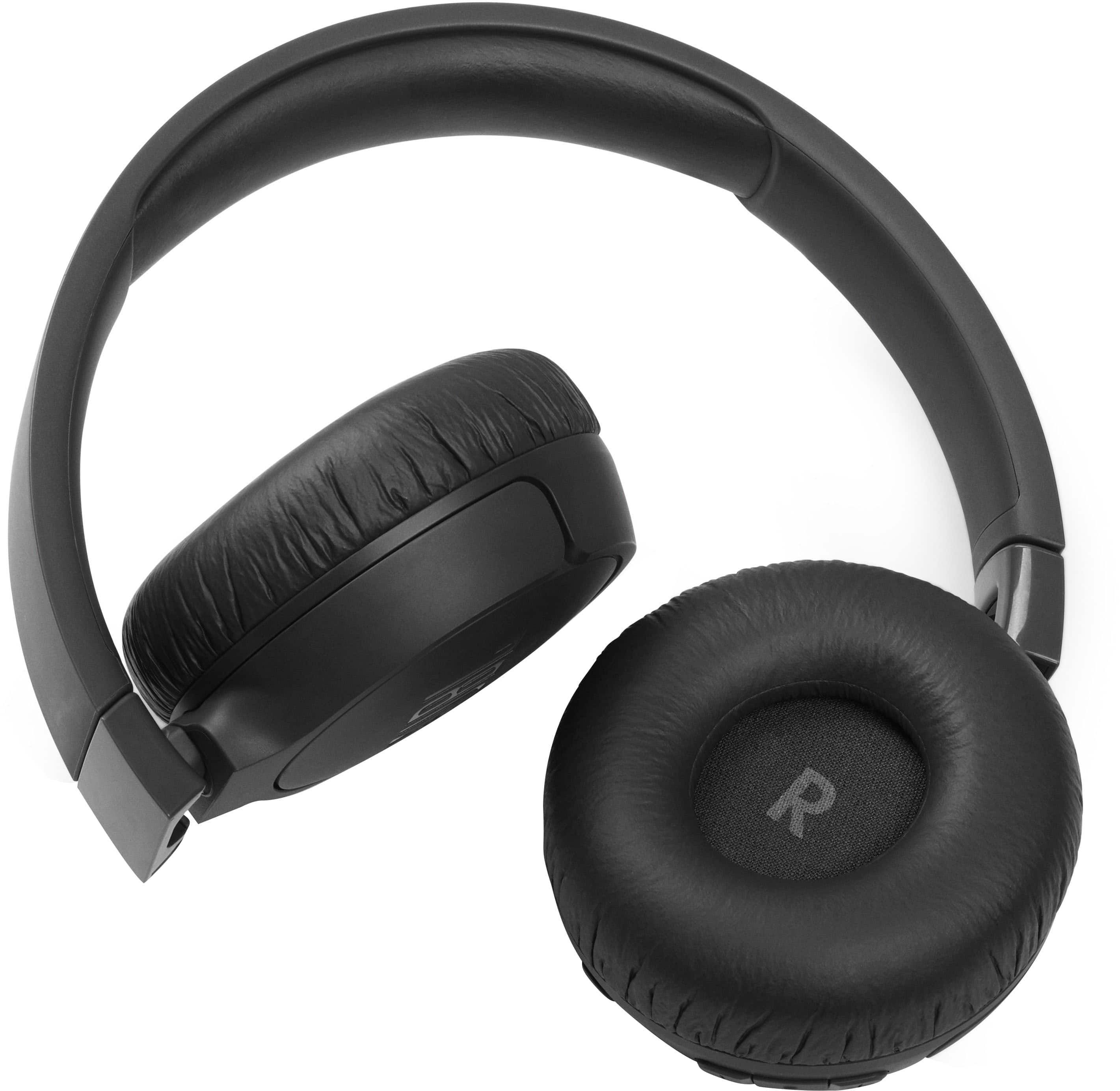
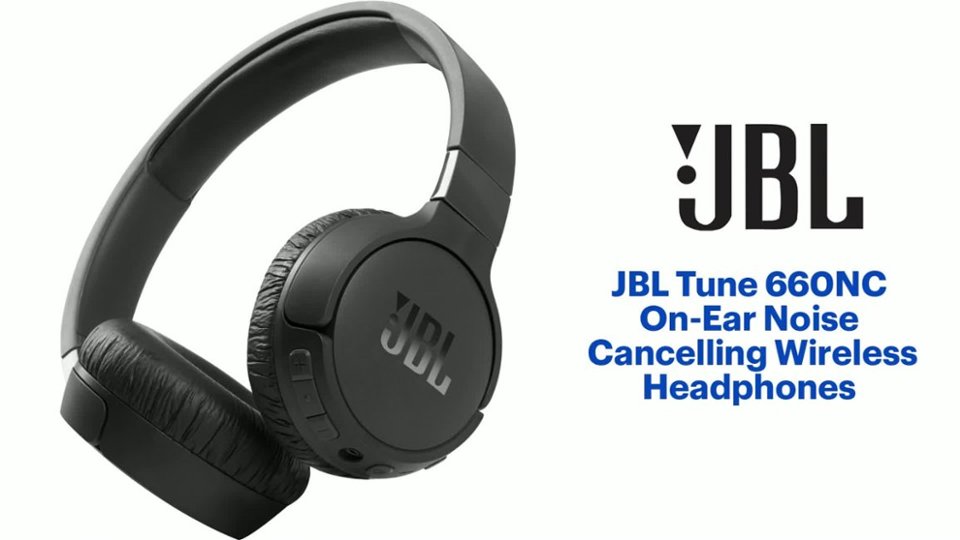
A:AnswerThank you for your inquiry on our JBL Tune 660NC. This function may depend on your TV if it's capable of connecting to different outputs and producing sound simultaneously. We recommend checking with your TV's manual/specification or directly with the support. To add, you can connect our JBL Tune 660NC to your TV via Bluetooth. You may experience audio-video delays as these headphones aren't equipped with an aptX low latency codec.
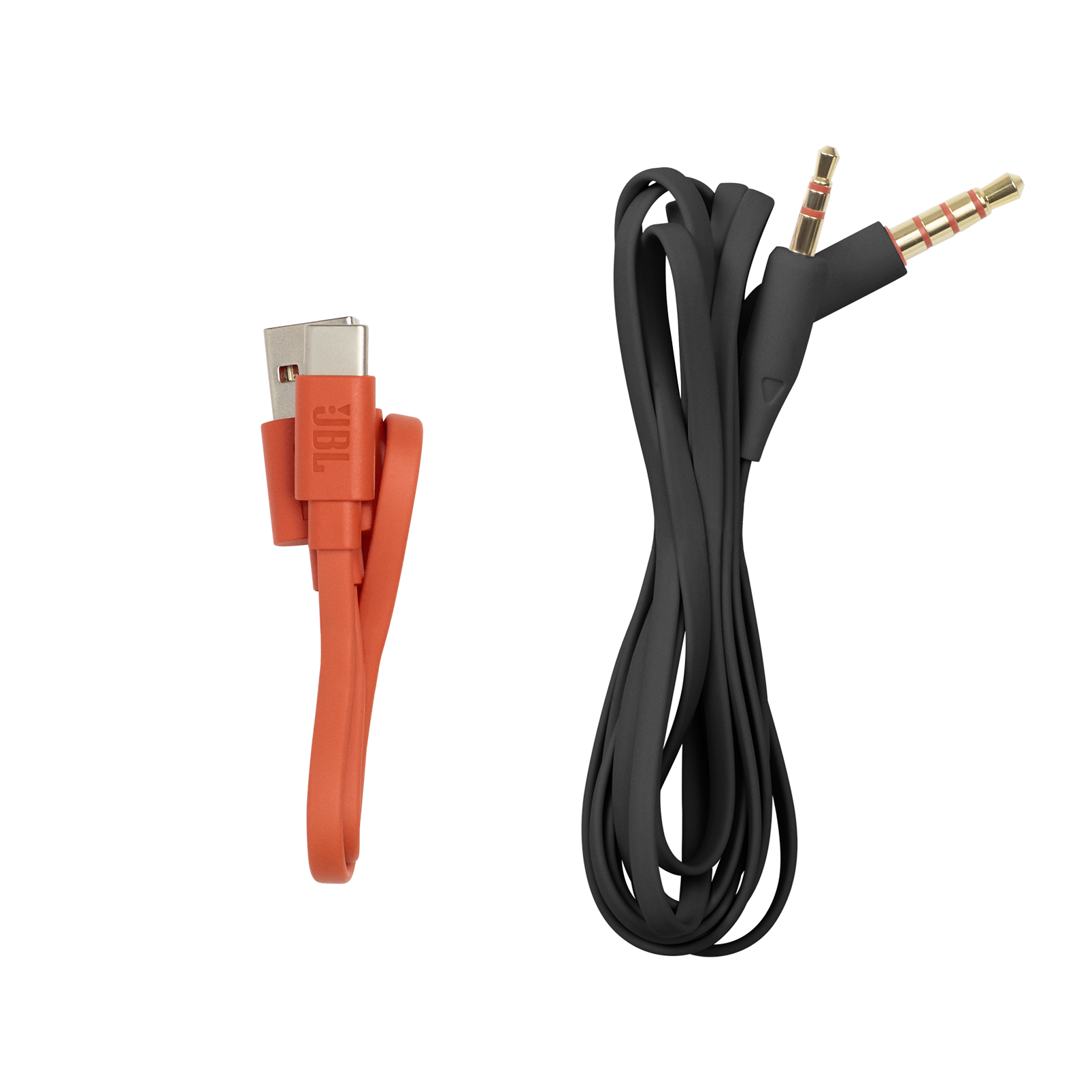
A:AnswerThank you for your question. Our JBL Tune 660NC will work with your mobile or other source device via an Aux cable connection even when the battery is low.
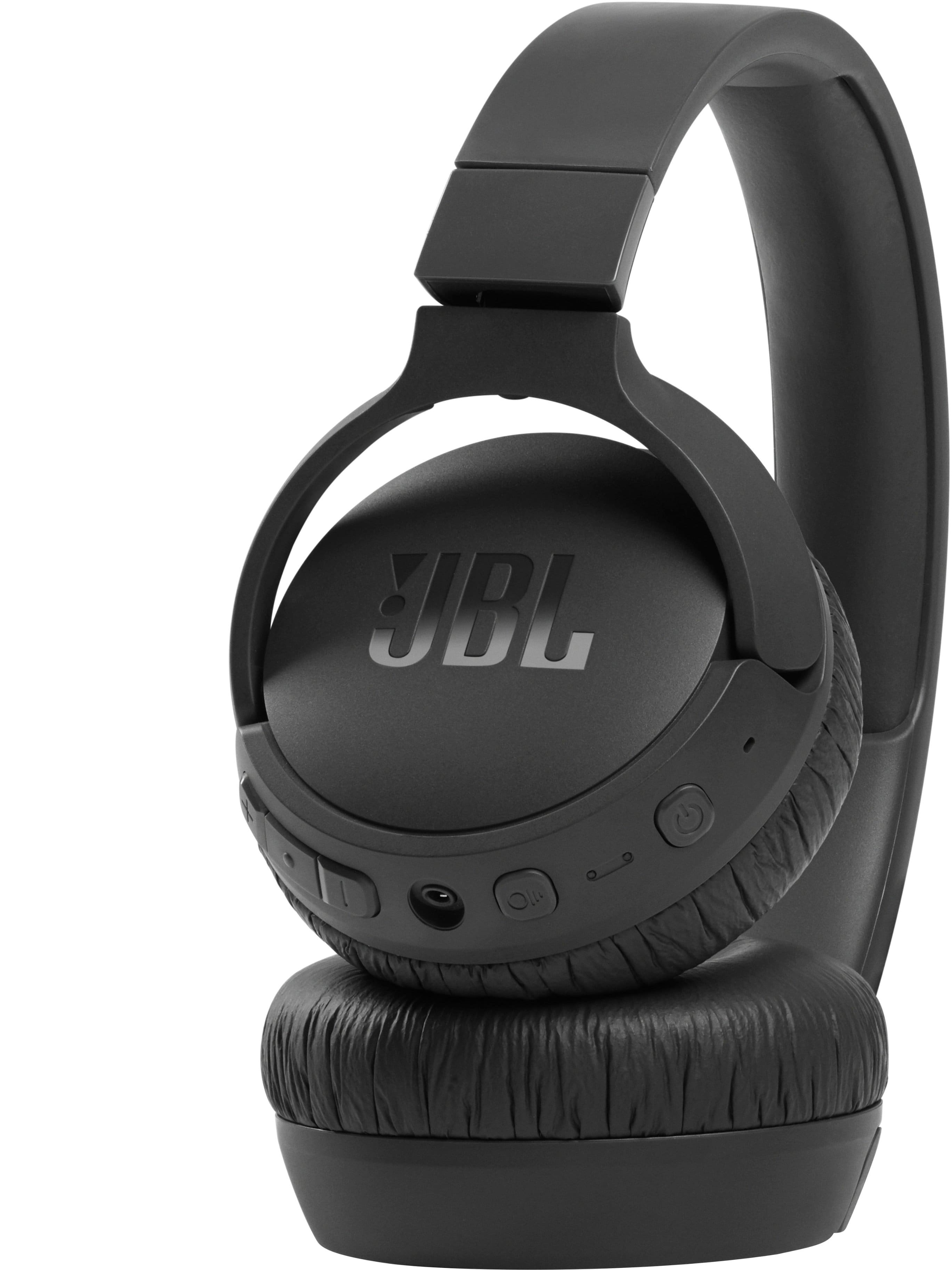
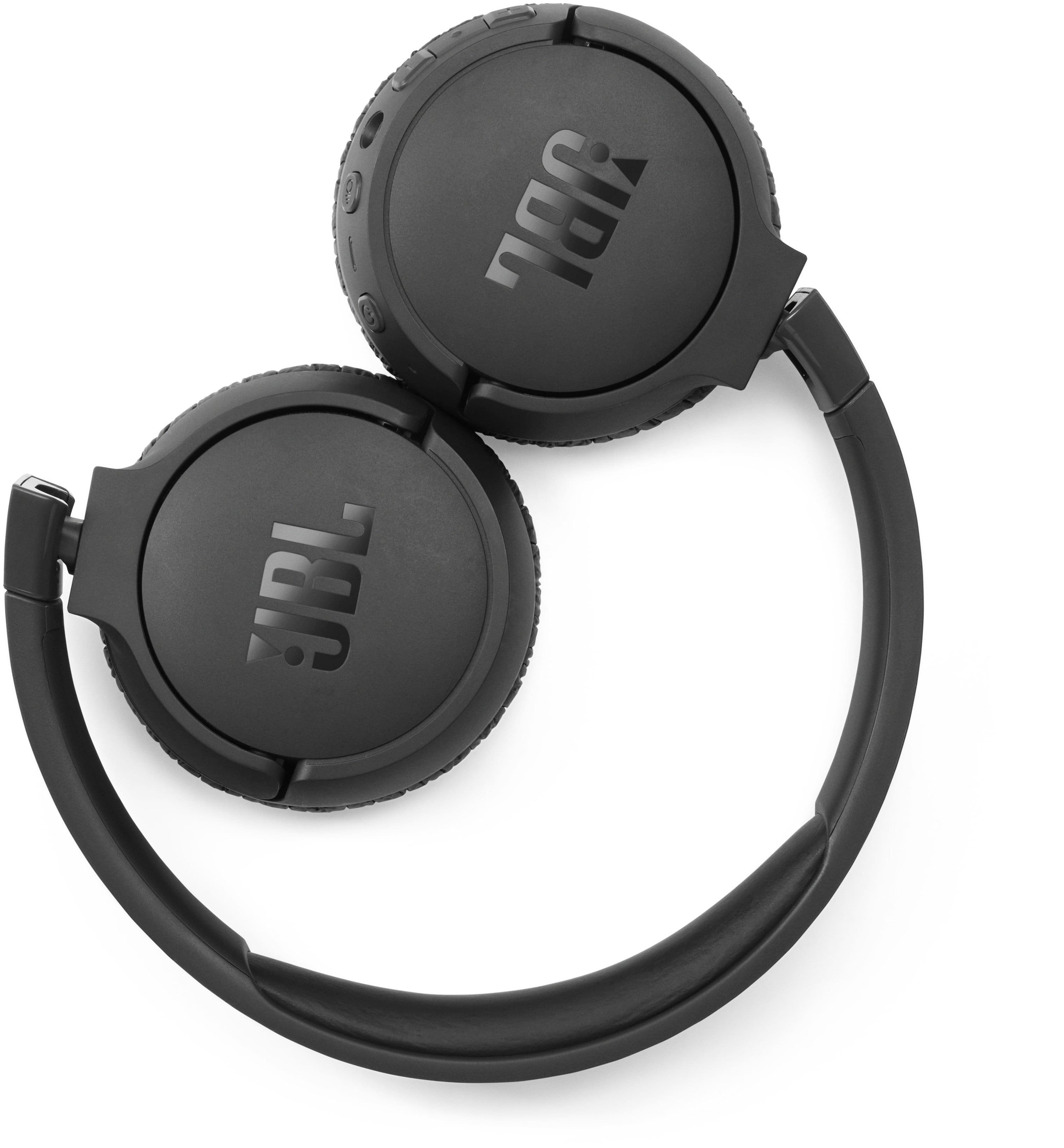
A:AnswerTo mute the mic, press the ANC button when on a call or listening to music. Below you will see a picture of the button you need to press. (the button with a circle and 3 lines.)
A:AnswerYou may refer to the return policy of BestBuy for the details. In addition, our JBL products come with a 1-year warranty upon purchase of the device.