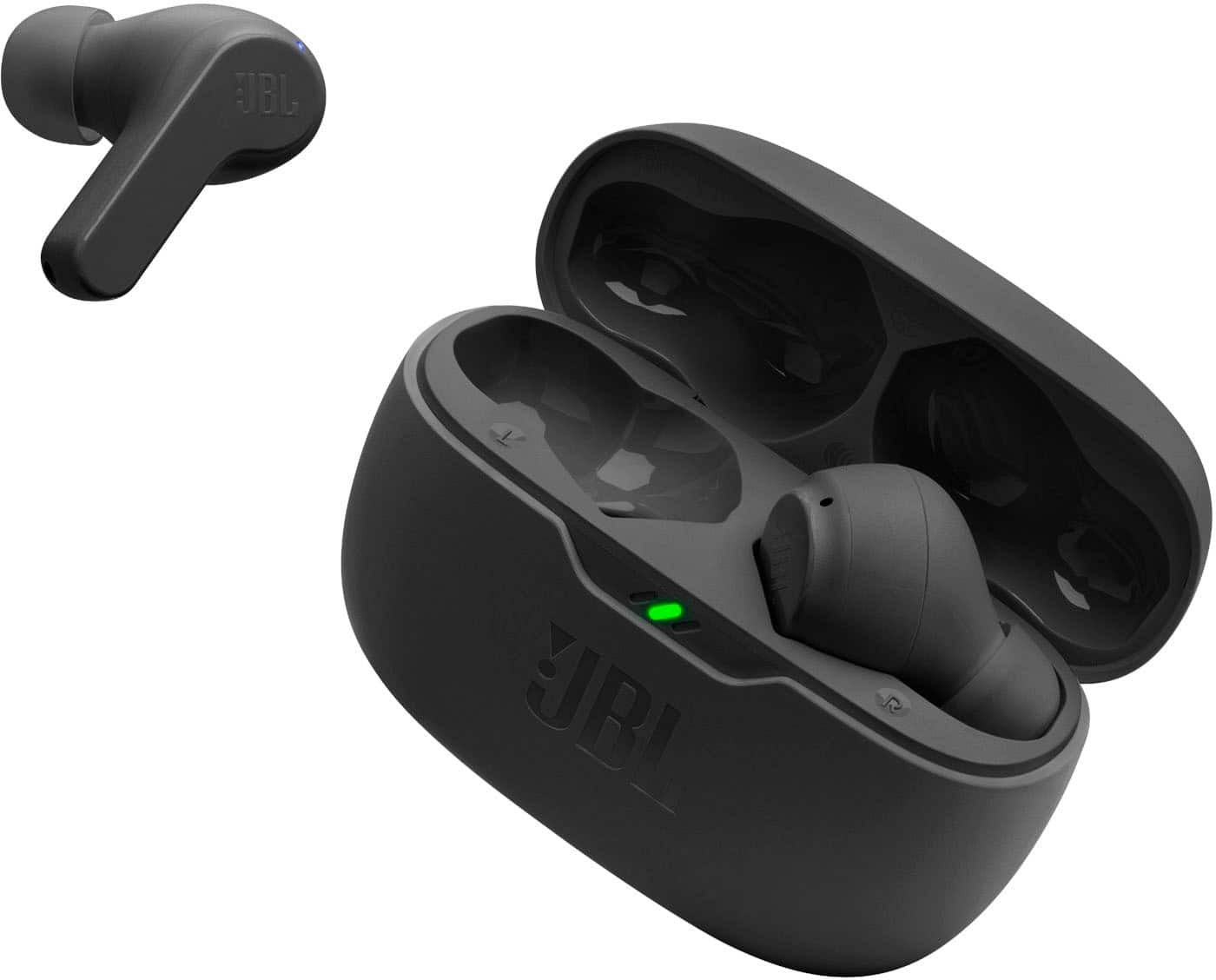
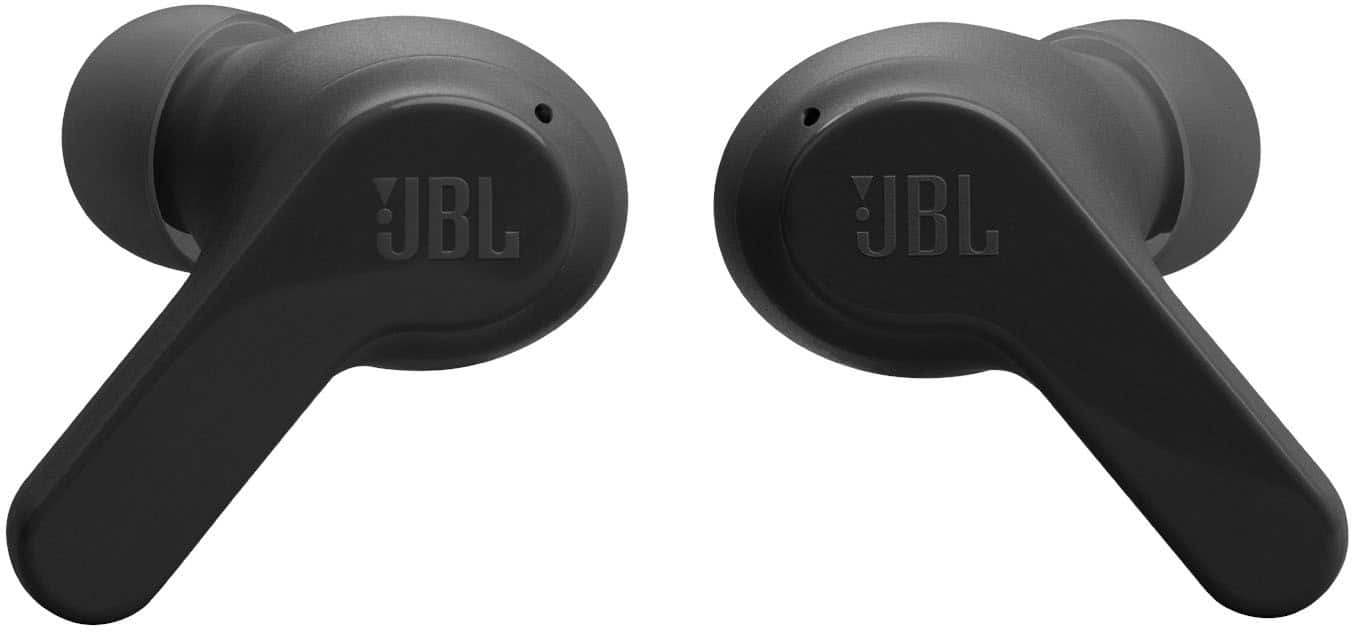
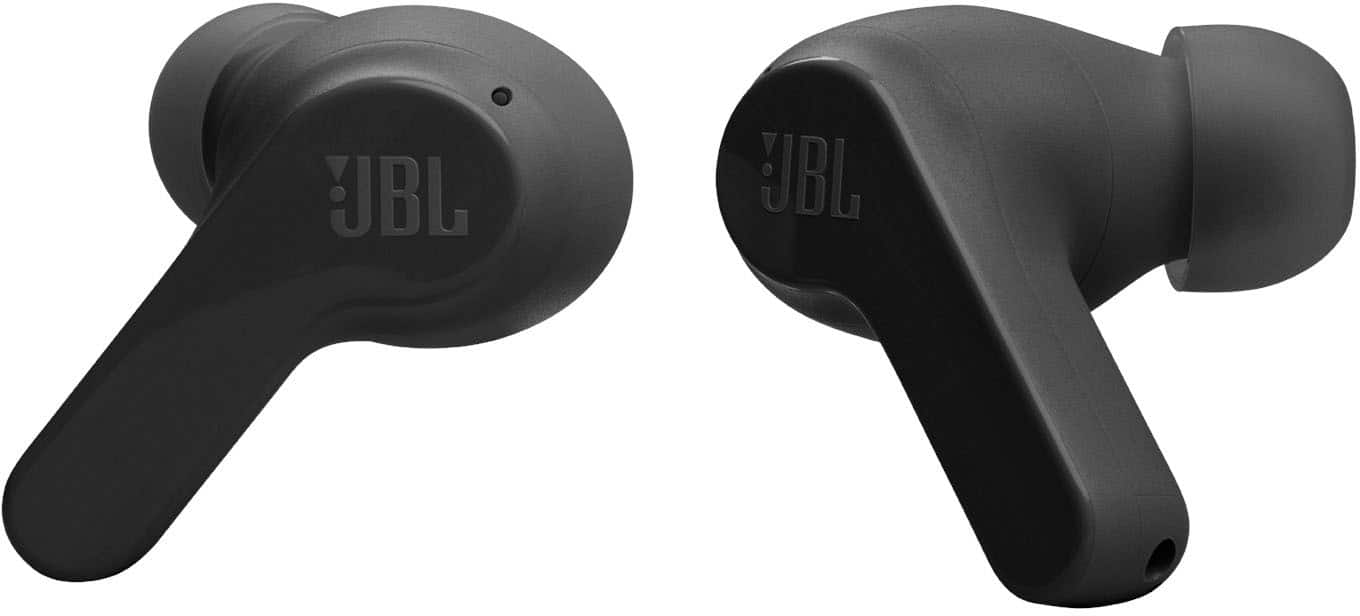
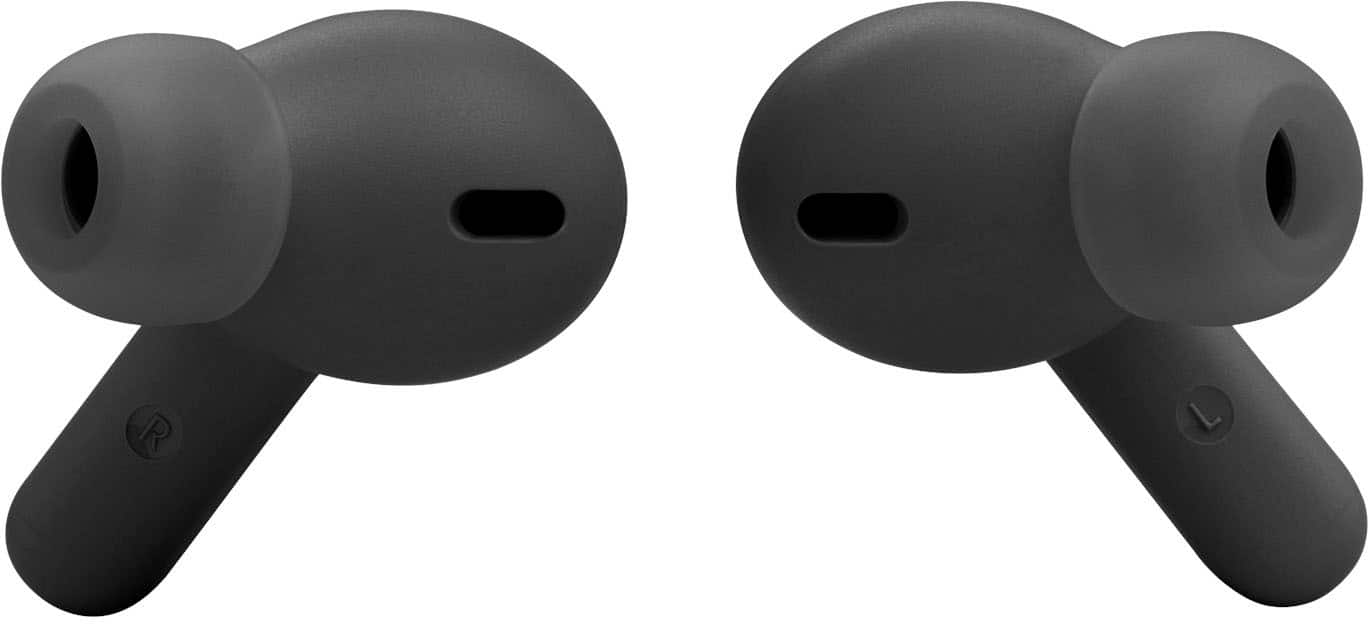
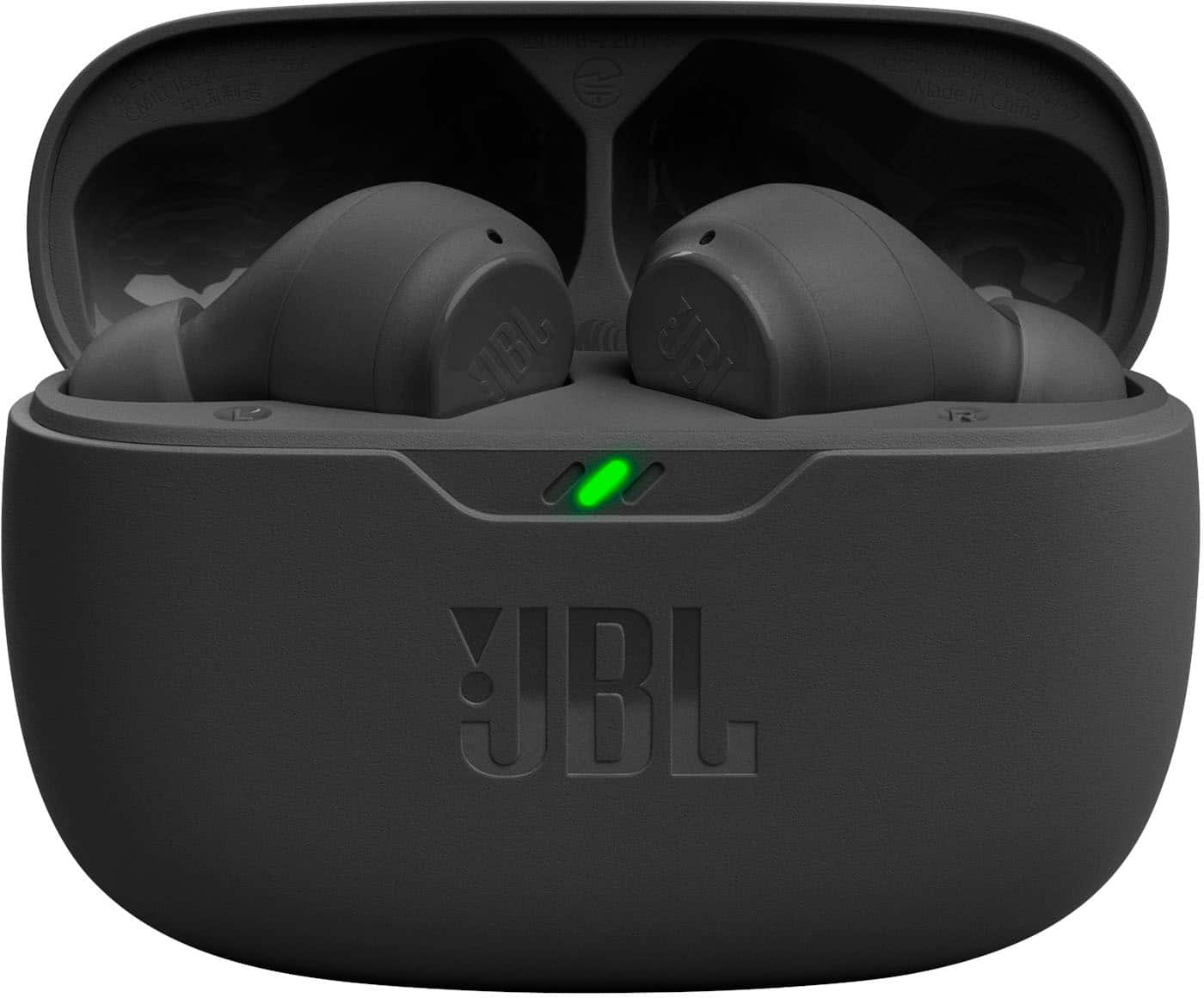
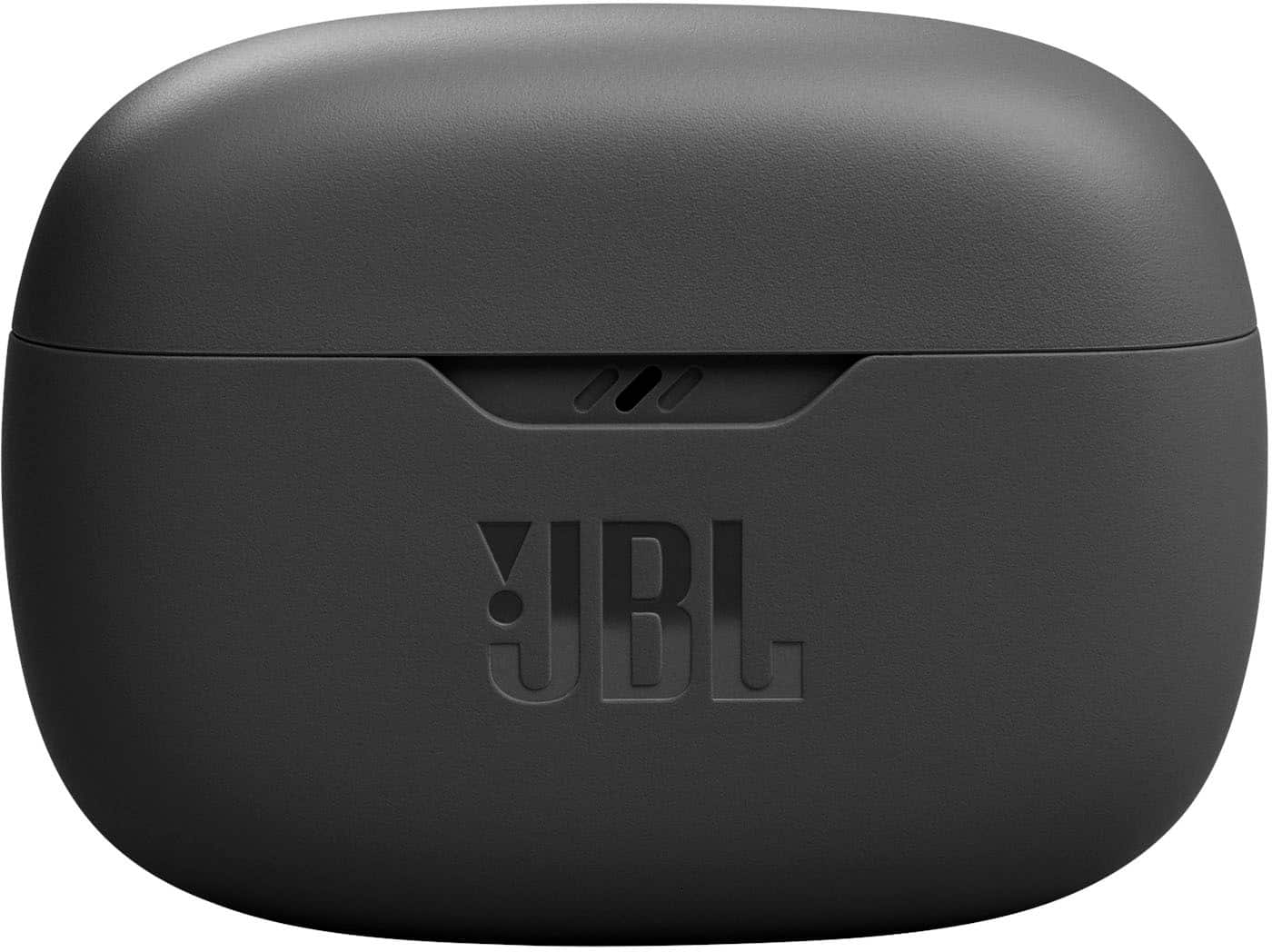
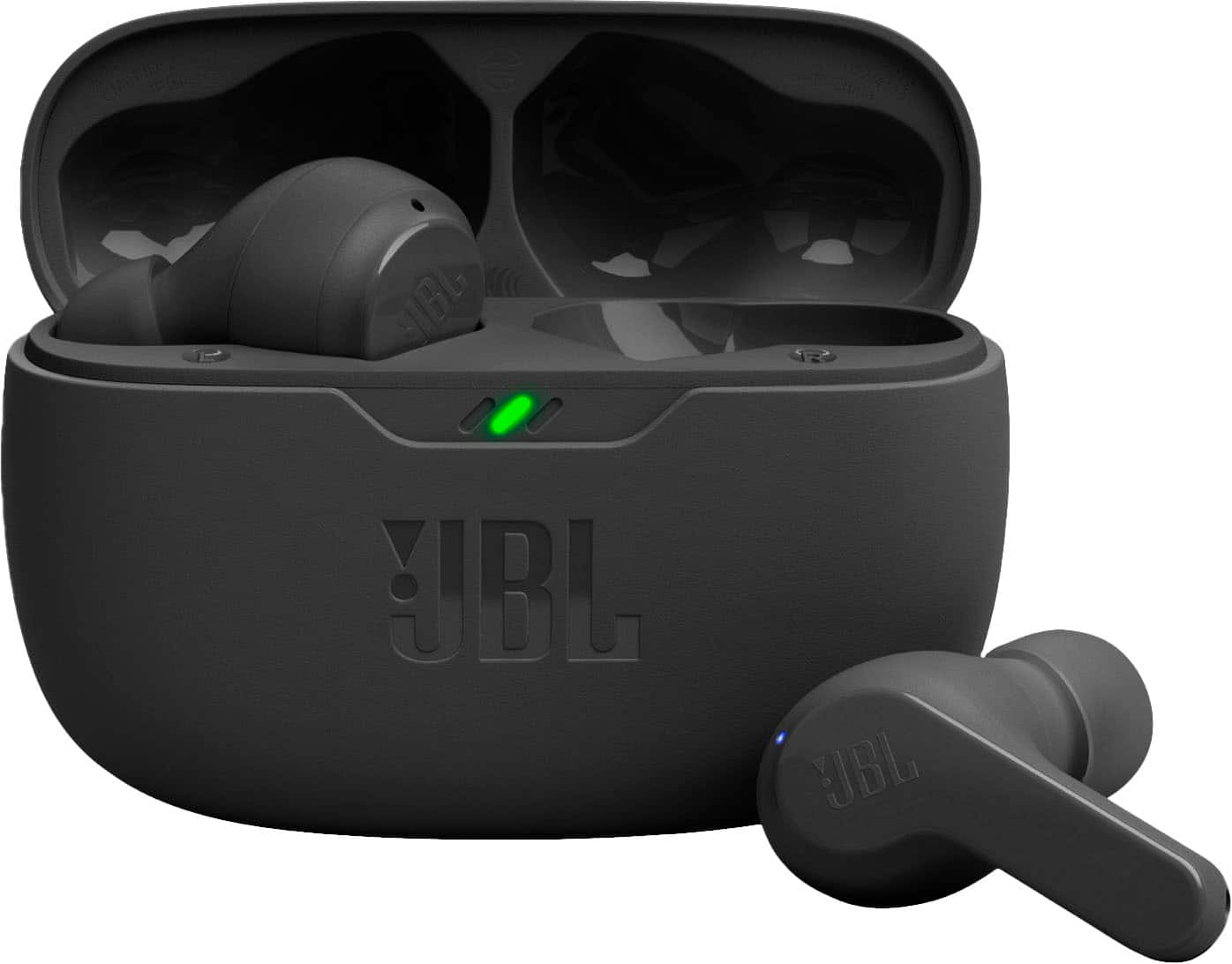
A:AnswerYes, our JBL Vibe Beam TWS will go into the power-saving mode or standby mode after 8-10 minutes of inactivity or if it does not detect any activity from the source device.
A:AnswerI've been trying to do that for years they haven't put the tech in the phones to do that yet they have it but why they don't idk that would be awesome especially if you're going for a walk or jogging with a friend you can both be listening to the same thing. Maybe the Bluetooth 5.3 version does
A:AnswerOur JBL Vibe Beam TWS is recommended to be used for streaming audio with mobile phones, tablets, and laptops. Please expect latency when streaming videos or watching TV.
A:AnswerWe appreciate your feedback on our JBL Vibe Beam. We understand that the sound quality of this product didn't exceed your expectations. We value your feedback in helping us improve and provide an exceptional user experience. We'll make sure to share your feedback with the appropriate team.
A:AnswerThanks for your inquiry. To achieve the best seal and secure fit with our JBL Vibe Beam TWS, you must create a tight seal within your ear canal. To do this, angle the ear tip slightly downward to make it easier to insert into your ear canal, gently twist the earbud to fit it securely into the shape of your ear, and continue twisting the earbud into your ear canal. If you need more help, please contact our customer support.
A:AnswerRegardless what the people from JBL say, I just bought these and they DO NOT work on Android Auto in my car. I have a 2022 with Android Auto and I want to override the speakers and mic in the car and it will not let me do it. I get a message when Android Auto is on that I cannot use the cars bluetooth, so unless there is a way, I am taking the back to BB.
A:AnswerOur JBL Vibe Beam has IP54-certified earbuds, which means that it's sweatproof and can withstand water splashes from any direction. When exposed to sweat, it is best to clean them regularly by wiping them with a soft dry cloth.