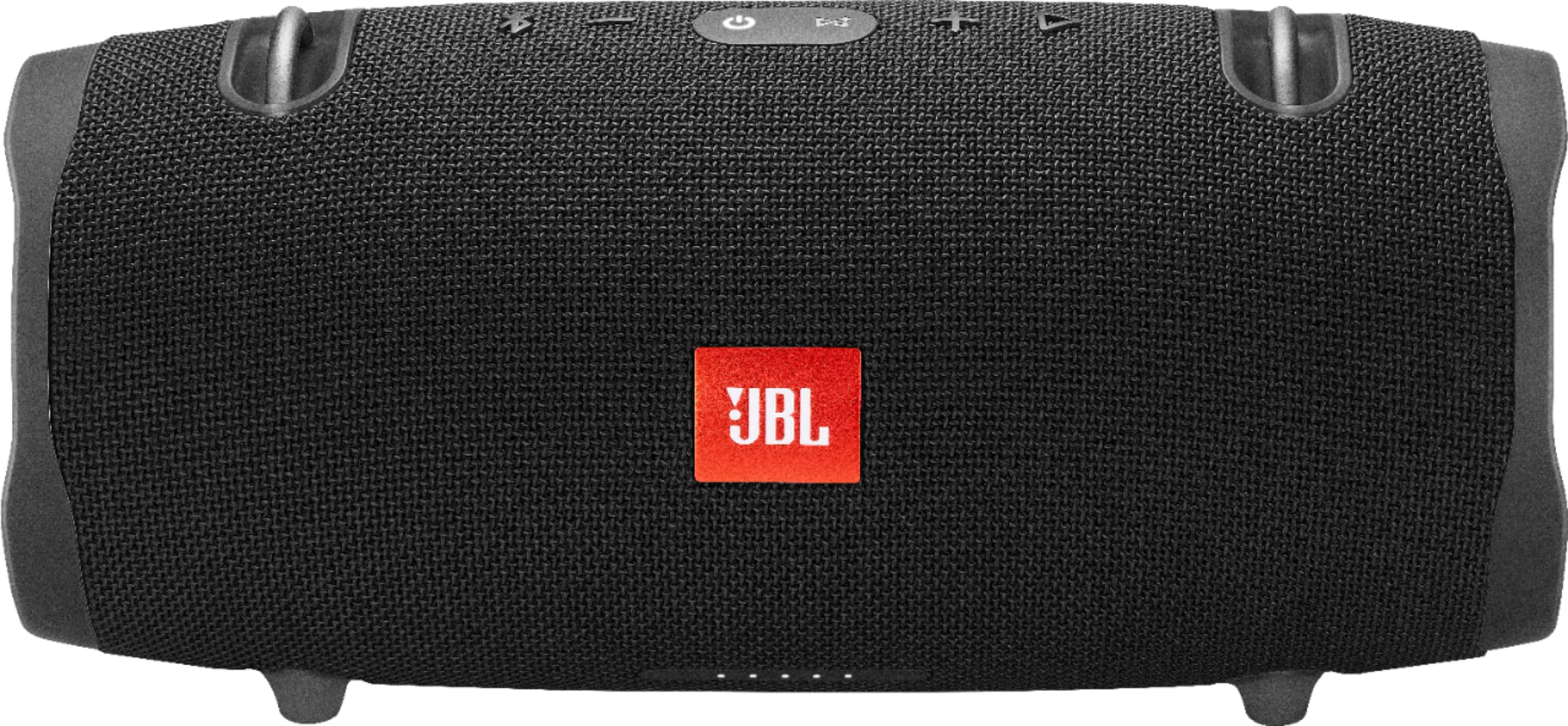
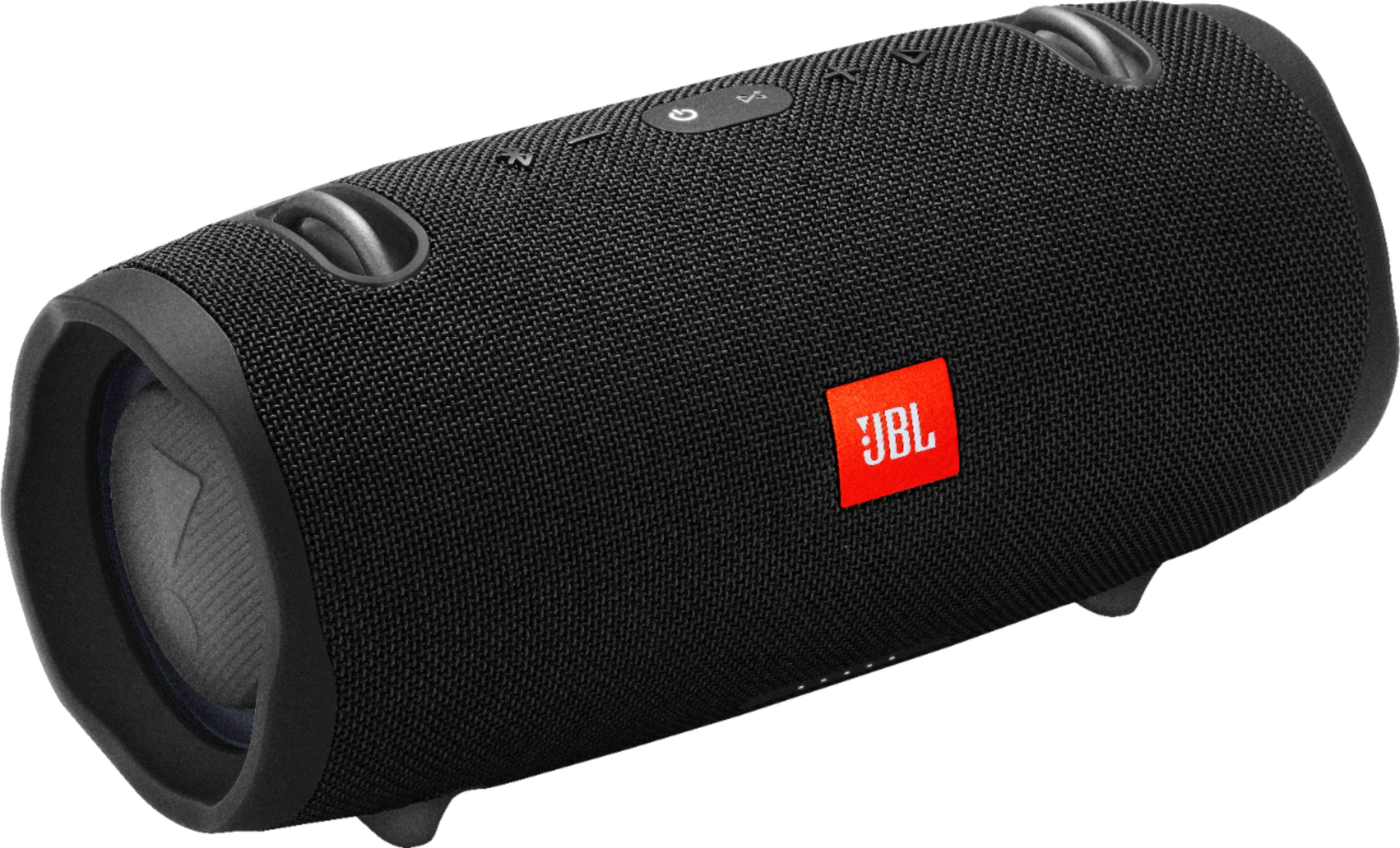
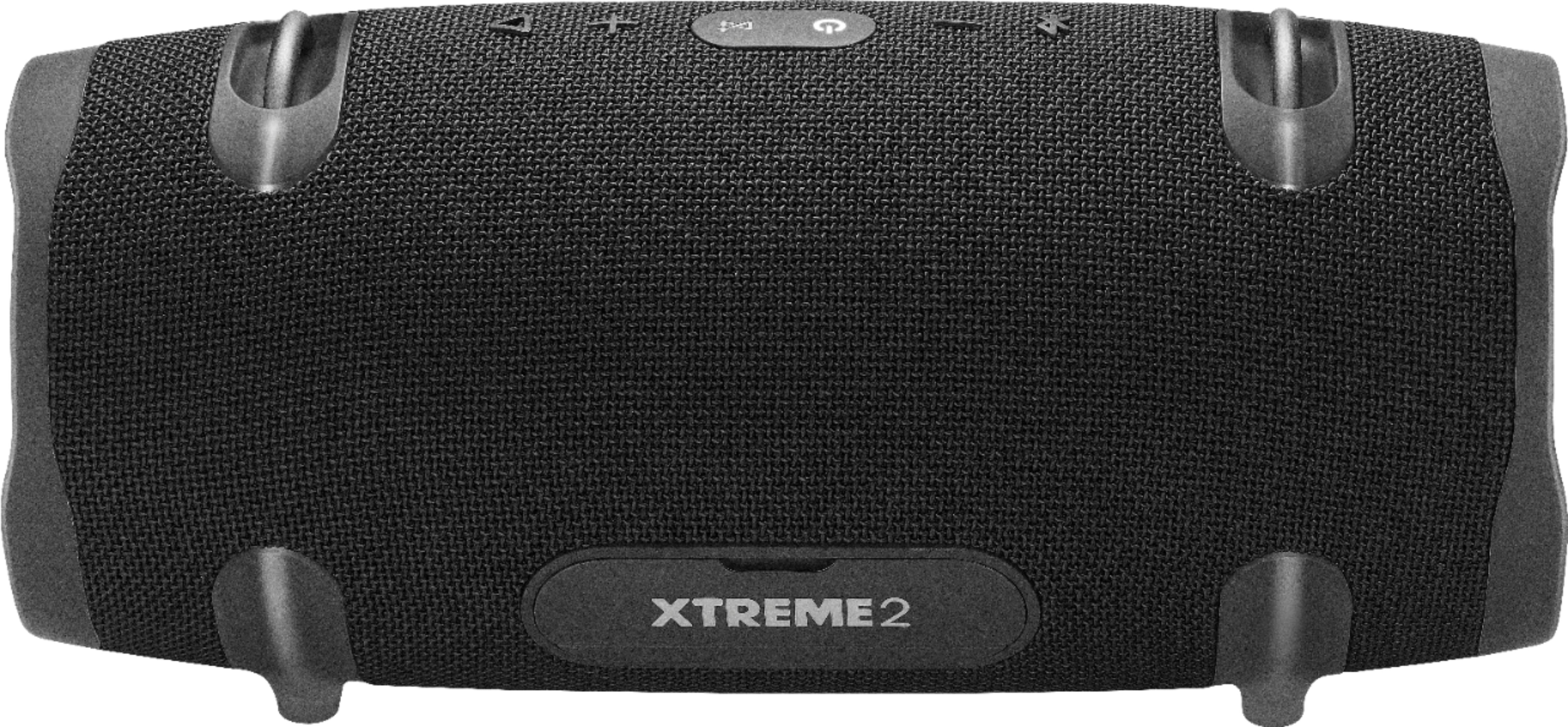
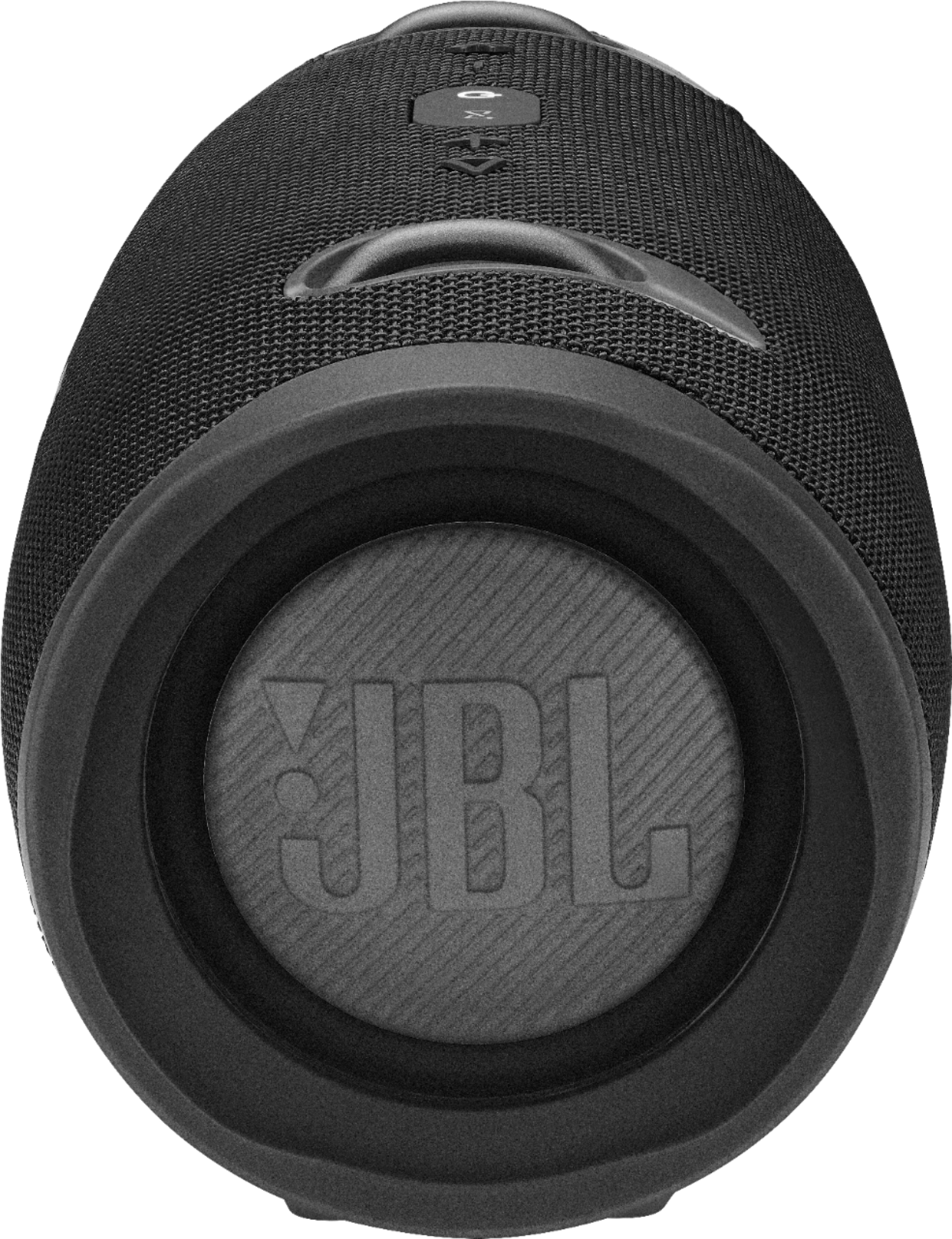
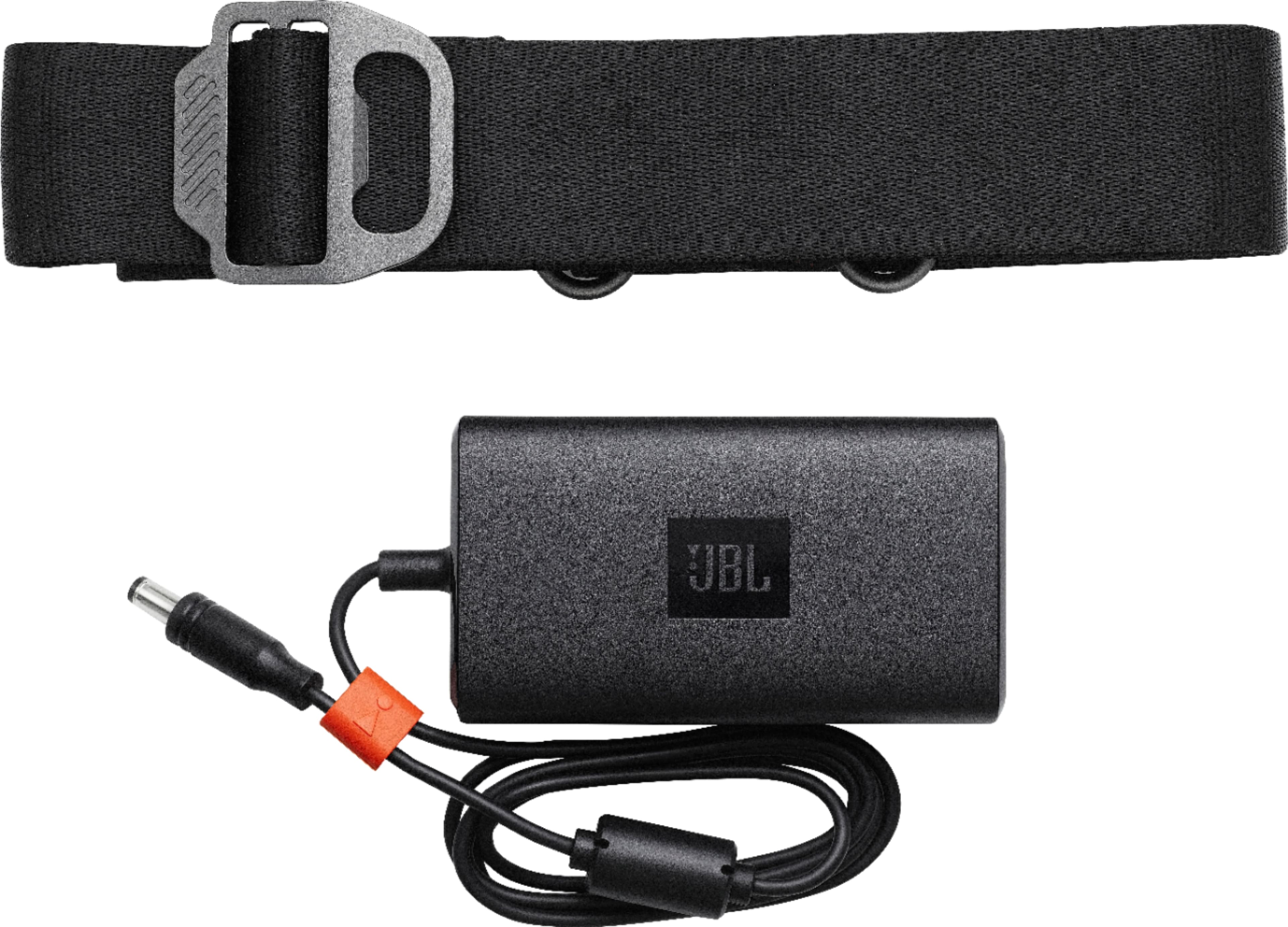
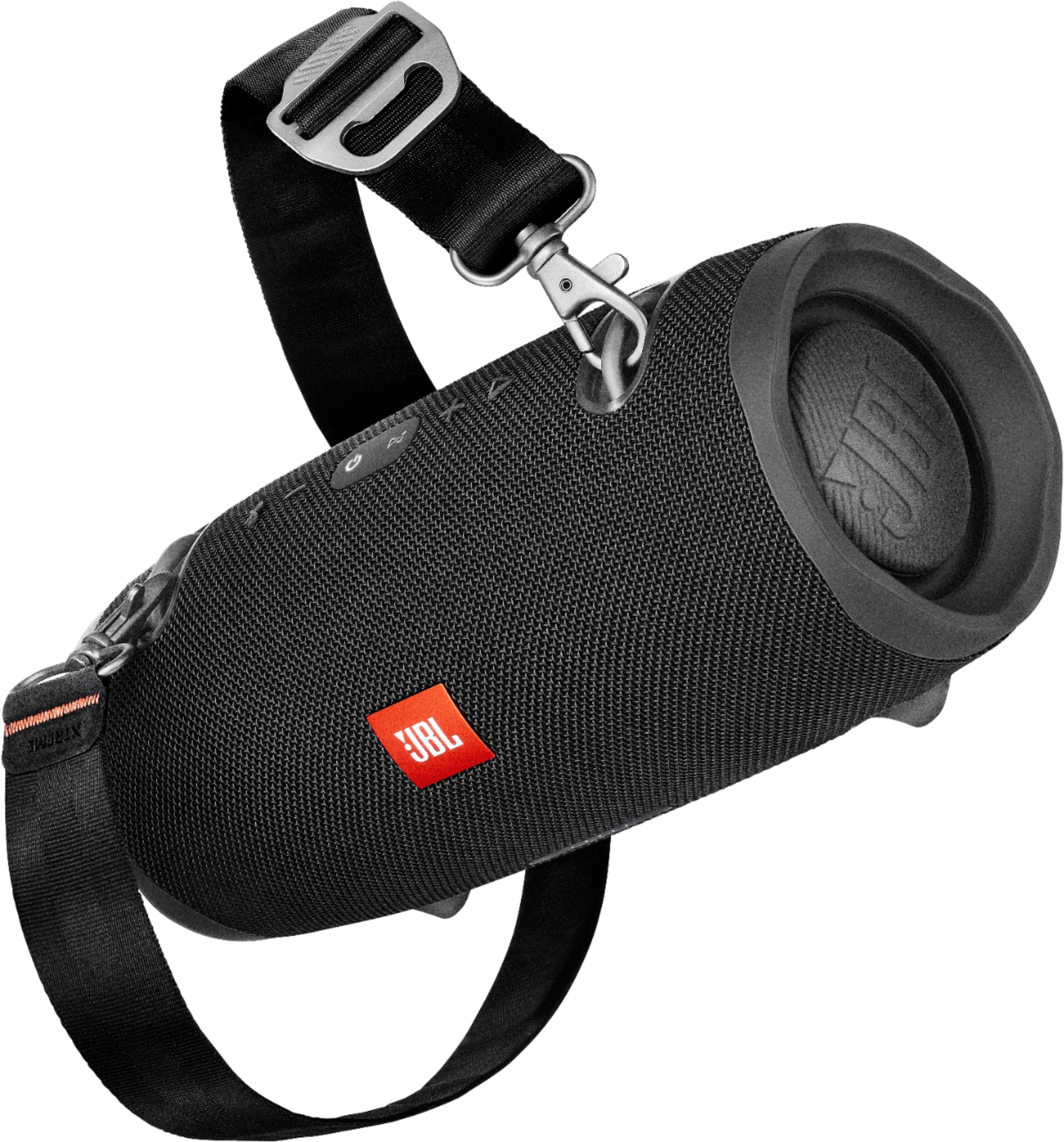
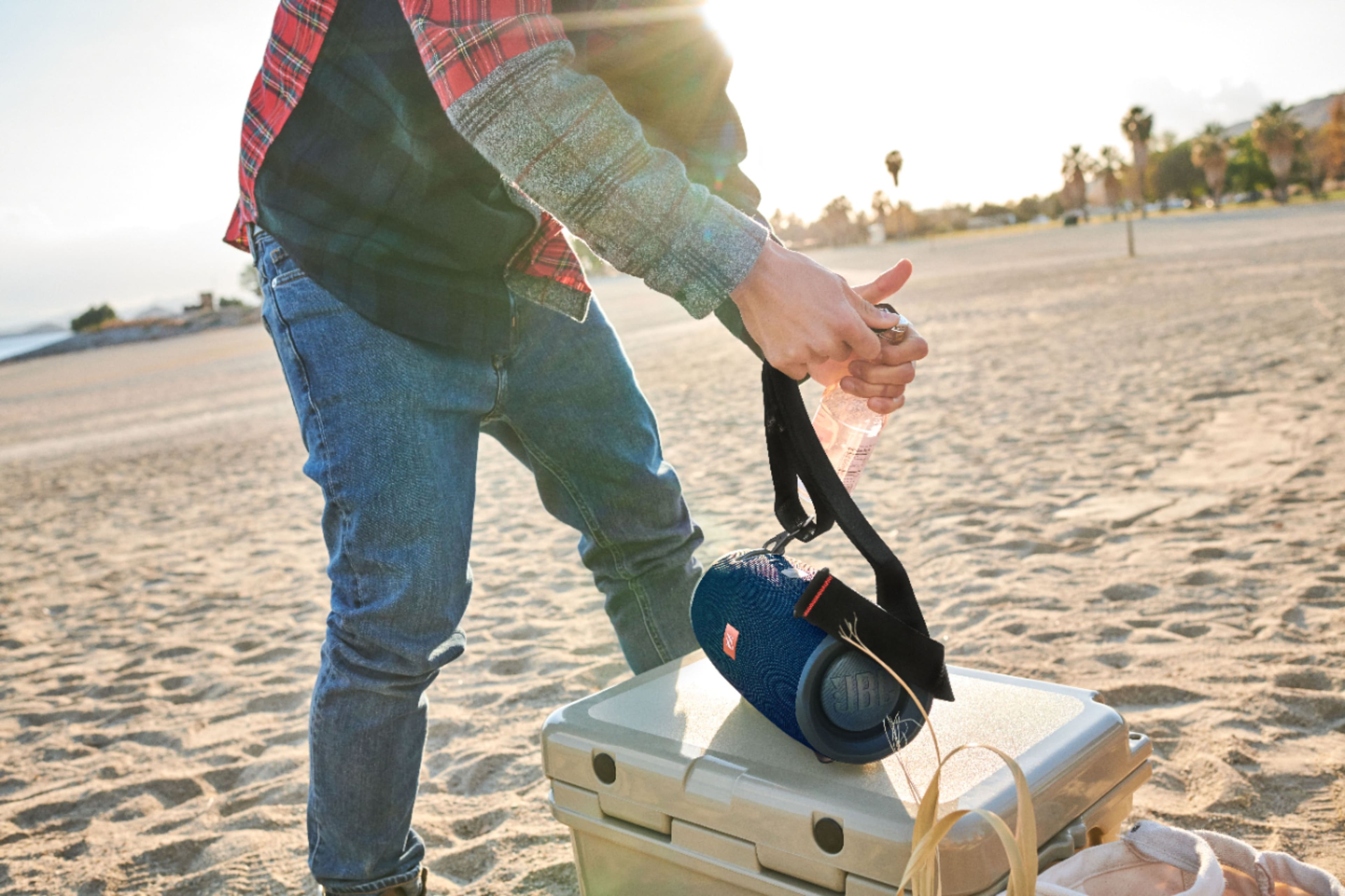
A:Answer Here are some things to try that often fix these issues. Try disconnecting the cable from your product and re-inserting it. Sand or dirt can get into the product’s charging port. Check the port. Clean if needed with compressed air or a toothpick. See if the power jack can be wiggled in the port, and if wiggling it makes the LED light up, even if only briefly. If these steps do not fix the problem, please perform a factory reset by pressing and holding the VOL+ and Pause/Play buttons for 5-6 seconds while the speaker is ON. The Xtreme shuts down, and is now reset. You will need to 'forget' the speaker in Bluetooth settings on your phone/tablet in order to pair it again. If the reset procedure doesn't fix the issue, contact JBL Customer Service for technical support and assistance.