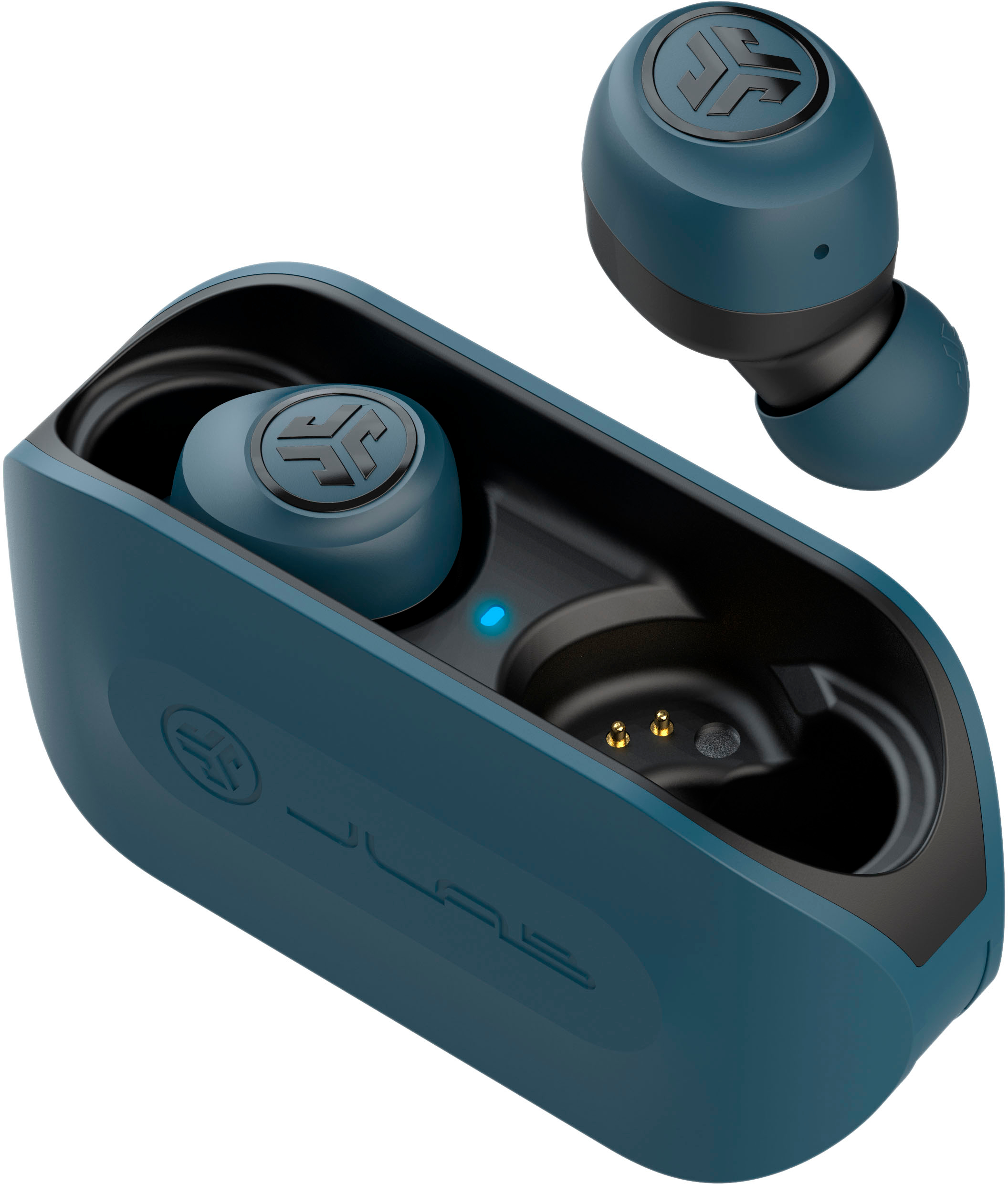
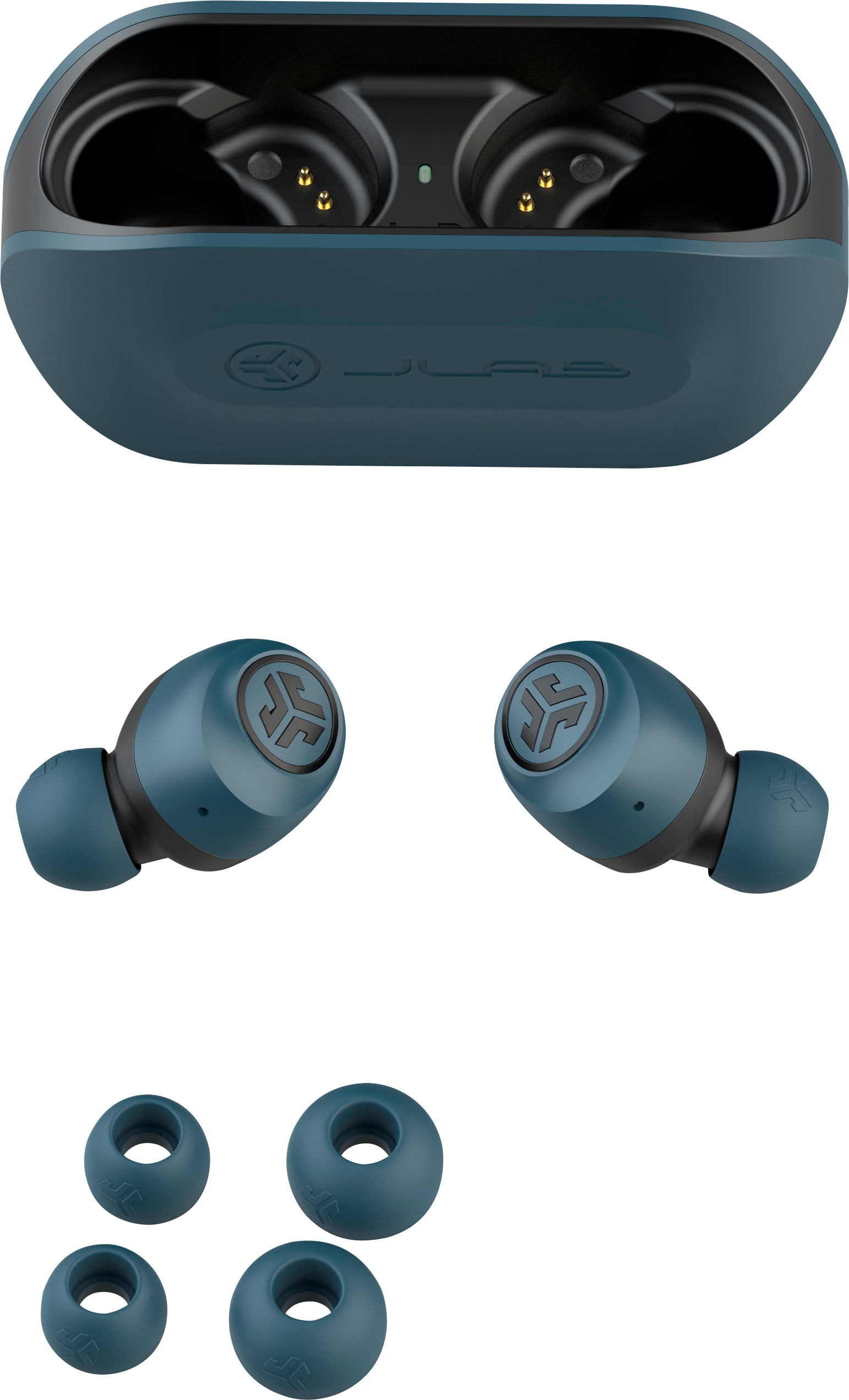
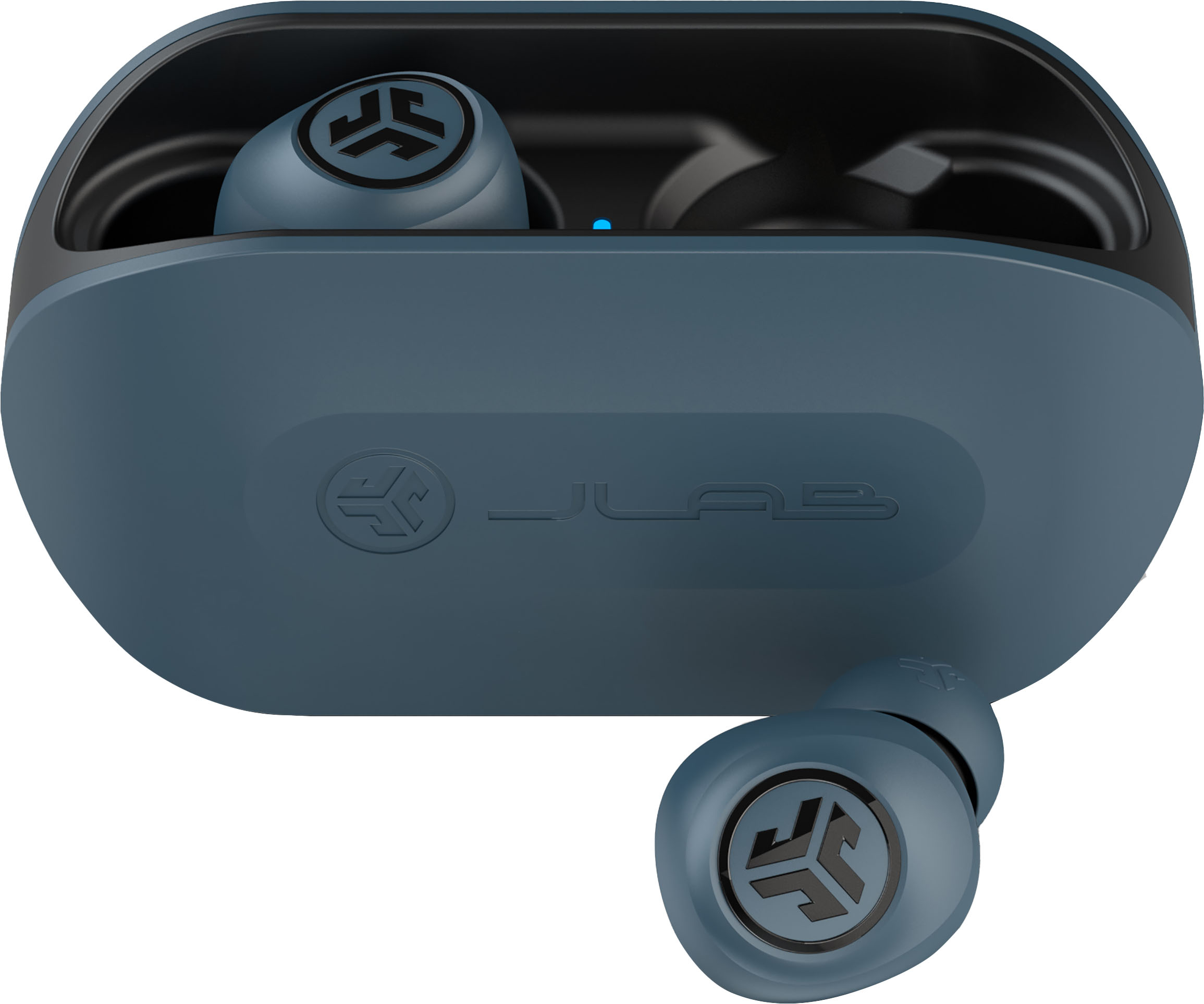
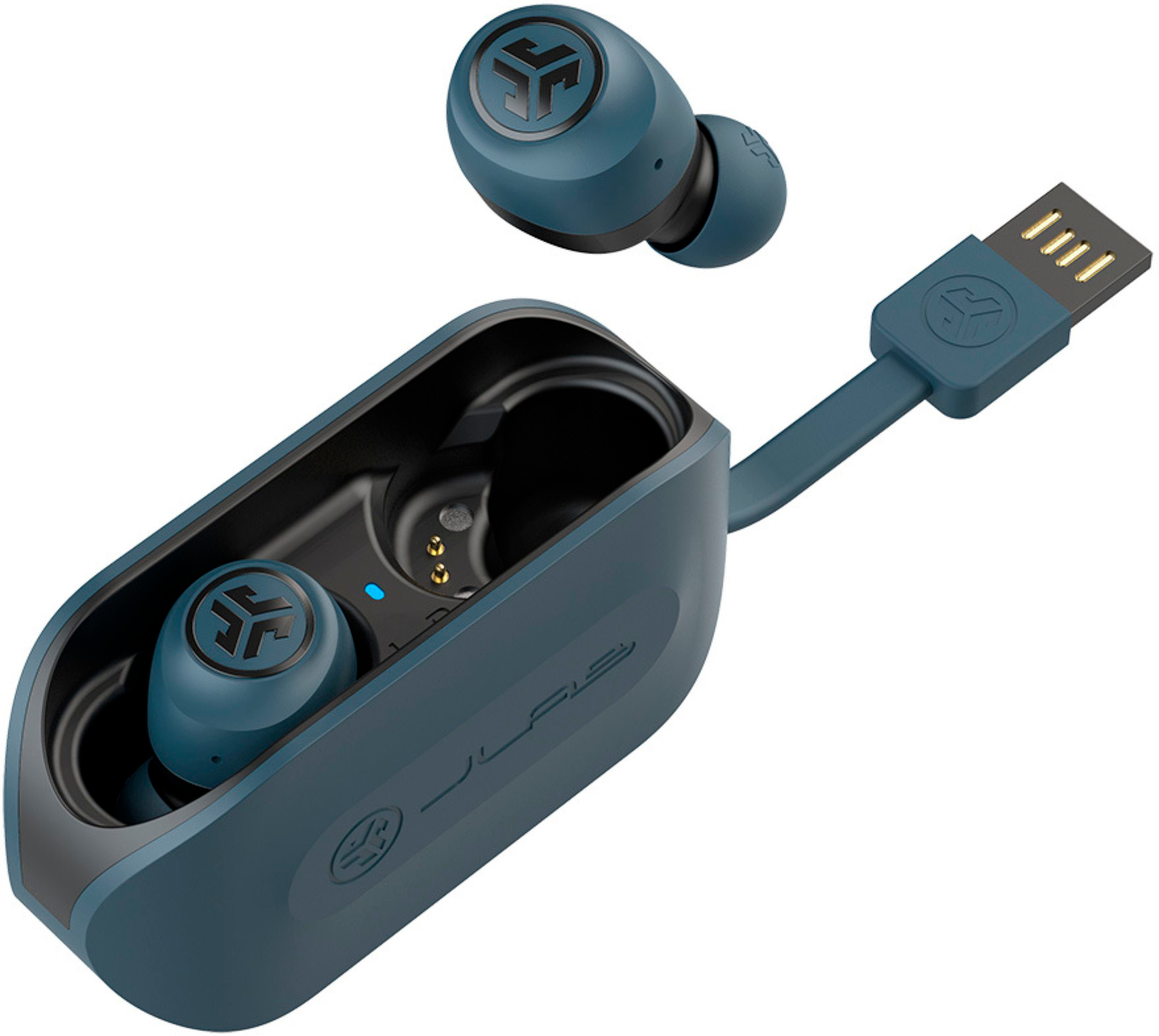
A:AnswerWhen you plug in the ear bud charger the light should turn RED.
When the charger is charging it will slow blink RED and turn blue then done.
Now the light will slowly blink BLUE (* IF* charger is not also plugged in )whilst charging earbuds. Blue light will turn off when earbud is fully charged.
I can’t help you with a fix cuz I never had to fix mine. They have a 2 year warranty. Maybe send it back to manufacturer...
A:AnswerHey,
You're looking at 30 ft. When you get a sec, please reach out to us via email, [email protected] or via phone (405)445-7219 m-thur pst fri 8-3 pst so that we may get you taken care of under warranty.
Kind Regards
#TeamJLab Customer Support
A:AnswerTake the bud out and put it in your ear. It'll let u know when to pair by voice saying, ready to pair. There also a little light that'll blink blue and white.
A:AnswerThe well on the charing case is really designed for the largest rubber ear pieces. Foam earpieces could work you might need to experiment a little.
A:AnswerHello,
Yes, they will pull up all smart assistants. When you get a sec, please reach out to us via email, [email protected] or via phone (405)445-7219 m-thur pst fri 8-3 pst so that we may provide you with more info.
Kind Regards
#TeamJLab Customer Support
A:AnswerHello,
So sorry to hear of the troubles that you have run into. We do cover all of our bluetooth headphones for two years under warranty. When you get a sec, please reach out to us via email, [email protected] or via phone (405)445-7219 m-thur pst fri 8-3 pst so that we may get you a new set under warranty.
Kind Regards
#TeamJLab Customer Support
A:AnswerHey dee,
No need, they will time out, or you can hold the sensor for 3 sec. When you get a sec, please reach out to us via email, [email protected] or via phone (405)445-7219 m-thur pst fri 8-3 pst so that we may provide you with more info.
Kind Regards
#TeamJLab Customer Support
A:AnswerOnly just barely loud enough to hear in a loud space (riding a bus or subway for instance) to be honest. It would be nice if they were a bit louder, but they are very good for $20 imo.
A:AnswerHello bob,
You will indeed need the case for charging. When you get a chance, please reach out to us either via email [email protected] or shoot us a call at 405.445.7219 Monday-Thursday between 8am-5pm p.t Friday 8am-3pm p.t so that we may provide you with more info.
We want to help you
#FINDYOURGO
JLab Audio
A:AnswerI am surprised to see JLab providing an incorrect answer here. This model does not power ON without a case. This is a design flaw and multiple reviews on various sites brought the issue.
A:AnswerYeah that's a pretty big design flaw. I left to go for a run so I didn't bring my case and this flaw combined with the "feature" that they automatically disconnect and power off after a couple minutes if you don't start playing audio right away meant my only option would have been to go back home for the case.