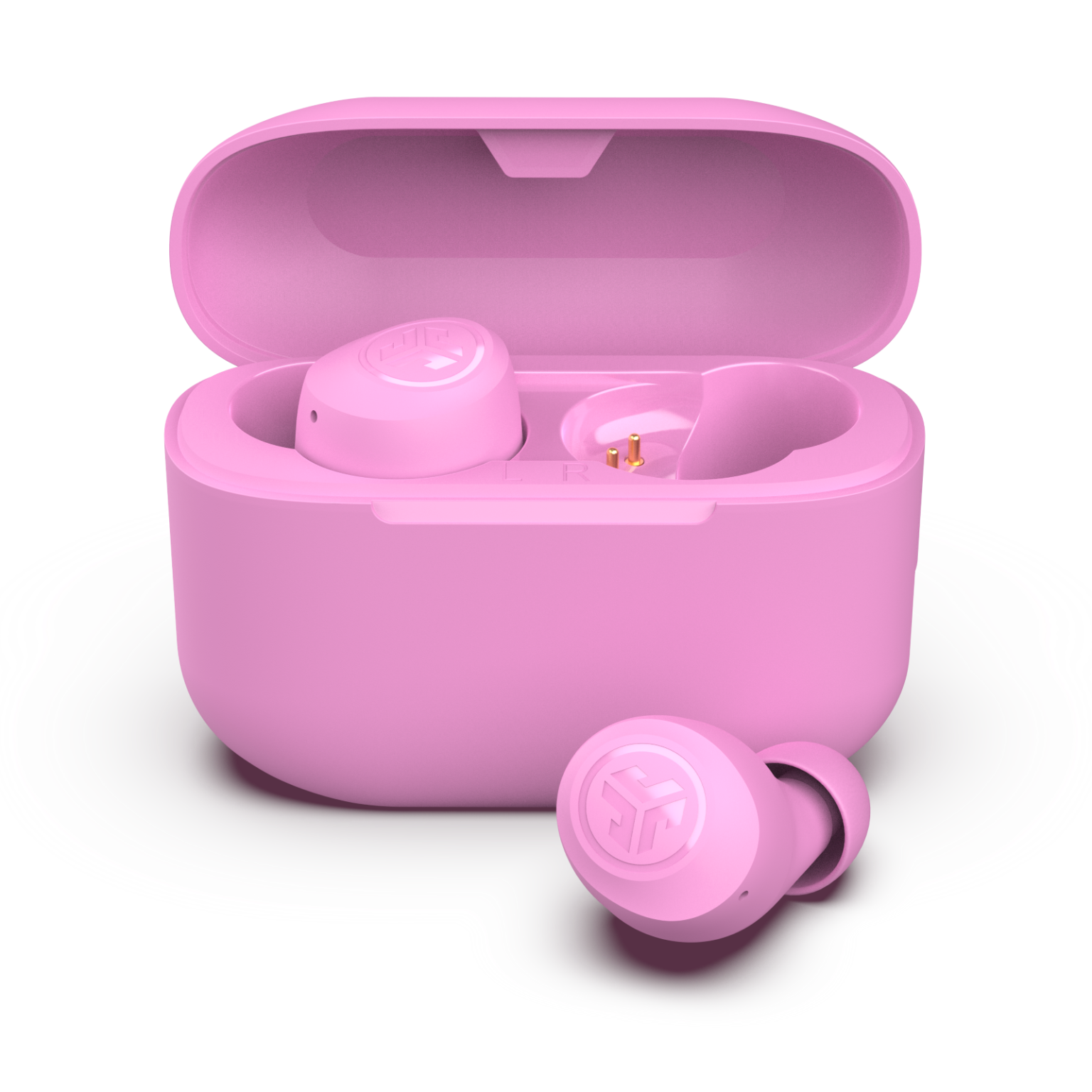
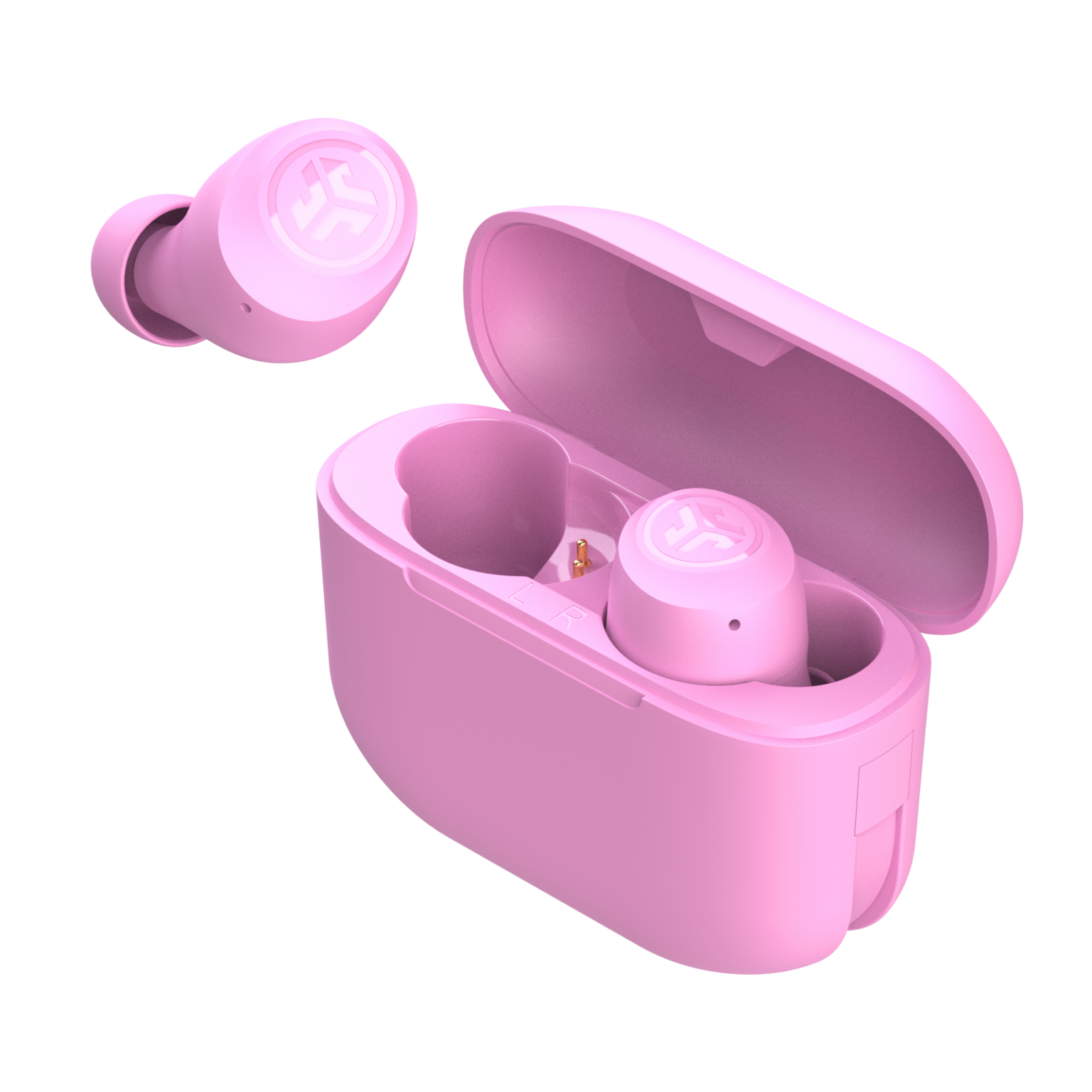
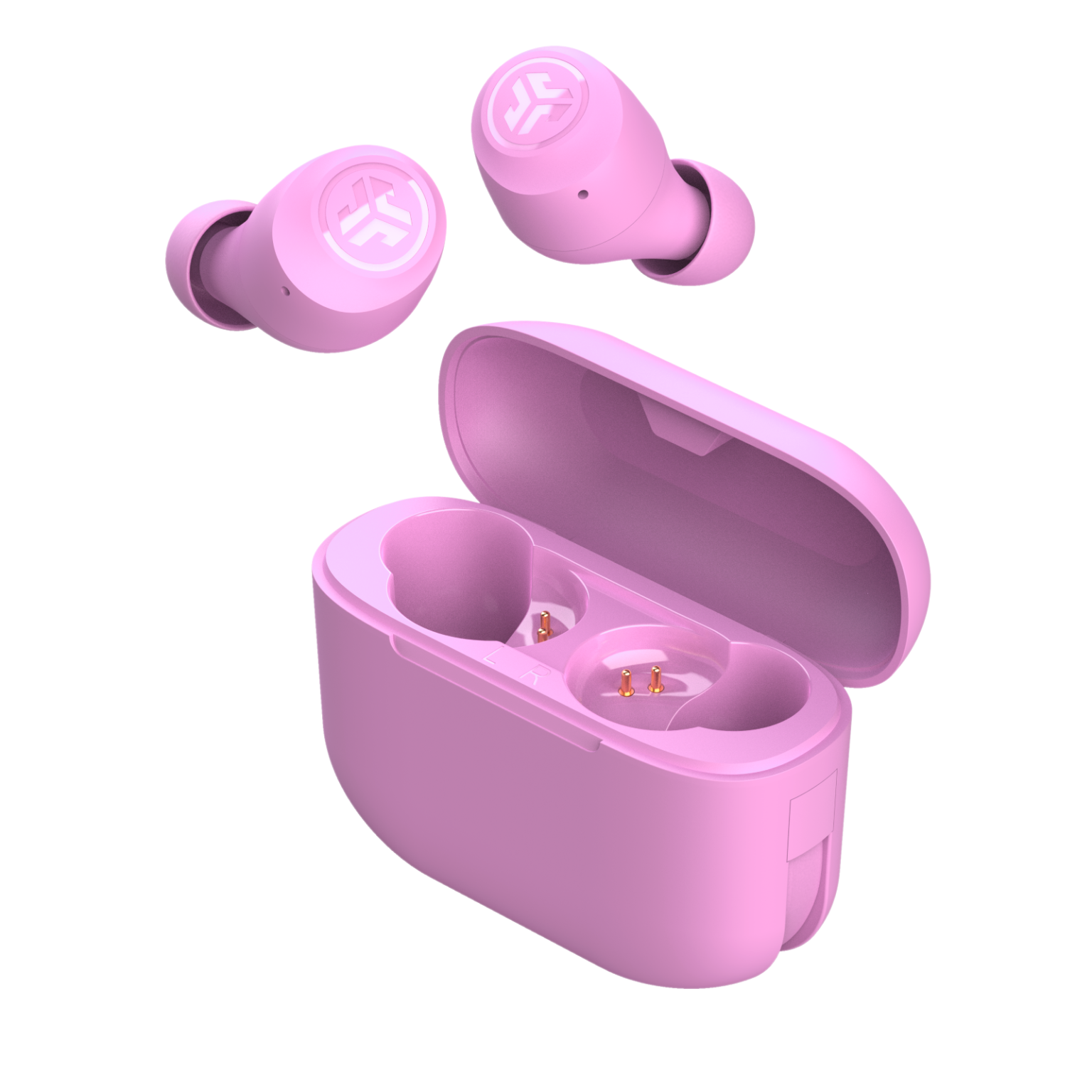
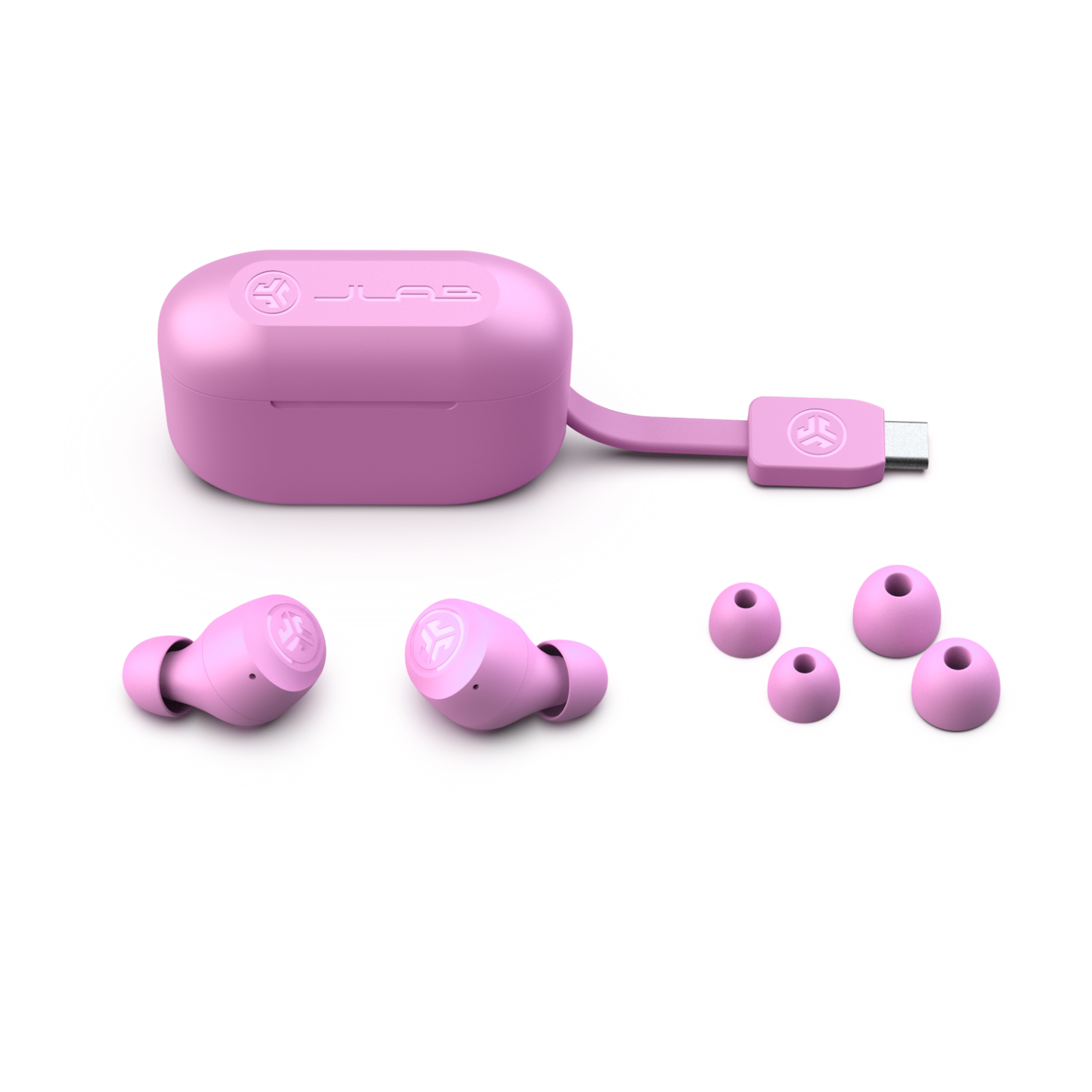
A:AnswerI had this issue. The instructions in the booklet told me to tap the headphones 7 times each and put them back in the case. They should sync. Worked for me.
A:AnswerThey usually come with more in the box when you purchase them. But you can typically purchase them separately from Amazon or another retailer like Temu. Hope this helps.
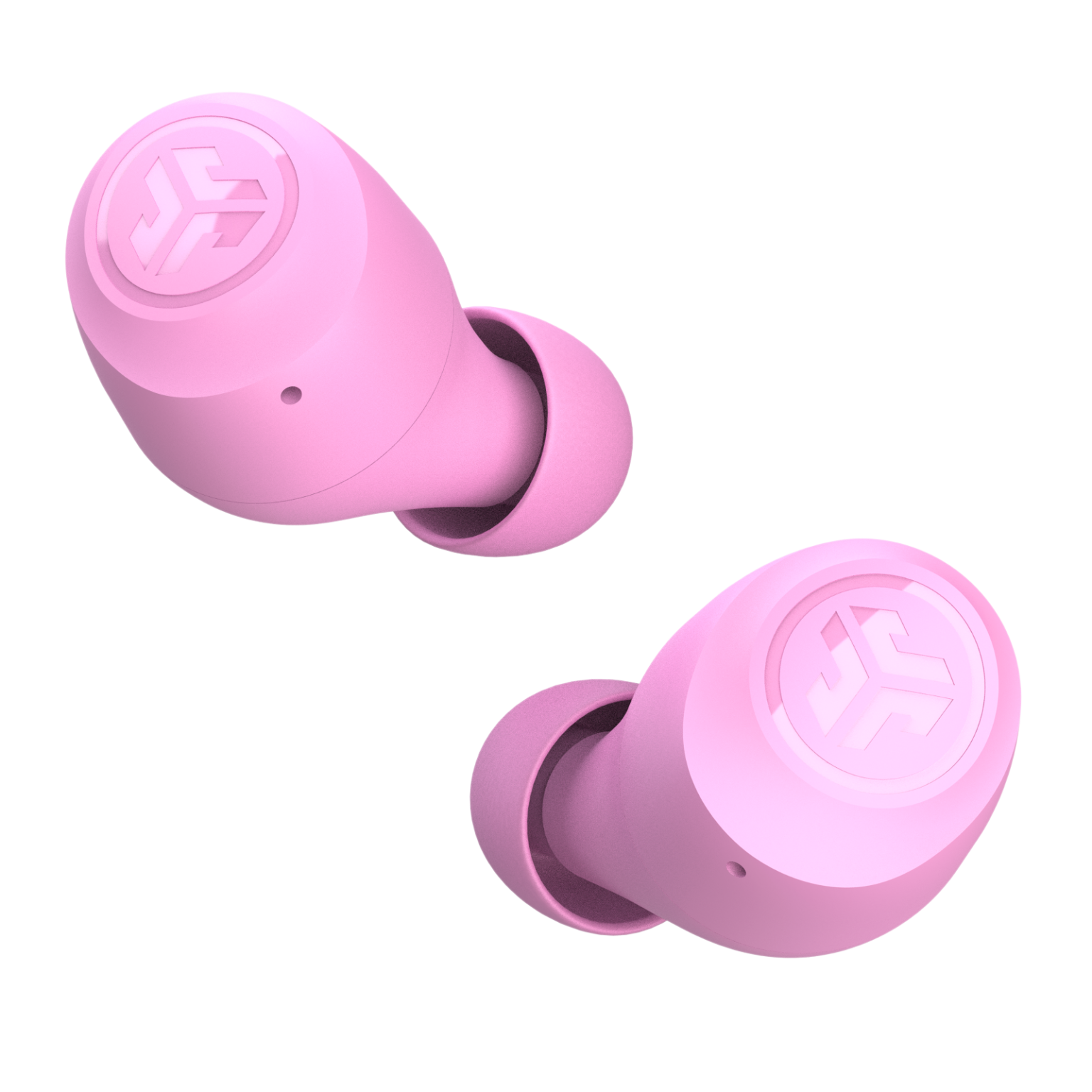
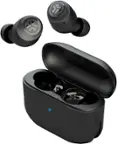
A:AnswerI understand that you're having trouble repairing your JLab GO Air True Wireless earbuds and getting them paired again. Let's try some troubleshooting steps to get them back in sync:
1. Reset the earbuds:
Put both earbuds in the charging case.
Make sure the case is charged.
Hold down the button on the charging case for 10 seconds, or until the lights flash blue and white four times.
Remove the earbuds from the case and try pairing them again.
2. Reset your Bluetooth connection:
On your device, forget the JLab GO Air as a connected Bluetooth device.
Turn off Bluetooth on your device and then turn it back on.
Open the charging case with the earbuds inside.
The earbuds should automatically enter pairing mode (flashing blue and white lights).
Select "JLab GO Air" from your device's Bluetooth list to pair them again.
A:Answerif they wont connect at the same time, put them both in the case and tap them 7 times at the same time and wait a second and they should connect. then you can pair them to your device