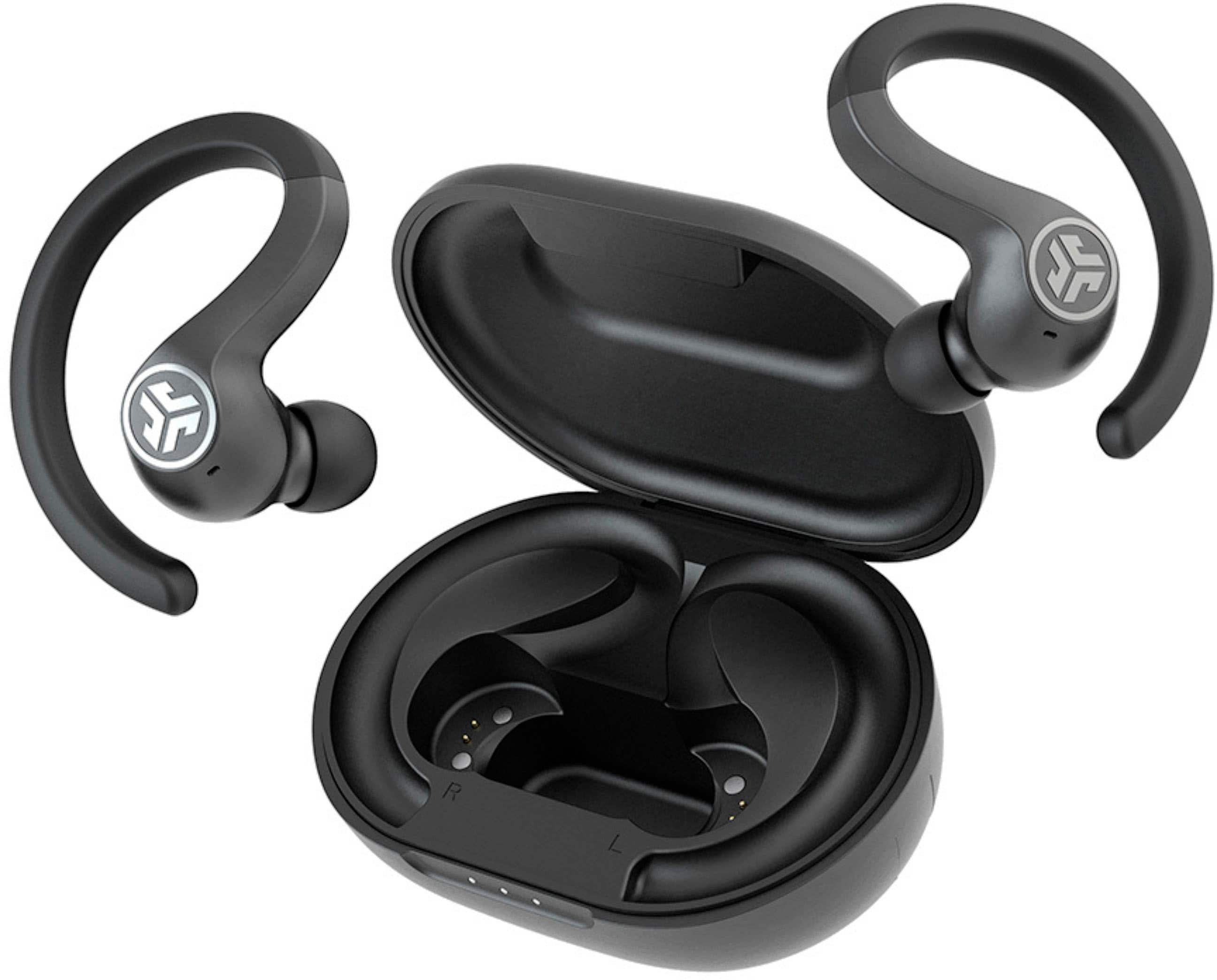
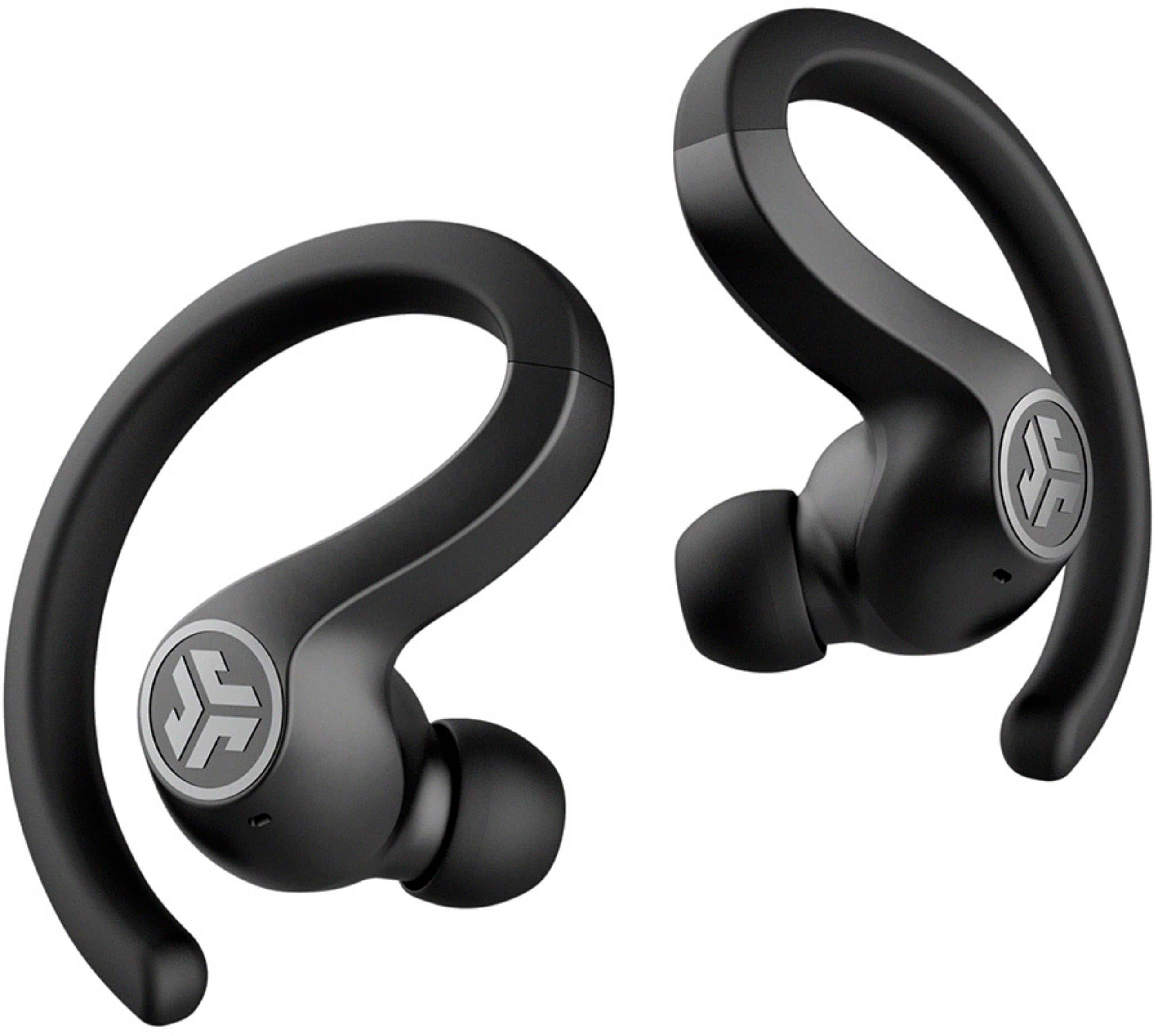
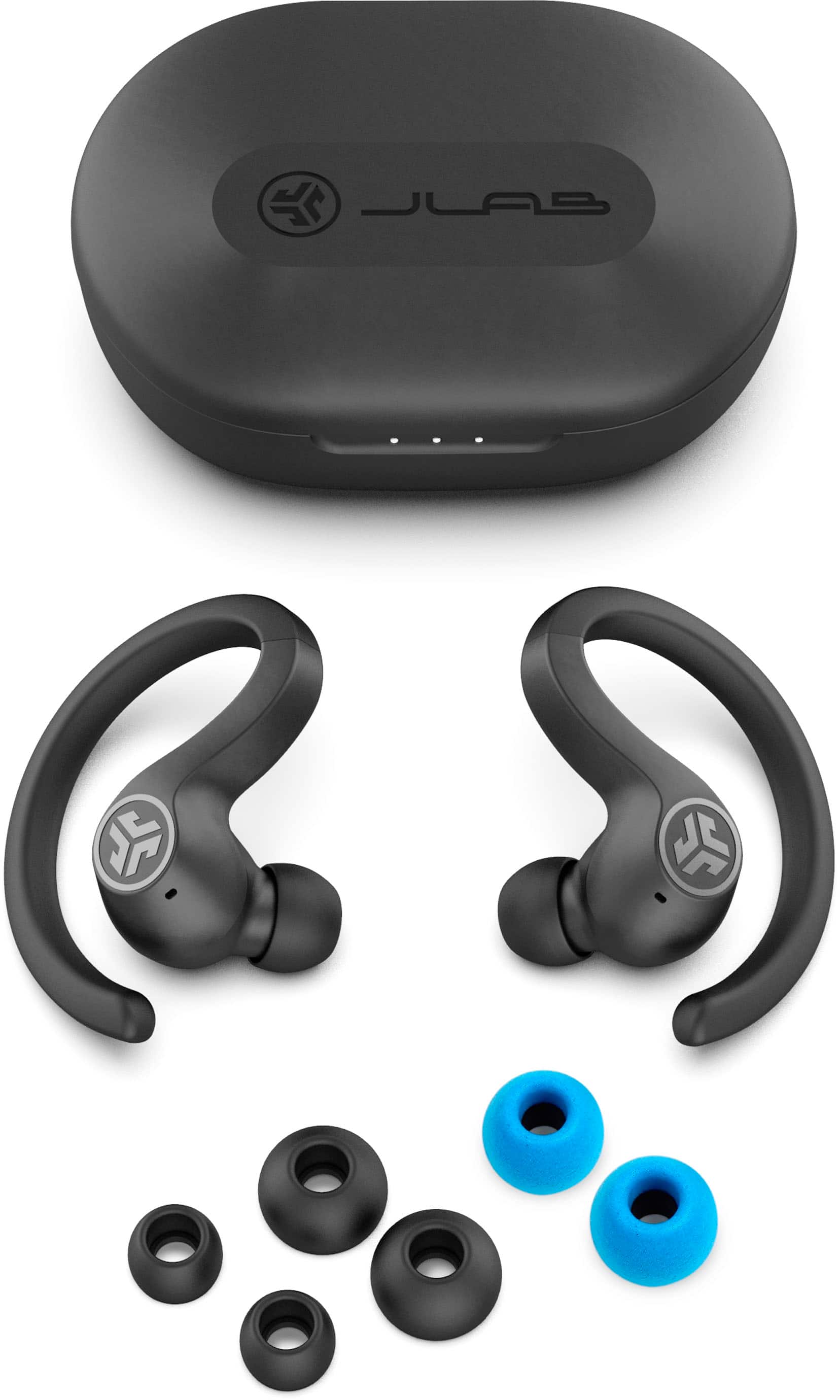
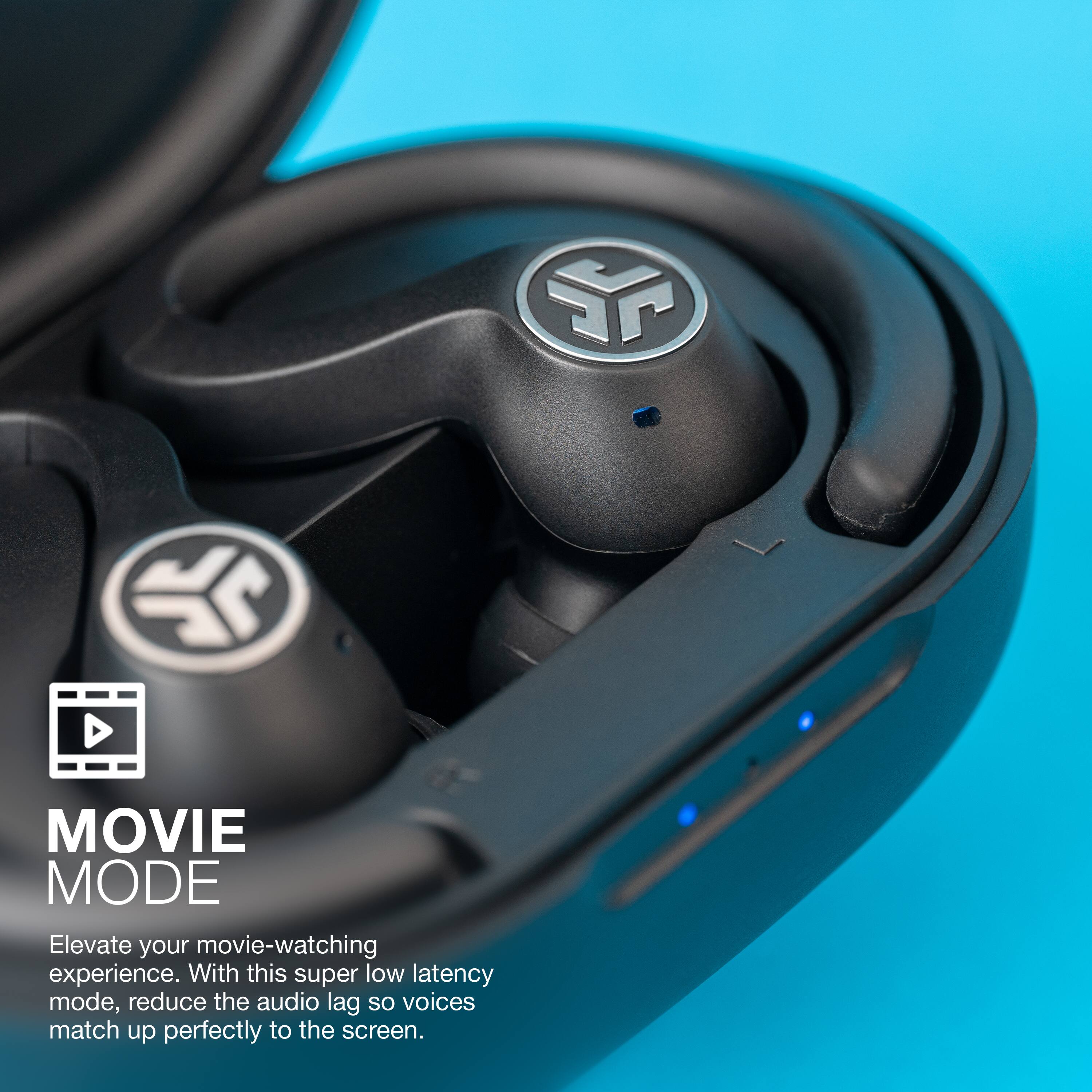
A:Answerbutton functions:
left ear:
volume down-give a single tap
for "Siri" or "Ok Google"- double tap
track back(songs)- press& hold for about a second
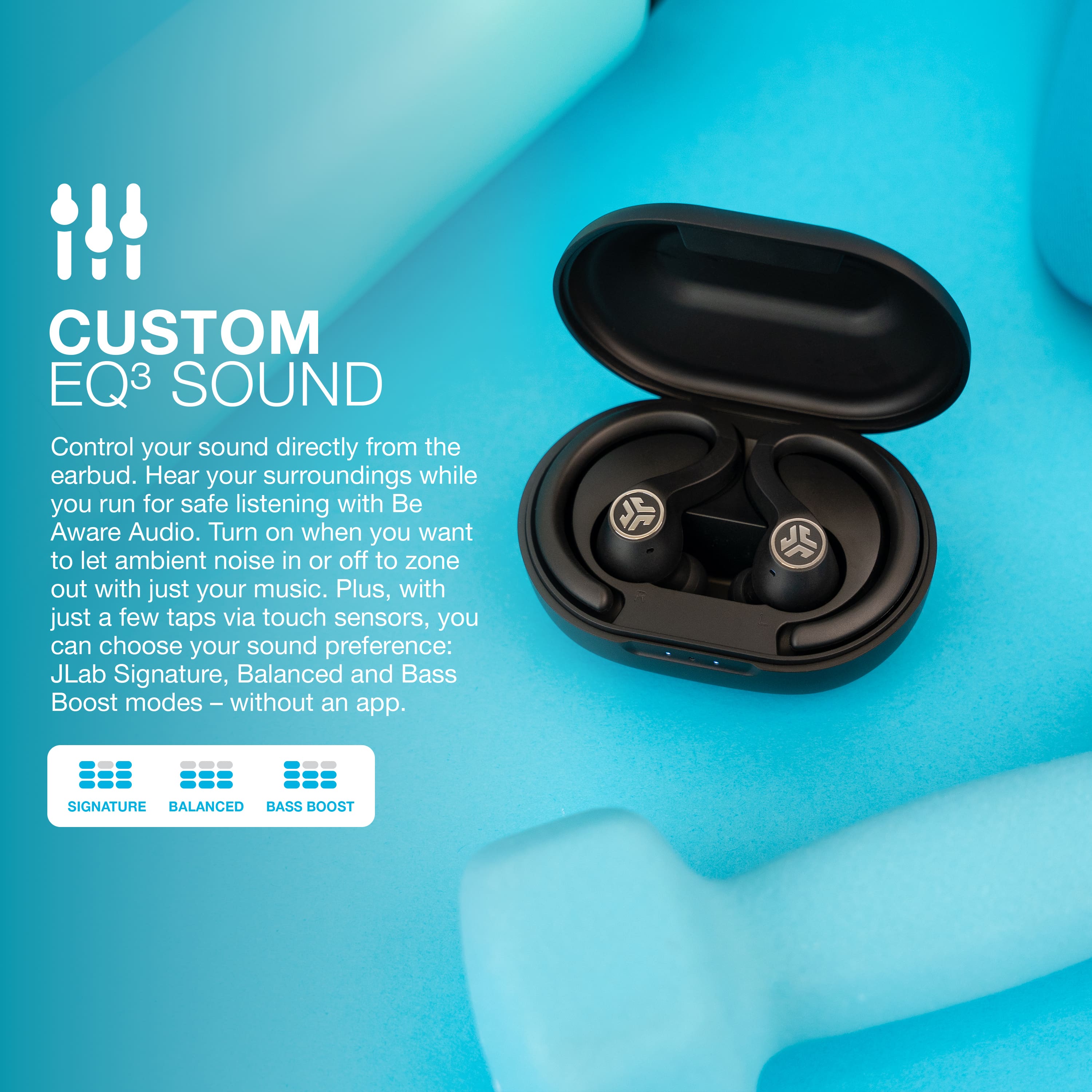
EQ change triple tap (this will cycle through 3 EQ settings)
power on- press & hold 3 seconds
right ear:
volume up- single tap
play/pause- double tap
track forward(songs)- press & hold for 1 second
answer call- single tap
hangup call- double tap
reject incoming call- press & hold for 1 second
be aware mode on/off (this lets you hear noises around you) triple tap
power on- press & hold for 3 seconds
to turn off earbuds w/o charging case- disconnect bluetooth from device and they will power off in 3 seconds
play with the settings a little to get used to it that is what helped me
A:AnswerHey multipoint,
No, they are not multipoint. When you get a sec, please reach out to us via email, [email protected] or via phone (405)445-7219 m-thur pst fri 8-3 pst so that we may provide you with further detail.
Kind Regards
#TeamJLab Customer Support
A:AnswerHey,
Yes, you may. When you get a sec, please reach out to us via email, [email protected] or via phone (405)445-7219 m-thur pst fri 8-3 pst so that we may provide you with further functionality.
Kind Regards
#TeamJLab Customer Support
A:AnswerHey Iwatch,
Yes, they will indeed pair with the watch. When you get a chance, please reach out to us either via email [email protected] or shoot us a call at 405.445.7219 Monday-Thursday between 8am-5pm p.t Friday 8am-3pm p.t so that we may provide you with a bit more info.
We want to help you
#FINDYOURGO
A:AnswerDid you mean increase or decrease volume incrementally? Each earbud has one button. Press the right earbud button once to increase the volume a little and vice versa for the left button.
A:Answerthe case is chargeable by plugging the built in usb cable in to a phone charge plug or pc. A plug in usb charge adaptor is not included but just use one from your cell phone.
A:AnswerHey Allen,
The jbuds air sport will indeed connect to bluetooth televisions or adapters. When you get a chance, please reach out to us either via email [email protected] or shoot us a call at 405.445.7219 Monday-Thursday between 8am-5pm p.t Friday 8am-3pm p.t so that we may provide you with further functionality info.
We want to help you
#FINDYOURGO
JLab Audio
A:AnswerHey Daredvl,
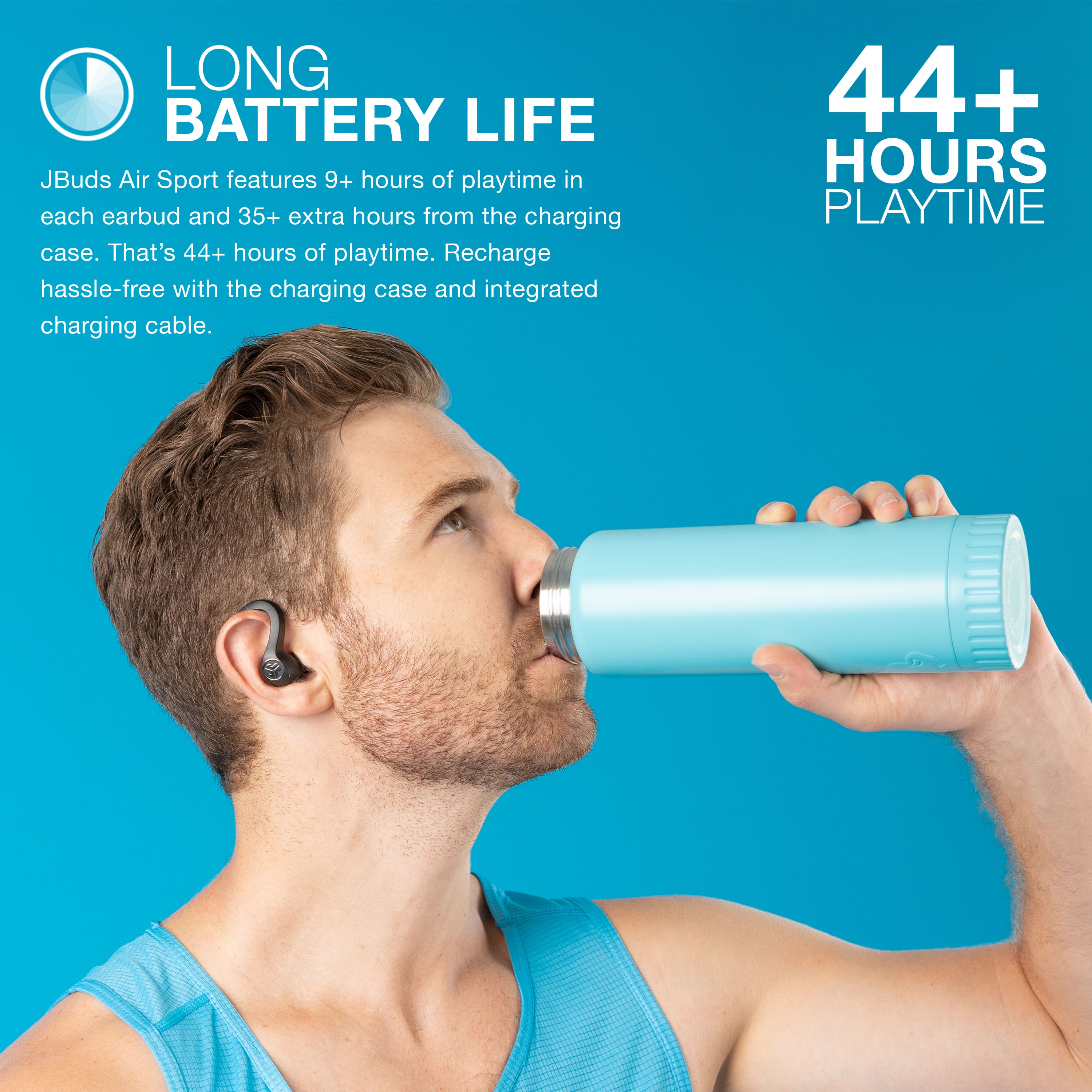
Battery life on the jbuds air sport is 6 hours, stand by is around 5 months. Talk time battery life will vary. If need be, please reach out to us either via email [email protected] or shoot us a call at 405.445.7219 Monday-Thursday between 8am-5pm p.t Friday 8am-3pm p.t so that we may provide you with further specifics.
We want to help you
#FINDYOURGO
JLab Audio
A:AnswerIts sweat proof also states that on the box but not the charging station make sure your headphones are dry before puttting them away . Would not reccomend sumerging or execive water
A:AnswerThere are a number of reasons that you can be running into the issue described. We would love to help troubleshoot the issue for you. Please reach out to us at [email protected]
A:AnswerSorry to hear of the troubles. There are a number of reasons that you can be running into the issue described. We would love to help troubleshoot the issue for you. Please reach out to us 1-405-445-7219 M-Th: 8am - 4:30pm (PST) Friday: 8am - 2pm (PST) we'll have you up and running in no time.
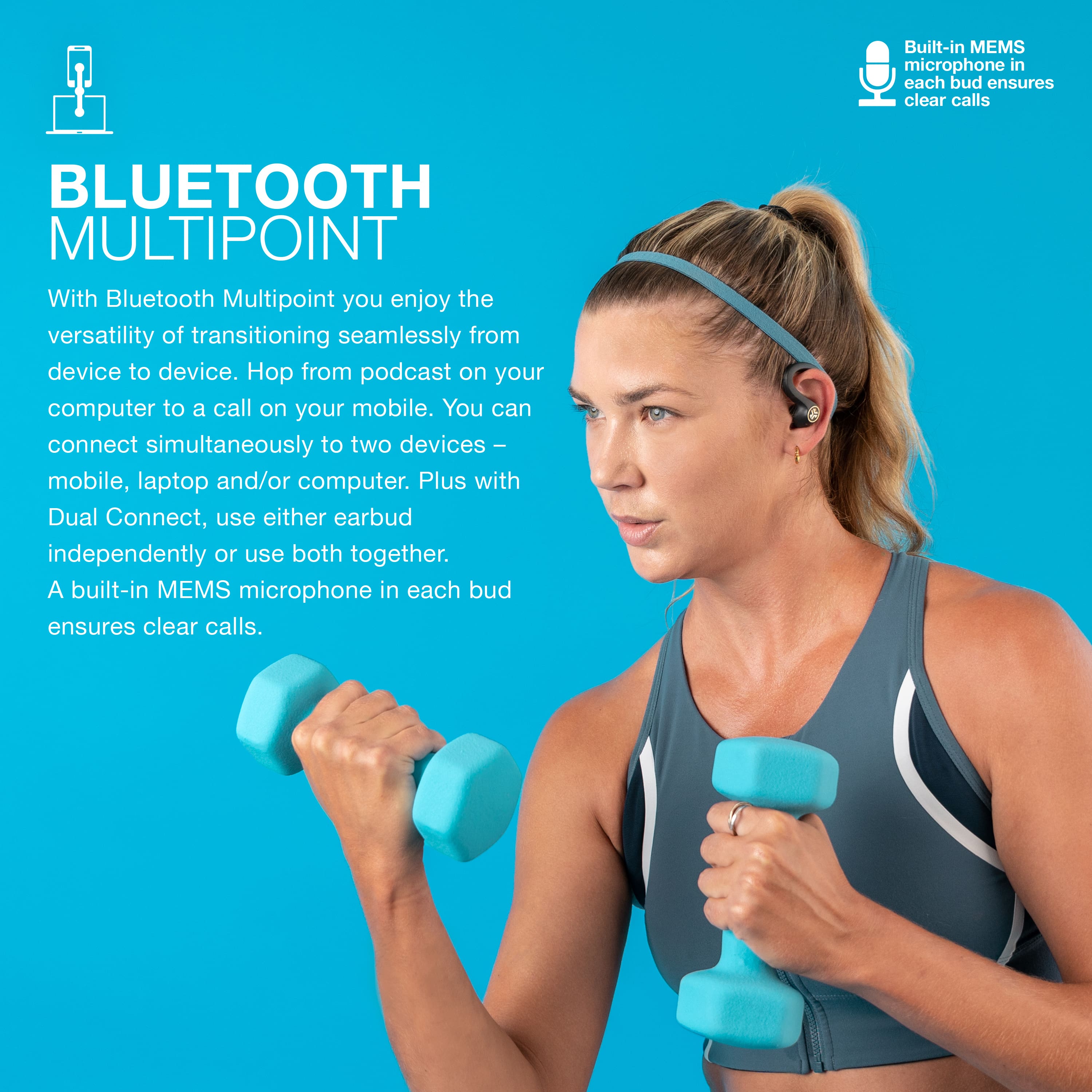
A:AnswerIn my experience the phones will compete for the bluetooth usage so it would be wise to turn the bluetooth of one device off or connect it to a different device.