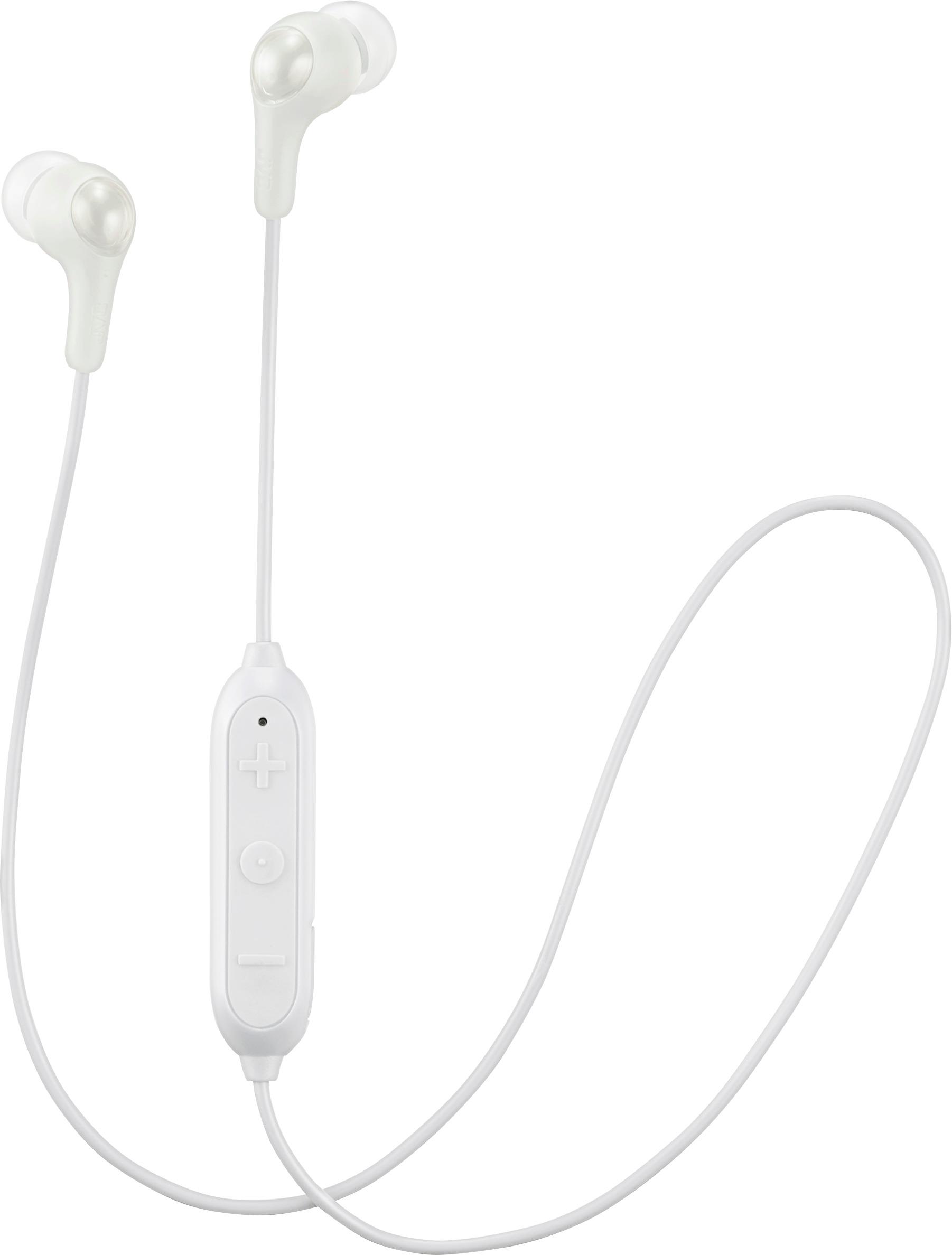
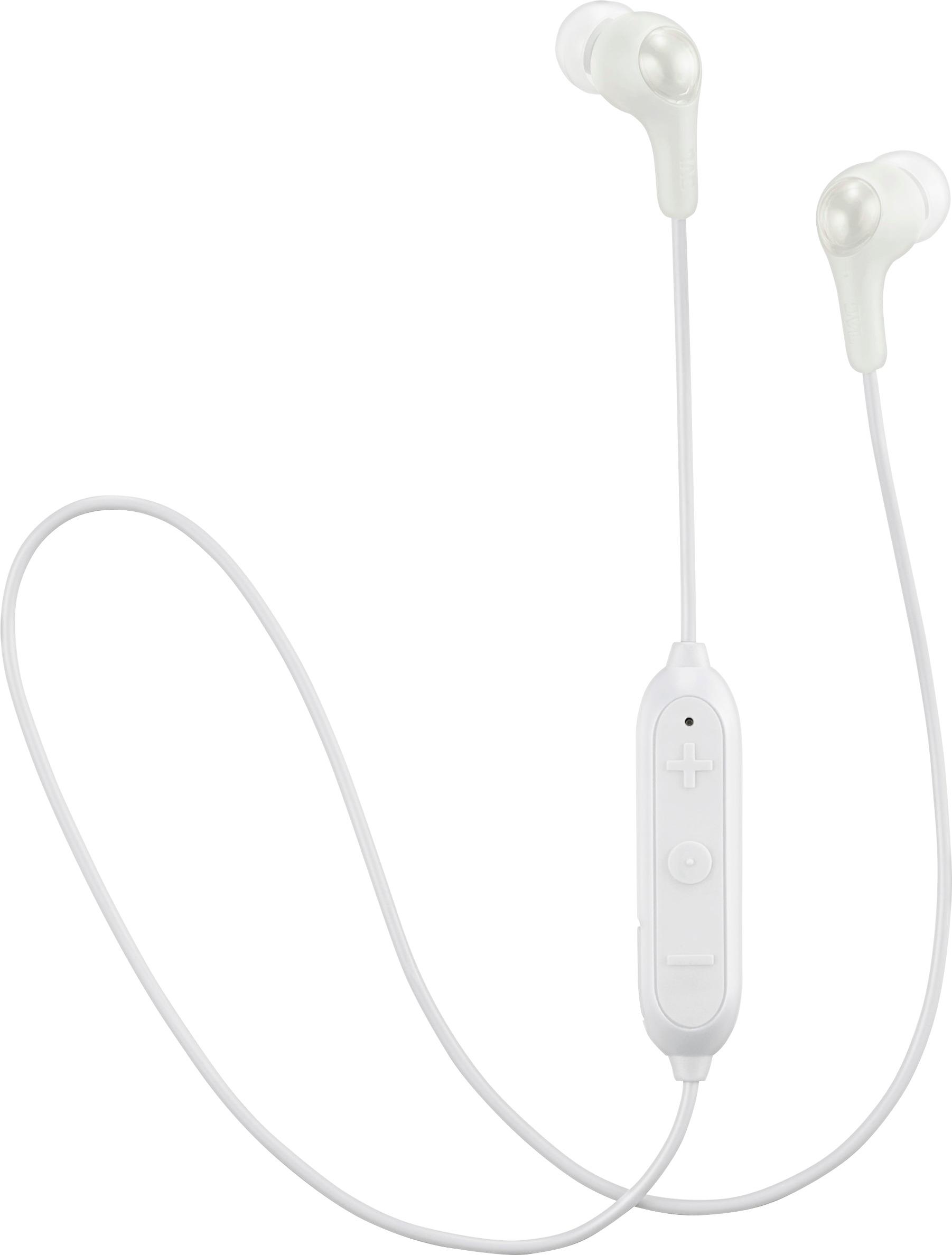
A:AnswerThe receiver is located in the volume block. Bluetooth headsets emit far less radiation than cell phones themselves. ... if you're worried about radiation exposure, bluetooth technology provides a safer alternative
A:AnswerTo place headsets into pairing mode, press and hold power button. You will see lights flash RED BLUE RED BLUE rapidly. Once you see this, look at your phone to pair via Bluetooth.
A:AnswerHeadphones are intended to be connected to your iPhone and Android not watches. Once you connect your iPhone to the headphones you can still use your iWatch to do next track or backtrack on your songs.
A:AnswerThey seem to connect to iPhone and ipods with ease but I've not had luck connecting to android phones. I have moto g6 and pixel 3.
As for turning them on and off. I find I have to at least put one bud in one ear to hear the sound and know that it's working.
A:AnswerIf on a phone call you will only hear the phone call. You cannot listen to music and hear your call. JVC does not have a product that does both at the same time.
A:AnswerConnection is by Bluetooth. With most devices go to setup go to Bluetooth and turn on Bluetooth capabilities. With the earbuds simply push the on/off center button until the power light oscillates between red and blue indicating that it's peering with your device. Within a matter of moments you should get a connection between the two and you're done.