A:AnswerHi Frank, Our mounts can only be mounting using the methods outlined in our manual, which is directly into a wood stud or into brick or concrete. For any other type of installation we recommend consulting a professional installer to determine if your wall is able to safely hold the weight of the mount and TV, and how to install correctly. If you have any other questions please contact us directly through the support tab on our website and we'll be happy to help.
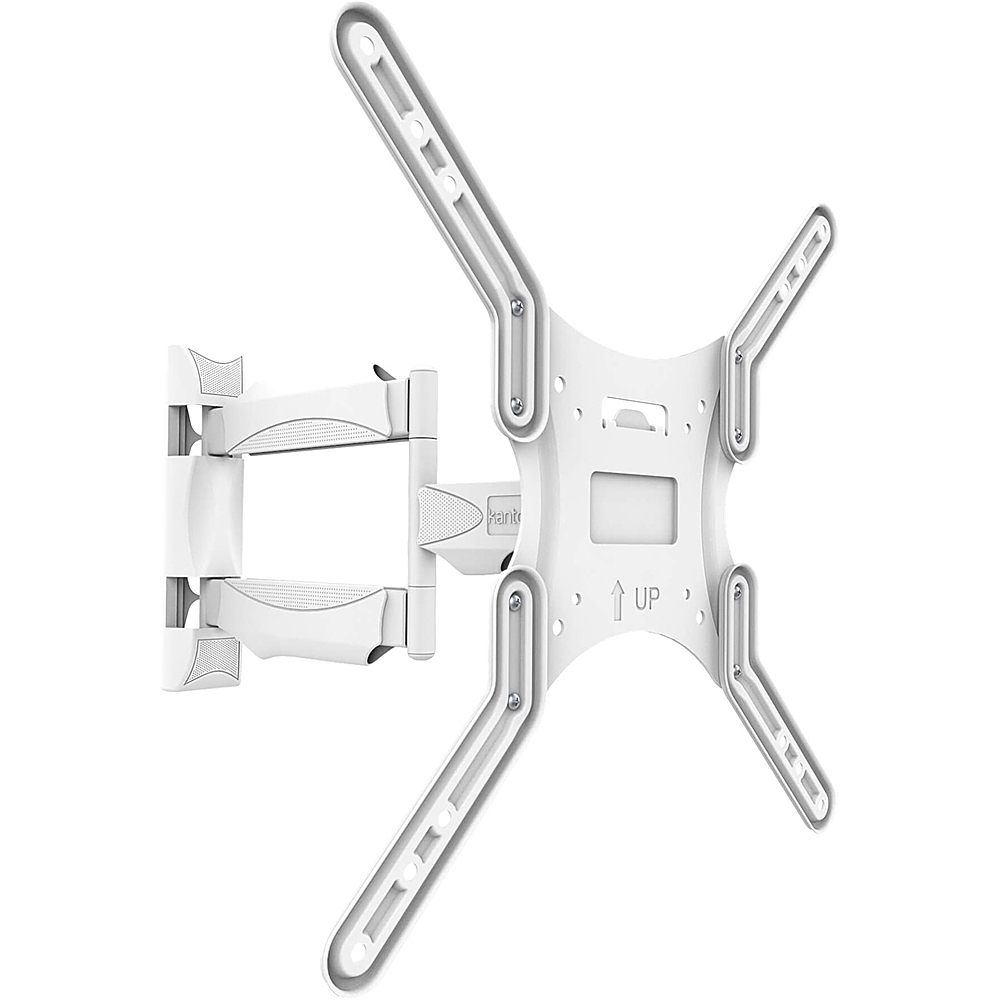
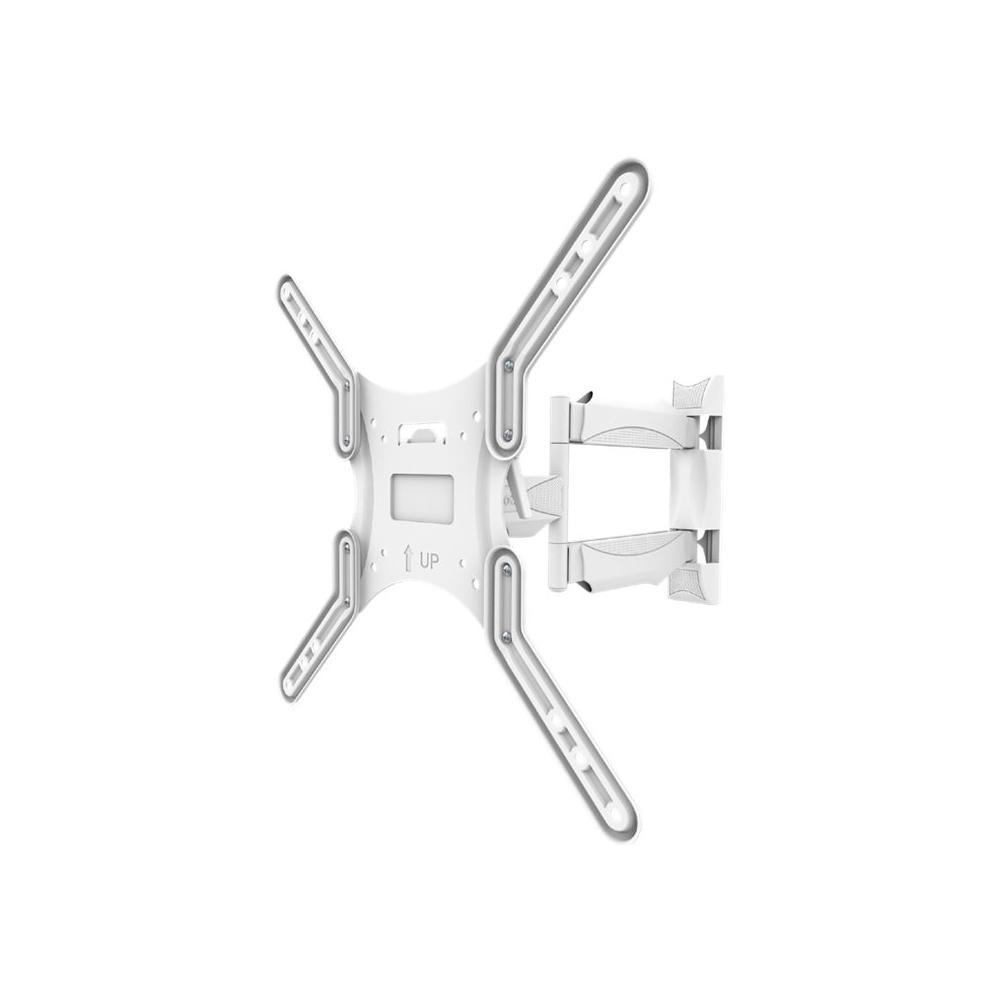
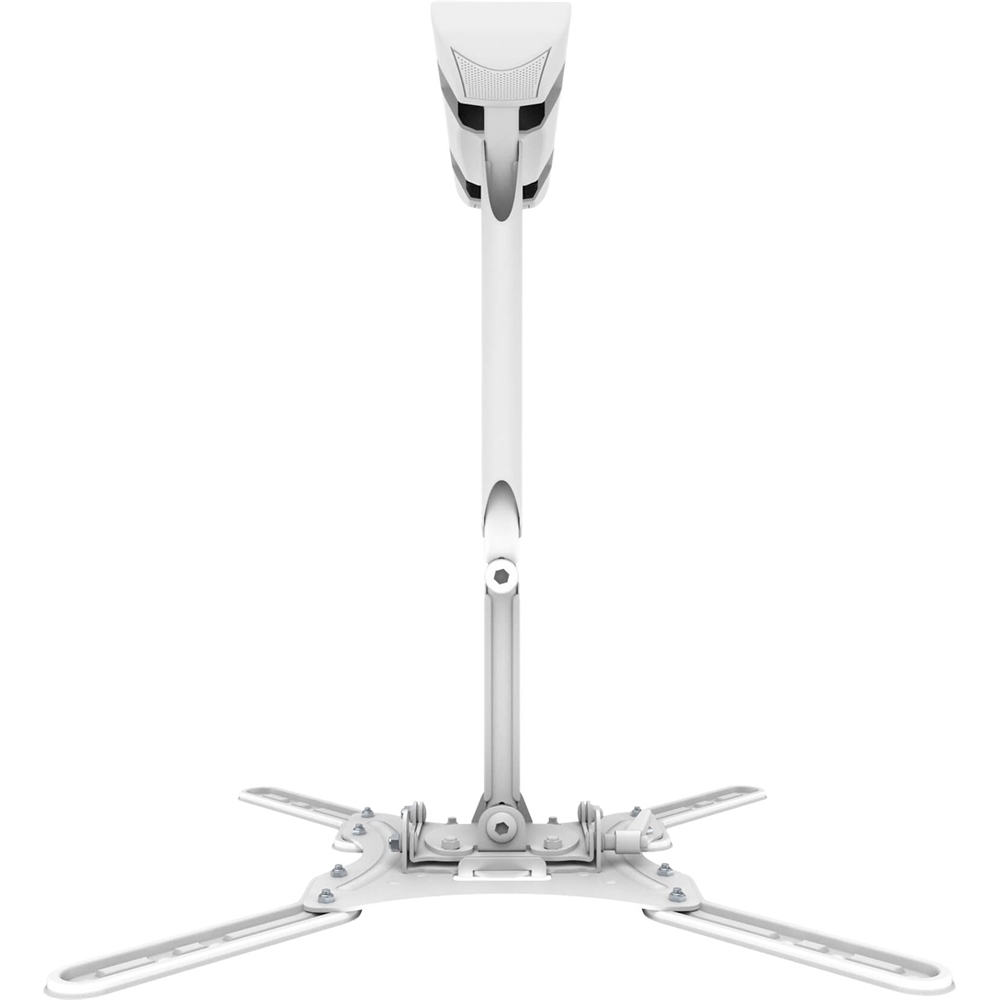
A:AnswerI believe someone already answered this but it will extend about 19-1/2". Contact us directly using the support button on our site if you have any other questions, thanks.
A:AnswerThere is nothing preventing you from mounting your TV in portrait but it will be dependent on the VESA pattern (bolt pattern) on the back of your TV. Contact us directly using the support button on our site so we can verify your TV's compatibility, thanks.
A:AnswerMost smaller Vizio TV's are quite light and typically use a 200x200 VESA bolt pattern. You shouldn't have any issues but if you'd like to confirm compatibility contact us directly using the support button on our site, thanks.
A:AnswerIf you could please email us directly at support@kantoliving.com and pass along your TV's full model number and we would be happy to determine compatibility for you and assist you further with this.
A:AnswerIf you could please email us directly at support@kantoliving.com and pass along your TV's full model number and we would be happy to determine compatibility for you.
A:AnswerPurchased the Kento - Full Motion to free-up table-space and permit viewing from all seats in our family/sitting room. The Best Buy Geek squad set it up onto the wall and covered the extending wires & cables with a cable channel cover. The installation was done professionally and quickly. The scree (40" Samsung) is visible from every corner of the room. When using it myself I am able to shift the angle easily with a touch of one finger. When my partner wishes to watch by herself she finds the Kento as simple to adjust. The children like the idea of not having to lean and bend as family members walk about the room in order to view. The unit has been up for about a month and a half and we are satisfied with performance. The Geek Squad guy also attached the wall brace to a stud behind the drywall and the mounting feels very secure. Initially I hesitated at the proposed cost, but am glad that we proceeded with the purchase. We are receiving more than good value for what it cost. Good luck. Hope this helps.
A:AnswerIf you could please email us directly at support@kantoliving.com and pass along your TV's full model number and we would be happy to assist you further with this.
A:AnswerThe M300 comes with a variety of different M6/M8 screws to accommodate different VESA patterns. These range from 12mm to 50mm. If you have any other questions or require additional information, if you could please email us directly at support@kantoliving.com and we would be happy to help.
A:AnswerIf you could please email us directly at support@kantoliving.com and pass along your TV's full model number and we would be happy to determine compatibility for you.
A:AnswerIf you could please email us directly at support@kantoliving.com and pass along your TV's full model number and we would be happy to determine compatibility for you!
A:AnswerThe M300 is compatible with a VESA pattern of 100mm x100 and comes with compatible hardware for that VESA pattern. Below is the link to the M300 product page. https://www.kantomounts.com/wp-content/uploads/2020/05/M300-TriManual_20-01-20-linear.pdf
If you have any other questions or require additional information, if you could please email us directly at support@kantoliving.com and we would be happy to help.
A:AnswerHello, we do recommend drilling new holes for our mounts based on the instructions provided to you in the manual. Please let us know if you have any other questions and we'll be happy to help.
A:AnswerContact us directly using the support button on our website and pass along your TVs full model numbers so we can confirm compatibility, thanks.
A:AnswerPlease get in touch with us directly through the support button on our website, and pass along your TV's full model numbers and we'll be happy to determine compatibility.