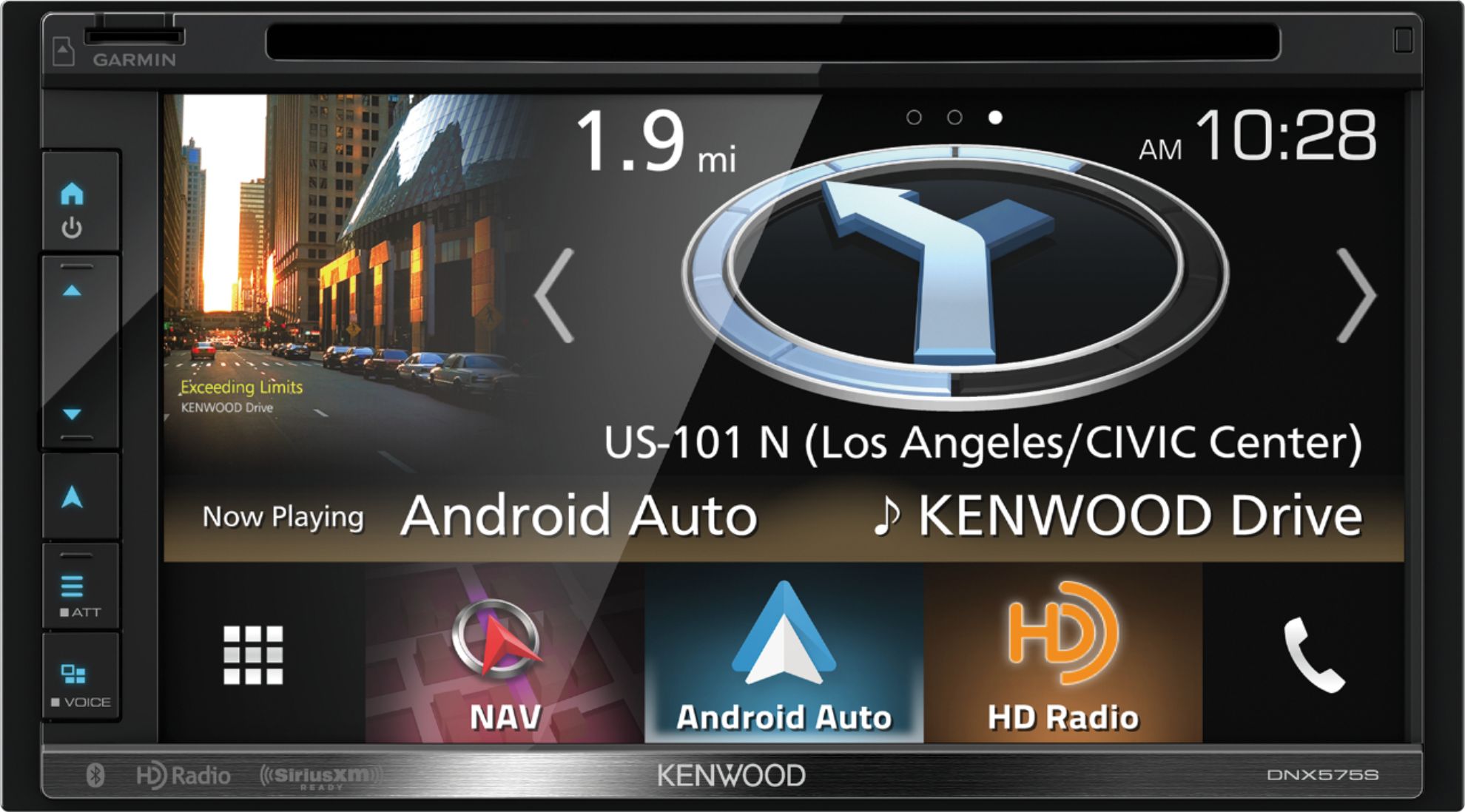
A:AnswerSep-24-2019; 1:30 pm PT - I just got off the phone with Kenwood. This is what they walked me through:
(and in contrast to the SiriusXM folks, Kenwood Tech Support knew immediately what to do!)
While SiriusXM is in use:
There's an arrow on the left side of the screen.
Click that arrow.
Go to Setup (this is the SiriusXM Setup).
You should see Content Alerts.
Look to see if that is On or Off.
If On, click to turn it Off.
Done.
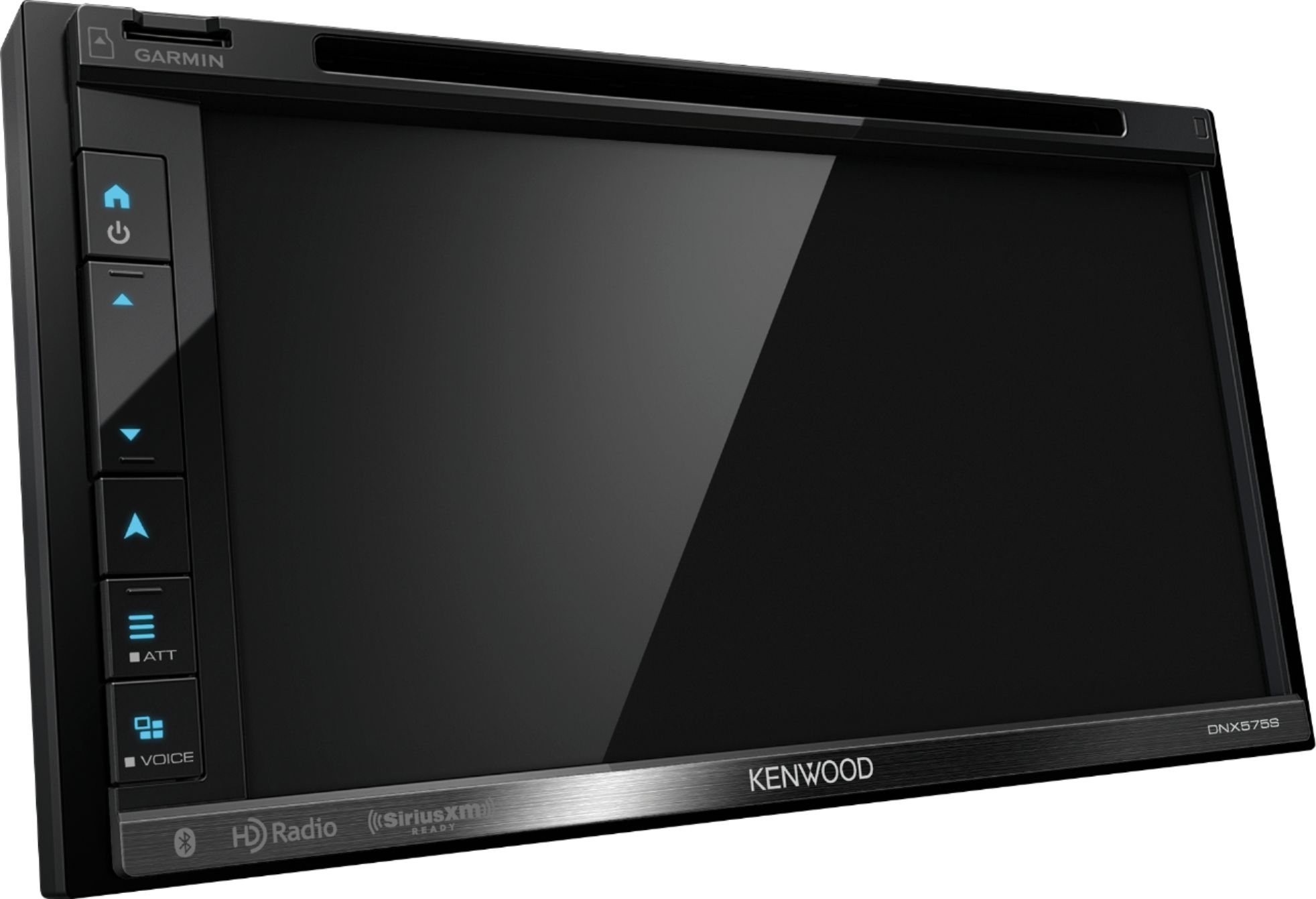
A:AnswerTake a measurement to check fit...I love the way it fits my toyota 4runner...looks like it came in the vehicle. Has a frame that fits around it and it sits so flush that it looks stock. Love it. You can always call in and ask the tech too. They were very helpful in the store. Backup camera is awesome too, I added both and install was completed in 3 hrs.
A:AnswerThis is a qualified Yes. I had this unit installed in my 2008 Honda CR-V and the steering wheel controls work well. This did require installing an adapter (Maestro - Universal Analog Steering Wheel Interface Model ADS-MSW) also sold by Best Buy for $69.99 (web site price). You can either ask Best Buy about your specific car or try the Maestro web site to see if your car is compatible.
A:AnswerYes but you would have to buy the Sirus XM Receiver as well which is separate item that can be connected to the Kenwood. That’s what I had to do even though I had Sirus XM already in my vehicle. It’s the factory installed Sirus XM can’t work in the new Kenwood.
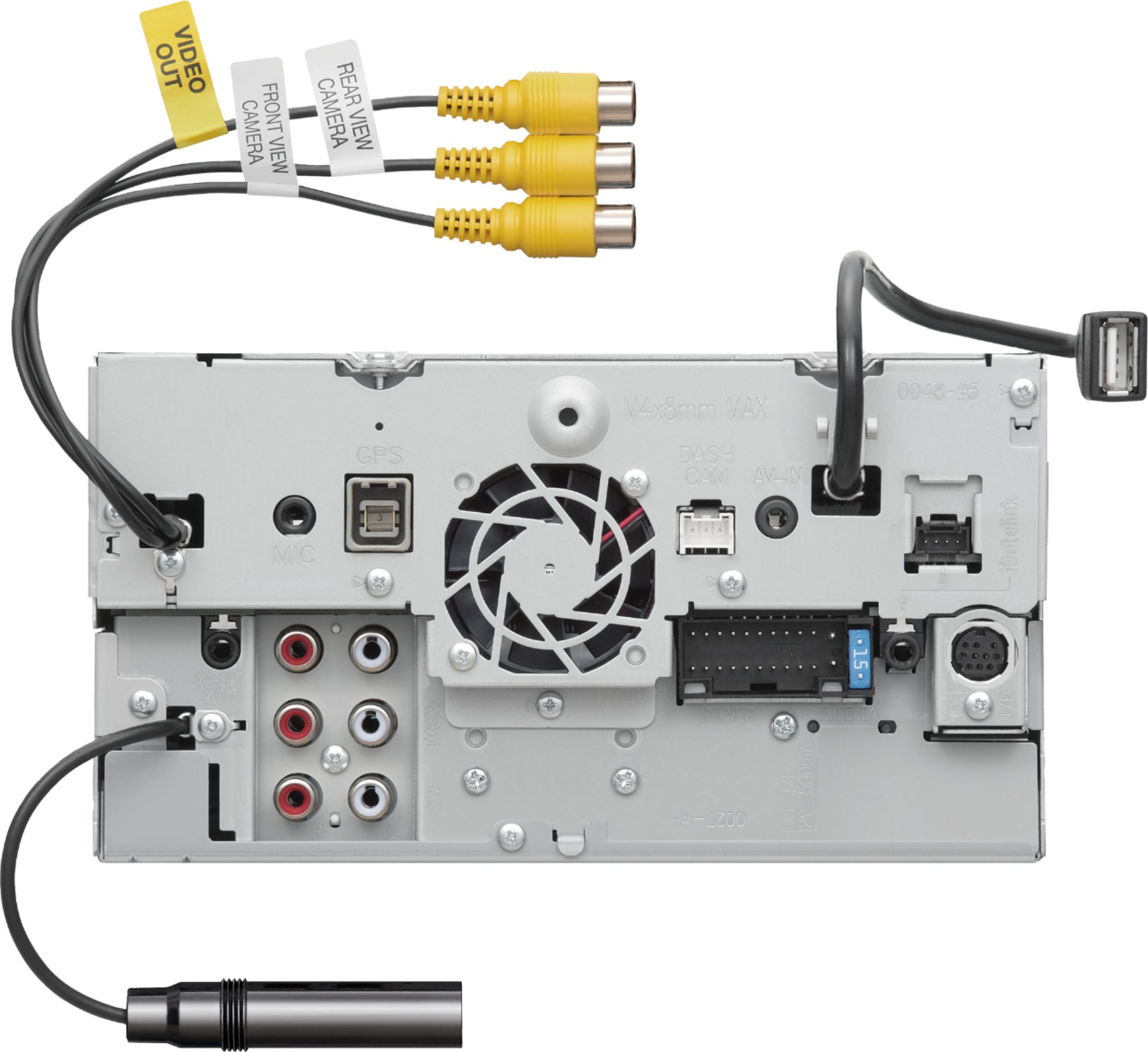
A:AnswerDepends how the current USB attaches to the current radio, If it plugs in like a normal USB connection, then it will work just fine. This head unit has a female USB port cord on the rear of the unit.
A:AnswerWe apologize about the problem. Please contact Kenwood Customer Service direct to check into troubleshooting and warranty informaiton about the product.