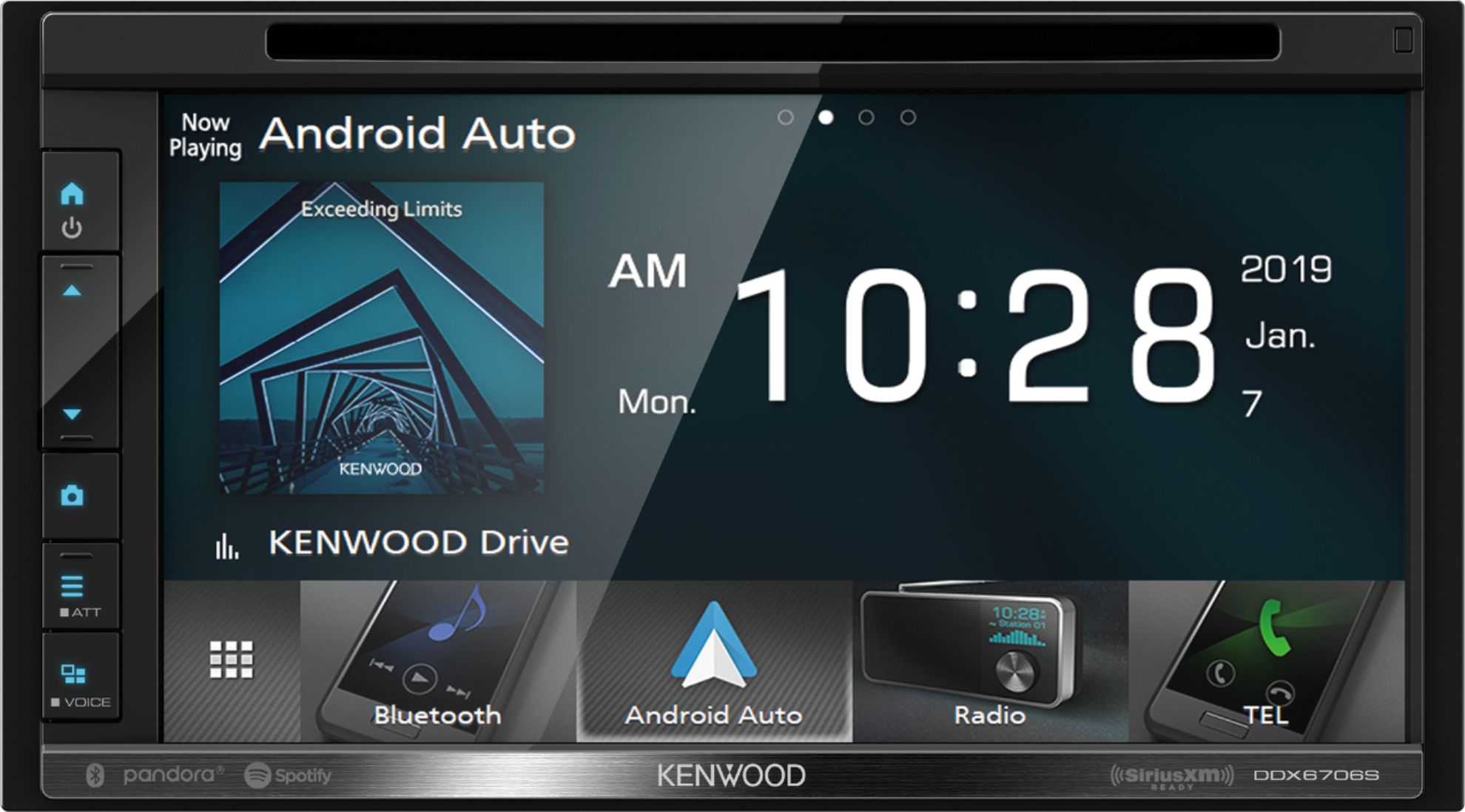
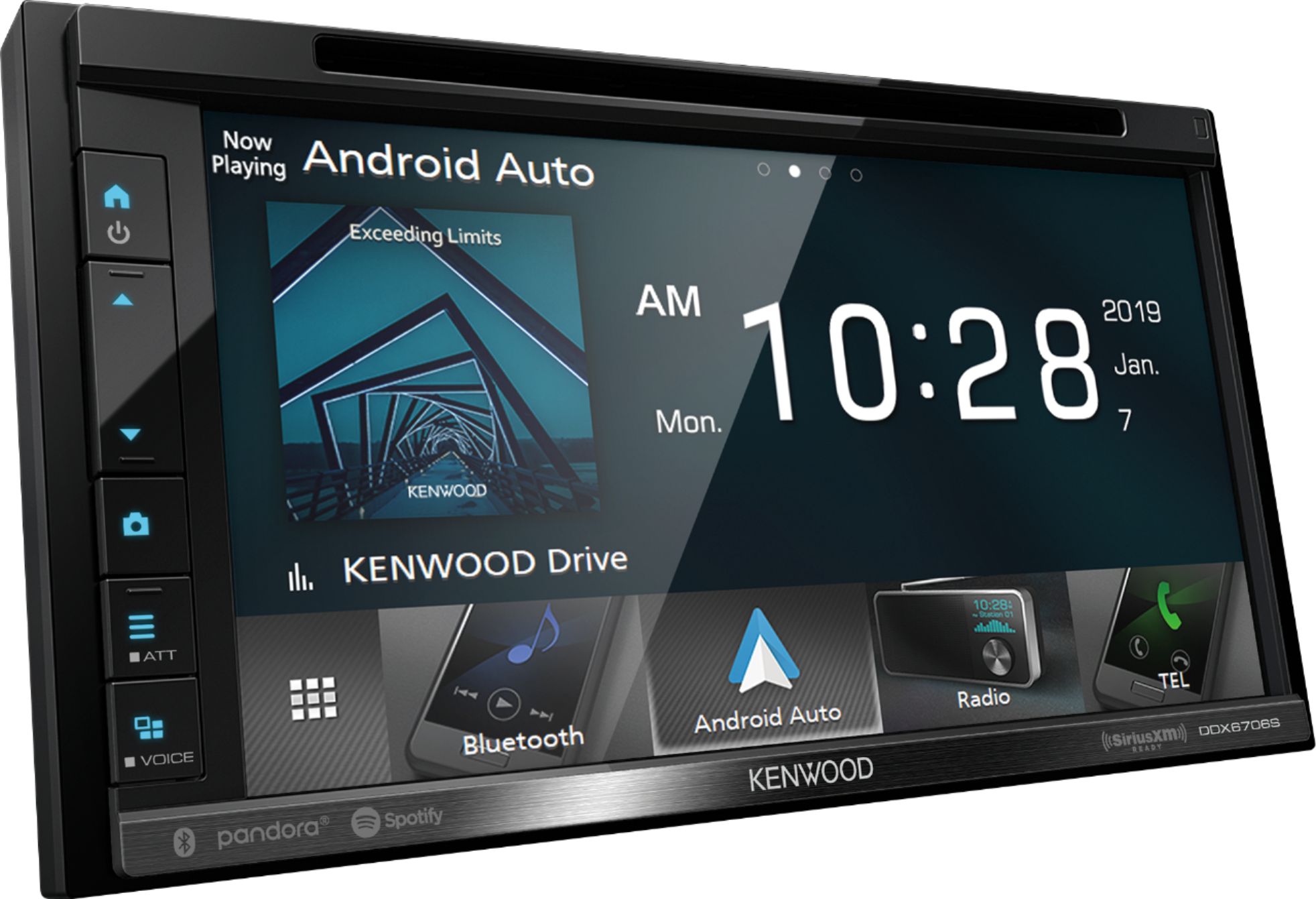
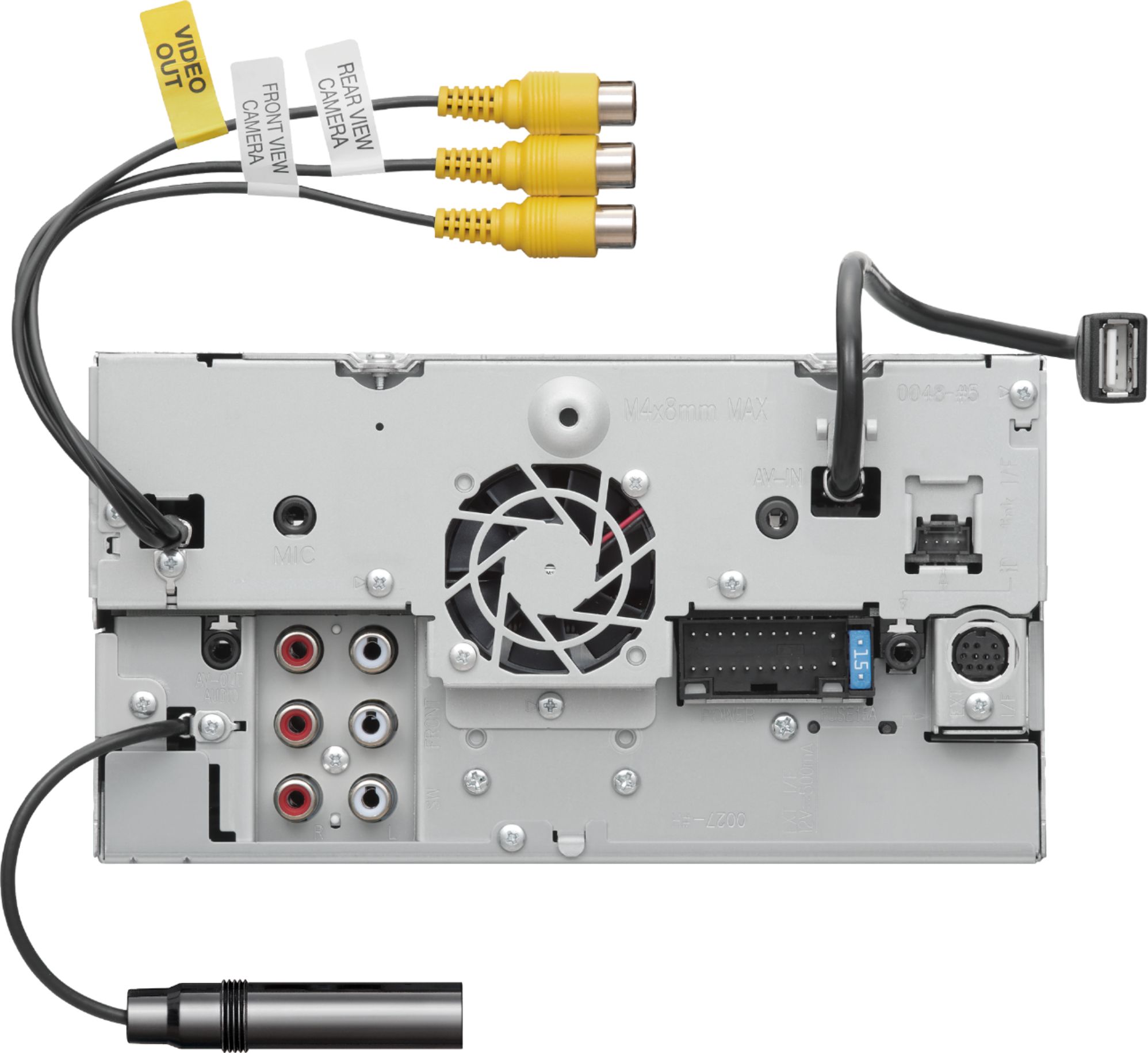
A:AnswerRCA Jack's are only used as a pre amp signal to an aftermarket amplifier, connecting speakers directly to the RCA Jack's will burn up the radio!! Only use the speaker output wires on the radio harness to power any speakers.
A:AnswerNo, these higher end units do not have a normal aux input. They have a audio/video input which requires the Kenwood part # CA-C3AV to use that terminal port.
A:AnswerApple runs the same IOS software. This doesn't change between iPhones. Your phone should work. It is possible you may need to troubleshoot your iPhone.
A:AnswerFor the DVD to play the parking brake wire needs to be connected. If your getting a parking error have Best Buys geek squad check this connection. This is an installation issue.
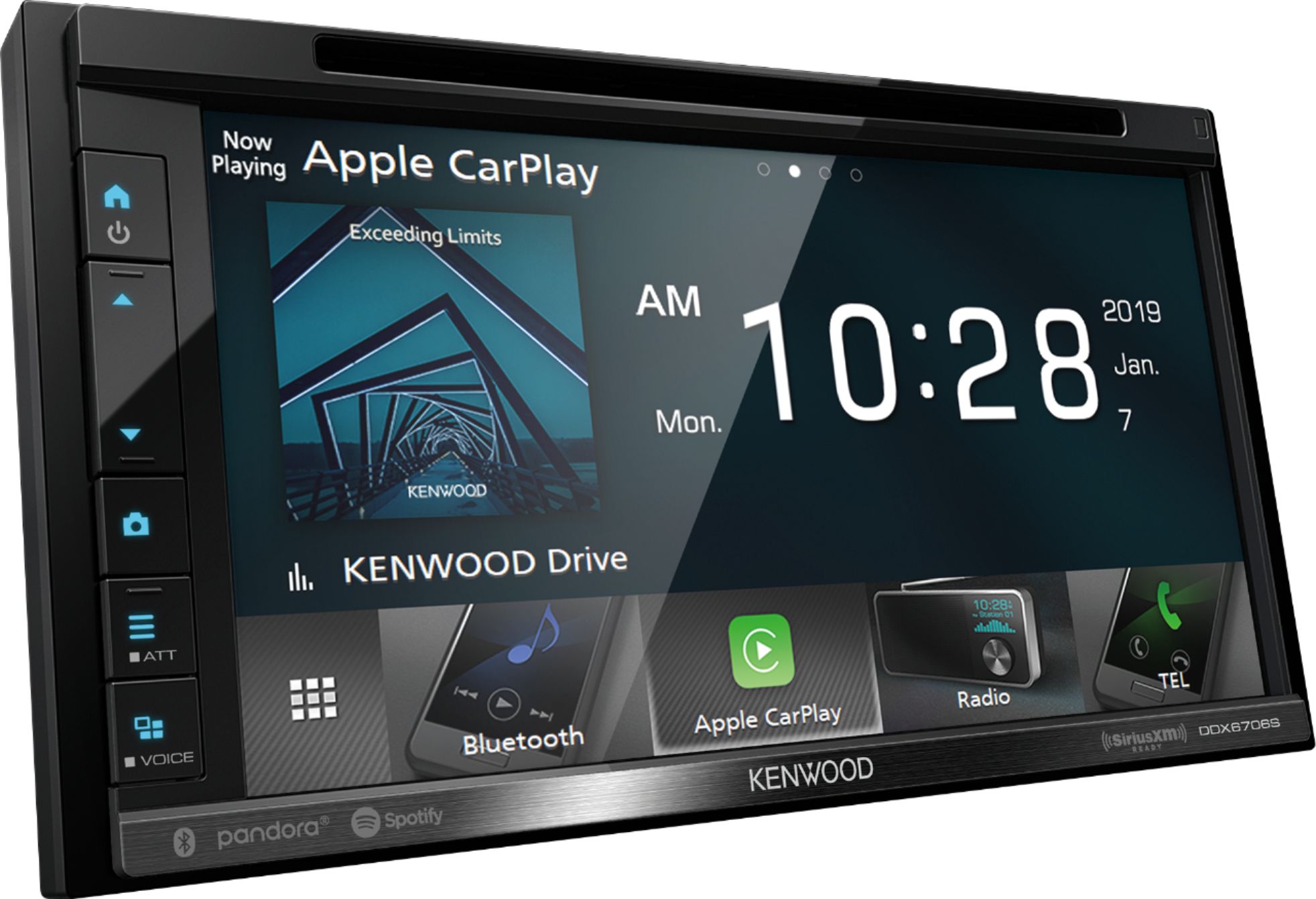
A:AnswerI had mine installed at Best Buy and they installed a cable in the glove compartment where I can plug in my phone via USB. This unit doesn't have GPS, but I am able to use WAZE and Google Maps through Apple CarPlay. With Waze, I see the map on the unit and the turn by turn directions on my phone.
A:AnswerThis model radio does fit your vehicle.To check into a harness kit or adapters that is needed to integrate your current setup, it would be best to consult with our Best Buy installation team. They have access on looking up this information.
A:AnswerTo check into a harness kit or adapters that is needed to integrate your current setup, it would be best to consult with our Best Buy installation team. They have access on looking up this information.
A:AnswerThe radio does not mention mirroring options however you can check with Kenwood directly to see if possibly there is a work around as at times using a video adapter might be an option.
A:AnswerWith a missing accessory you can always see if swapping it out in store is an option otherwise contact Kenwood to see what options are available.