A:AnswerYou will need adapters and dash kit and a few more things. Depends on what the car needs. The install is free through. Mine was about 100 extra.
A:AnswerThe radio does have the capability of steering wheel control. To check into what adapter is needed for this feature and your vehicle it would be best to consult with our Best Buy installation team. They have access on looking up this information.
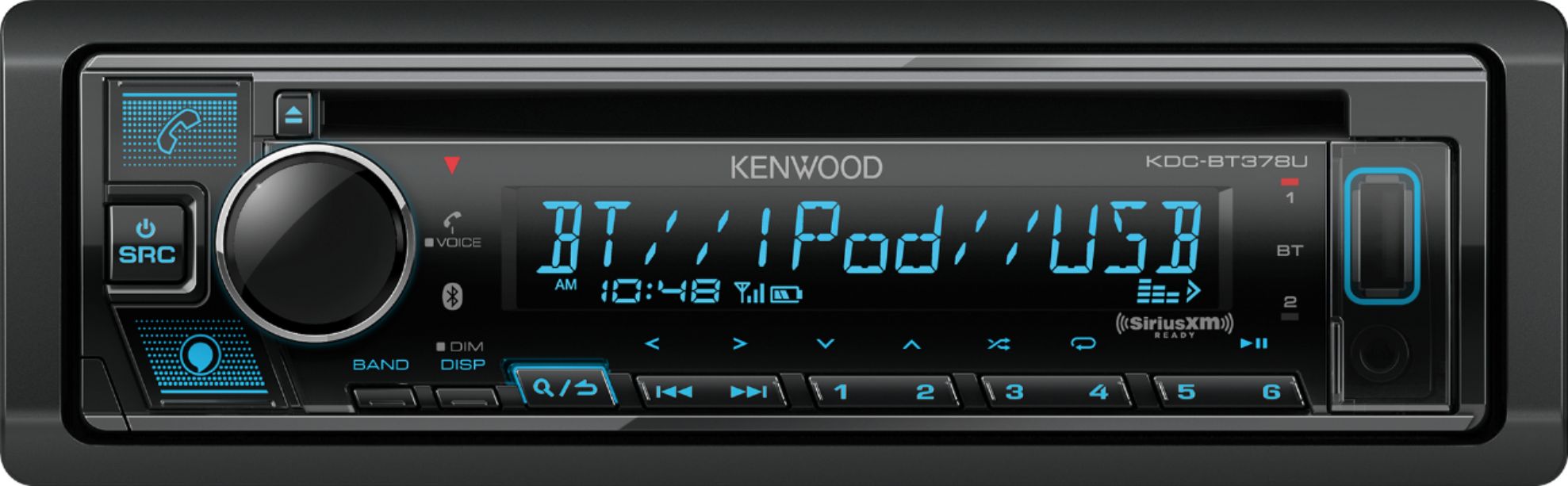
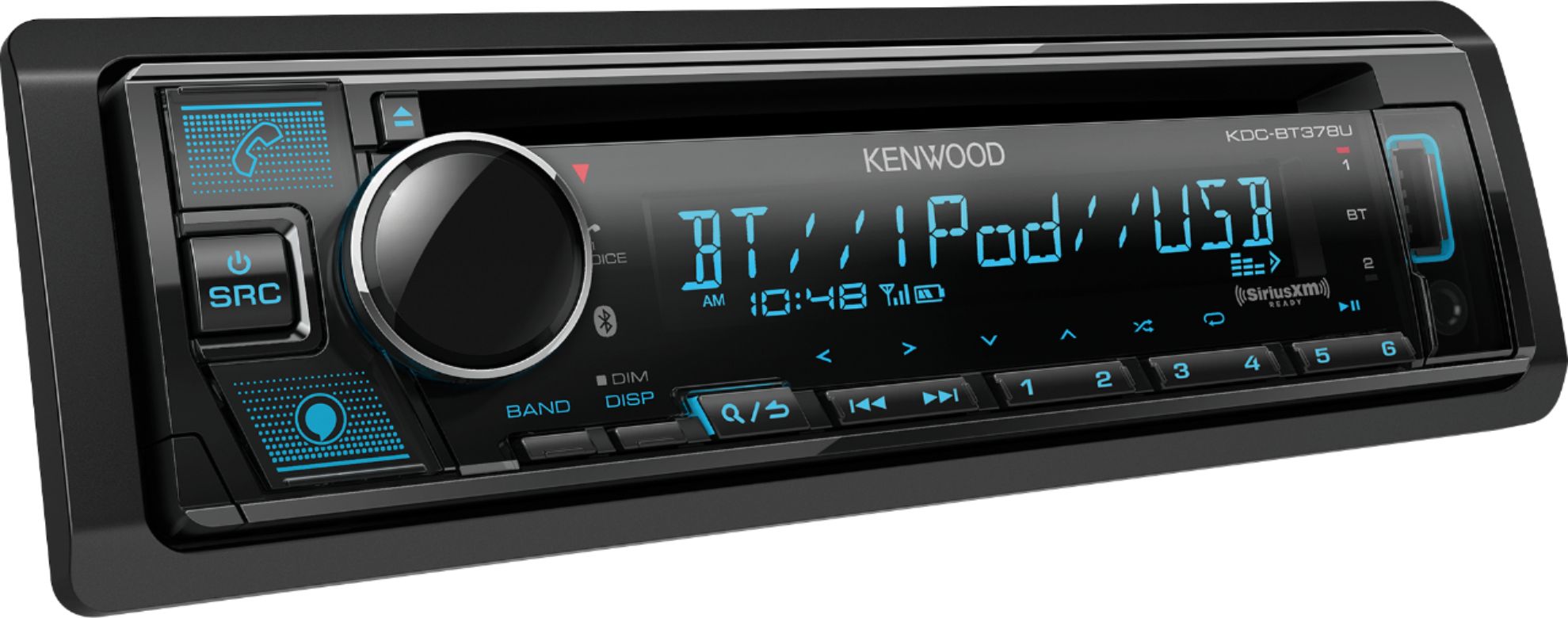
A:AnswerThe answer to this is no. The radio has a Bluetooth received device in it meaning you can connect a cell phone or tablet with music via Bluetooth. You cannot connect another Bluetooth unit like your JBL that does the same concept. The radio will play a CD in itself as it does have a CD player, you can also use the USB, or simply connect your phone via Bluetooth and listen to music.
A:AnswerI think the yes for dvd player is an error. There's no screen for playing a dvd. The initial description doesn't include that format when listing what it plays.
A:AnswerThis radio does not offer RBDS radio text. It would have to be a Kenwood Exceleon radio. You can call Kenwood Customer Service directly to check on models with that feature.
A:AnswerThe radio provides 50 watts per channel. Any speaker that is capable of this will work. To check on compatiblity to your vehicle please contact our Best Buy installation team by calling them direct.
A:AnswerAll installation questions are directly to the in store installation team. Please call or visit your local Best Buy to get more information about this.
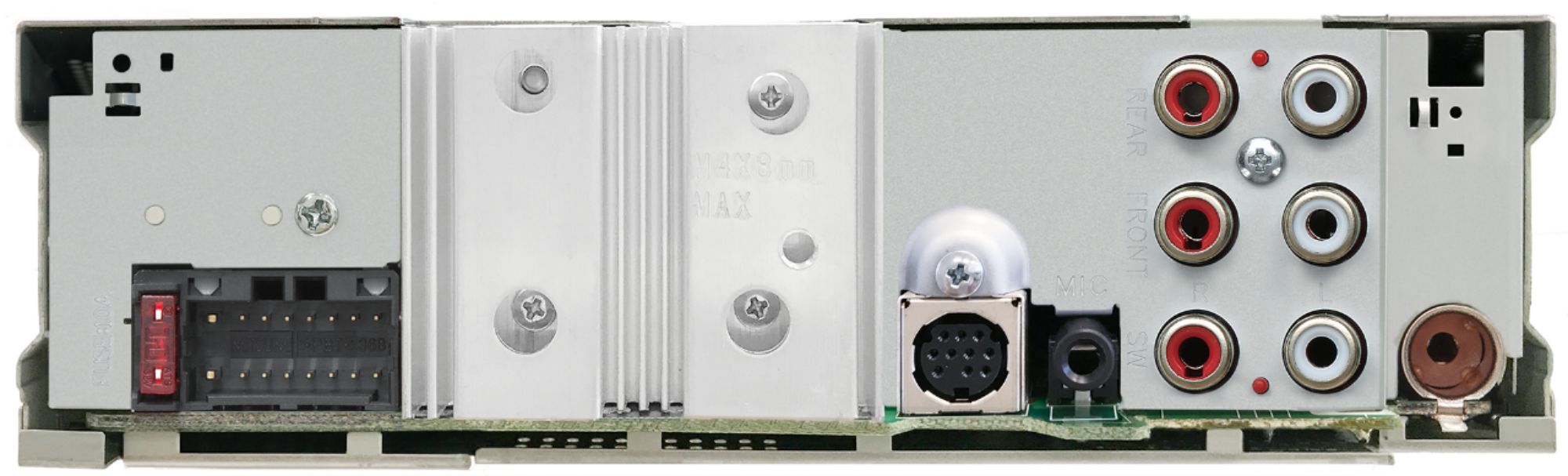
A:AnswerAll connections are plug. I didn’t install this particular unit but I took the older unit that was removed and swapped out a much older (mid 80s) cassette non-Bluetooth Kenwood in a 1986 Ford F-150. It was just plug and play except for a new dash mounting bracket
Do a search online and you will find lots of videos. The specific wiring adapter to connect factory to Kenwood is available from Best Buy.