Questions & Answers
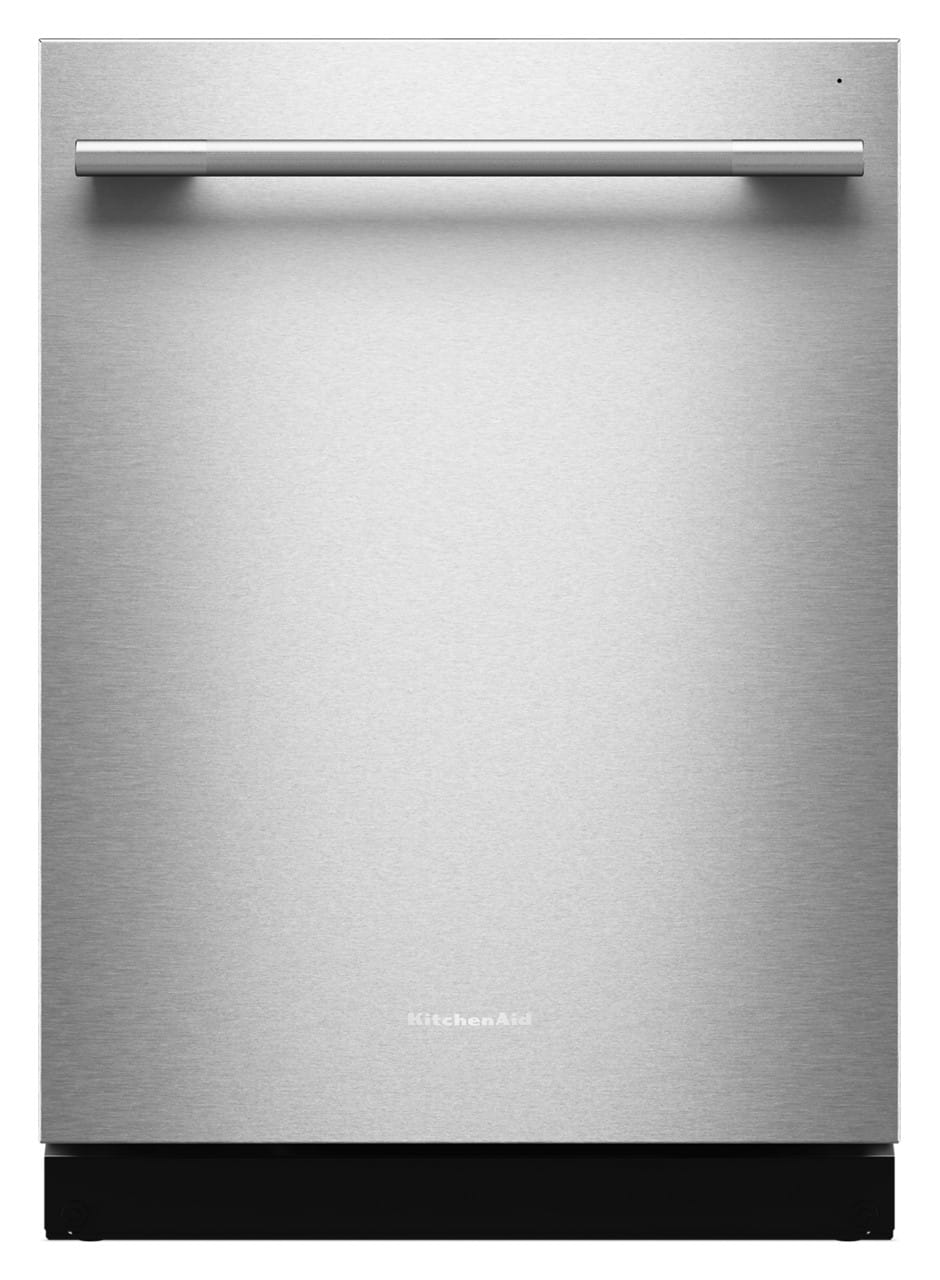
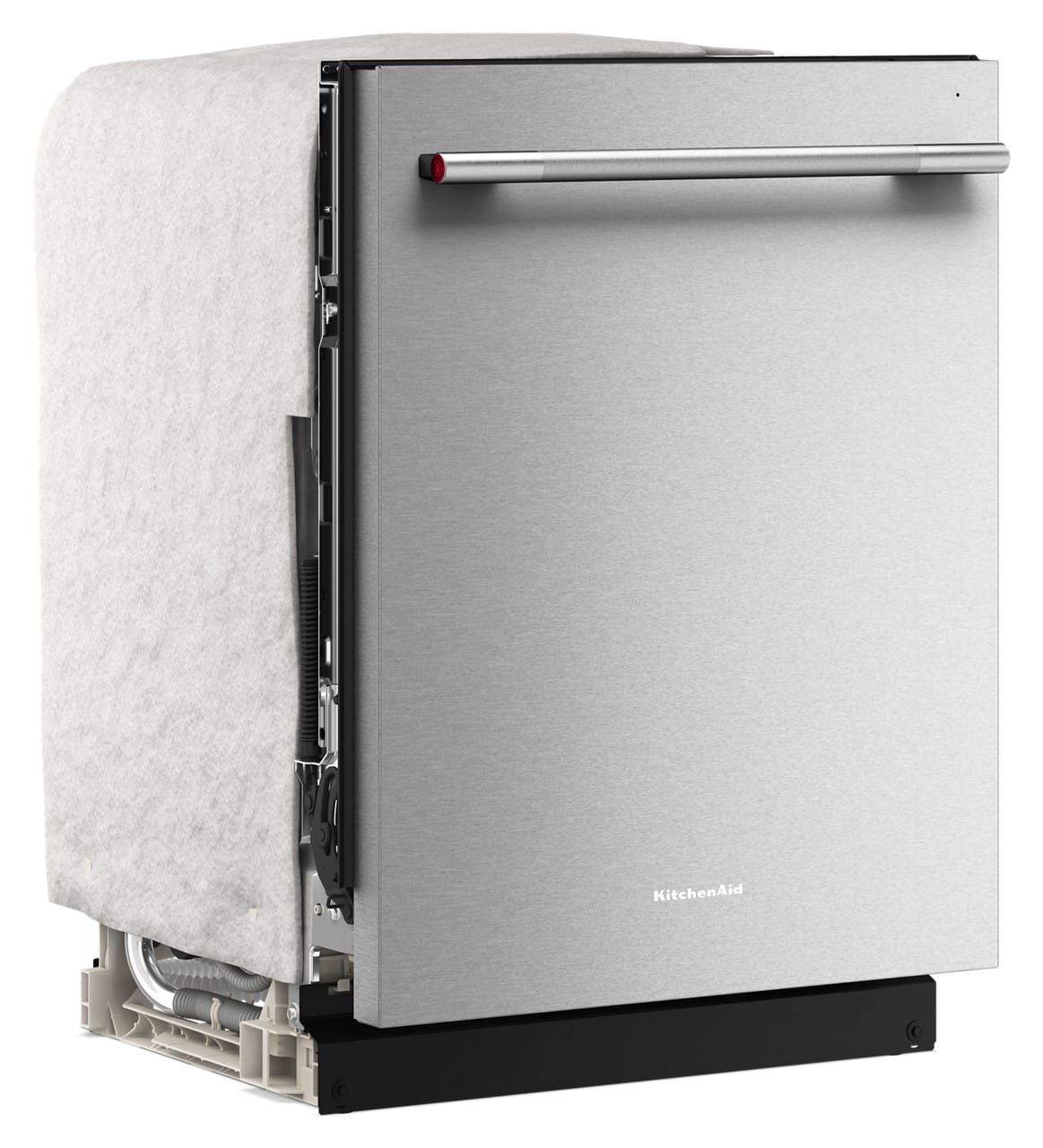
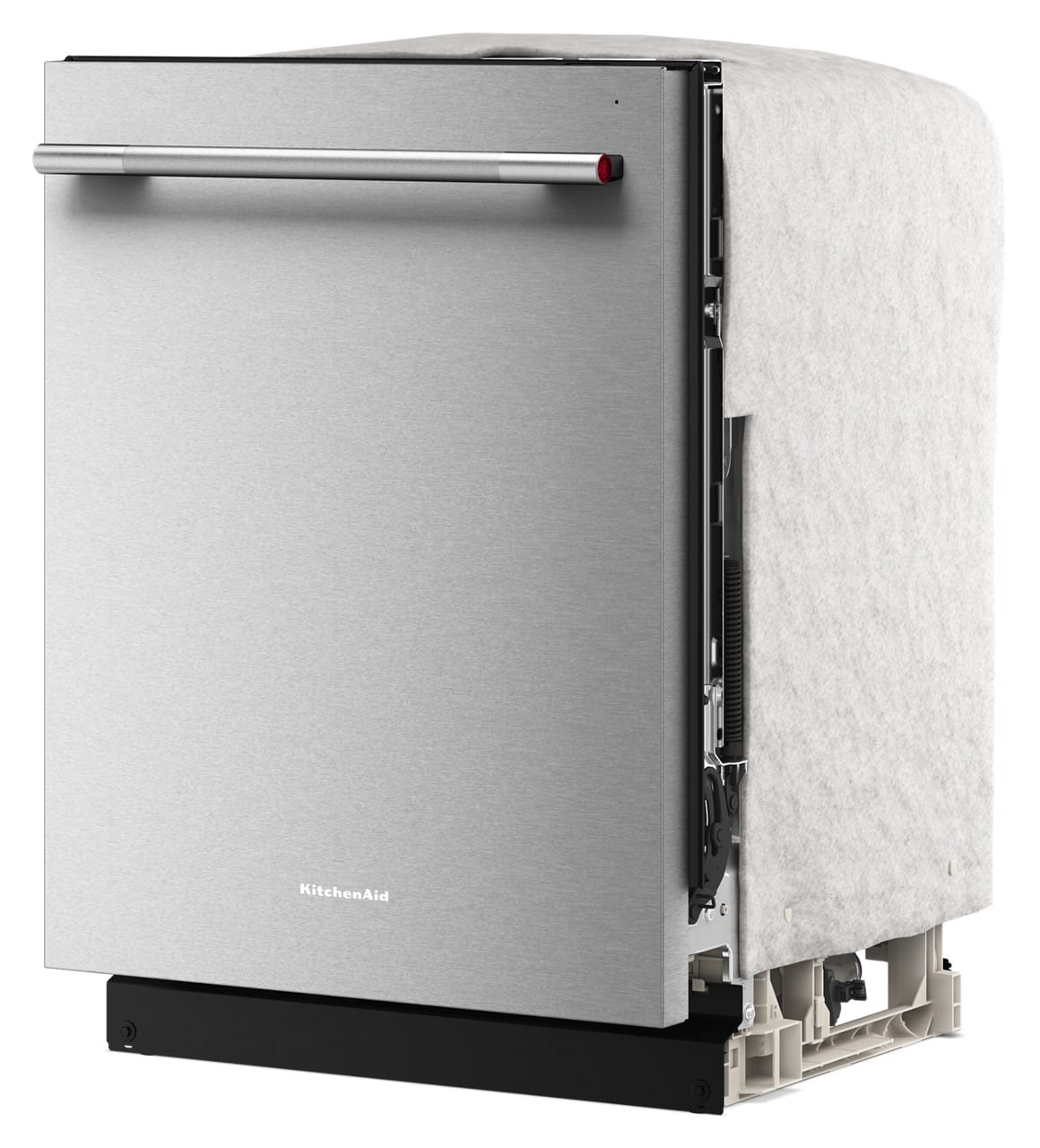
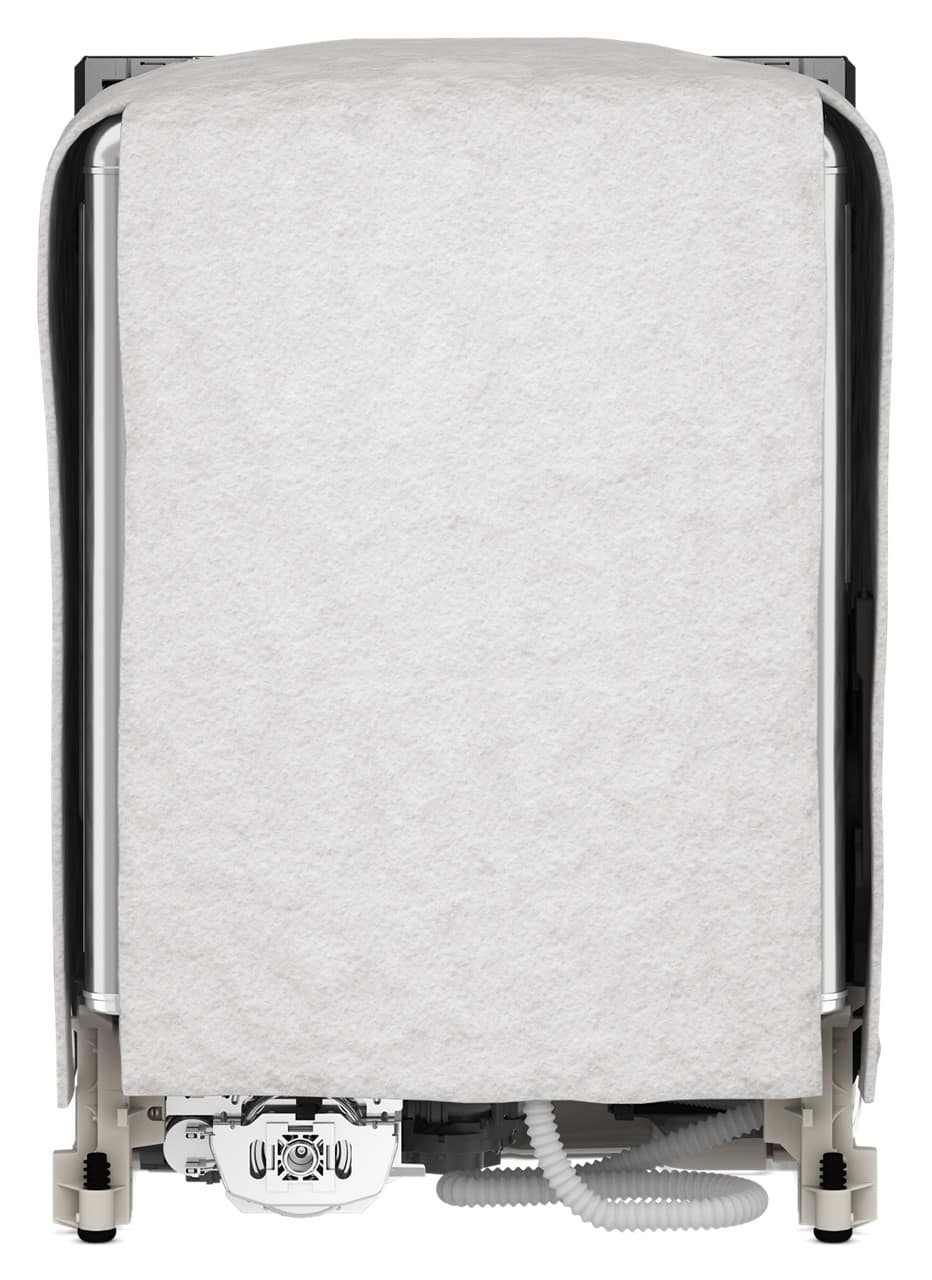

- Model:
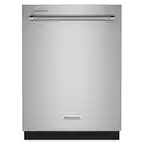
- KDTS424SPS
- SKU:
- 6640429
$999.99
Save $220
The comparable value is $1,219.99
Deal ends tomorrow
Page
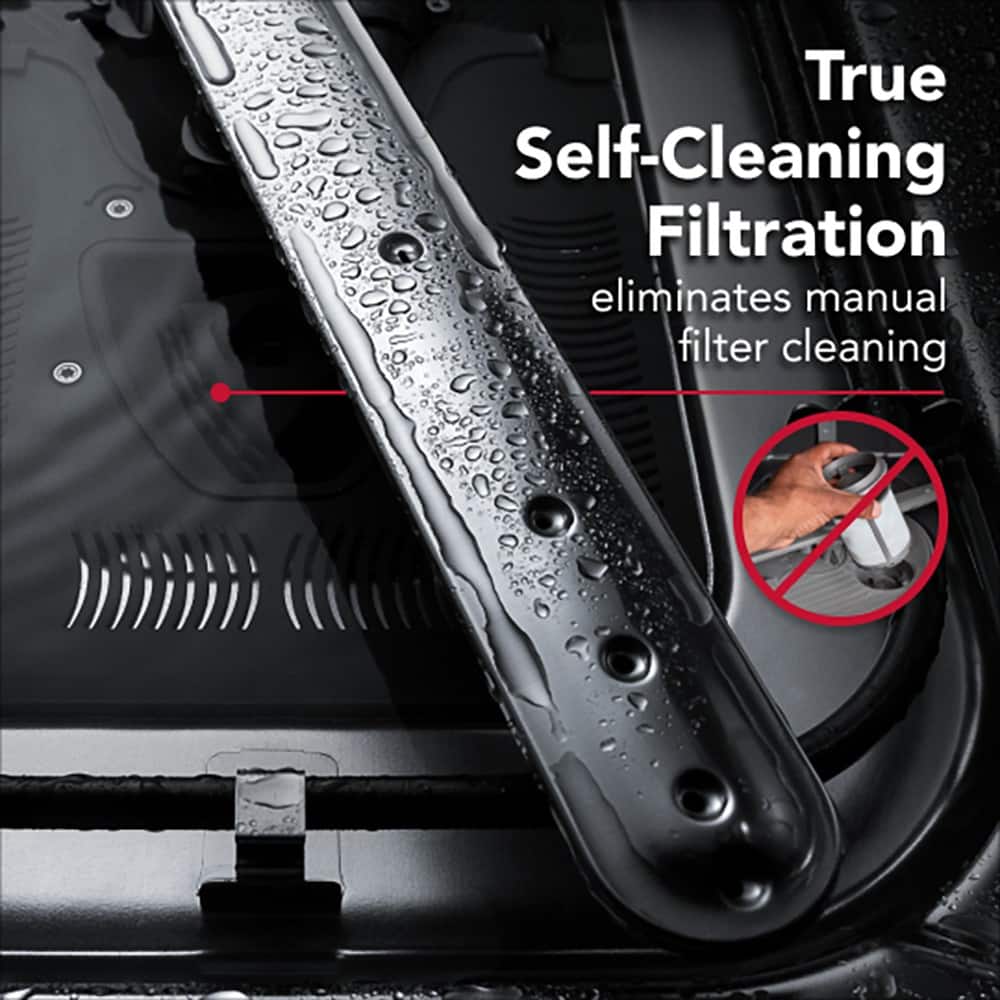
QuestionDoes this dishwasher have a self-cleaning filtration system?
This question and answer was generated by AI based on customer and product data.QuestionCan the middle rack be adjusted in this dishwasher?
This question and answer was generated by AI based on customer and product data.QuestionDoes this dishwasher have adjustable rows in the racks?
This question and answer was generated by AI based on customer and product data.QuestionHow many wash cycles does this dishwasher provide?
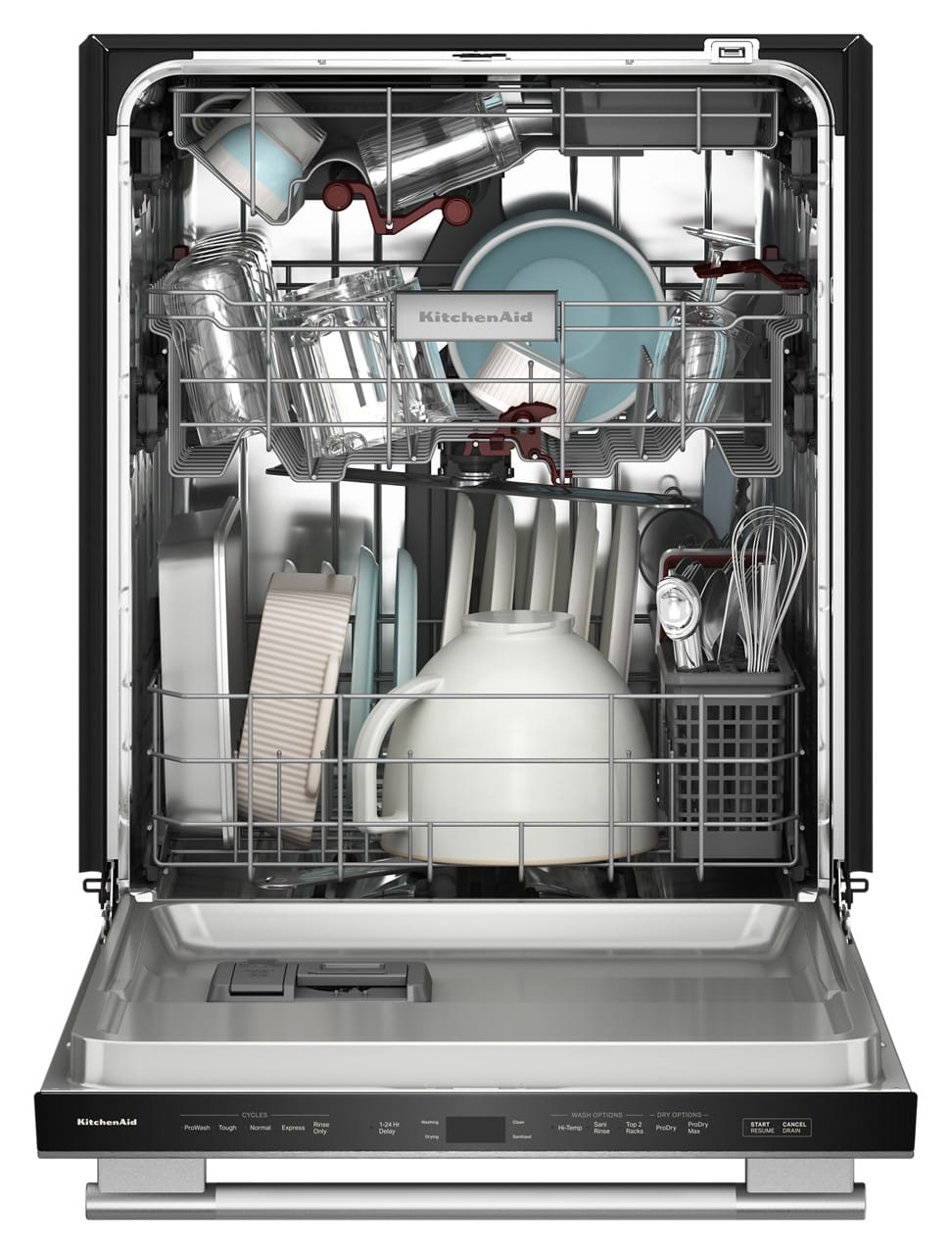
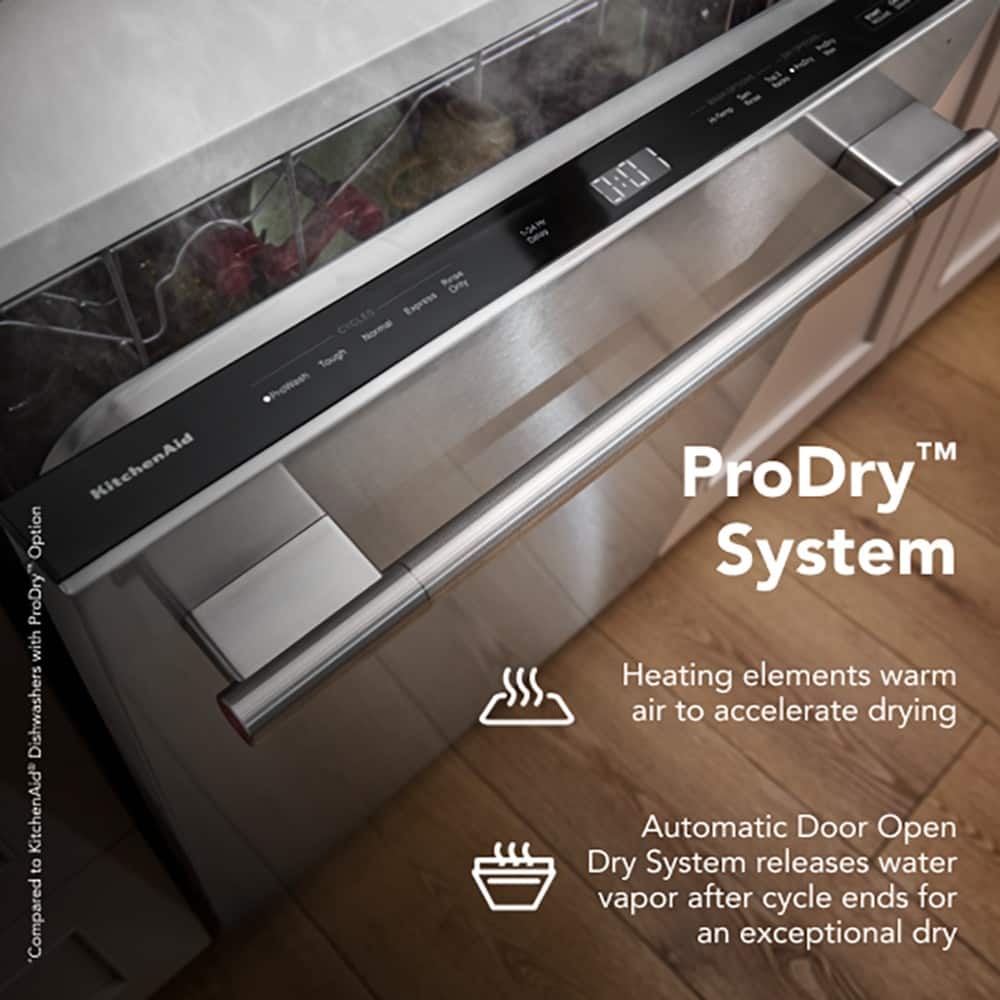
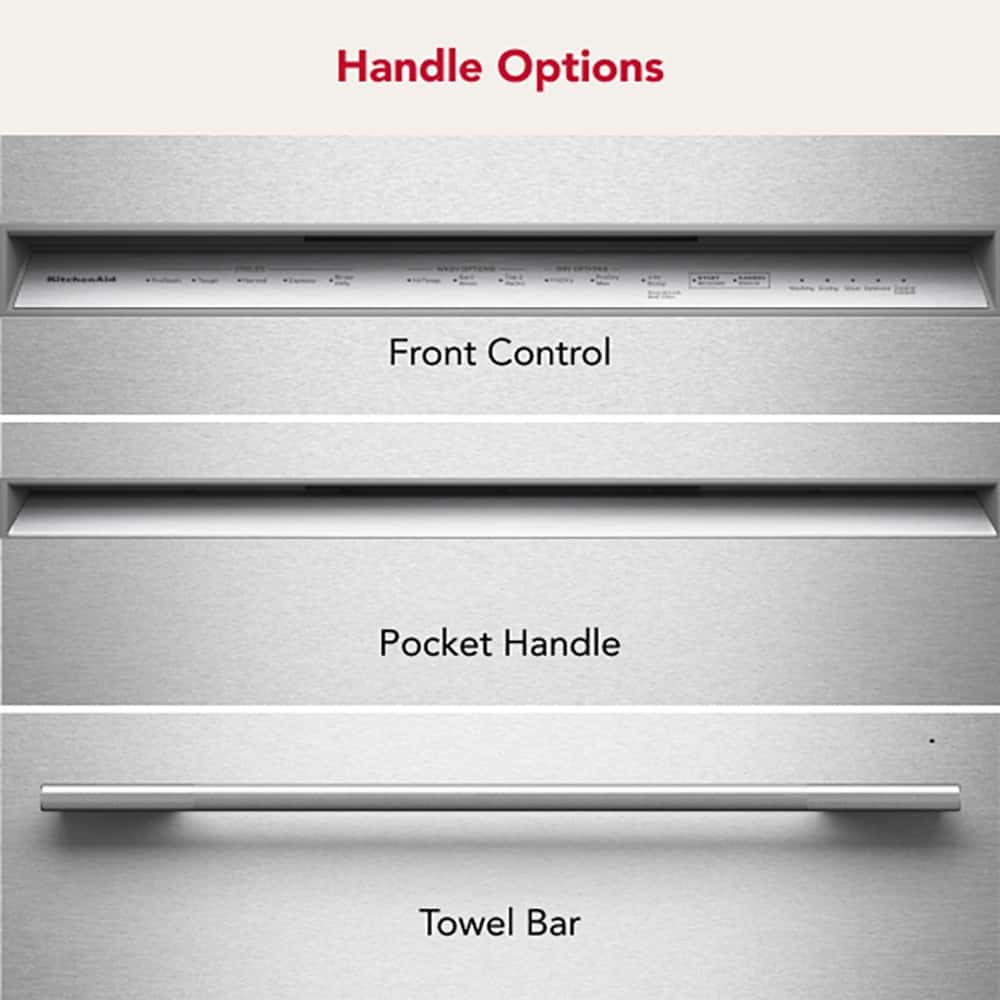
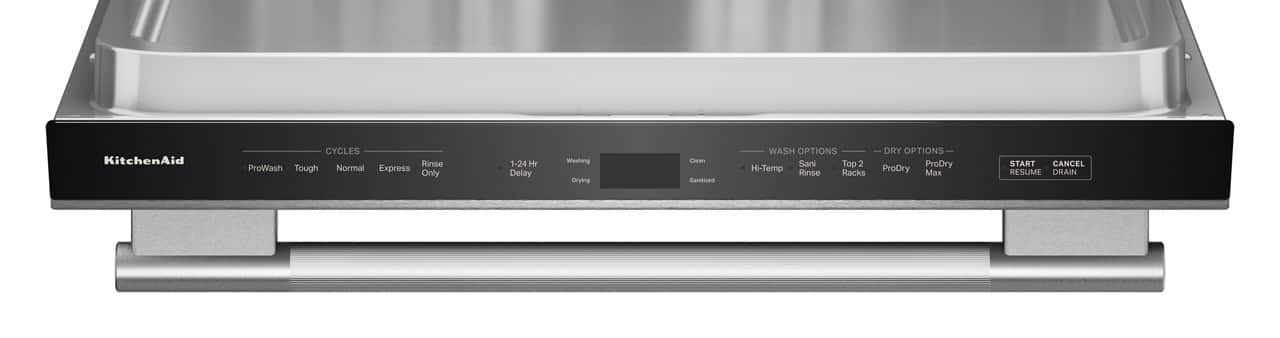
This question and answer was generated by AI based on customer and product data.QuestionAre the dishwasher controls located on the top?
This question and answer was generated by AI based on customer and product data.QuestionDoes this dishwasher have an energy star certification?
This question and answer was generated by AI based on customer and product data.QuestionDoes this dishwasher have an express wash cycle?
This question and answer was generated by AI based on customer and product data.QuestionWhat is the sound level of this KitchenAid dishwasher?
This question and answer was generated by AI based on customer and product data.QuestionAre the dishwasher's top controls hidden?
This question and answer was generated by AI based on customer and product data.QuestionDoes this dishwasher have a fingerprint resistant finish?
This question and answer was generated by AI based on customer and product data.QuestionCan the middle rack of this dishwasher be adjusted?
This question and answer was generated by AI based on customer and product data.QuestionHow many wash cycles does this dishwasher have?
This question and answer was generated by AI based on customer and product data.QuestionDoes this dishwasher have a system to identify leaks?
This question and answer was generated by AI based on customer and product data.QuestionDoes this dishwasher have a self-cleaning filter?
This question and answer was generated by AI based on customer and product data.